How to Submit an Event Configuration Request in Vivaticket
Learn how to submit a new event configuration request in the Vivaticket Help Center, including filling out details and attaching required documentation.
By Emiliano
To configure a new event or open a concert box office, you can submit a support ticket directly through the Vivaticket Help Center. Follow these steps to fill out the required information and upload your event documentation.
Access the Support Portal
1
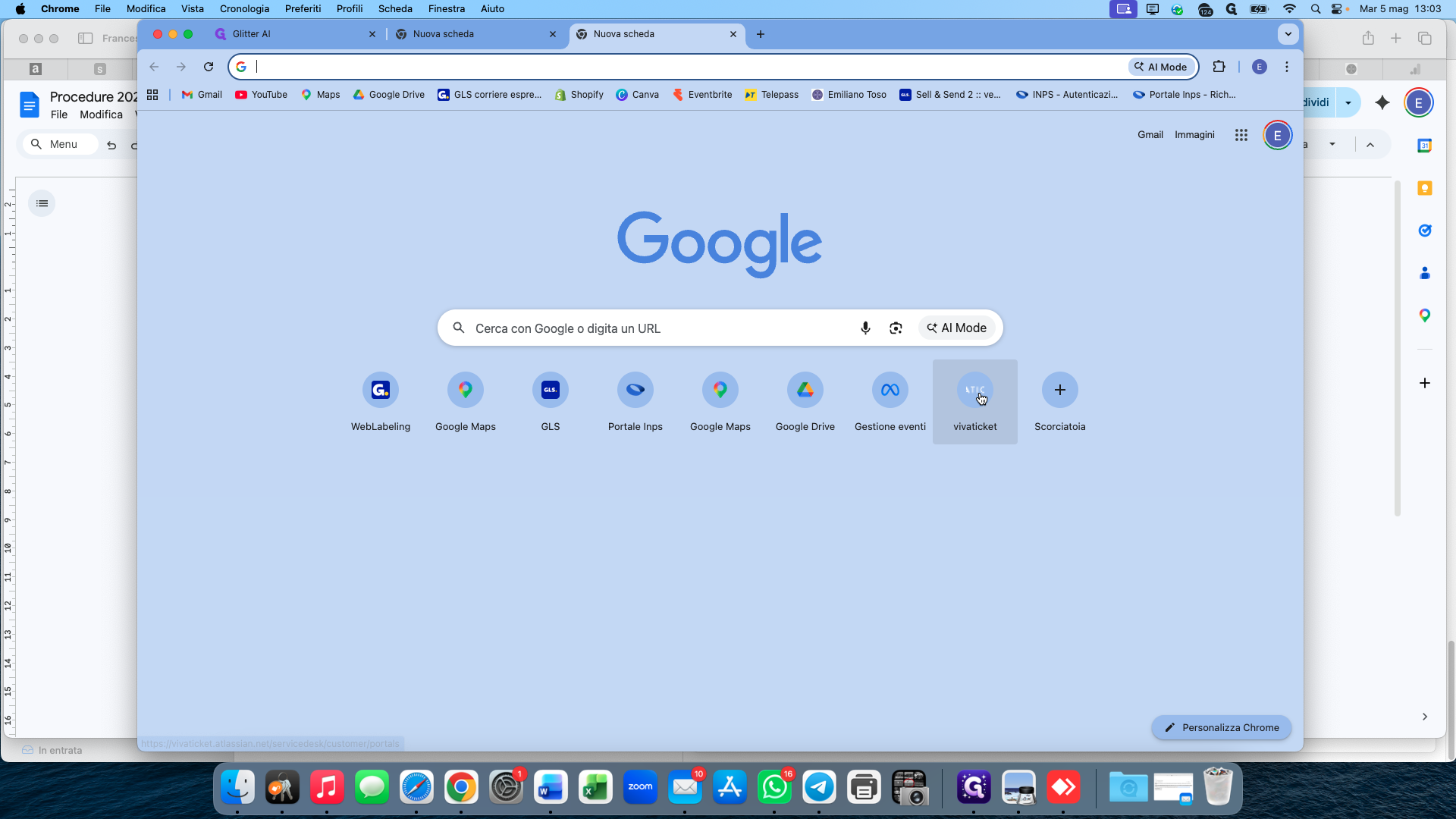
Click the Vivaticket shortcut in your browser to open the Help Center.
2
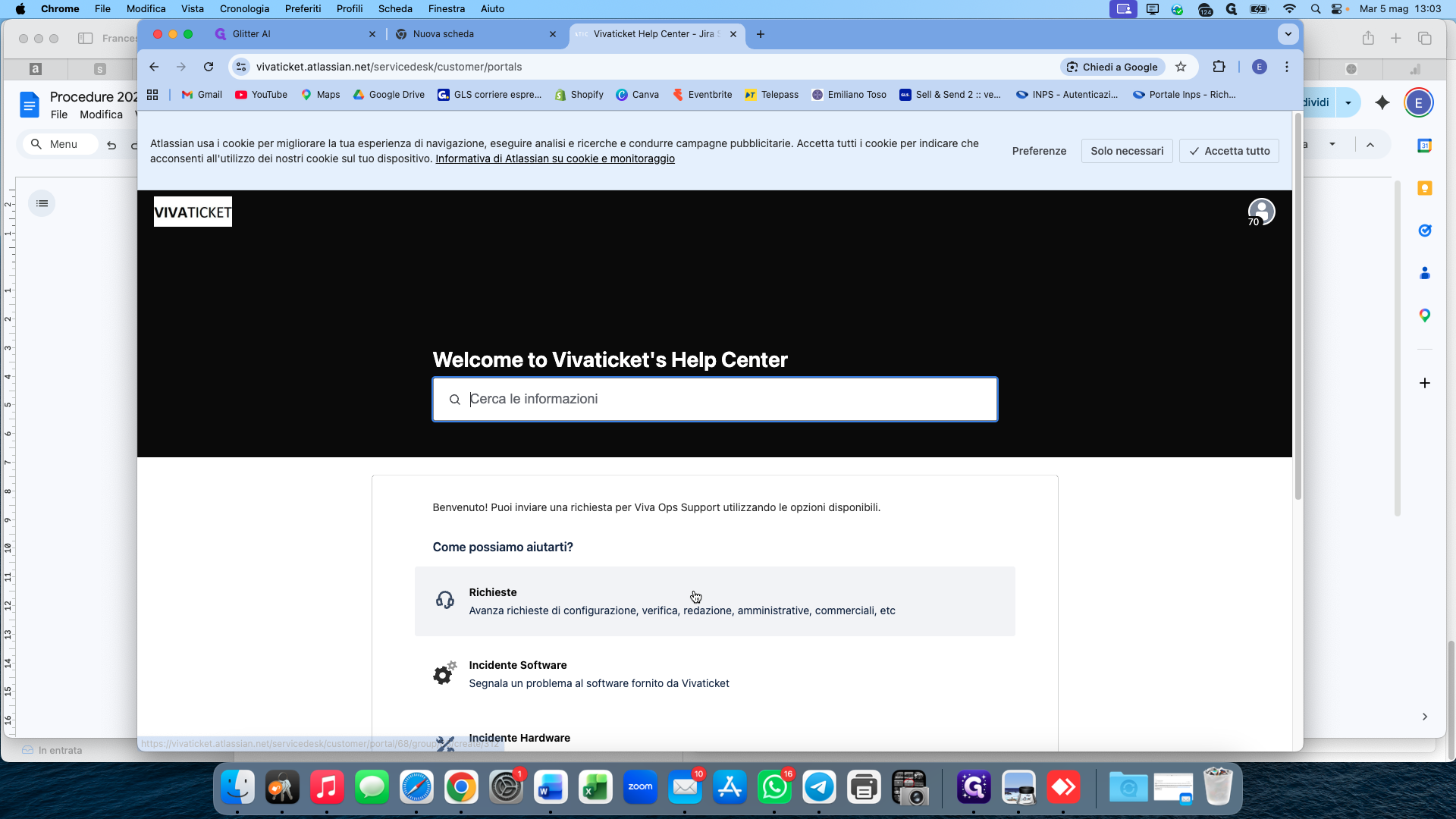
Select the Richieste (Requests) card to start a new support request.
Fill Out Request Details
3
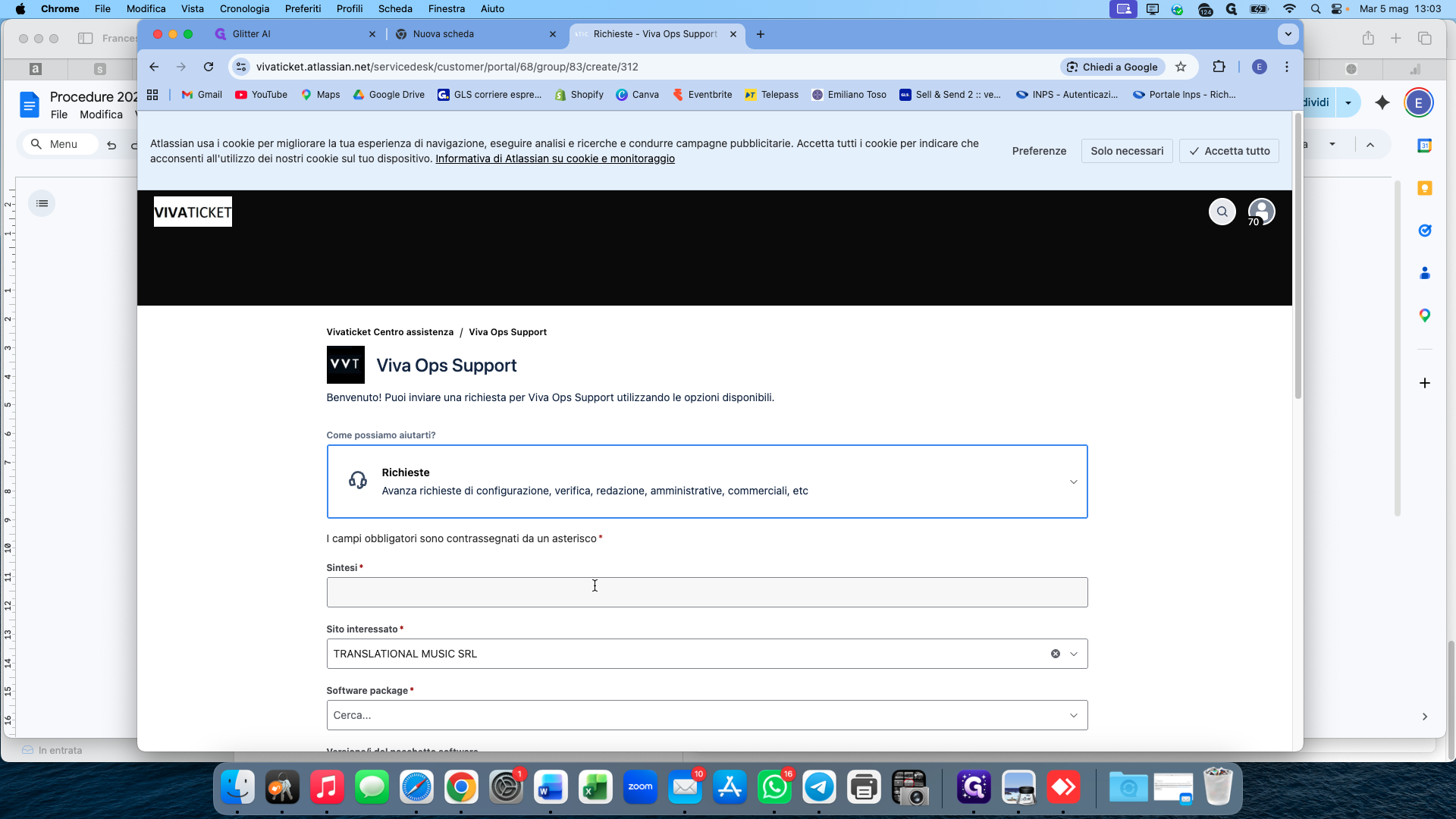
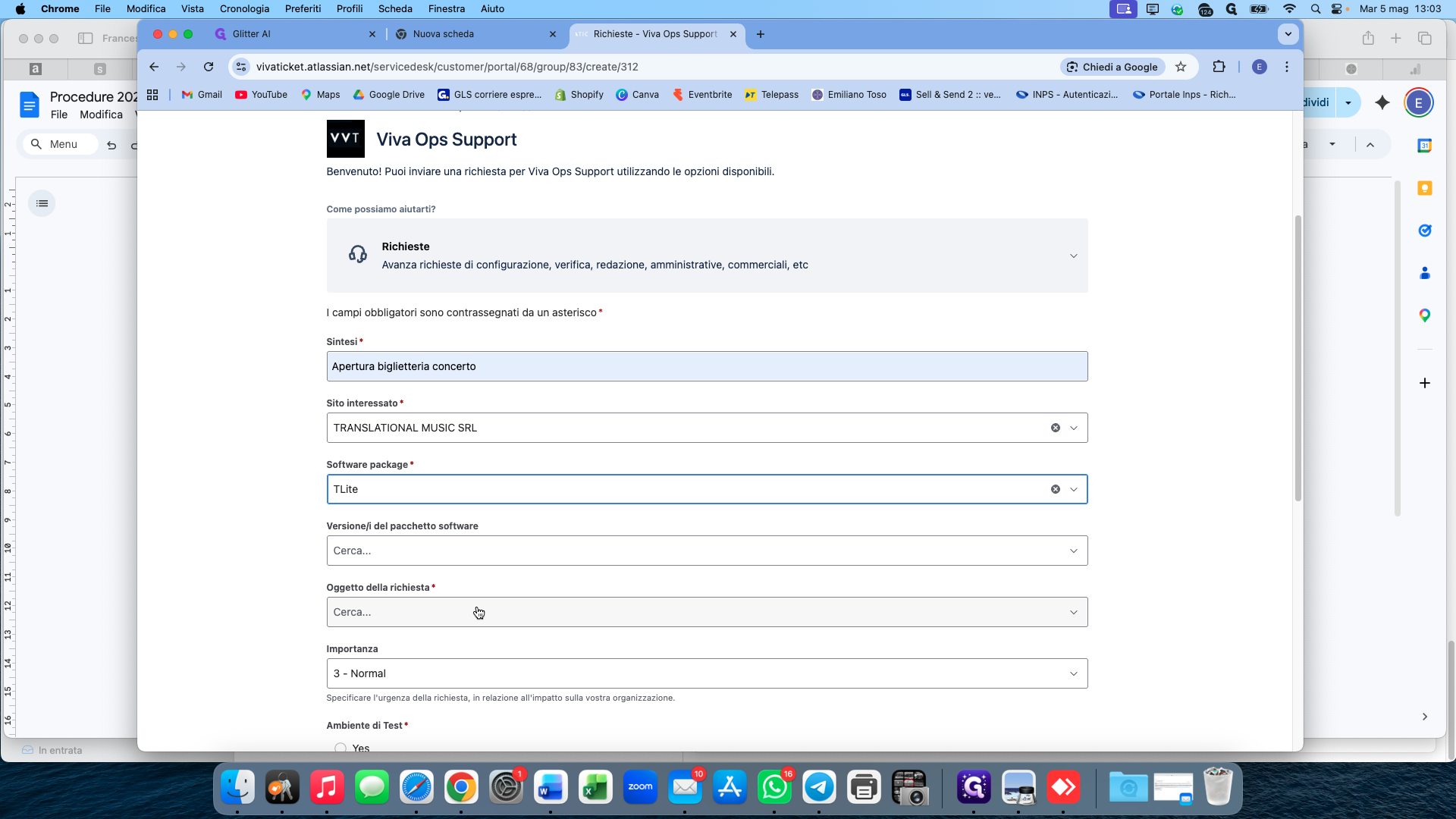
Click the Sintesi (Summary) field and select or type a short description, such as Apertura biglietteria concerto.
4
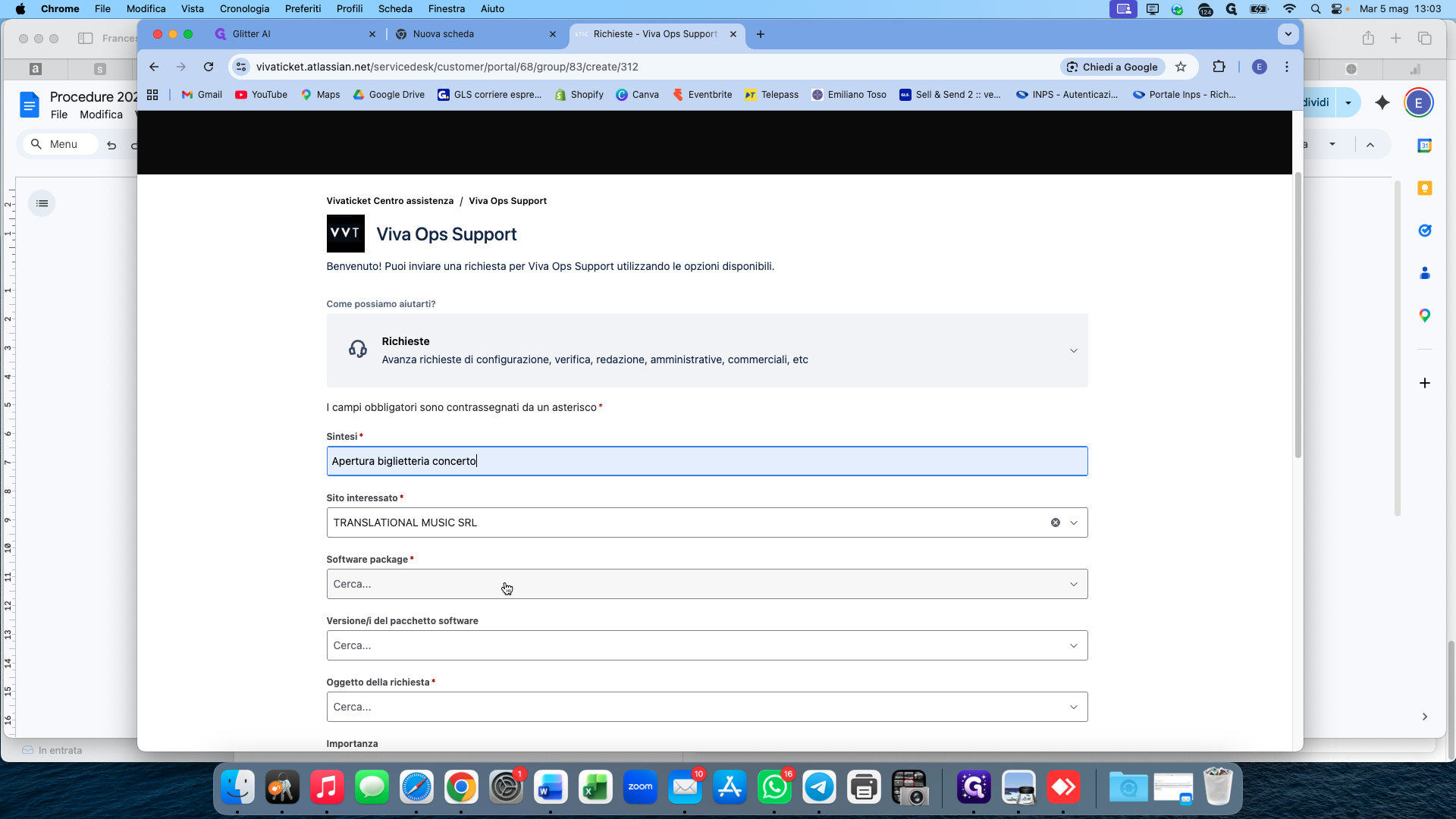
Open the Software package dropdown menu and choose TLite.
5
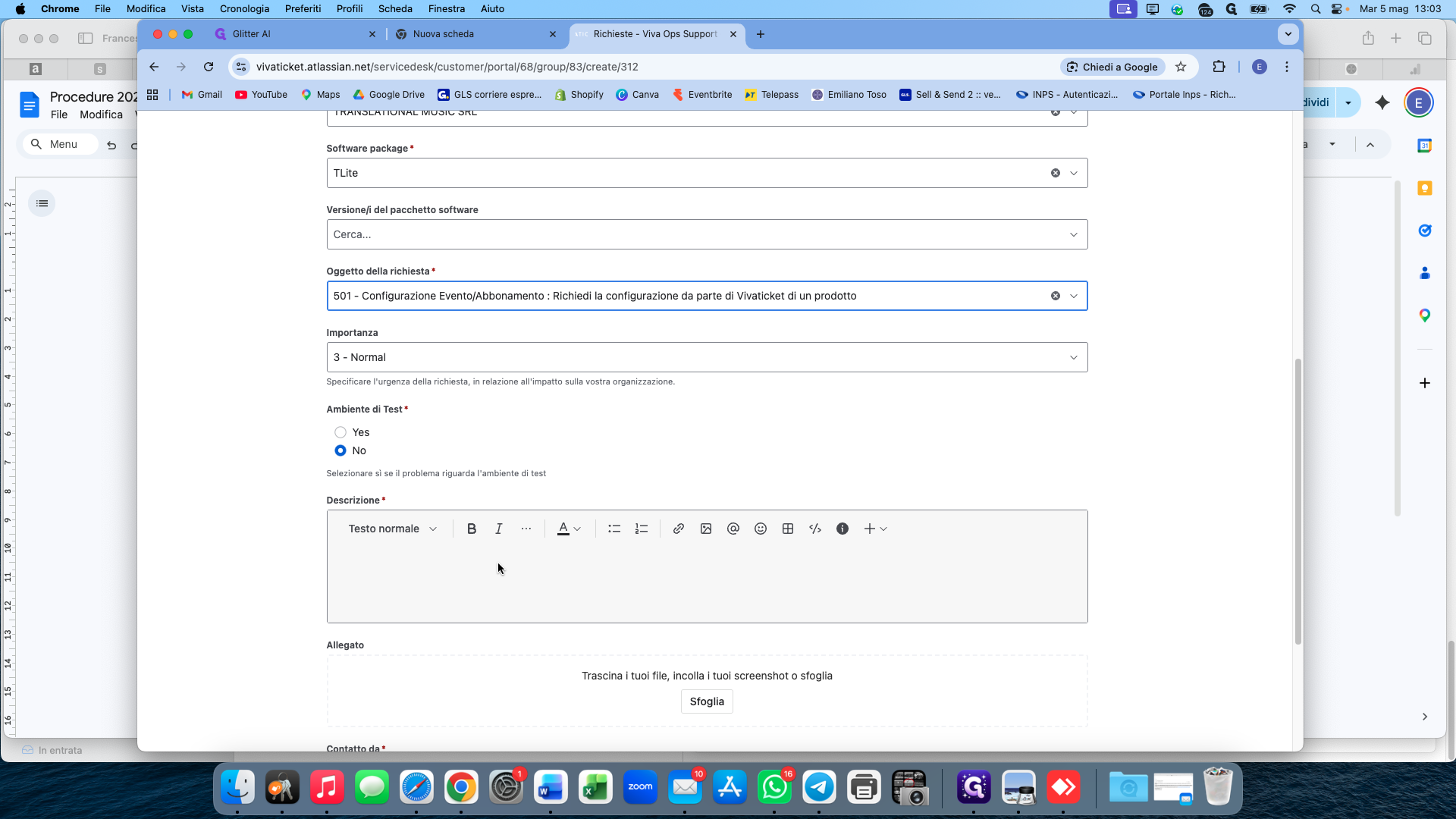
Click the Oggetto della richiesta (Request object) dropdown and select the relevant event configuration option, such as 501.
6
In the Descrizione field, enter a complete description of the event configuration you need.
Attach Required Documents
Provide the technical data sheet and the event poster for the ops team.
7
Click the Sfoglia (Browse) button and select the event's technical data sheet (e.g.,
Scheda_Tecnica.pdf) from your computer.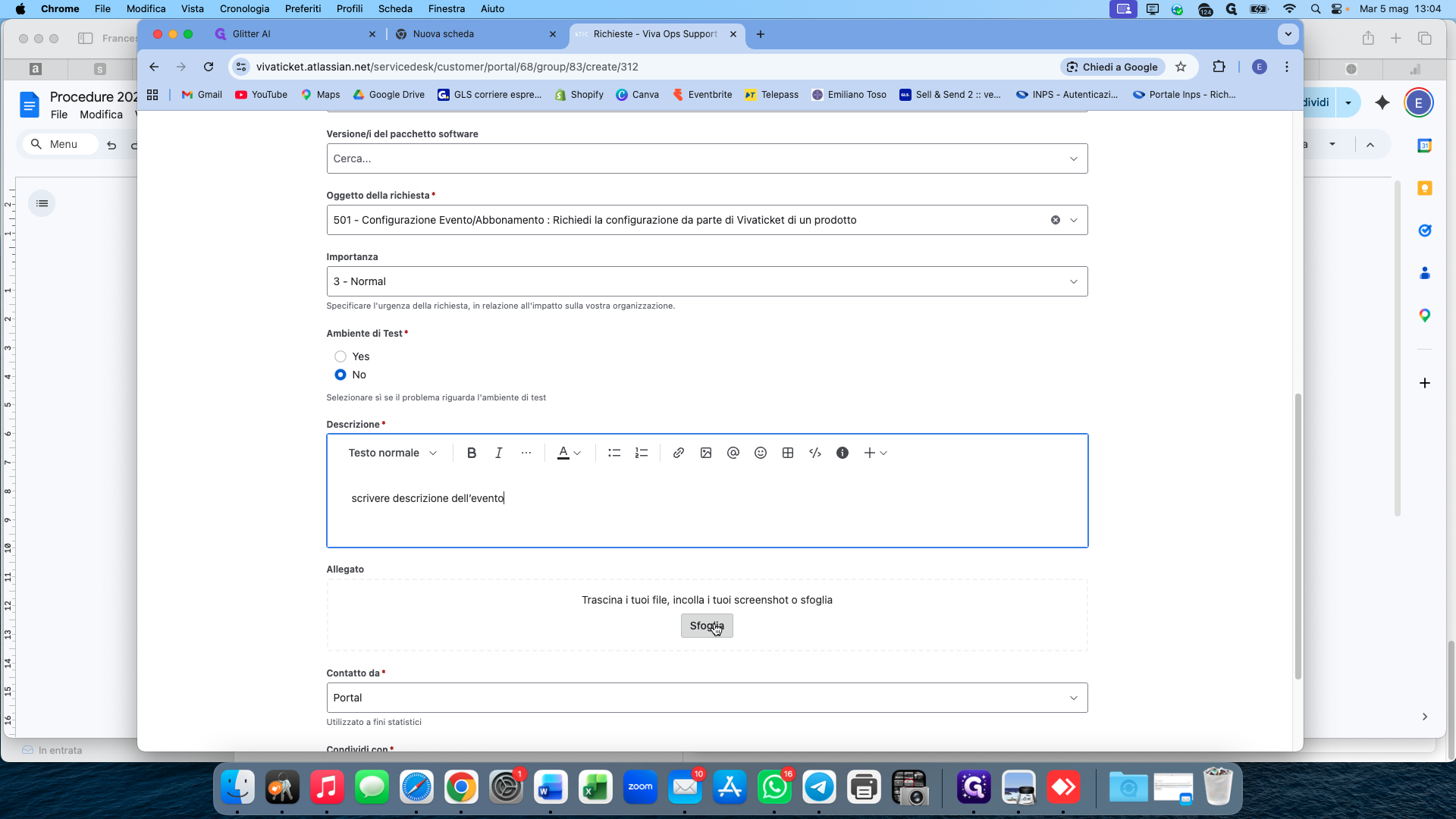
8
Click Sfoglia again to attach the event poster image (e.g.,
locandina.png).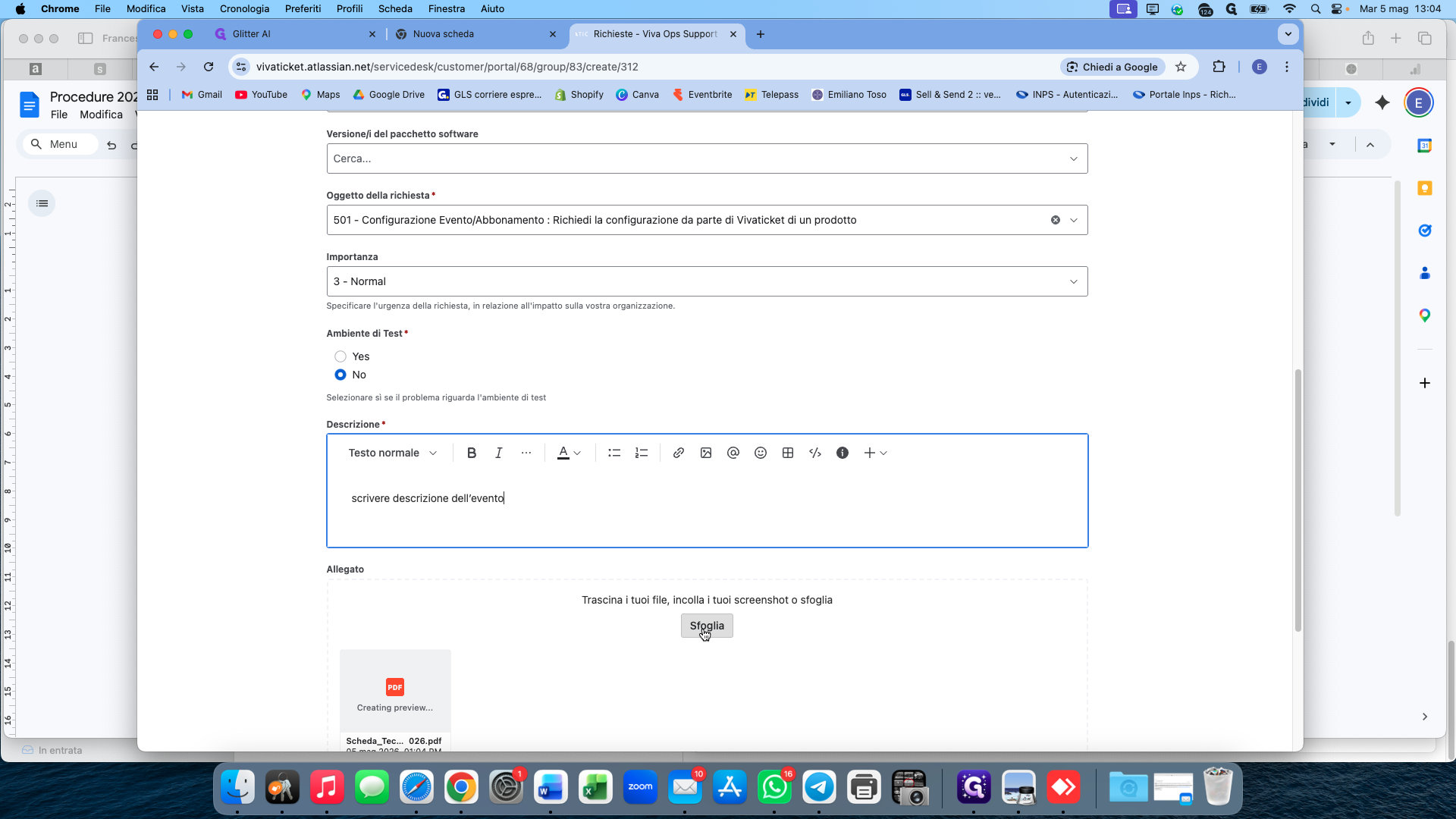
Once all files are attached and the form is complete, you can submit your support request for processing.