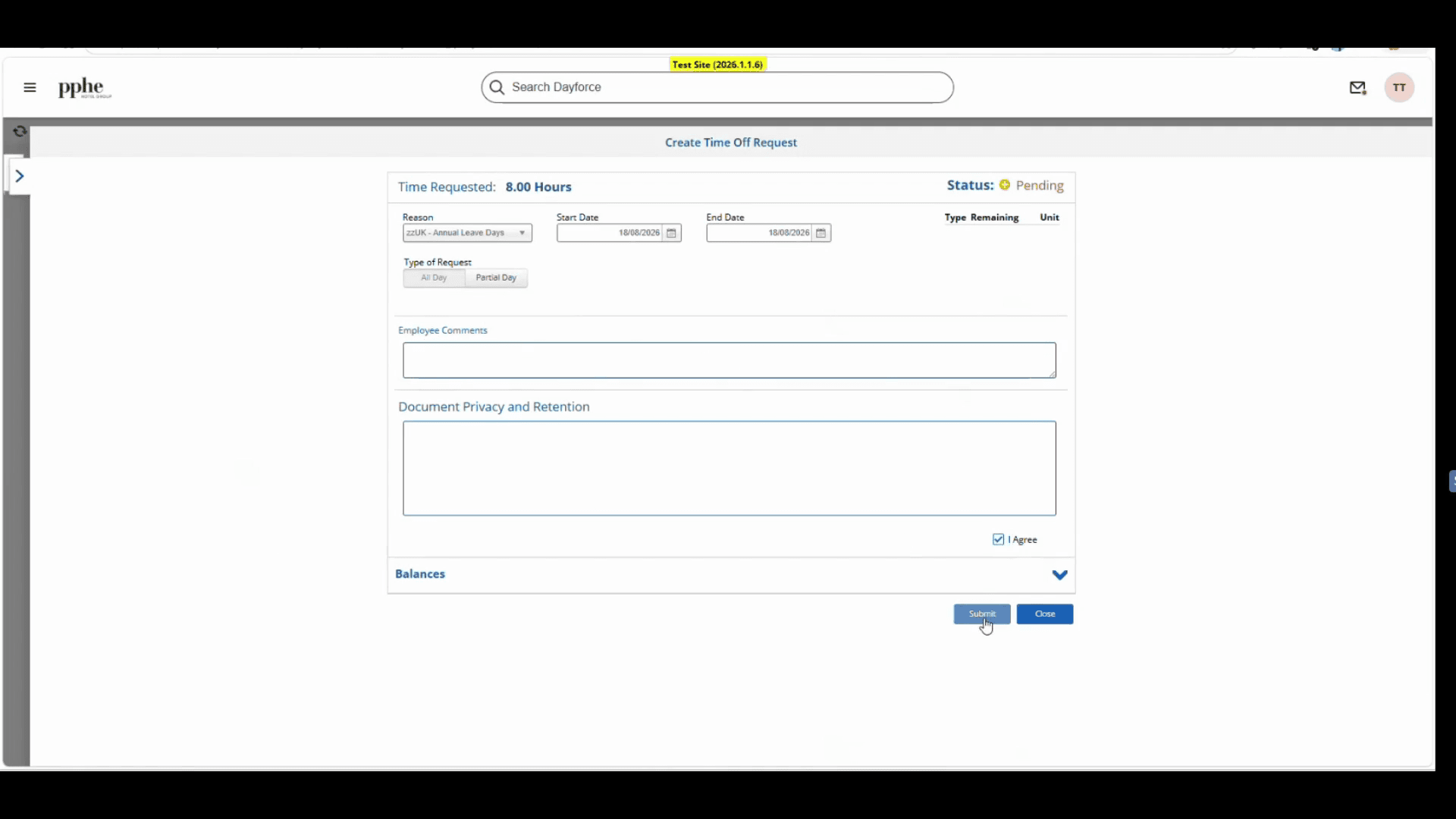
Submit a Time Off Request
Learn how to submit a time away from work request, specify half-day or full-day leaves, and send your request for manager approval.
This guide explains how to submit a time away from work request. Completing this process ensures your scheduled time off is accurately tracked and sent directly to your manager for approval.
This process applies to any employee who needs to request annual leave or other types of time off. You should use this workflow whenever you need to officially schedule days away from work.
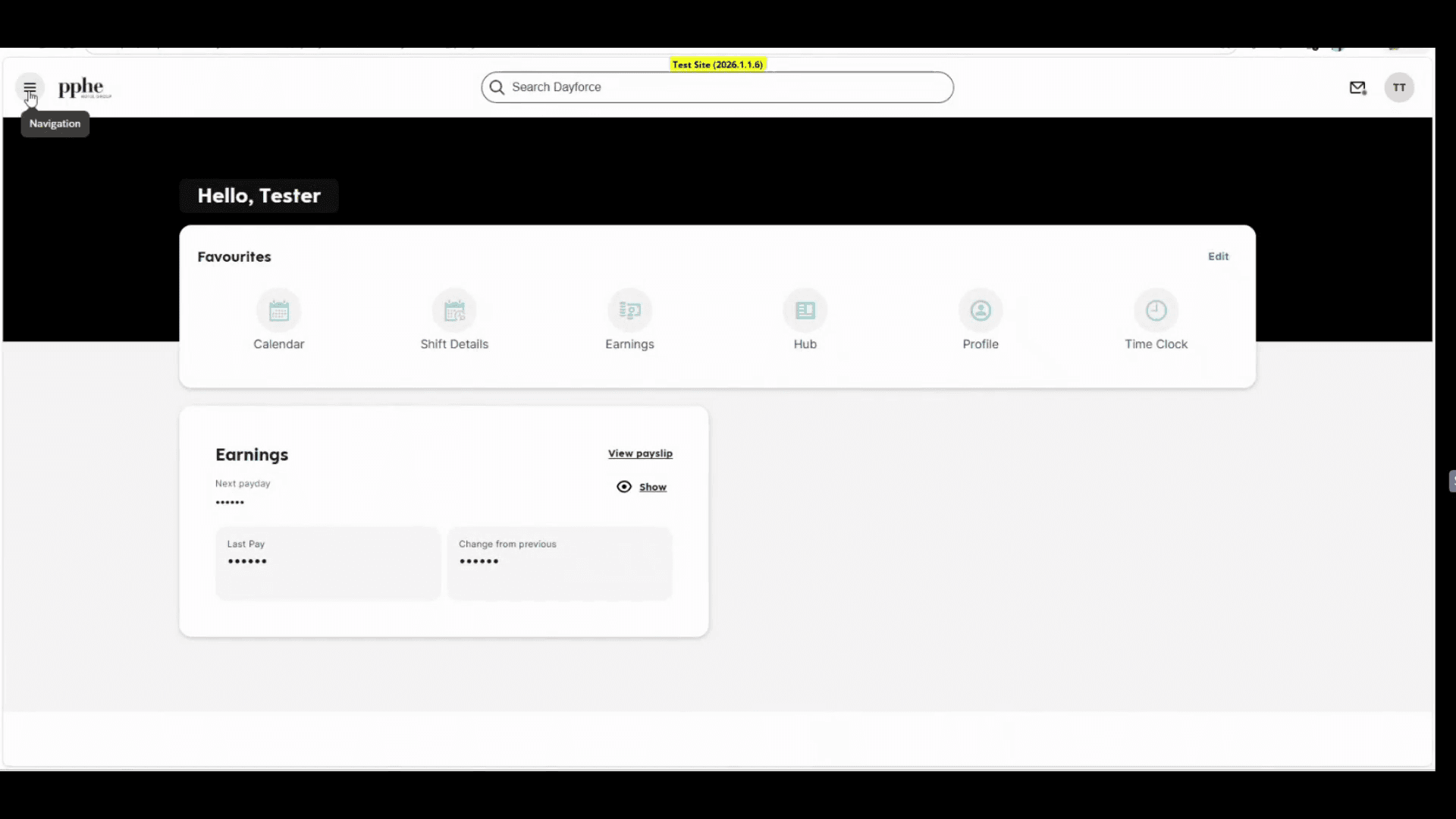
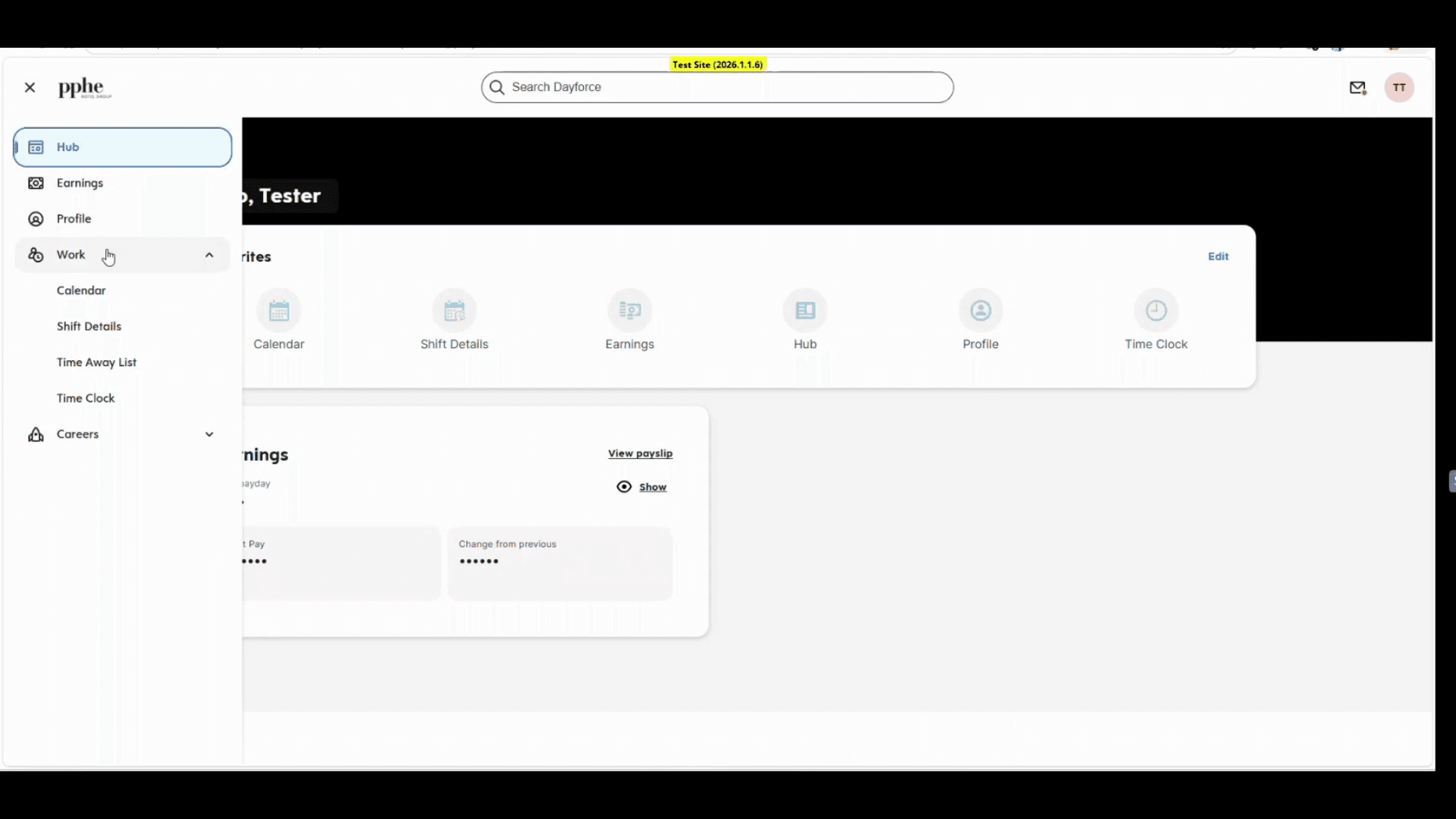
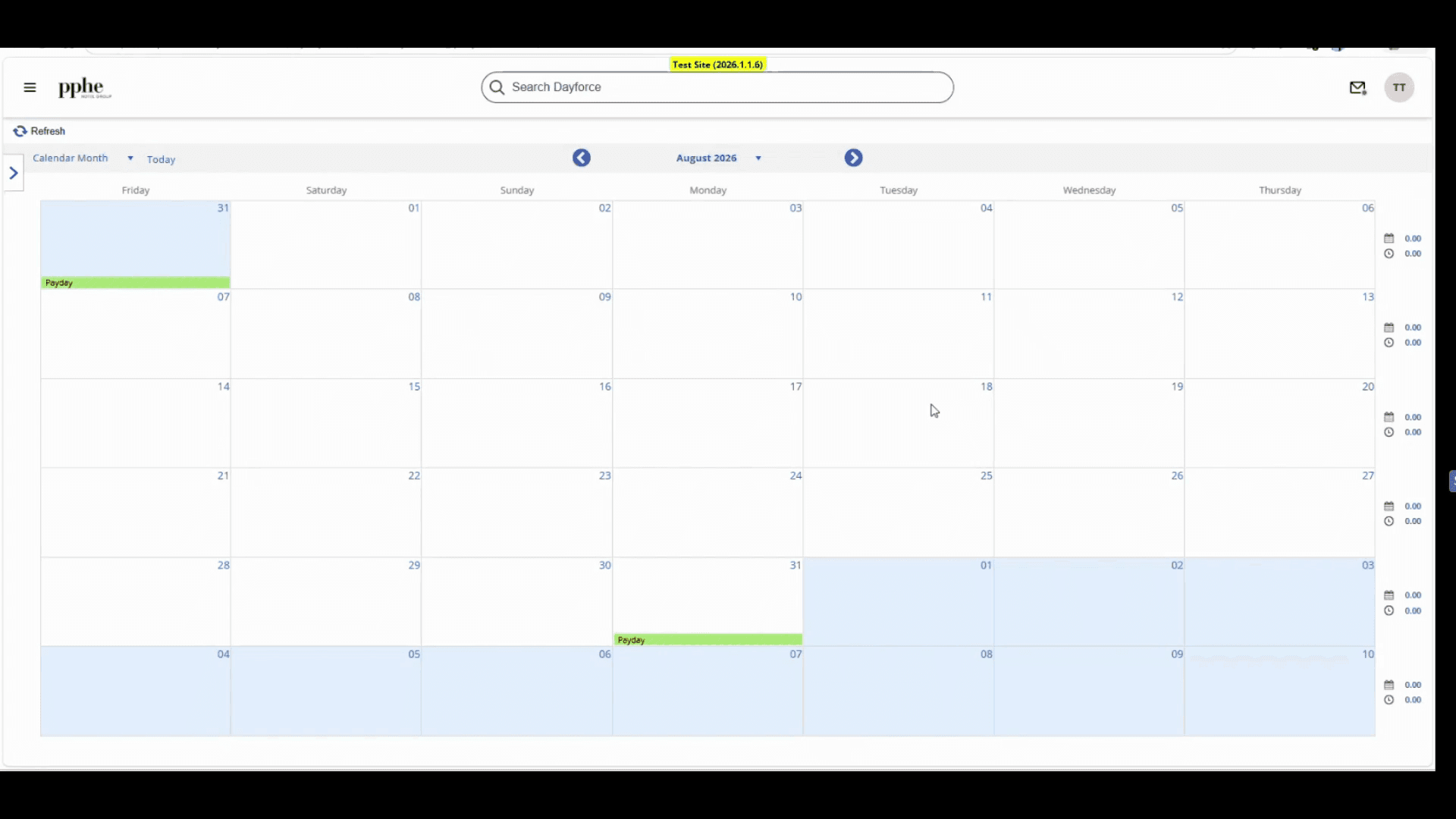
Navigate to your employee calendar to begin the time off request process.
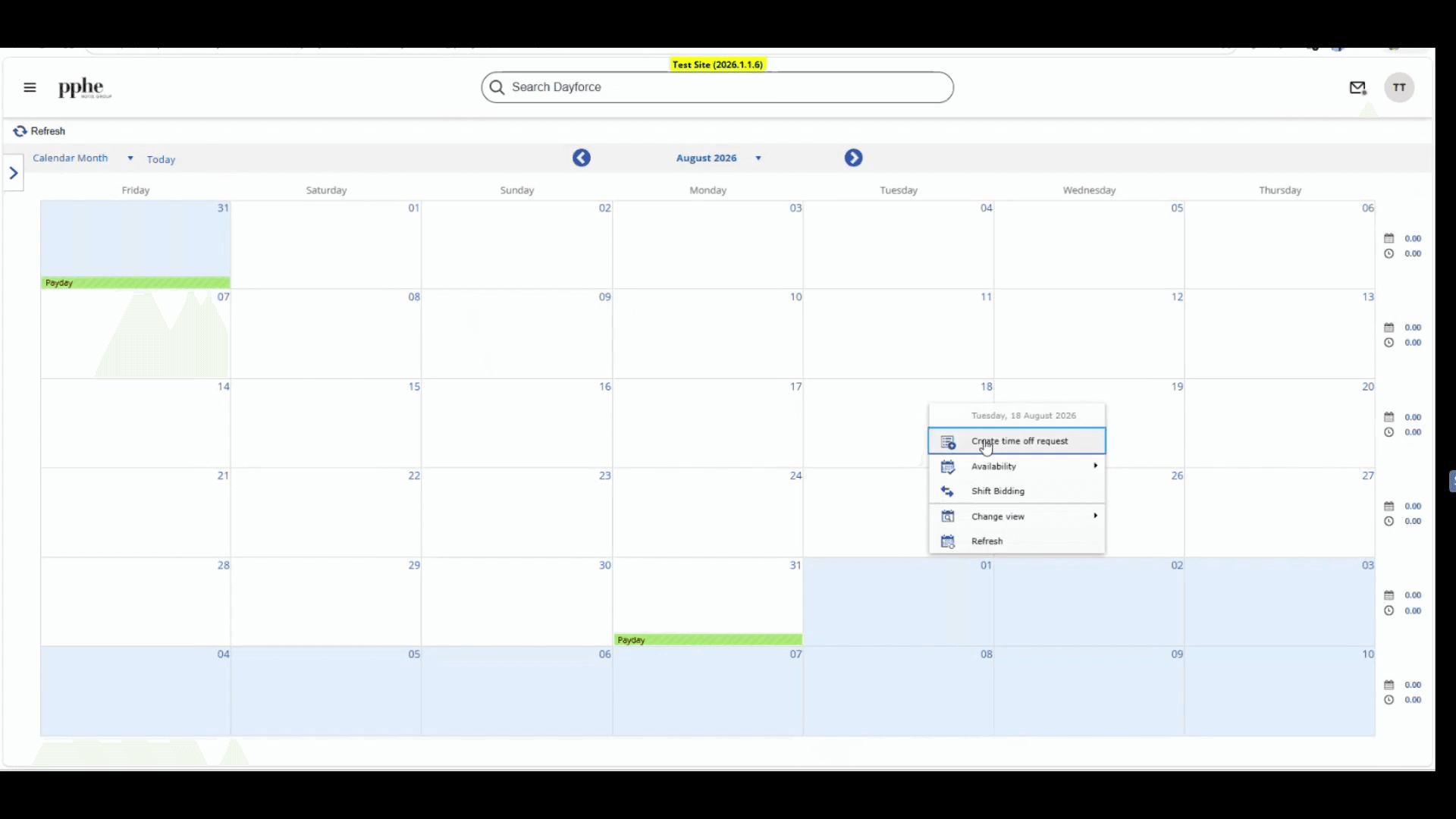
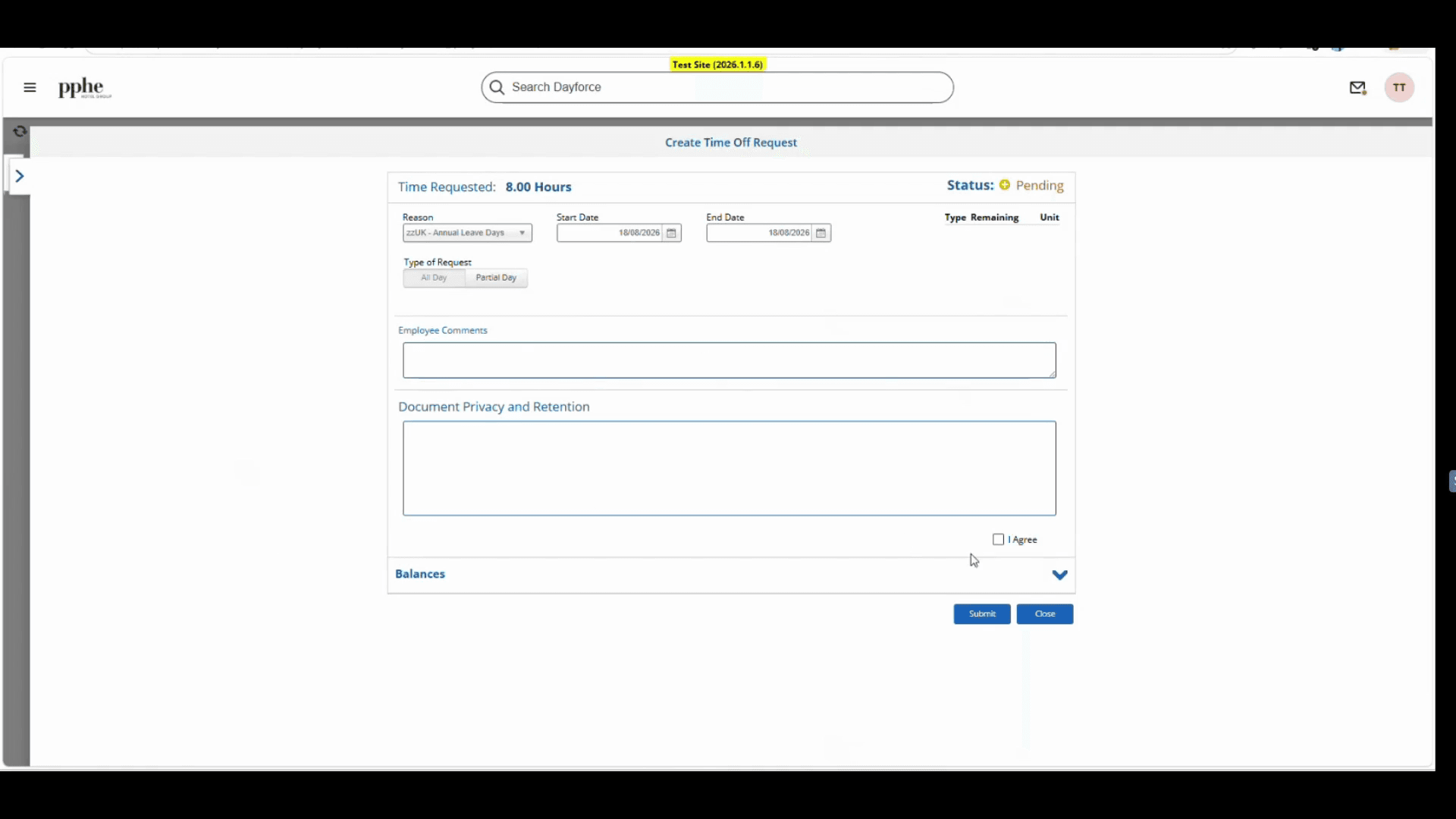
When the request form appears, fill in the details for your time away.
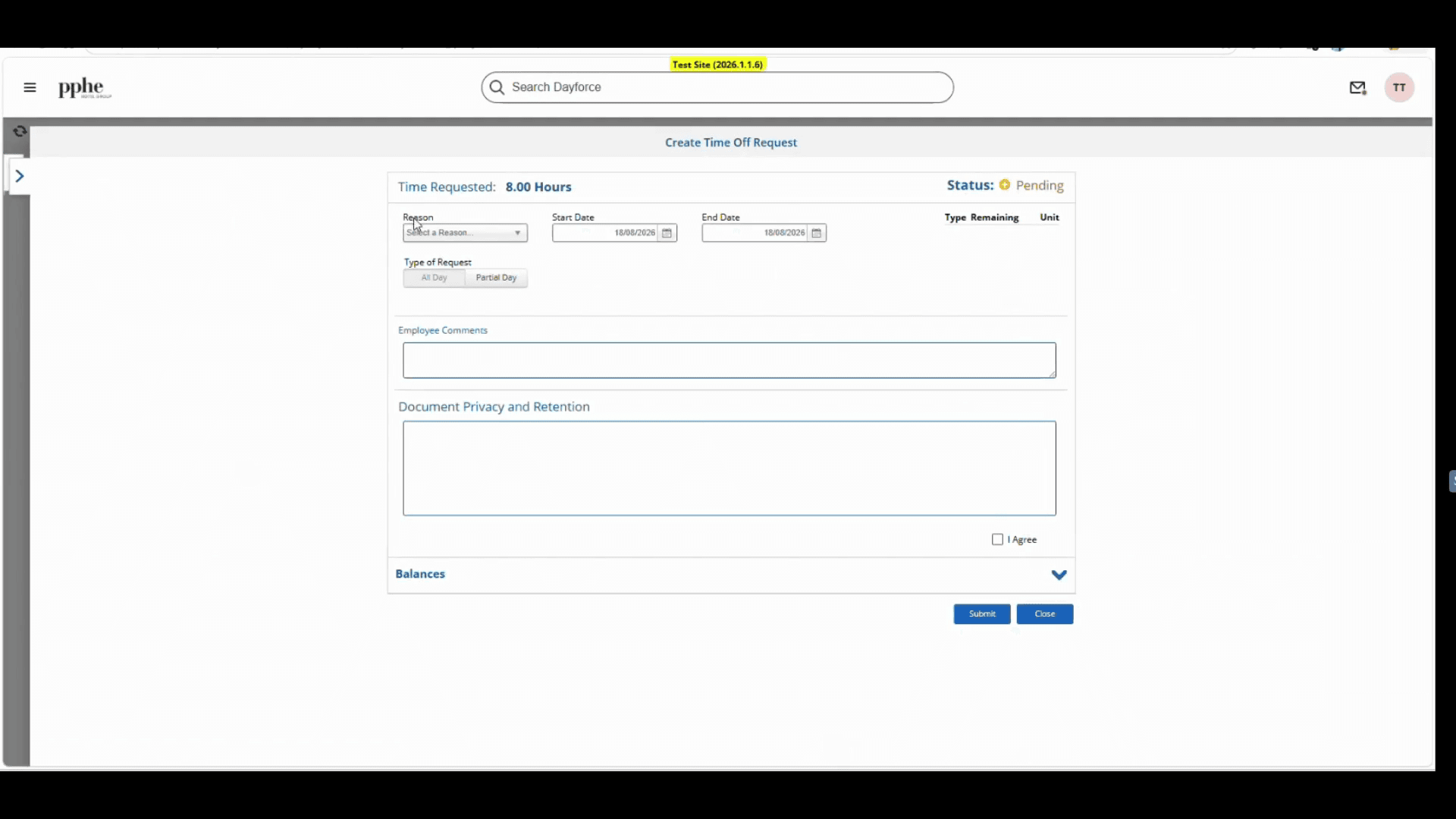
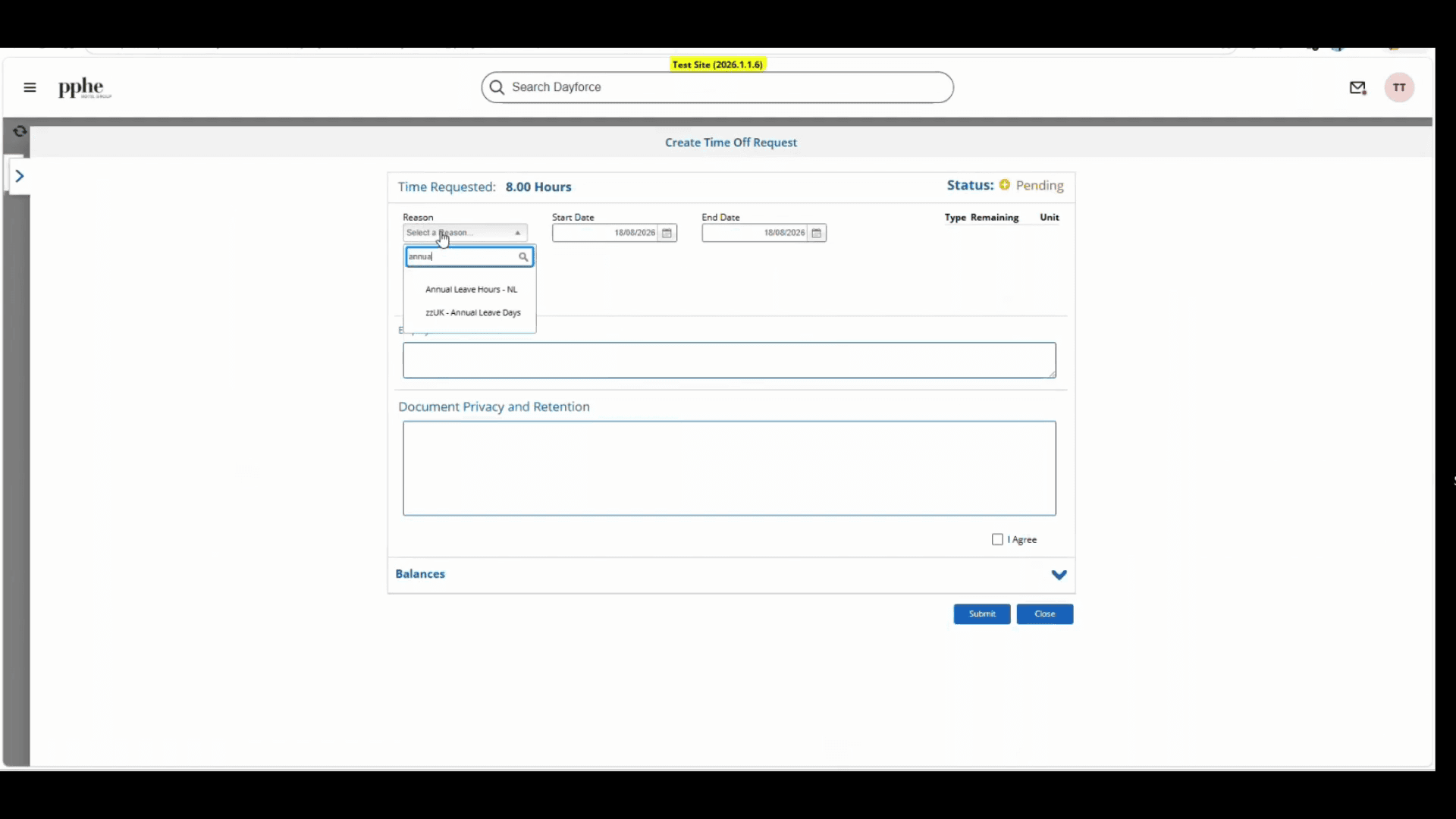
Next, configure the dates and times for your request. Confirm your start and end dates, and select whether the request is for a full day or a part day (half day). If you select a half day, you will need to specify the exact times you will be off.