
Summit Update - Adding New Records
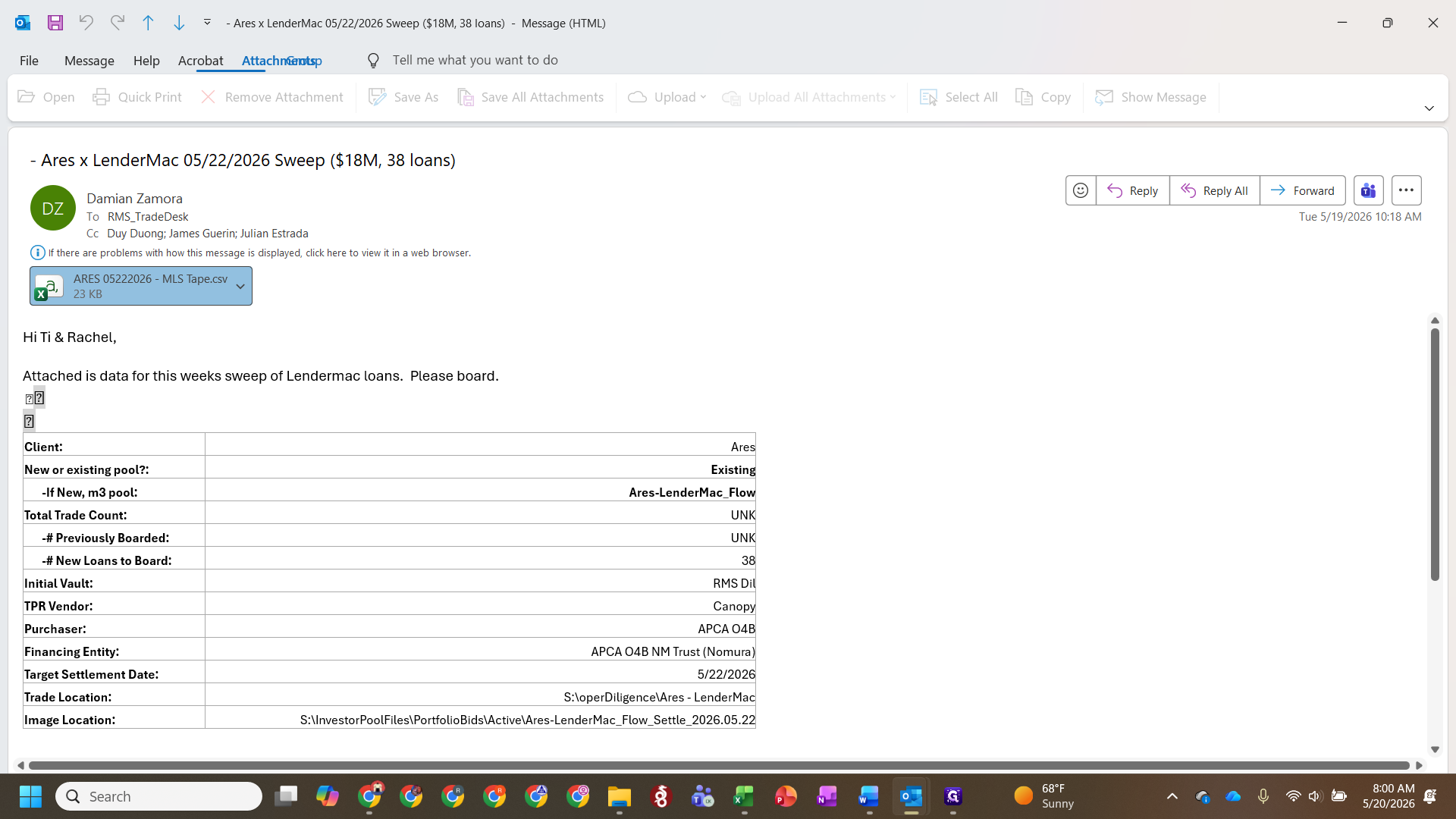
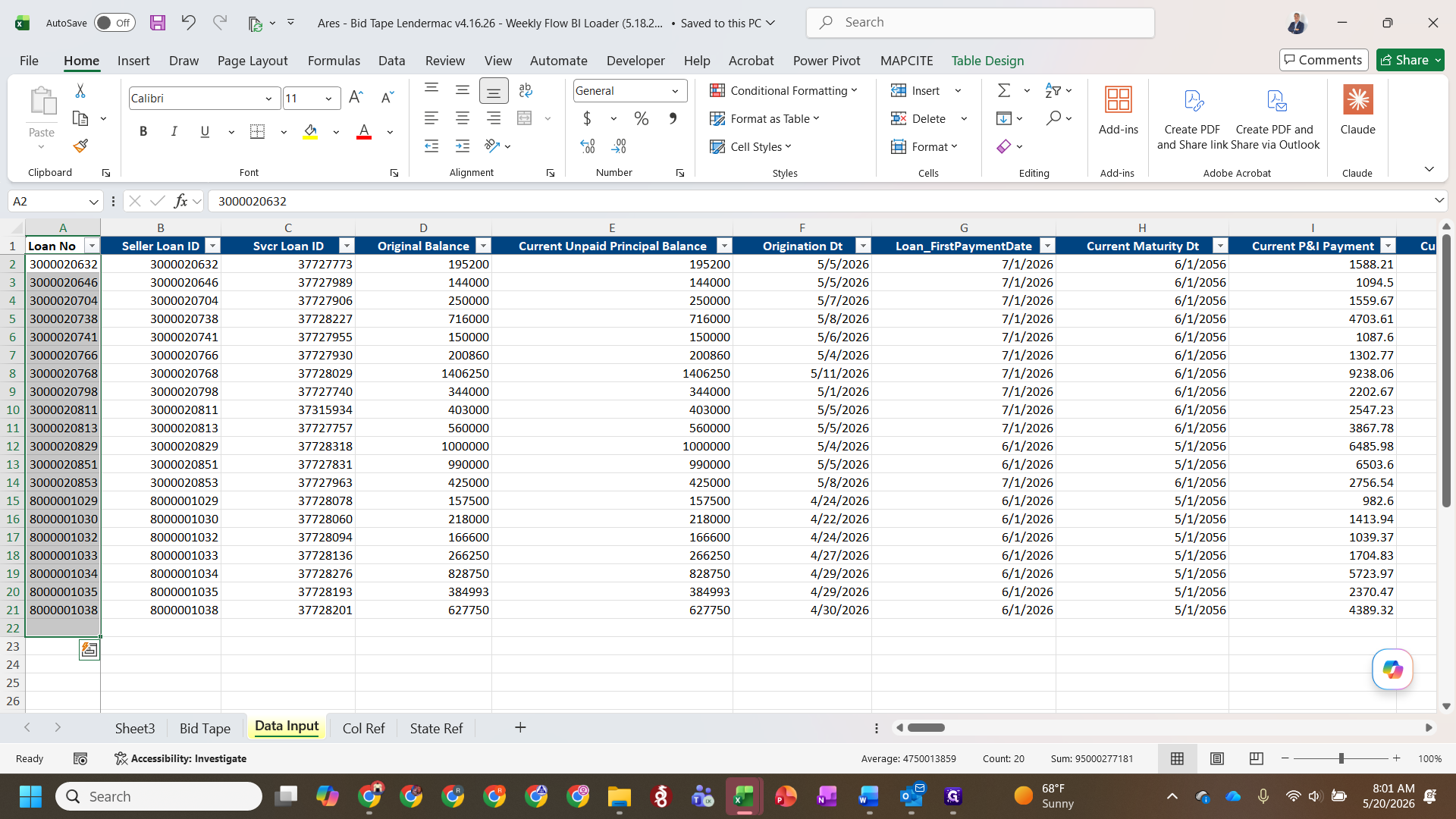
Learn how to process weekly sweep data tapes from sellers and format new loan records into the BI database loader.
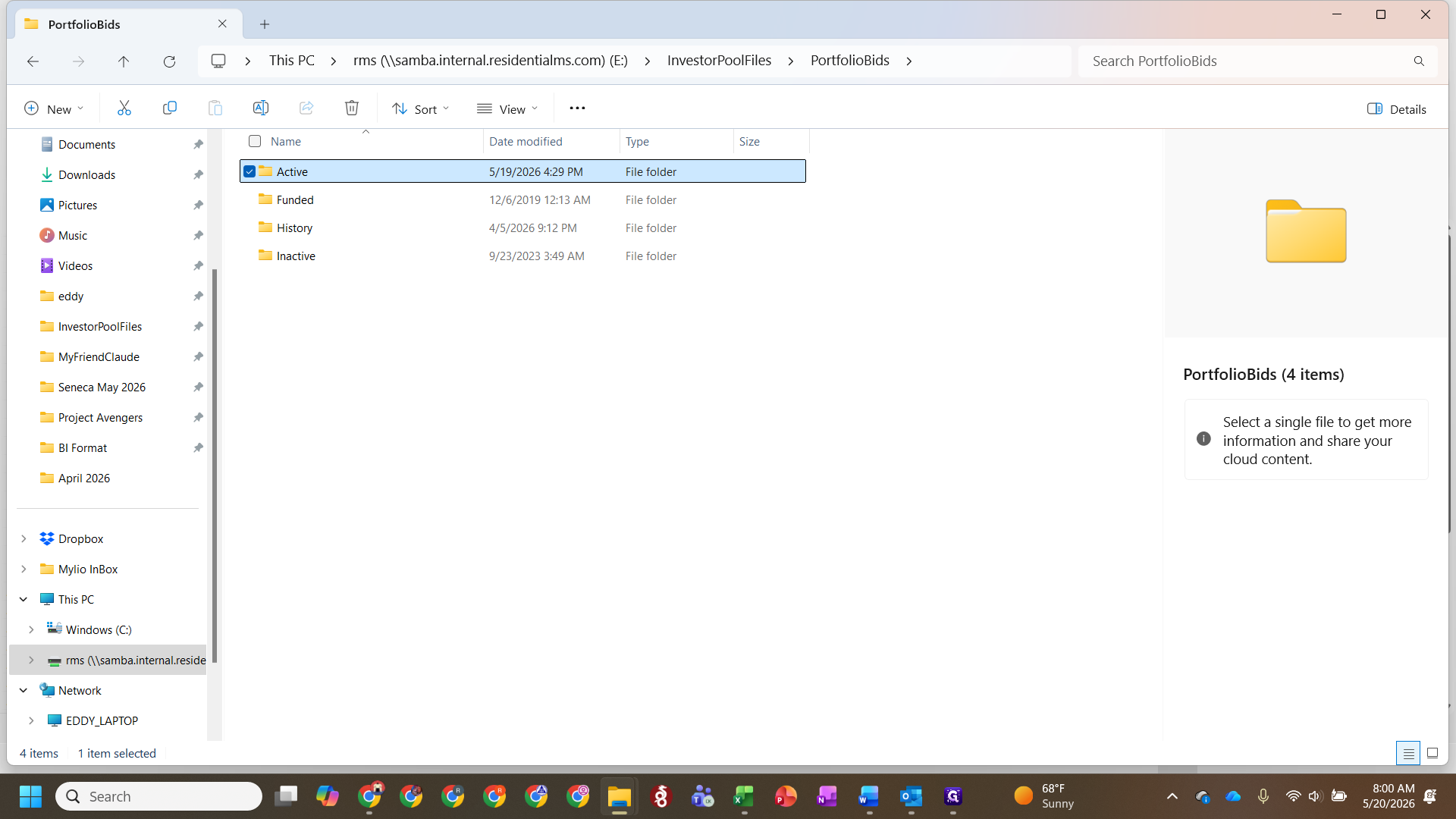
This guide explains how to process weekly sweep tapes and add new loan records into the BI format database. By following this workflow, you ensure incoming flow data is correctly staged and allocated to the right portfolios before Friday closings.
This process is designed for capital markets analysts and data operators handling recurring tape imports from partners like LenderMac. You will use this procedure whenever you receive weekly bid data that needs to be templated and loaded into the core BI systems.
Prepare the BI Loader template
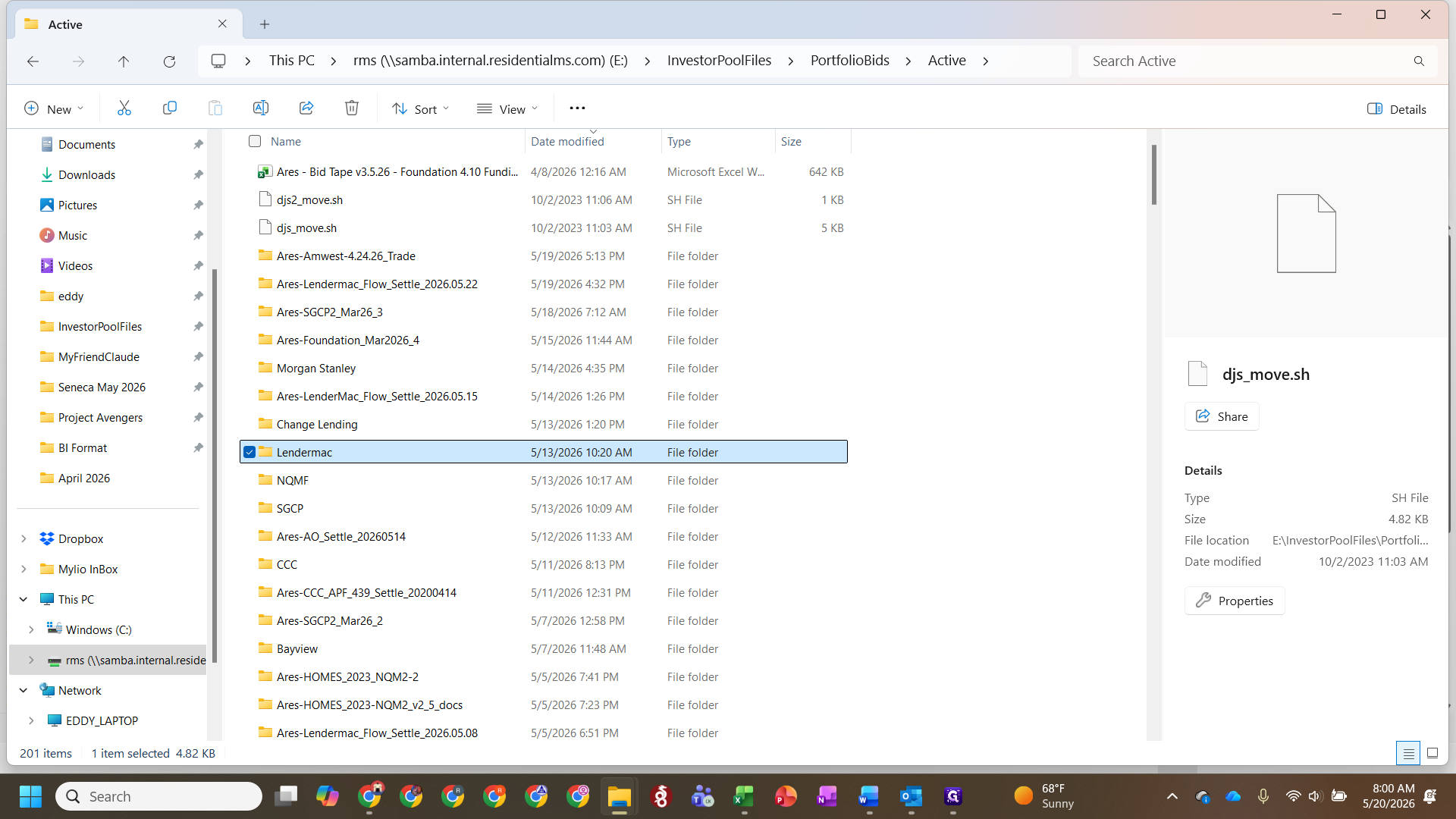
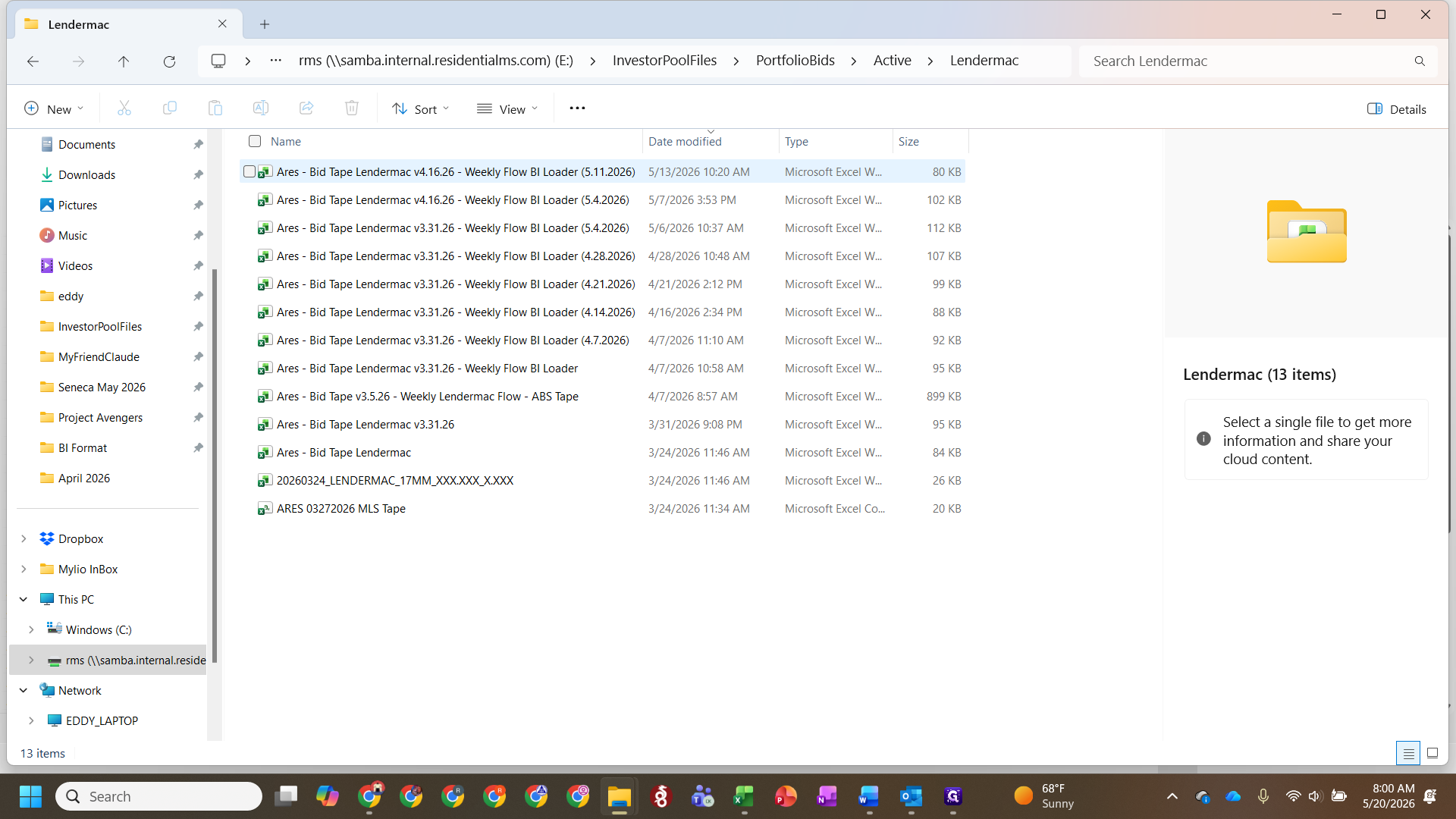
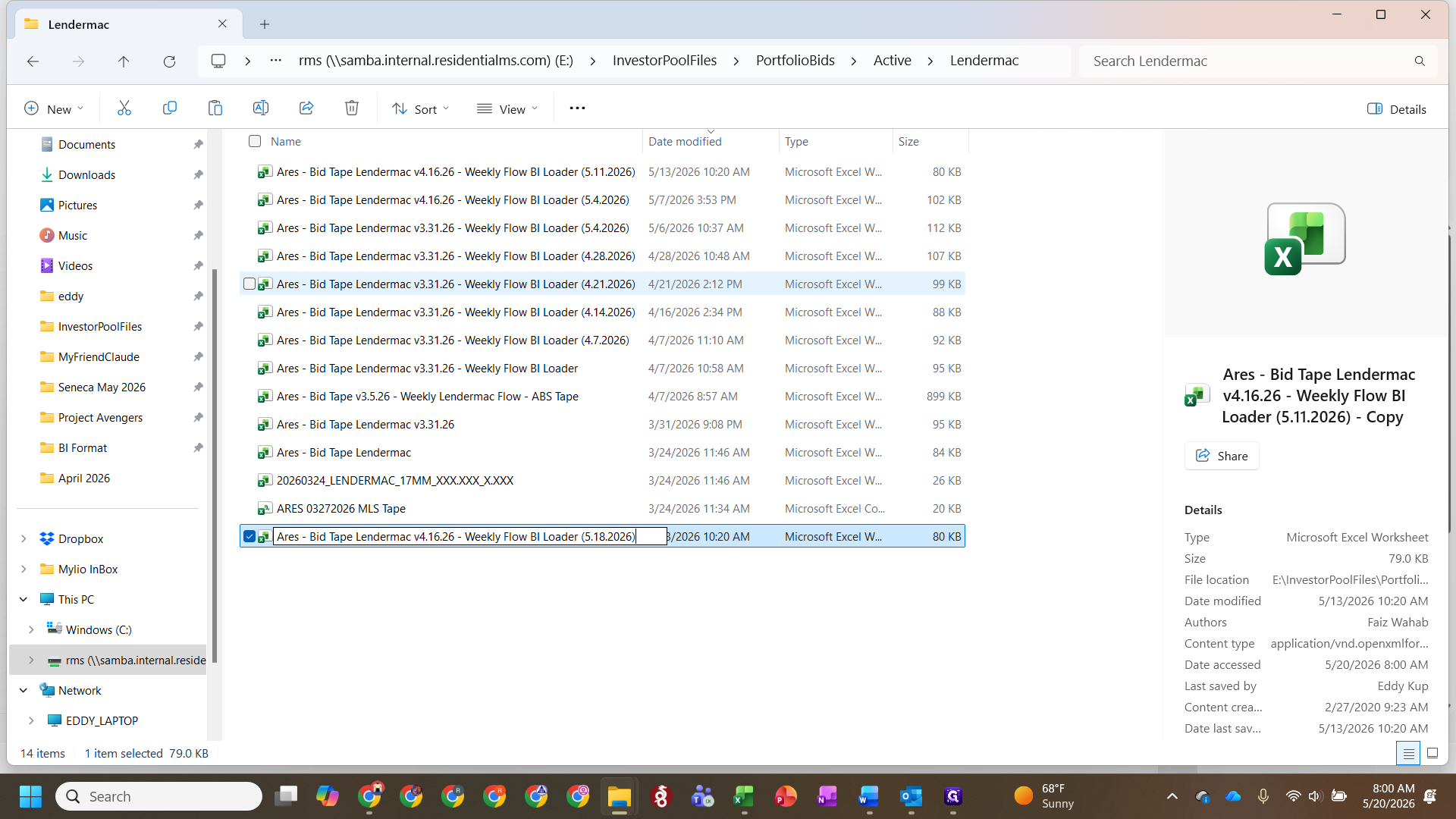
Before entering data, copy the latest historical BI file for the seller to use as your template.
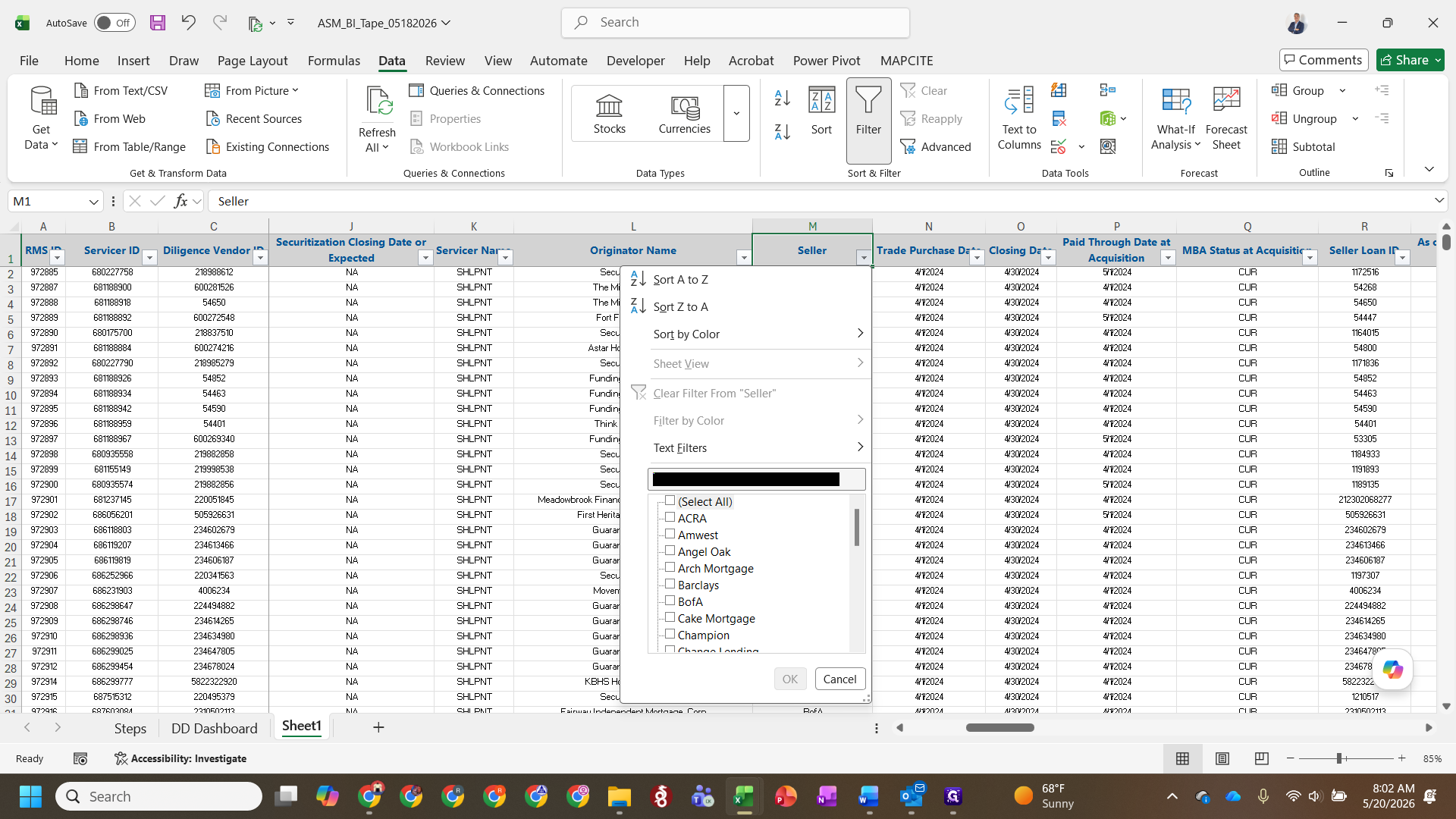
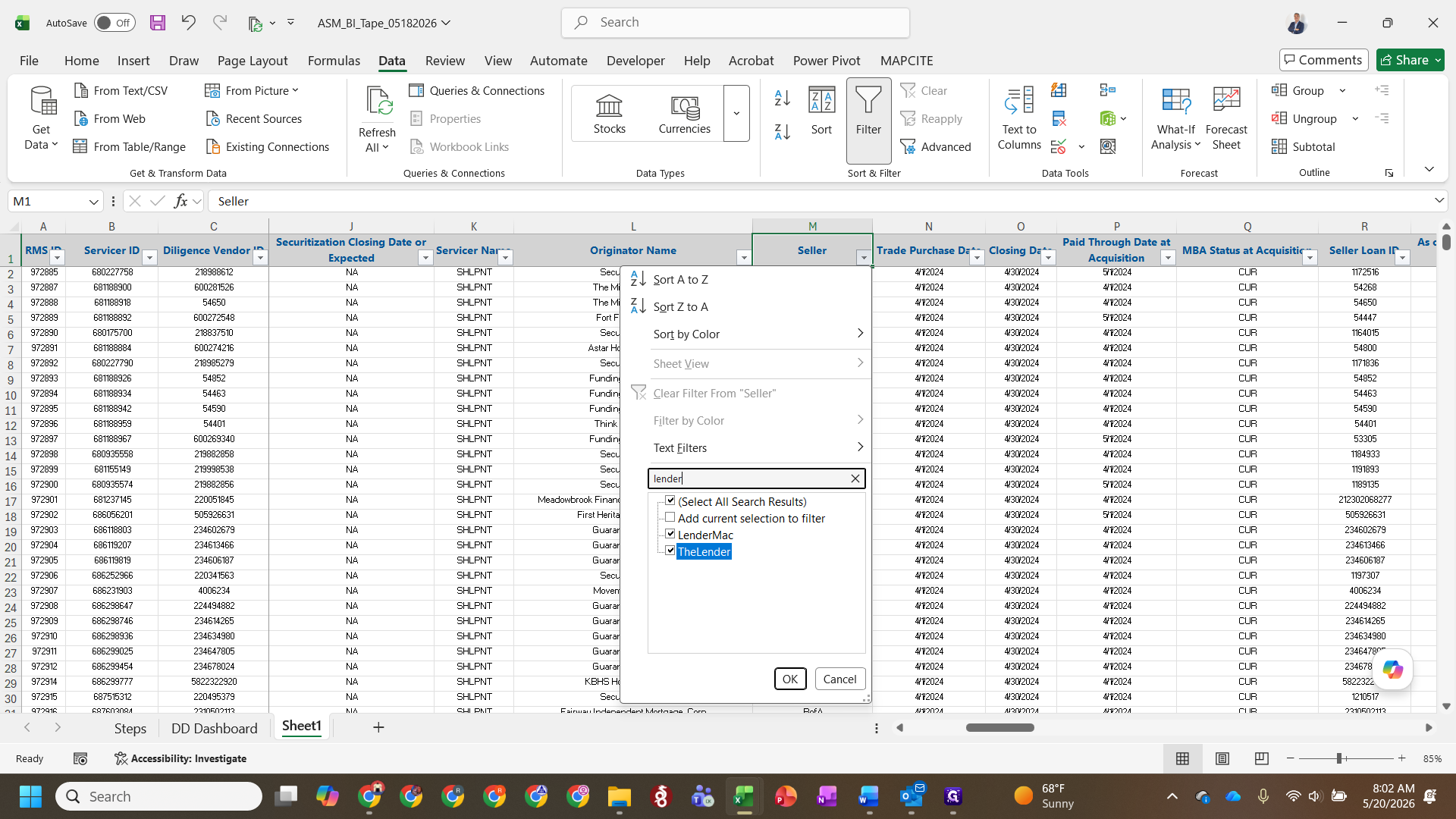
Filter the BI format tab
Once the raw data is pasted, integrate it into the master database layout. Insert new rows below the seller's previous records so you can easily copy down existing flow allocations (such as Mora, Pathfinder Core, ABS, or QM6).
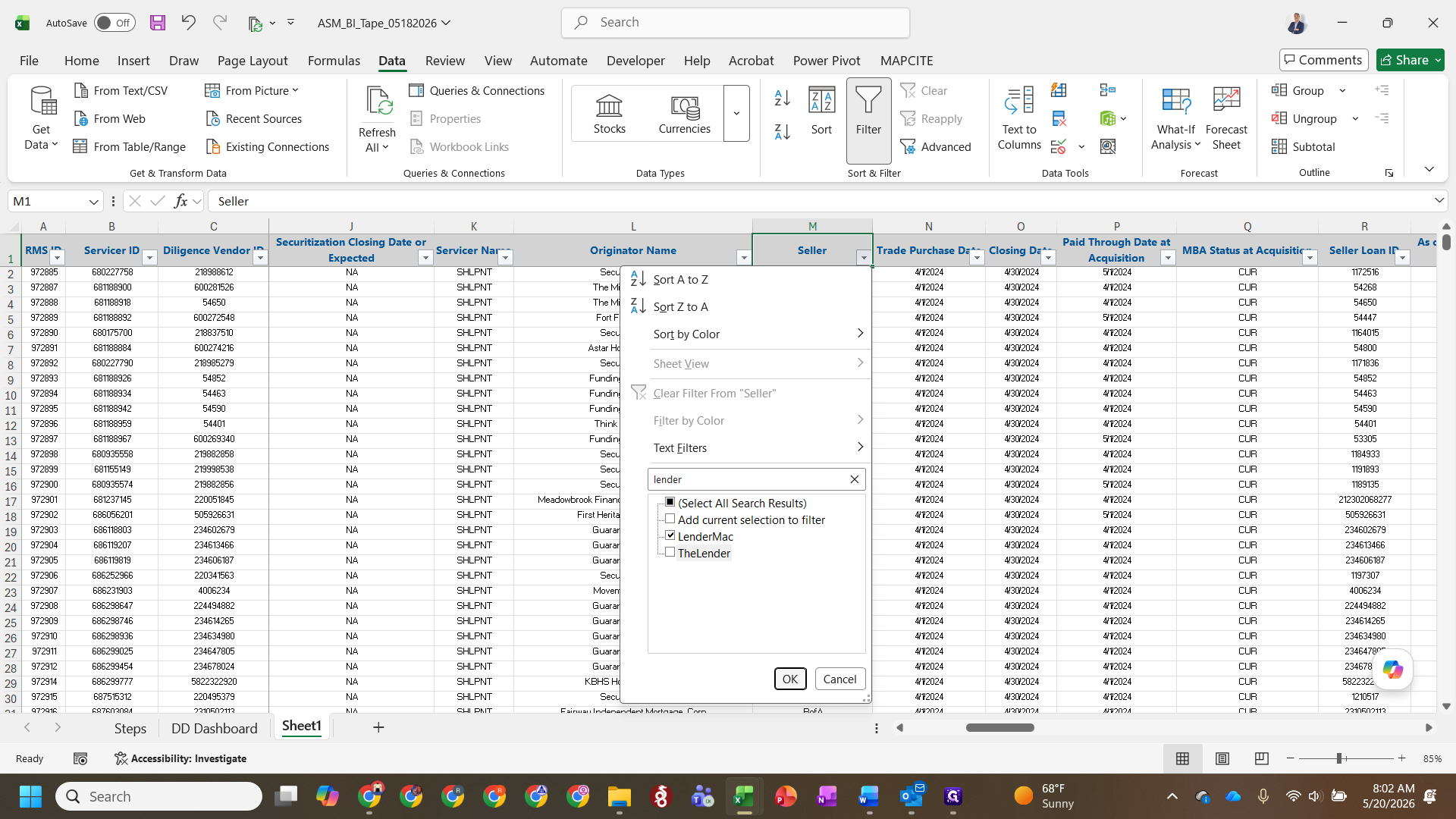
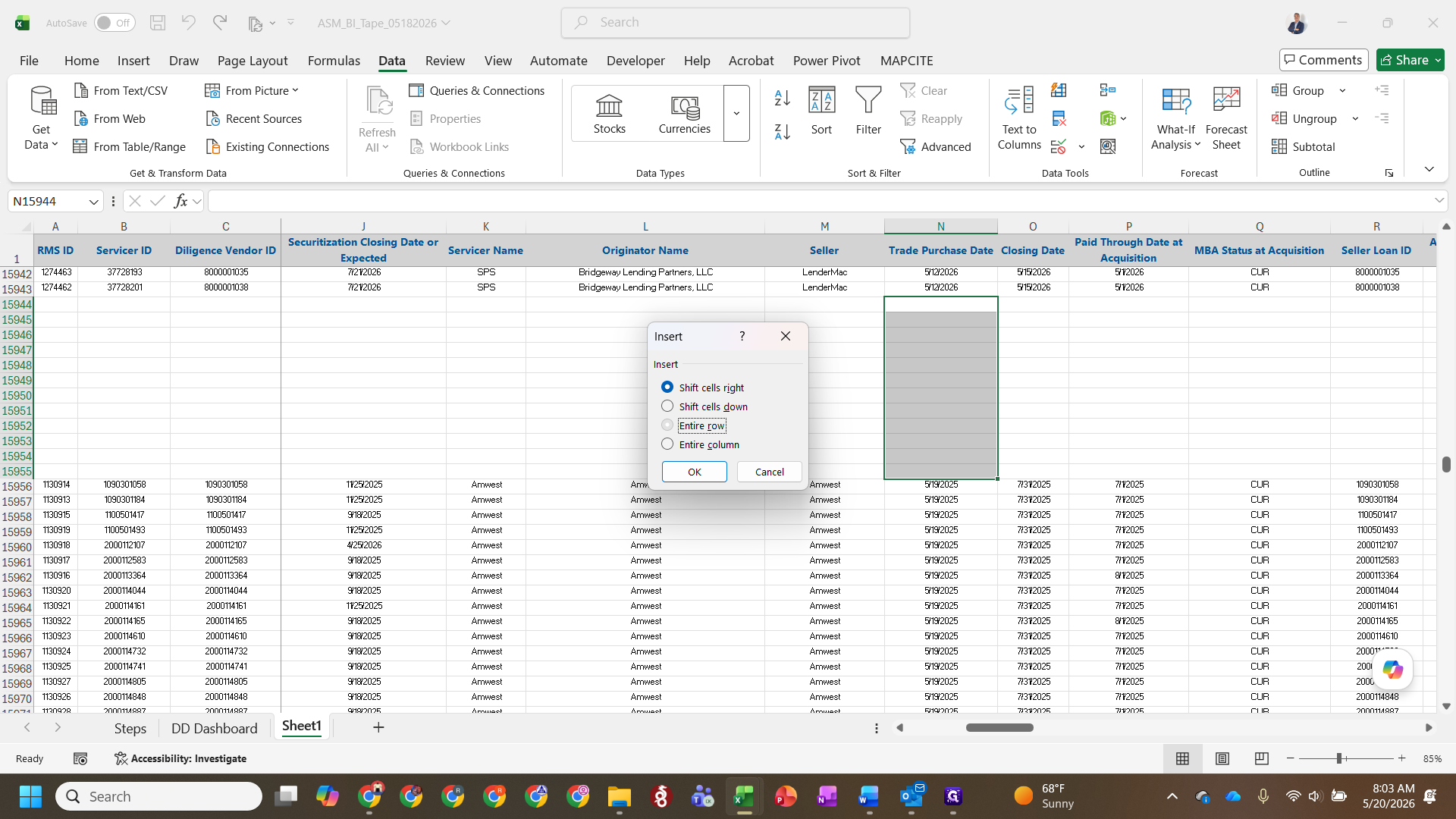
Ctrl + + to add enough rows for the new tape.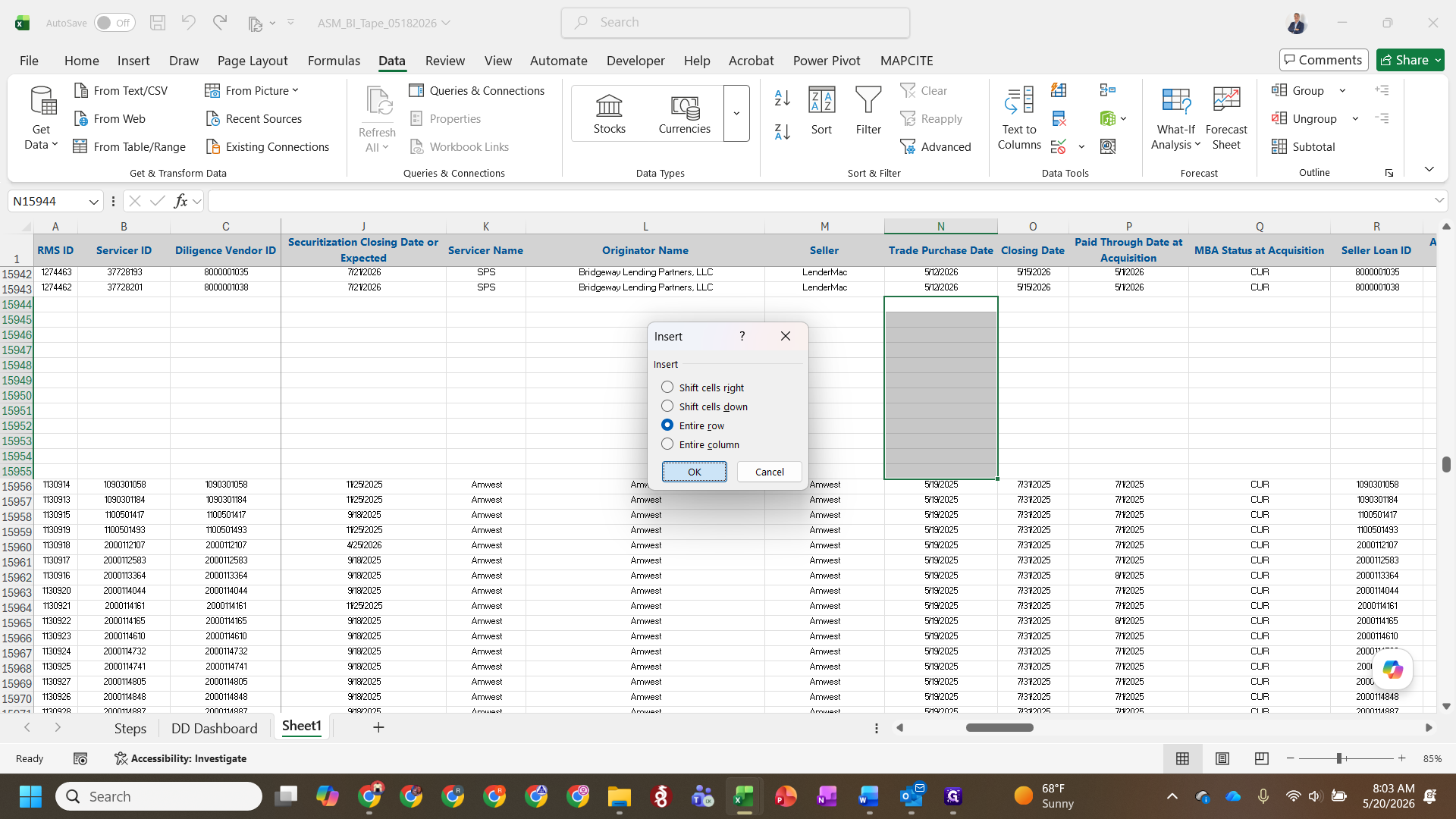
Copy the relevant baseline data from the previous week's rows down into your newly inserted rows.
Update line item details
With the rows created and flow mappings copied down, adjust the unique date and identifier fields for the current week.
Field | Value to apply | Notes |
|---|---|---|
Seller ID | Exact Seller ID | Best practice is to append a single quote to the end. |
As of Date | Previous weekend's date | This acts as a placeholder and automatically updates once the flow is funded. |
Closing Date | Upcoming Friday | Weekly flows typically target Friday closings. |
Servicer ID | Assigned Servicer | If the record is missing a specific Servicer ID, default to using the Seller ID. |
Price | Base price * 1.03 | Apply the temporary 1.03 multiplier to applicable rows. |
+1.03* calculation where temporary pricing rules apply.FAQ
Q: Why do we use the previous weekend for the As of Date?
A: The previous weekend serves as a reliable placeholder during the initial data entry phase. The system will automatically update this field to the accurate date once the flow is officially funded.
Q: What if a loan record doesn't have a designated servicer yet?
A: If there is no specific servicer assigned (or it is TBD), use the Seller ID in the Servicer ID field for now.
Glossary
Term | Definition |
|---|---|
BI Format | The standardized data loader layout used to map incoming seller loan tapes into the central database. |
Flow Allocation | The internal destination program or vehicle (e.g., Mora, Pathfinder Core, ABS) where incoming loans are categorized. |
Master Pool File | The raw weekly data tape received from sellers detailing the metrics of the loans available for purchase. |