
Timesheets - Logging Time to Projects
Learn how to accurately log time to sold project roles, business operations, and pitches in Harvest to improve project reporting.
This guide explains how to log your daily time against sold project roles, business operations, and pitches in Harvest. Proper role-based time tracking ensures accurate project reporting and gives project managers a clearer view of the budget burn.
This guide applies to all billable employees and operations staff who track time using Harvest. You should use this workflow at the end of every day or week when submitting your timesheets.
Instead of tracking time against generic tasks like "meetings," "travel," or "prep work," you must now log all time associated with a project to the specific role that was sold to the client.
Before adding a new row to your timesheet, identify which of the following scenarios applies to the work you are doing:
Time Tracking Scenario | When to Use |
|---|---|
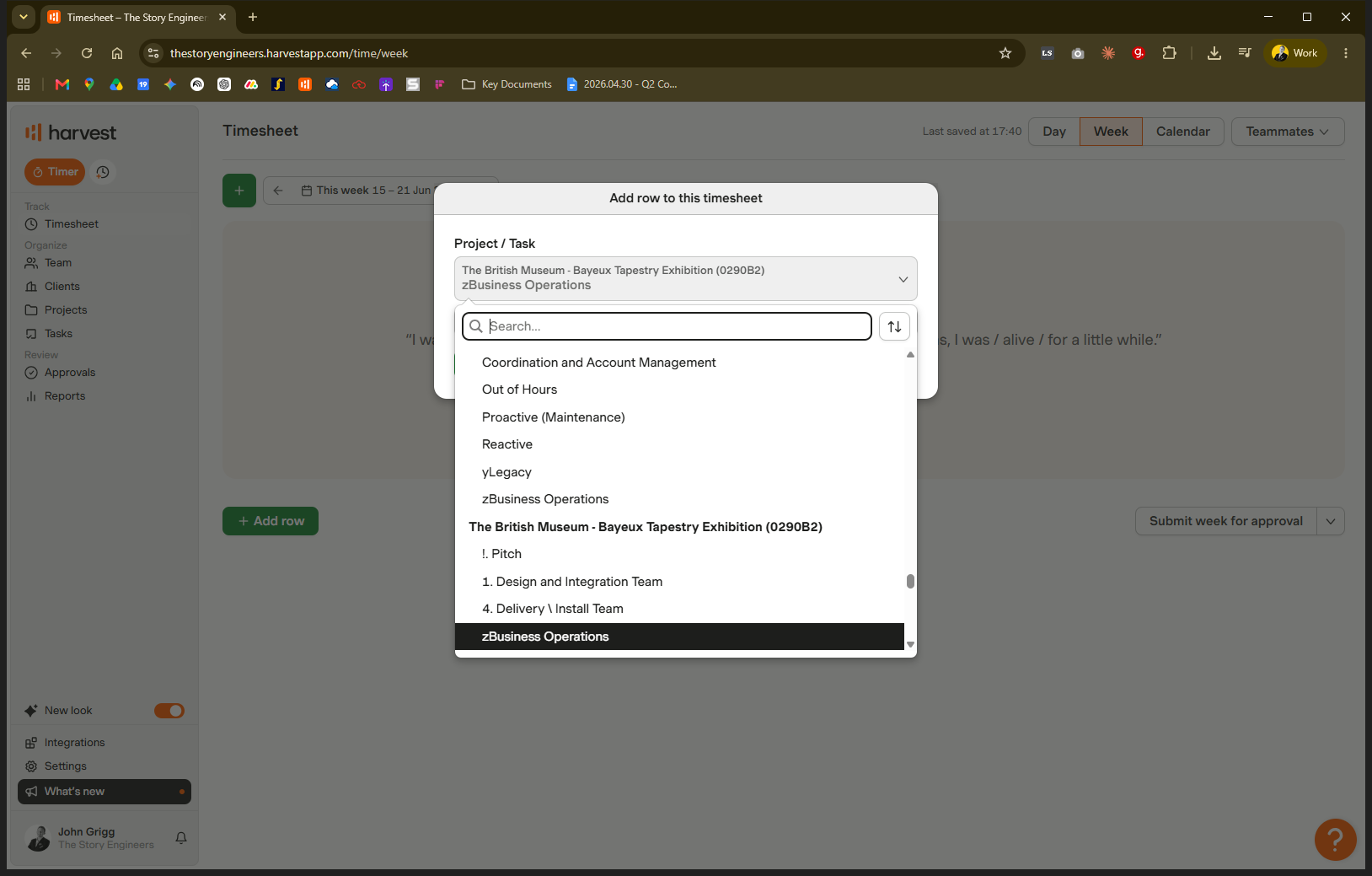
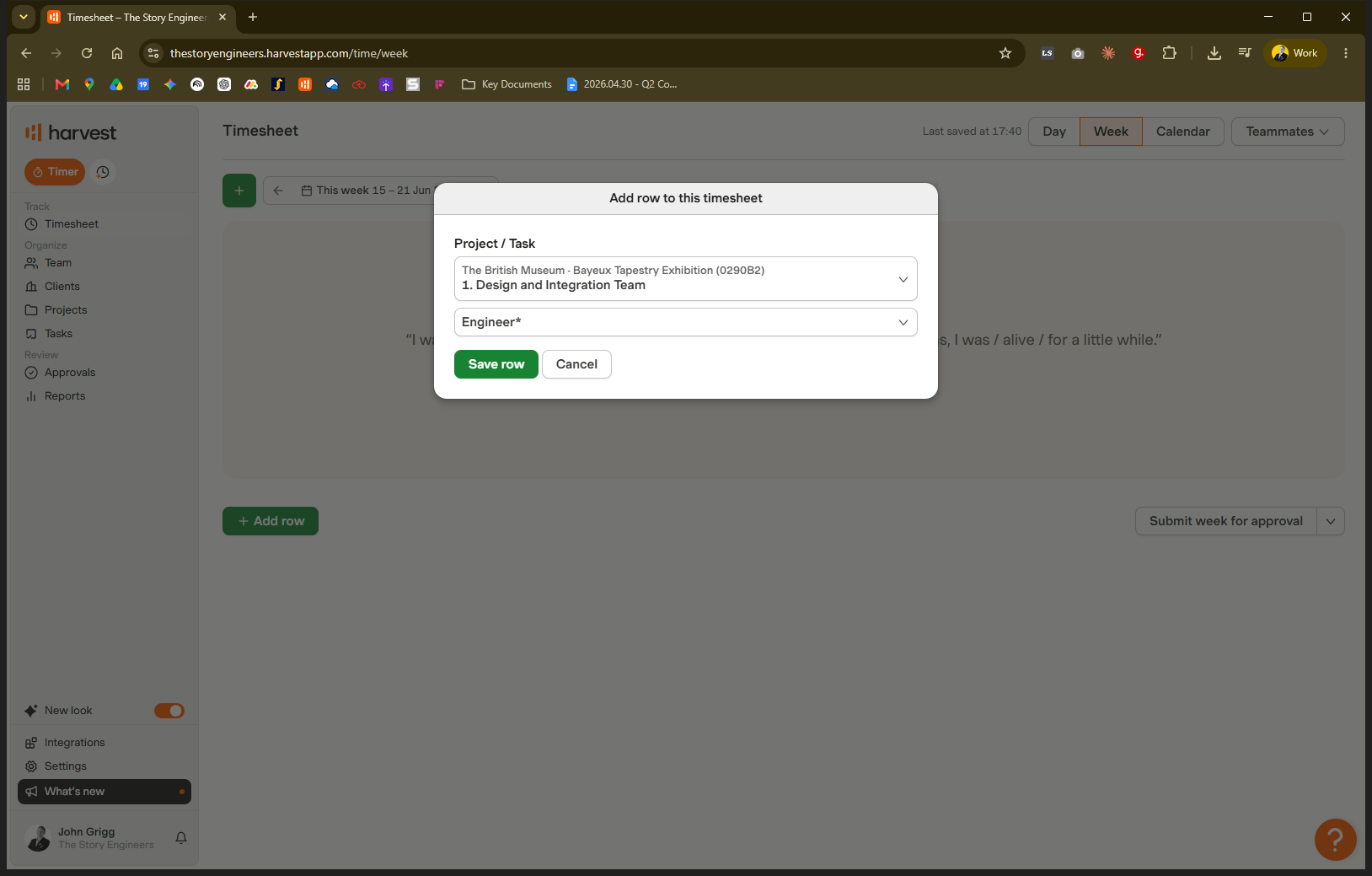
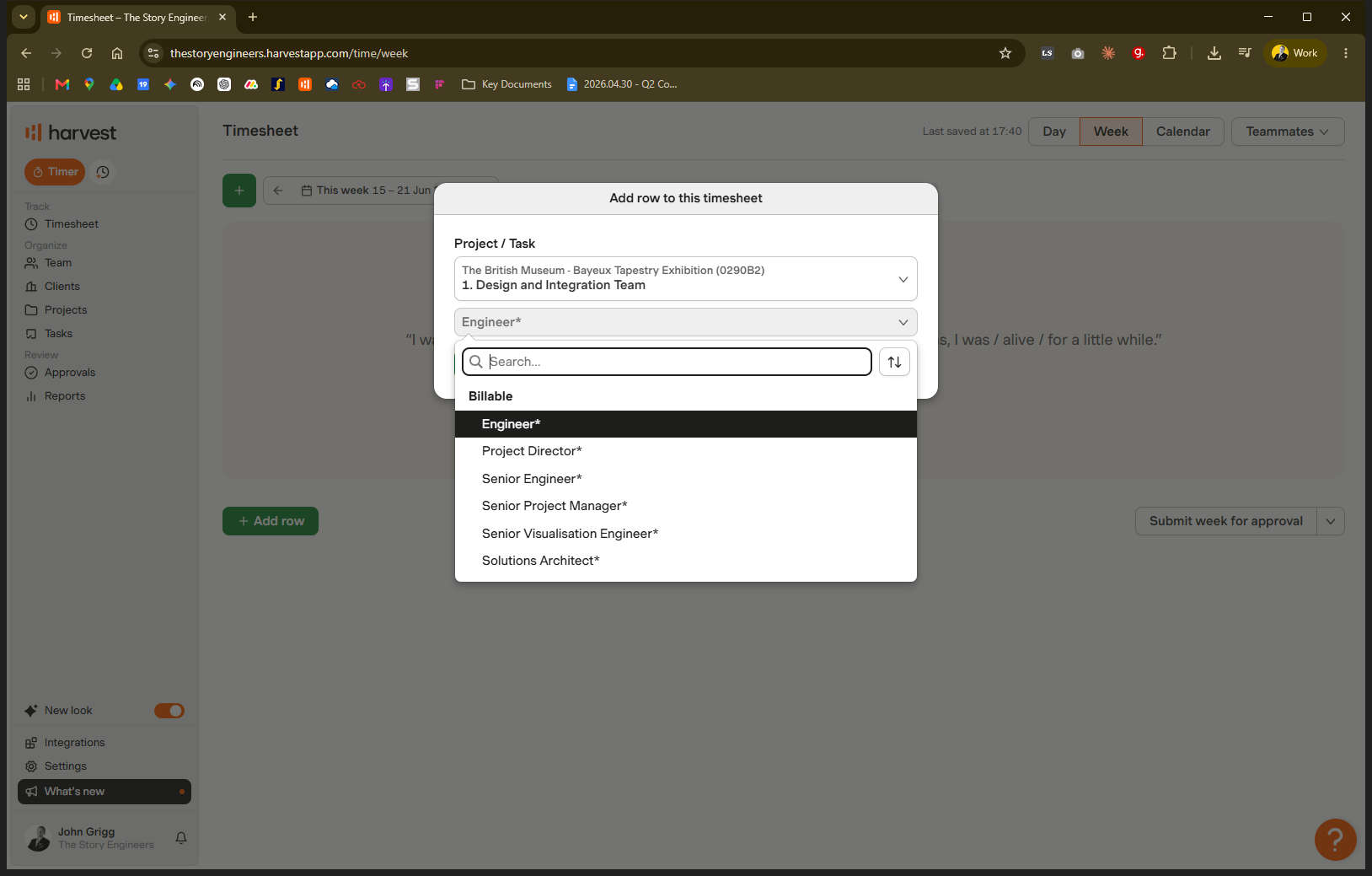
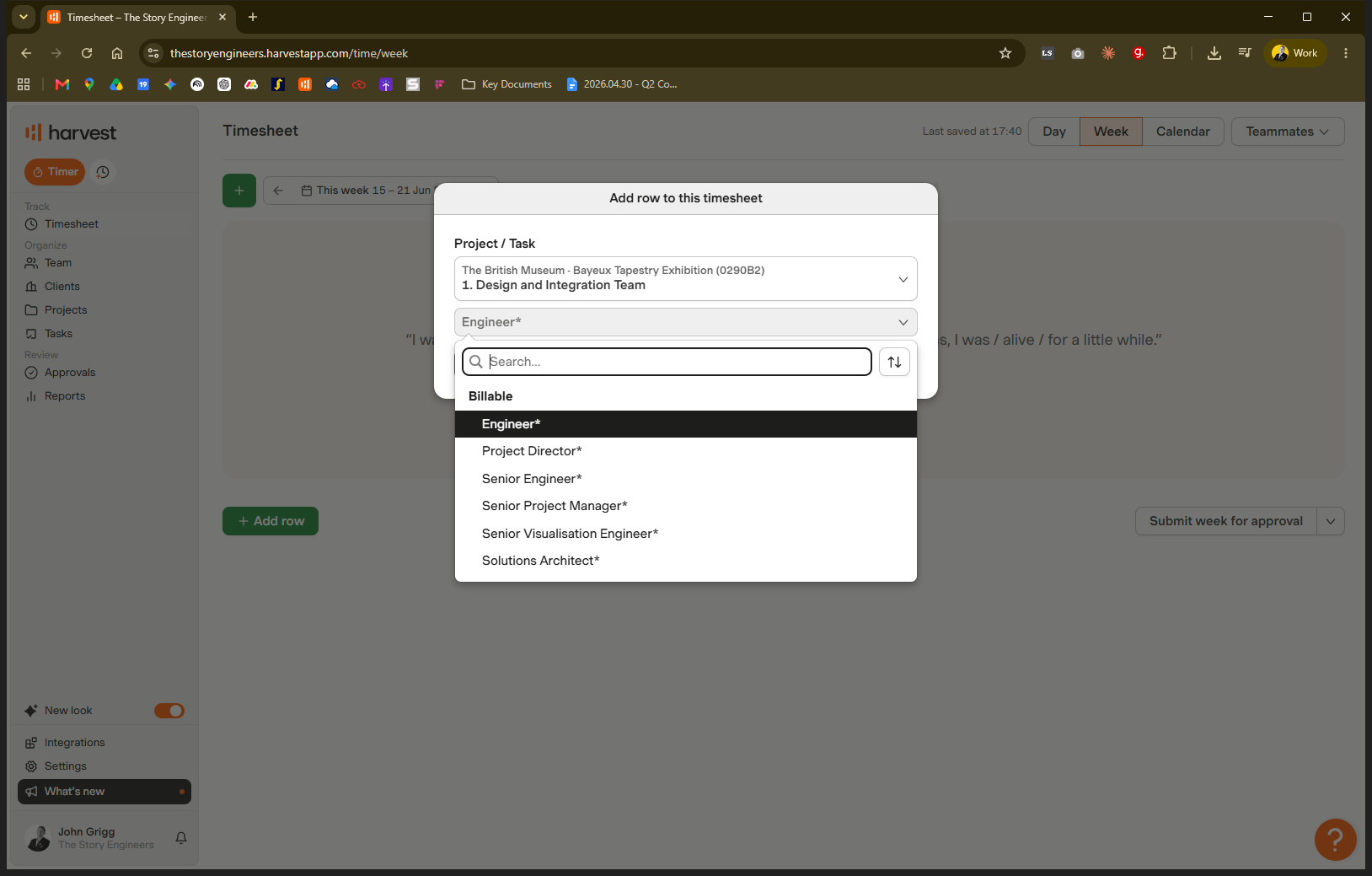
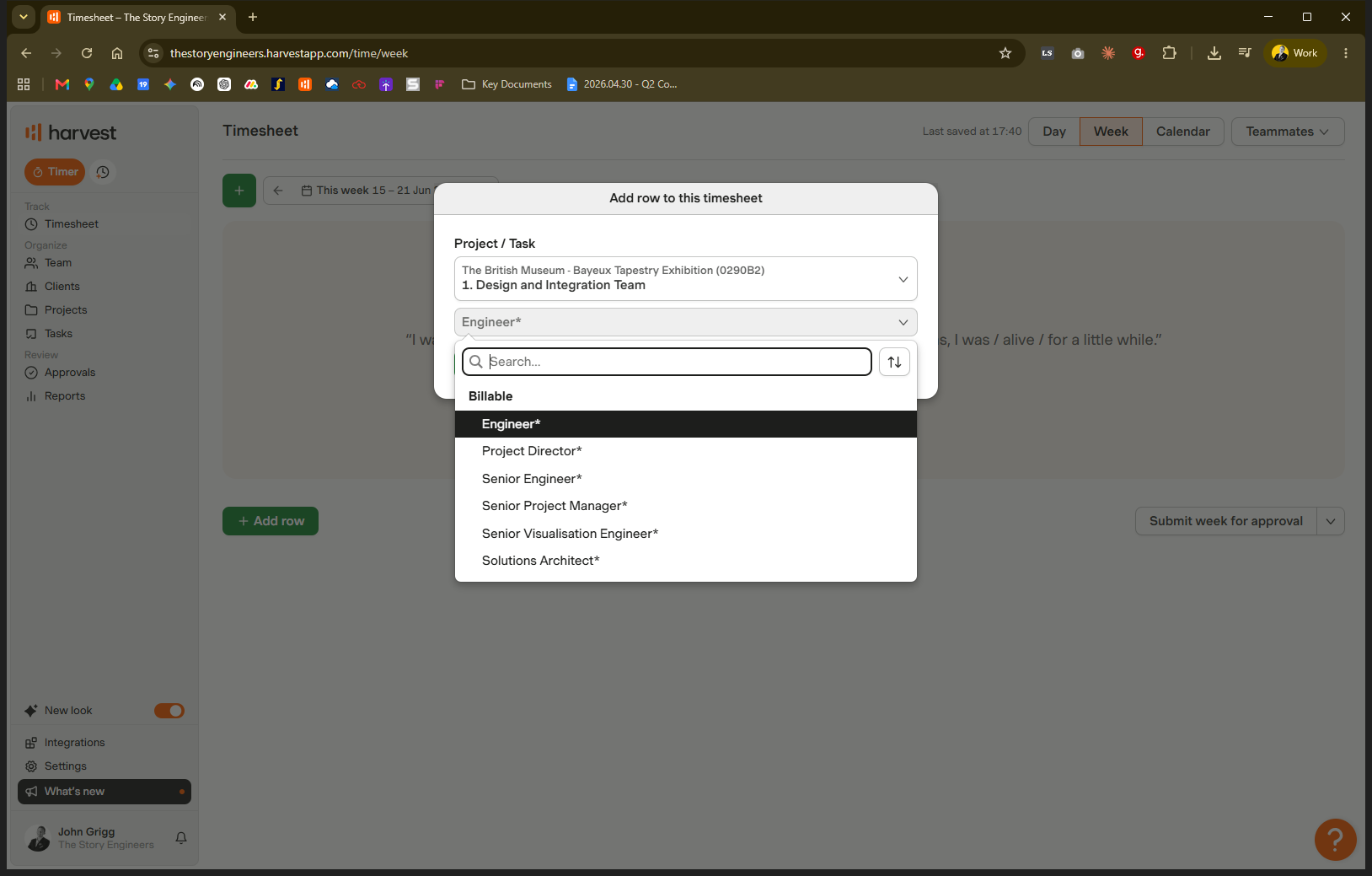
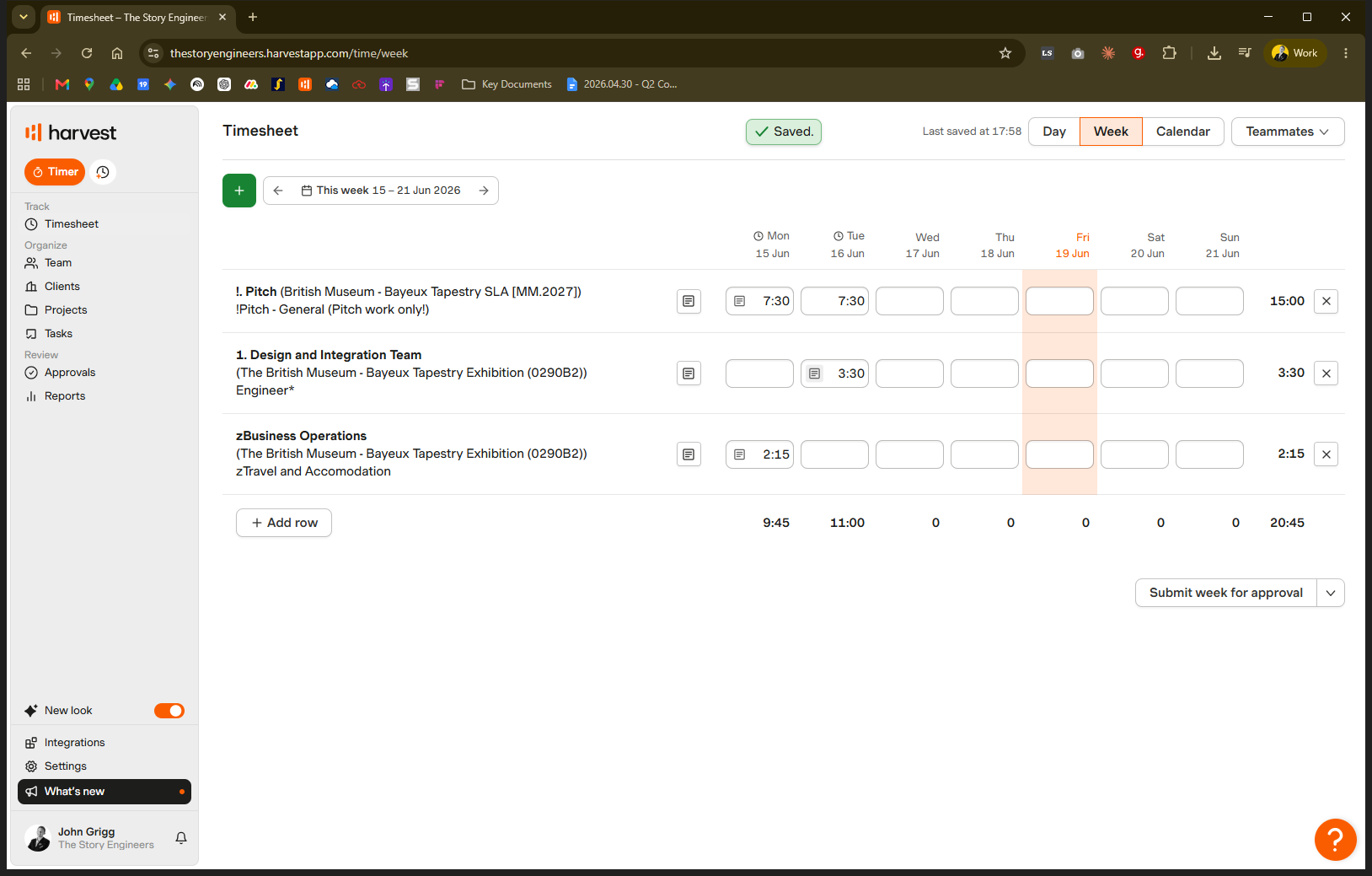
Billable Project Roles | When logging daily time—including travel, prep, and meetings—against a sold client role (e.g., Engineer). |
Business Operations | When performing non-sold support work for a project, such as procurement, warehouse logistics, or booking accommodations. |
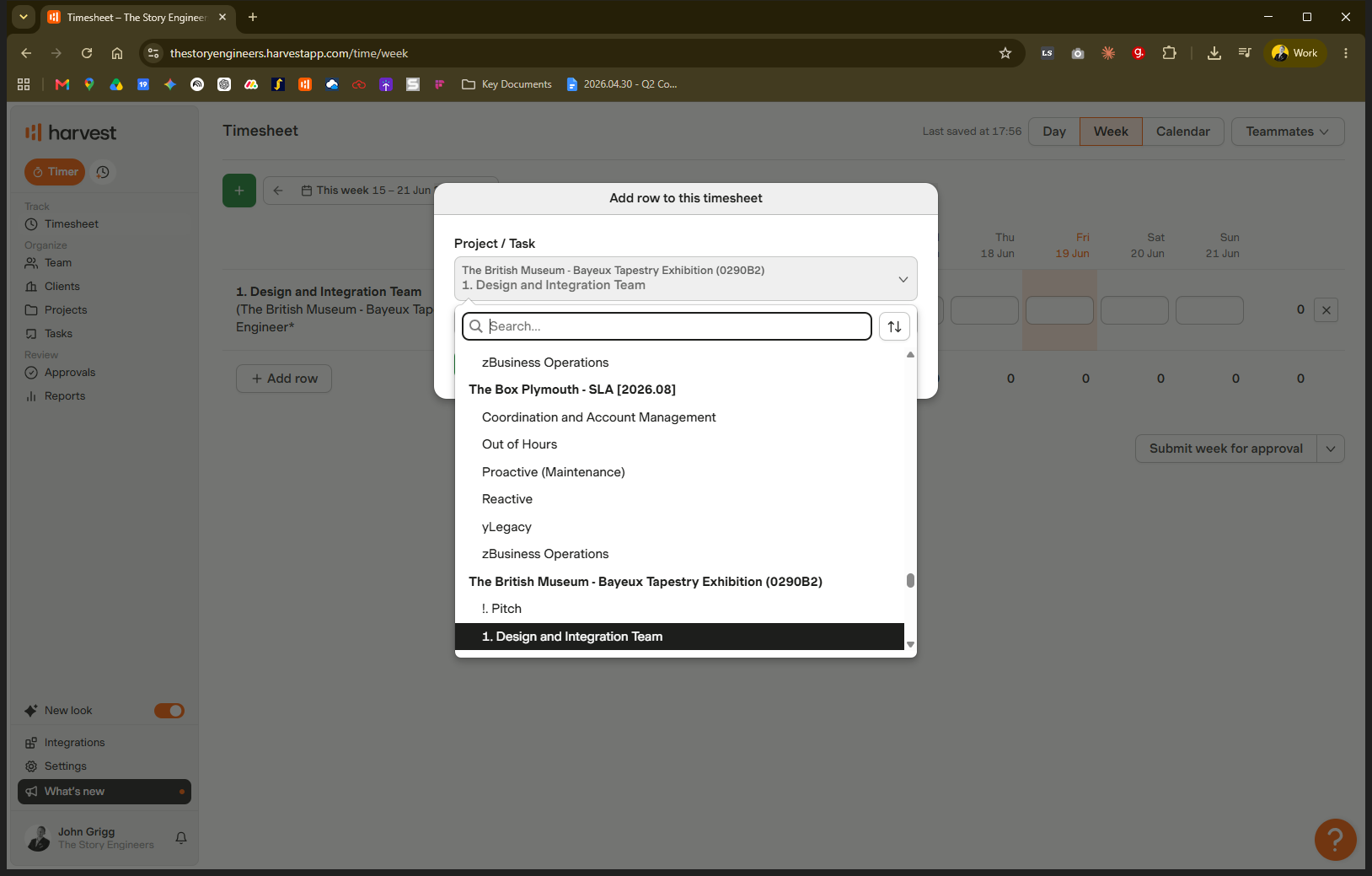
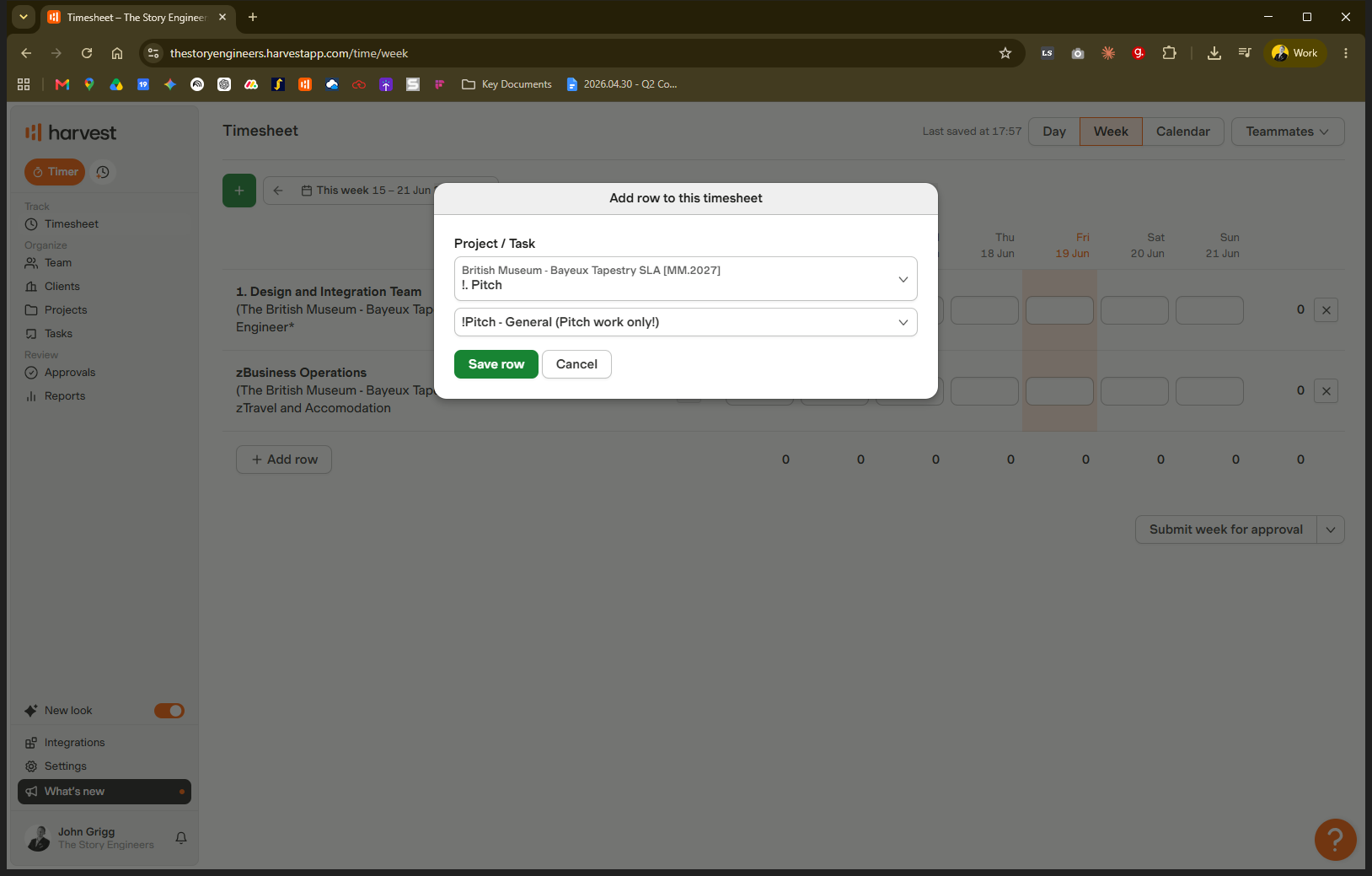
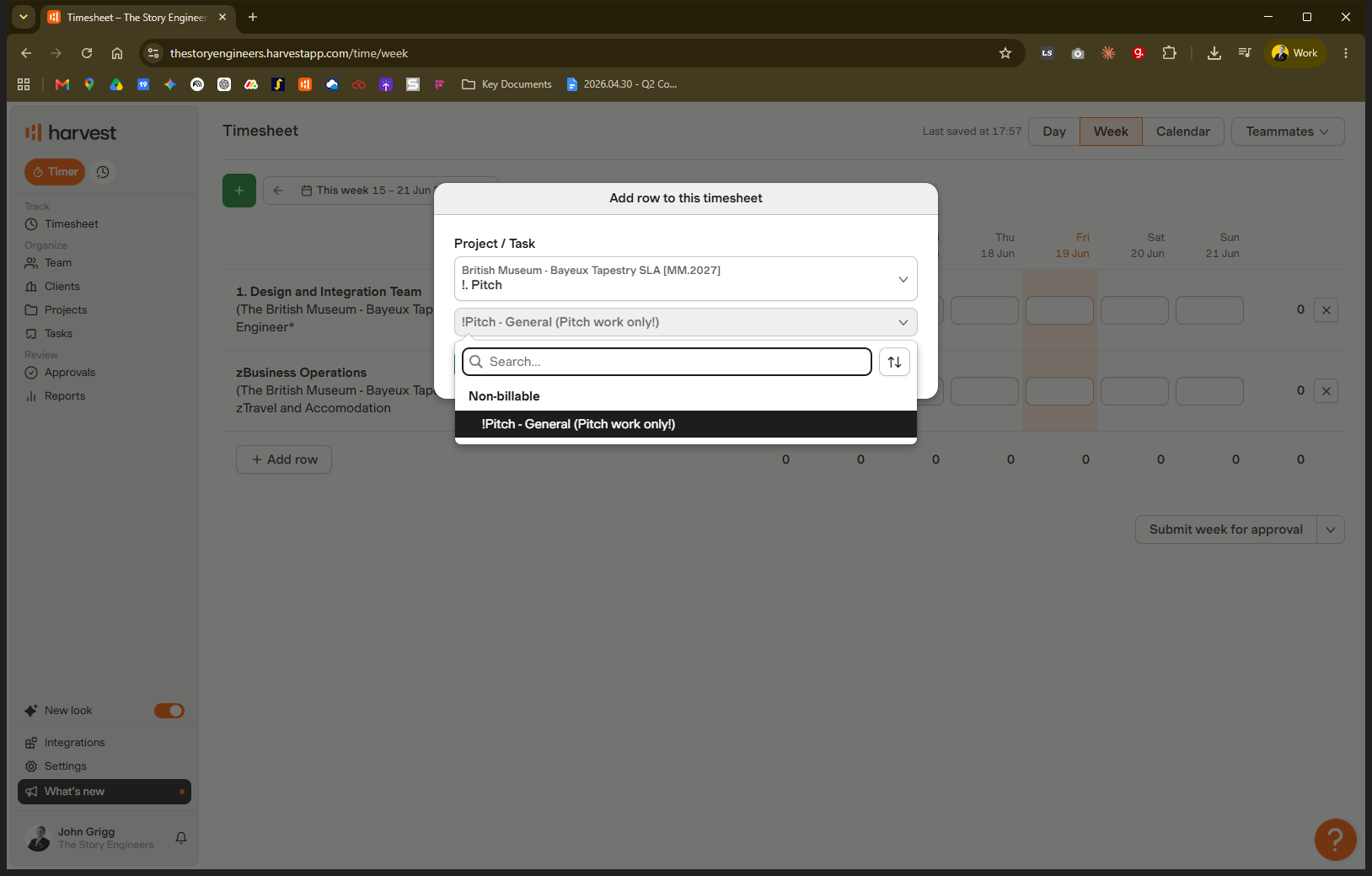
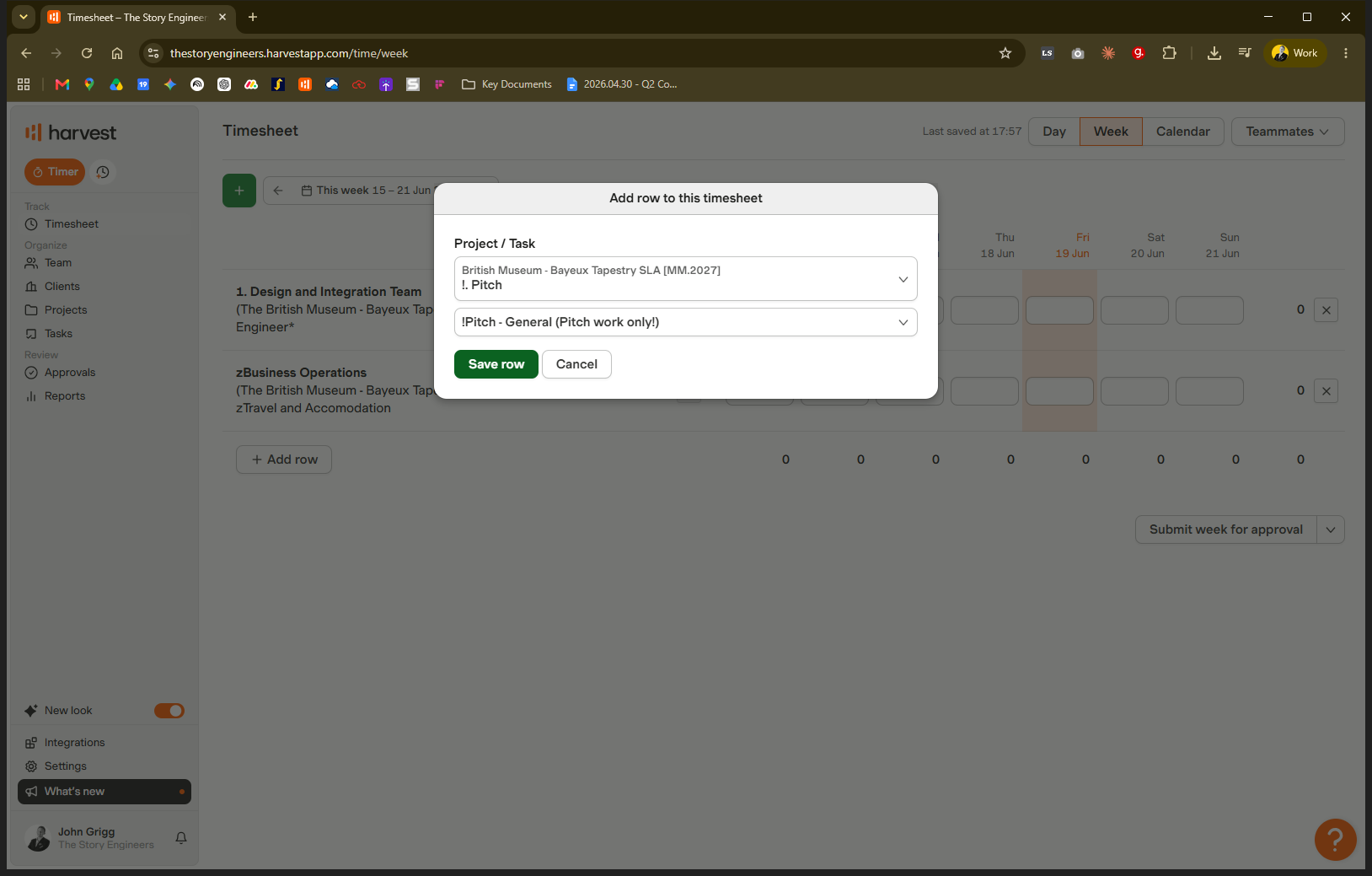
Pitch Time | When spending time preparing responses or strategies to win new client work. |
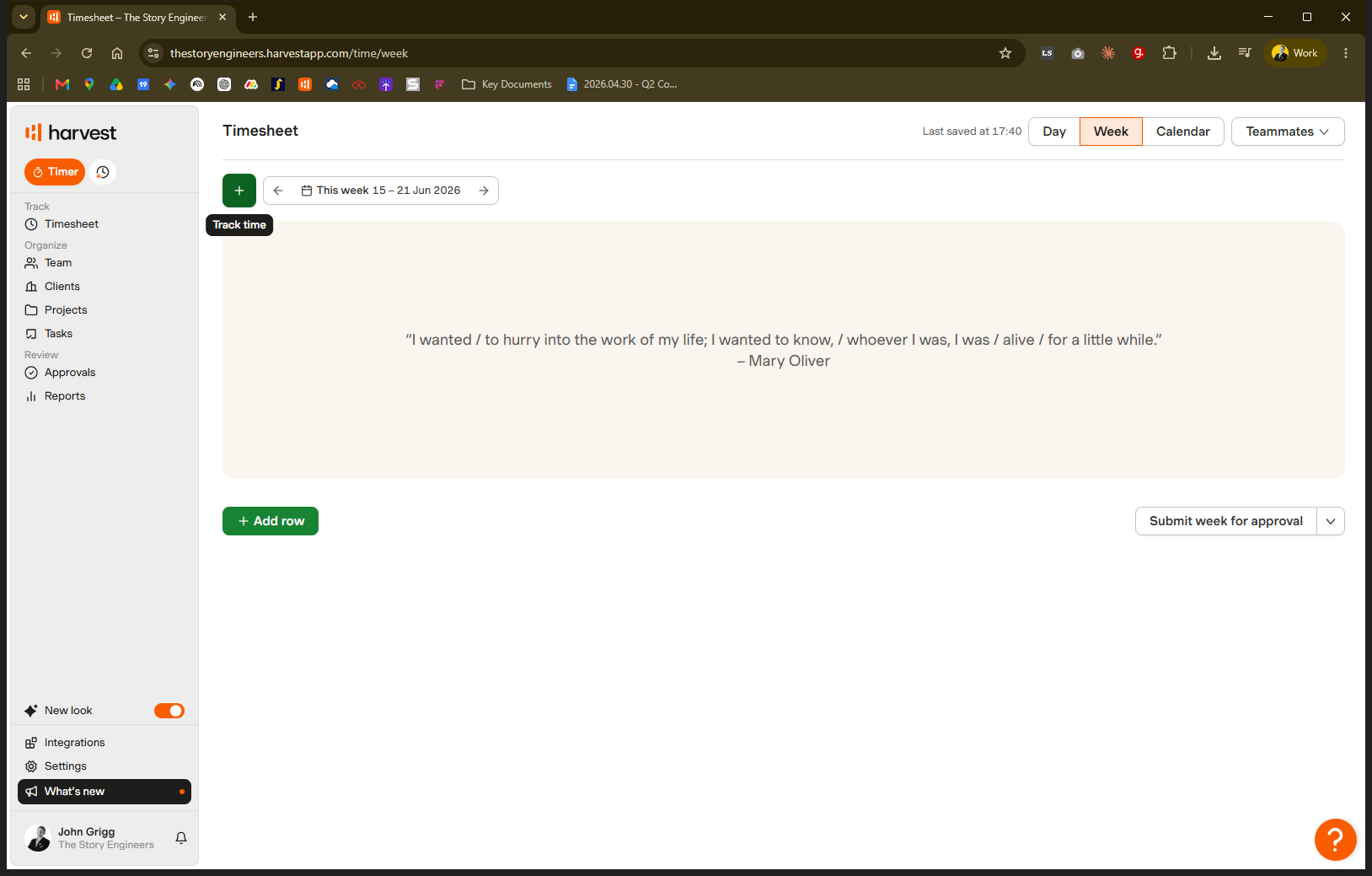
Navigate to Harvest in the Week view to begin.
Log time to a billable project role
Log time to business operations
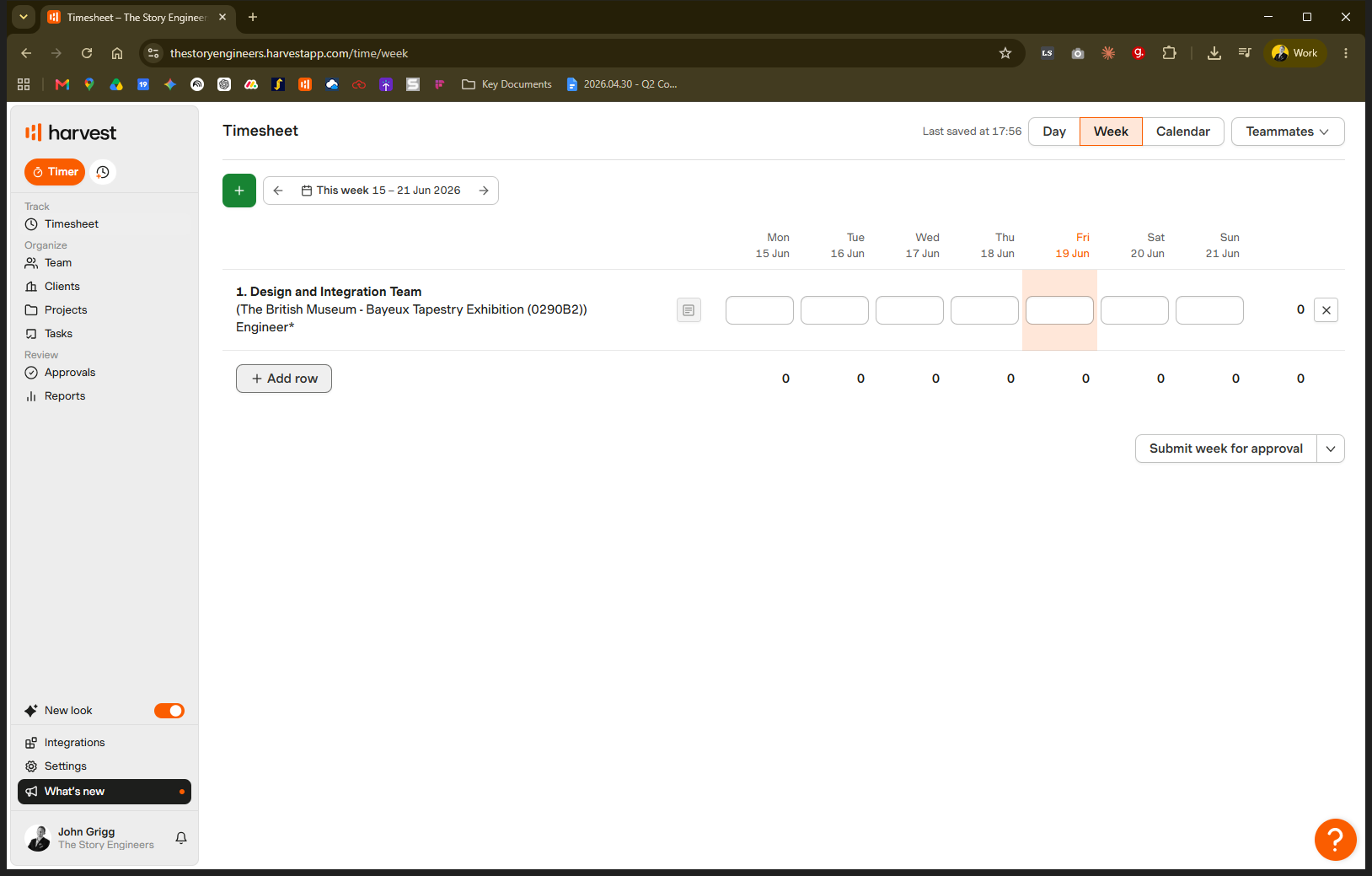
If you are supporting a project through logistics, travel booking, or procurement, and your role was not explicitly sold to the client, log your time under business operations.
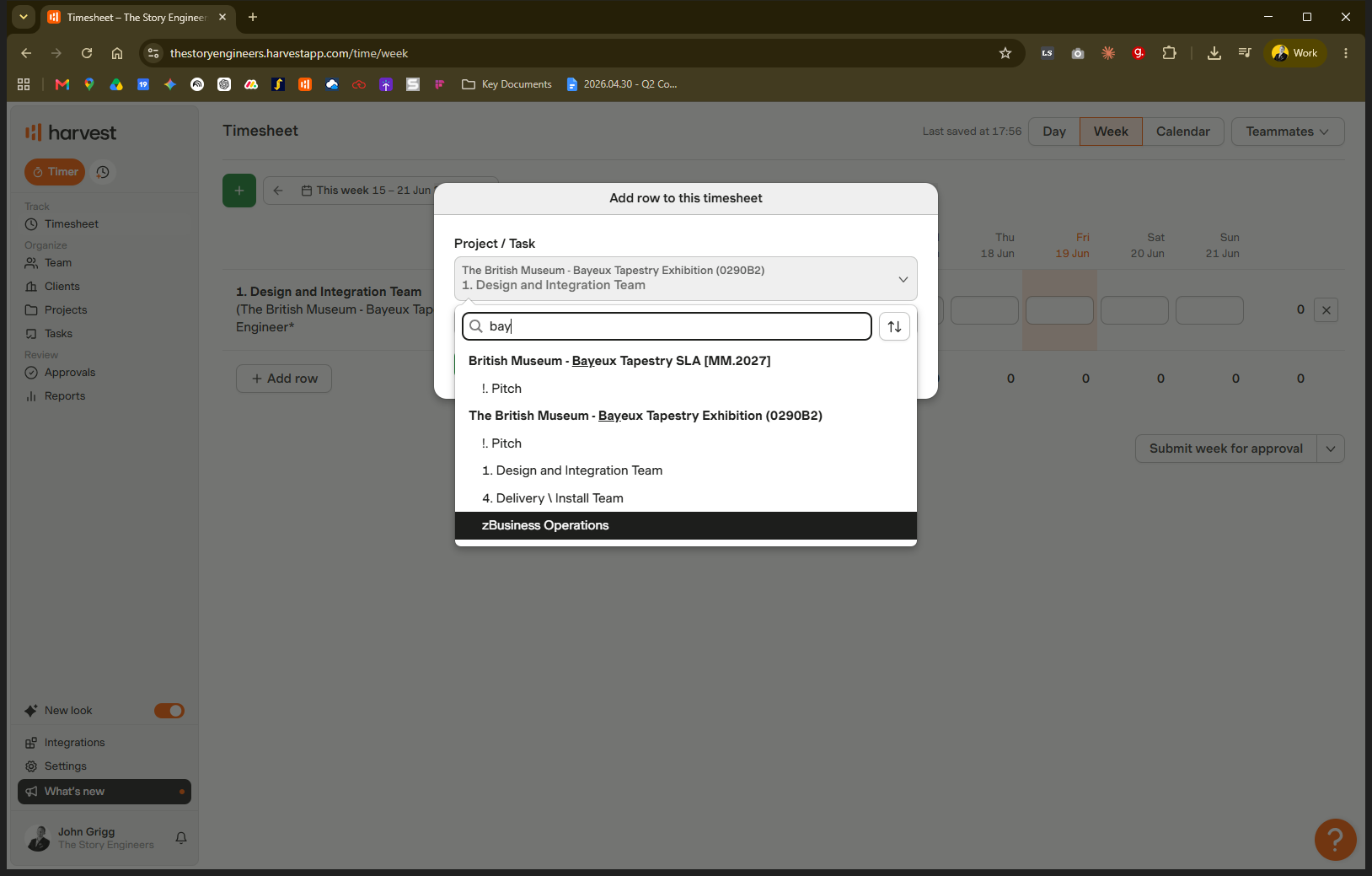
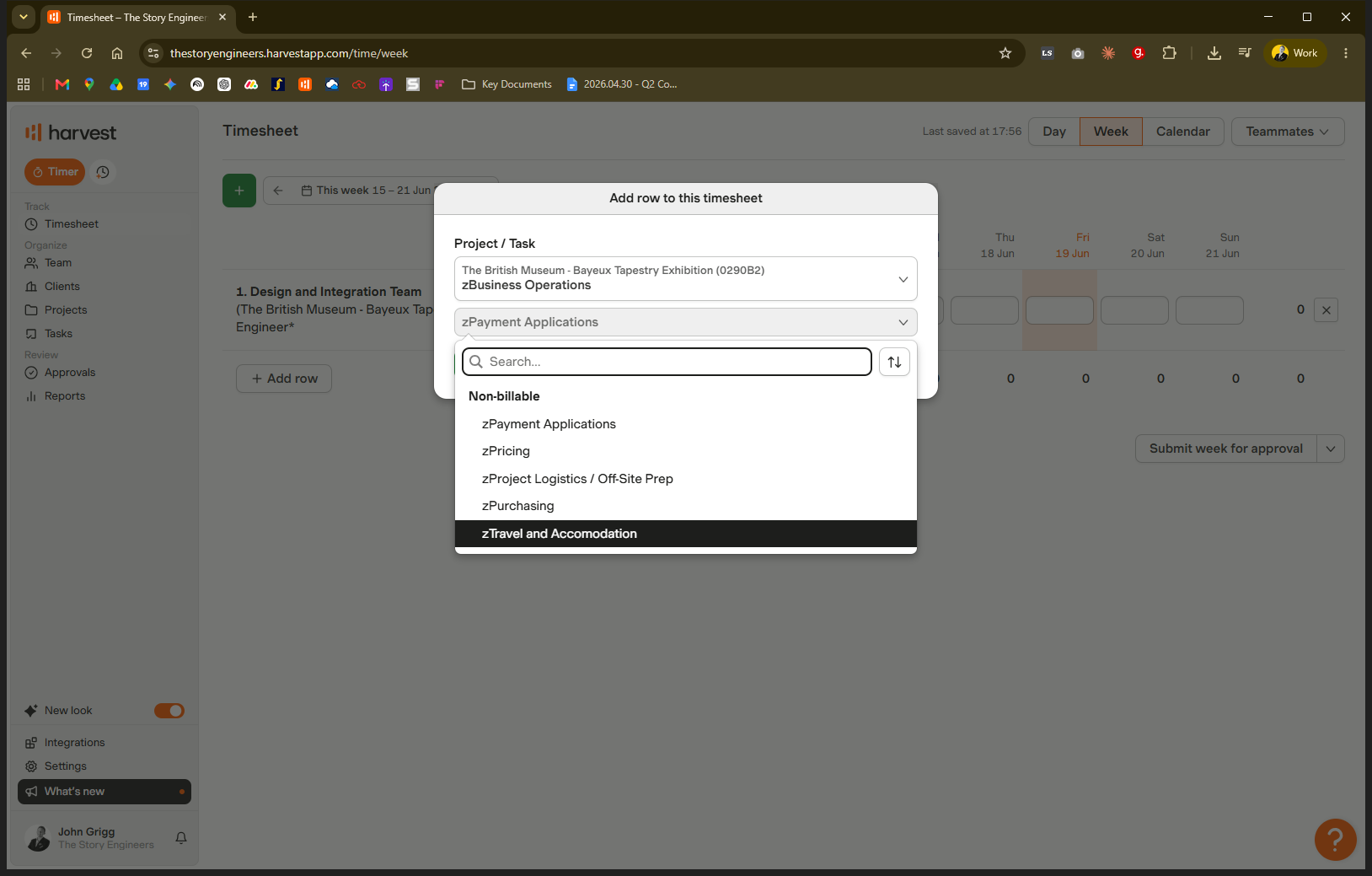
Log pitch time
It is important to track the time spent trying to win new work.
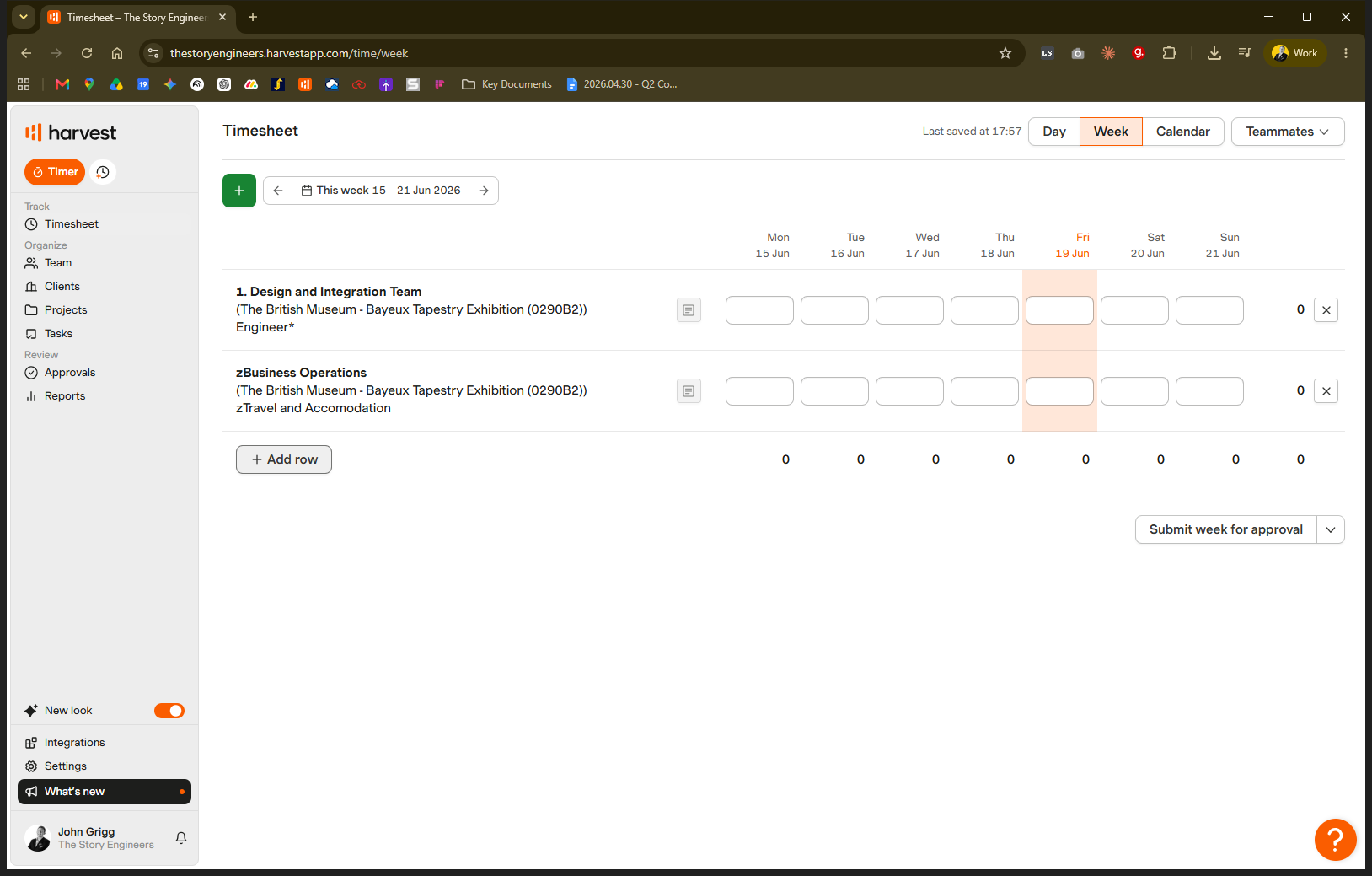
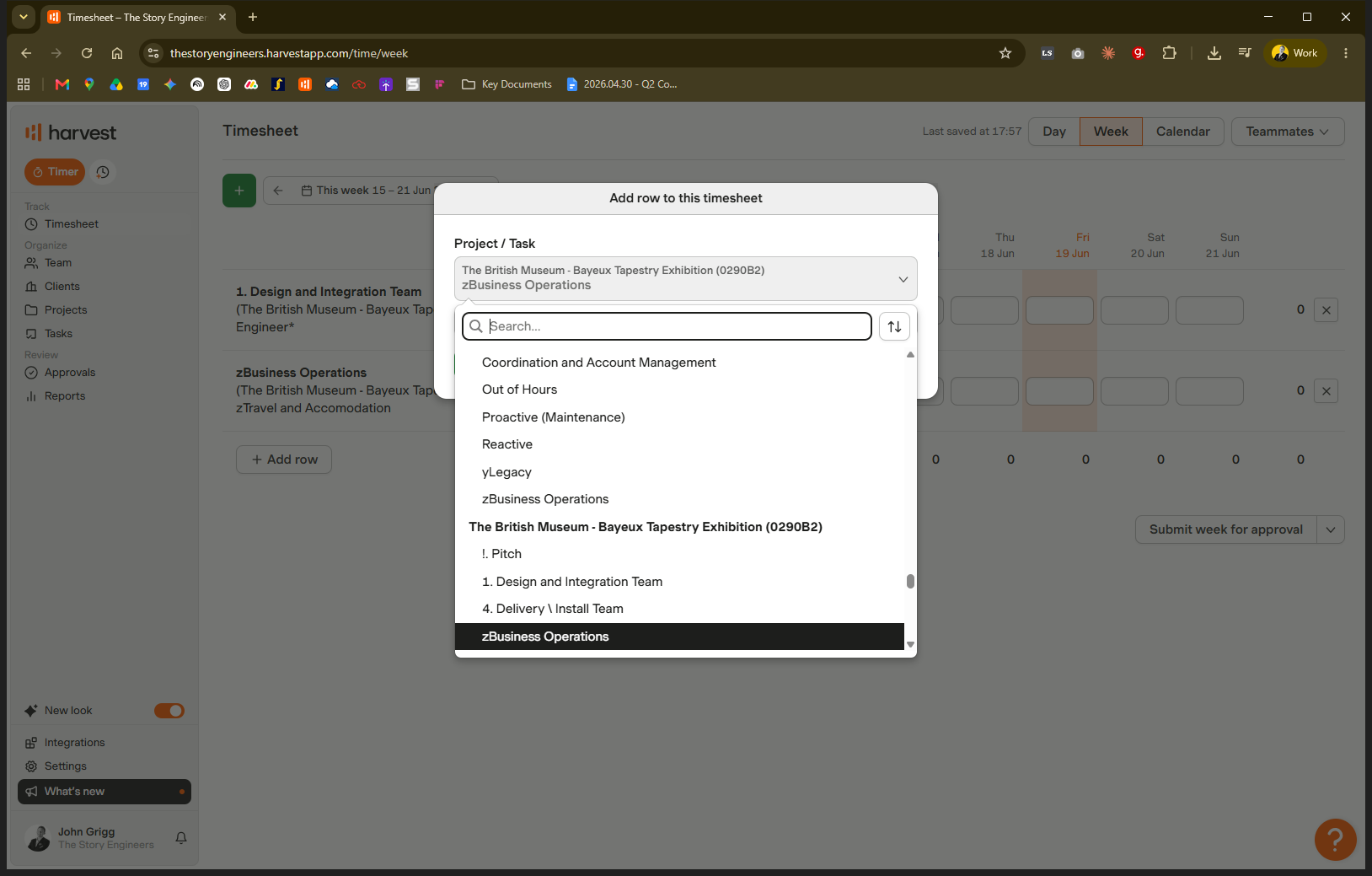
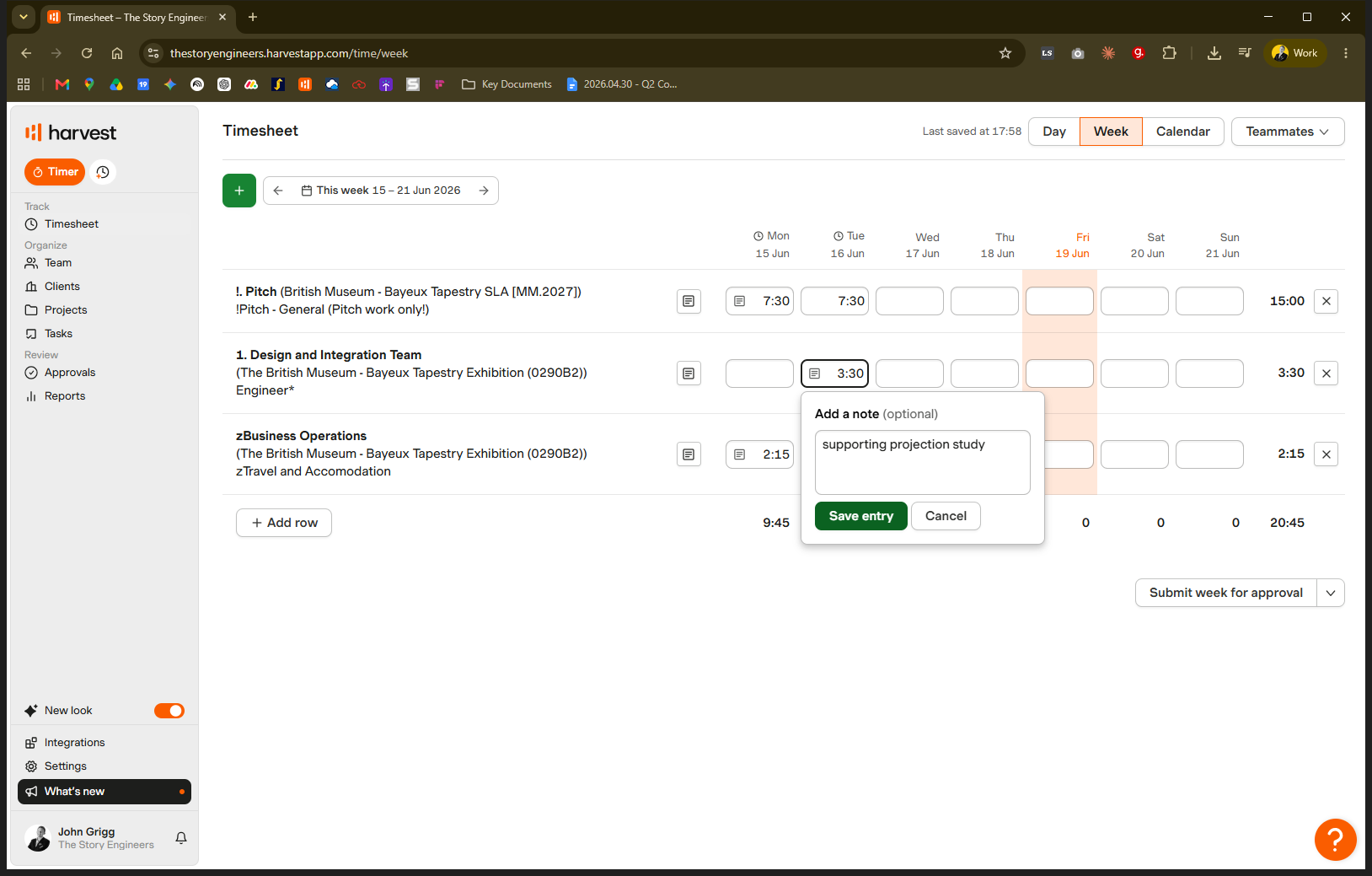
Enter hours and notes
Once your rows are set up correctly, record your time and add context for the project manager.
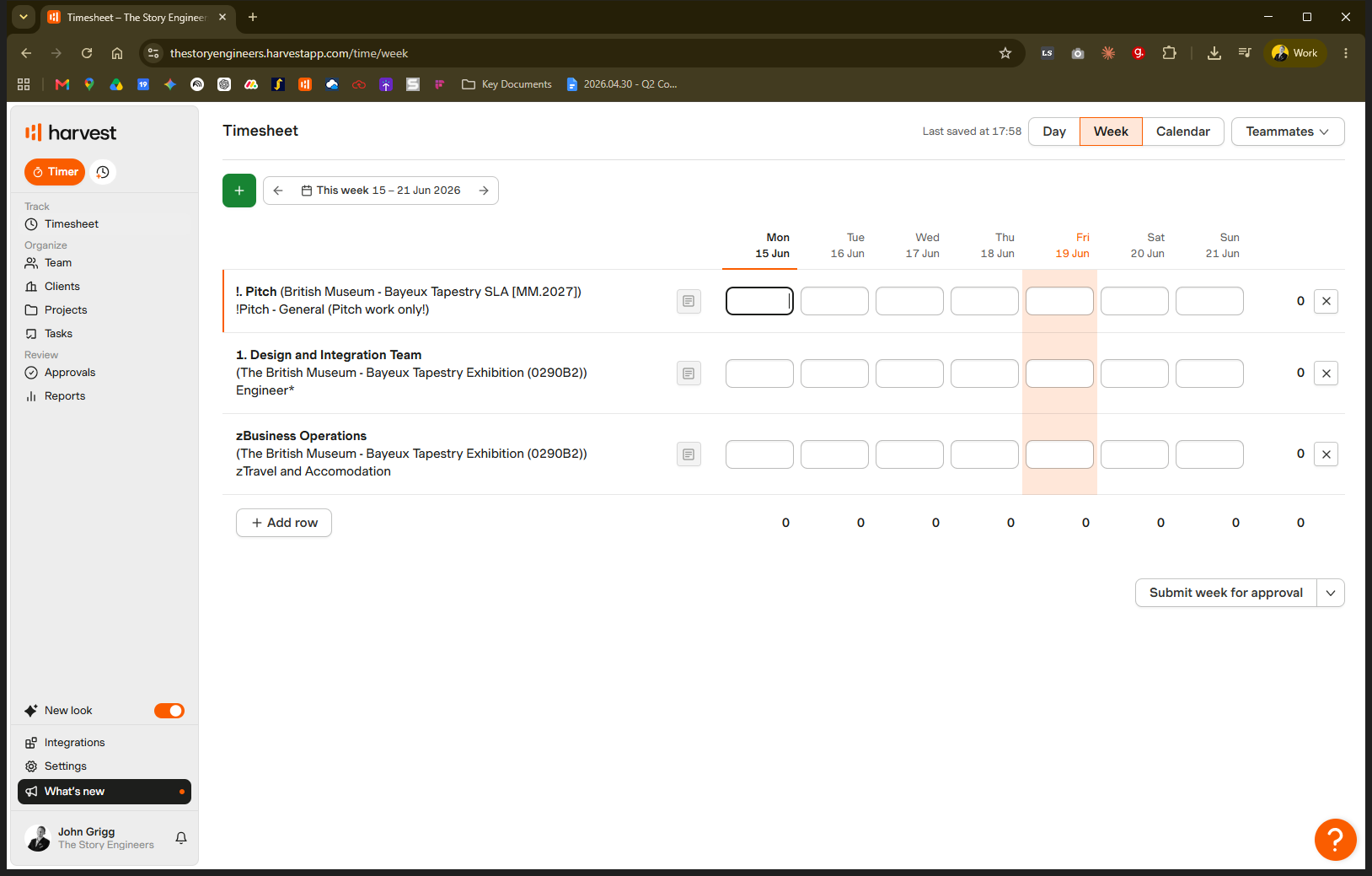
7.5) or colons (e.g., 7:30).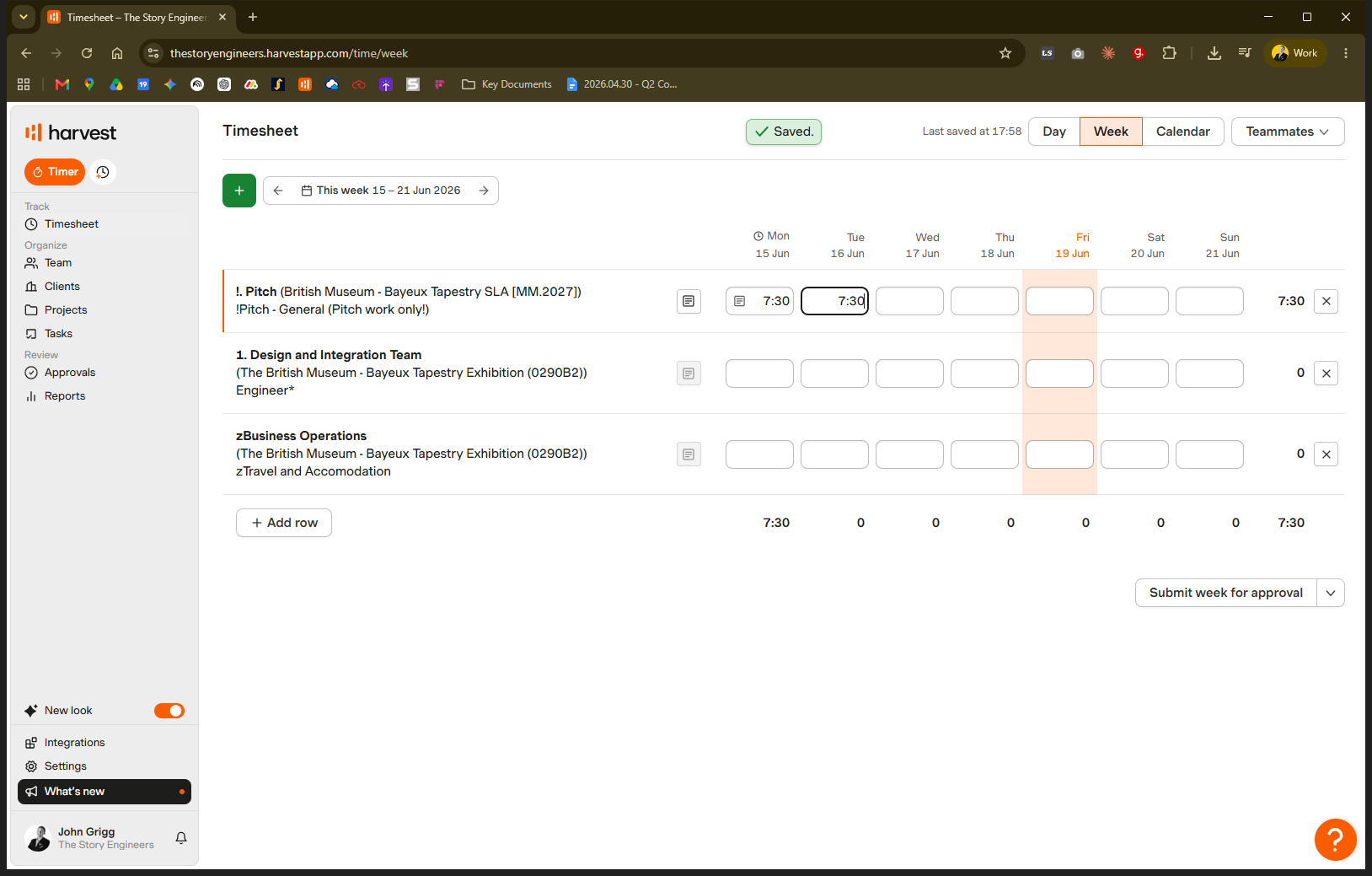
Q: What should I do if my exact role isn't listed in the dropdown?
A: Speak to your project manager to have the correct role added to the project in Harvest.
Q: Where should I put my time if I'm not sure?
A: Ask your project manager directly or post your question in the #timesheets Slack channel. Do not guess, as miscategorized time creates difficult reporting problems.