TPR Uploading SOP
Learn how to quickly close an active document tab, such as a Layered Risk Report, within the Microsoft Teams file explorer interface.
By Eddy Kup
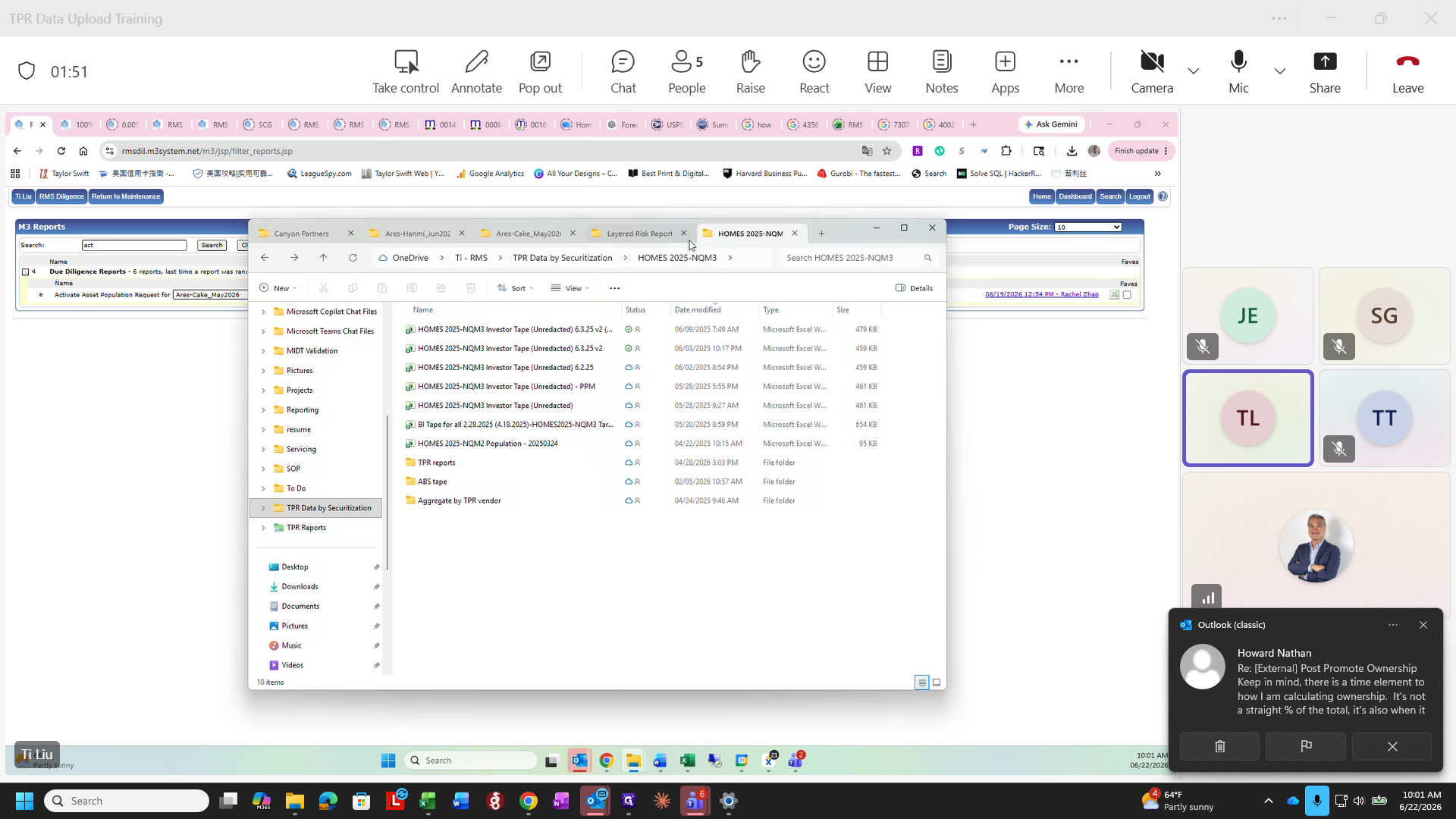
This guide demonstrates how to close an active document tab to clear your workspace in Microsoft Teams. This helps keep your file explorer organized when managing multiple Excel files.
This applies to any team member reviewing or managing files within the Microsoft Teams or OneDrive file explorer interface. Use this step when you have finished reviewing a specific report and want to return to the main folder view.
1
Click the close button (X) on the Layered Risk Report tab to close the file and return to the folder directory.