
Track and Manage a Grants Pipeline
Learn how to manage a grants pipeline, track active submissions, update provider details, and monitor overall progress.
This guide demonstrates how to track active grants, update submission statuses, and maintain grant provider contact information. Completing this process ensures your development team stays organized, meets upcoming deadlines, and maintains a clean record of funding opportunities.
This guide is intended for grant writers, development officers, and nonprofit administrators. Use it whenever you need to update a grant's progress, add a new funding opportunity to your pipeline, or update contact details for a grant provider.
Access the Grants Pipeline
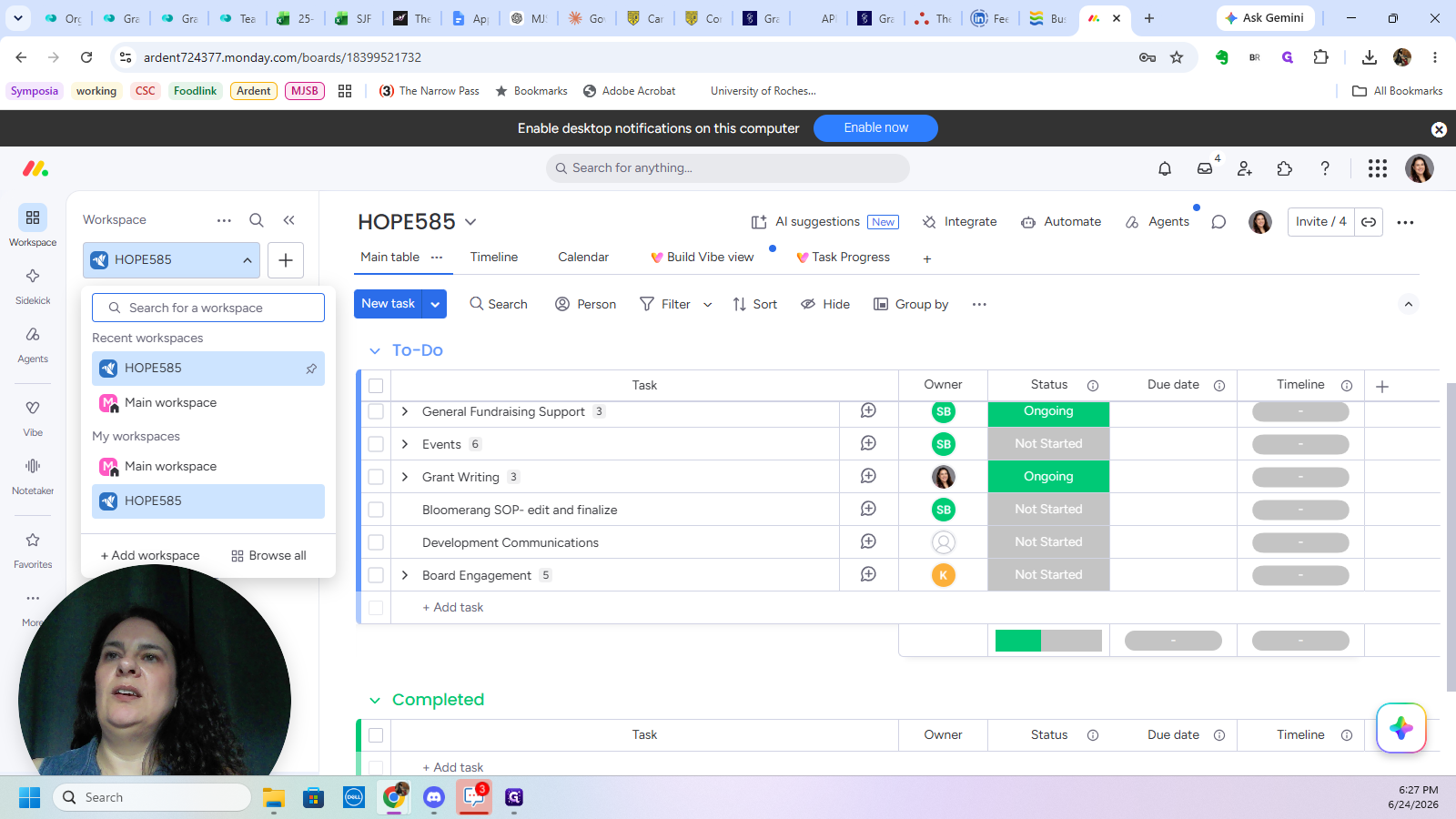
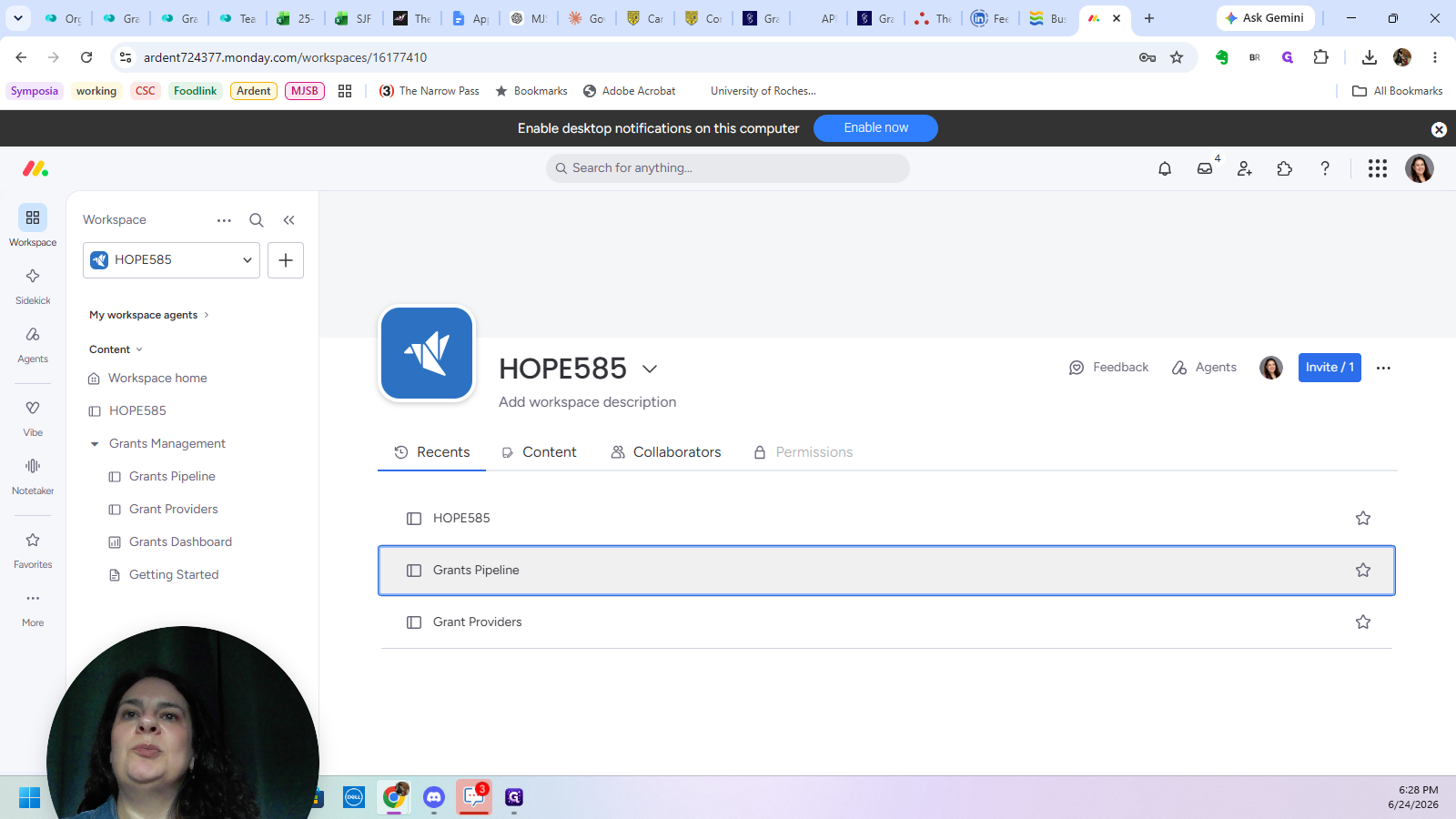
Navigate to your designated workspace to access your grant management boards.
Manage Active Grants
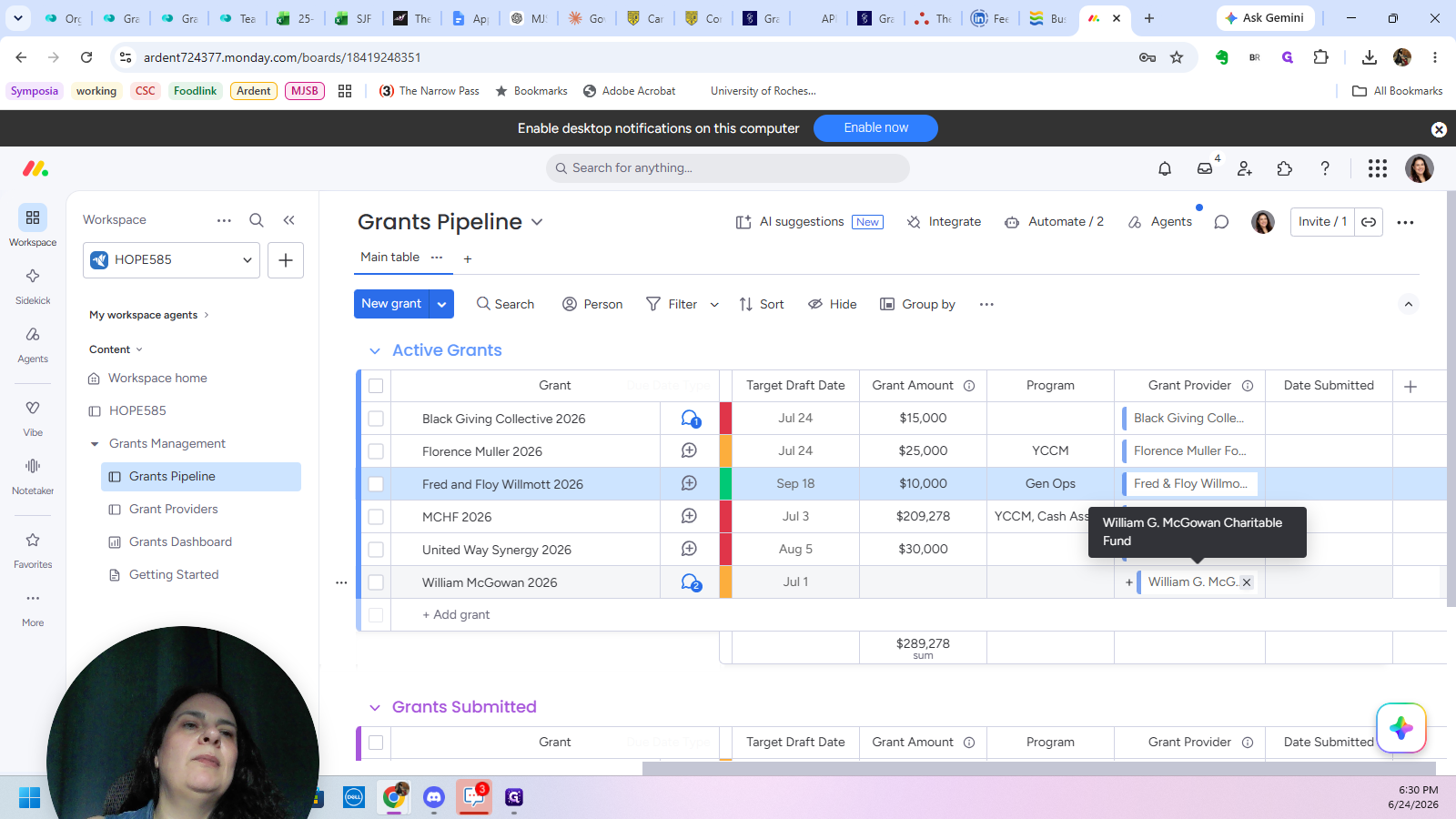
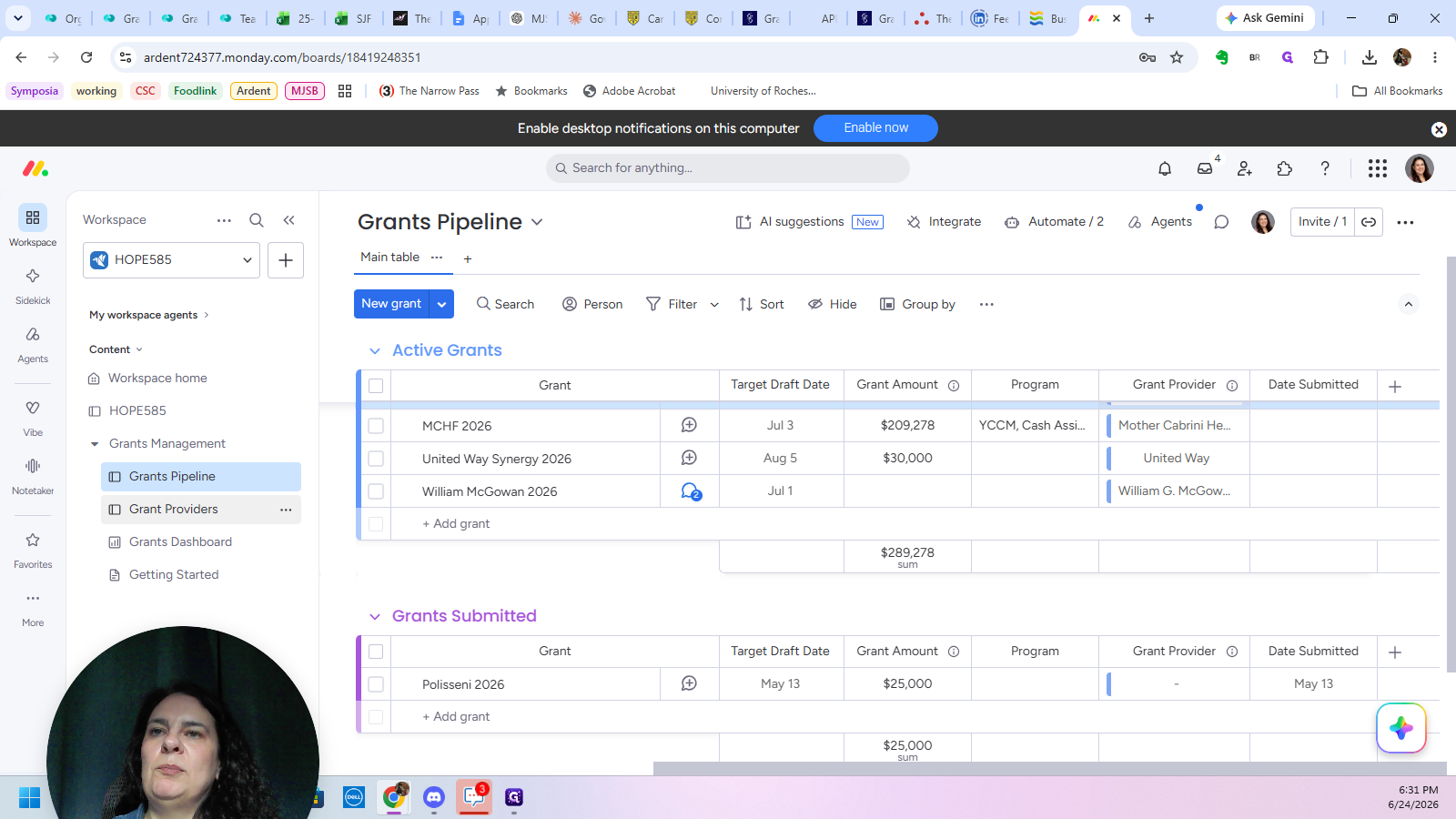
The Grants Pipeline board contains opportunities that have an upcoming target draft date or due date. From here, you can track assignments, update statuses, and monitor deadlines.
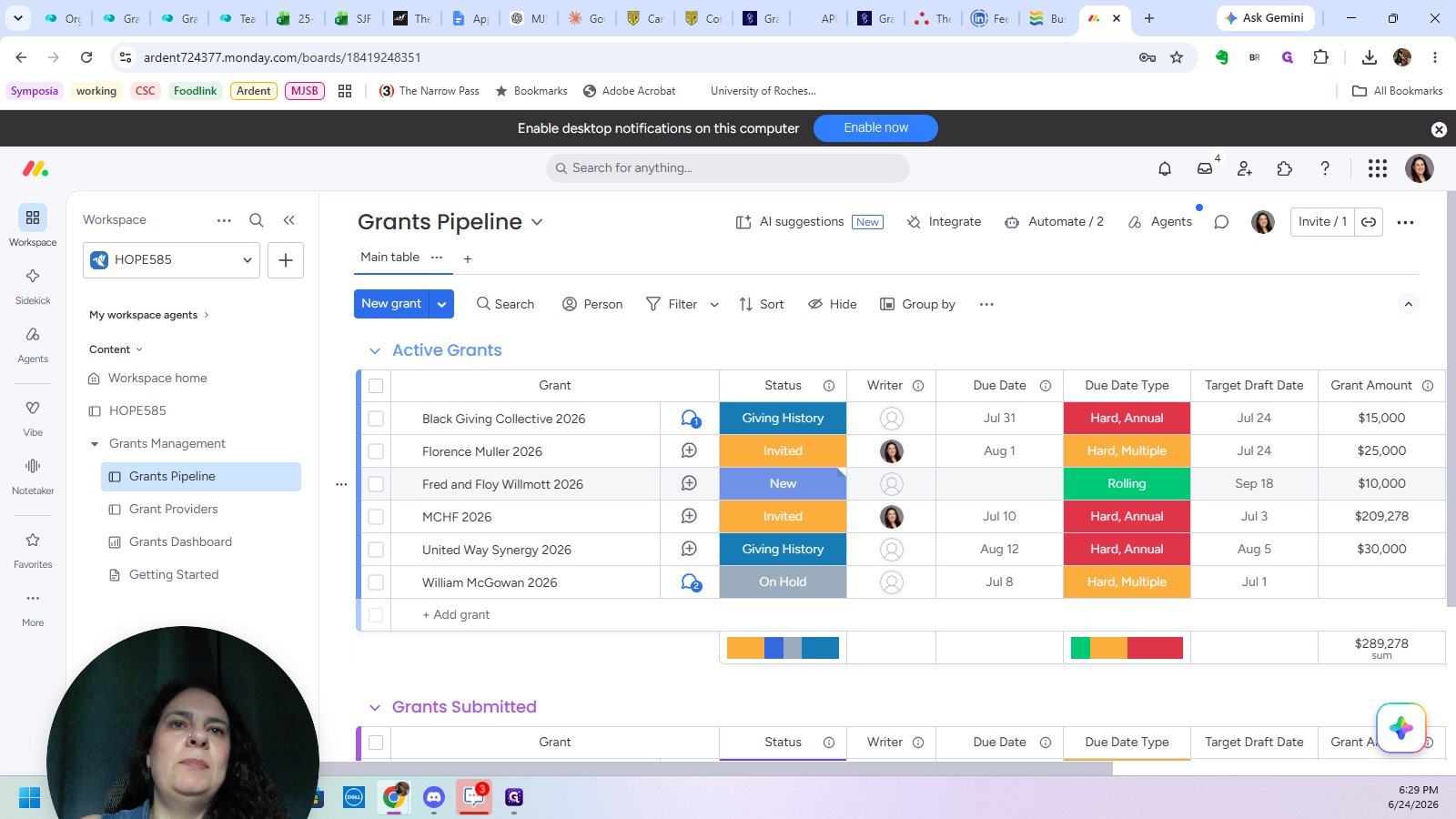
Update the remaining grant details across the board, such as the assigned writer, target draft dates, and expected grant amounts.
When configuring due dates, consider the different types of deadlines providers may use:
Due Date Type | Description |
|---|---|
Firm (Annual) | A strict deadline that occurs only once per year. |
Firm (Multiple) | A strict deadline that features multiple submission windows throughout the year. |
Rolling | Applications are accepted and reviewed continuously with no fixed deadline. |
Update Grant Providers
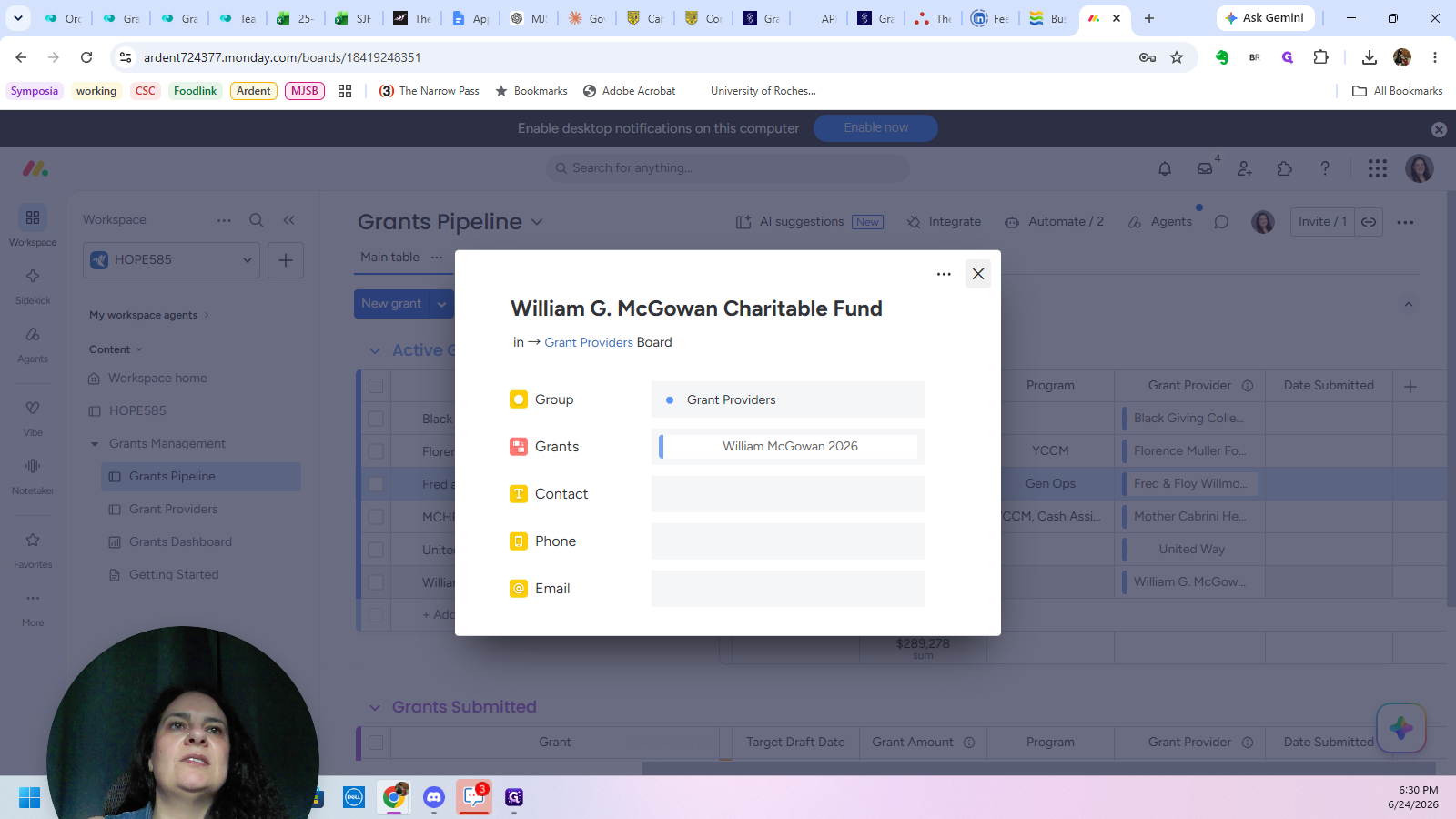
The Grant Providers board stores detailed contact information for each organization. Because it is linked to the pipeline, changes made here keep your entire workflow synced.
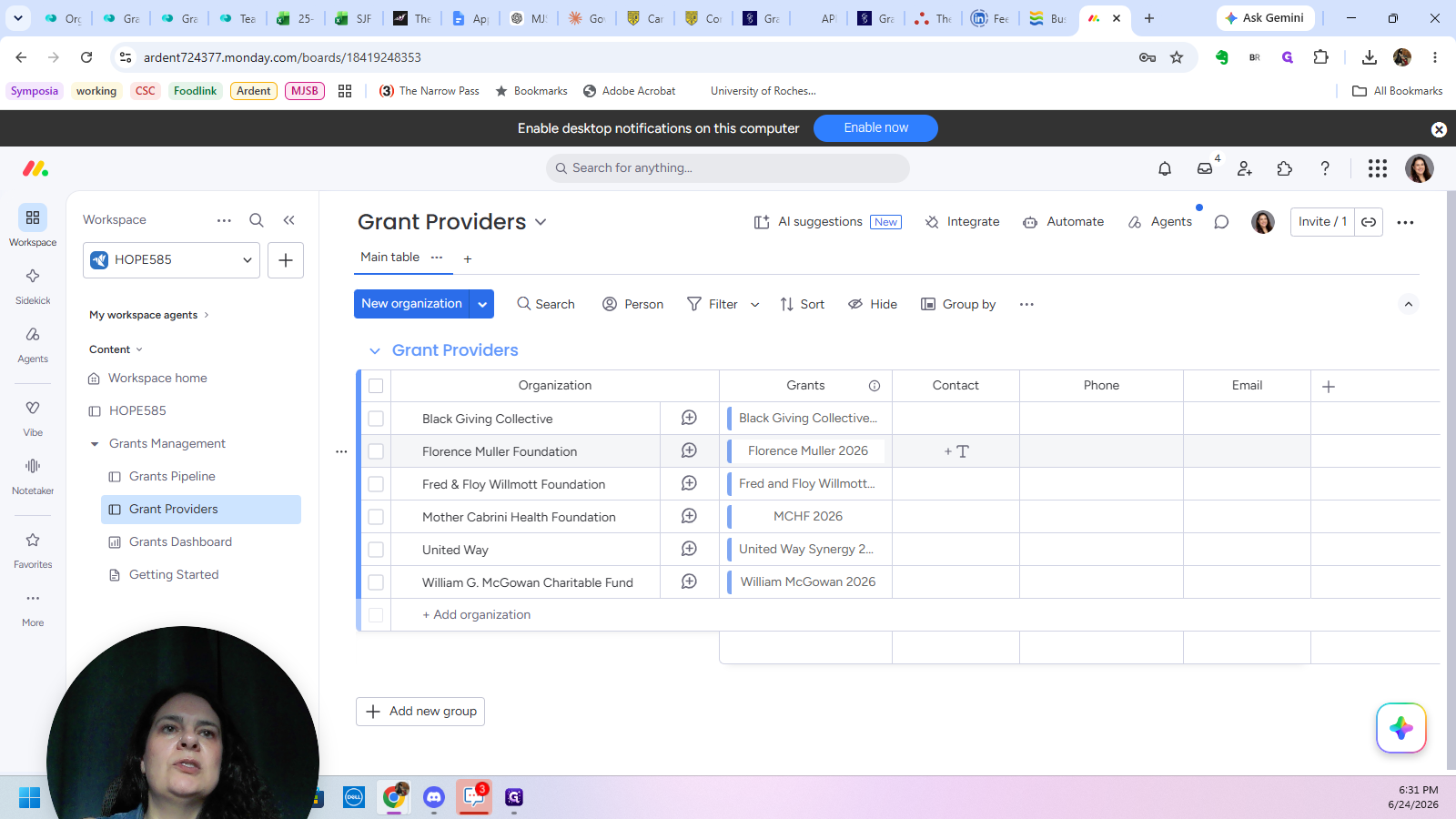
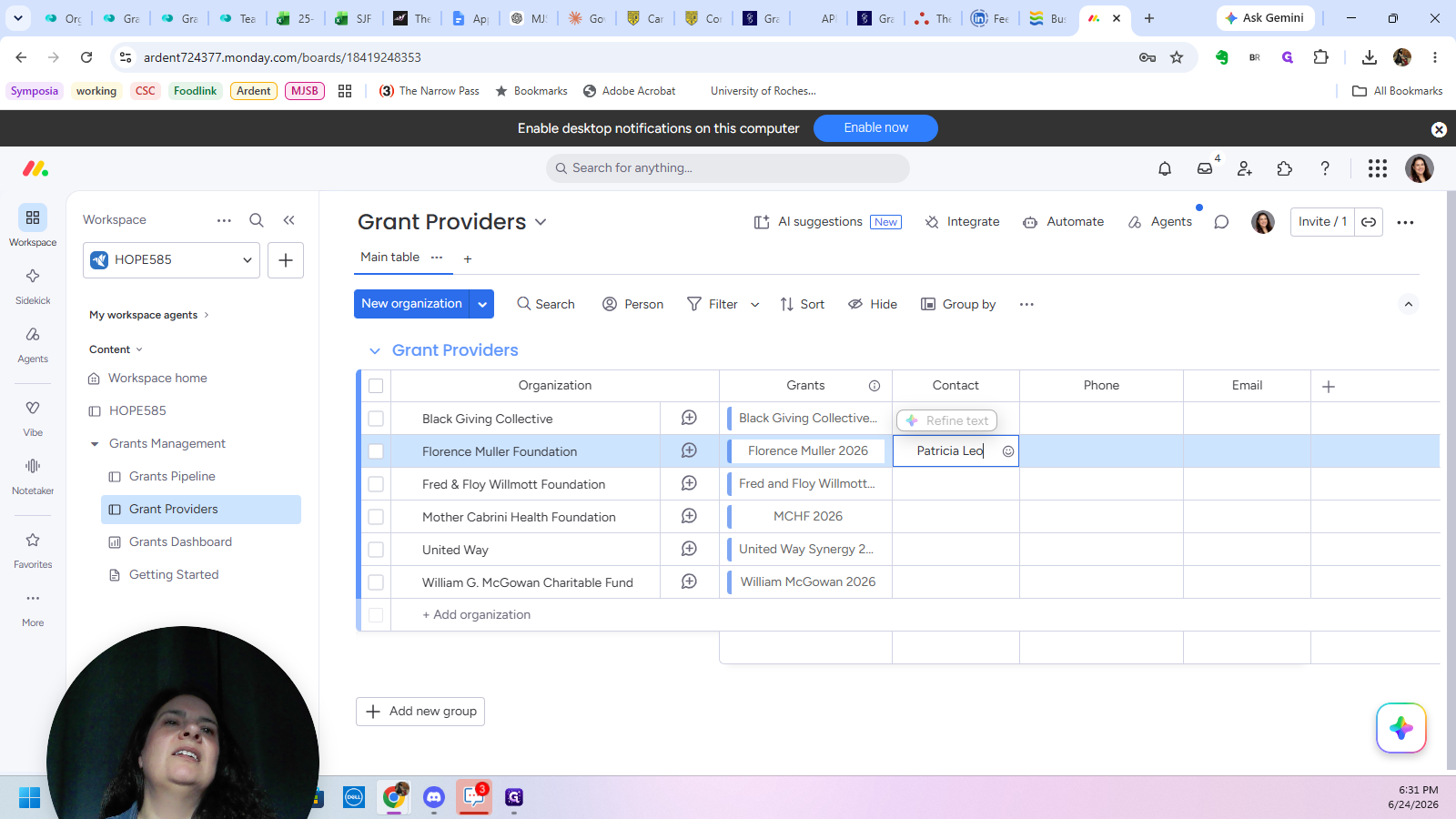
You can also populate additional fields in this board, such as phone numbers and email addresses, to maintain a comprehensive directory.
Review the Grants Dashboard
Q: Does the "Date Submitted" field update automatically?
A: Yes, the date fills itself in automatically when you change a grant's status to "Submitted," which also moves the item to the Grants Submitted section.
Q: What happens if a grant provider isn't listed in the pipeline dropdown?
A: You can easily add a new provider by typing the organization's name directly into the field and selecting the option to create a new record.
Q: Can I change the available status options and colors?
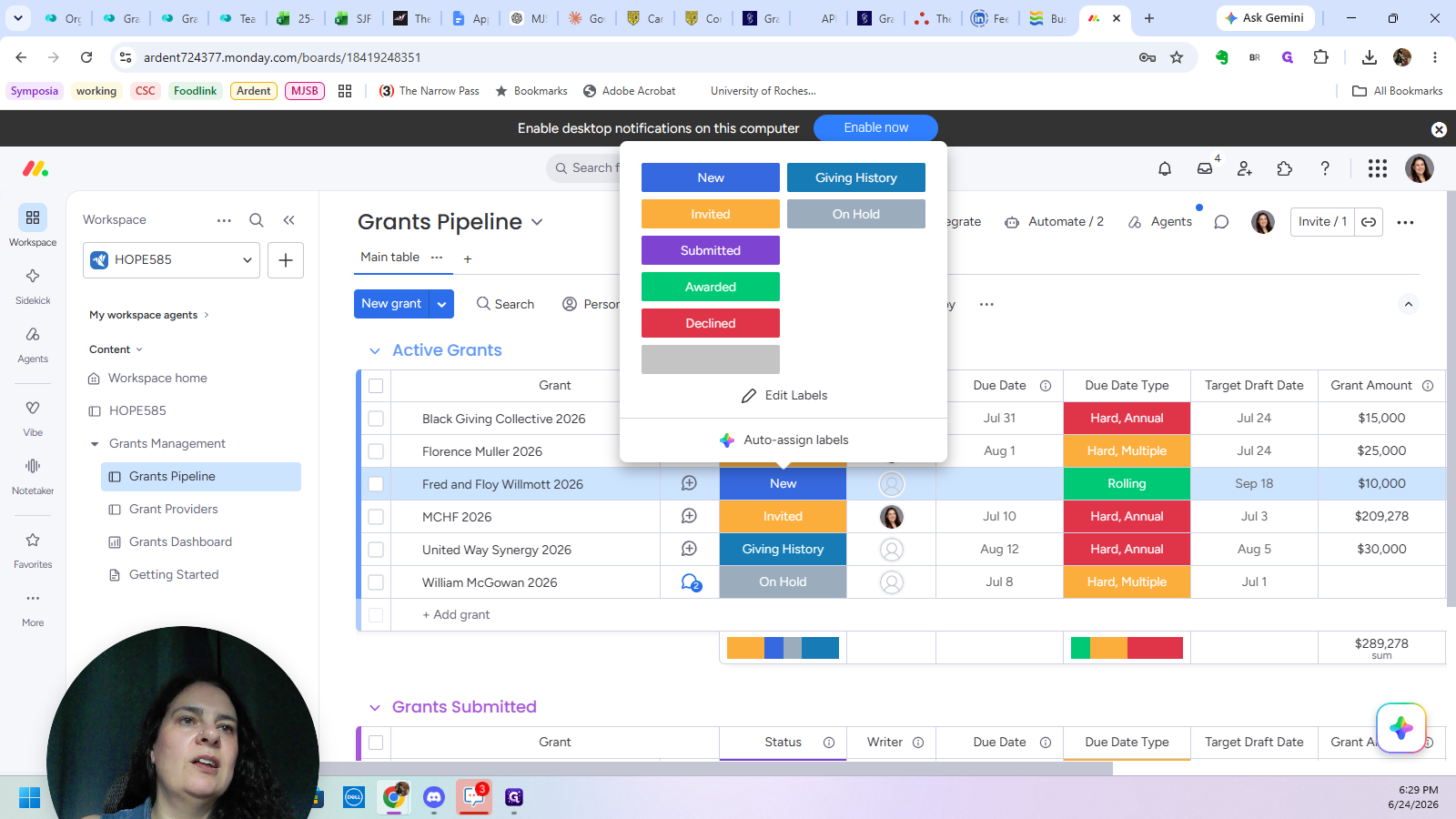
A: Yes. When you click on a status label, select "Edit Labels" at the bottom of the dropdown to add new labels or customize the color scheme to fit your preference.
Term | Definition |
|---|---|
LOI | Letter of Inquiry, an initial introductory document sent to a grant provider to determine their interest before submitting a full proposal. |
Linked Field | A specific column type that connects and syncs data between two different boards, such as tying the active pipeline to the grant providers list. |
Target Draft Date | An internal deadline set by a team for completing the initial draft of a grant application prior to final submission. |
Rolling Date | A type of deadline where an organization accepts and reviews applications continuously throughout the year rather than on a set day. |