Track Trip Planning Progress in TripSetta
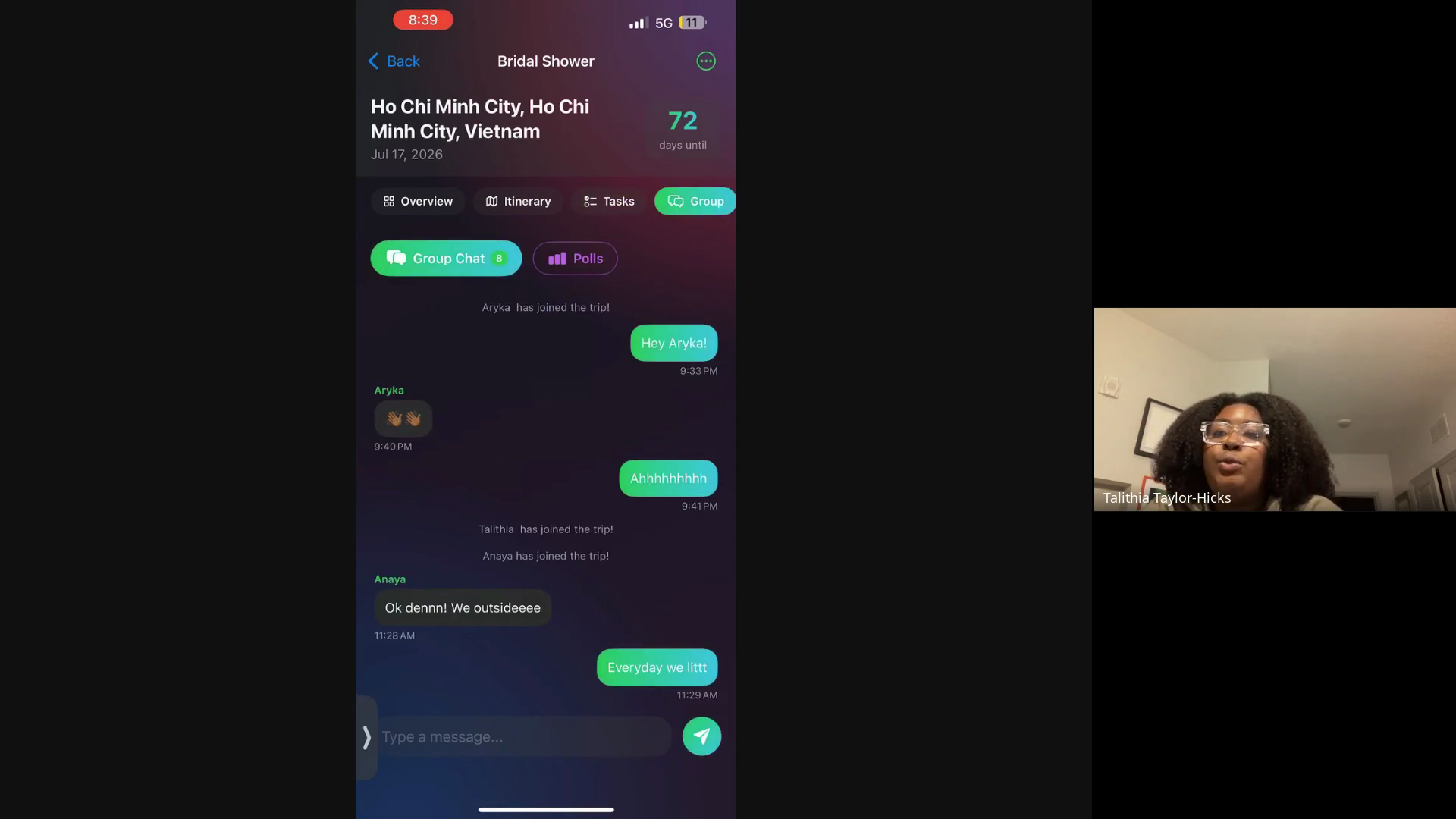
Learn how to manage your itinerary, collaborate with your group, and track your end-to-end planning progress using the Trip Roadmap.
Track your trip's end-to-end planning progress and manage group communication in one centralized app. Completing the roadmap ensures all logistical and experiential tasks are ready before departure.
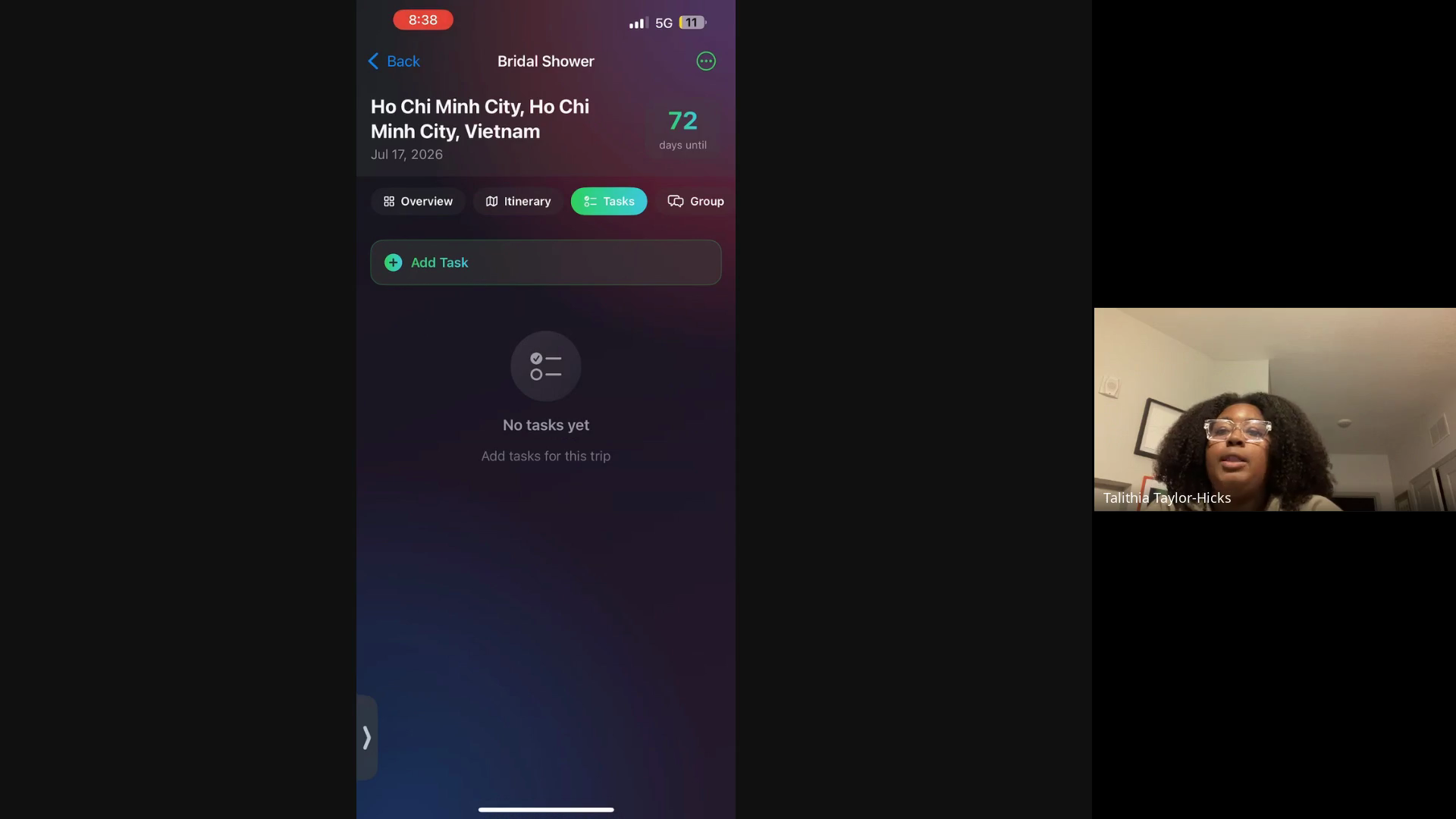
Ideal for trip organizers and group travelers who need a centralized dashboard to track outstanding tasks, share itineraries, and monitor overall trip readiness.
Managing Your Trip Dashboard
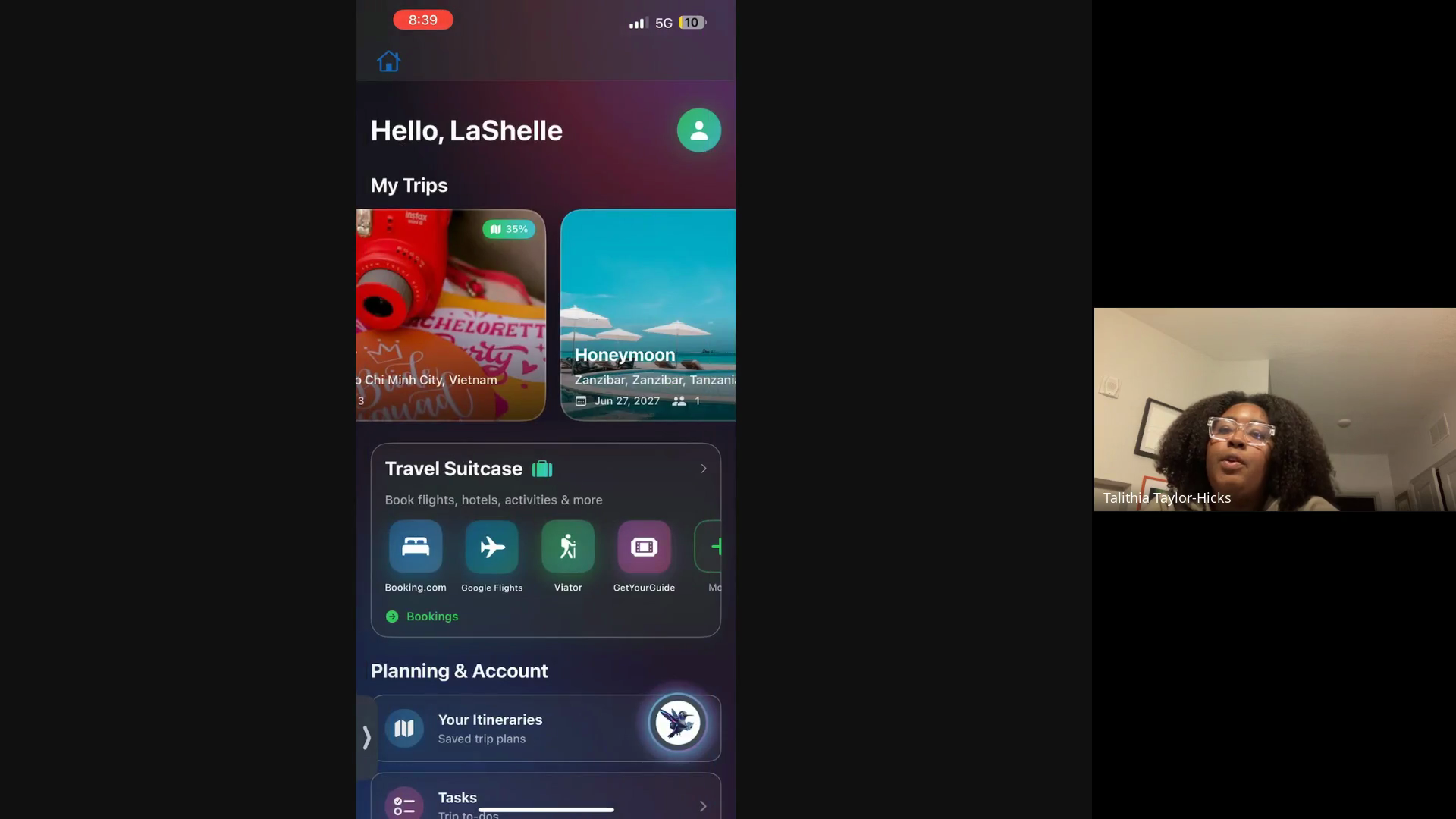
Using the Trip Roadmap
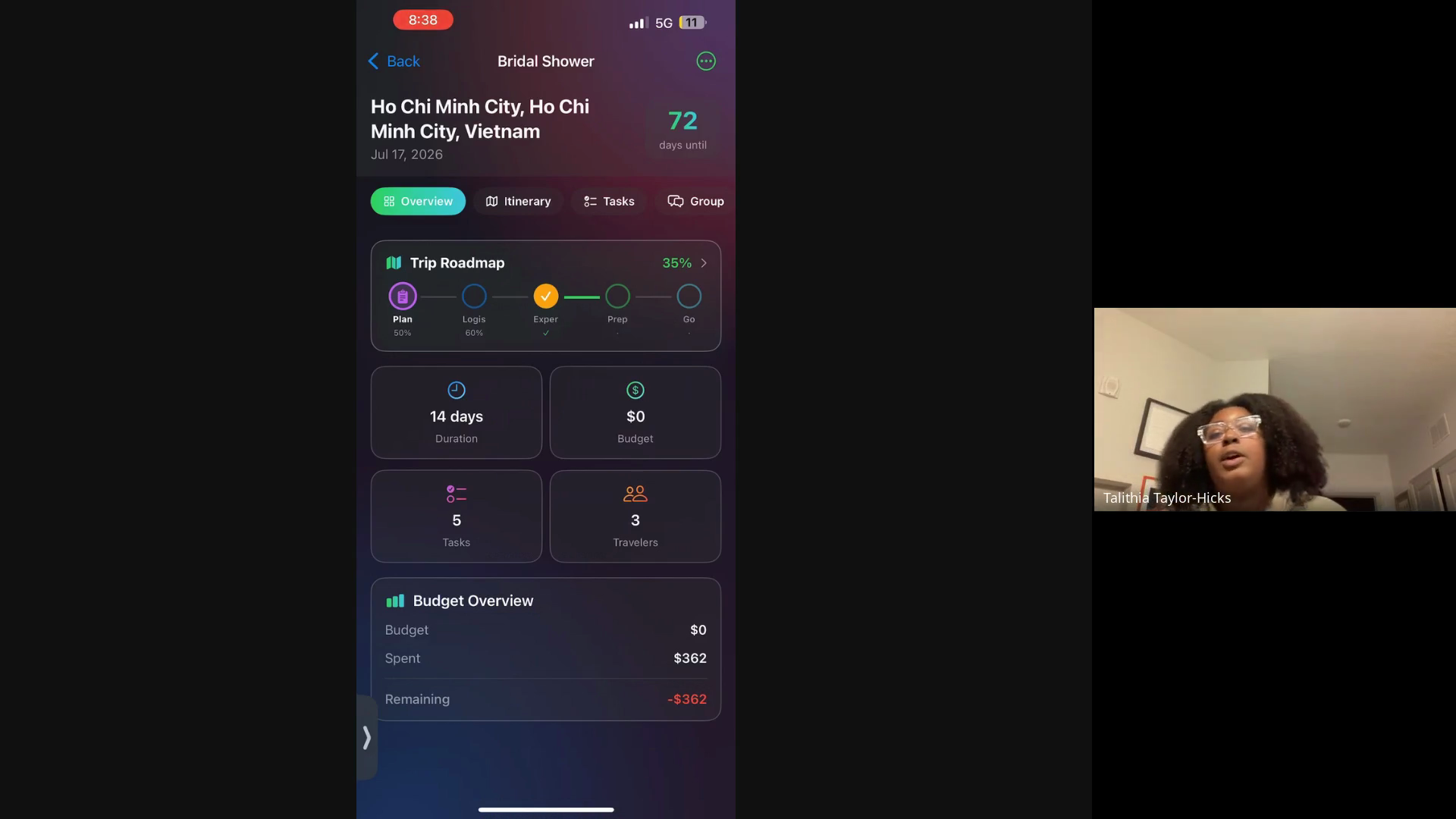
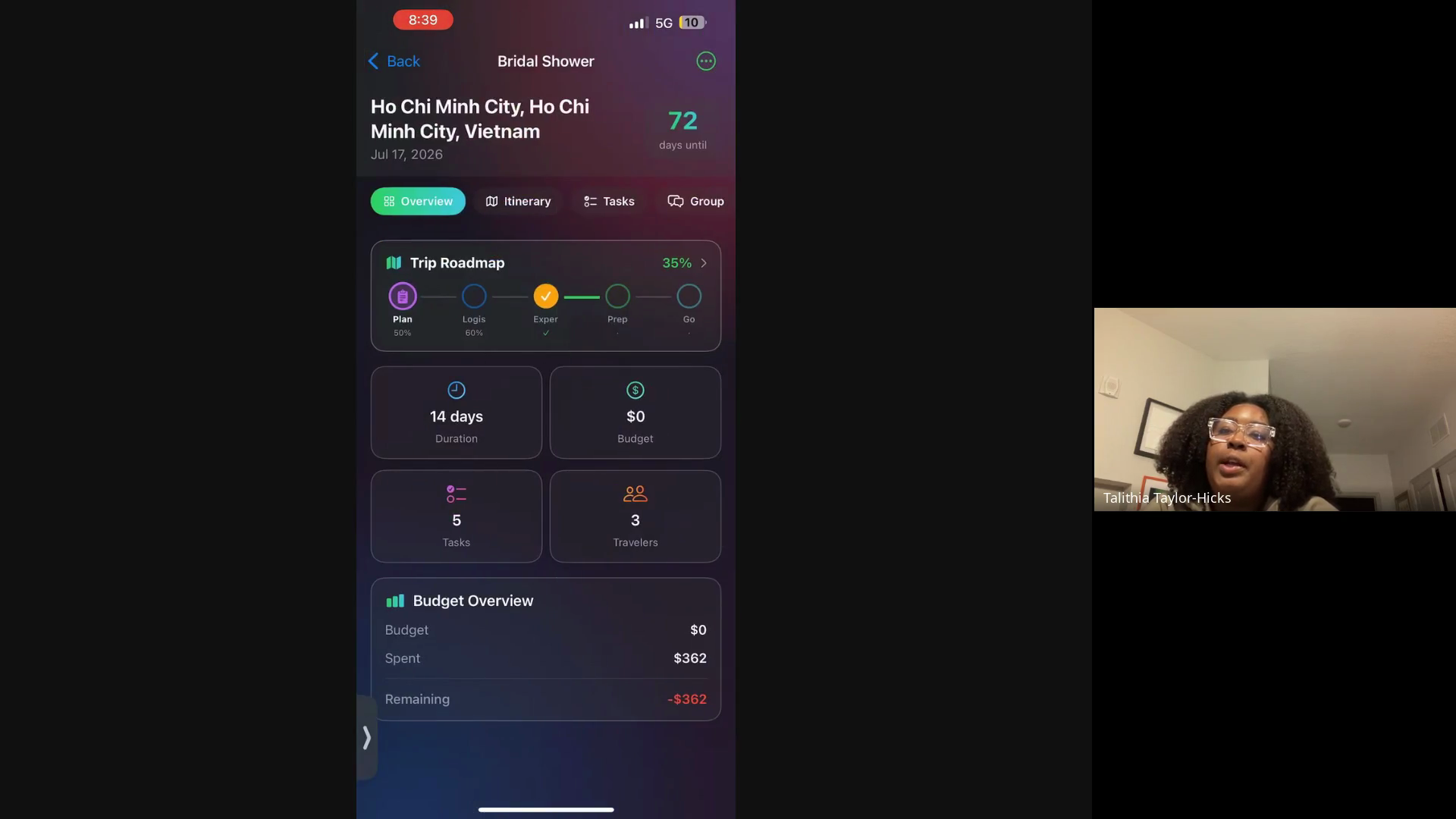
The Trip Roadmap provides an end-to-end checklist for your destination. Once your progress reaches 100%, your trip is fully planned.
Trip Phases Explained
Phase | Purpose |
|---|---|
Planning | Brainstorm ideas, set the trip's vibe, draft a preliminary budget, and gather inspiration. |
Logistics | Manage core details such as travel dates, budget breakdowns, flights, and accommodations. |
Experience | Plan the fun elements of the trip, including daily activities, tours, and meals. |
Prep | Complete critical prerequisites like confirming major bookings, checking international visa requirements, and uploading travel documents. |
Go | Review the final pre-departure checklist, monitor your flight countdown, and ensure you have essentials like your phone and wallet. |
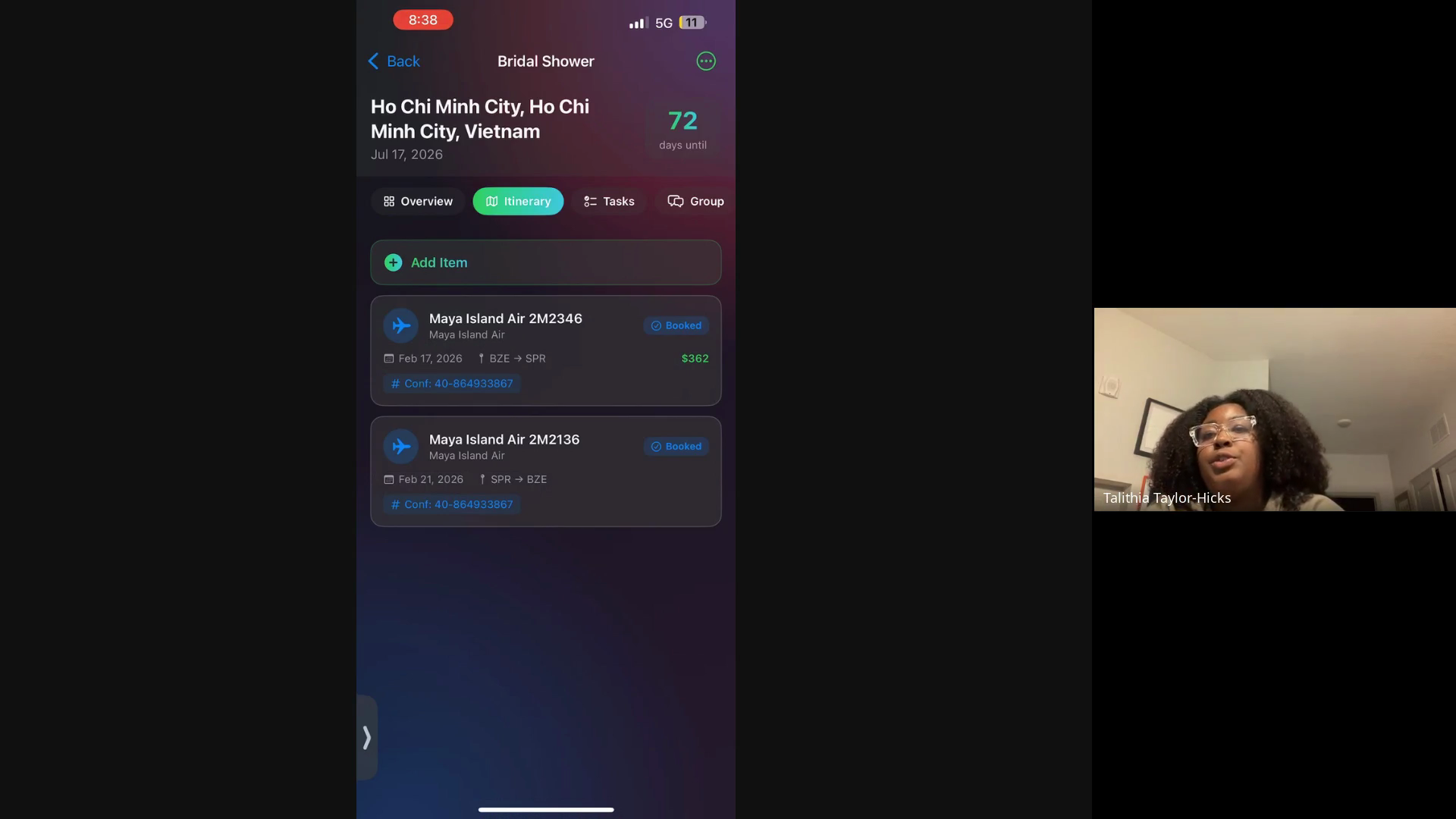
Q: How do booking confirmations get added to the itinerary?
A: You can email booking confirmations directly to your personalized link, and they will automatically populate in your itinerary.
Q: Will the app remind me of international travel requirements?
A: Yes. In the Prep phase, the app flags international trips and prompts you to verify visa and documentation requirements.
Q: Do I need to manually update my Trip Roadmap progress?
A: No, your overall progress percentage automatically syncs and updates as you complete tasks and phases in the app.
Term | Definition |
|---|---|
Trip Roadmap | A visual progress tracker that breaks down trip planning into five distinct phases. |
TripSetta | The travel planning platform used to organize itineraries, group communication, and booking details. |