
Troubleshoot and Retry Failed n8n Executions
Learn how to inspect execution errors in n8n, update invalid API credentials, publish changes, and retry failed workflow executions.
Purpose
This guide explains how to identify workflow execution errors in n8n, diagnose the root cause at the node level, and re-run failed runs. Following these steps allows you to locate failed runs, update invalid node credentials such as expired Anthropic API keys, publish the updated workflow, and retry executions using the saved changes.
Scope
This procedure applies to workflow automation engineers and system administrators monitoring and maintaining automated workflows in n8n. It covers inspecting global and workflow-specific execution logs, troubleshooting credential failure errors in AI model nodes, and republishing workflows. Generating new API keys in third-party provider dashboards is out of scope and addressed in separate credential-rotation documentation.
Check Global Executions
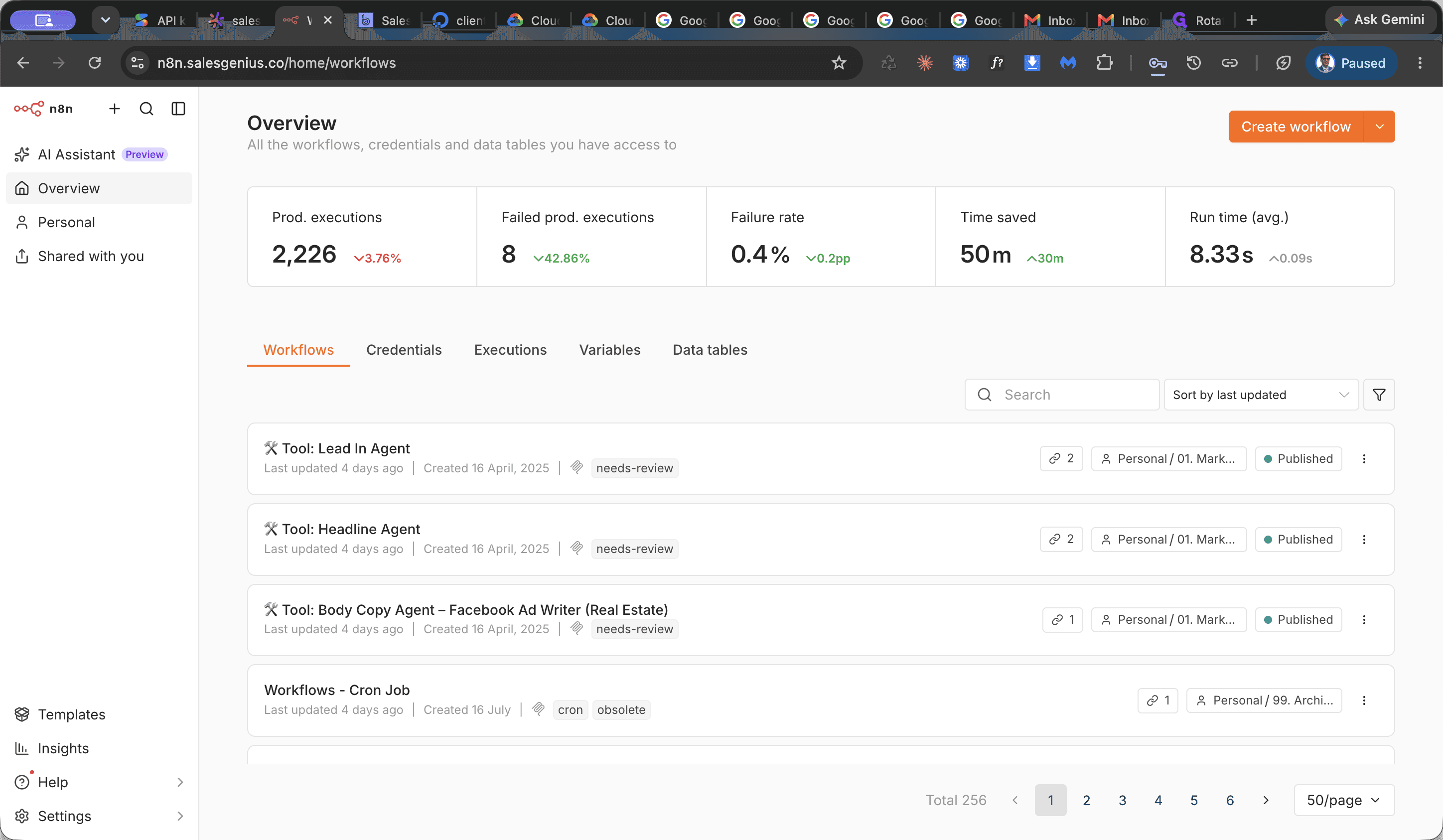
Review the list to identify any workflows that finished with an error status.
Locate and Open the Affected Workflow
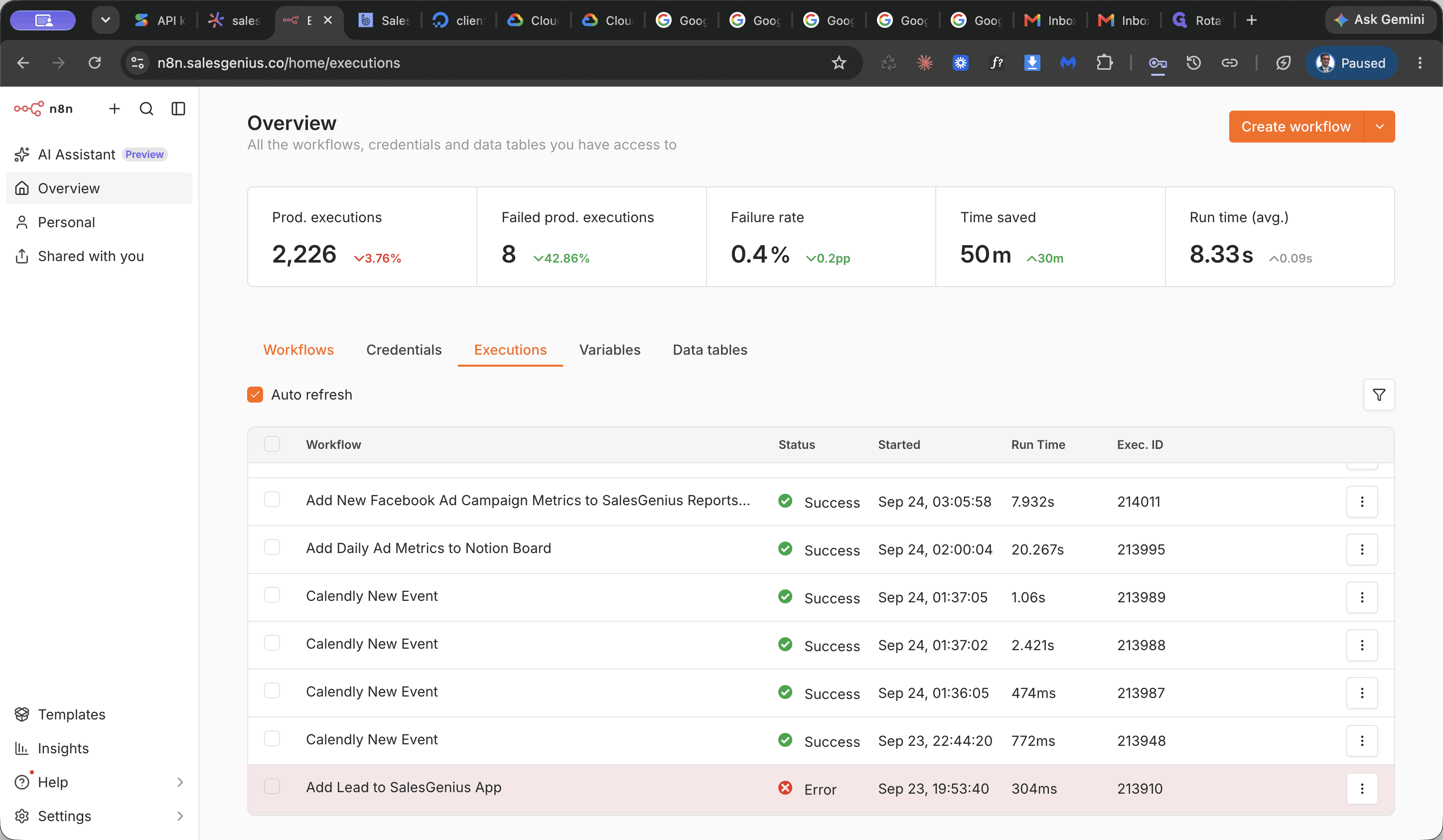
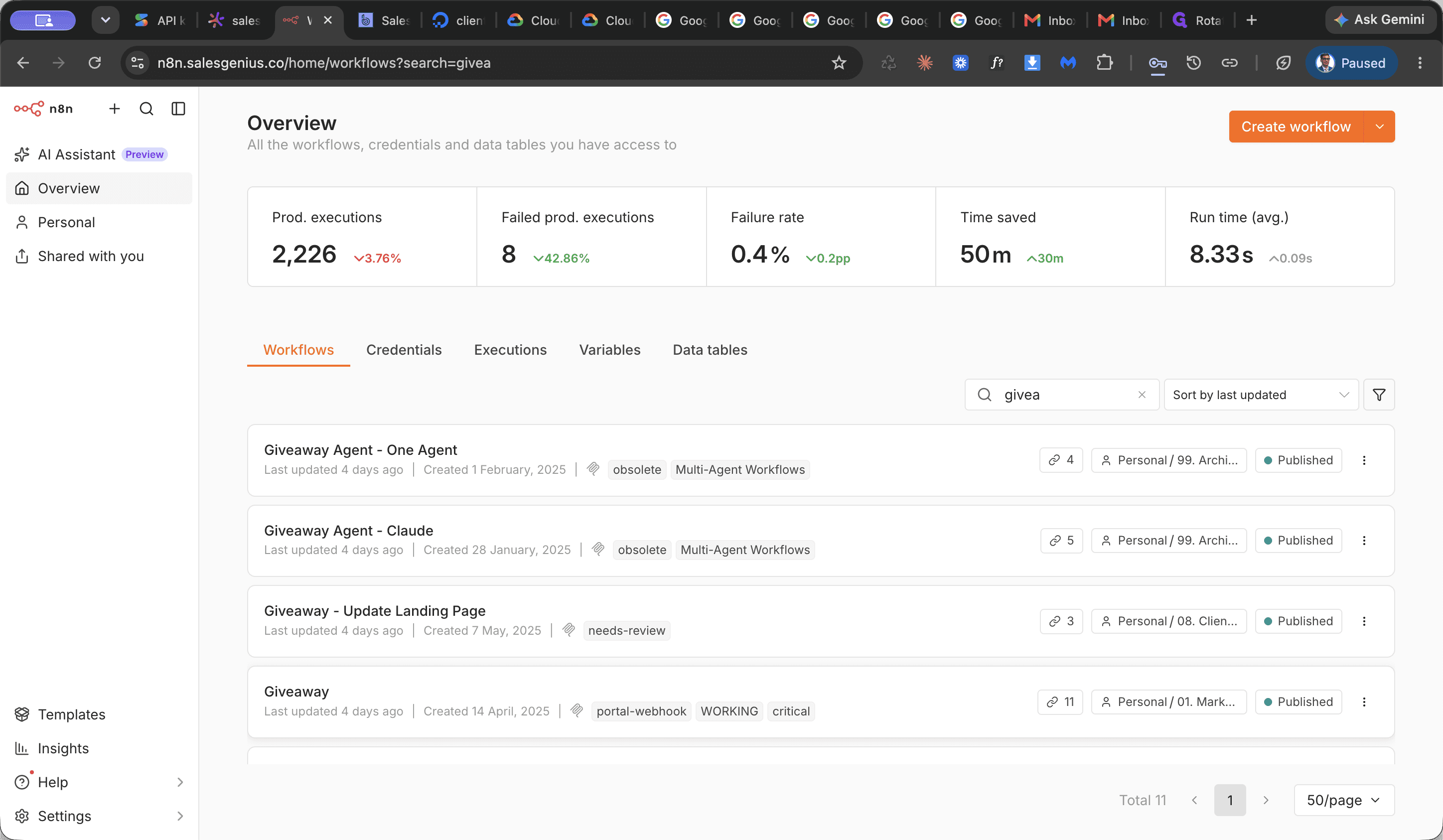
Inspect the Failed Execution
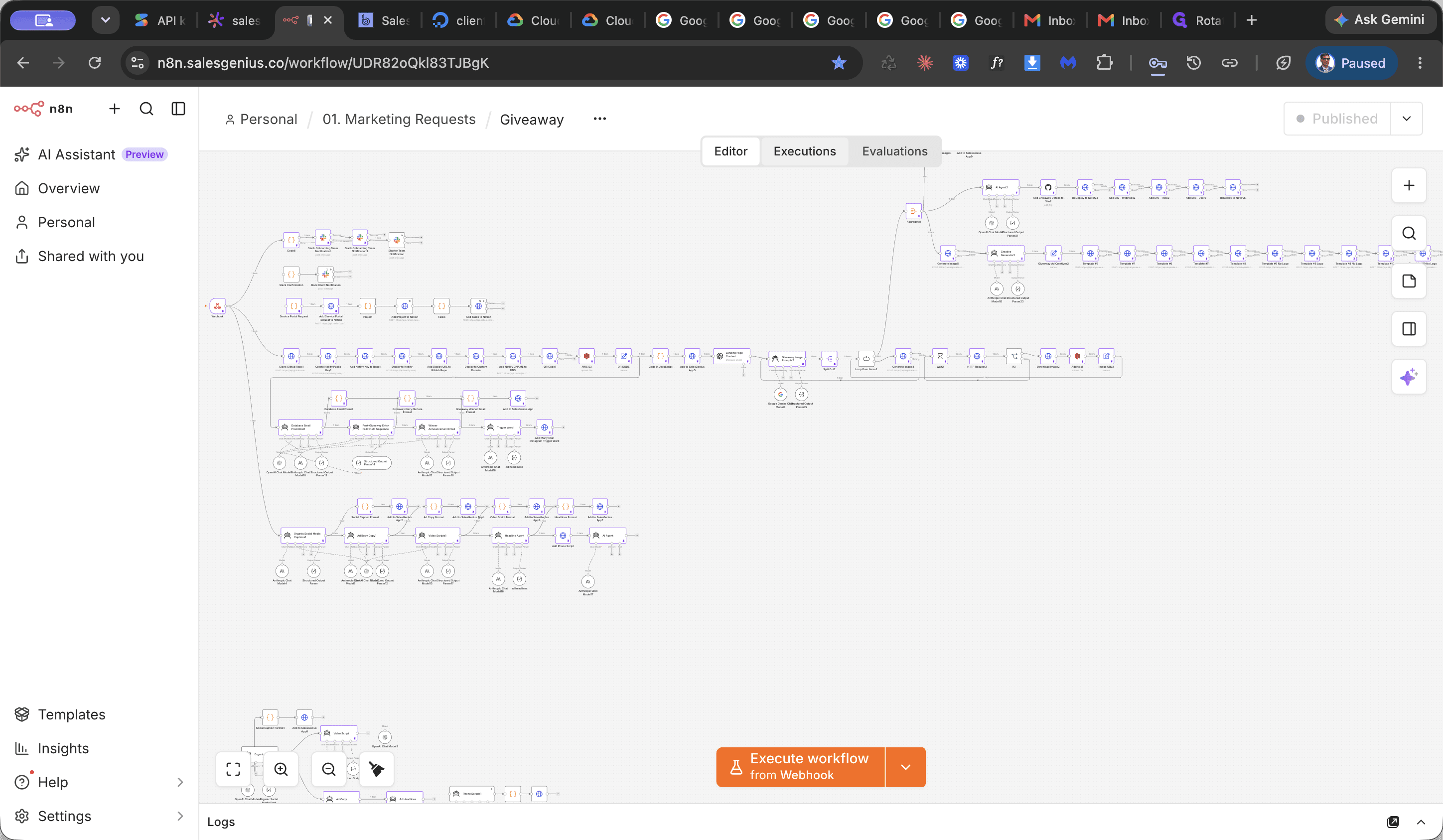
Select the run that encountered an error to view the workflow execution path.
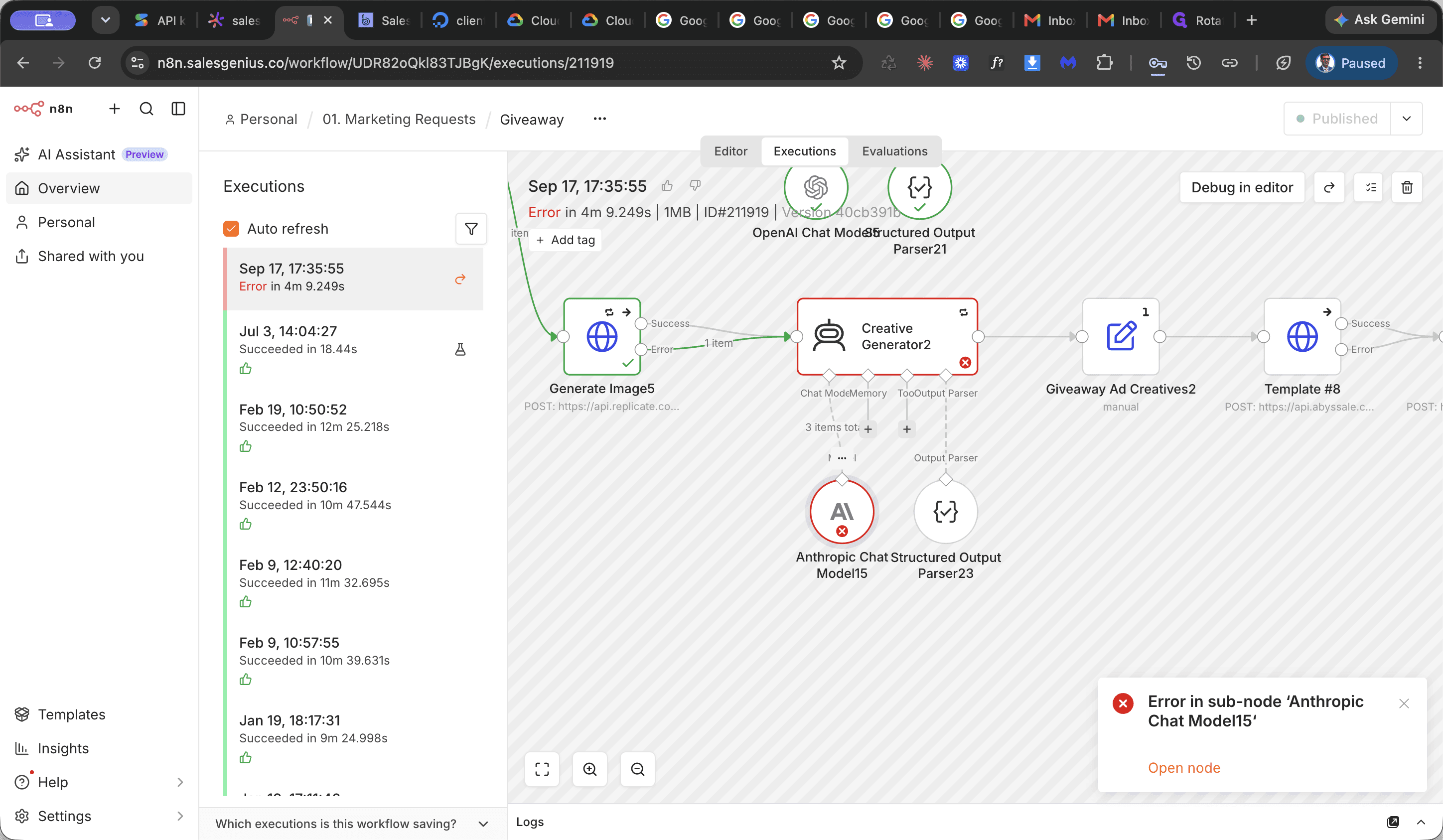
Check the error message in the node details panel to identify the cause of the failure, such as invalid credentials or authorization failure.
Update Node Credentials
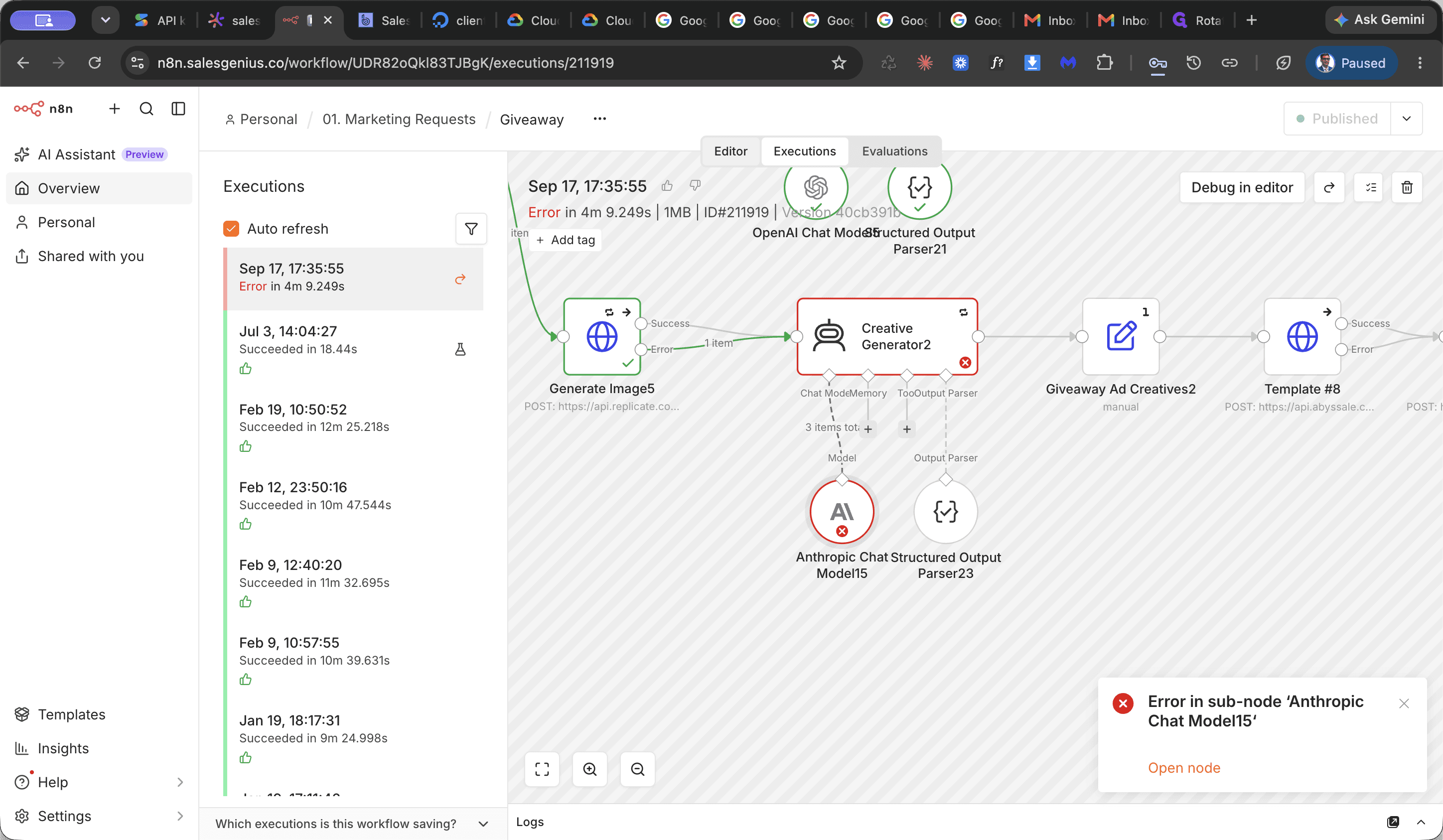
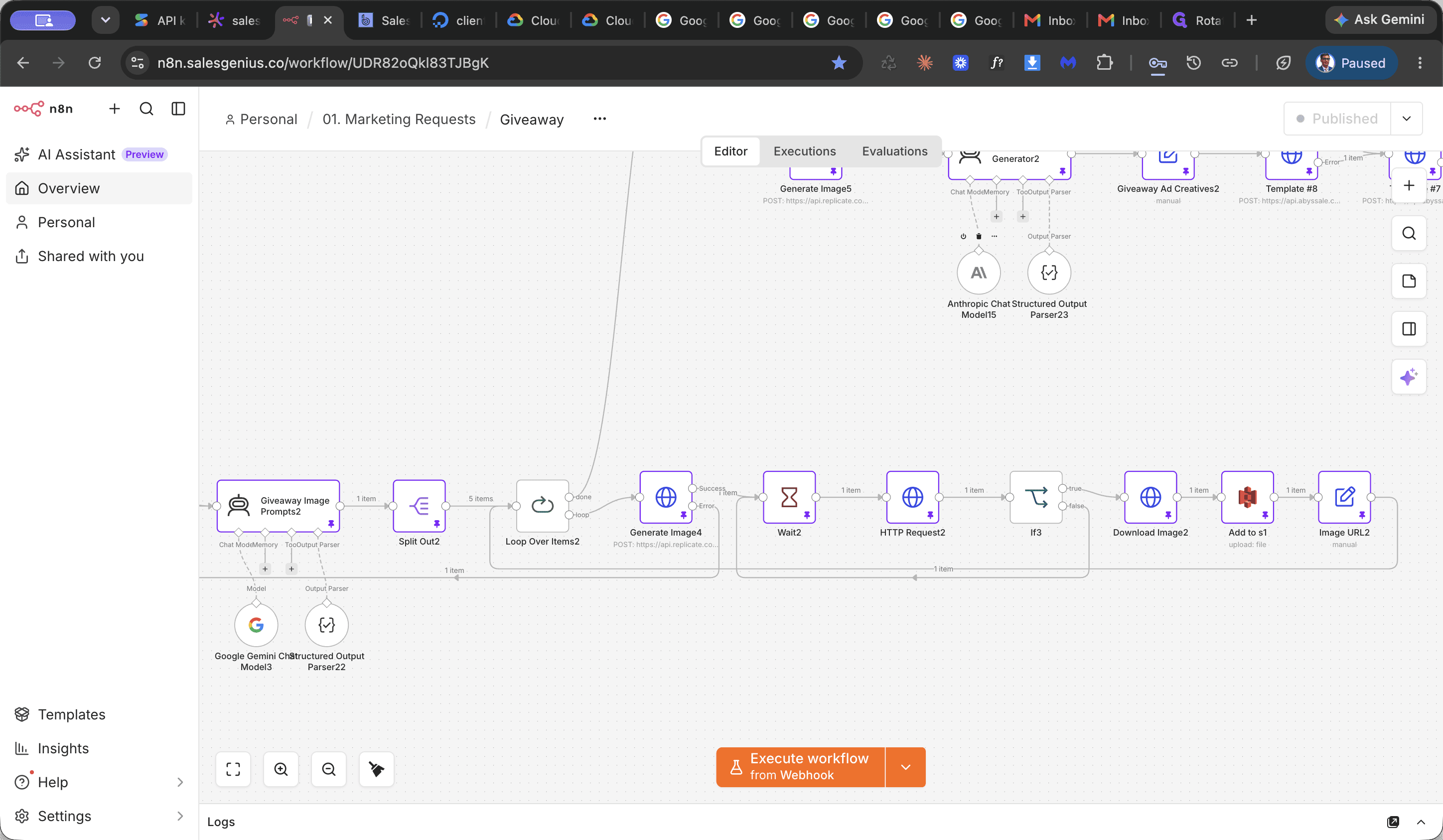
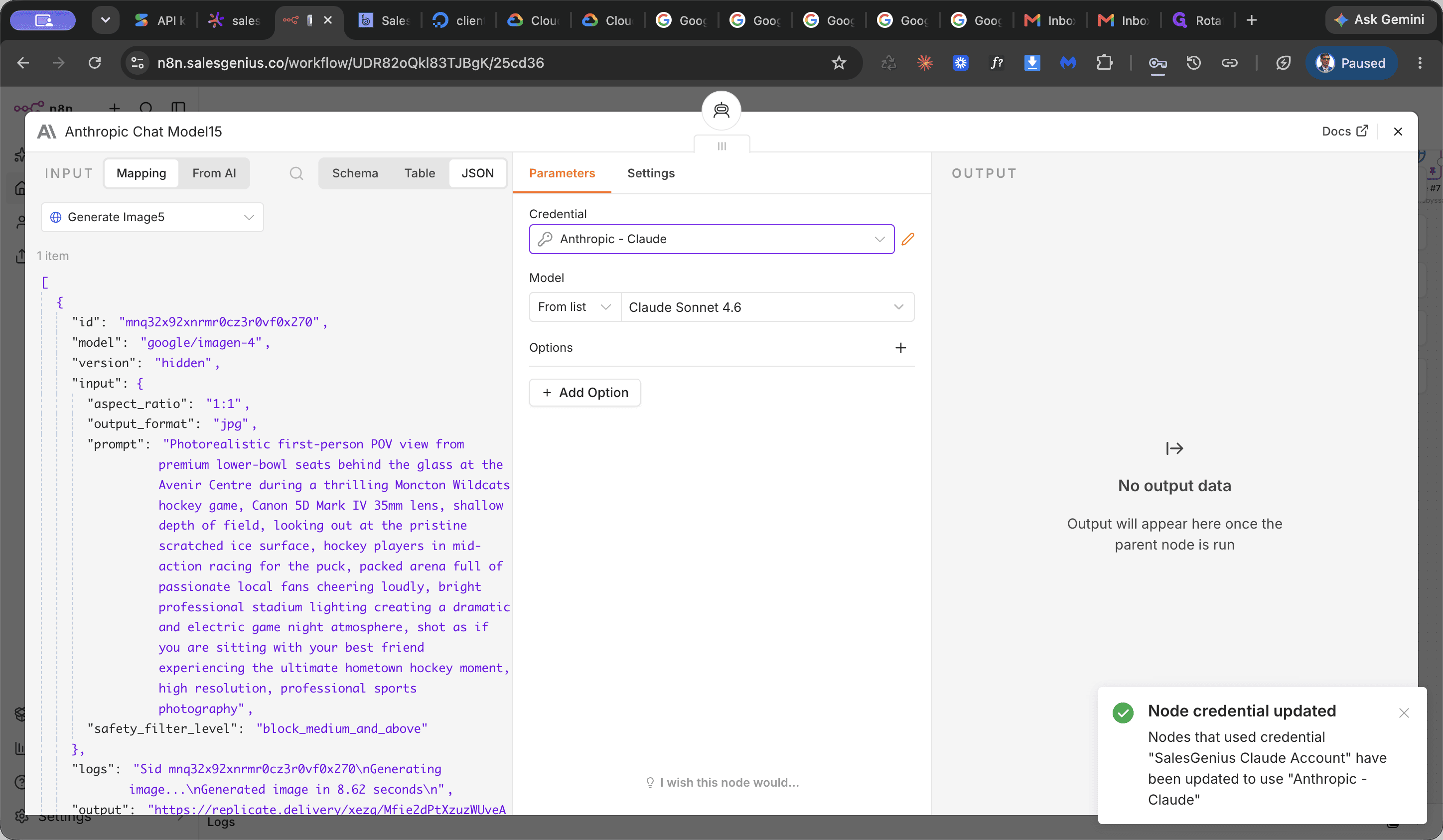
Enter the new or rotated API key in the credential settings modal to restore authorization.
Publish Workflow Changes
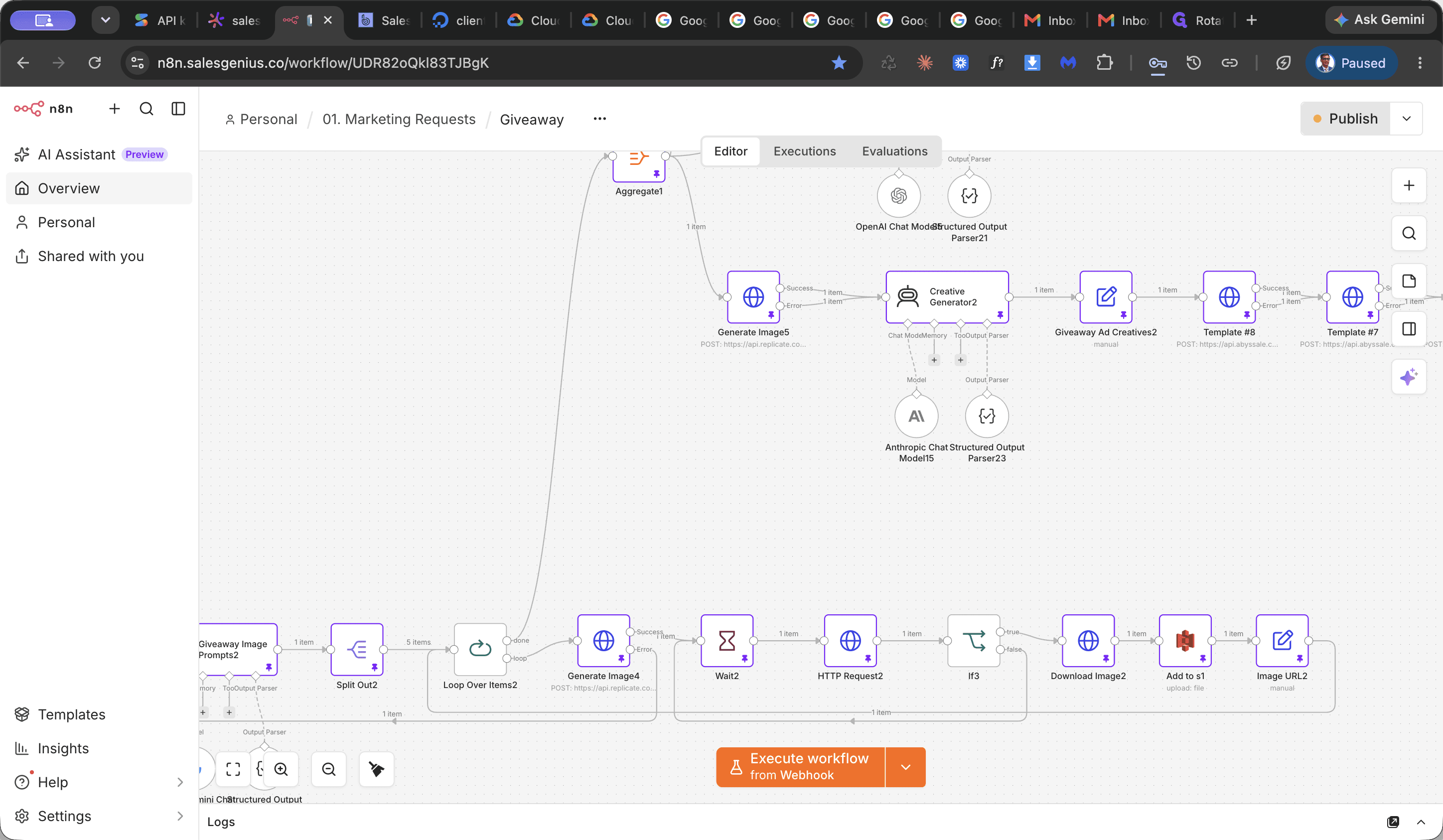
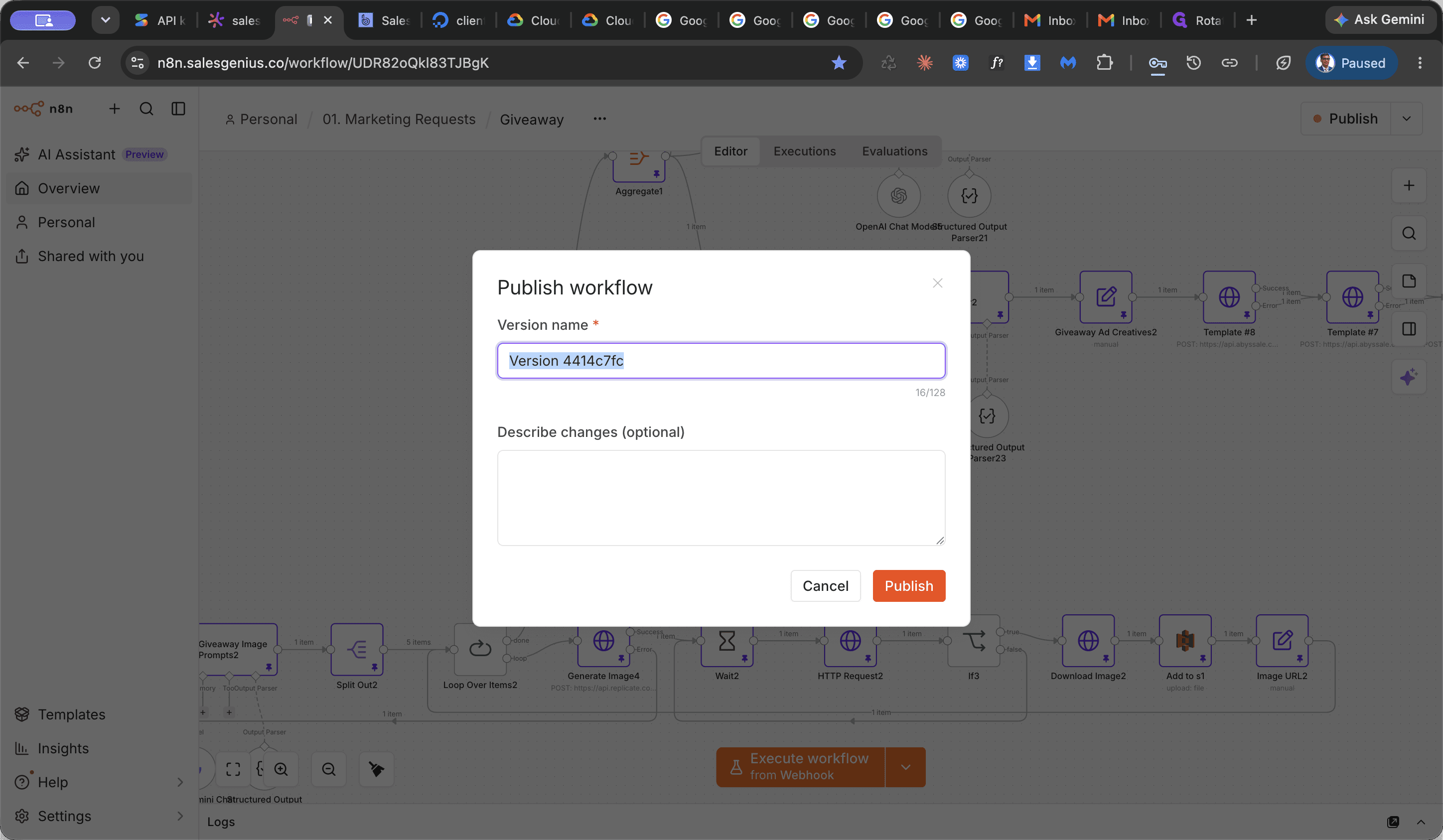
Publishing applies and activates all credential and configuration changes across the workflow.
Retry the Failed Execution
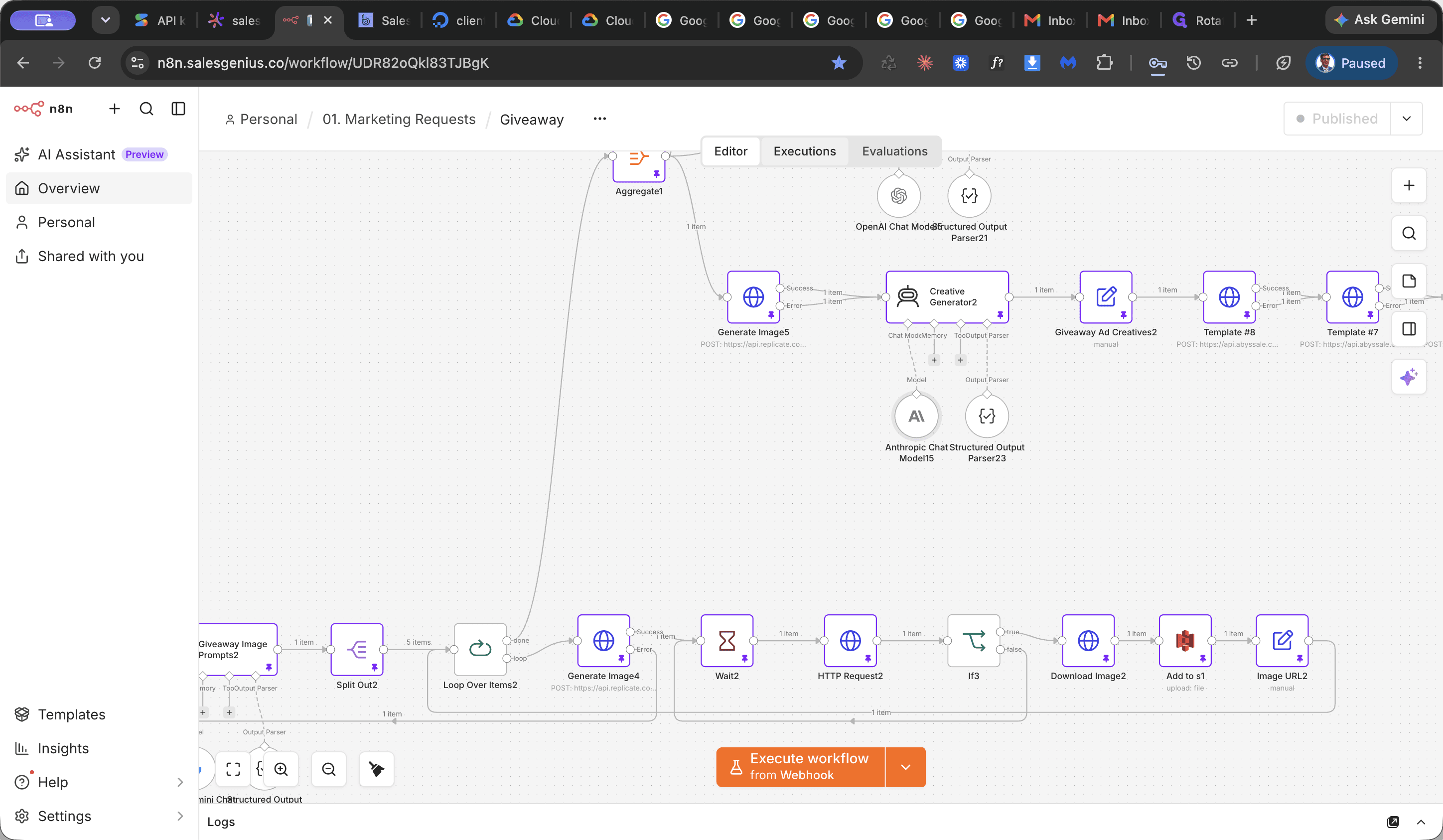
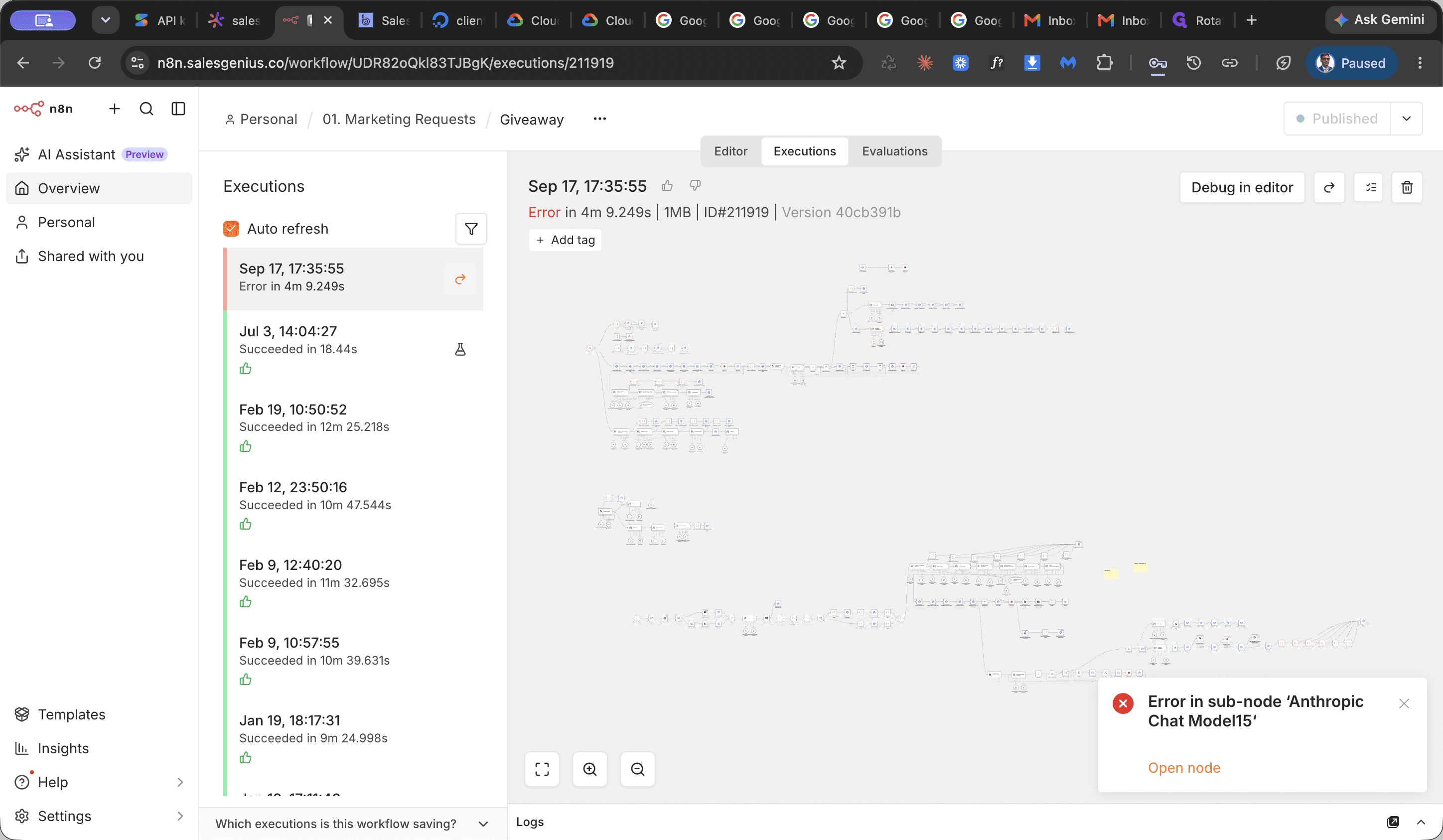
This re-runs the execution with the updated credentials and saved workflow configuration.
FAQ
Q: What should I do if an AI node reports an authorization failure?
A: Check the credential settings for the node. If the API key is marked invalid, update or rotate the API key in the credential parameters panel, publish the workflow, and retry the execution.
Q: Do I need to publish the workflow before retrying a failed run?
A: Yes. Retrying with the currently saved workflow requires the latest updates and credentials to be saved and published first so the execution can run against the updated settings.
Glossary
Term | Definition |
|---|---|
Executions | The log and view within n8n that tracks past and ongoing workflow run statuses, inputs, outputs, and errors. |
Retry with currently saved workflow | An n8n execution option that restarts a failed run using the latest published state of the workflow rather than its original execution snapshot. |
Editor | The visual workspace canvas in n8n where workflow nodes and connection parameters are modified and published. |