
Understand Designs vs. Samples in Lab Thread
Learn the core differences between theoretical designs and physical samples in Lab Thread, and discover how creating designs first speeds up sample logging.
This guide explains the foundational differences between theoretical designs and physical samples within Lab Thread. By understanding these concepts, you can streamline your inventory workflow and log new physical samples much faster.
This applies to lab managers and researchers who are configuring their inventory tracking system. It is most helpful when establishing a new database structure or preparing to log large batches of physical inventory.
In Lab Thread, managing your inventory requires understanding two core concepts: Designs and Samples.
Concept | Description | Example Properties/Data Fields |
|---|---|---|
Design | The theoretical blueprint of what you are trying to create. | Information that does not change. Biological safety category, preferred culturing conditions. |
Sample | The physical embodiment or actual tube of a design in the lab. | Information that can vary based on the sample. Sterility, mycoplasma status, volume, concentration, pH. |
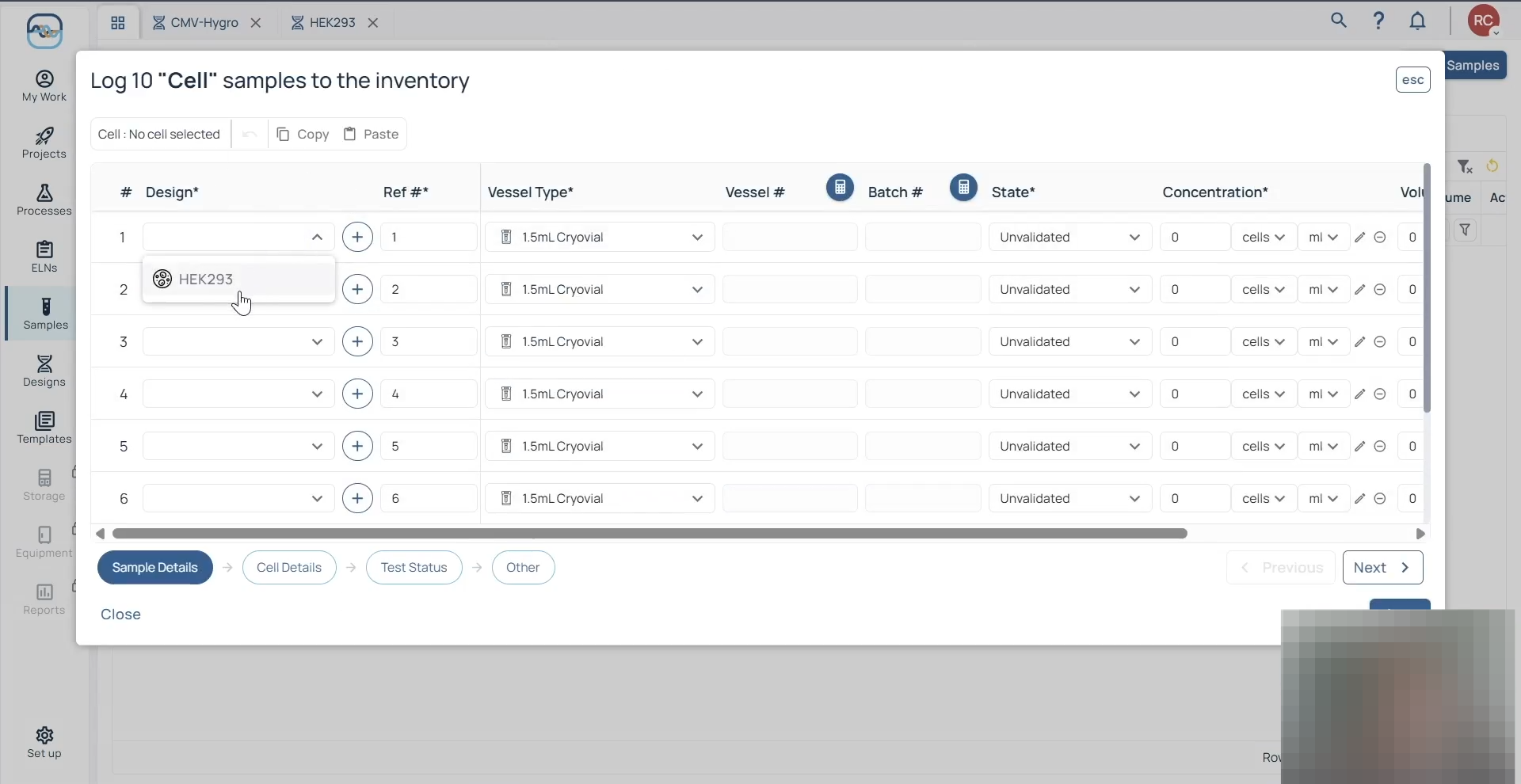
By building out your Designs first, you only have to define fixed characteristics once. When you subsequently log physical Samples, referencing those pre-existing Designs drastically speeds up your data entry.
Exploring Designs
Begin by familiarizing yourself with the theoretical designs currently configured in your system.
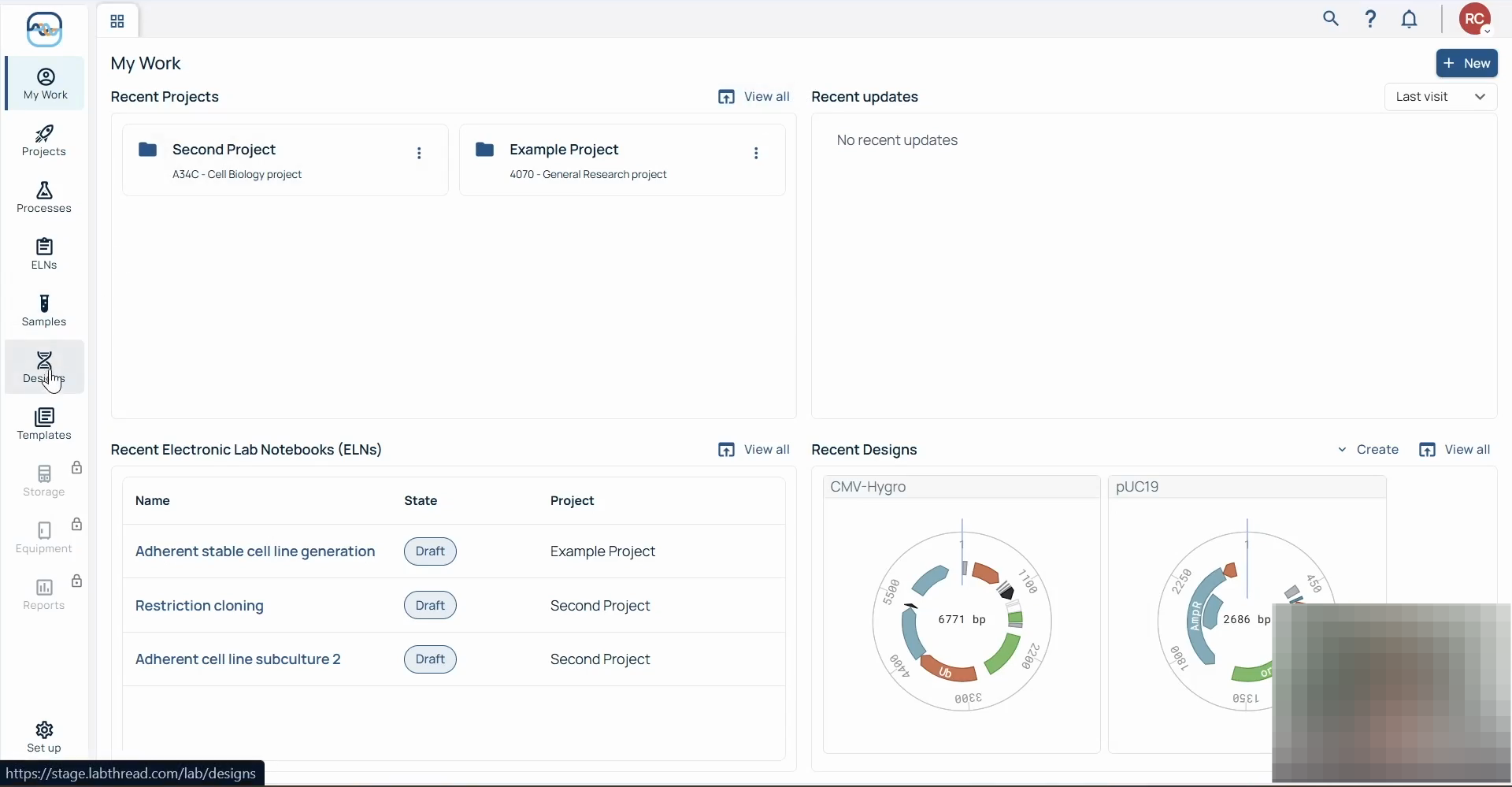
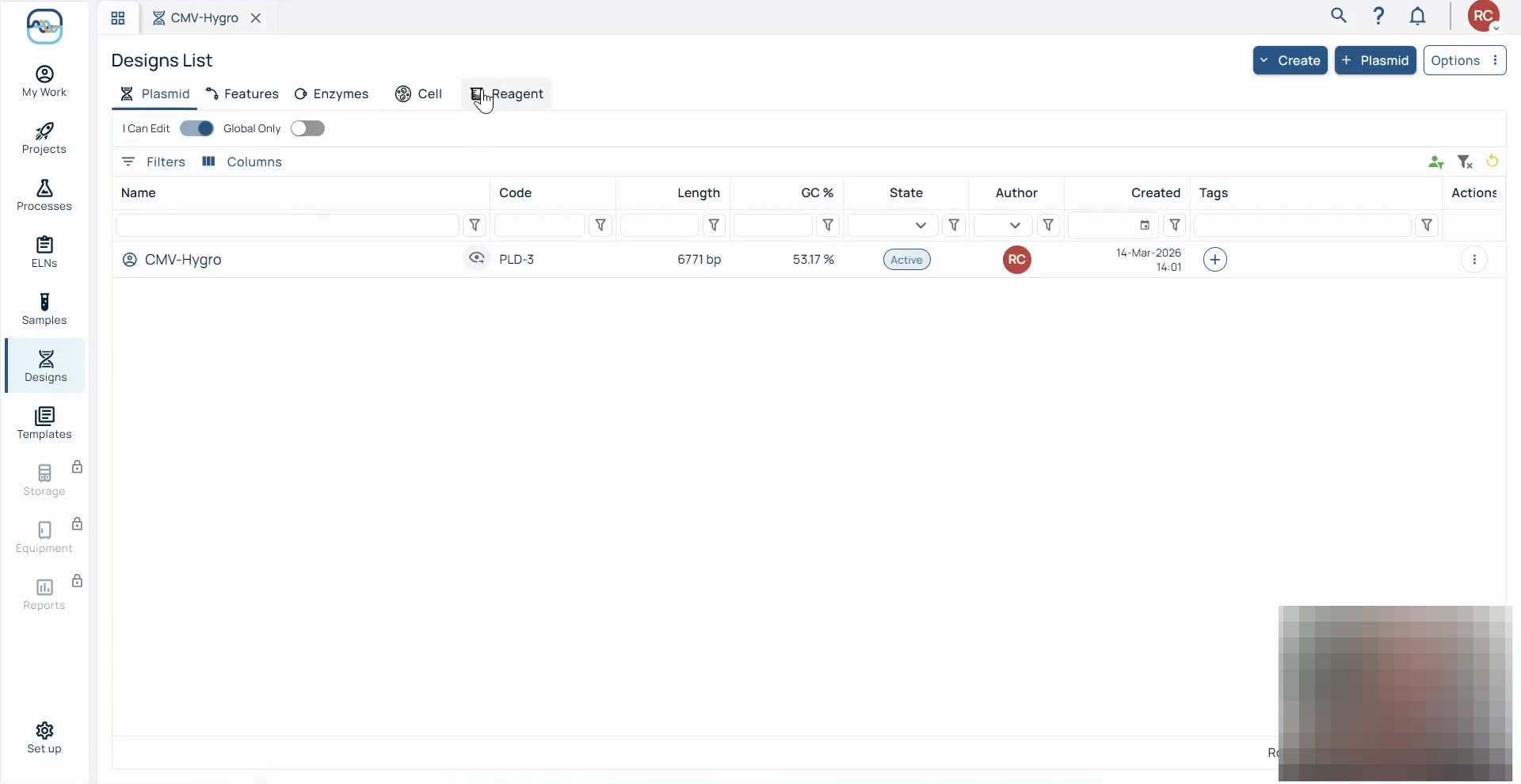
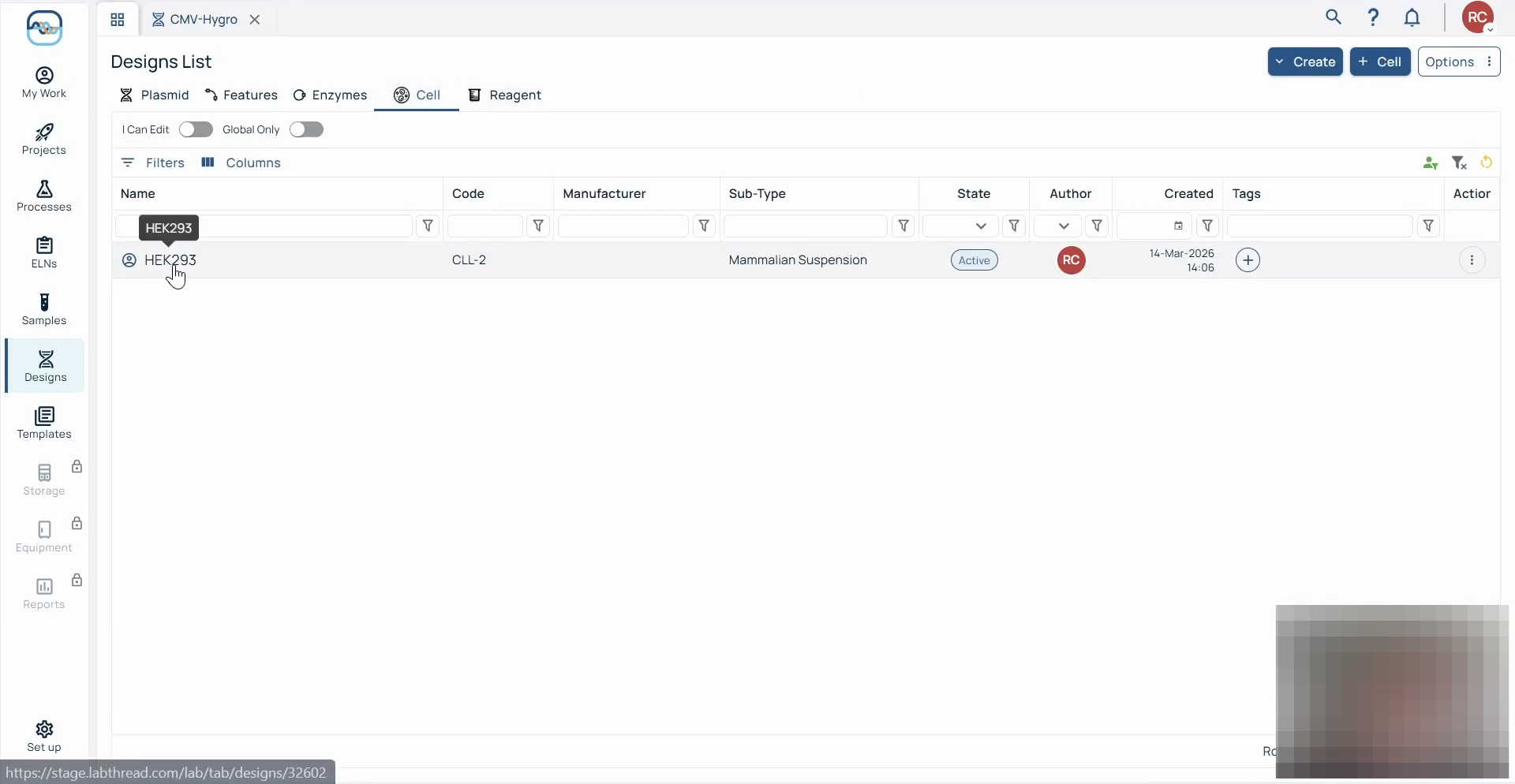
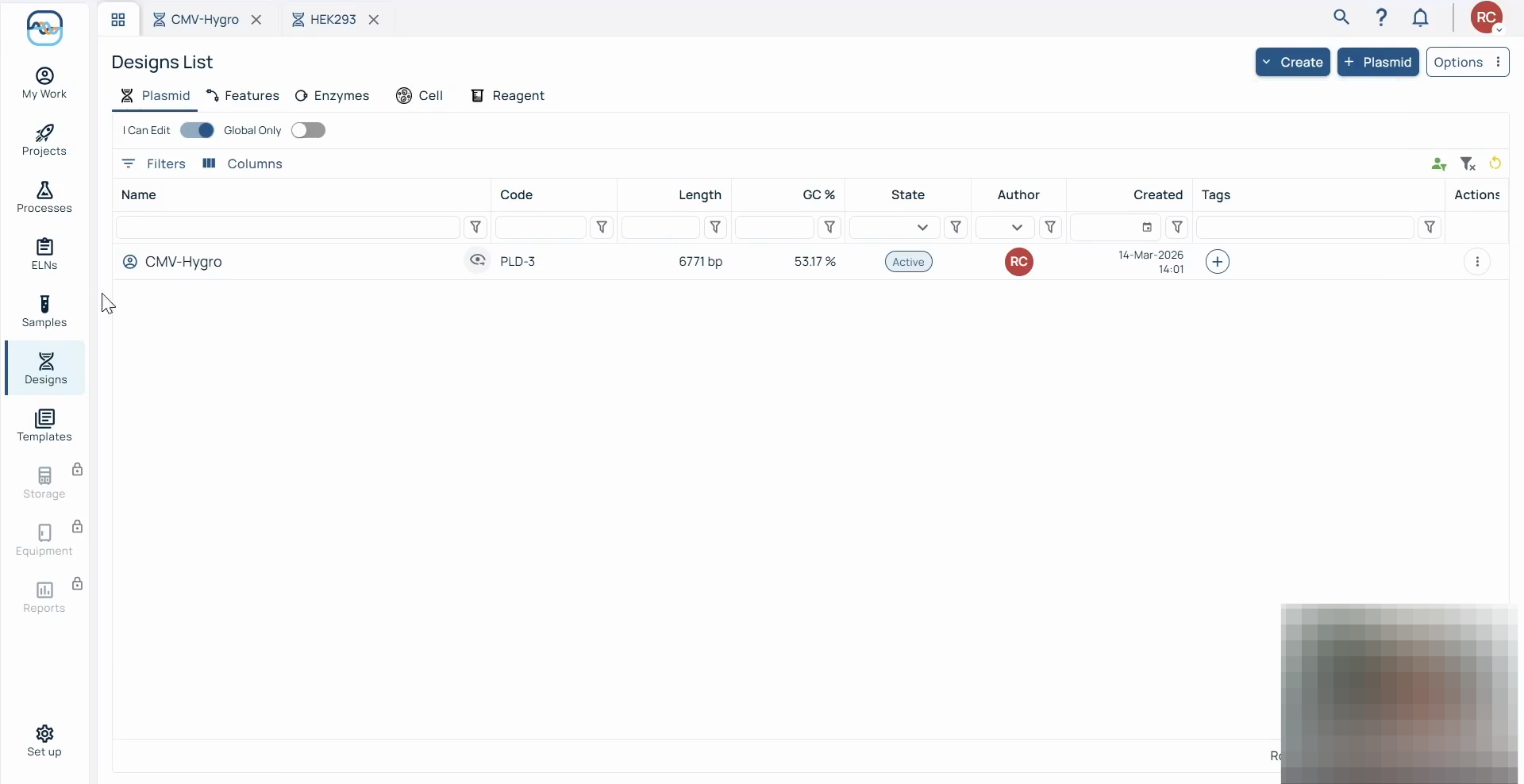
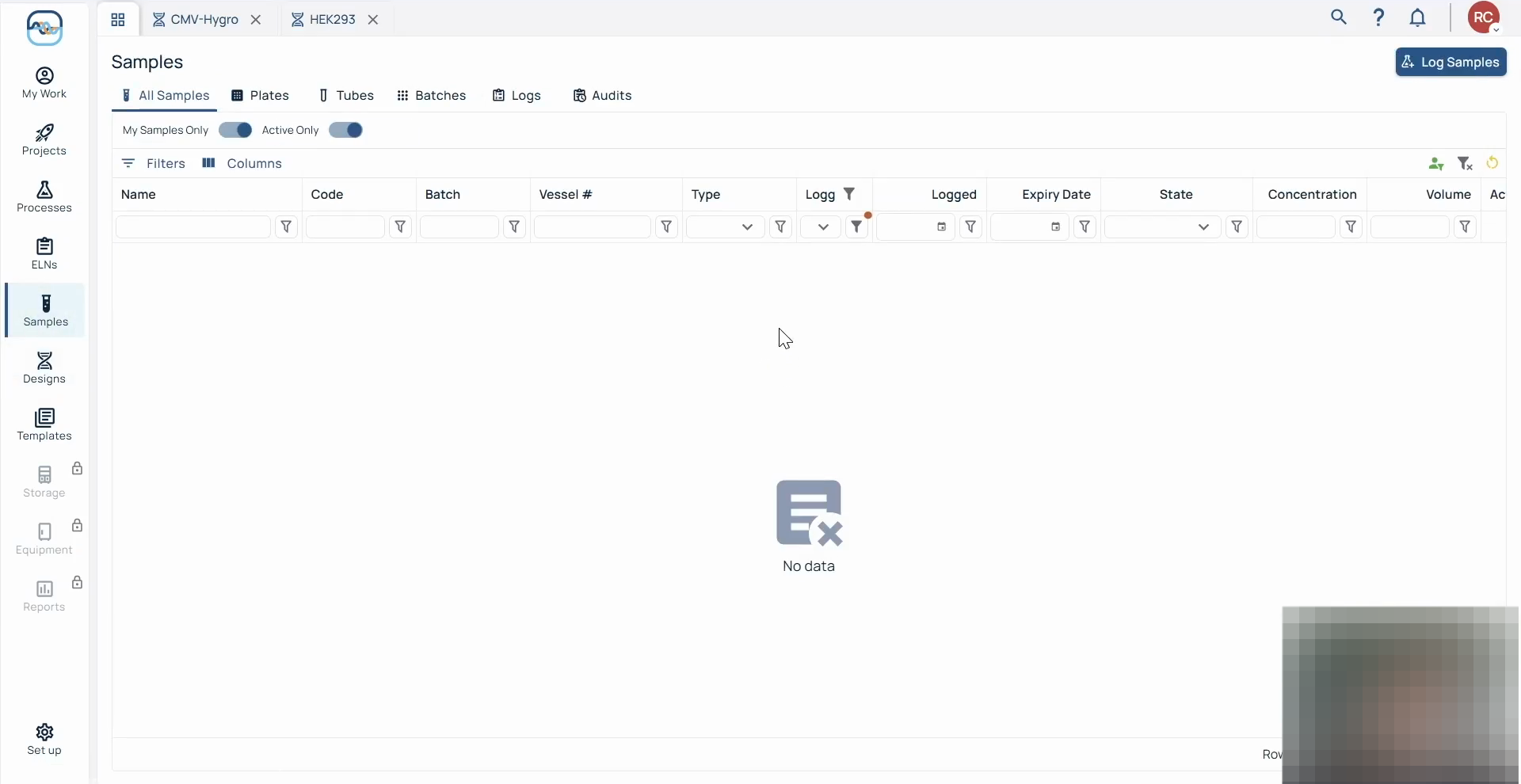
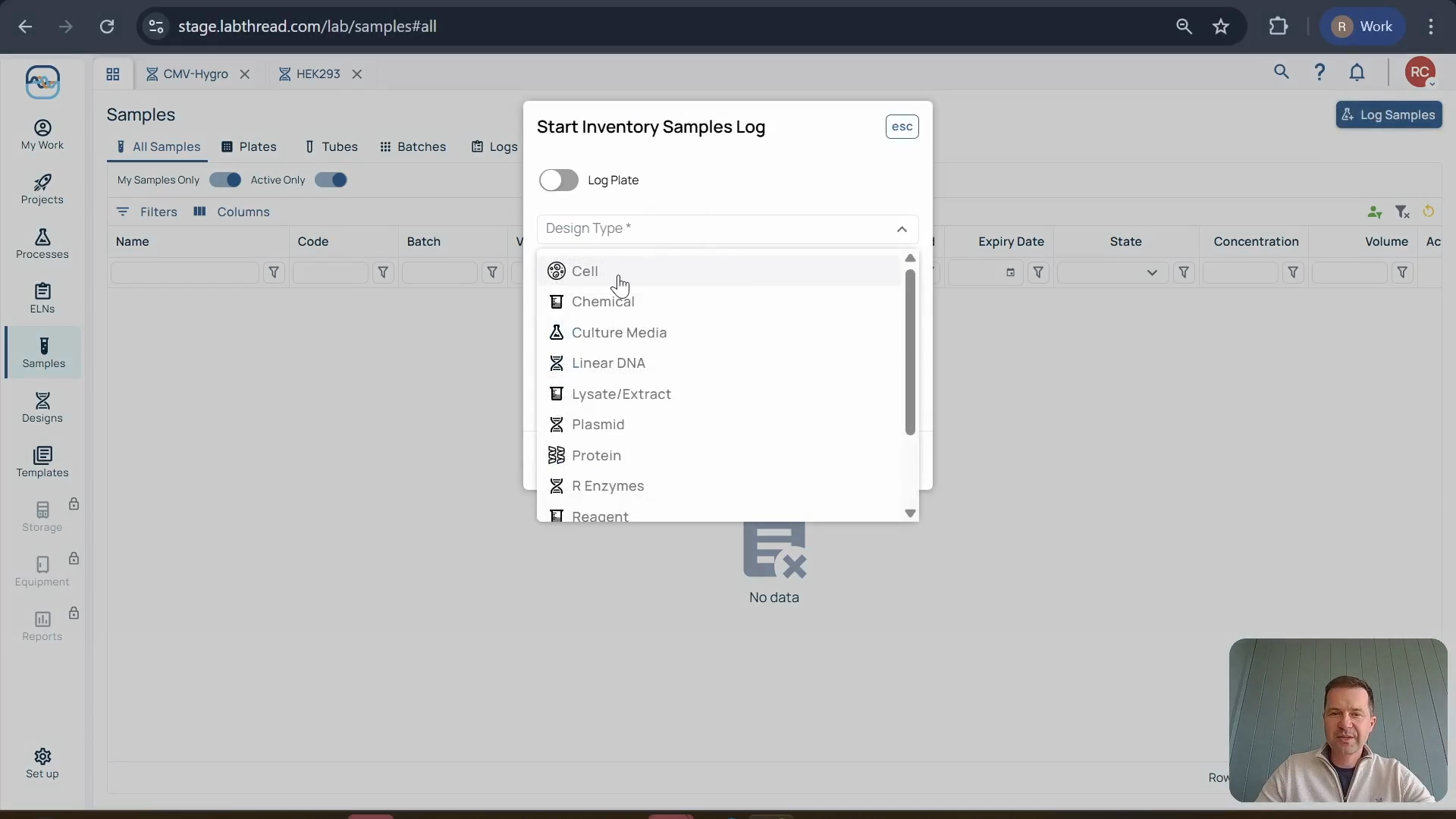
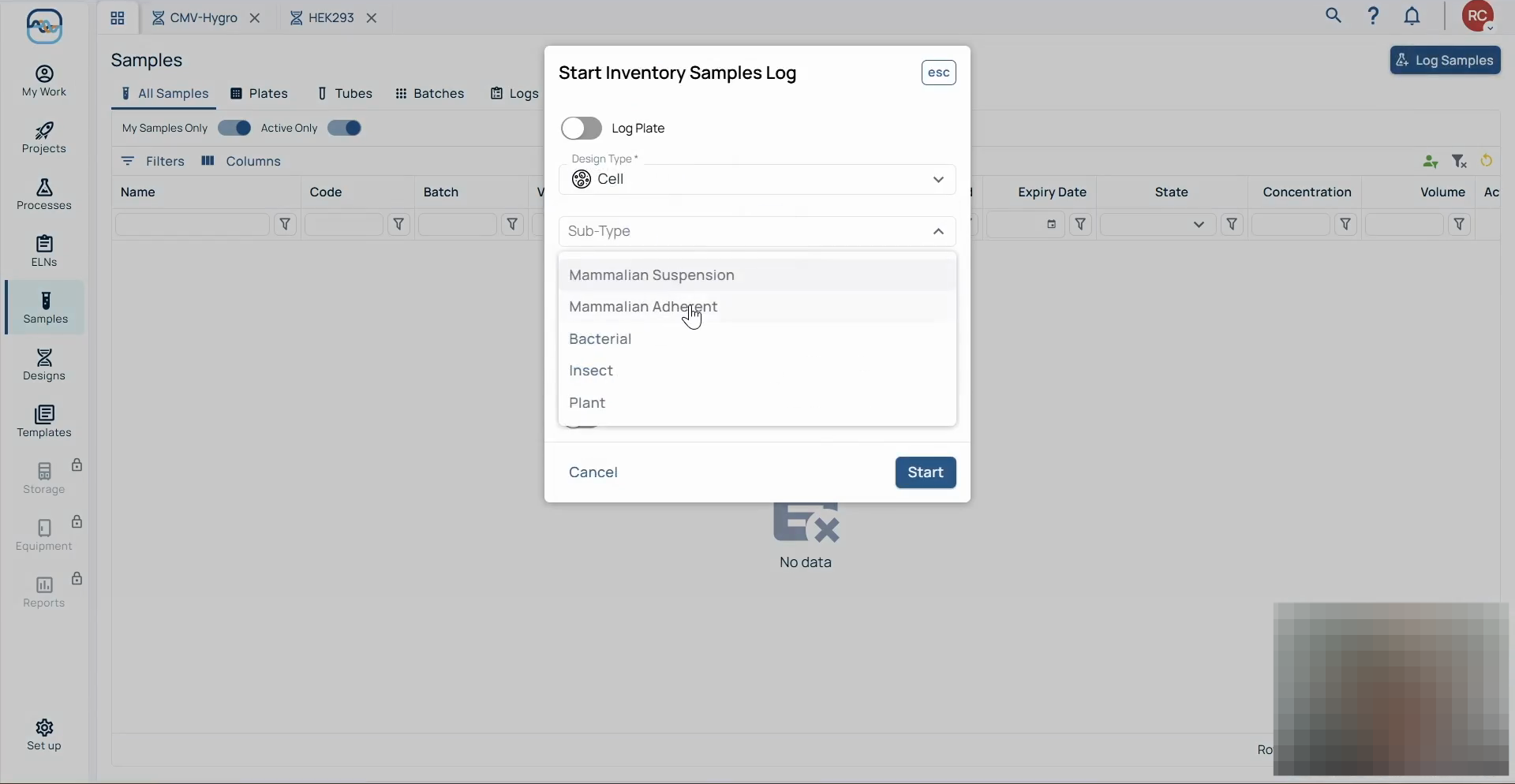
Logging Samples Using Pre-Existing Designs
Once your theoretical designs exist and are configured (most will only require a name), creating physical samples becomes a much faster process.
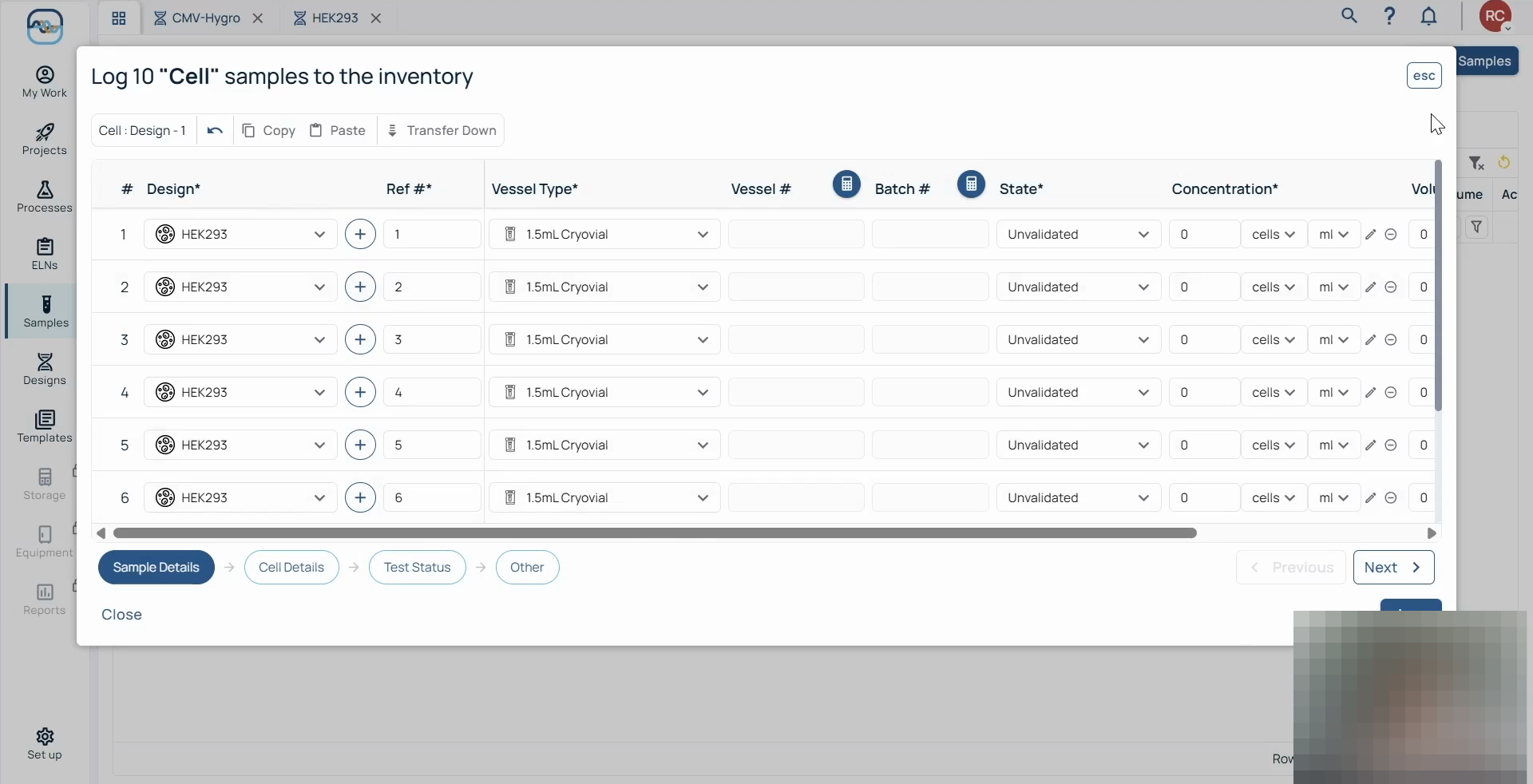
Q: Do I have to create a new design for every single physical sample?
A: No. You only need to create a design once. After the theoretical design (like a HEK293 cell) is created, you can apply it to hundreds of physical samples in the future.
Q: Can administrators customize the fields available for designs and samples?
A: Yes. System administrators can control the properties and add custom fields to both designs and sample records based on your lab's specific needs.
Q: Why should I create designs before logging samples?
A: Having pre-existing designs makes logging samples much faster, as data fields that are consistent for the design do not needed to be added over and over again when logging samples (like biosafety category).
Q: Can I create the design when logging samples?
A: Yes. When logging samples you can use the + button next to the Design column in the sample logging pop-up. You can then create the new design from there.
Term | Definition |
|---|---|
Design | A theoretical blueprint defining the inherent, unchanging properties of a lab entity. |
Sample | The physical embodiment of a design, such as a specific vial or tube stored in the lab. |