
Update Amazon Prices for Featured Offer Eligibility
Learn how to update pricing in Amazon Seller Central to regain and maintain your Featured Offer (Buy Box) eligibility without losing sales.
This guide demonstrates how to adjust uncompetitive product prices in the Amazon Seller Central Pricing Opportunities dashboard to regain or maintain Featured Offer (Buy Box) eligibility.
This workflow is for Amazon sellers and e-commerce managers who need to troubleshoot lost Buy Box status and implement safe price increases.
When adjusting pricing in the Pricing Opportunities dashboard, a sudden price increase may cause Amazon to remove your Featured Offer (Buy Box) eligibility. Follow these steps to adjust your pricing safely and restore lost eligibility.
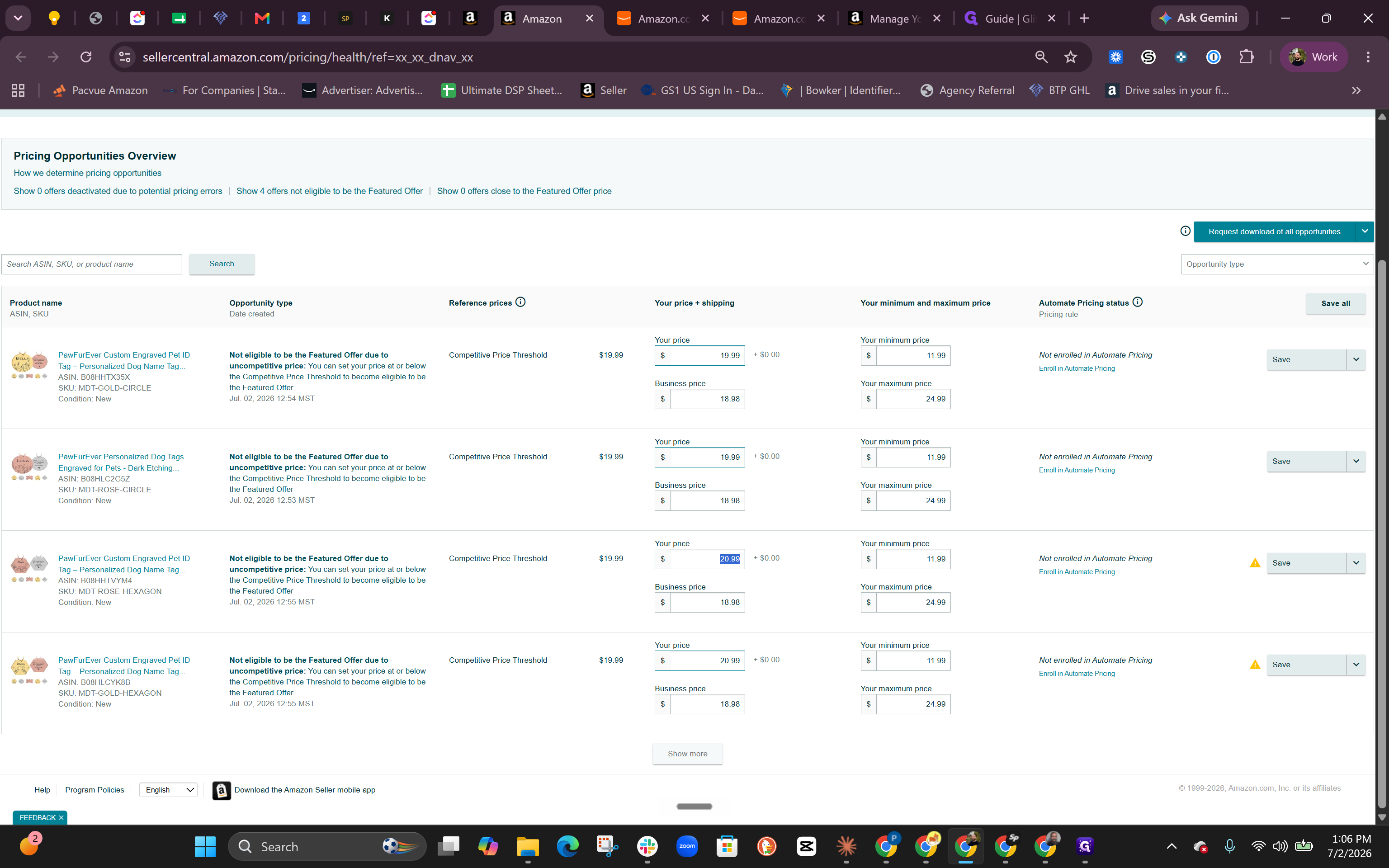
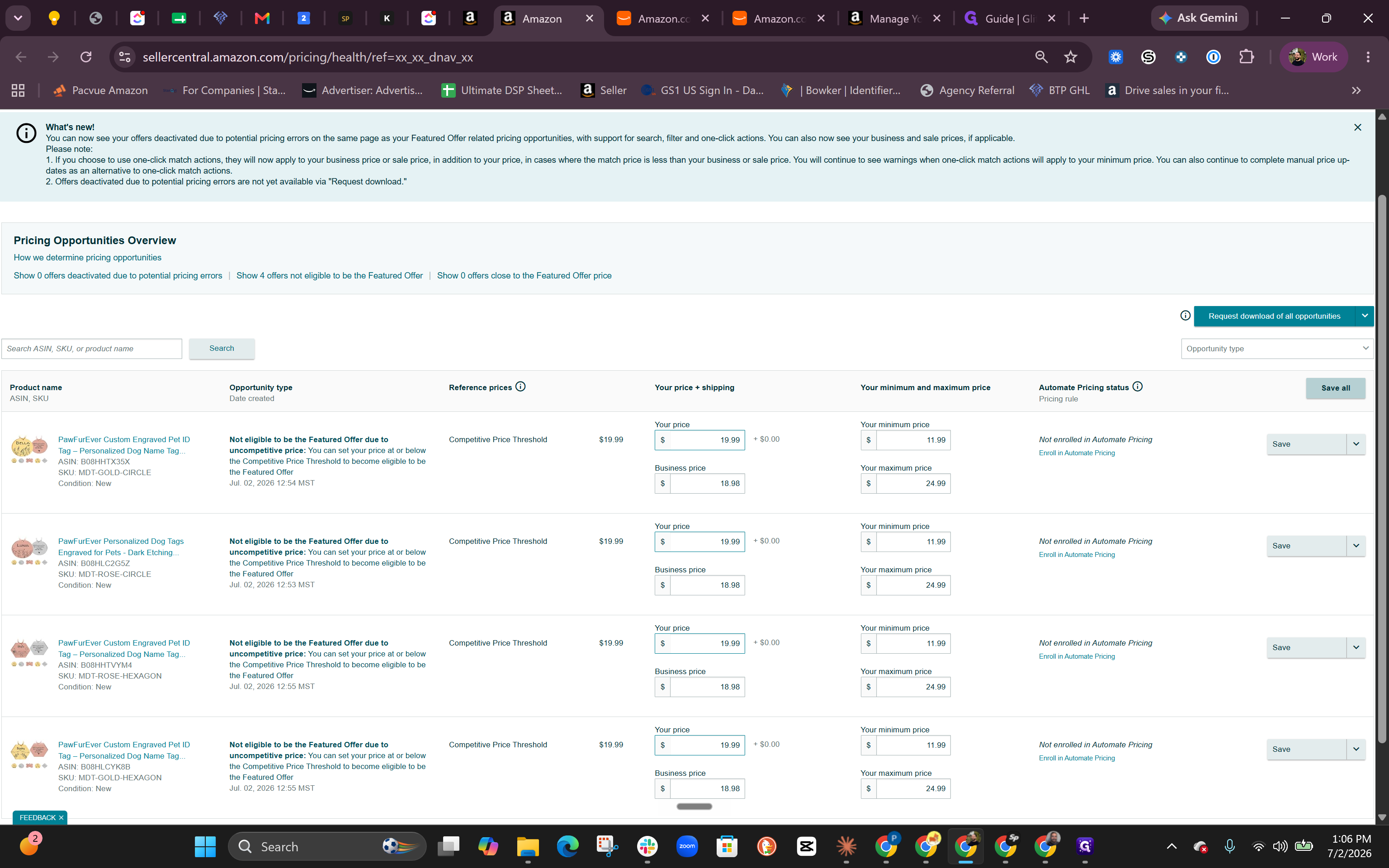
Q: Why did my product lose Featured Offer eligibility when I raised the price?
A: Amazon removes Featured Offer (Buy Box) eligibility if a price increase is deemed uncompetitive compared to reference prices or historical averages.
Q: How can I safely raise my product price without losing the Buy Box?
A: Inch the price up slowly. Try increasing it by small increments, such as $0.50 to $1.00, every two or three days instead of doing one large price jump.
Term | Definition |
|---|---|
Featured Offer | The highly visible "Add to Cart" or "Buy Now" section on an Amazon product detail page, formerly known as the Buy Box. |
ASIN | Amazon Standard Identification Number; a unique 10-character alphanumeric identifier assigned by Amazon for item identification. |