
How to Update a Closing Protection Letter in AgentNet
Learn how to seamlessly generate and update a Closing Protection Letter (CPL) via AgentNet within your title and escrow transaction management software.
This guide explains how to generate and update a Closing Protection Letter (CPL) using AgentNet integration within your title and escrow software. Completing this ensures all lender and secondary party details are accurately documented for real estate transactions.
This guide is intended for title agents, escrow officers, and closing teams who process real estate transactions and issue closing protection documents.
Accessing the Transaction
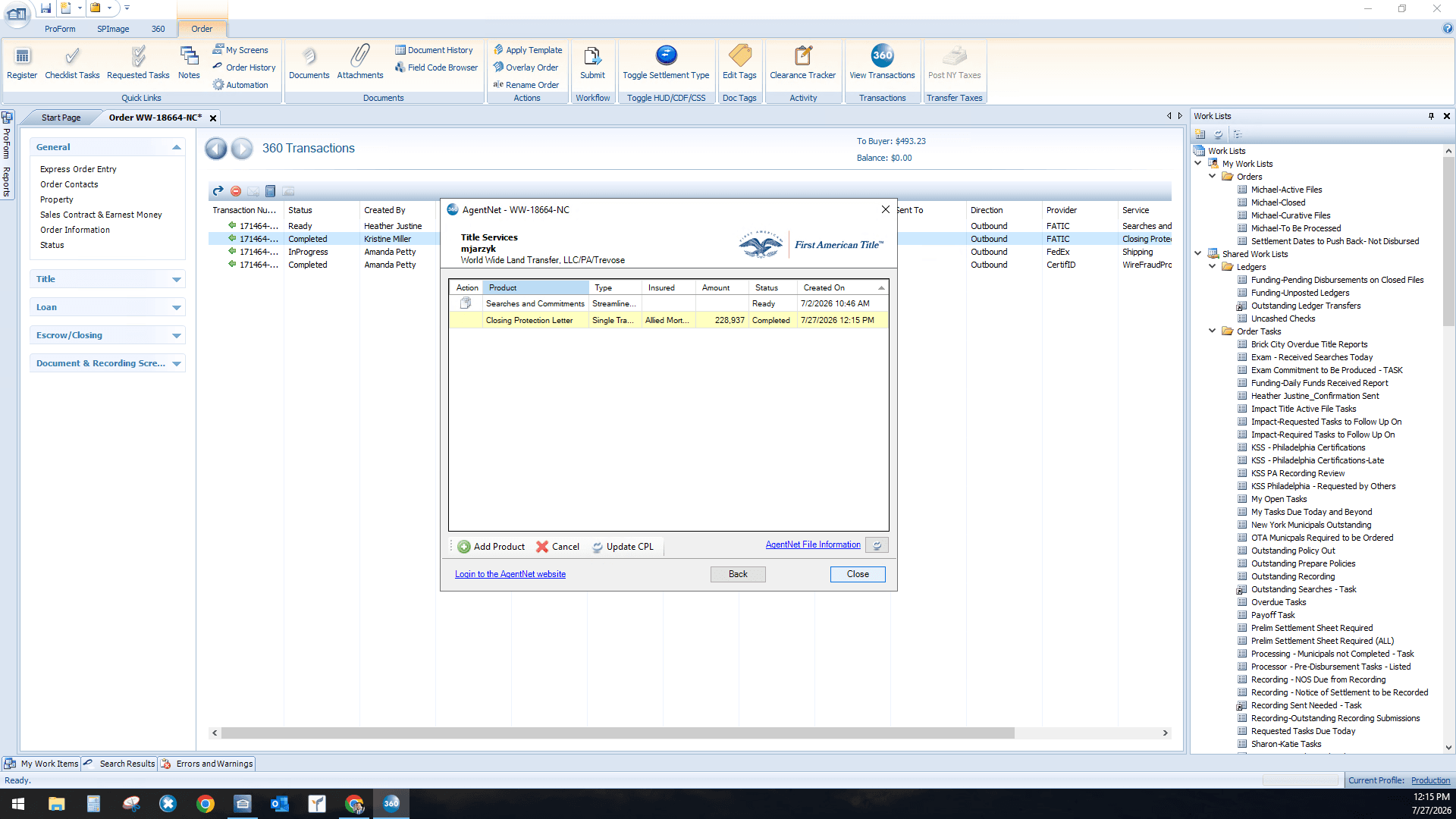
Updating the Closing Protection Letter
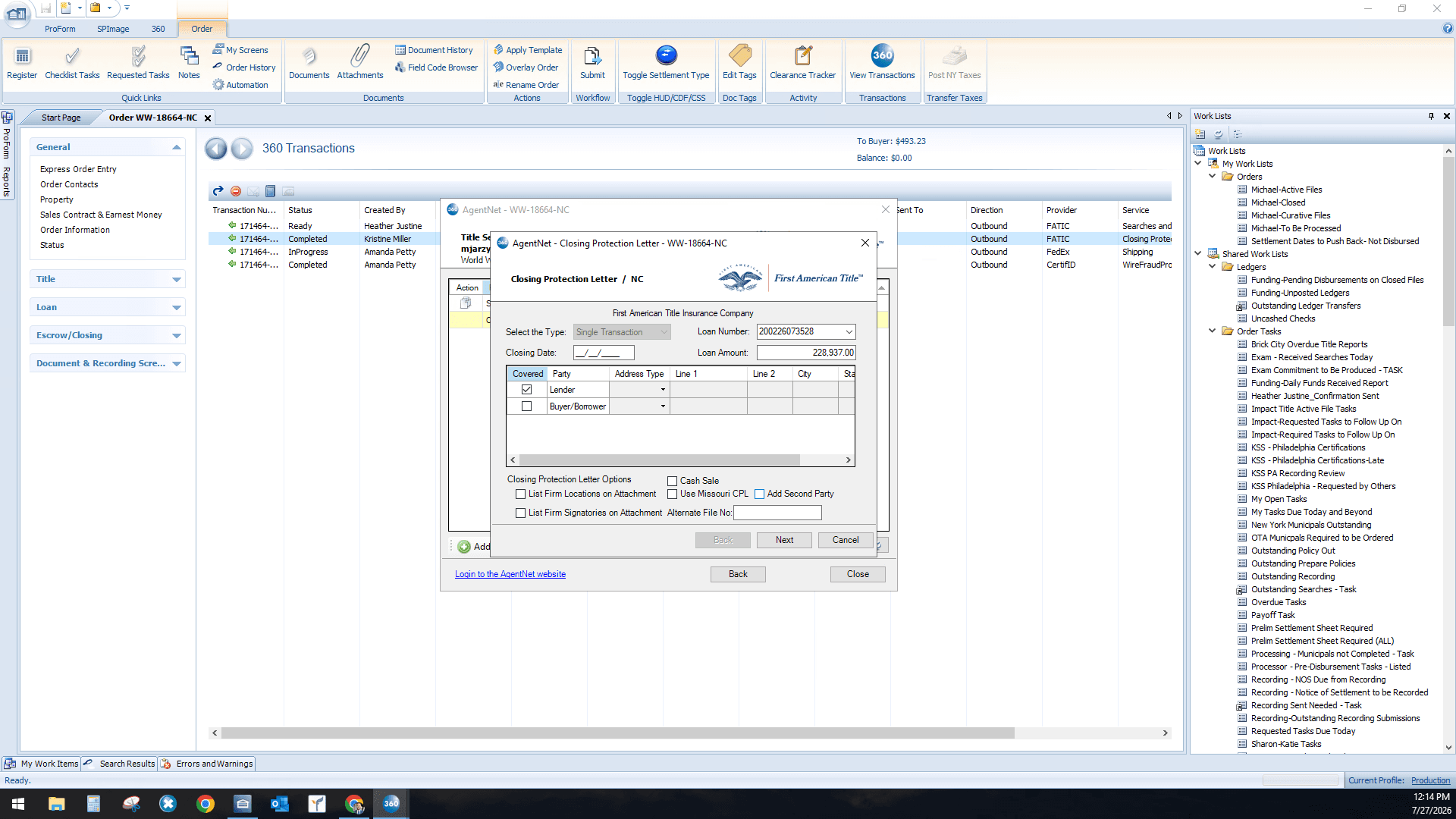
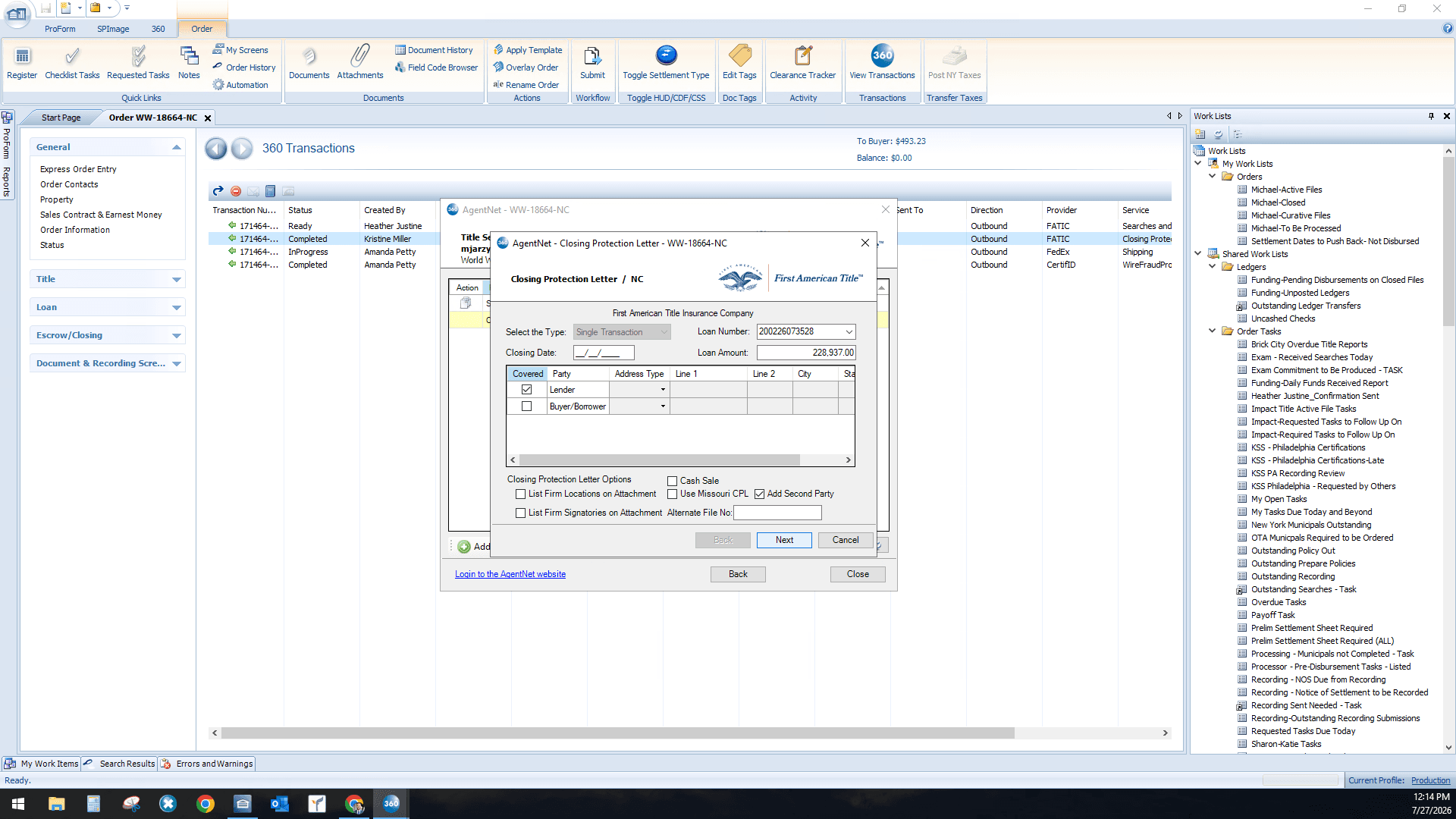
Configuring Second Party and Lender Details
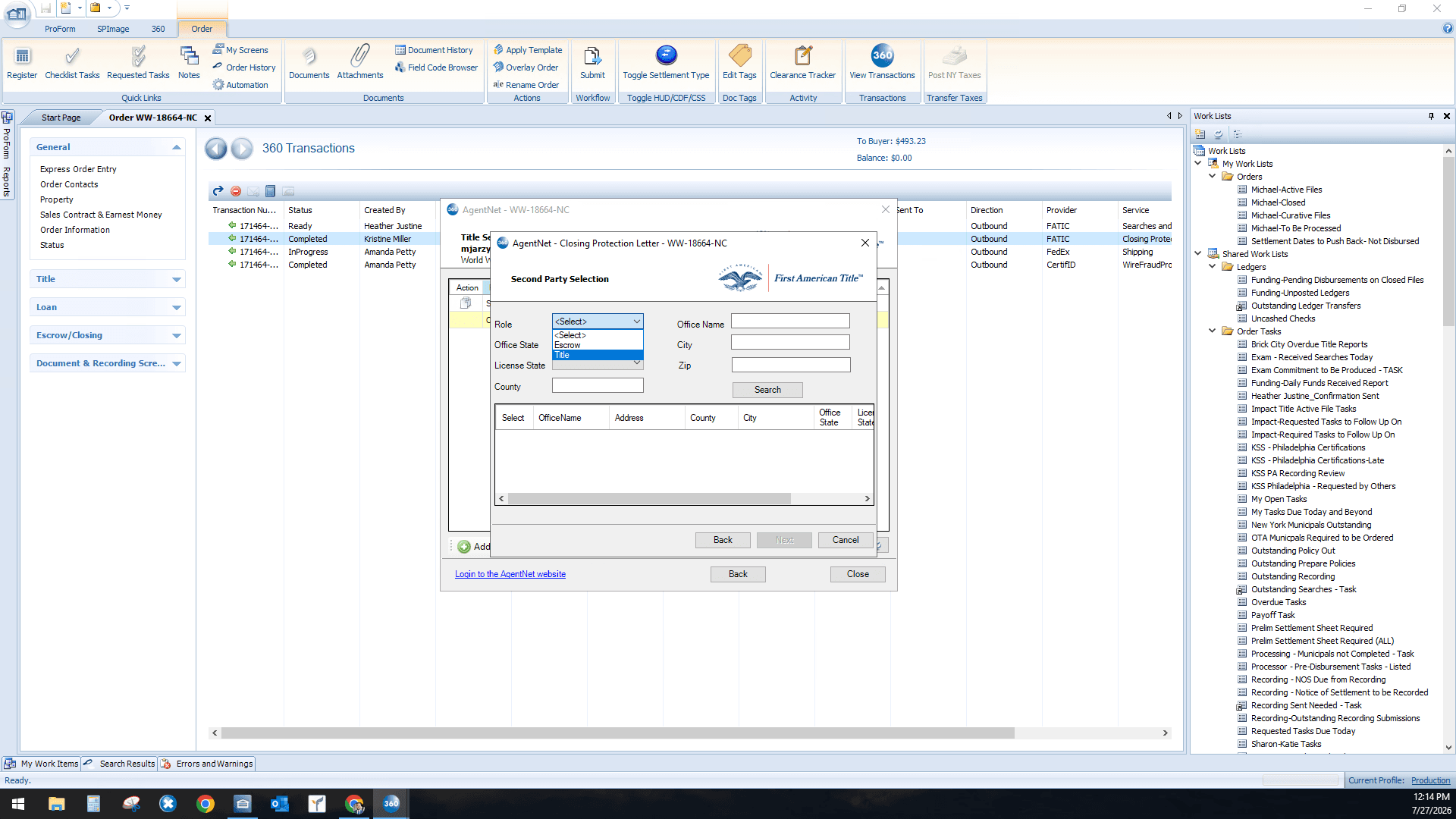
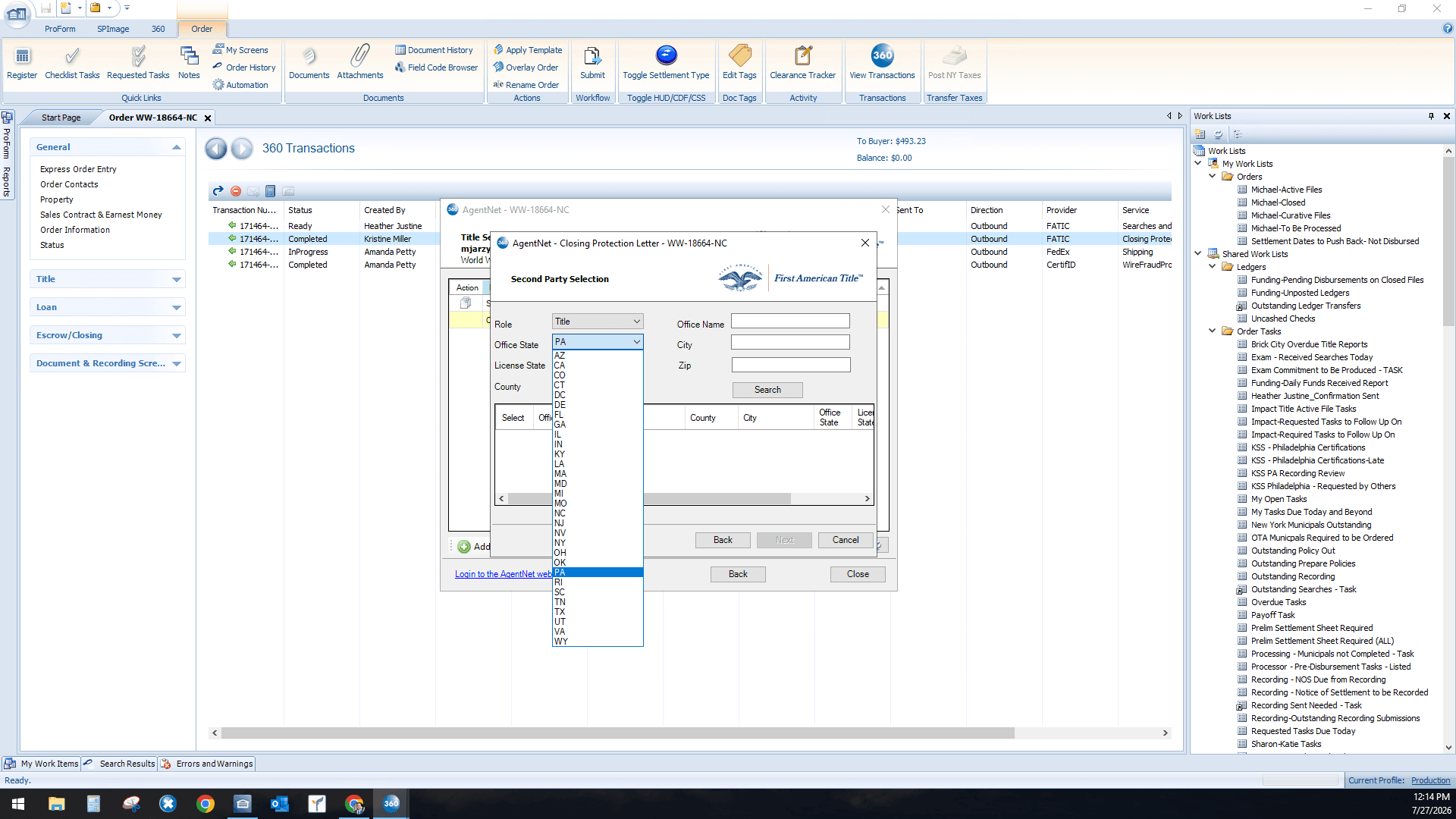
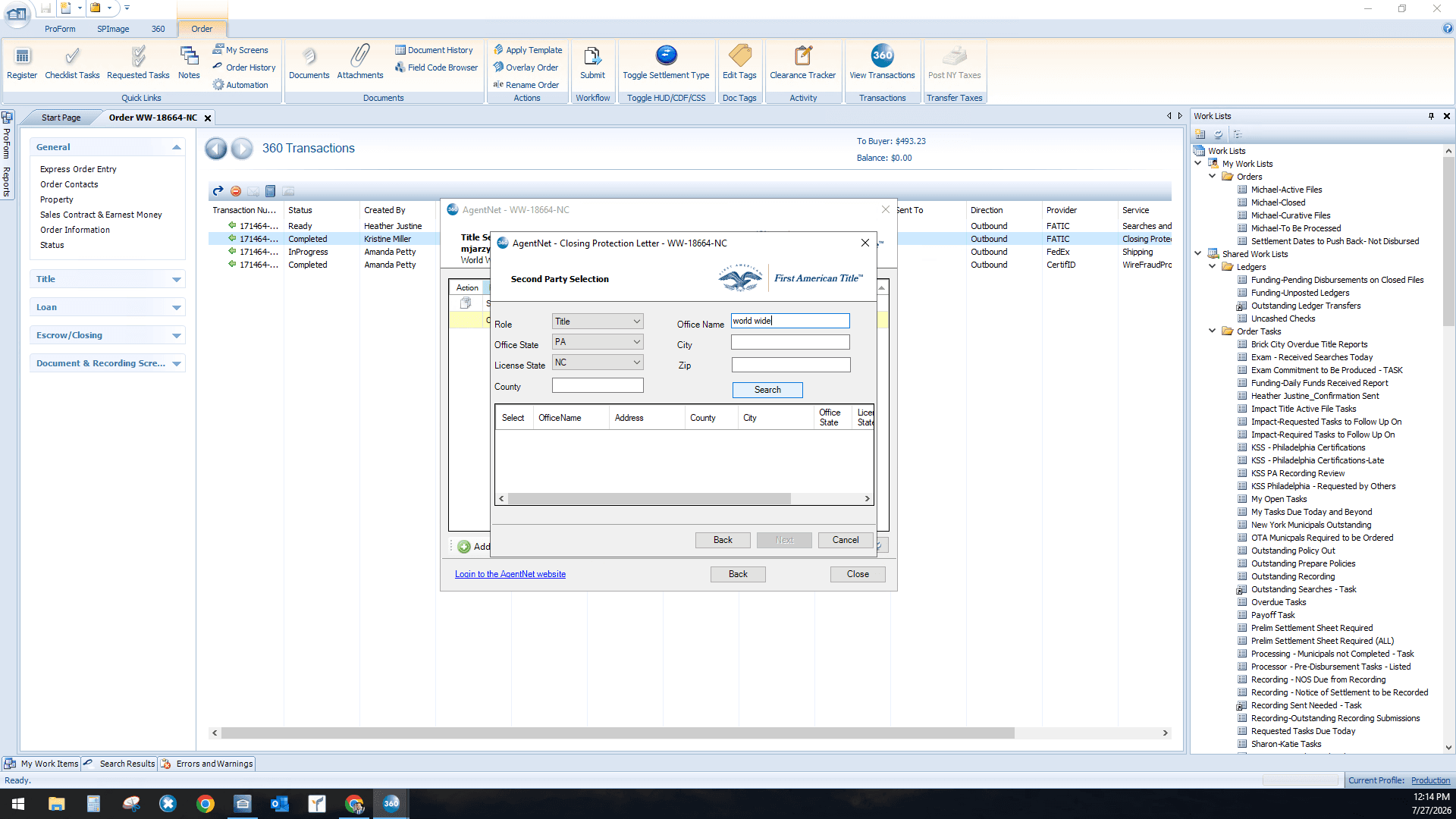
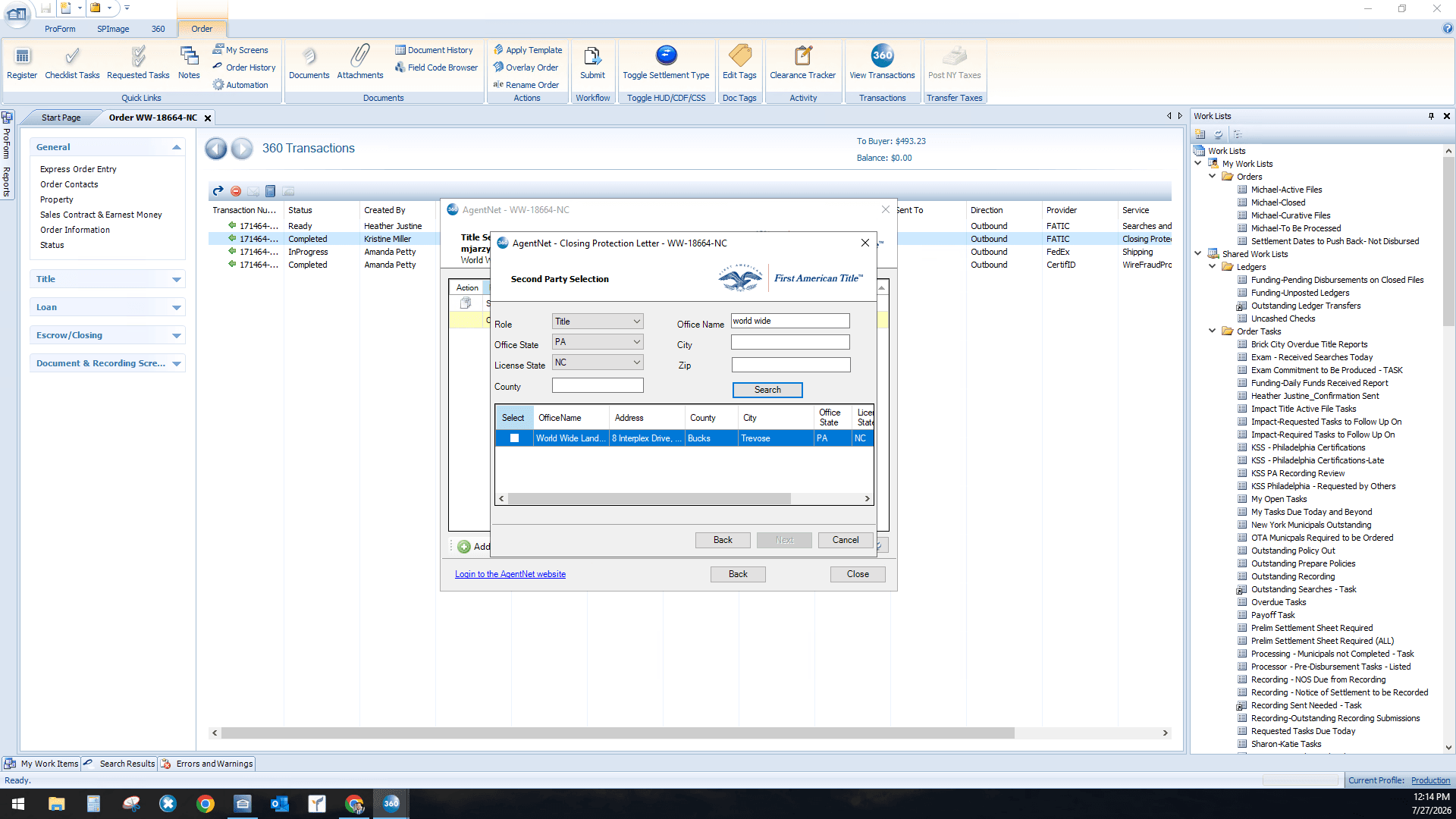
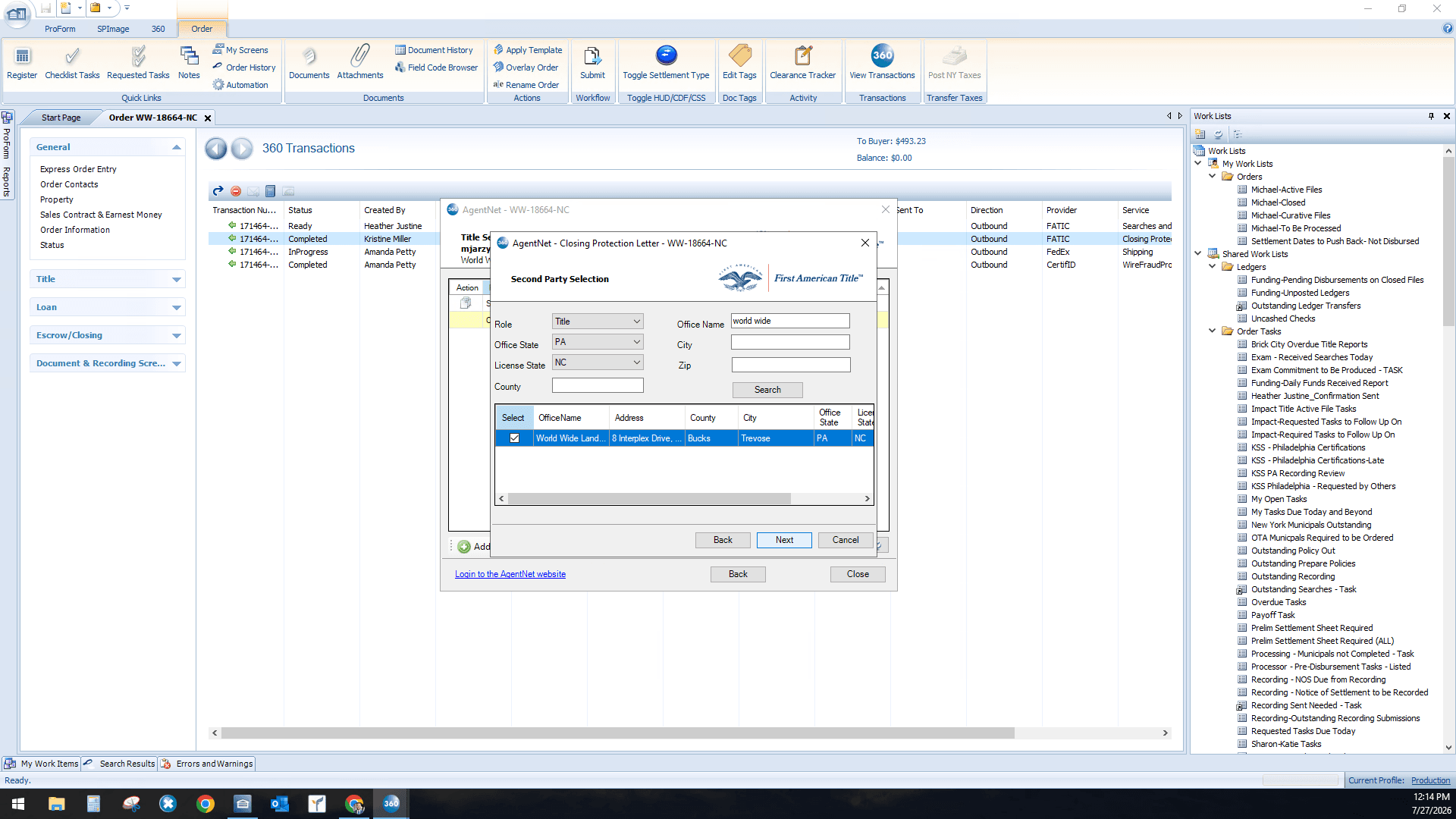
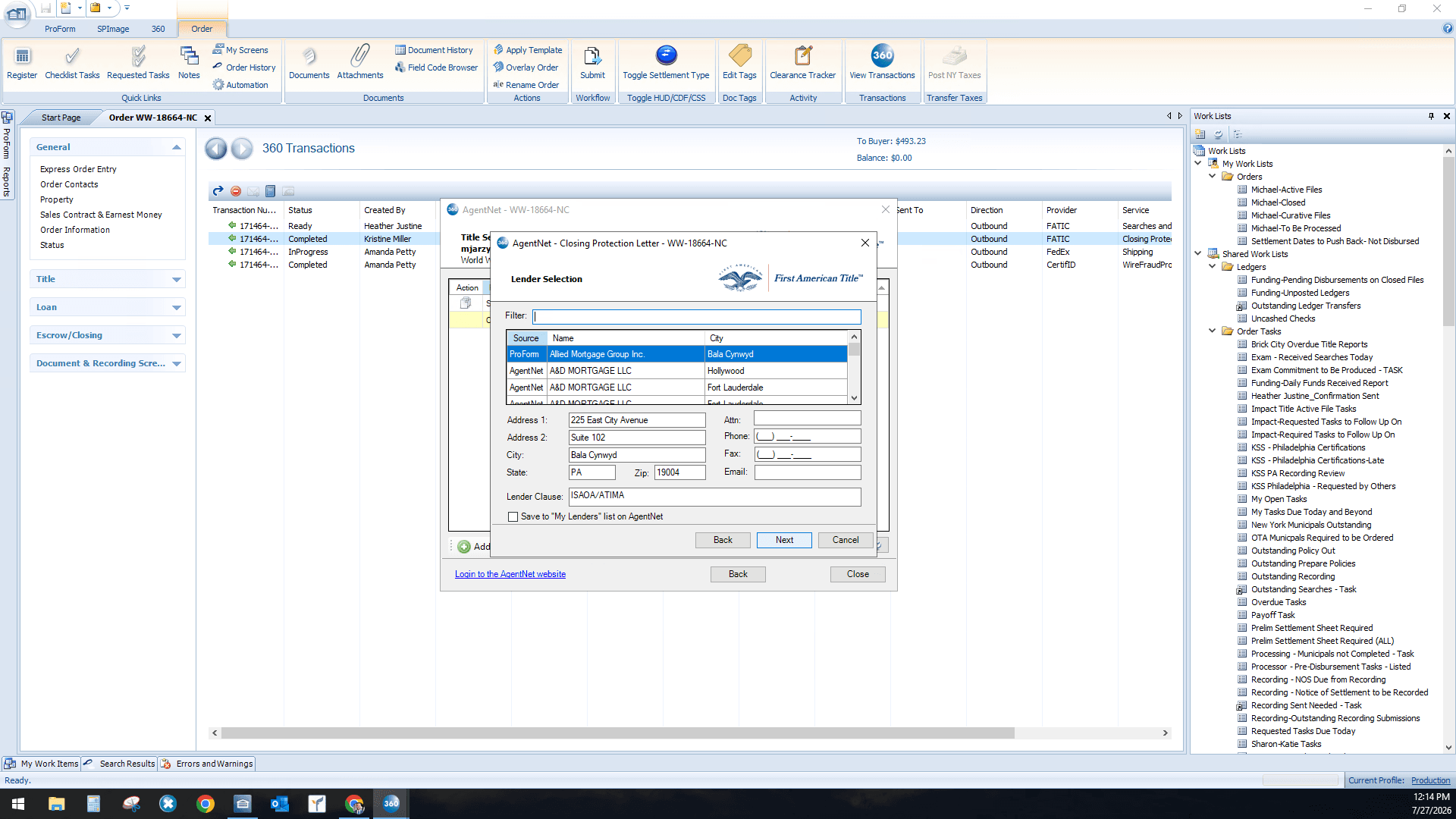
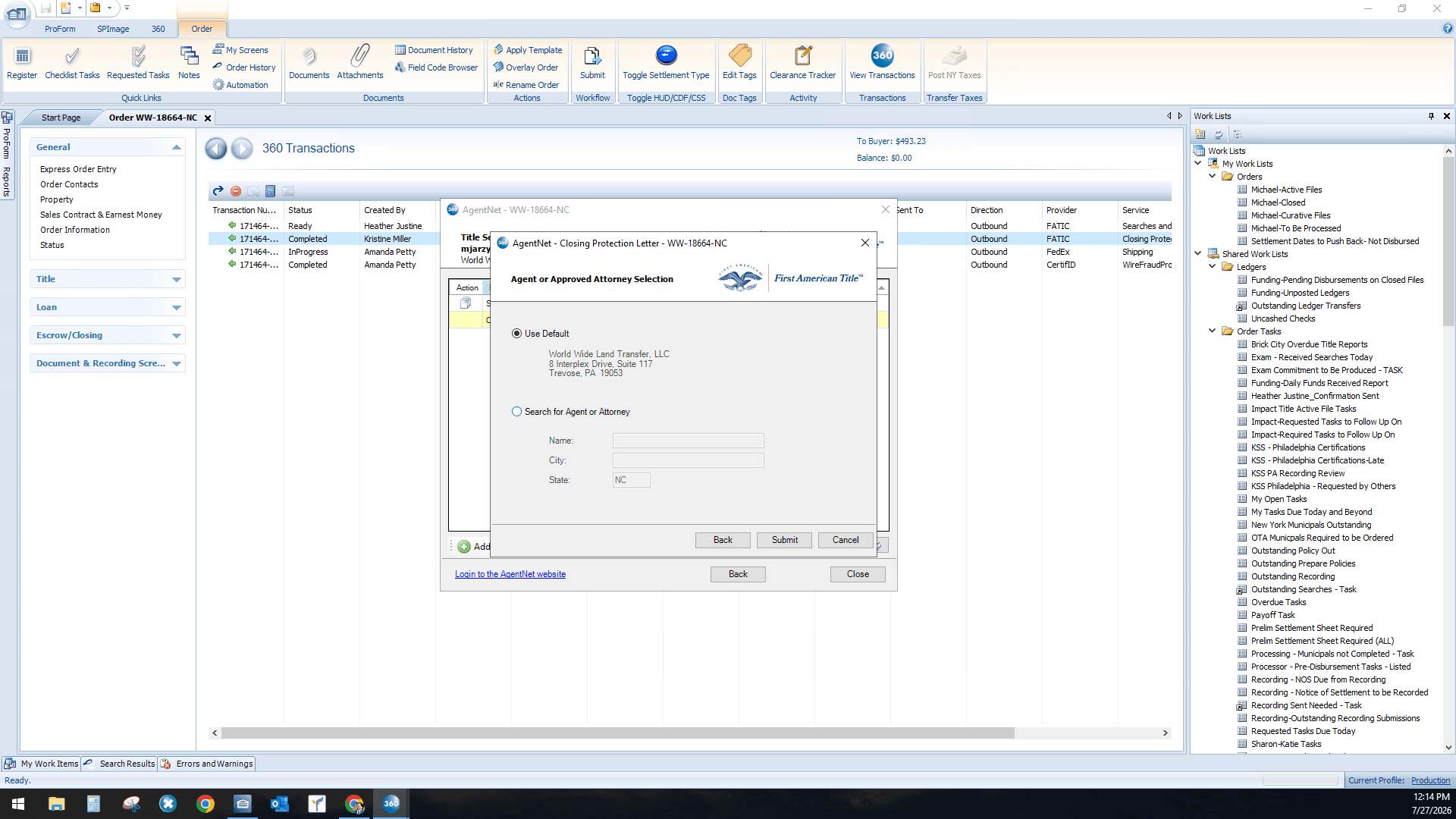
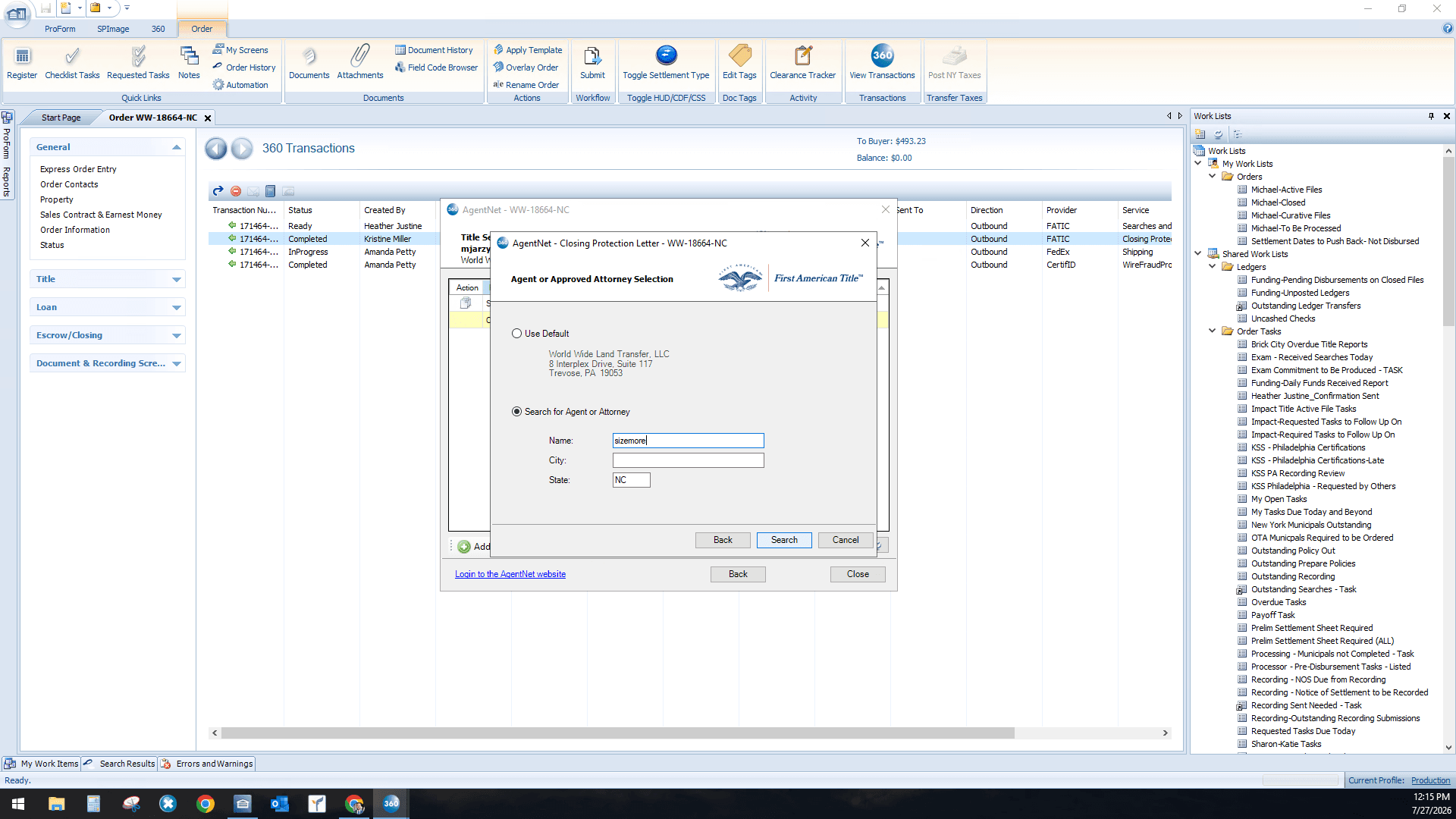
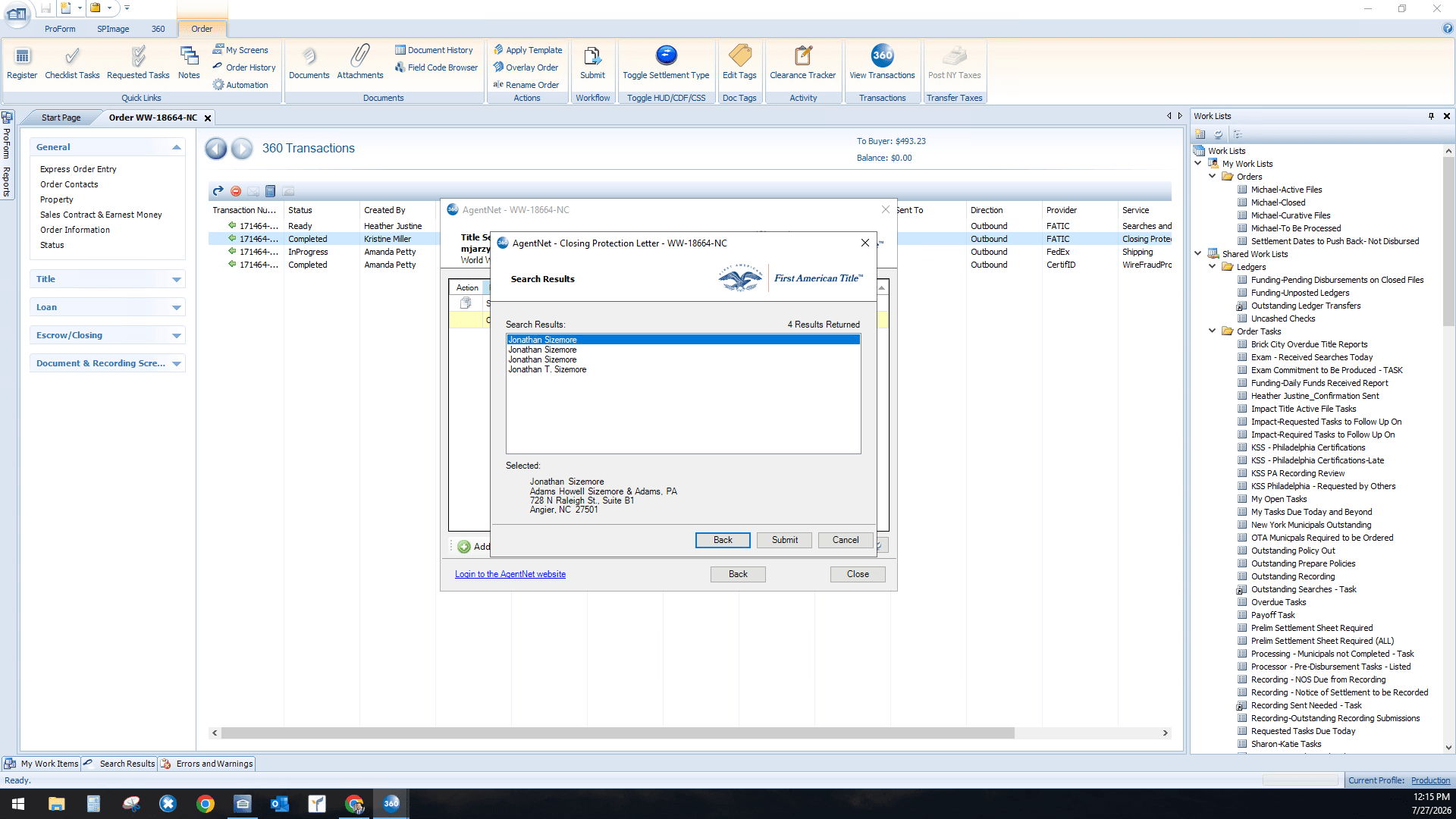
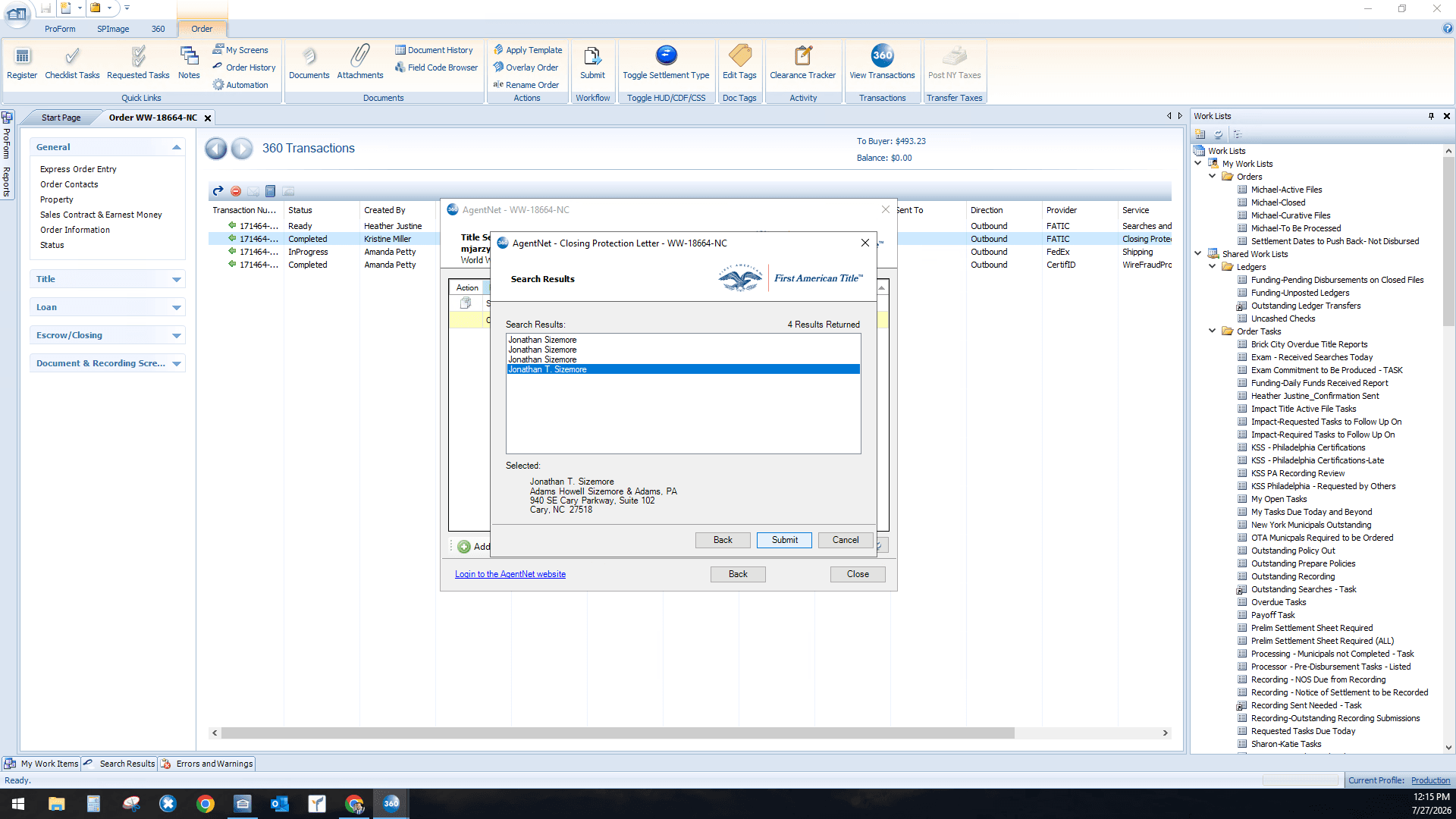
Reviewing and Finalizing the Document
Q: How do I find a specific office if I don't know the exact name?
A: You can use the search function in the Second Party Selection window to filter by role, state, and partial name.
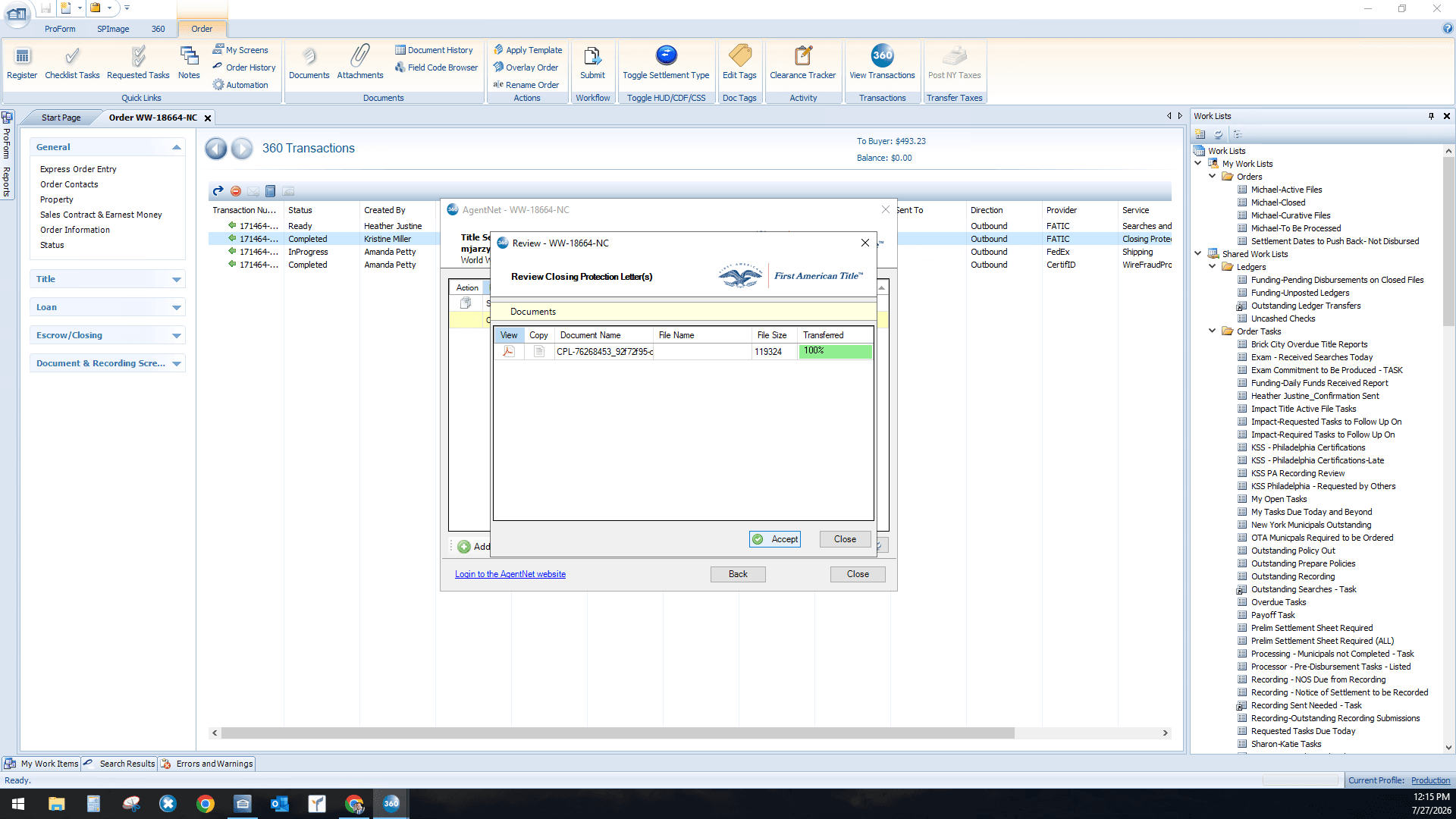
Q: Can I review the Closing Protection Letter before finalizing it?
A: Yes, you can click "View" on the review screen to open the generated PDF and confirm the details before clicking "Accept" to save it to your transaction.
Term | Definition |
|---|---|
AgentNet | A First American Title software platform used for issuing title insurance policies, closing protection letters, and related documents. |
Closing Protection Letter (CPL) | A document issued by a title insurance company that protects a lender against actual losses arising from certain acts of the closing agent. |
Second Party Selection | The process of designating an additional party, such as an attorney or secondary office, to be covered by or involved in the CPL. |