
Update Environment Variables in Doppler
Learn how to access Doppler to view, update, and sync environment variables for the Sales Genius portal.
Purpose
This guide explains how to view, update, and rotate environment variables and API keys for the Sales Genius portal using Doppler. Following this procedure ensures configuration changes sync directly to the hosting infrastructure in DigitalOcean and trigger a clean application restart until the dashboard confirms status In sync.
Scope
This procedure applies to developers and team administrators responsible for managing secrets, rotating API tokens, and maintaining portal environments. It specifically covers managing production (prd) environment secrets in Doppler for the salesgenius - portal project connected to DigitalOcean. Configuring staging environments or creating new Doppler projects is out of scope.
Log In to Doppler
Access the Doppler dashboard using the designated team credentials.
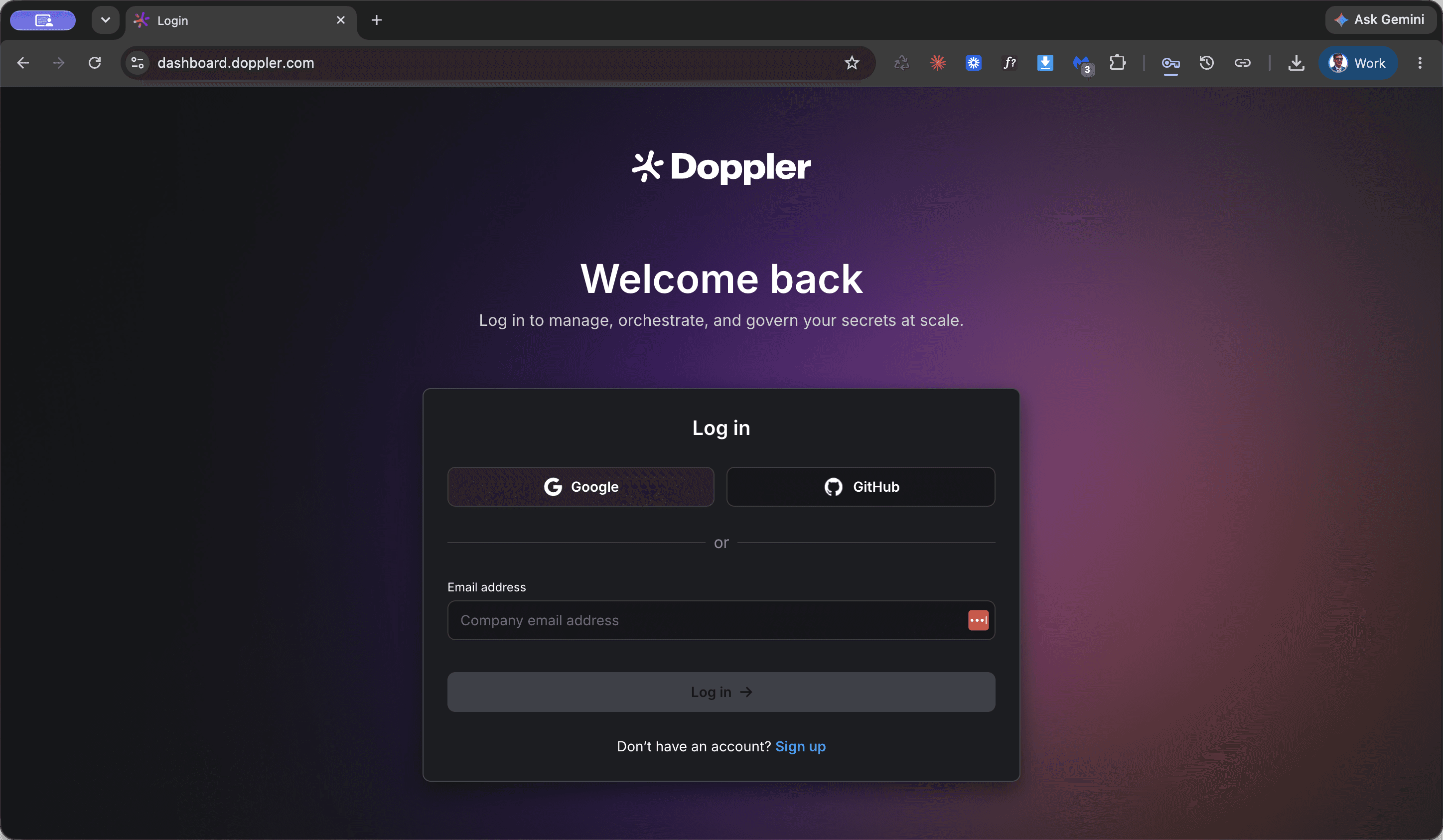
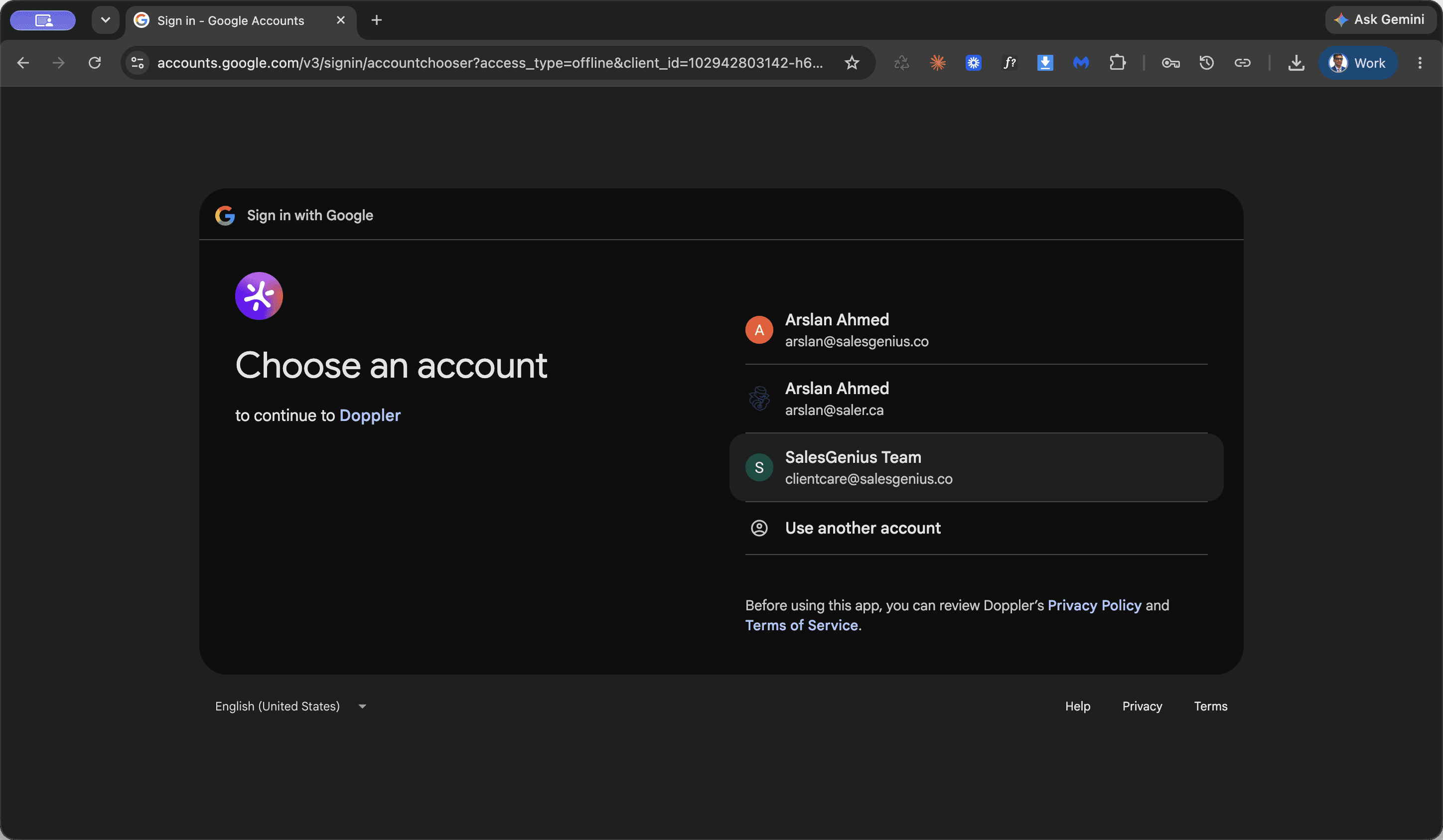
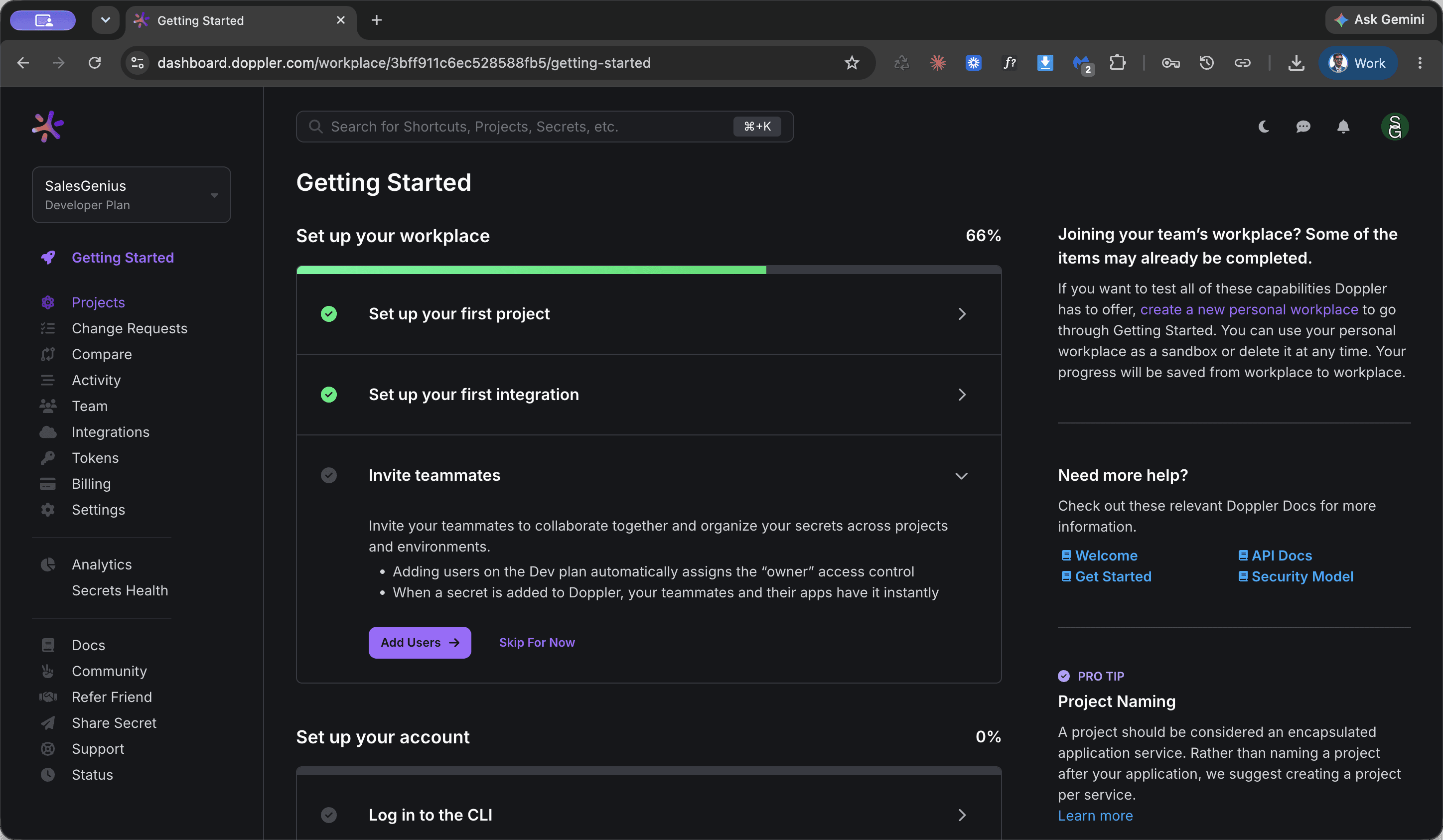
Navigate to the Production Environment
Locate the Sales Genius portal configuration within Doppler's project list.
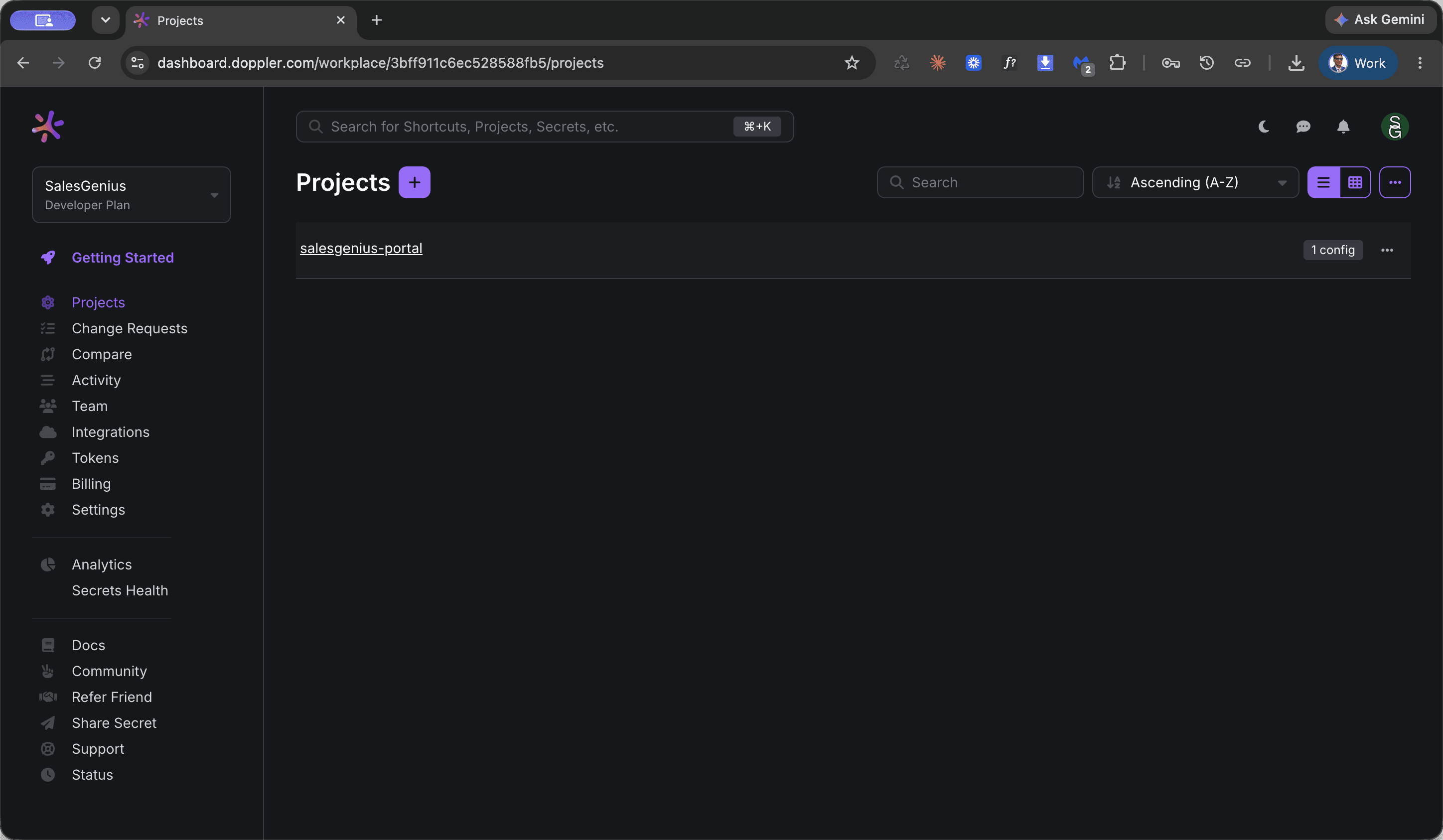
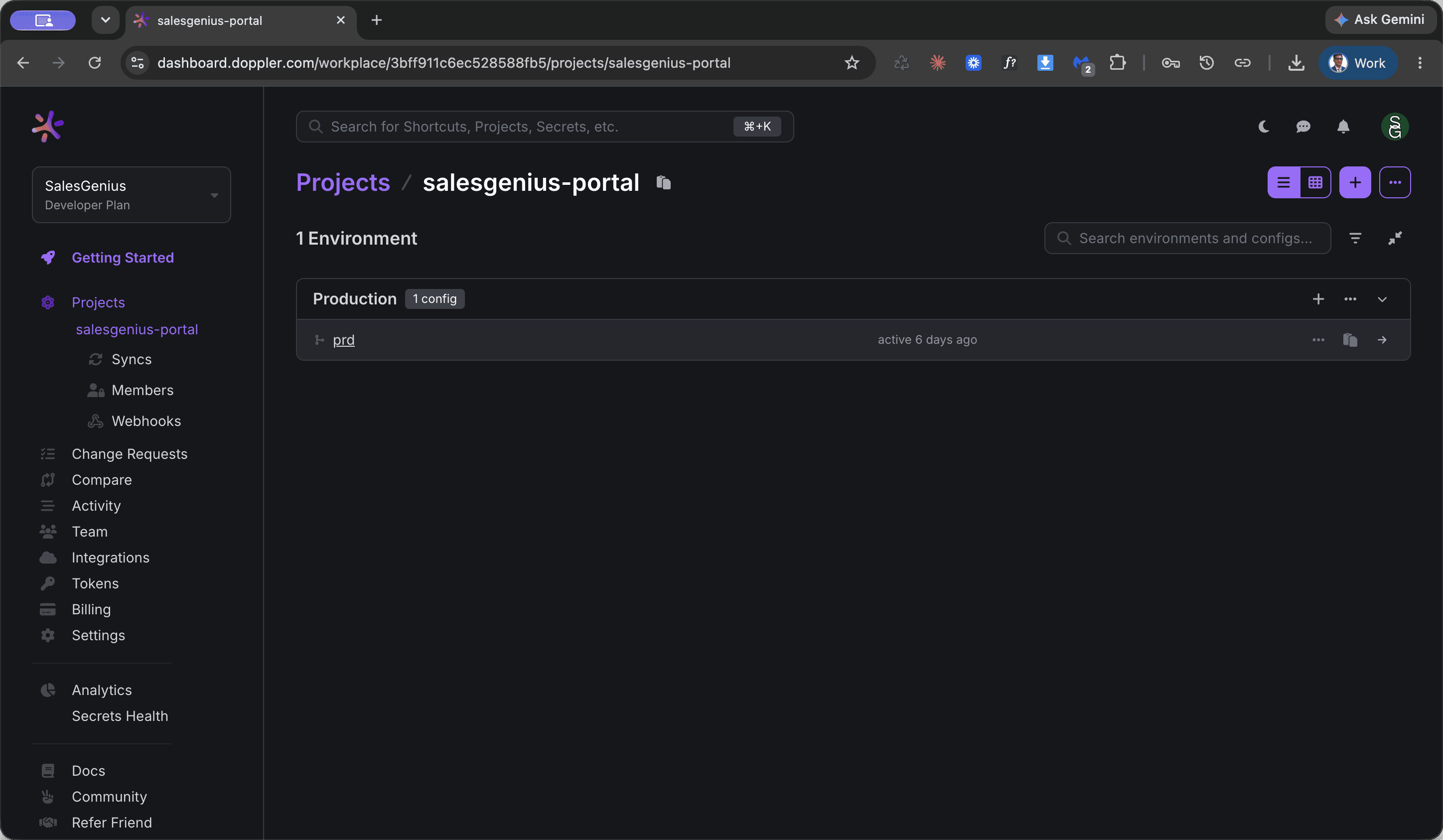
This opens the complete list of secret keys and configurations used by the production portal.
Update and Sync Secrets
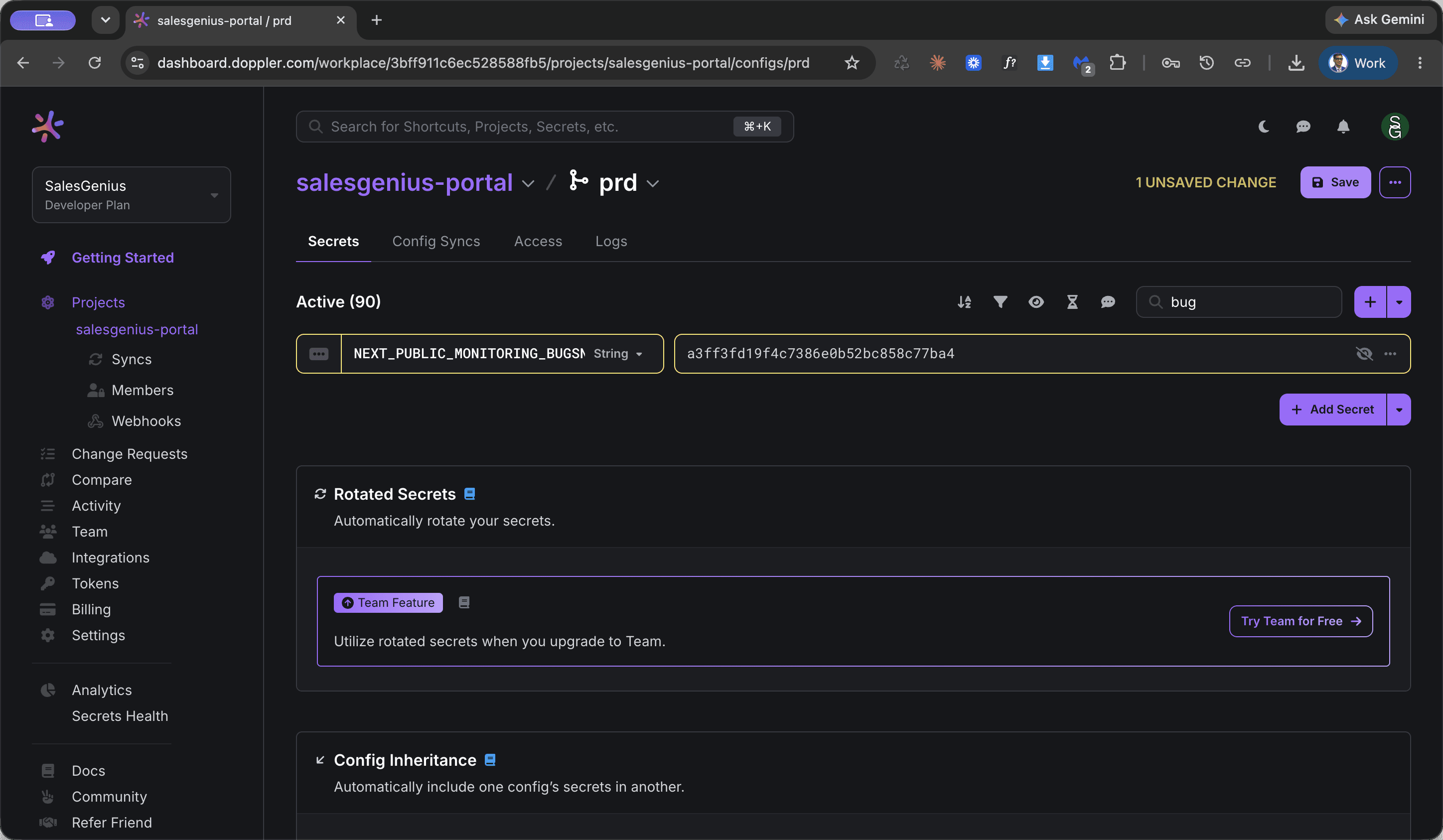
Search for specific keys, replace the existing secret values, and commit the changes to trigger a deployment sync.
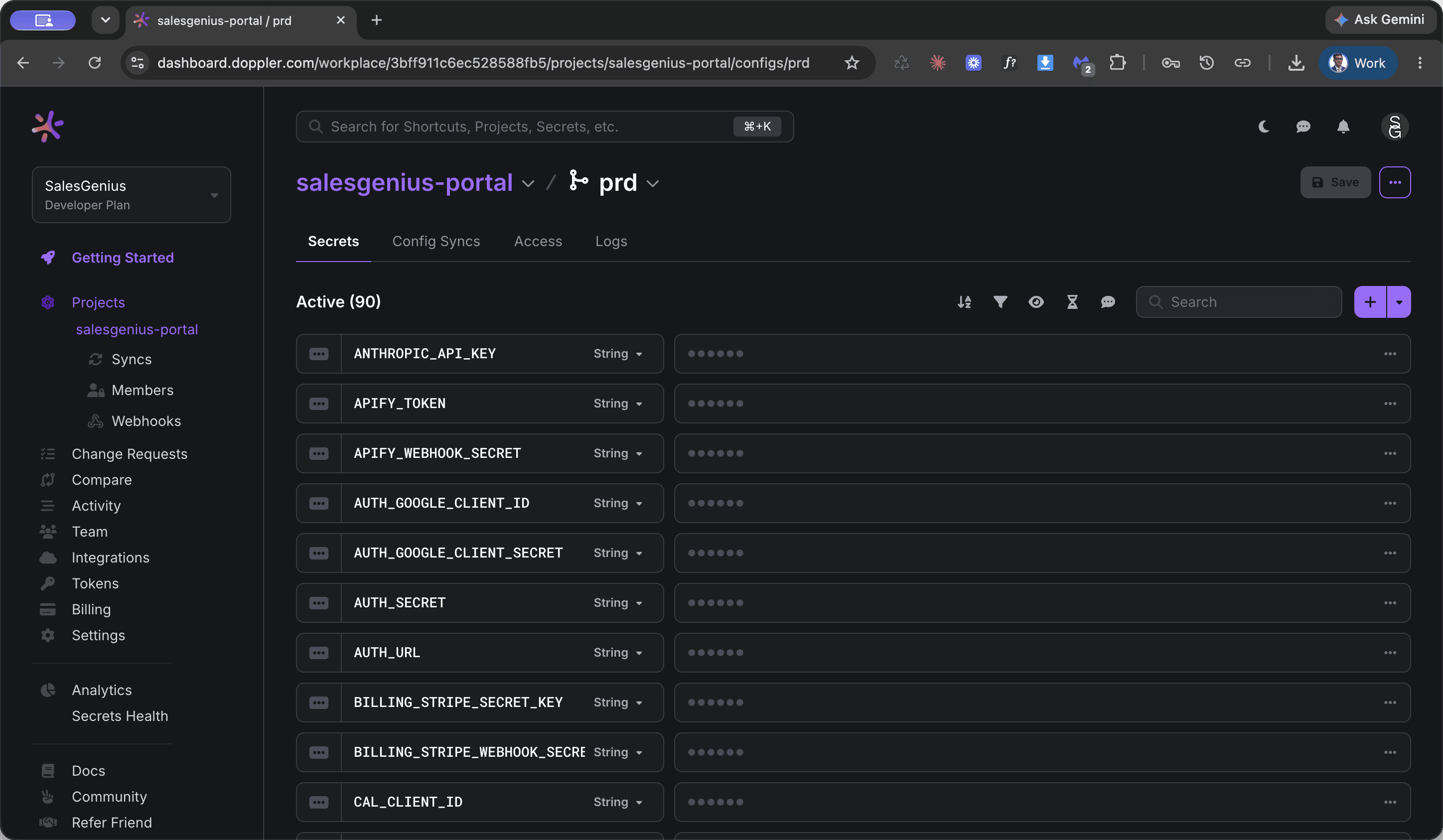
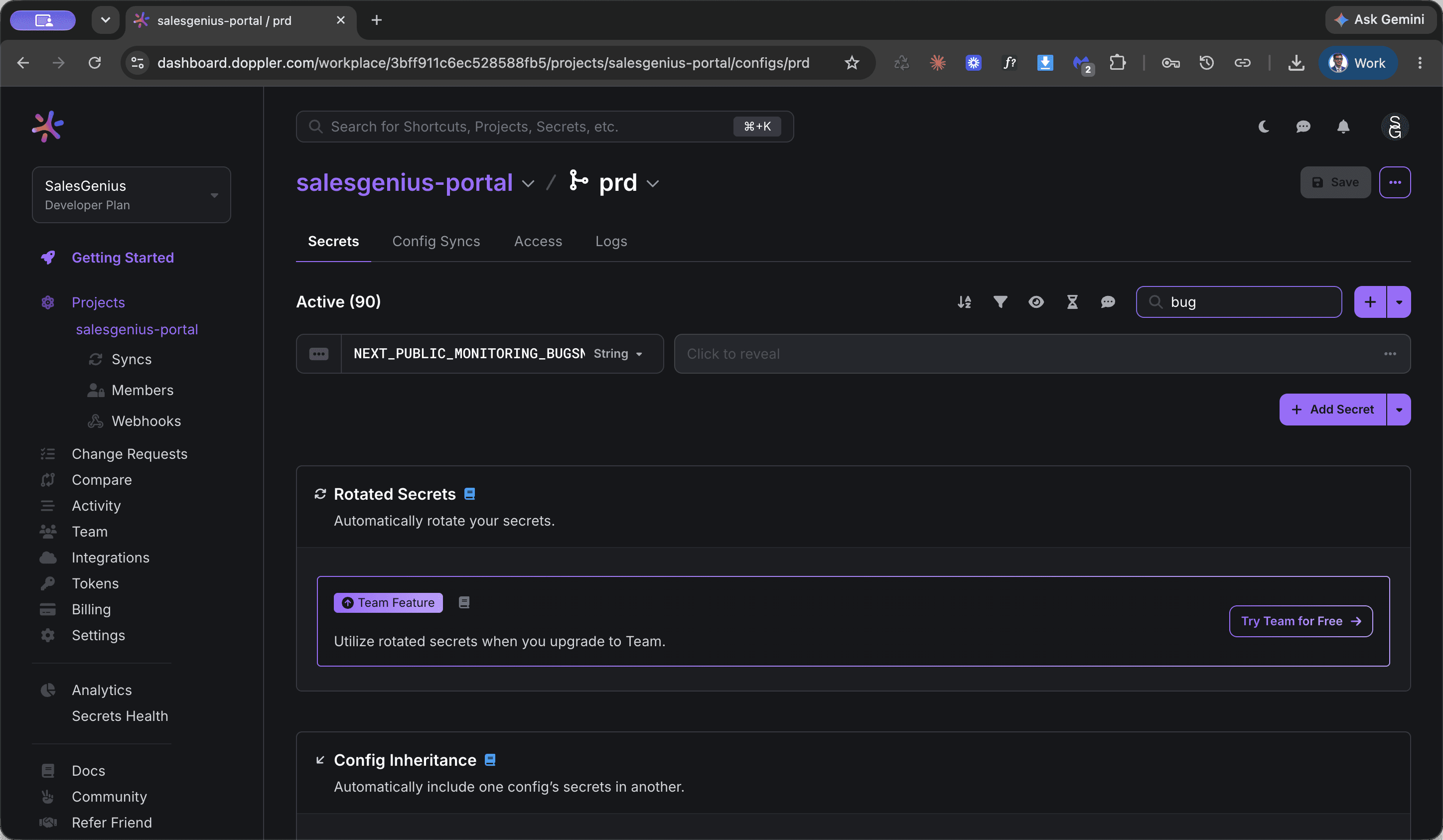
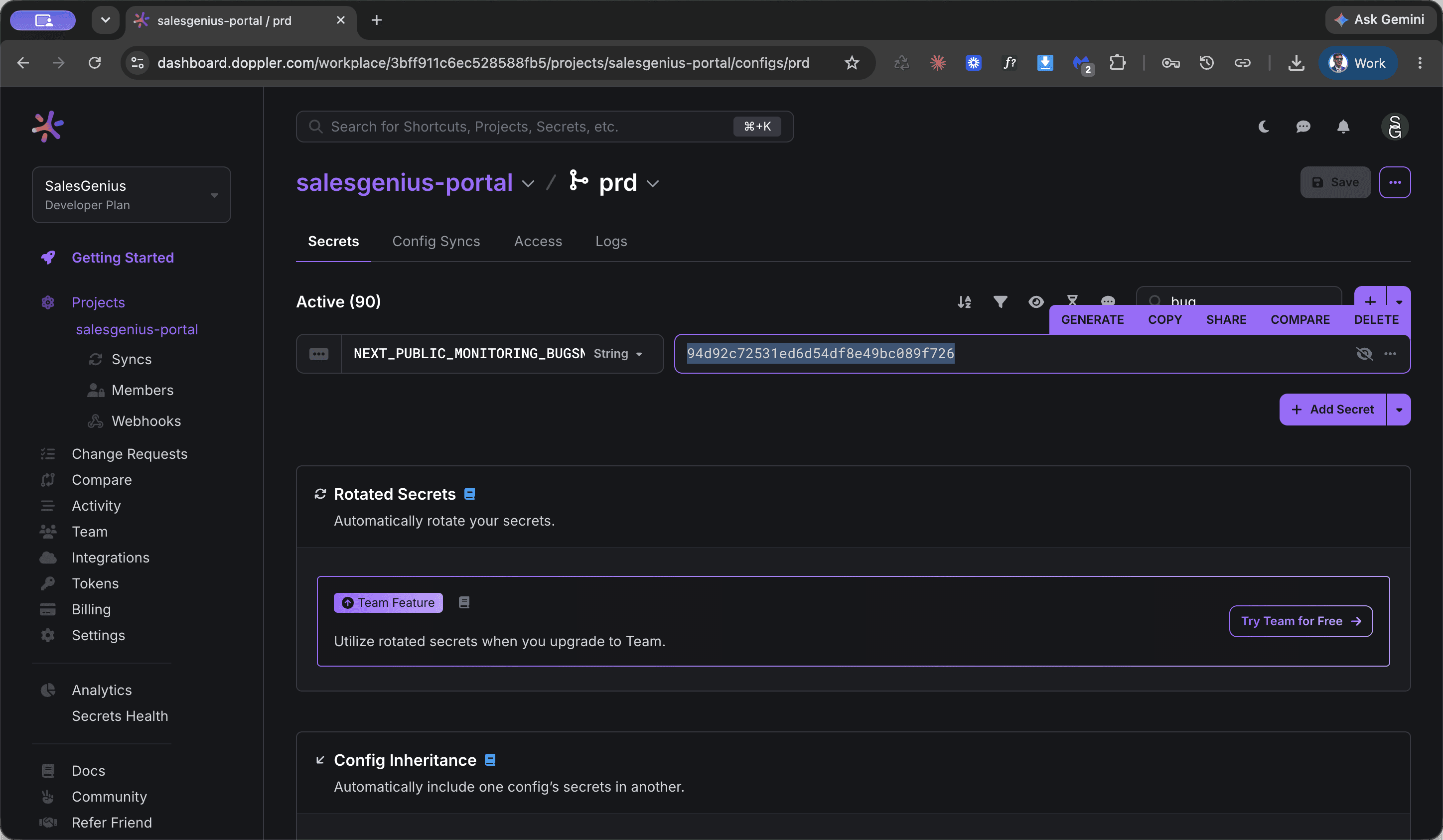
When a secret is edited, the dashboard header displays an unsaved changes alert.
FAQ
Q: What happens to the application when changes are saved in Doppler?
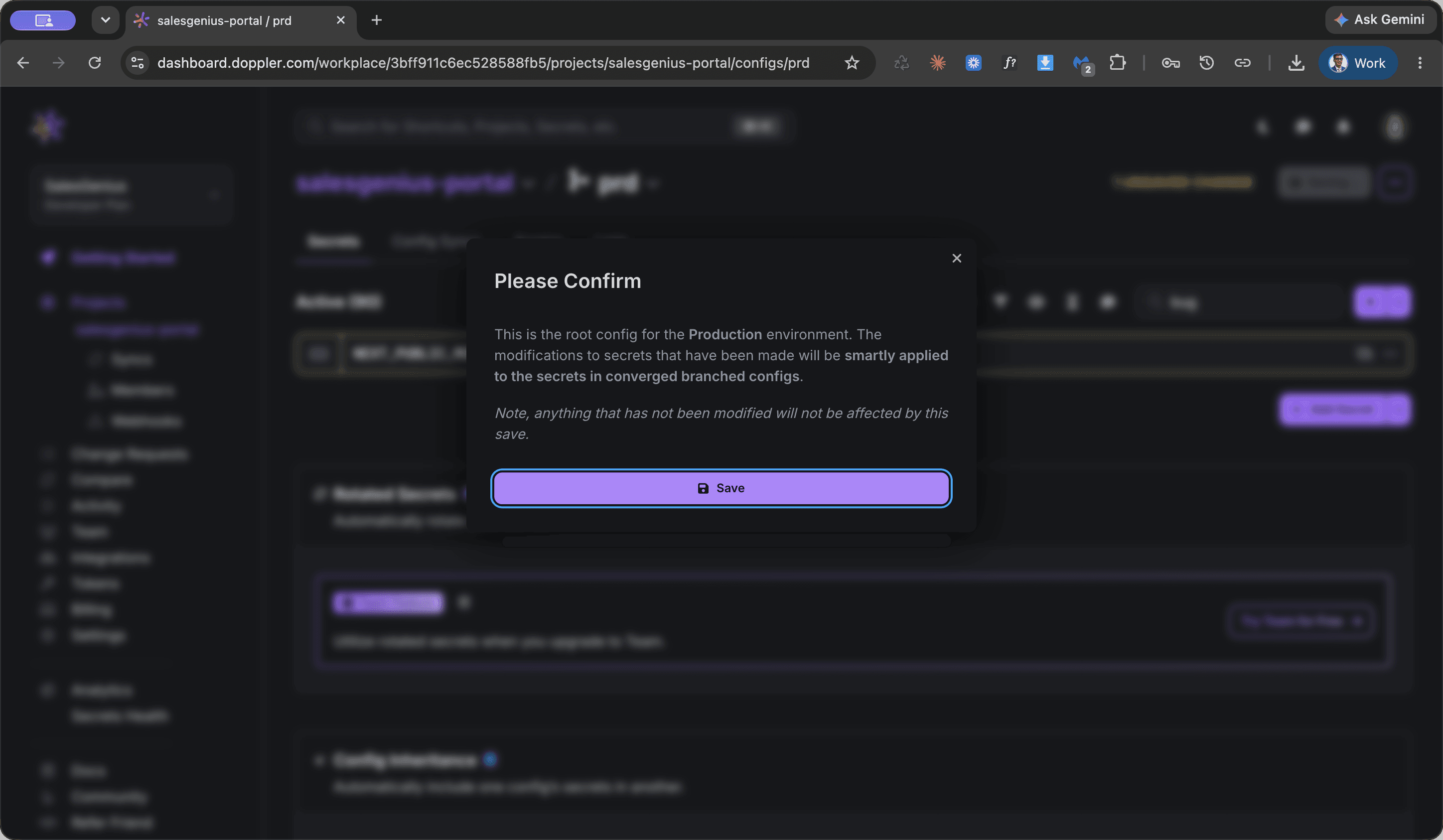
A: Doppler is integrated with DigitalOcean. When you save and confirm your secret changes, the new variables sync automatically and trigger a restart of the Sales Genius portal.
Q: How do I know the changes have been applied successfully?
A: After saving and confirming the confirmation modal, wait until the status indicator on the dashboard reads "In sync".
Glossary
Term | Definition |
|---|---|
Doppler | The centralized secrets management platform used to store and sync application environment variables. |
prd | The Doppler production environment configuration branch for live deployment settings. |
In sync | The status indicator confirming that all secrets in Doppler match the running configuration in DigitalOcean. |