How to Update Merchant Contact Information in NABC Iris
Learn how to update merchant details like DBA address, legal address, phone numbers, and email addresses in the NABC Iris CRM.
By Card Processing
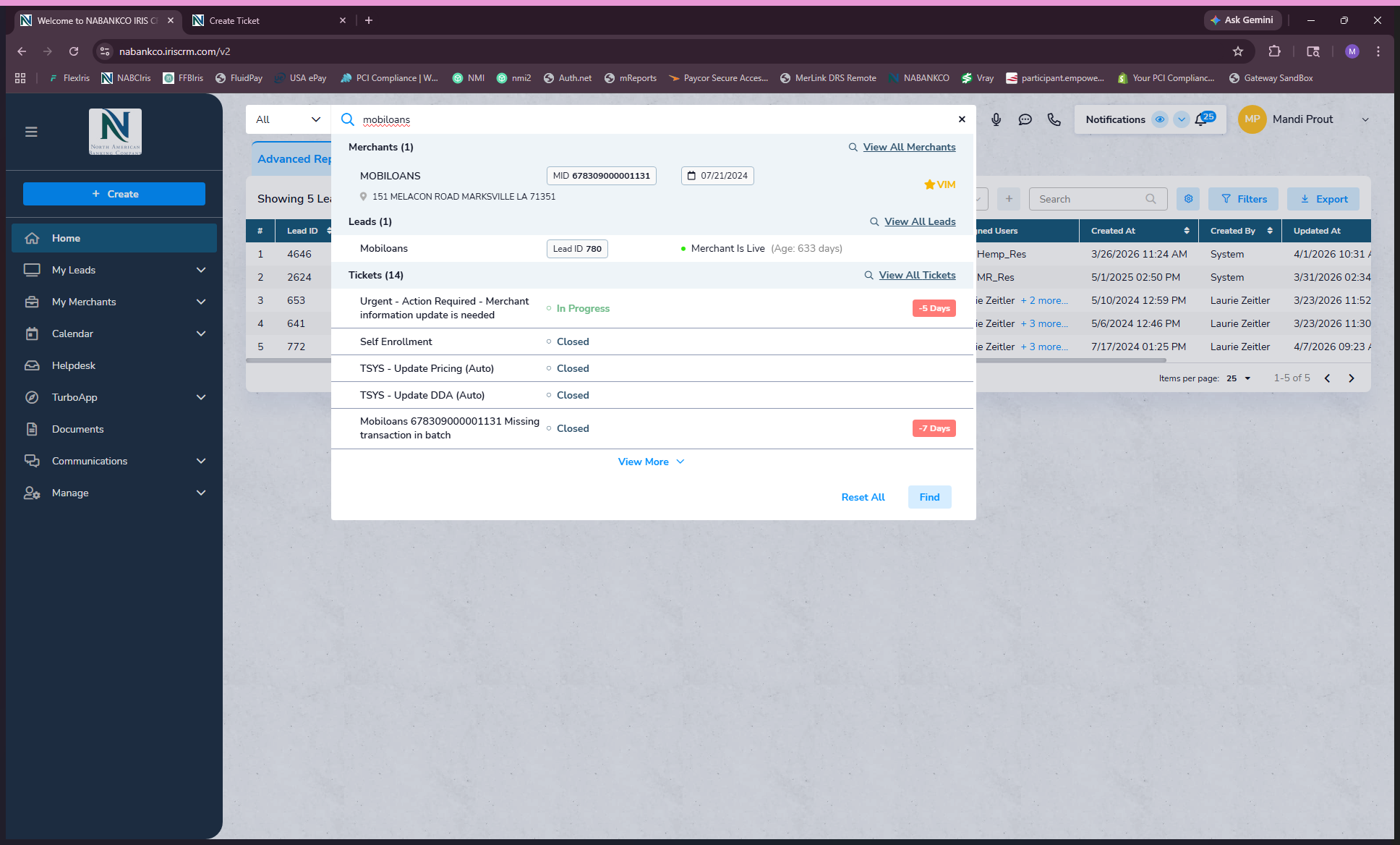
To update a merchant's contacts, addresses, phone numbers, or email addresses in NABC Iris, start by searching for the merchant's name in the global search bar.
1
Select the merchant from the search results
2
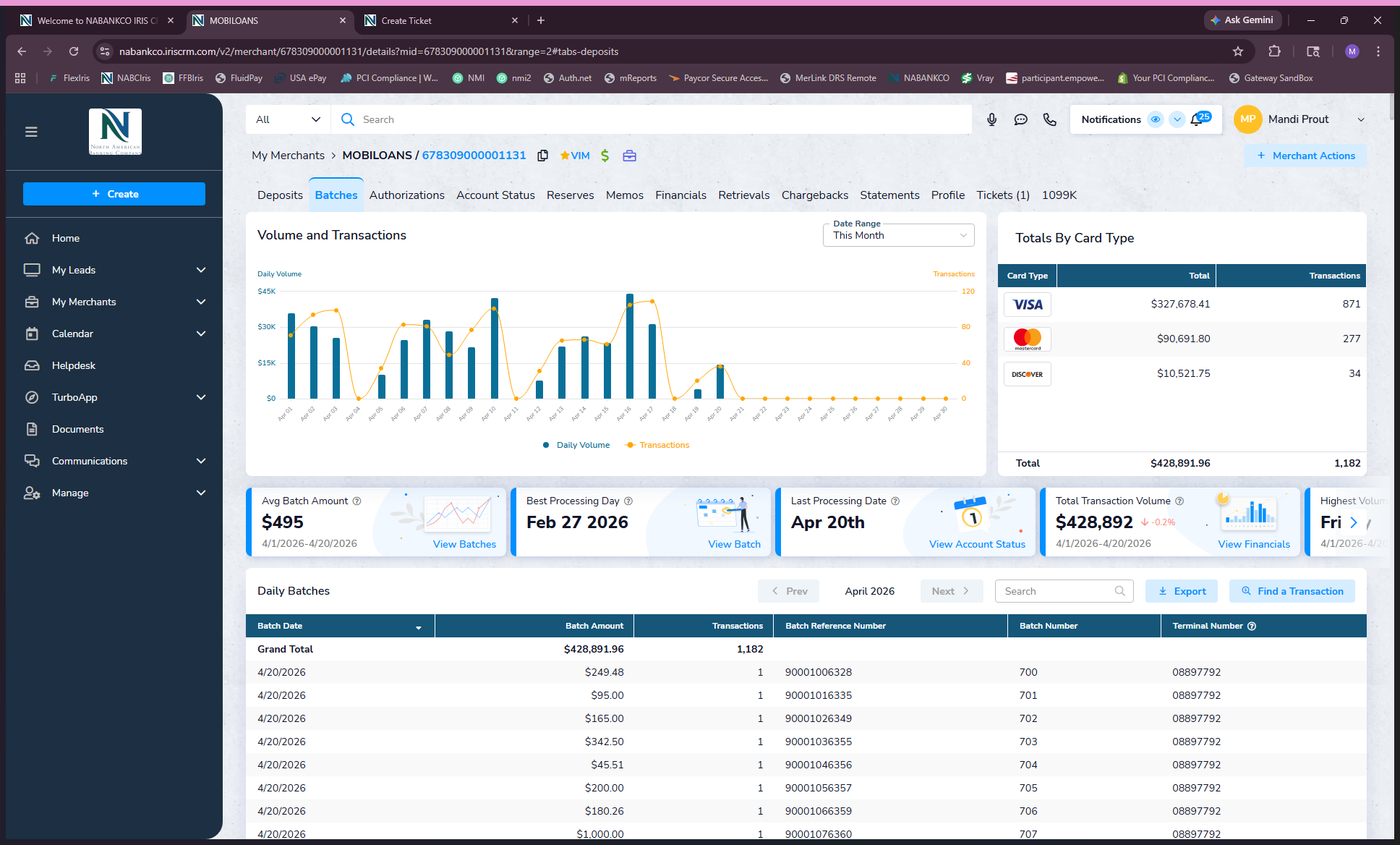
Navigate to the Account Status tab
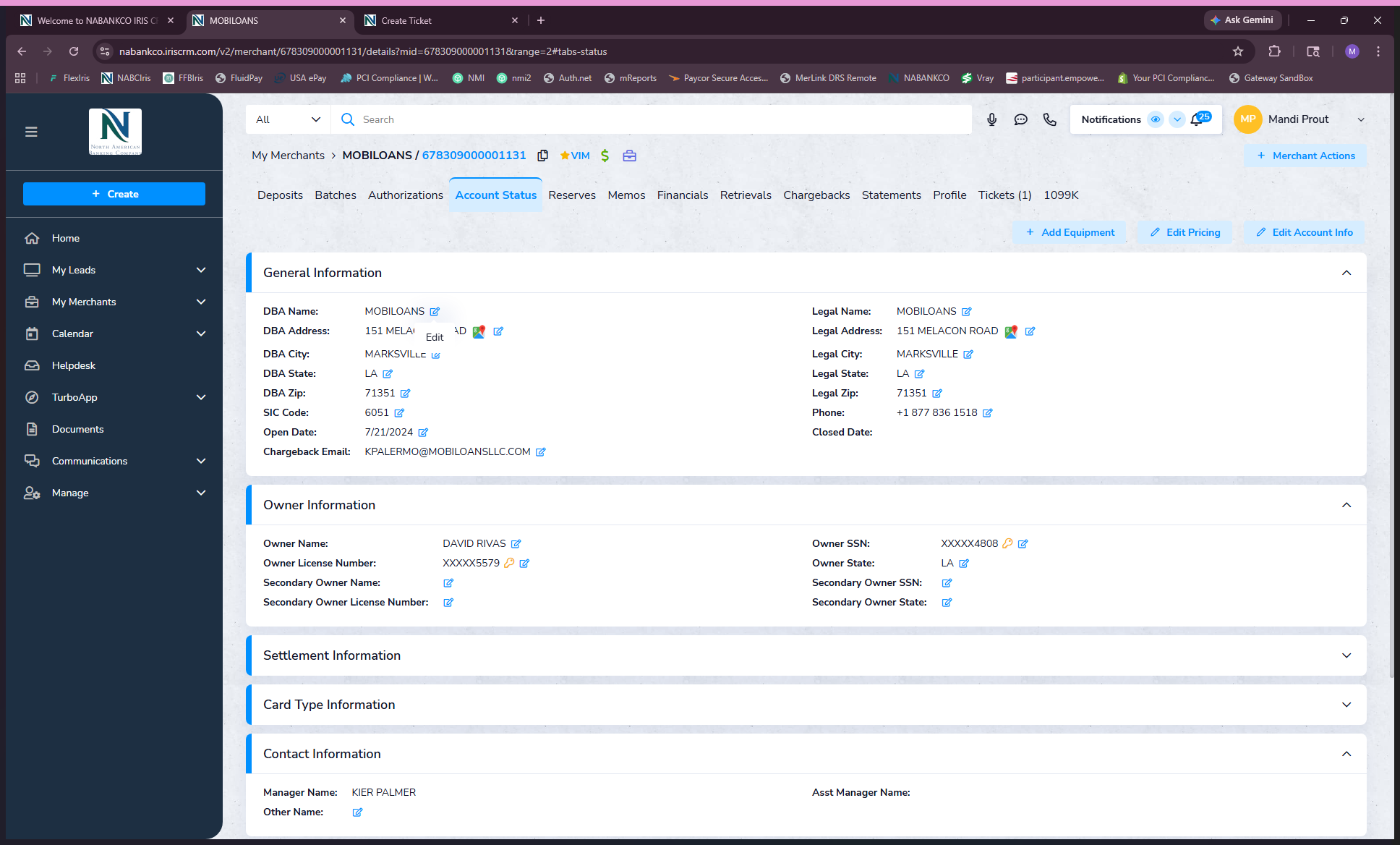
On the Account Status page, you can view the merchant's general business information, including the DBA name, legal address, chargeback notification email, owner details, and contact information.
3
Click the Edit icon next to the section you want to modify
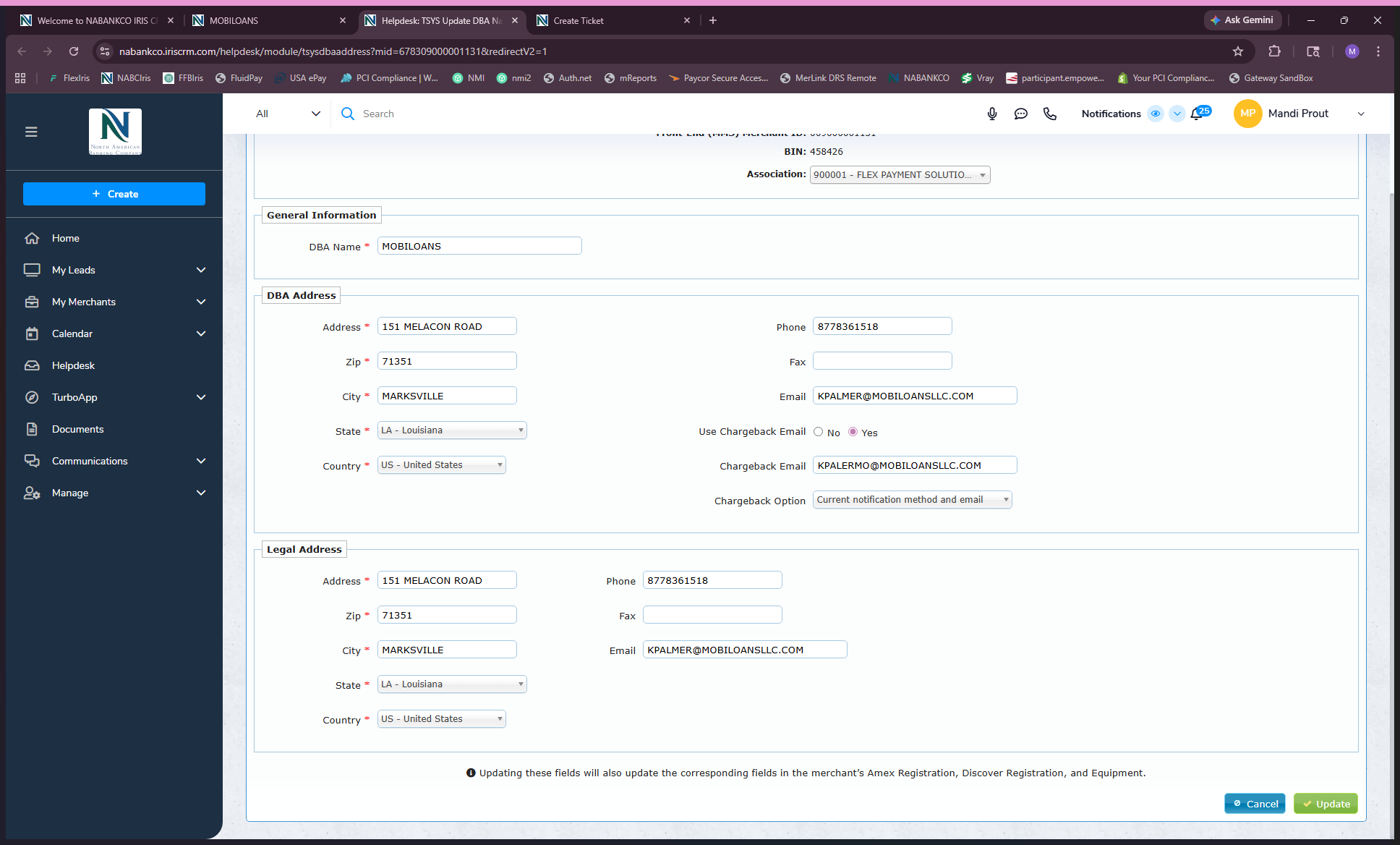
This opens the TSYS editing page. Here, you can update the DBA address, communication email addresses, chargeback email routing, legal address, and phone numbers.
4
Click Update to apply your changes