
Update Monthly Diligence Invoicing via Summit
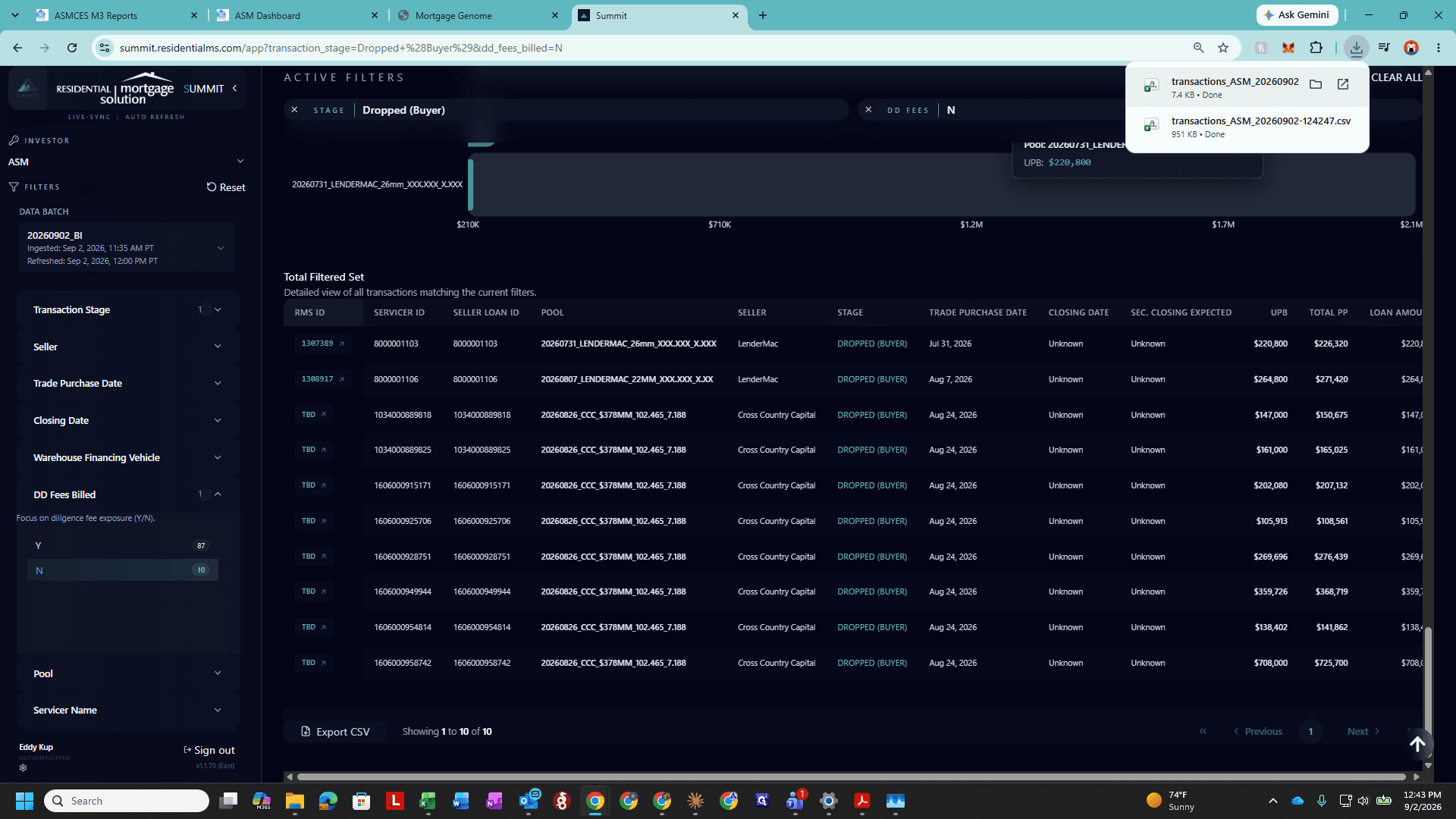
Export unbilled closed and dropped loan data from Summit and update monthly diligence billing templates in Excel.
This guide explains how to extract unbilled diligence data from Summit and update monthly investor billing workbooks in Microsoft Excel.
This process applies to accounting and billing team members responsible for generating and reconciling monthly due diligence management invoices across investor profiles.
Understanding the Billing Workbook Structure
Each investor billing workbook contains three primary worksheets:
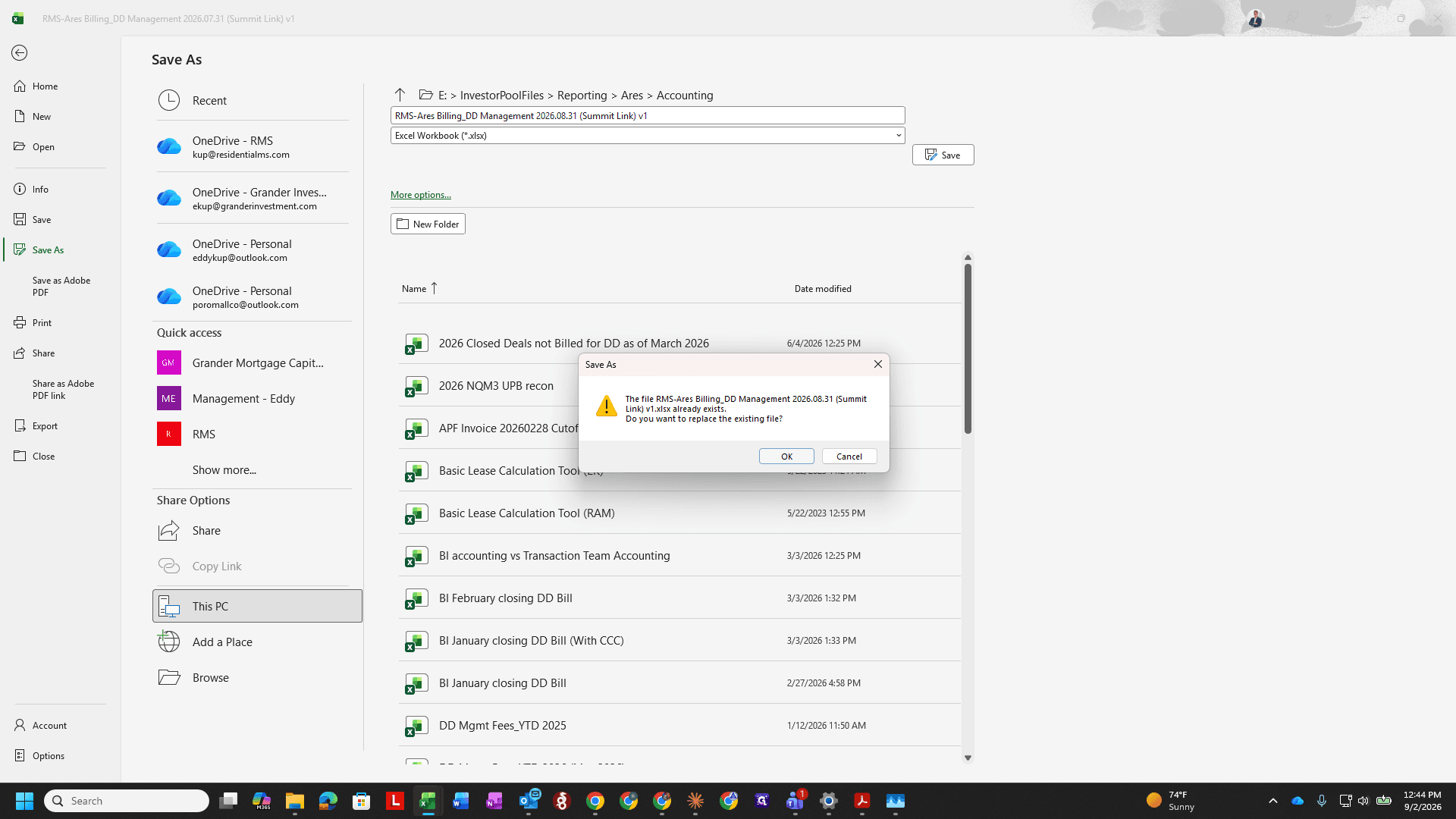
Summary / Page 1: The customer-facing invoice that is range-valued and sent to the client without the formulas and subsequent sheets.
Diligence: Aggregates and calculates loan counts and fee totals.
Summit Input: Houses the raw transaction data exported directly from Summit.
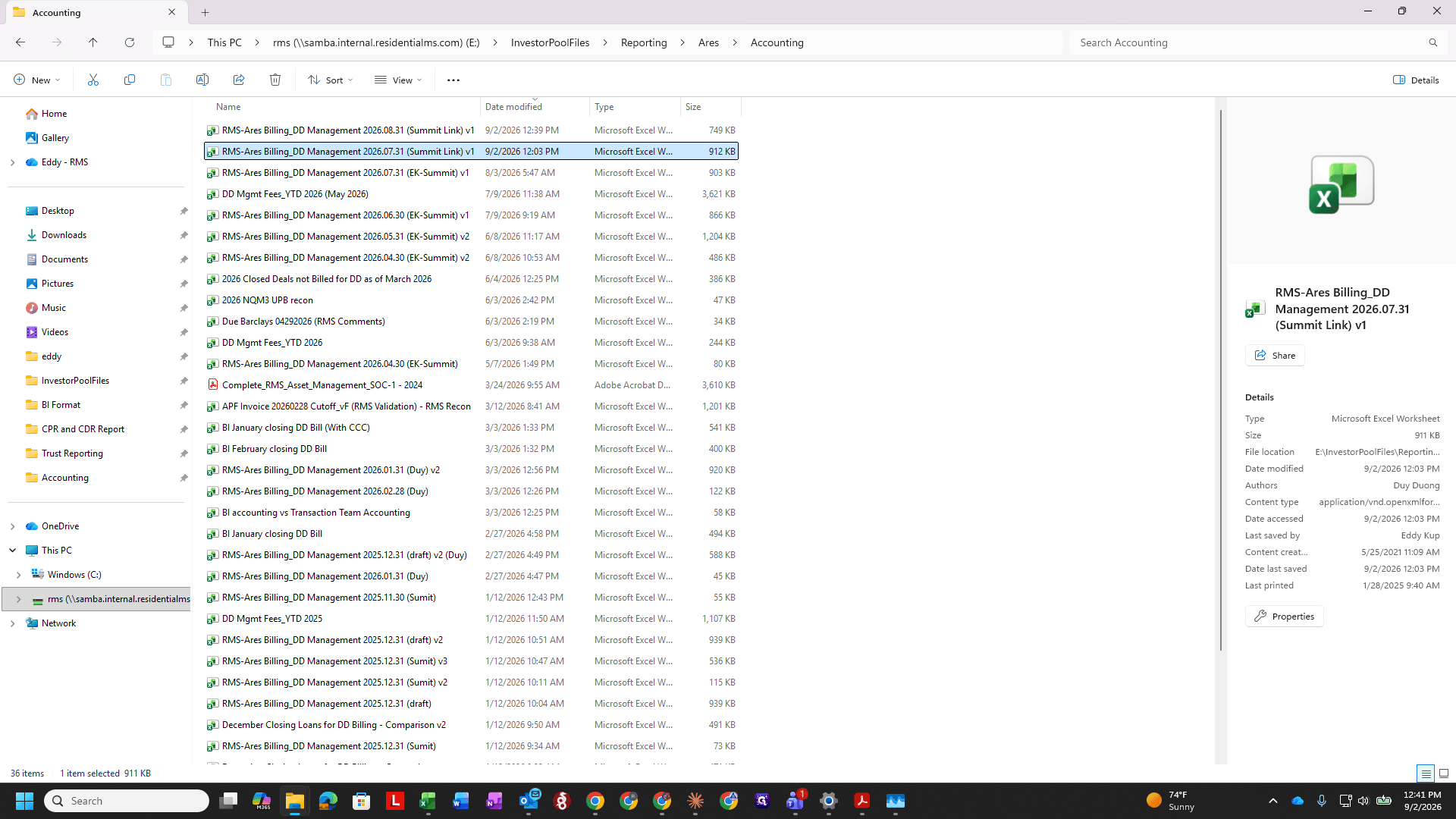
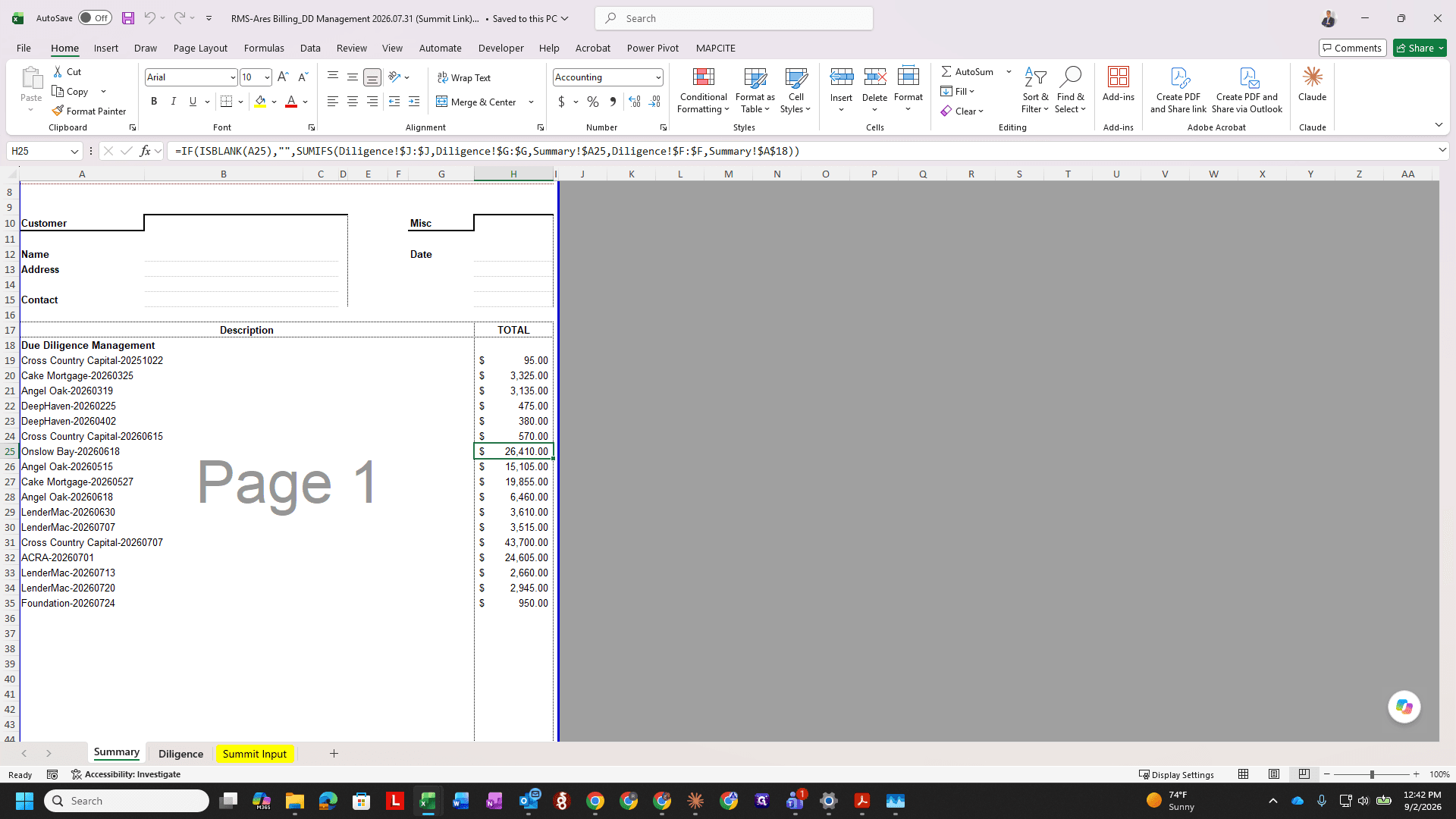
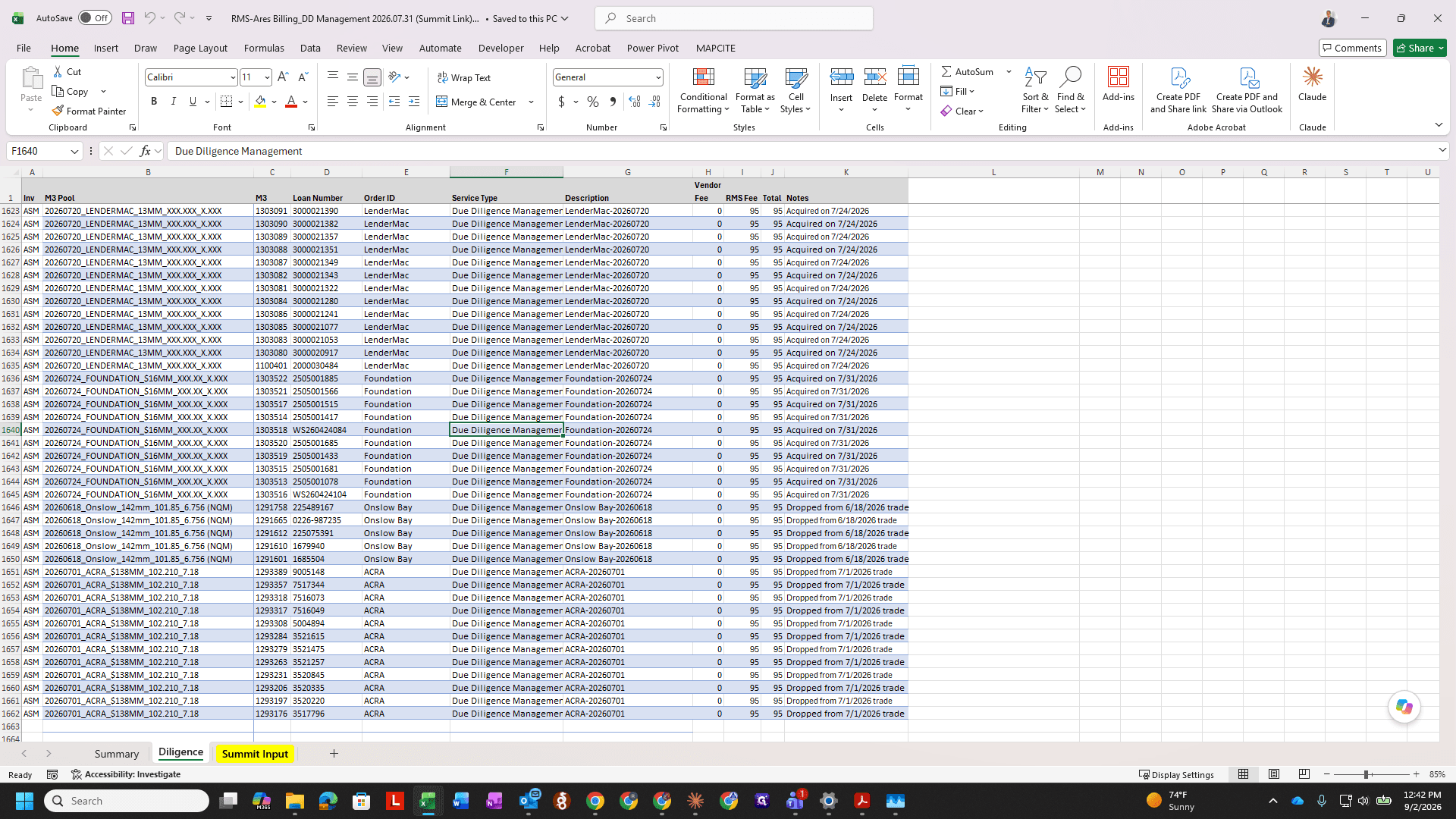
Exporting Unbilled Transactions from Summit
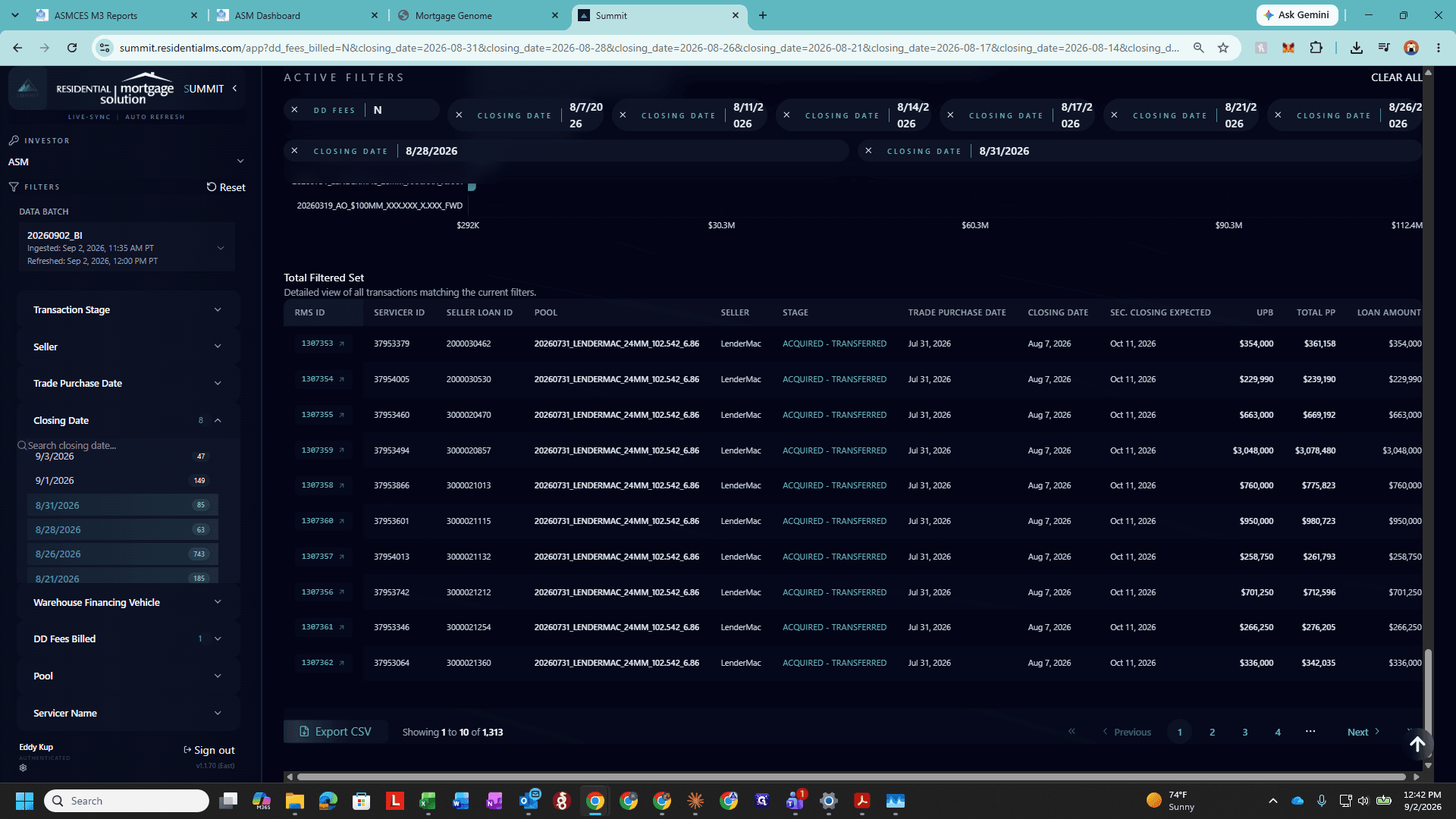
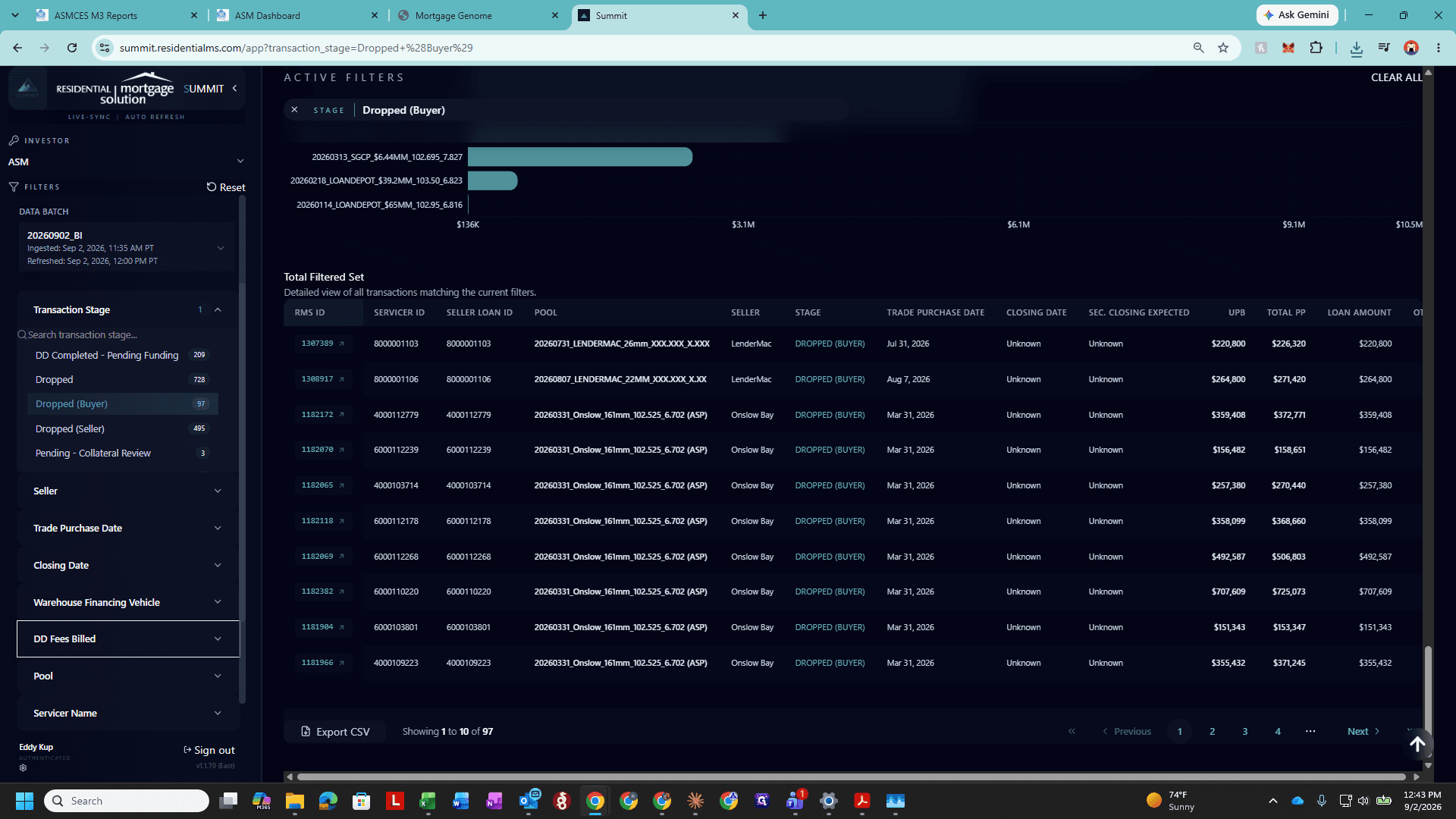
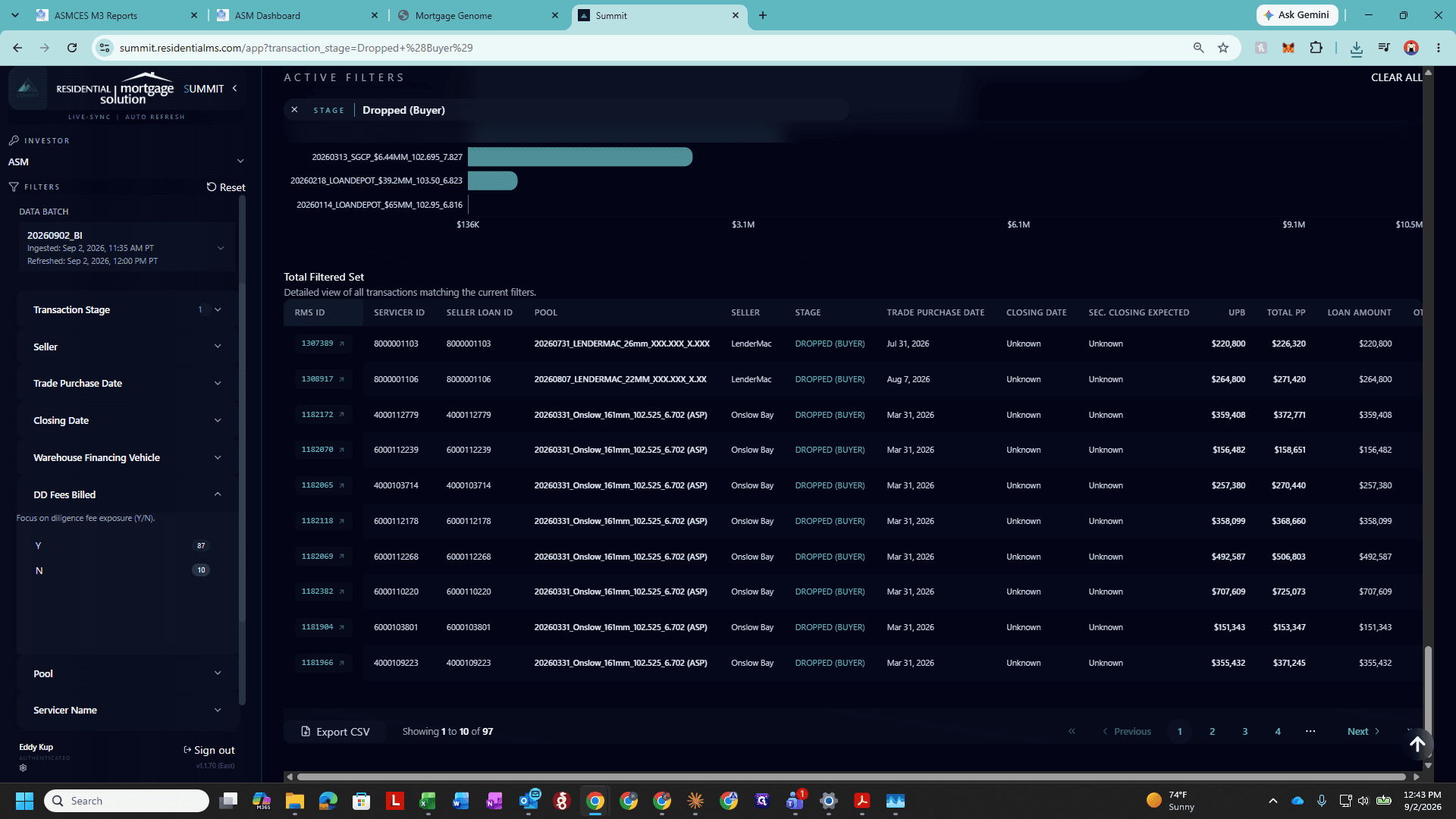
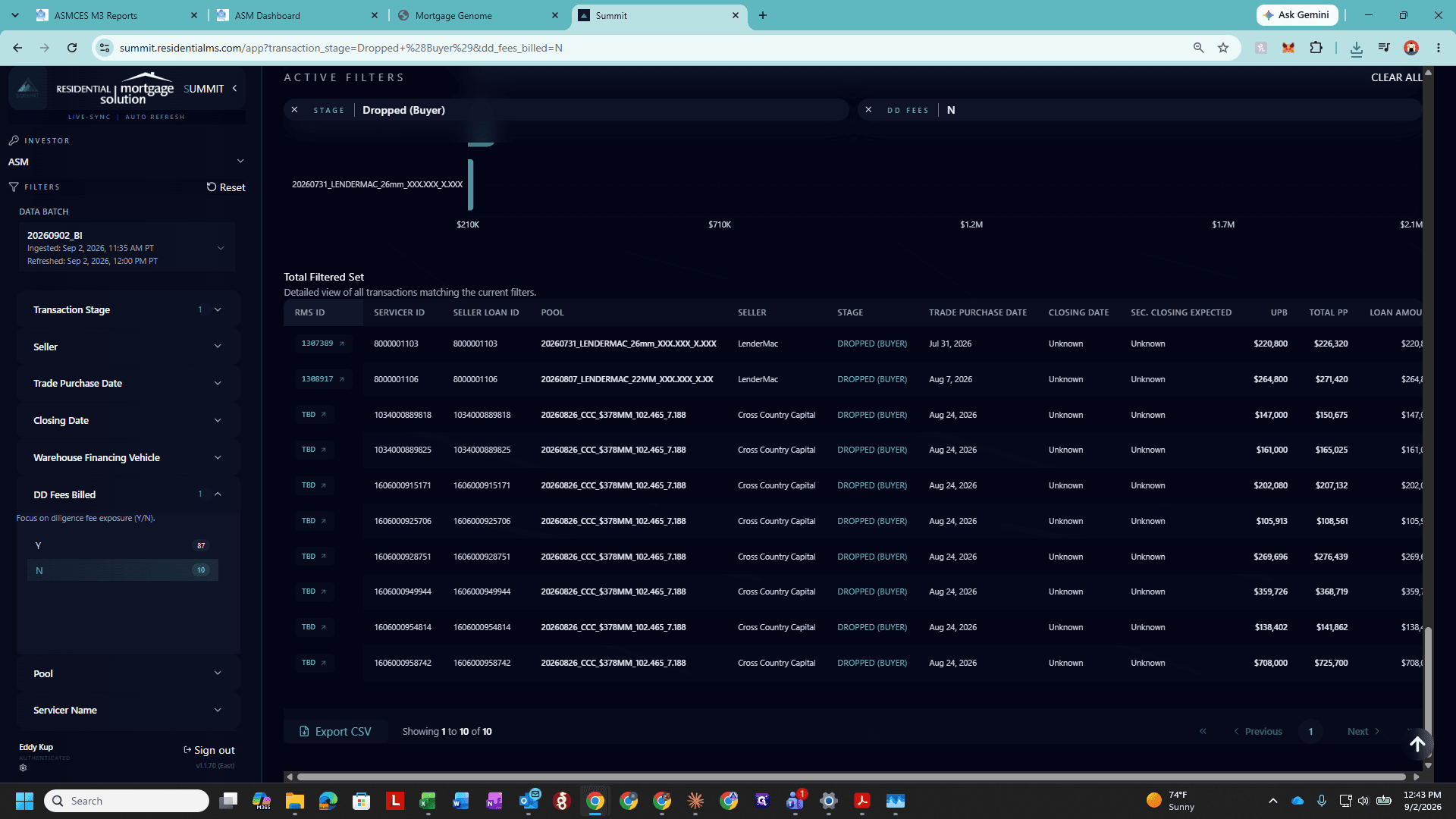
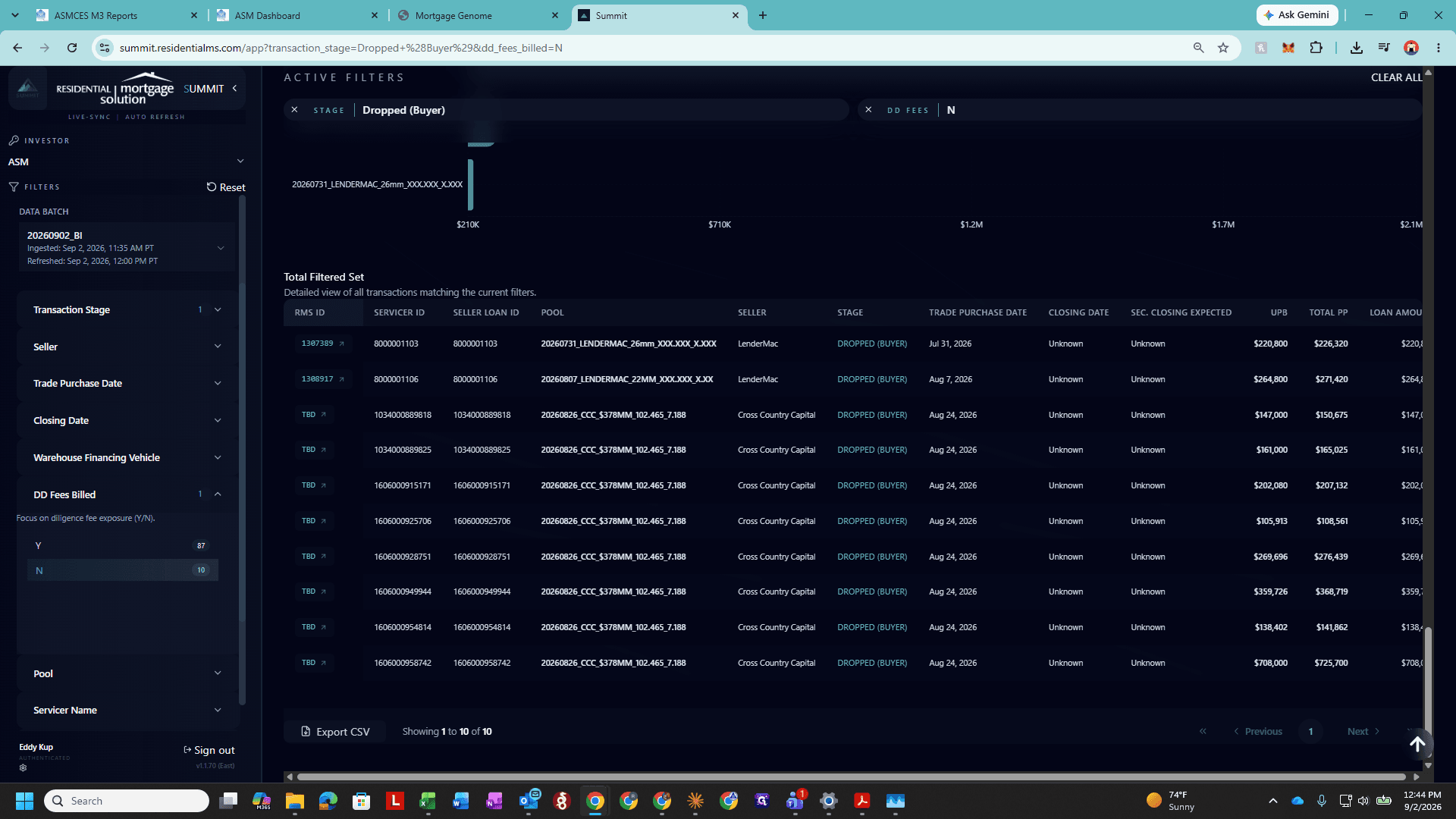
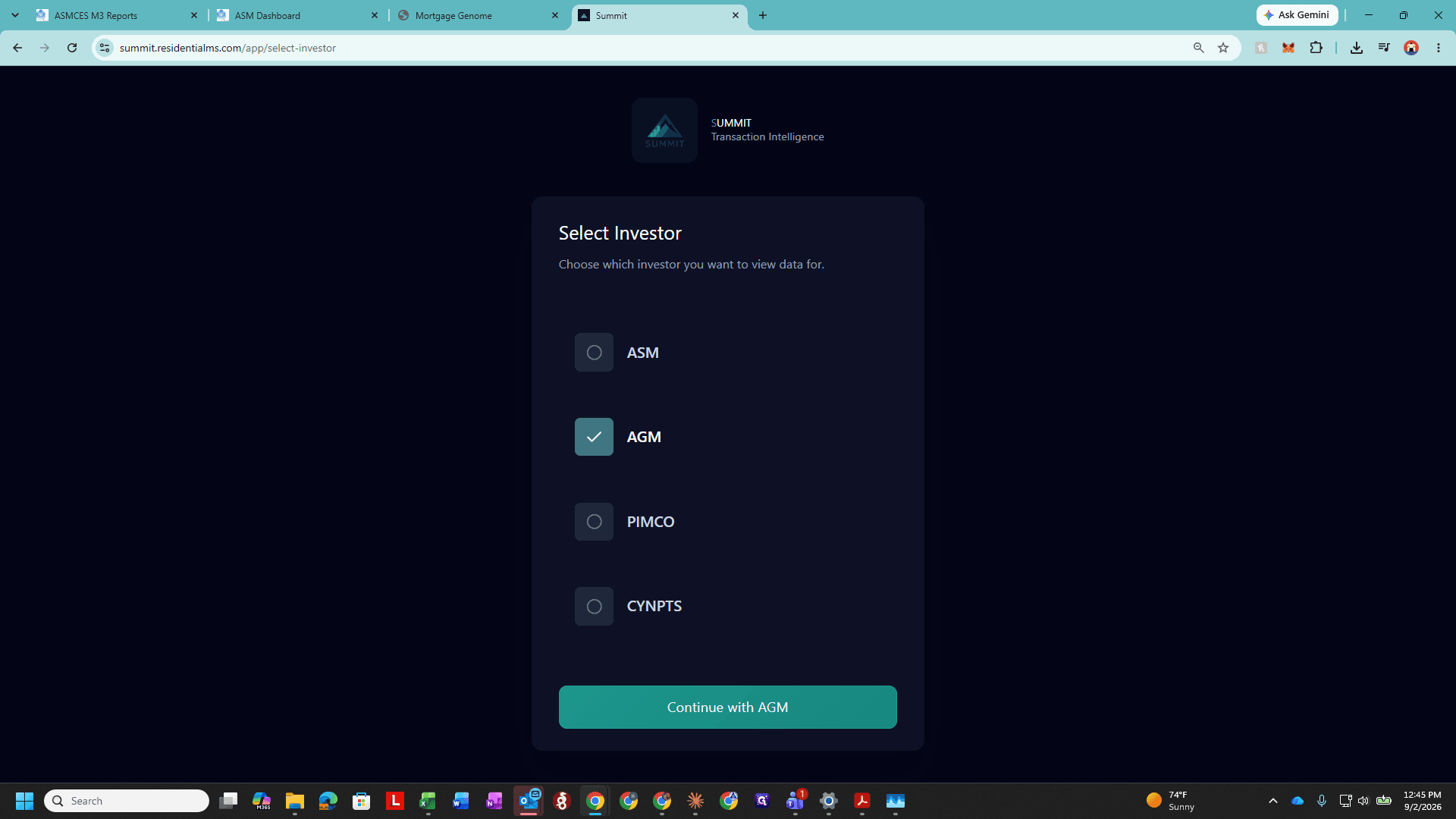
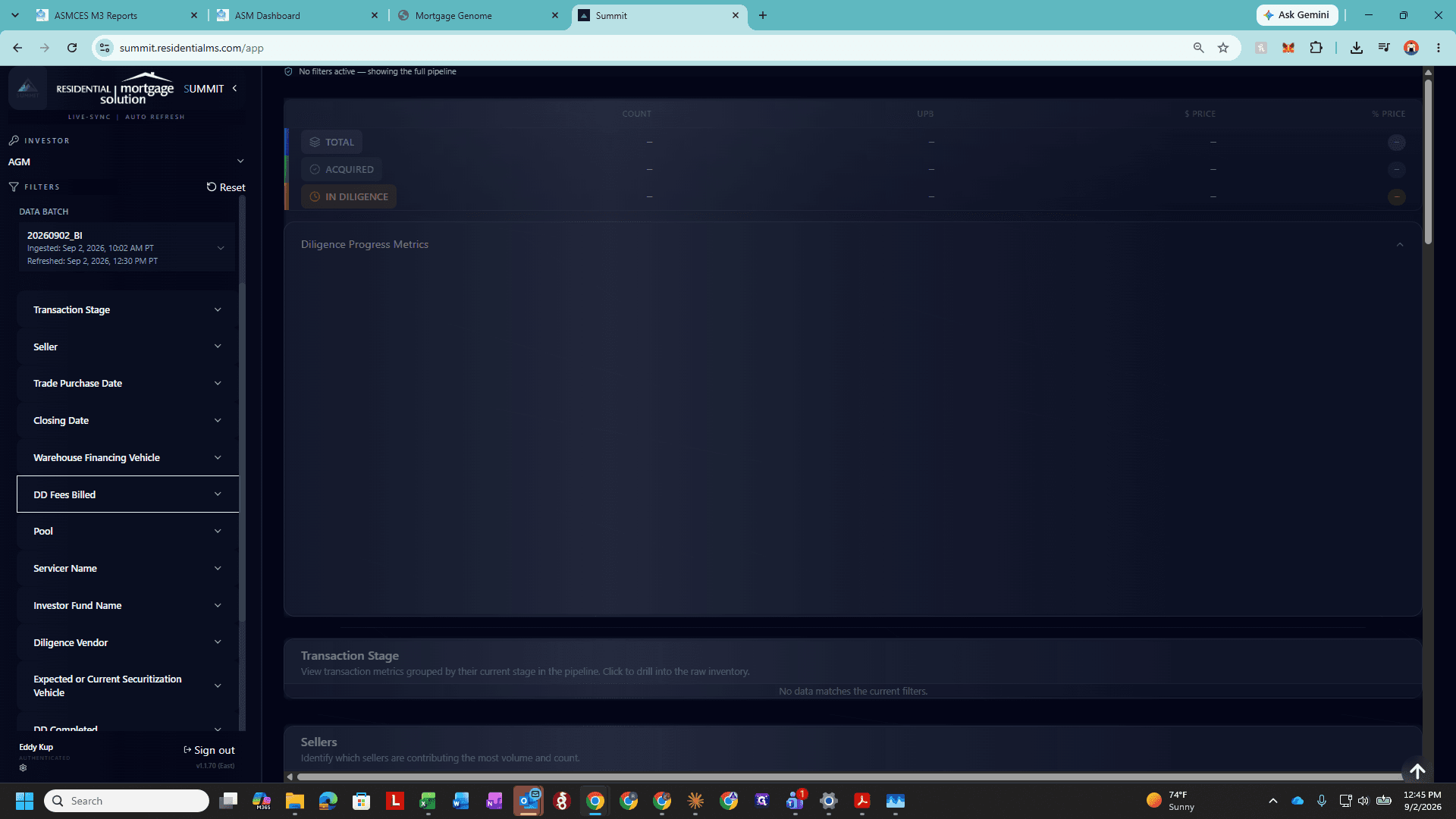
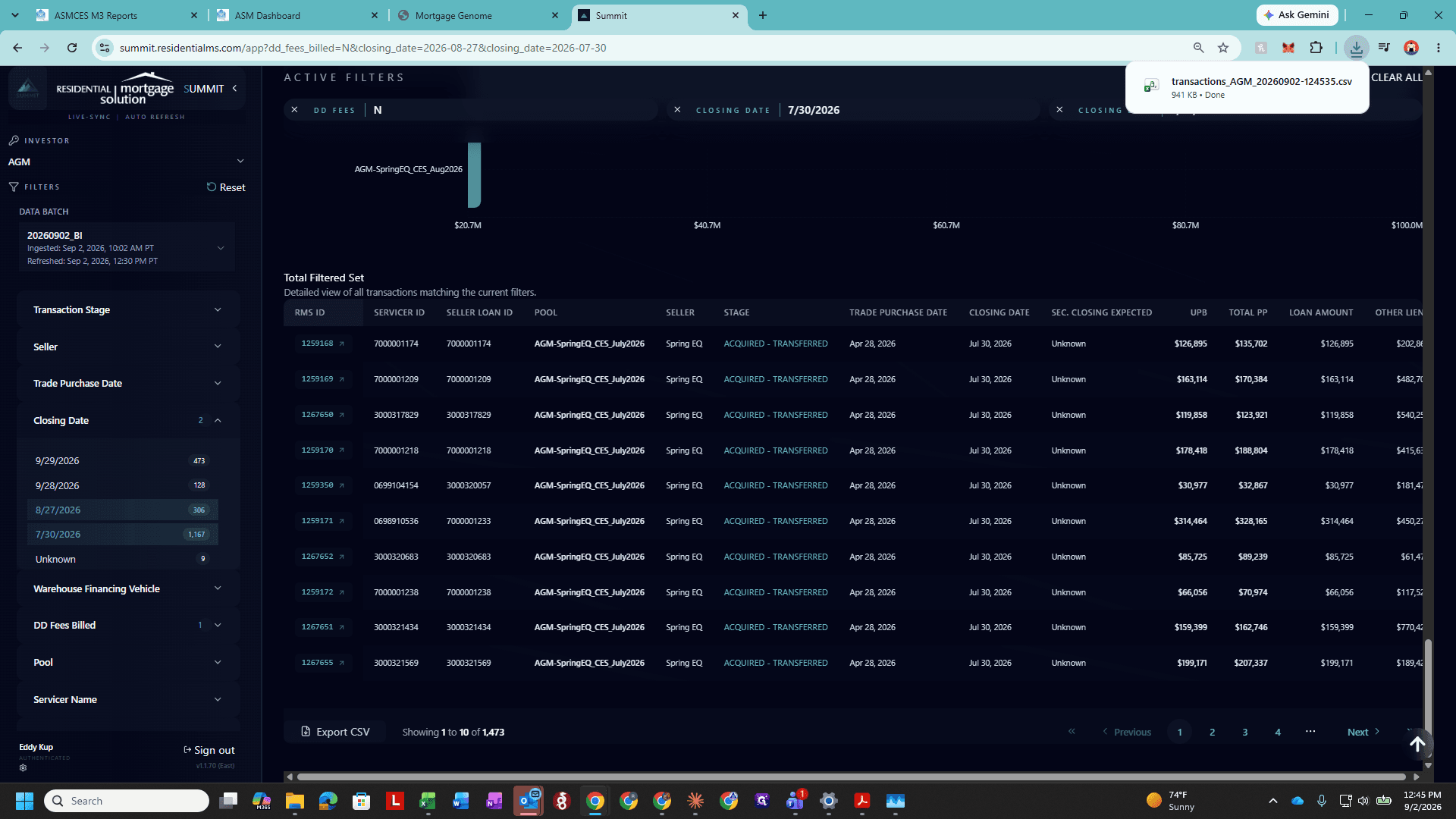
For each investor, you must export two distinct sets of unbilled loans: closed loans from the billing cycle and loans dropped by the buyer.
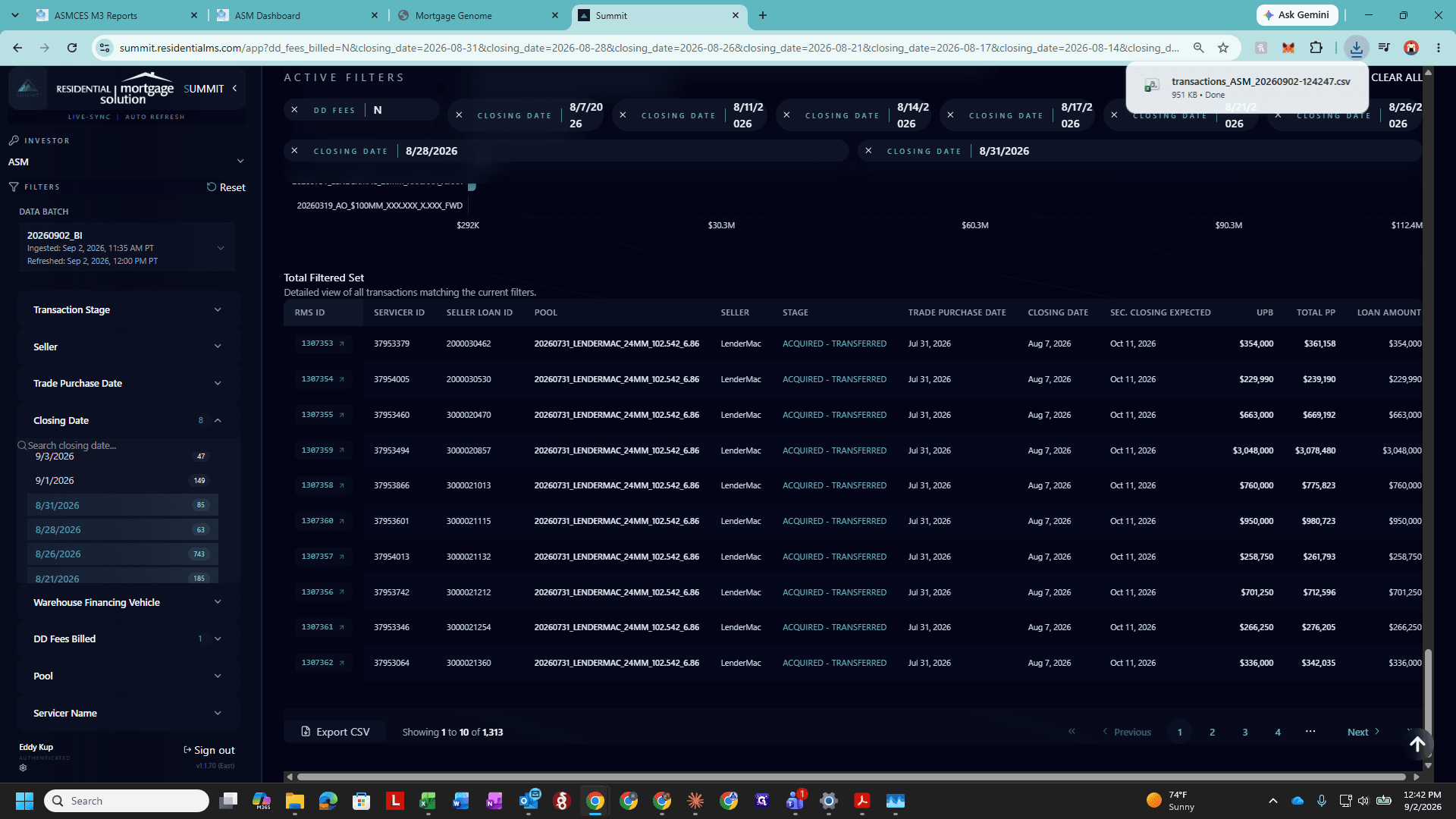
1. Export Closed Unbilled Loans
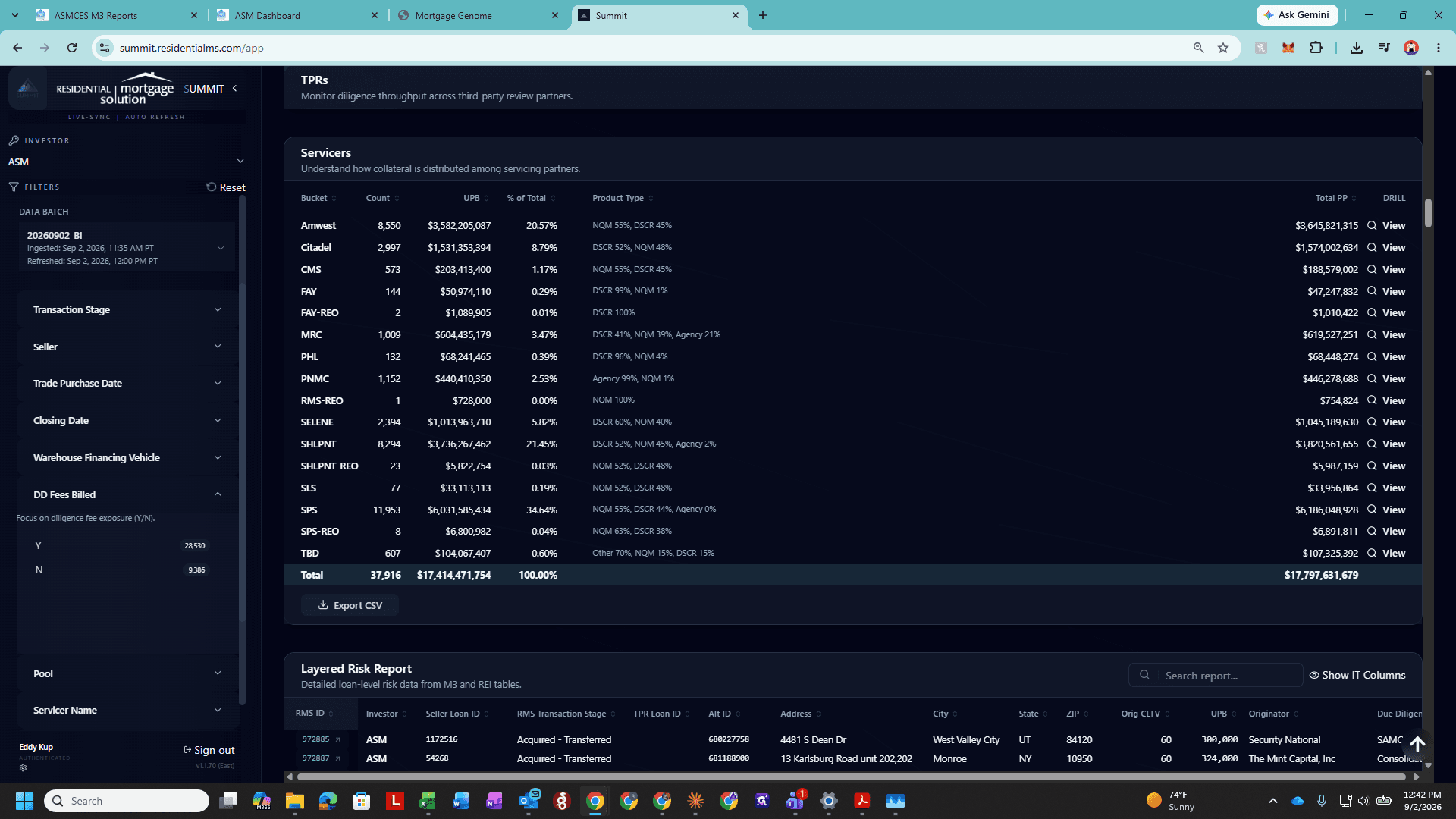
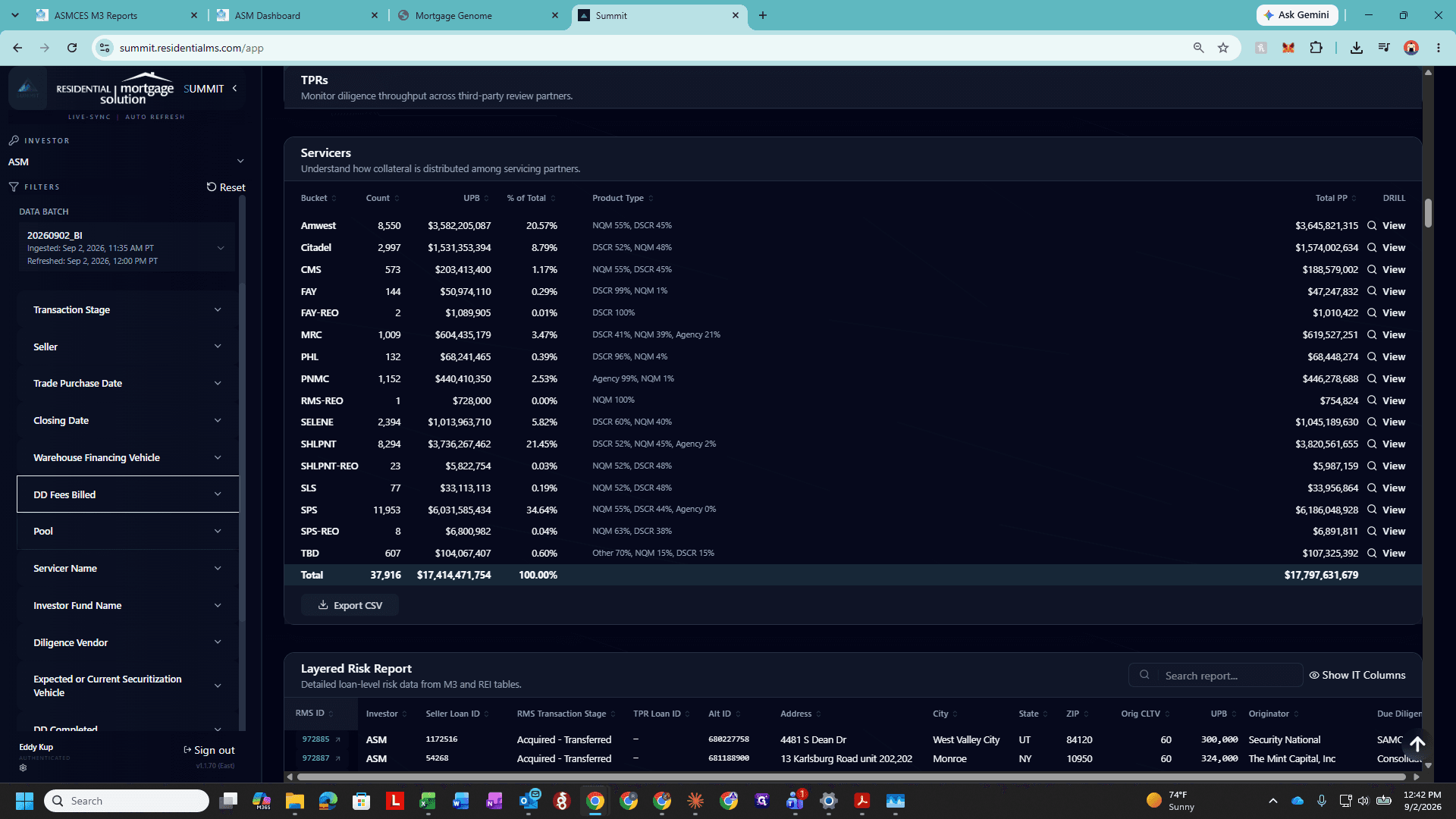
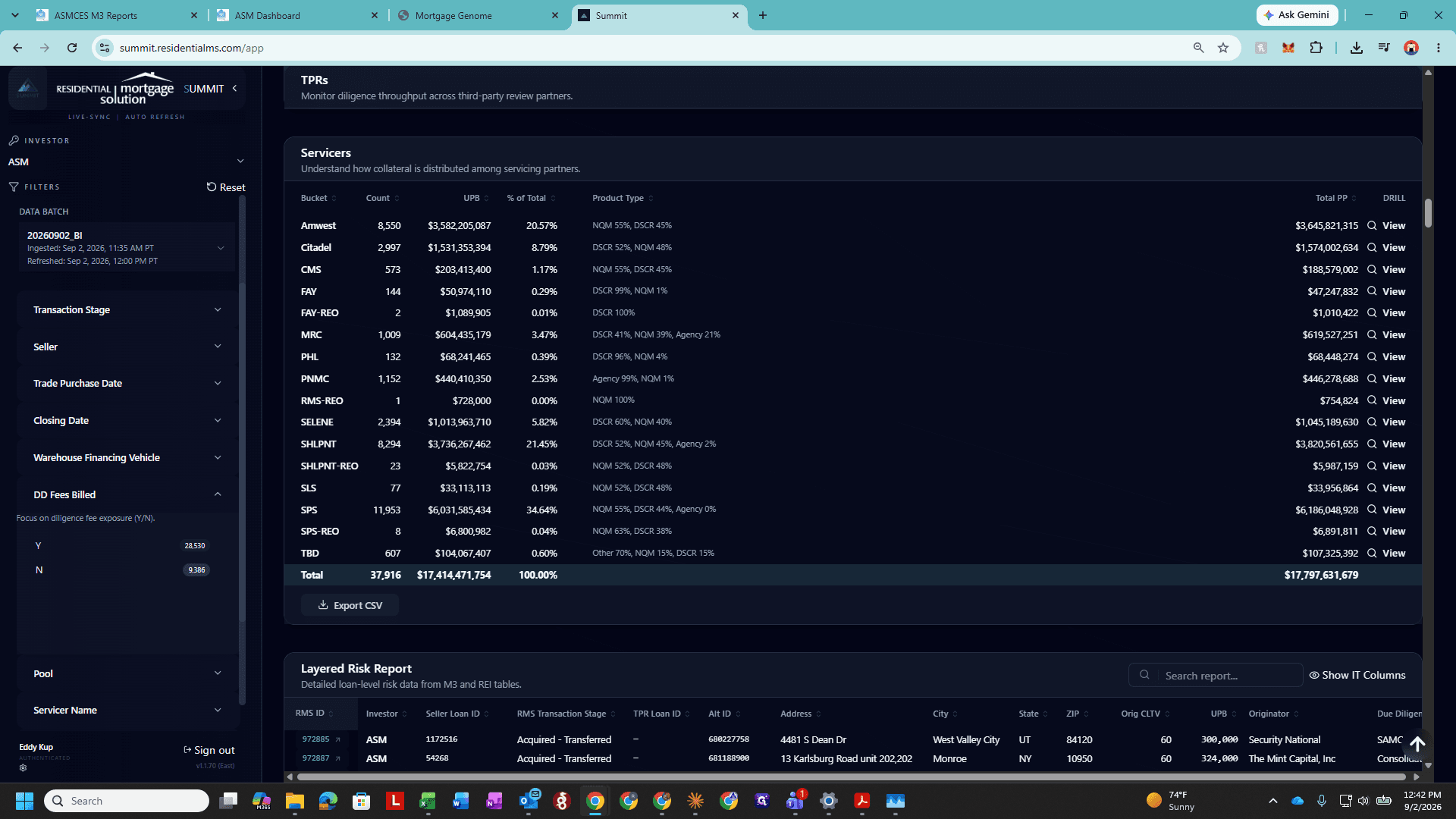
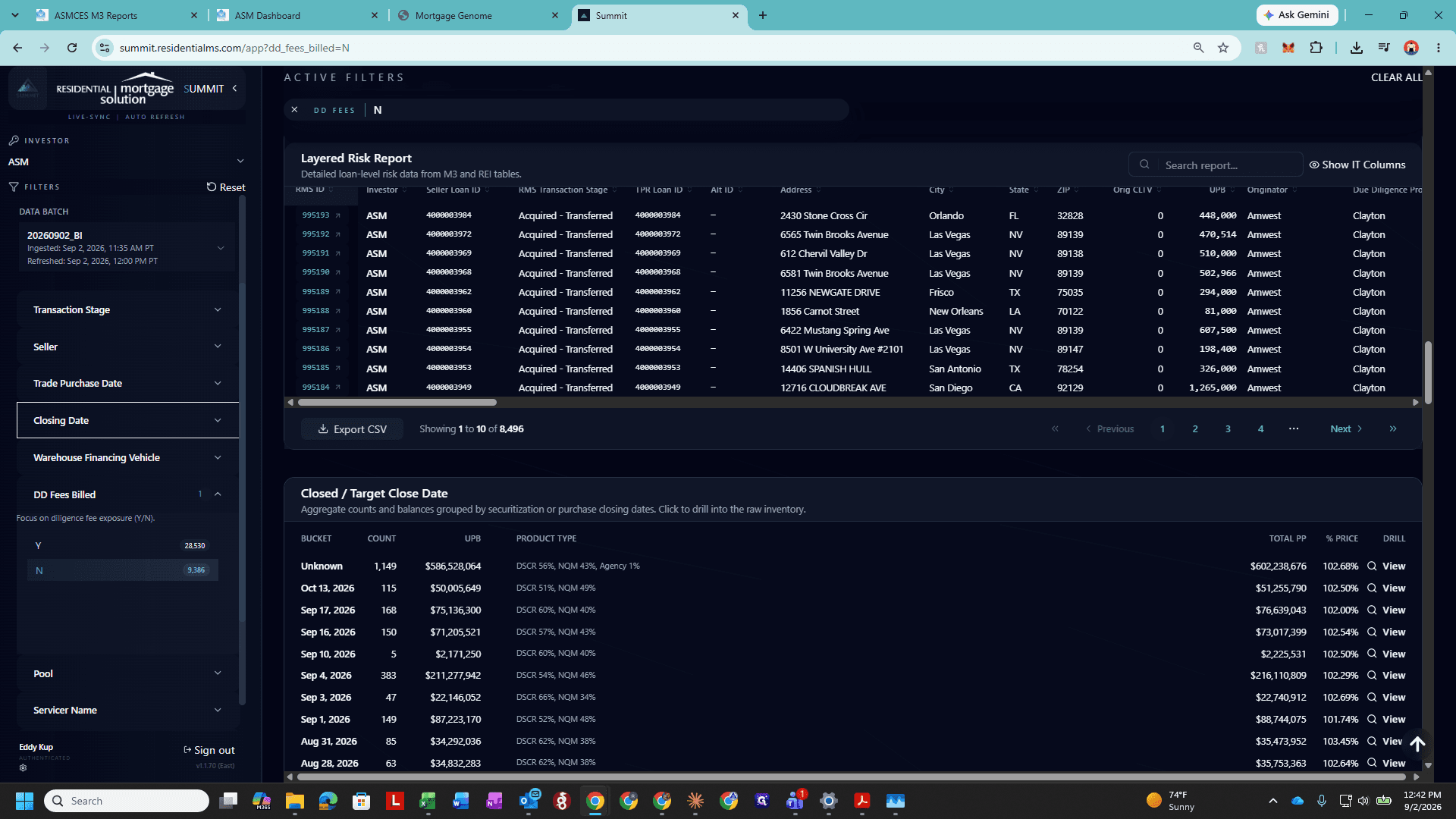
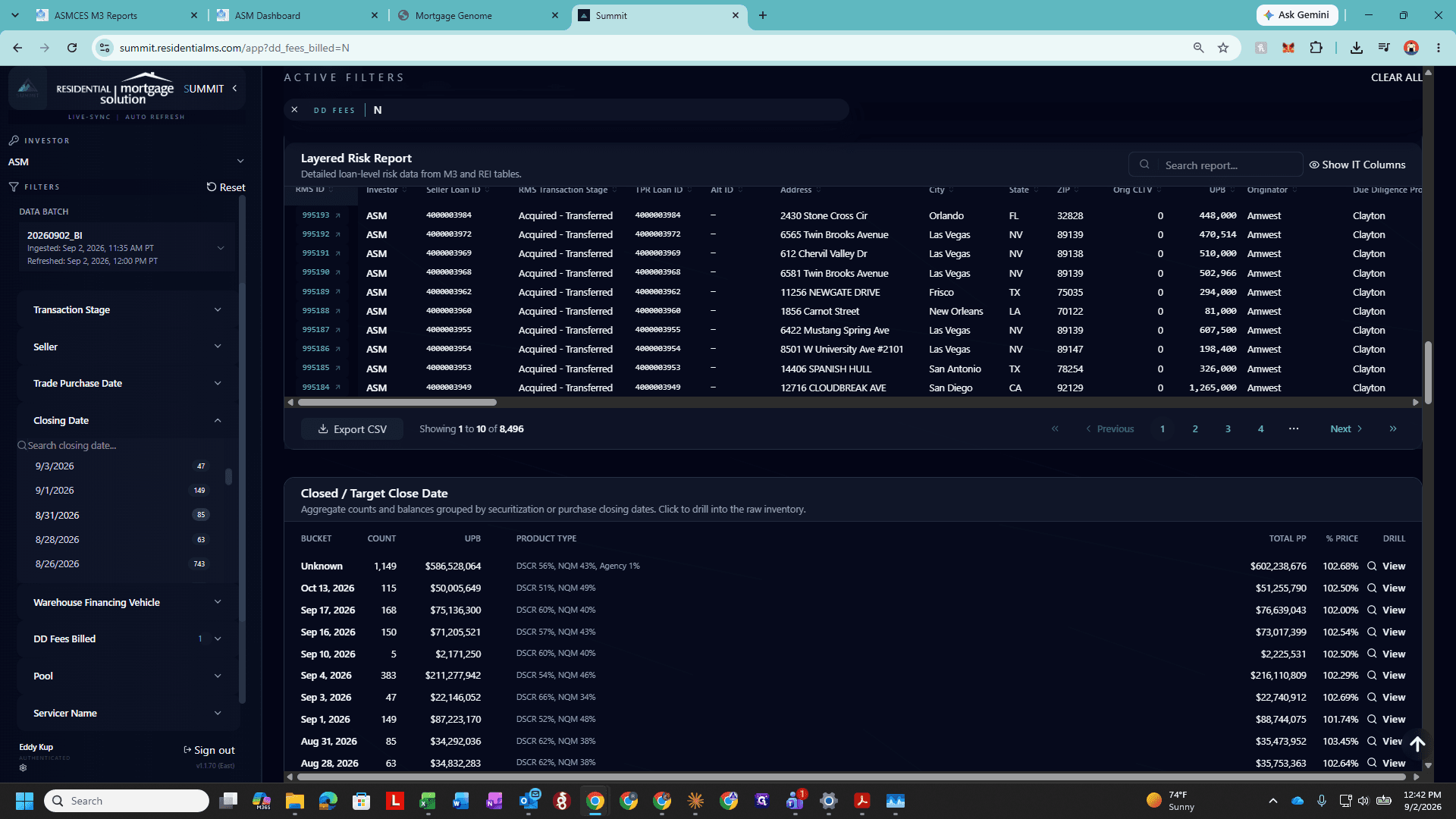
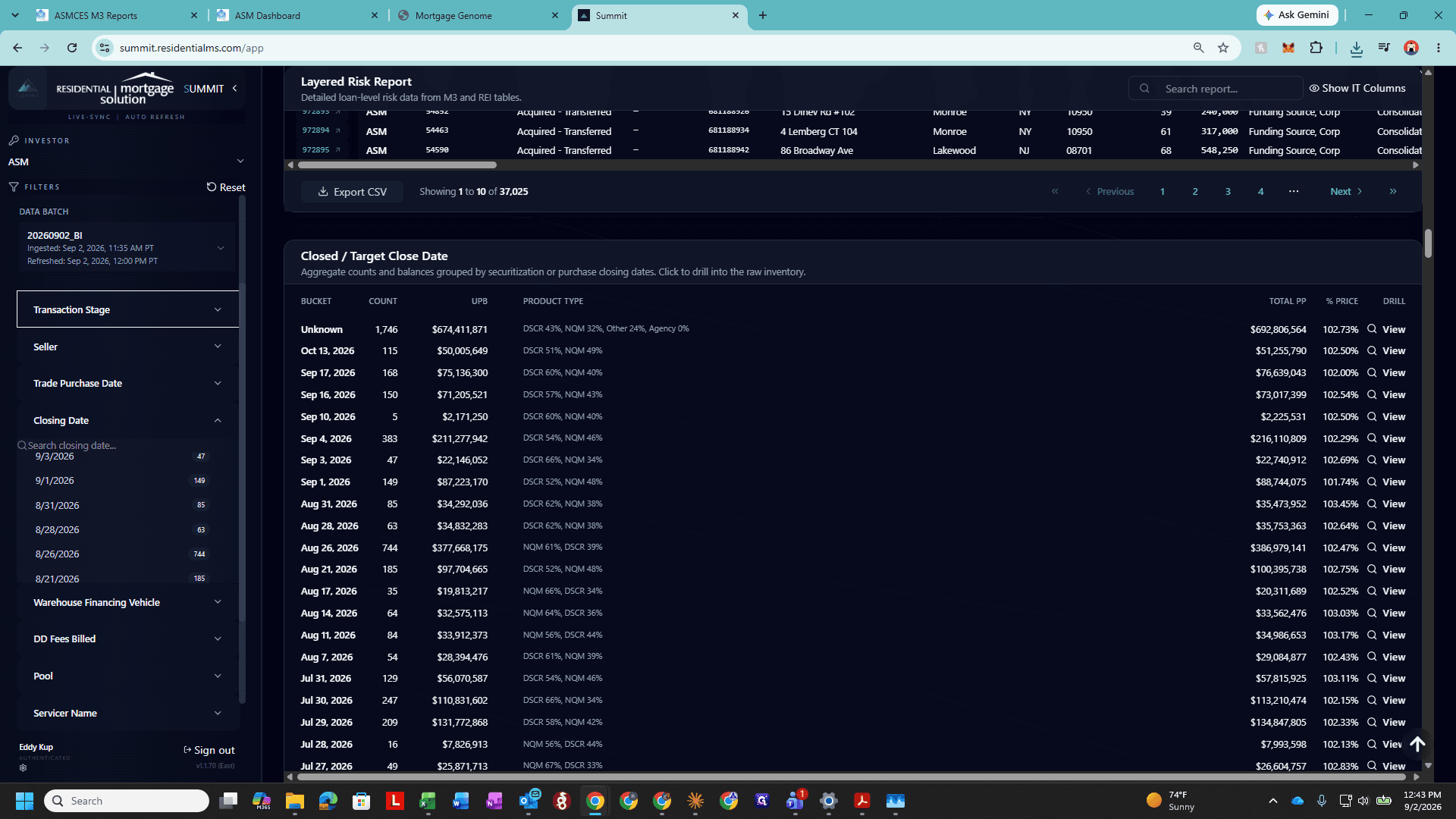
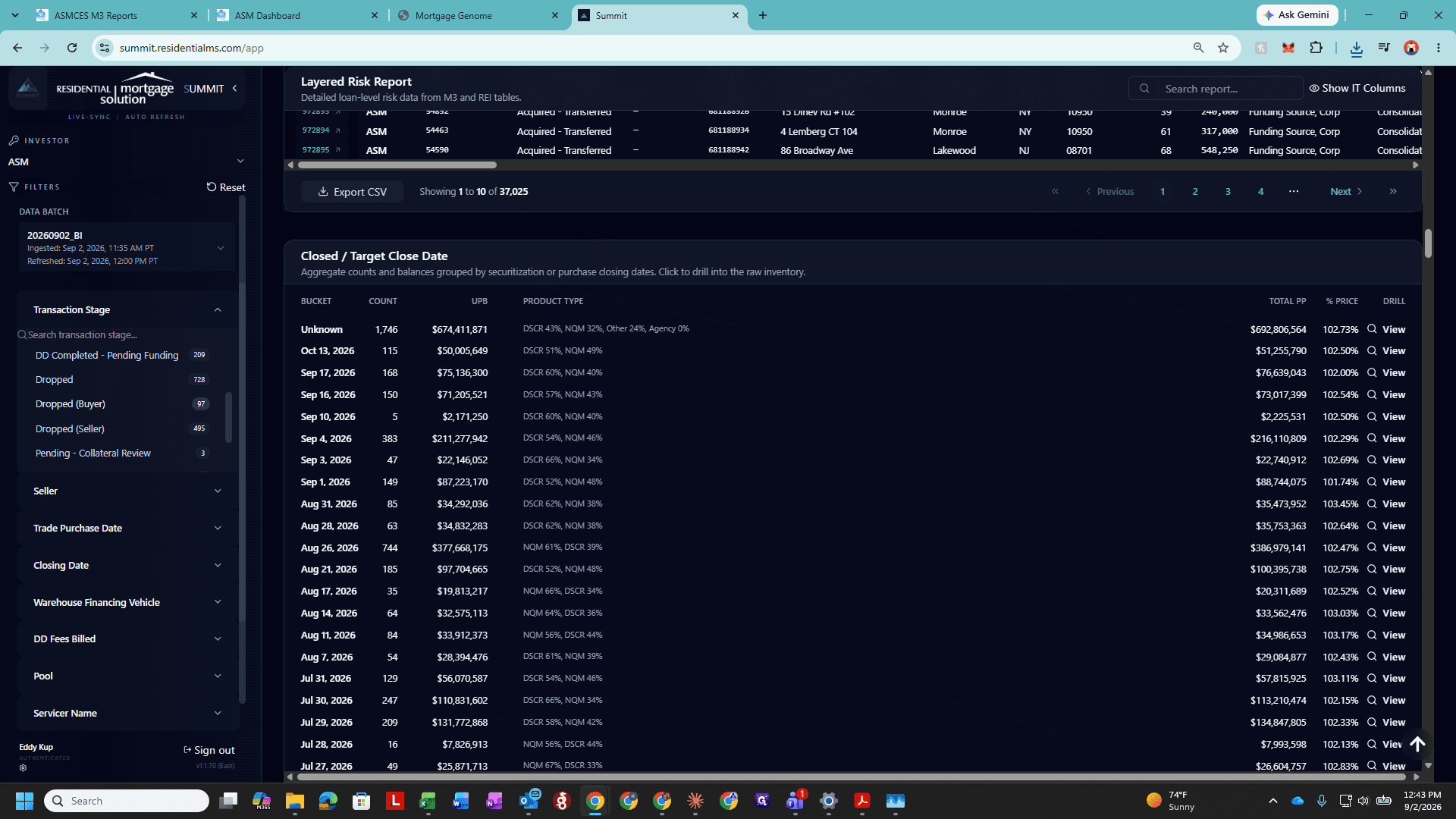
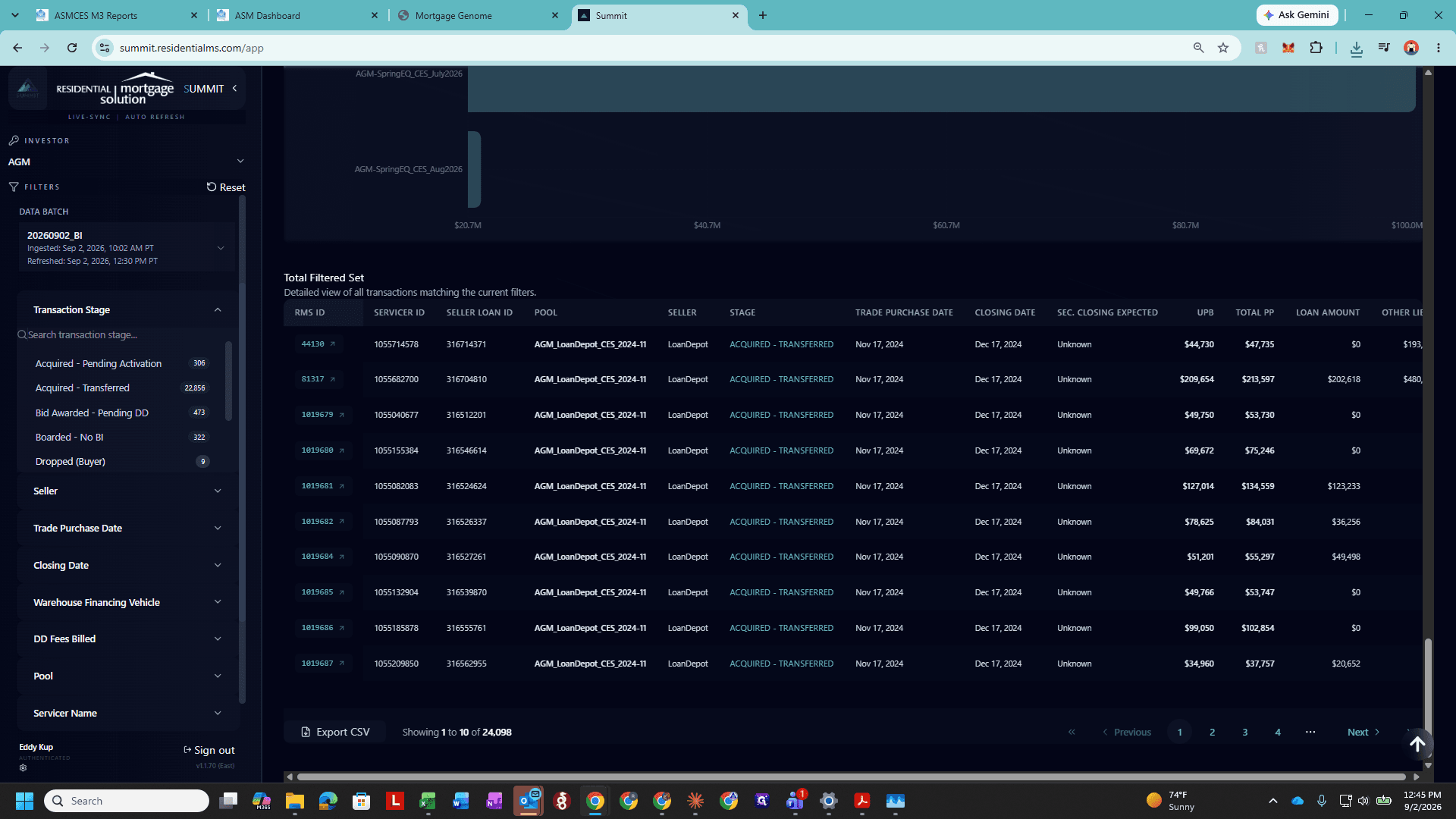
2. Export Dropped Unbilled Loans
Consolidating and Updating the Template
Repeating for Additional Investors
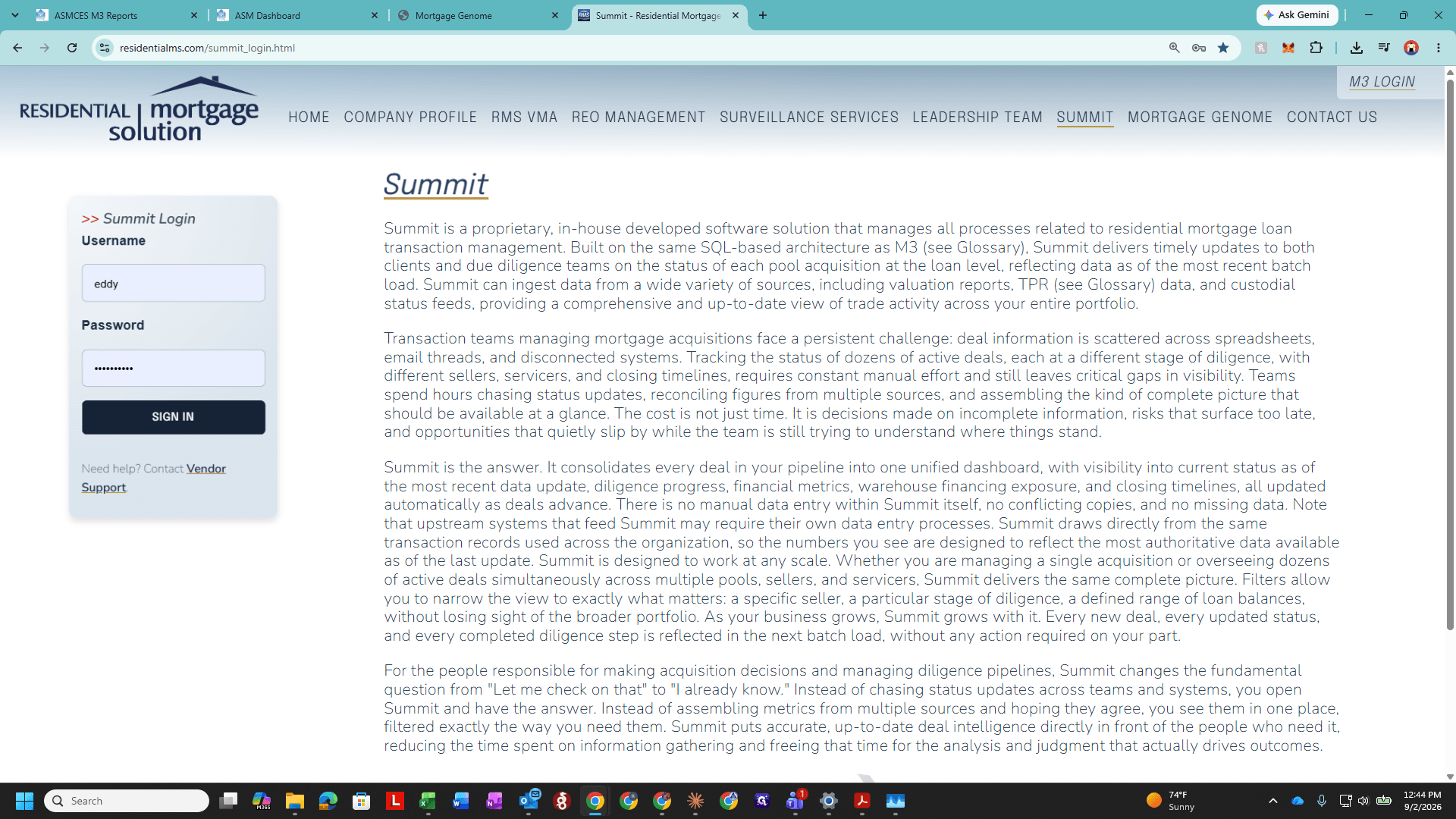
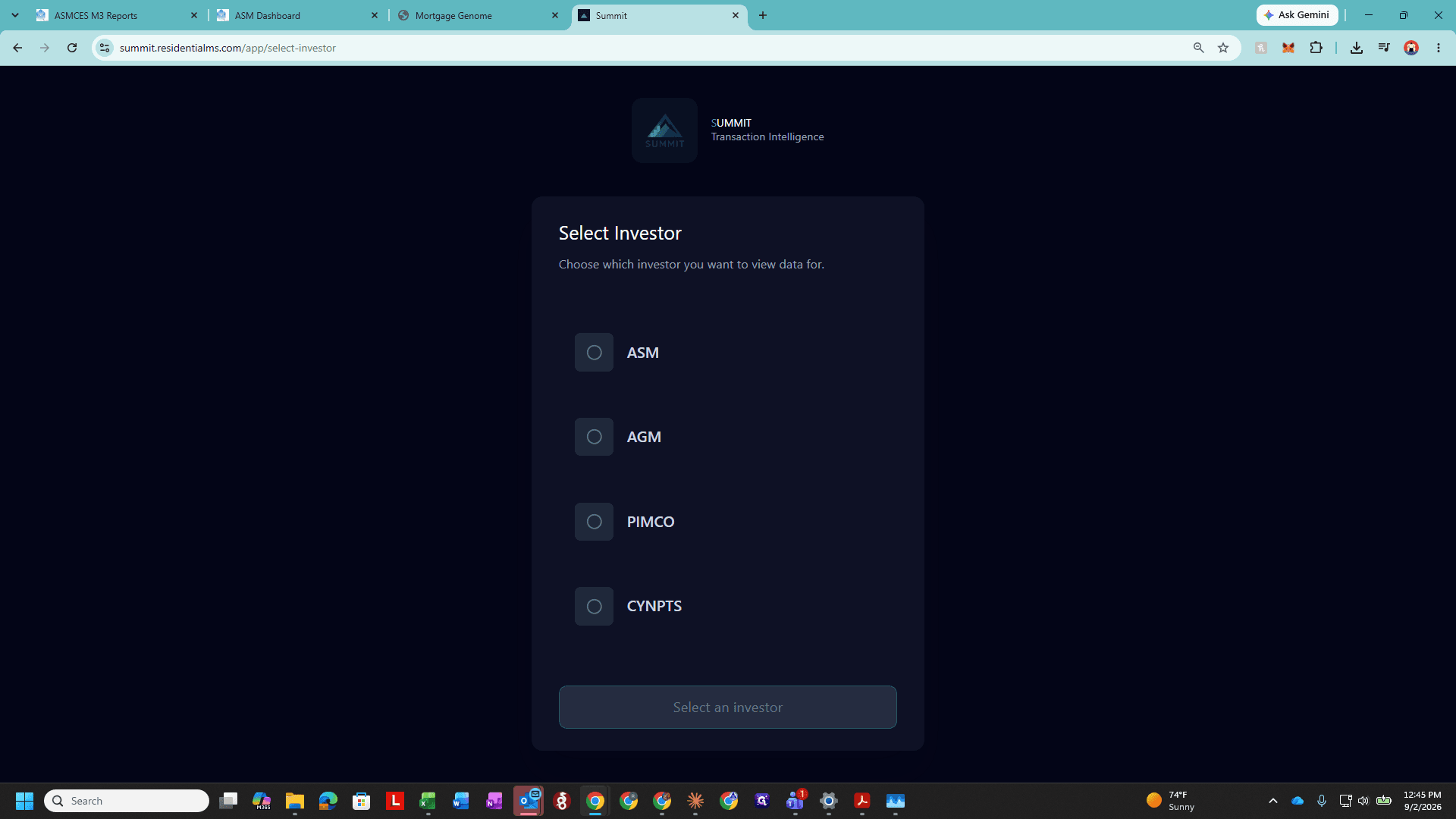
To generate invoices for additional investors (such as Apollo/AGM), repeat the process within their respective vault:
Q: Why do unbilled loans need to be exported in two separate queries?
A: Standard closed loans and buyer-dropped loans are tracked under different transaction stages in Summit. Querying closed loans by closing date does not capture loans that were diligenced but dropped prior to closing, requiring a separate filter query for Dropped (Buyer).
Q: Why should an empty row be maintained when pasting data into the template?
A: Leaving a space makes it easy to navigate to the boundary of the dataset using Ctrl + Down. This allows you to quickly erase remnant rows from the prior month or drag formulas down when the current month has more records.
Q: What should you do if the current month has more loan records than the template rows?
A: Copy the formula row from the bottom of the aggregation sheet and drag or paste it downward to cover all newly imported records.
Term | Definition |
|---|---|
DD Fees Billed | A Summit filter attribute indicating whether due diligence management fees have already been invoiced ( |
Dropped (Buyer) | A transaction stage identifying loans where due diligence was performed but the buyer ultimately elected not to purchase. |
Range Value | The process of converting dynamic Excel formulas into static values before sending the finalized invoice page to a client. |