
How to Audit and Update the Snippets Centralized Catalog
Learn how to audit and sync your Notion snippets centralized catalog with HubSpot. Keep your templates updated and delete deprecated snippets efficiently.
This guide explains how to audit and update the Snippets Centralized Catalog in Notion to ensure it accurately matches HubSpot. Completing this synchronization ensures that the product team and AI knowledge base have reliable access to the most current response templates.
This guide is intended for customer success and operations teams responsible for maintaining internal knowledge bases. Use this workflow periodically to audit pending templates, update existing snippet copy, and remove deprecated content.
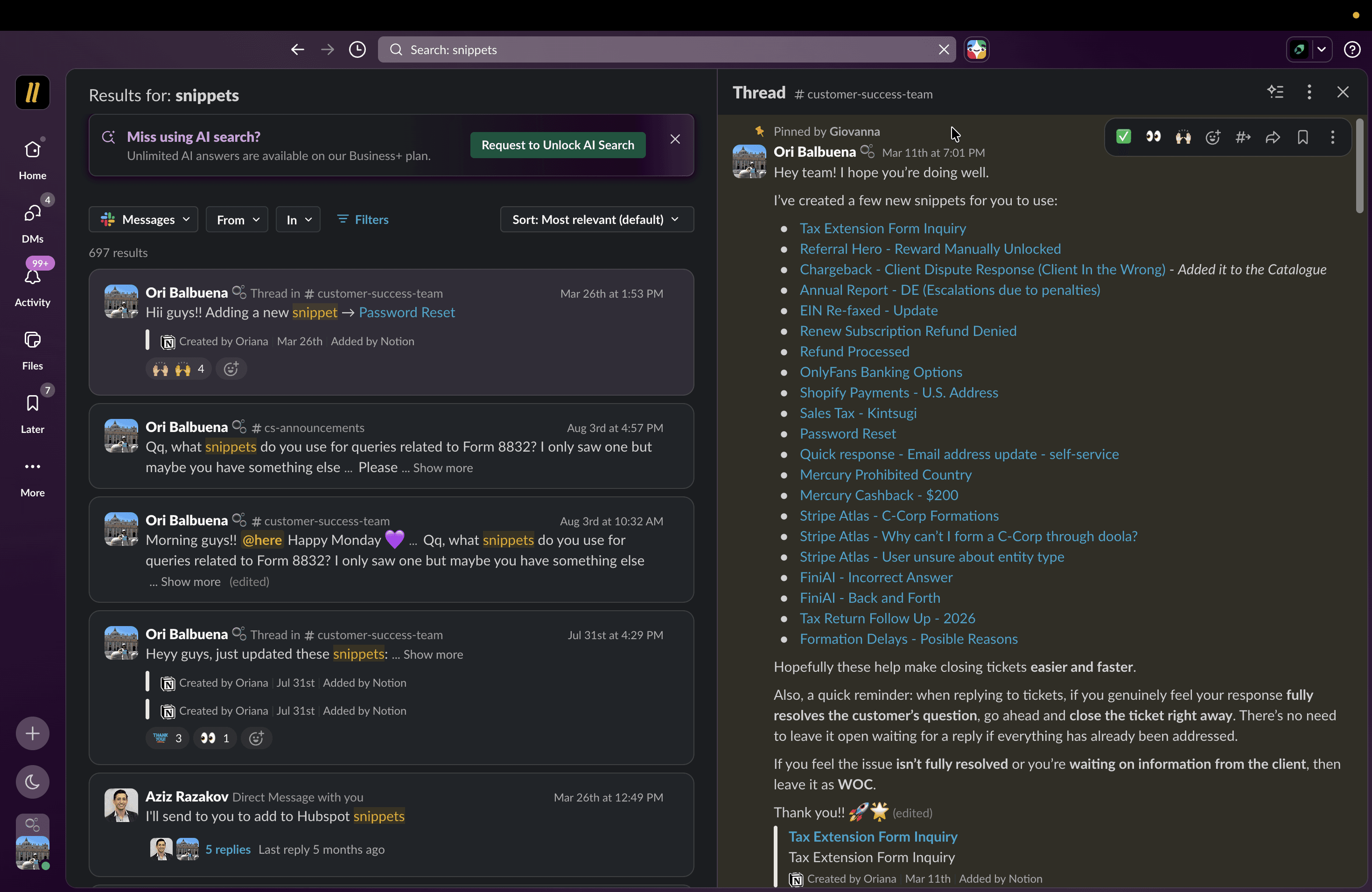
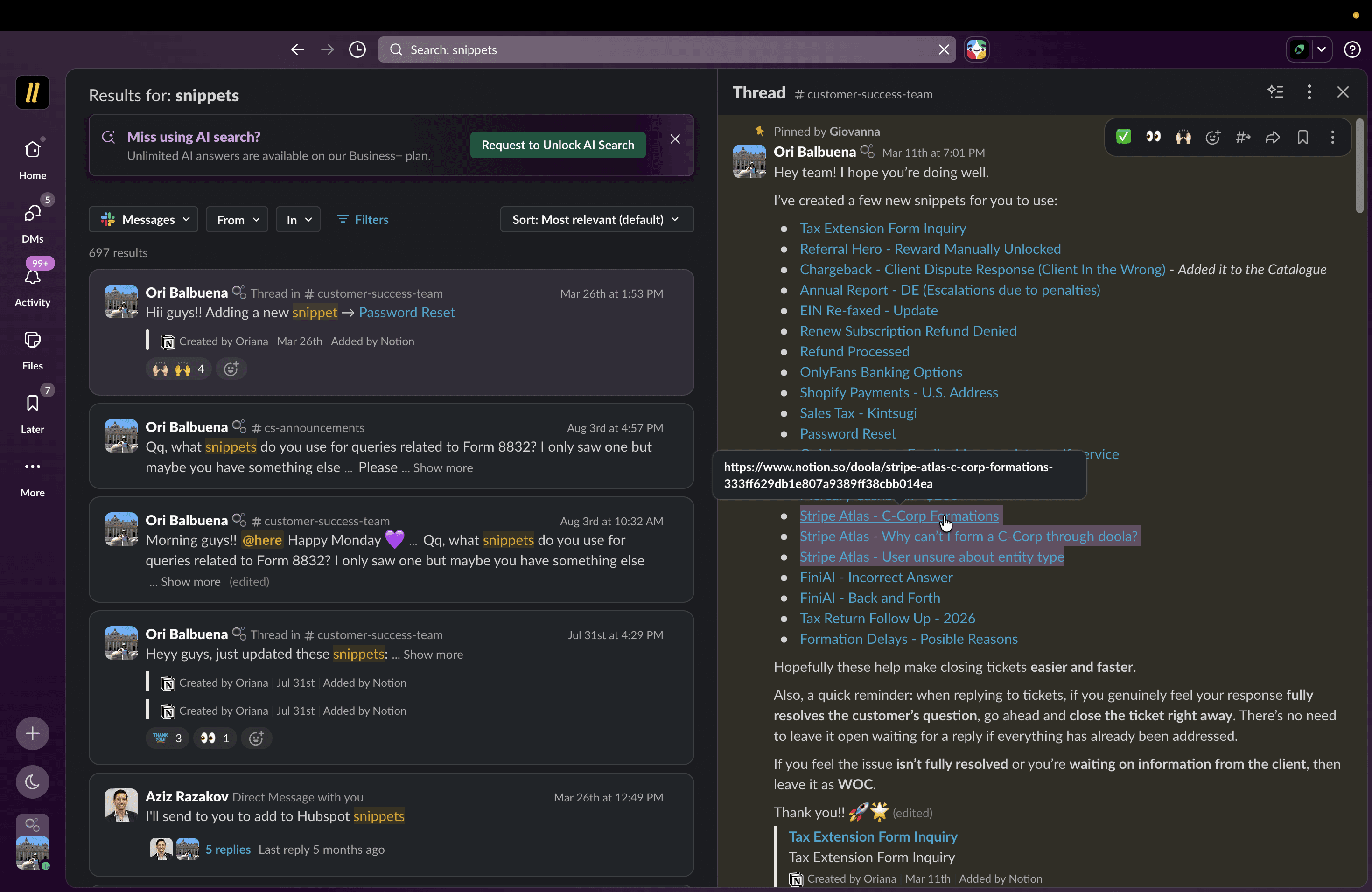
Locating Recent Snippets via Slack
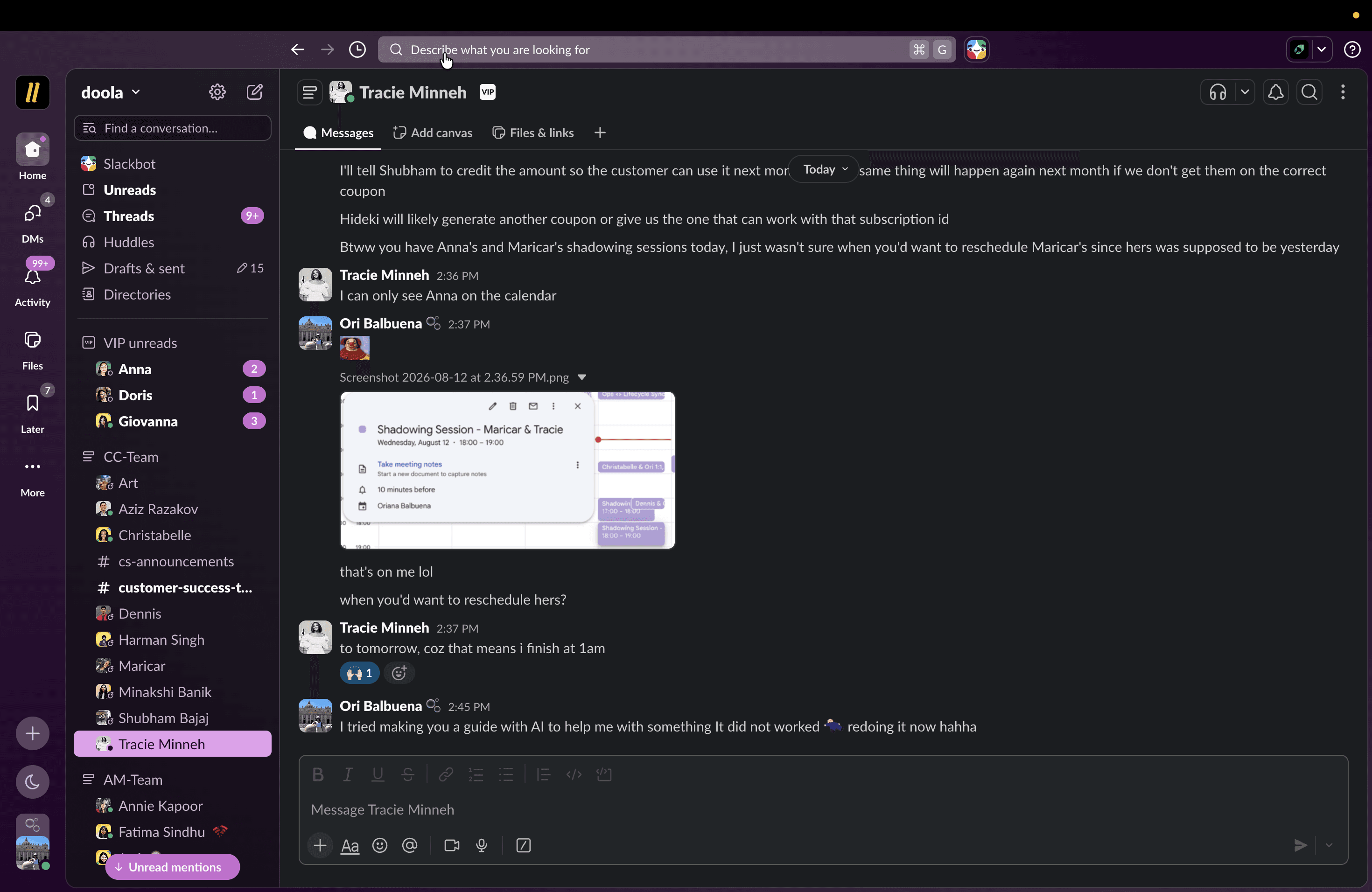
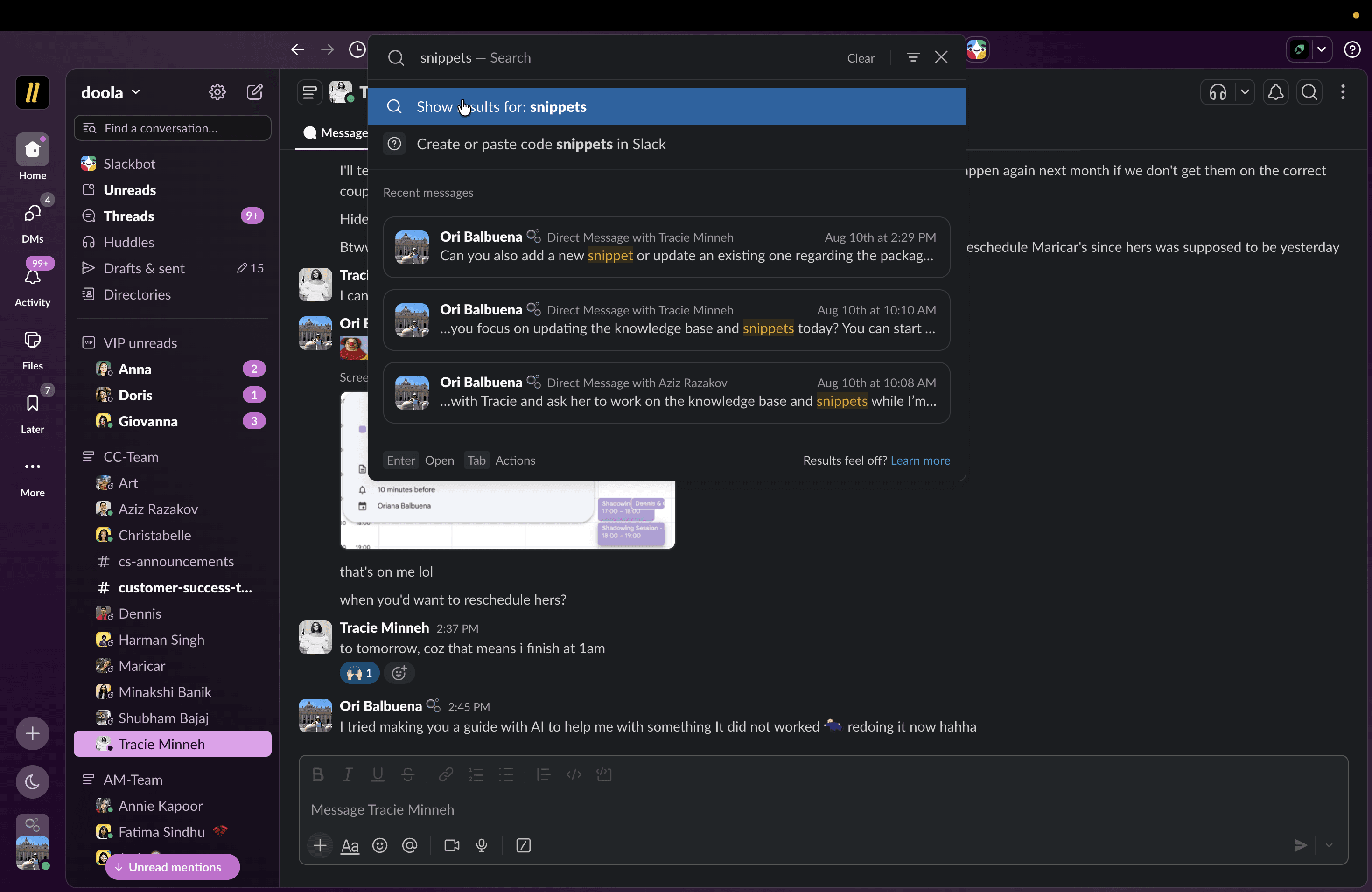
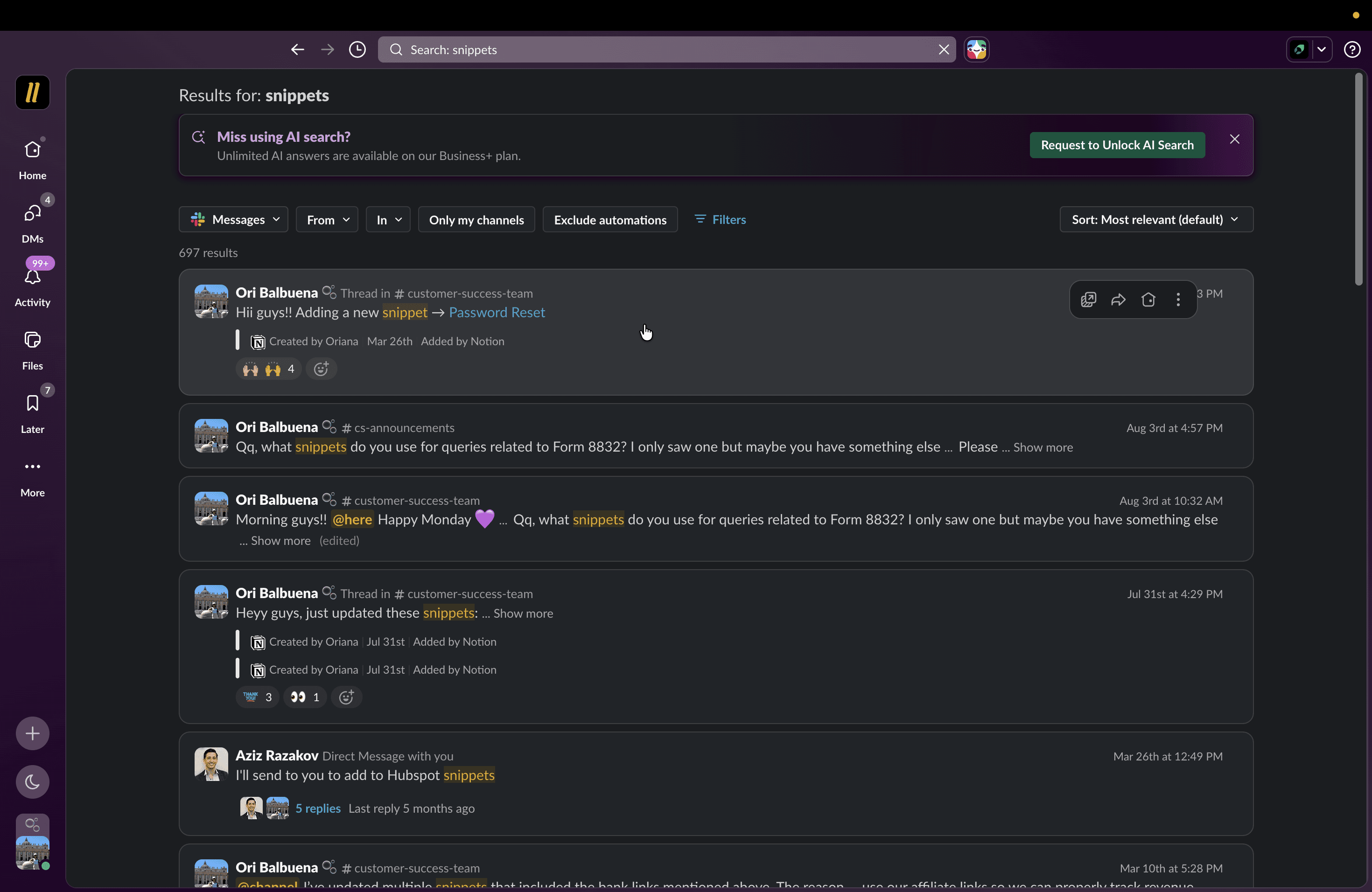
If you need to find recently created snippets, you can search for them in Slack before updating Notion.
Synchronizing Notion Content to HubSpot
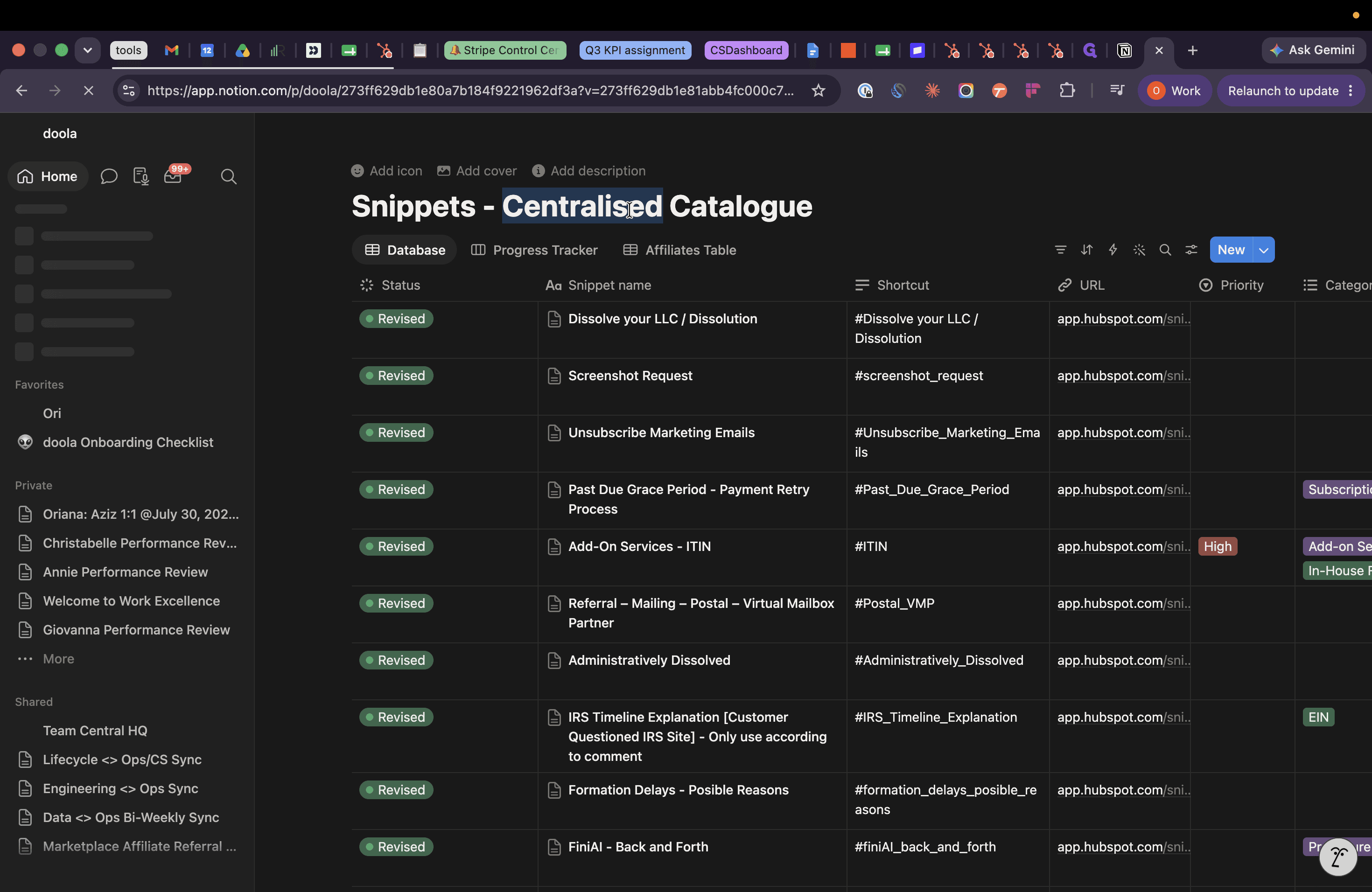
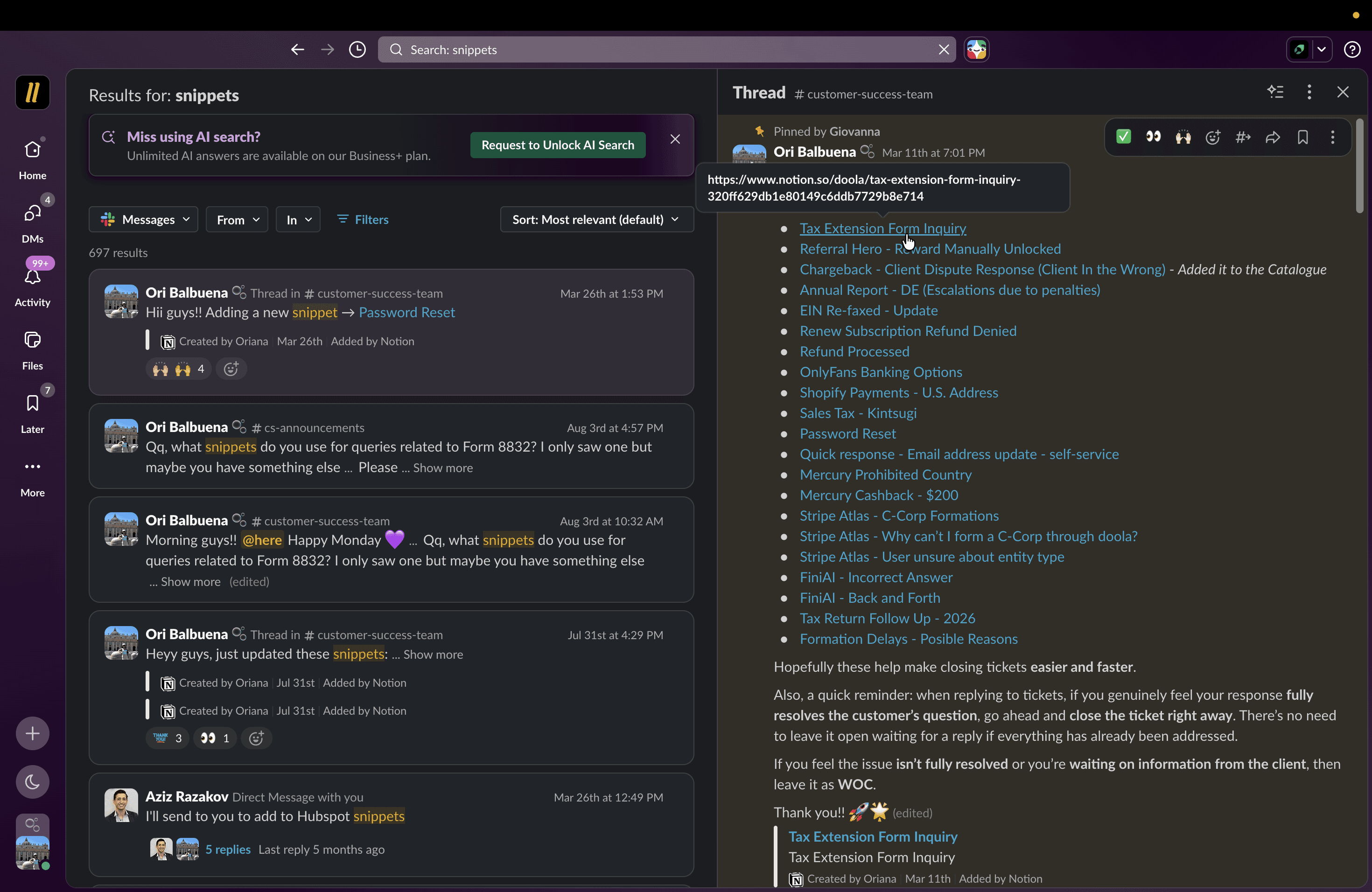
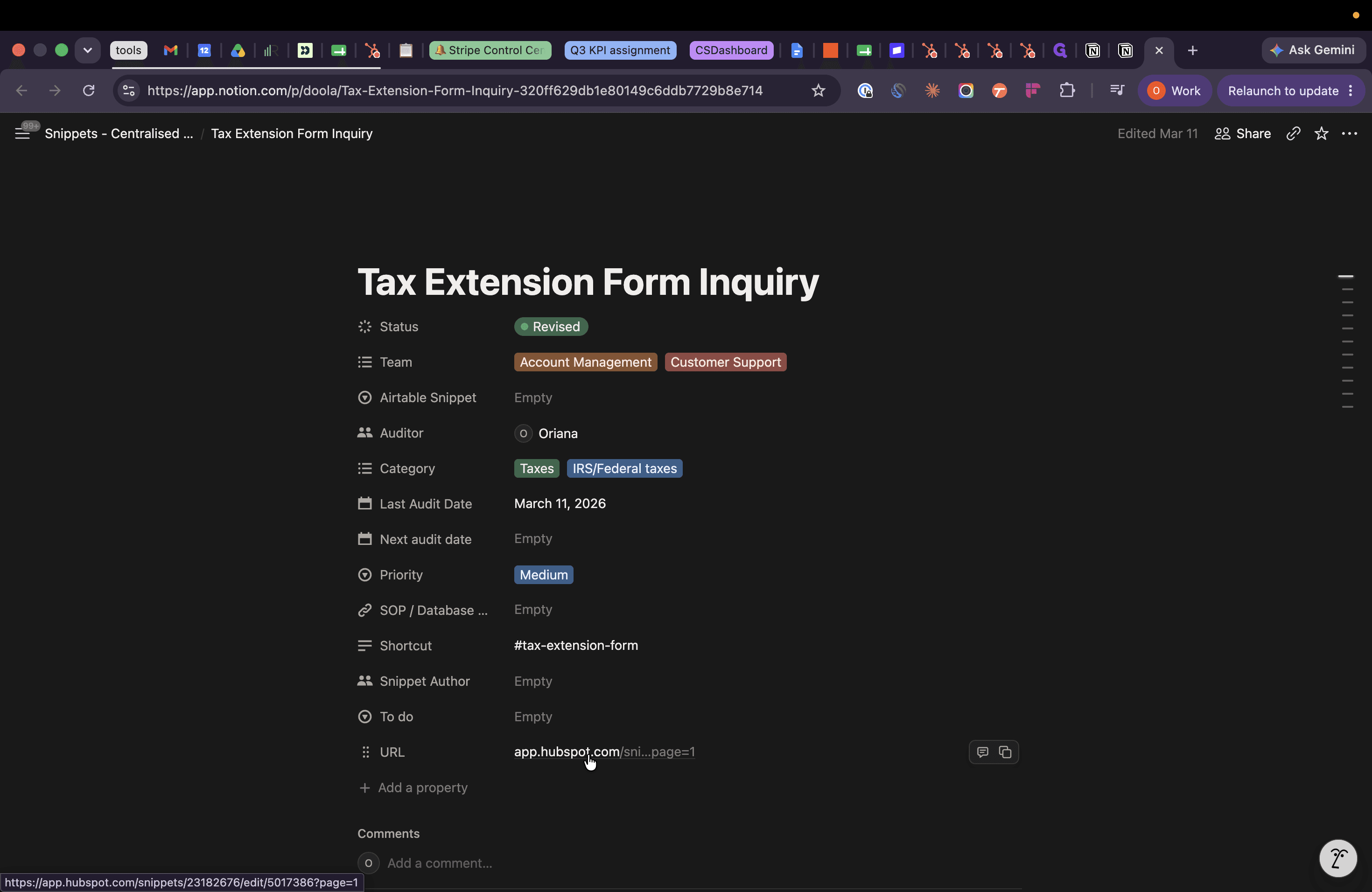
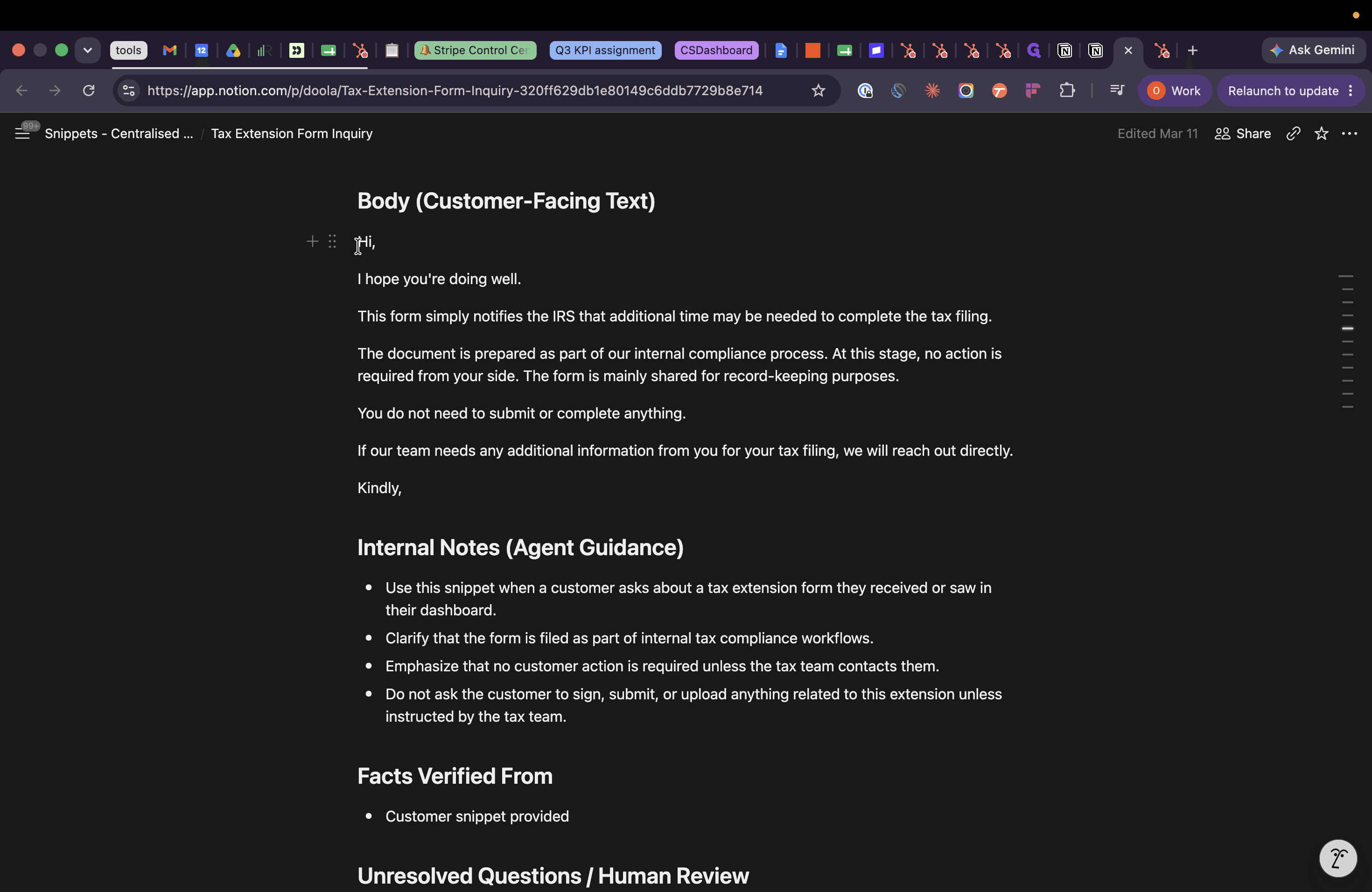
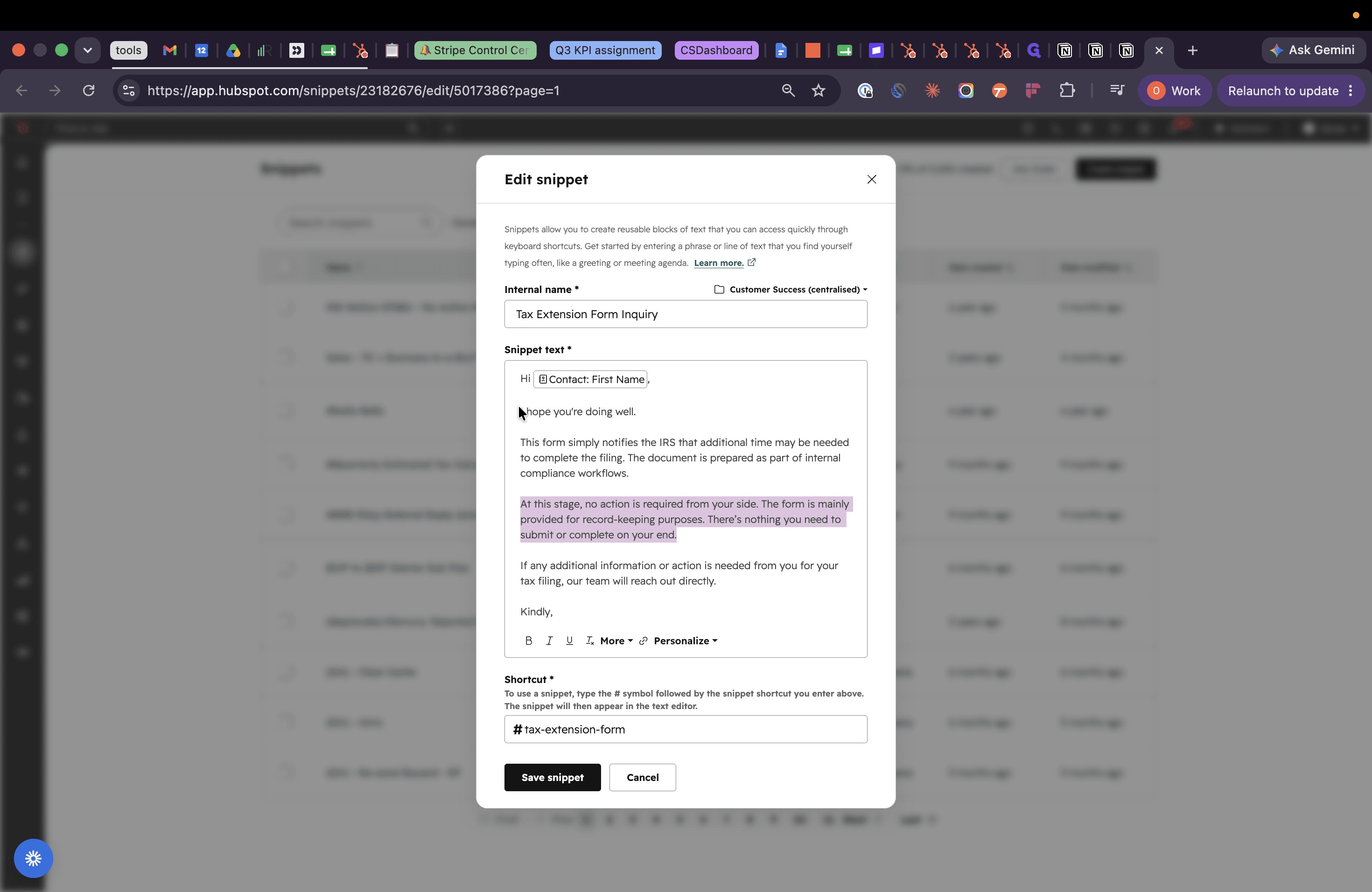
Cmd + A to select the body from it.Cmd + V to paste the updated text from Notion.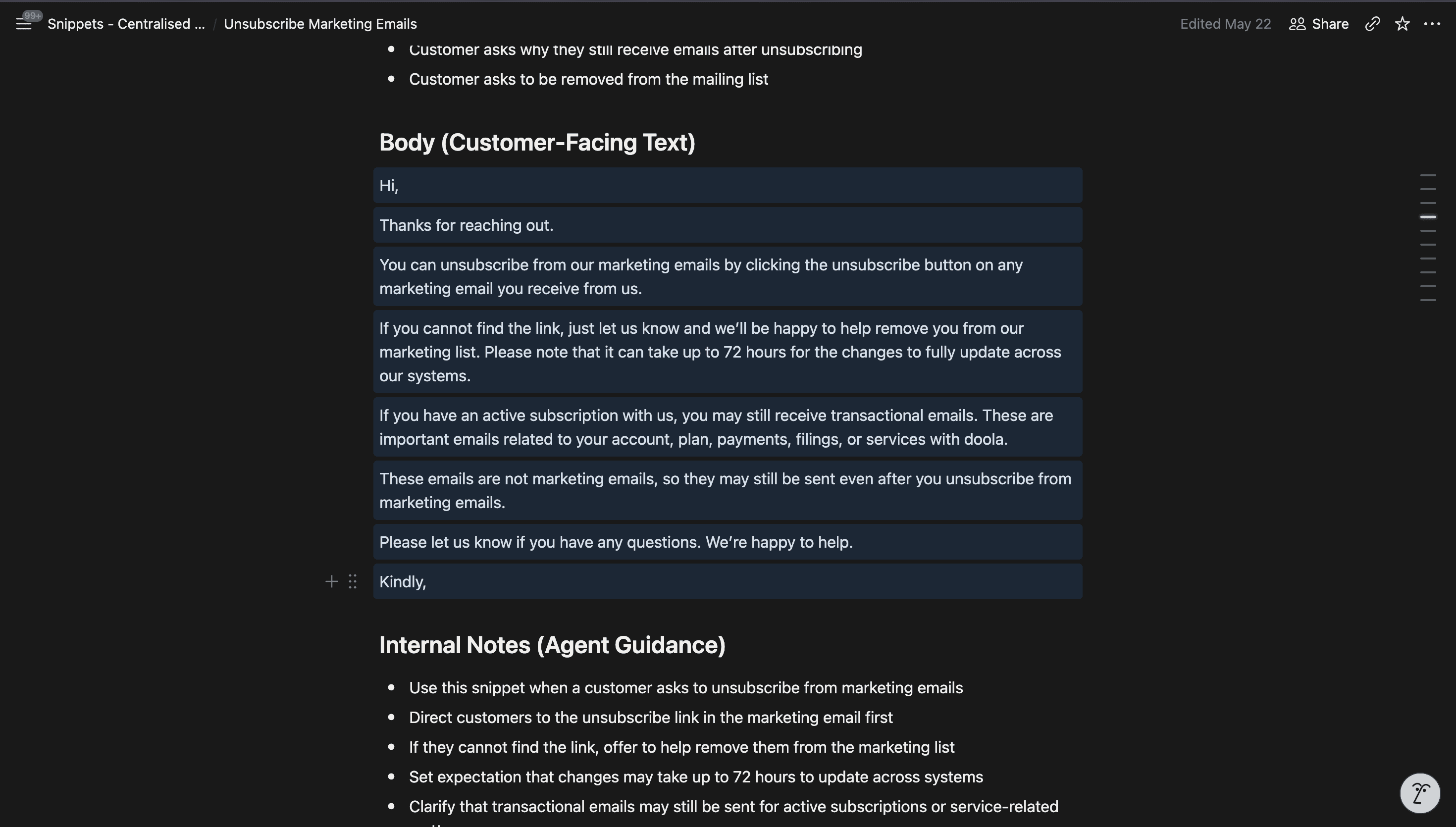
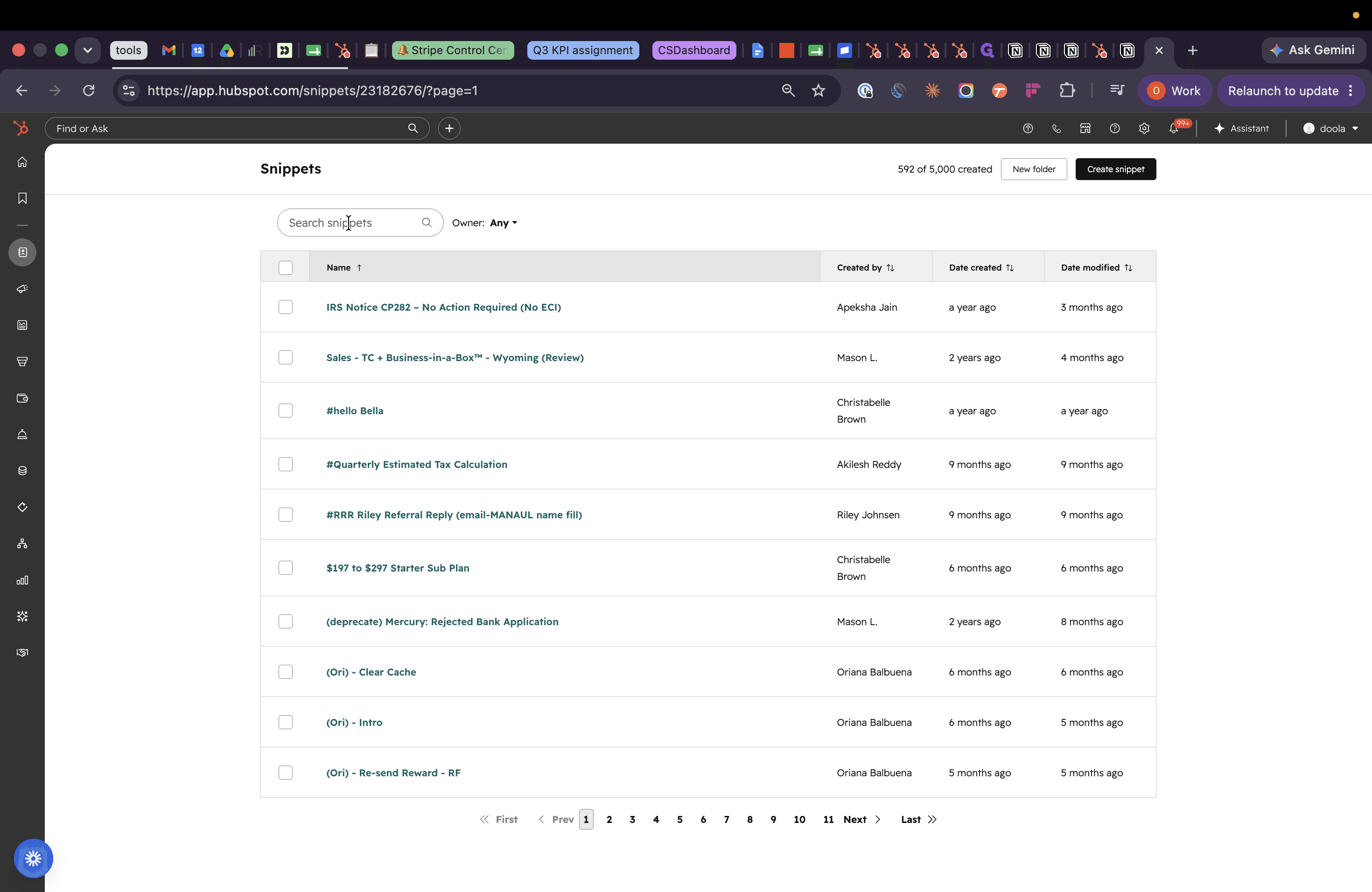
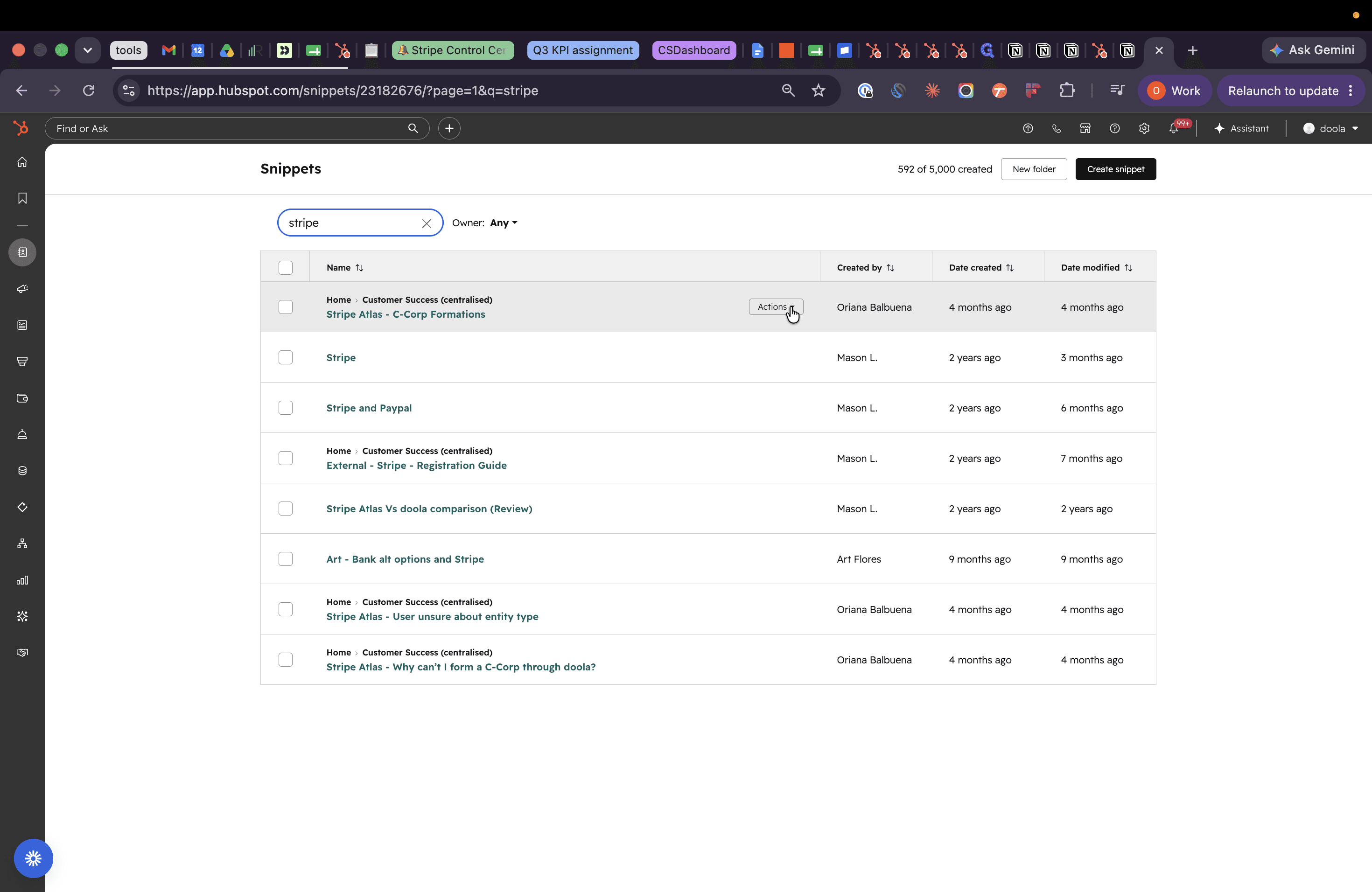
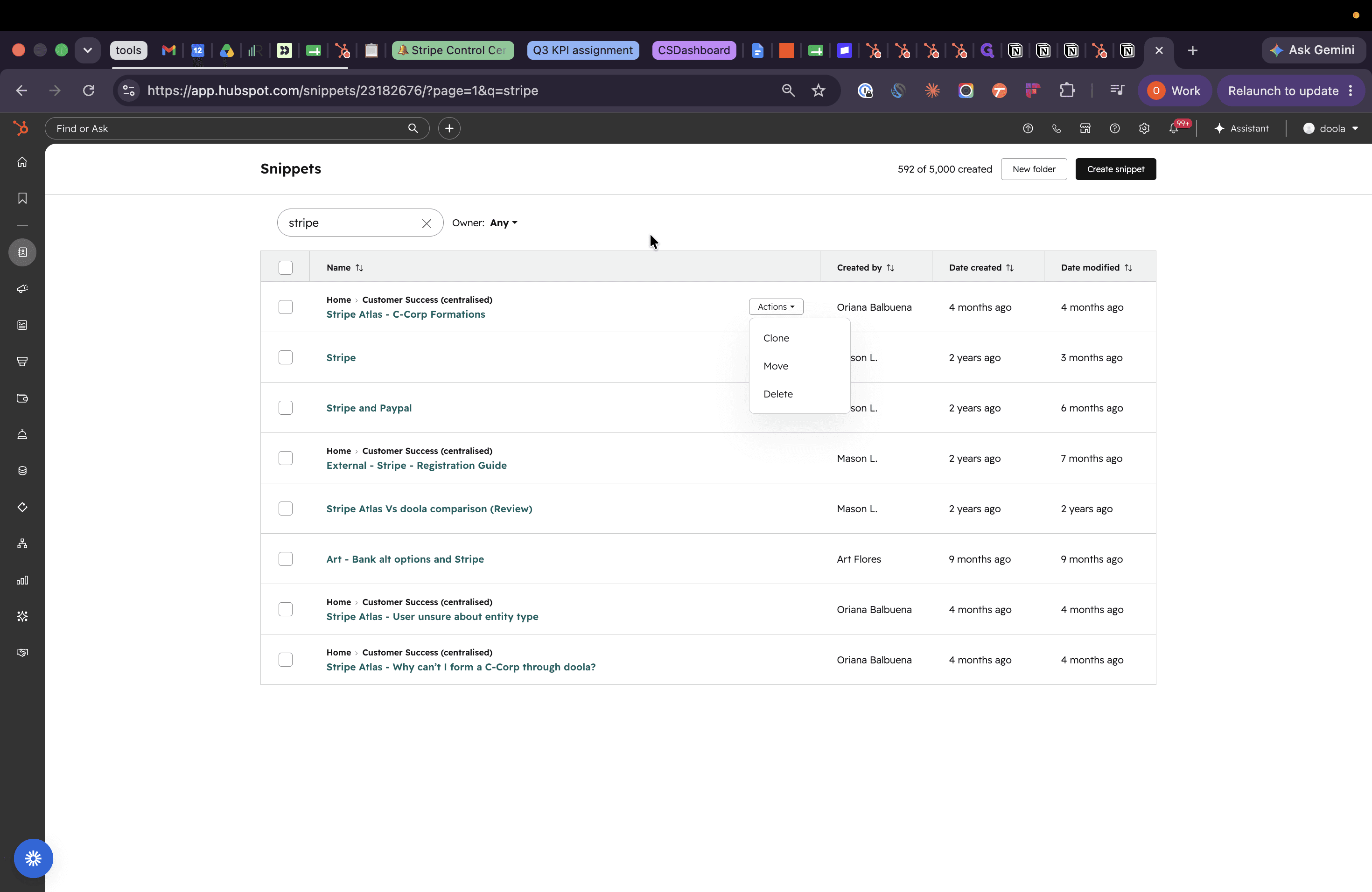
Deleting Deprecated Snippets
Auditing Pending Snippets
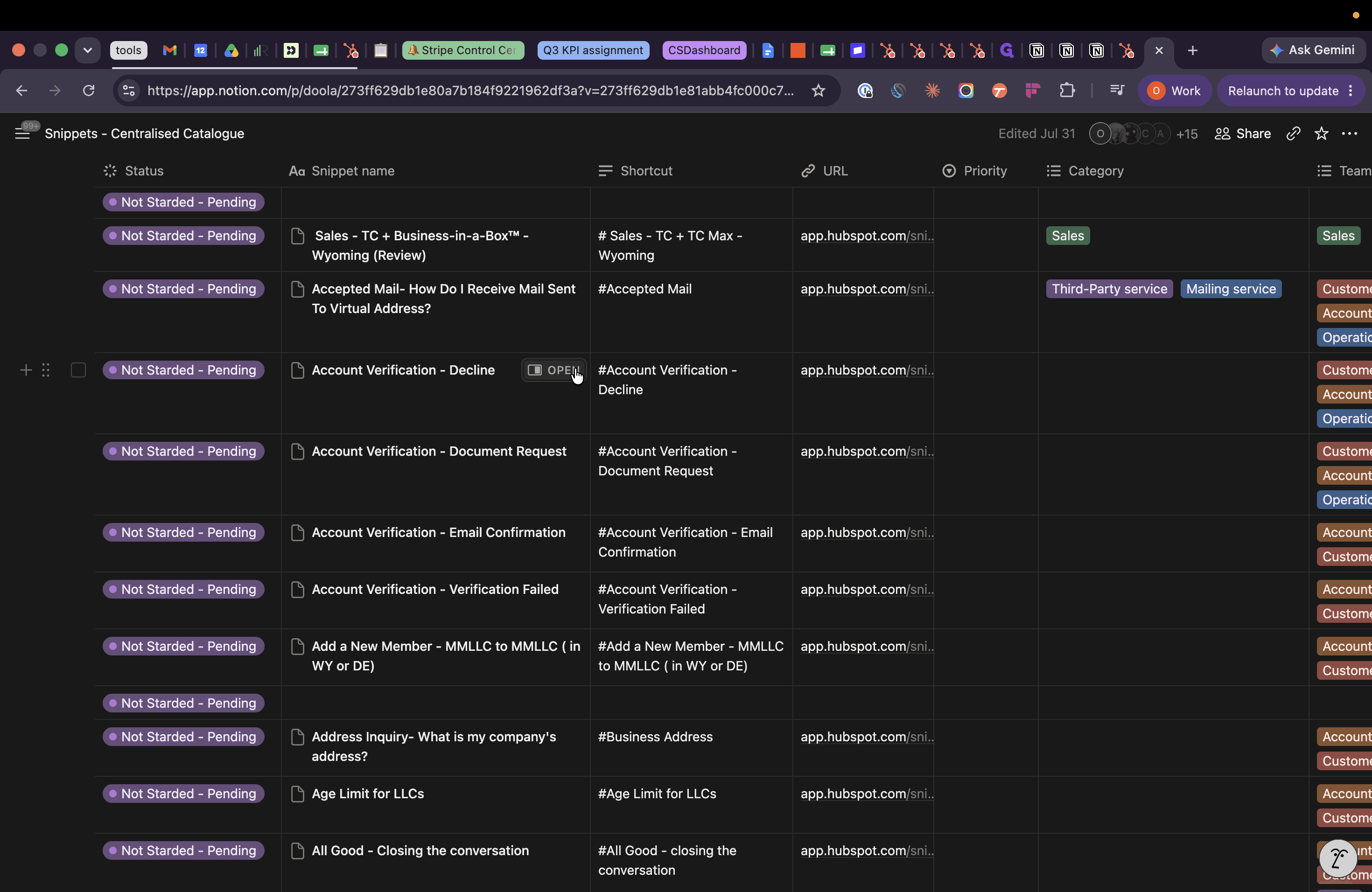
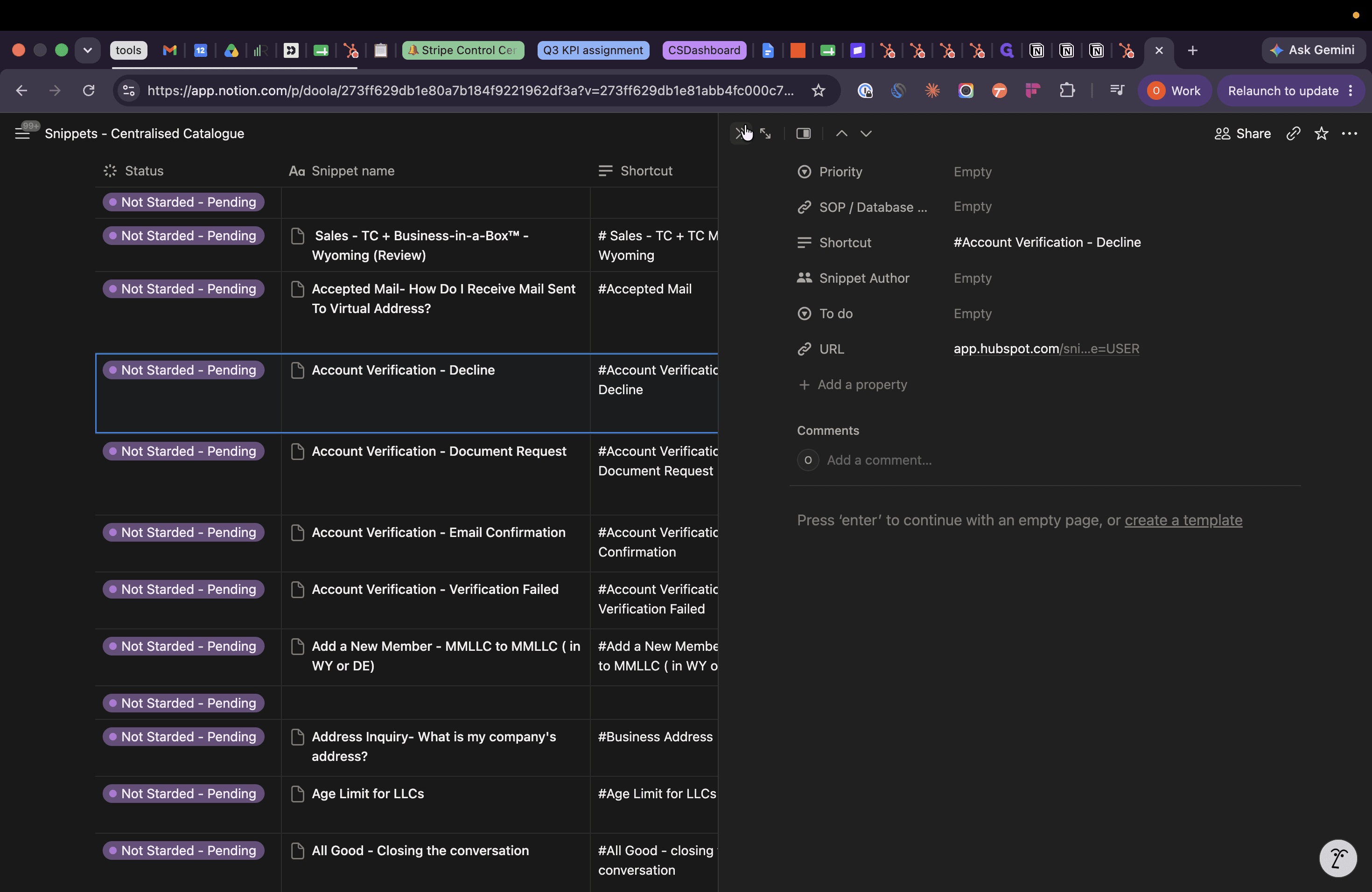
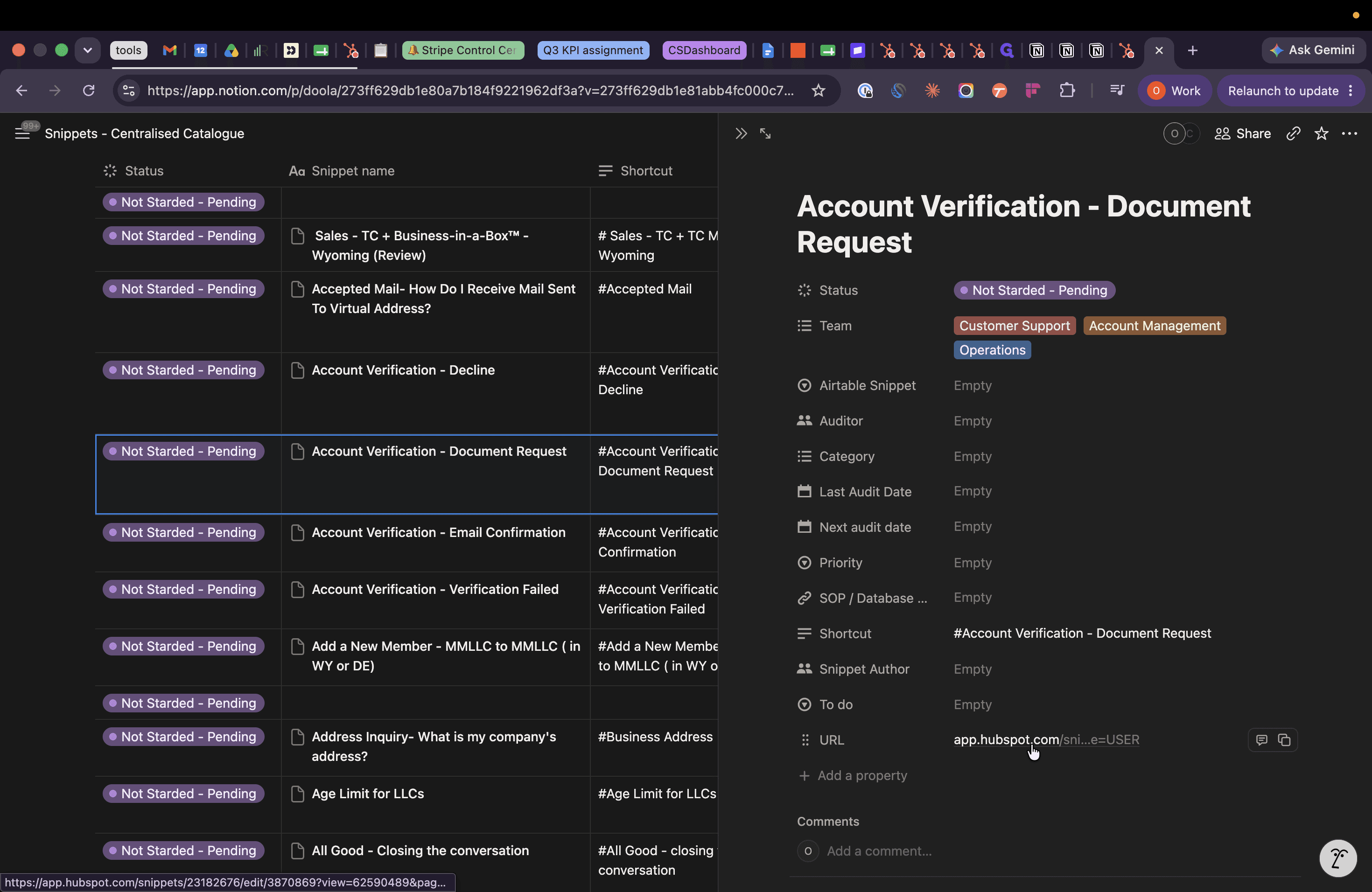
Q: How do I handle snippets labeled as "Pending" or "Not started"?
A: Open their associated HubSpot link to review their contents. If they are blank and unnecessary, delete them; if they hold potential, refine the text, update HubSpot, and mark them as "Revised" in Notion.
Condition | Action |
|---|---|
Snippet is blank or unneeded | Delete the the Notion page to keep the database clean. |
Snippet contains useful content |
|
Q: Why do we need to sync the Notion catalogue and HubSpot snippets?
A: The product team will likely use the Notion Centralized Catalog to populate the AI knowledge base, so keeping it synced ensures the AI is always referencing the most accurate and up to date information. It's also accessible to everyone in the company so keeping it updated helps make sure we're all aligned on what we're sharing across departments.
Q: What should I do with outdated snippets like Stripe Atlas C-Corp formations?
A: You should delete them entirely from HubSpot to remove obsolete junk and delete their corresponding entries in the Notion catalogue as well.
Term | Definition |
|---|---|
Snippet | A reusable block of text or response template used to quickly answer common inquiries. |
Centralized Catalog | The primary Notion database that acts as the source of truth for all support snippets and AI knowledge base data. |