
How to Update the Student Snapshot in PowerSchool
Learn how to access and update a student snapshot in PowerSchool, including configurations for EAL, accommodations, early childhood interventions, and external services.
This guide demonstrates how to update a student's snapshot in PowerSchool to ensure their intervention, accommodation, and external service records are accurate. Maintaining this snapshot guarantees that relevant support details correctly reflect on teacher dashboards and academic reports.
This workflow applies to early childhood interventionists, EAL teachers, counselors, learning resource specialists, and educational psychologists responsible for managing specialized student service records. It should be used whenever a student begins, adjusts, or exits a support program.
Navigating to the Student Snapshot
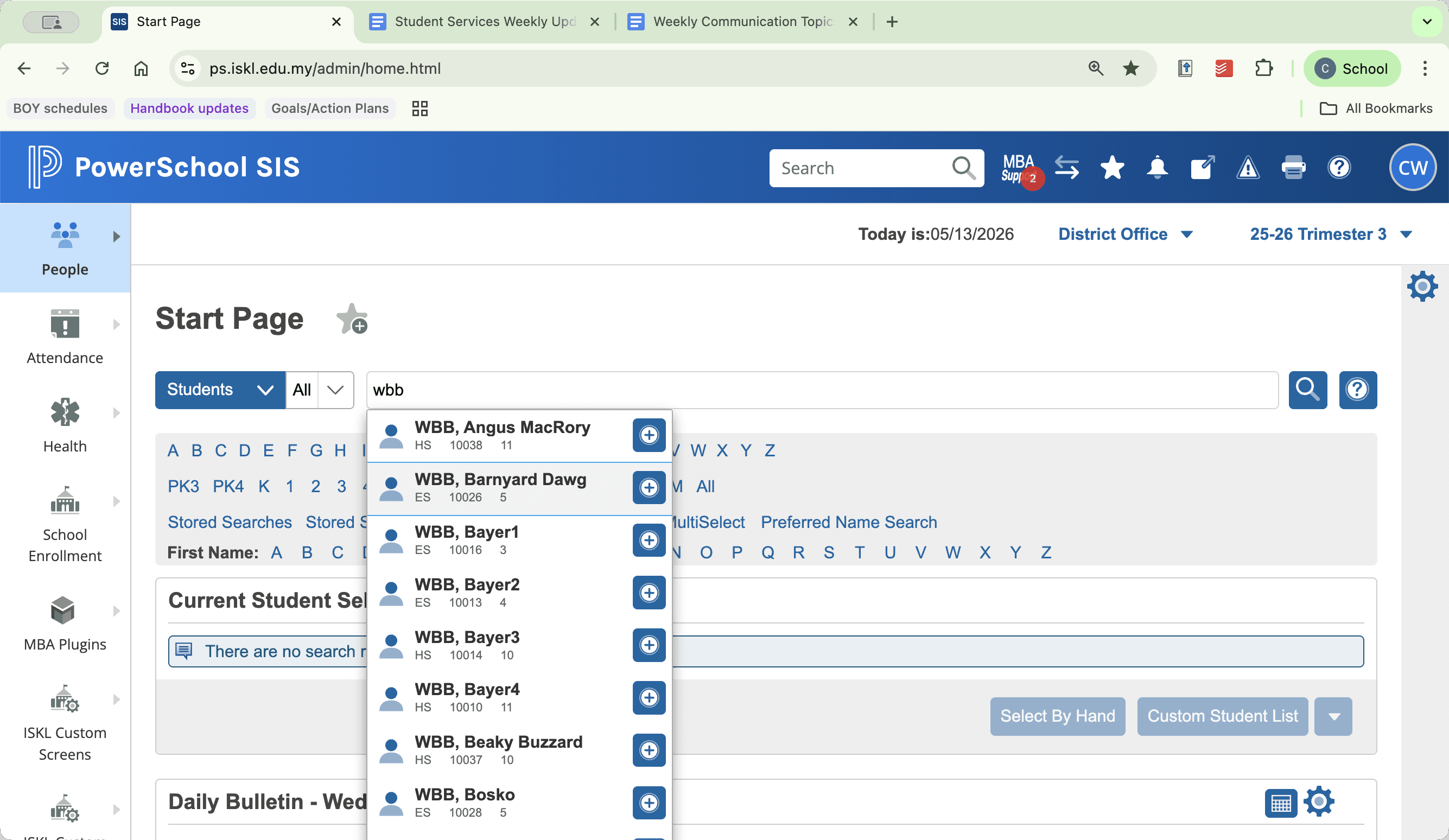
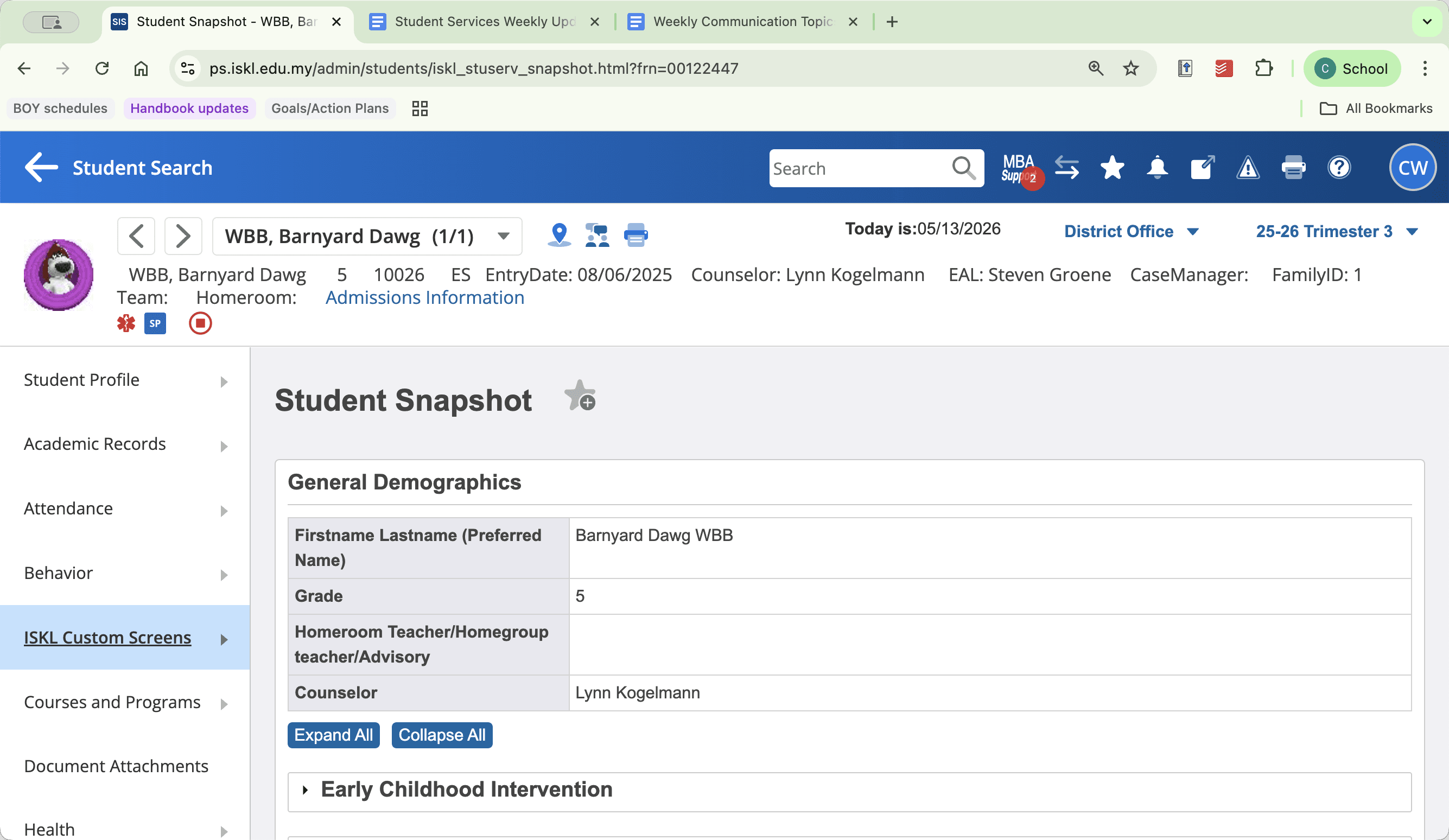
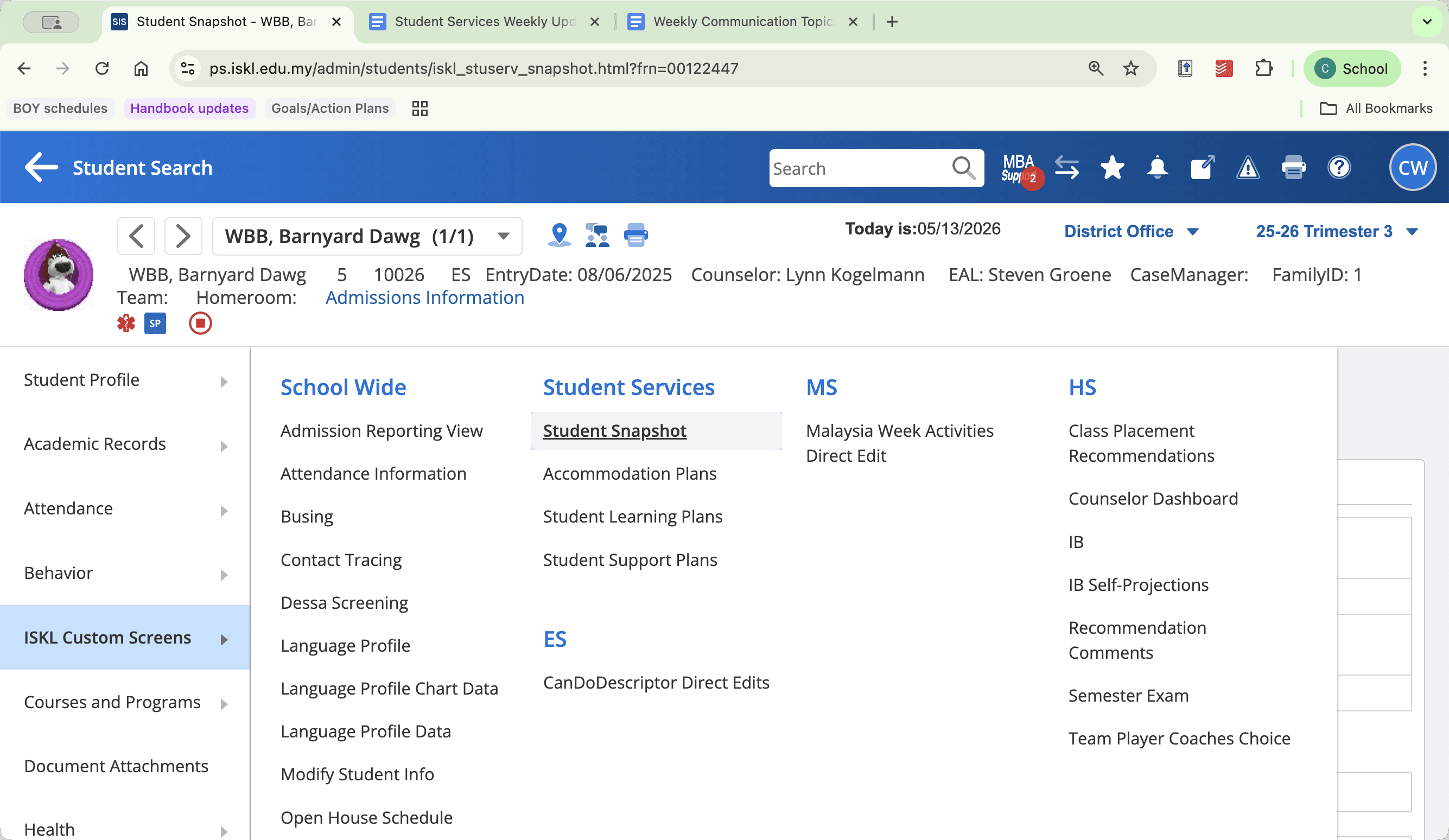
Overview of Snapshot Categories
Depending on your role and the student's needs, you will update different tabs within the snapshot.
Support Category | Maintained By | Information Tracked |
|---|---|---|
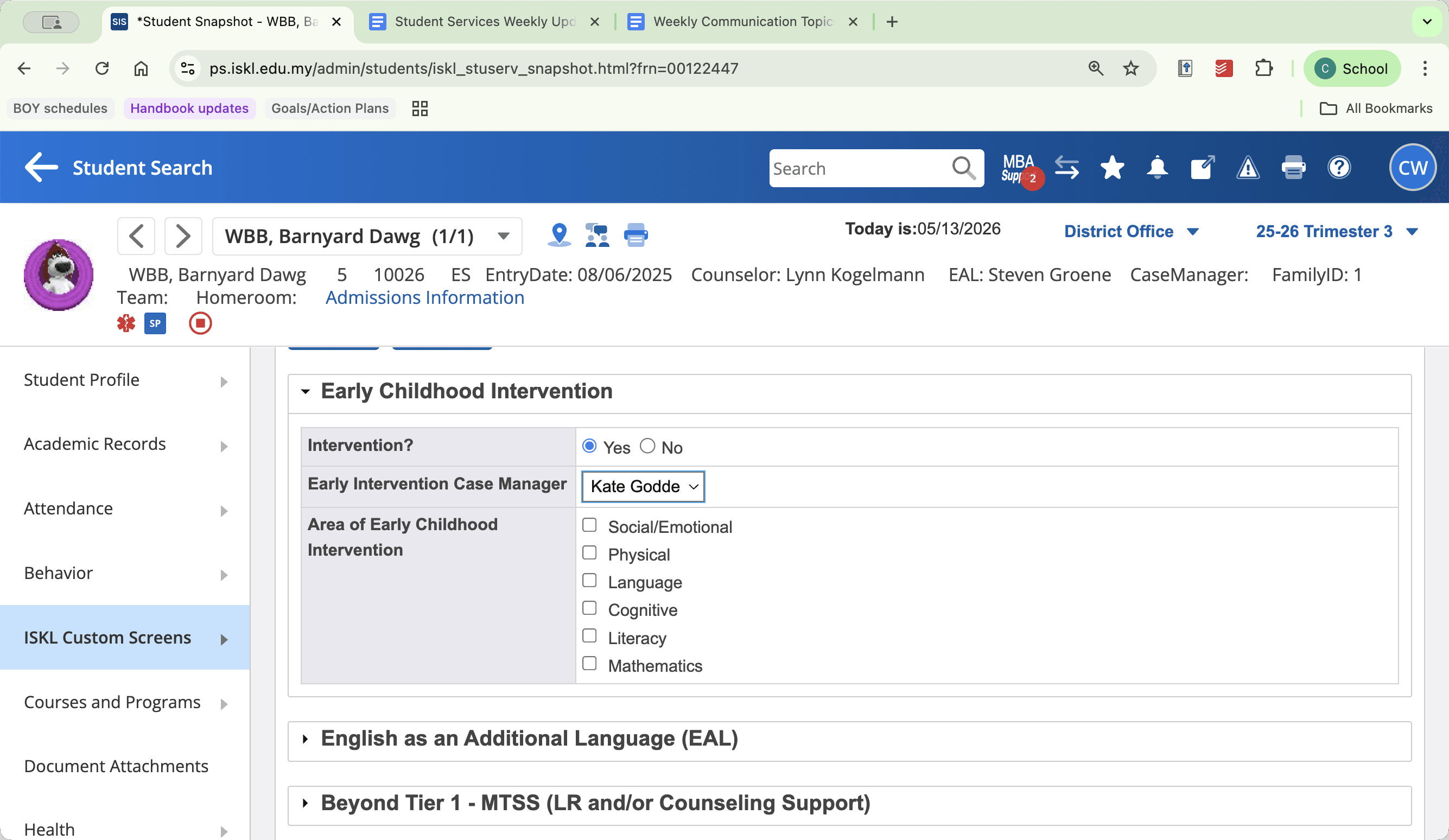
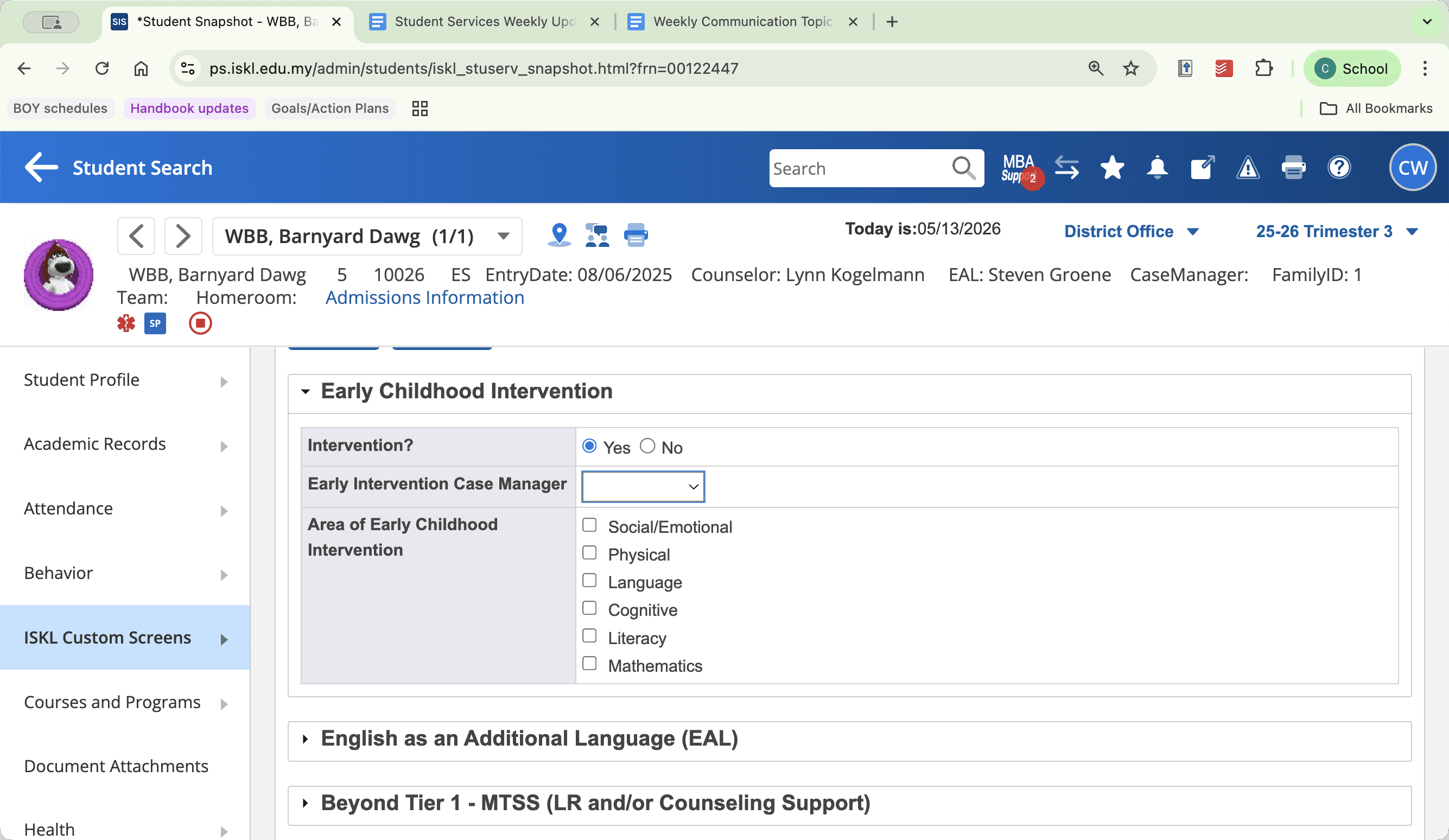
Early Childhood Intervention | Early Childhood Interventionist | Intervention status, case manager, and support areas (e.g., Physical, Language). |
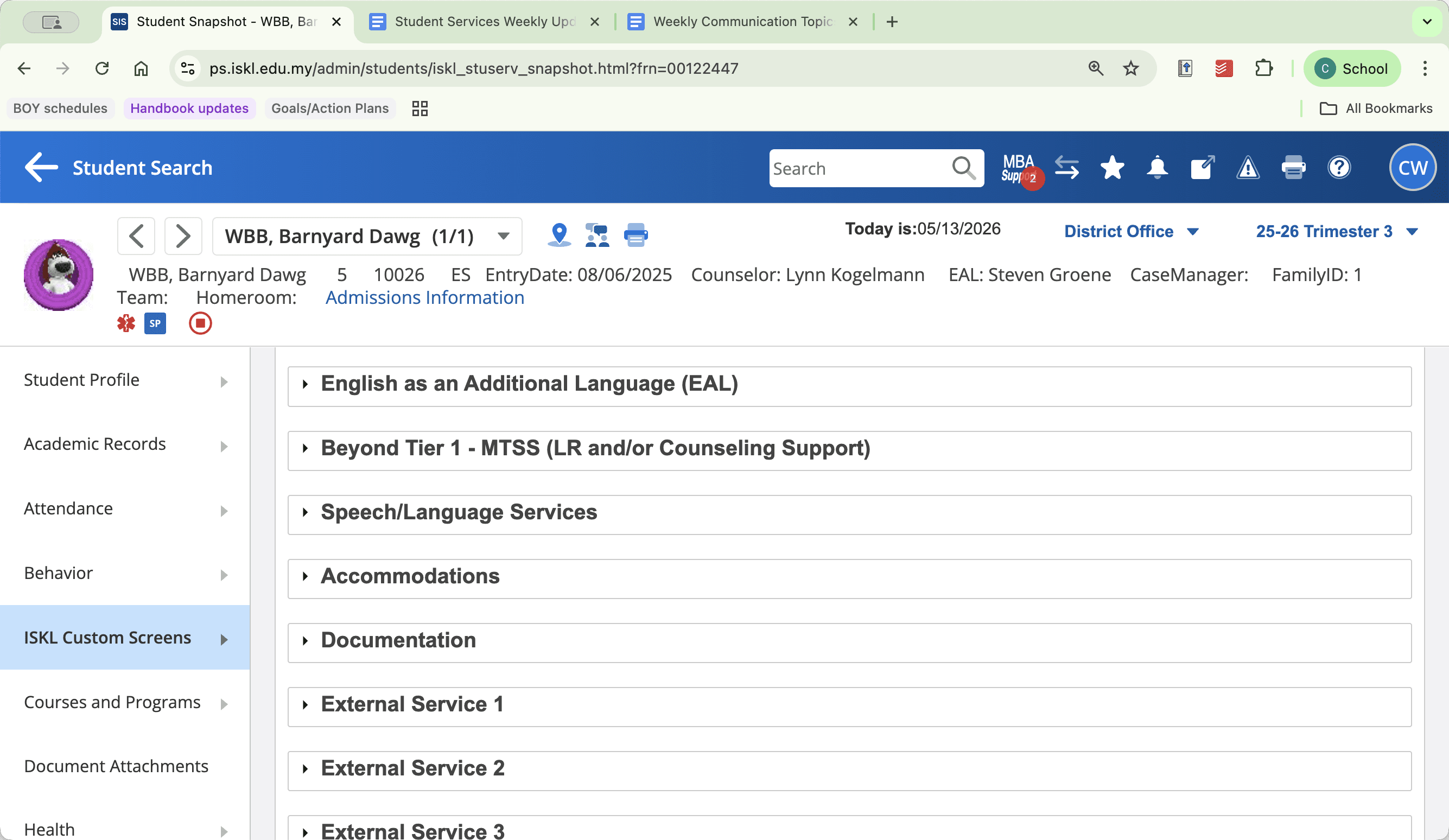
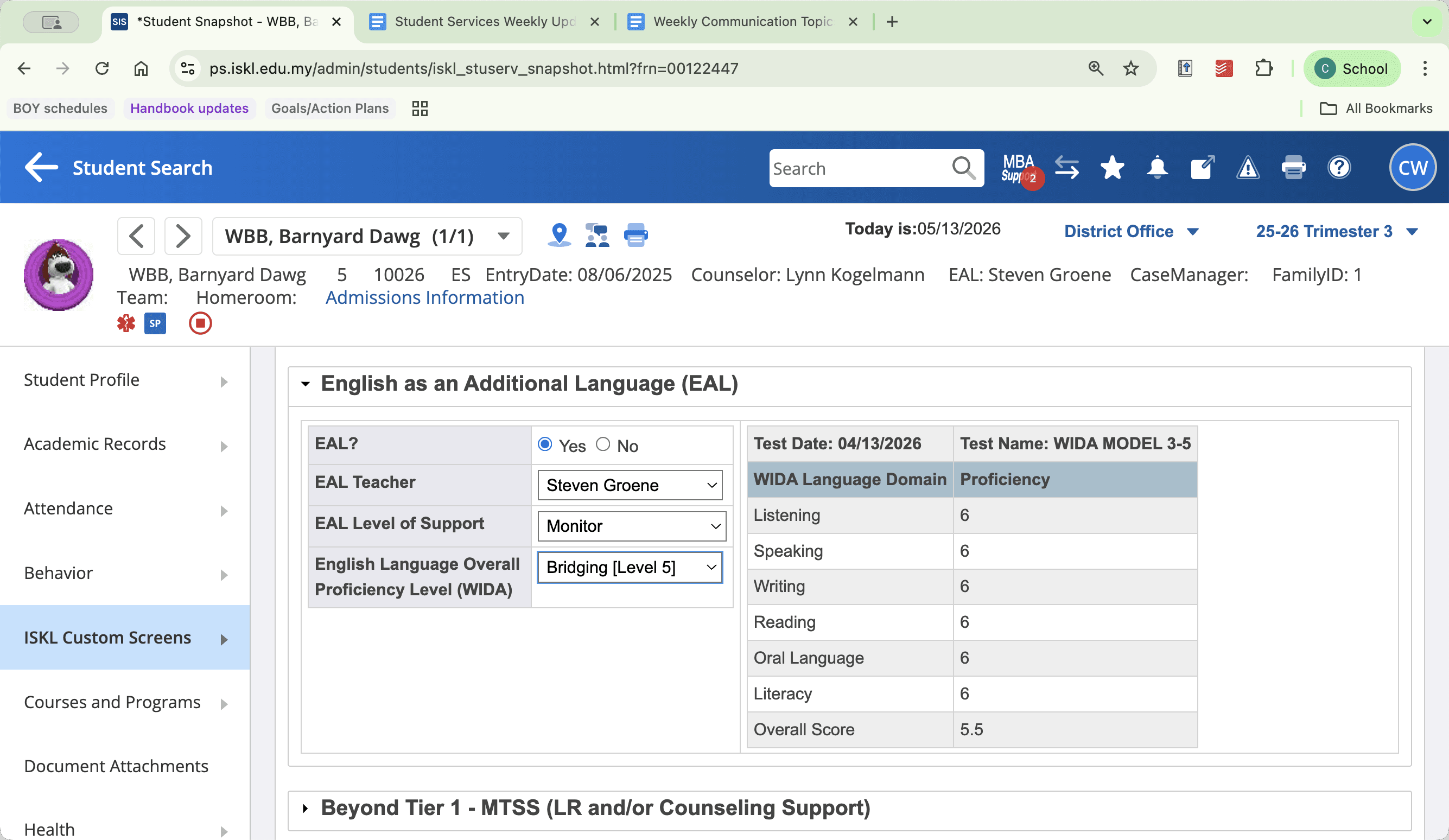
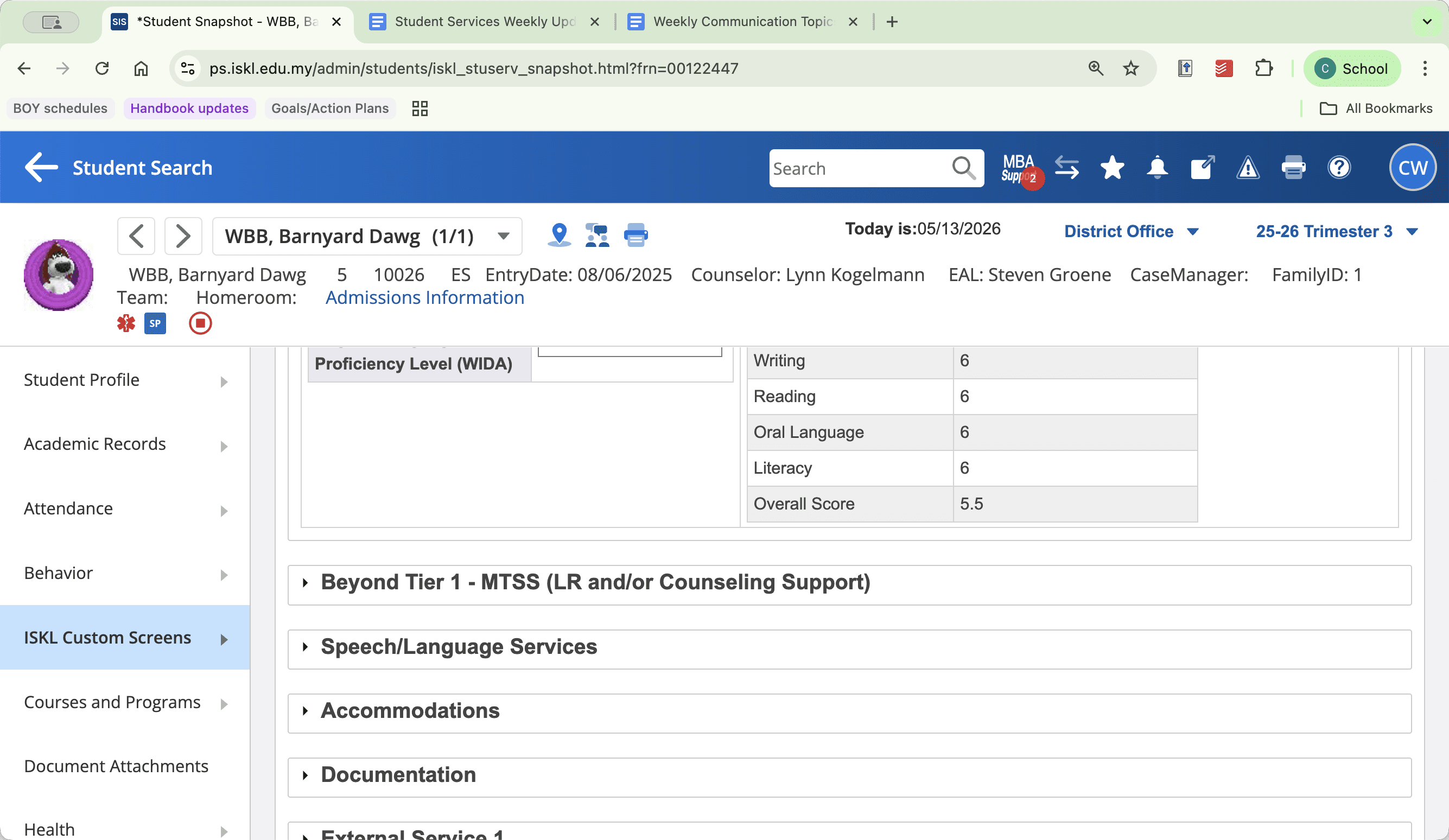
English as an Additional Language (EAL) | EAL Teachers | Support levels, case manager, and WIDA language proficiency scores. |
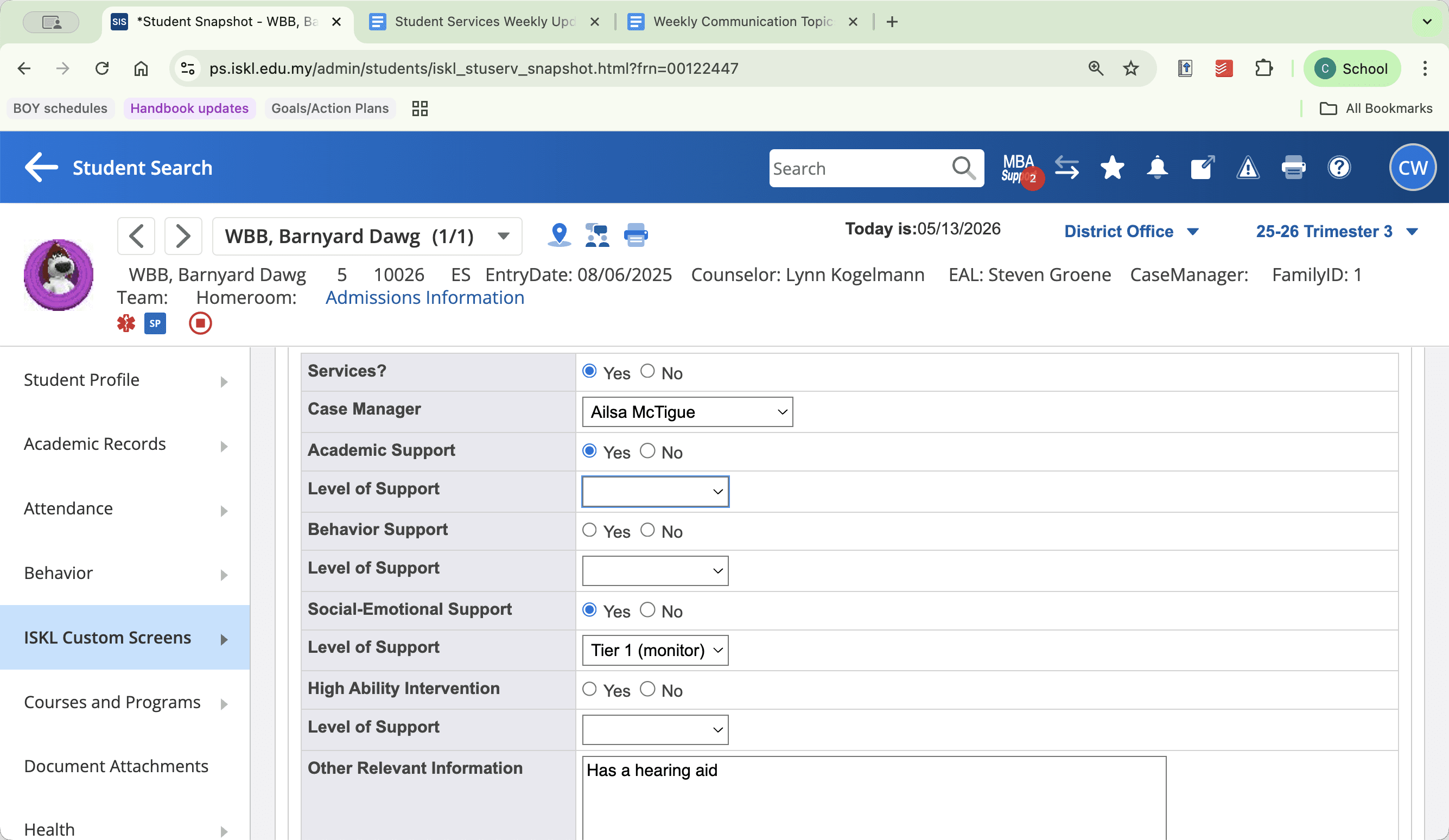
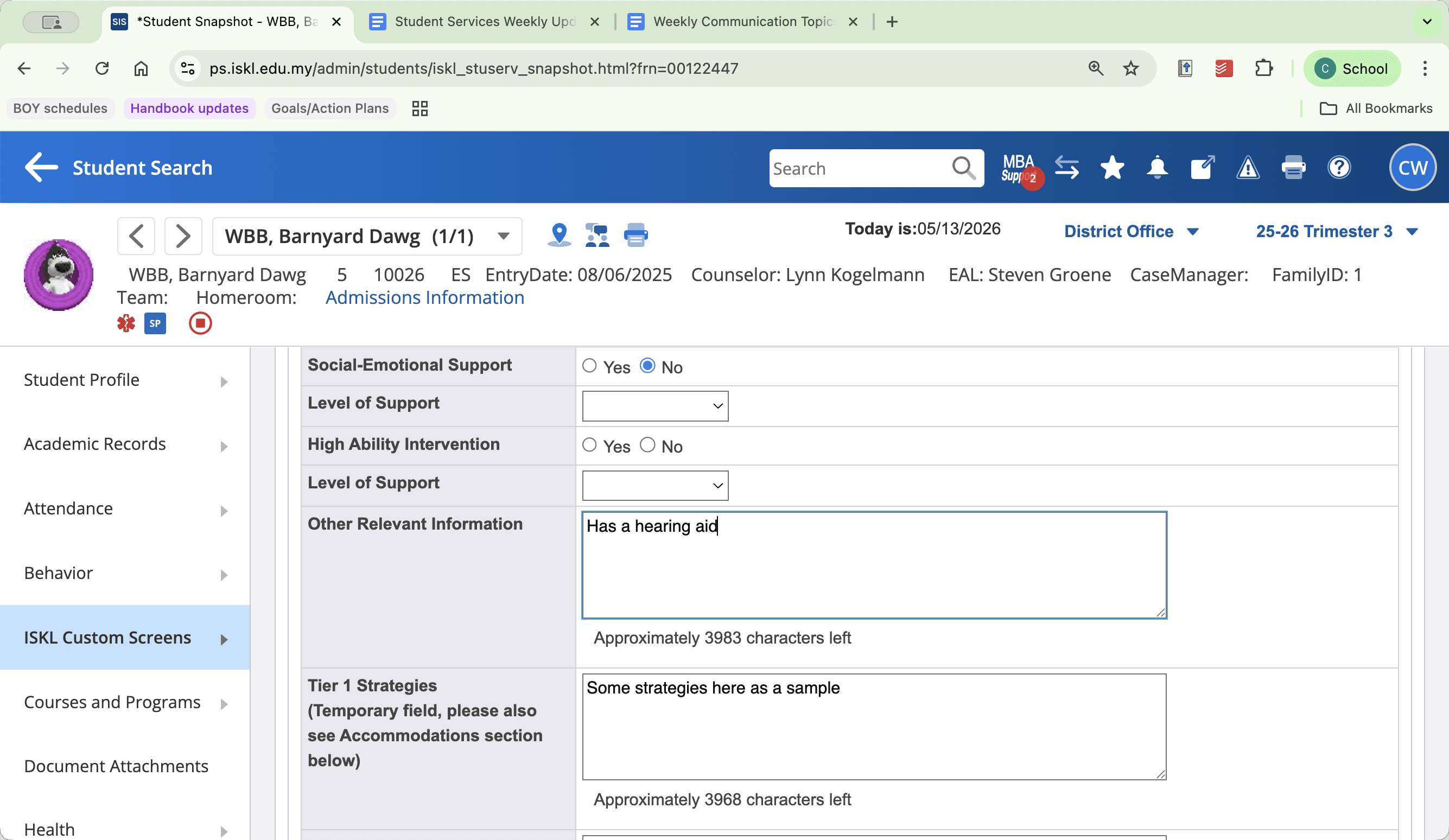
Beyond Tier One (LR/Counseling) | Counselors / LR Specialists | Academic, behavioral, and social-emotional tier levels and strategies. |
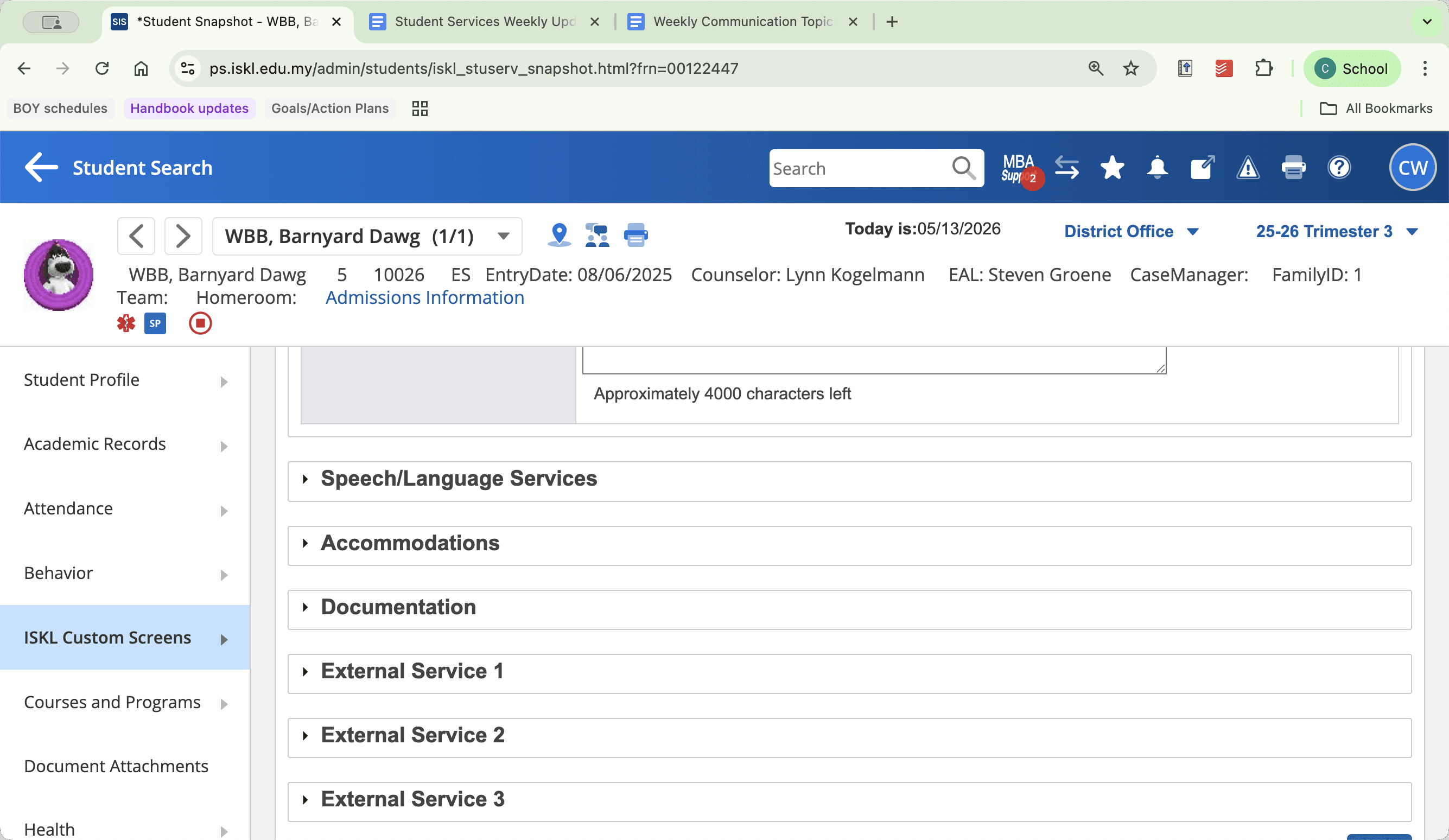
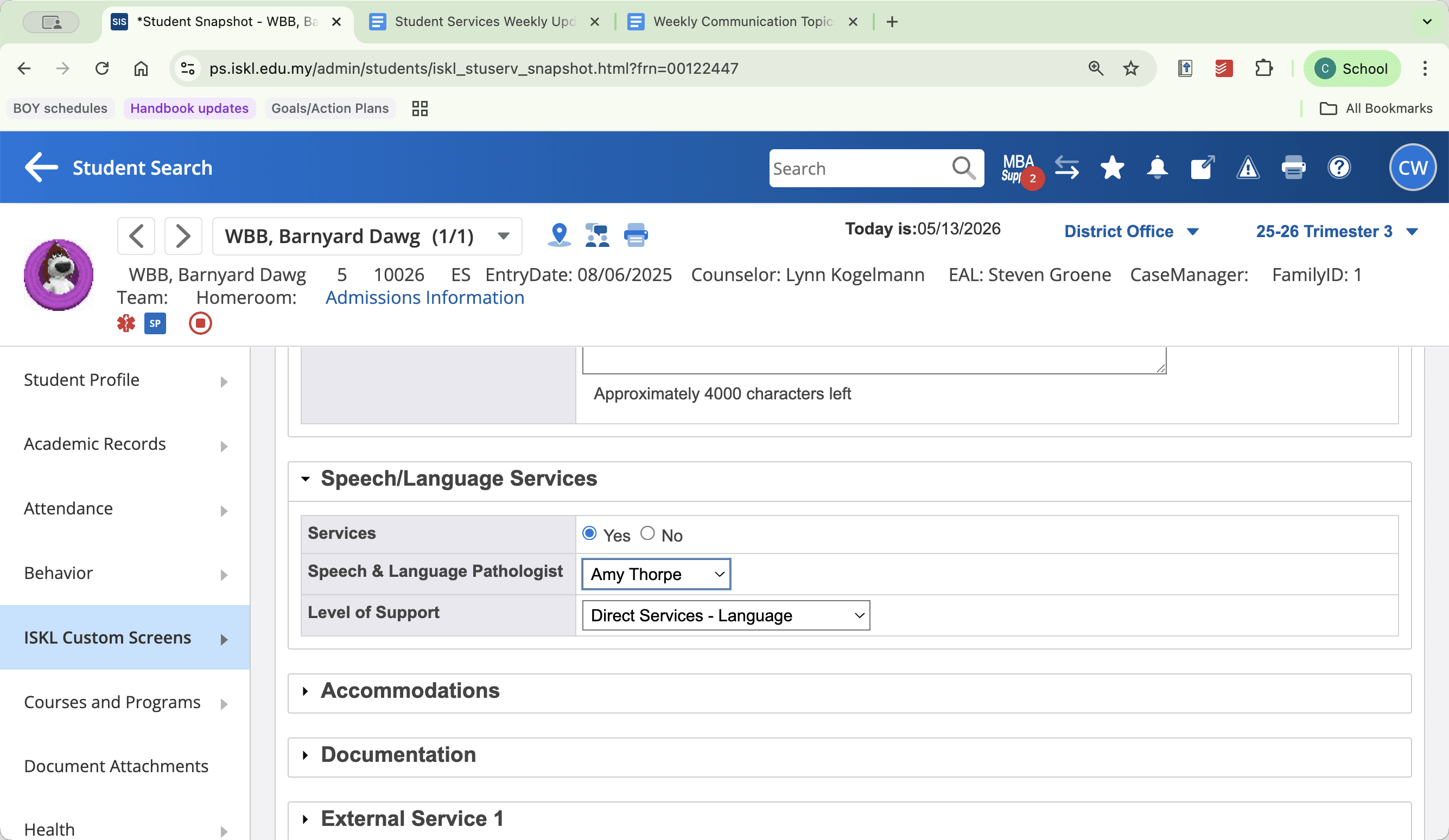
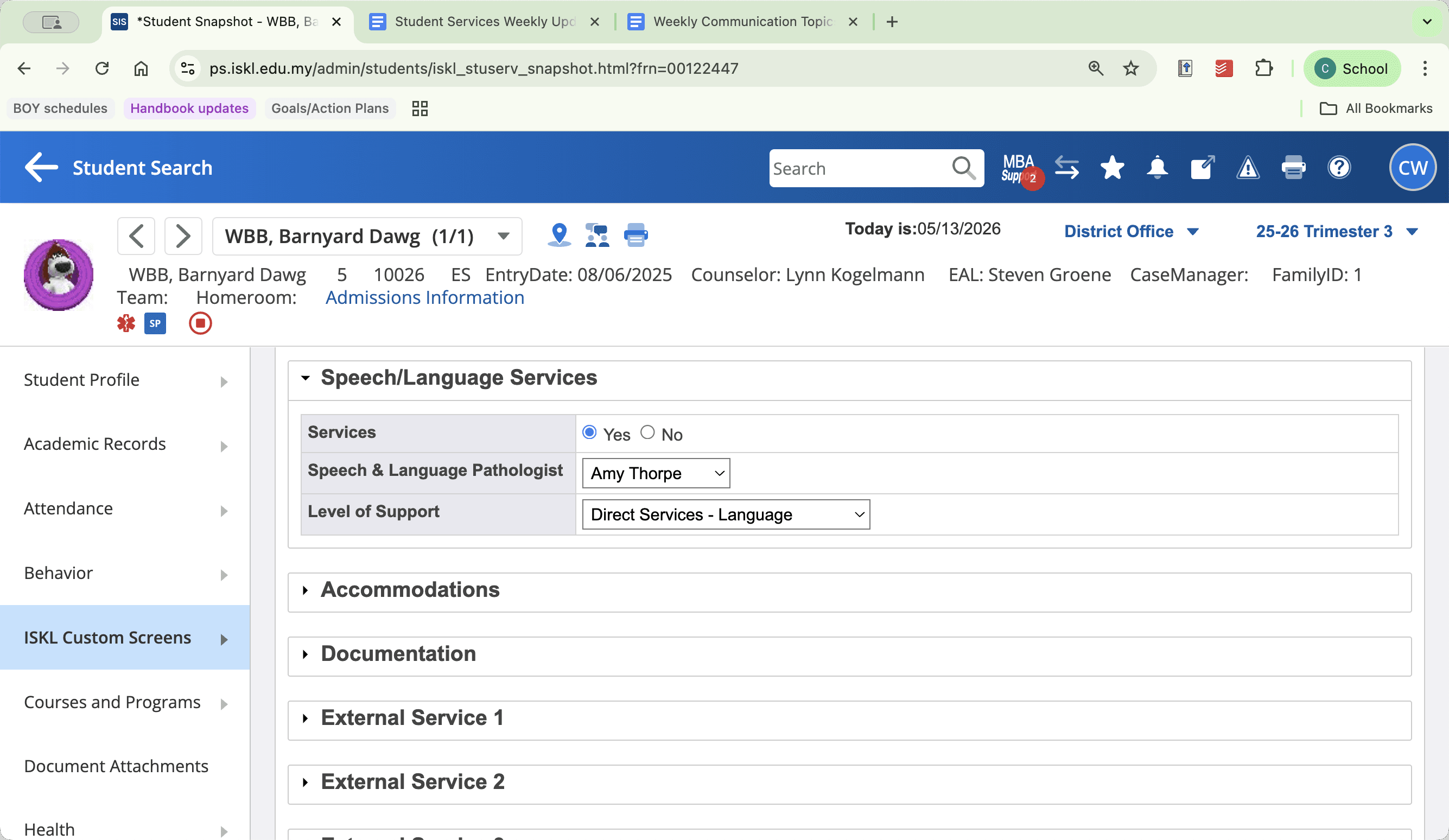
Speech & Language Services | Speech Pathologists | Direct service levels and assigned therapist. |
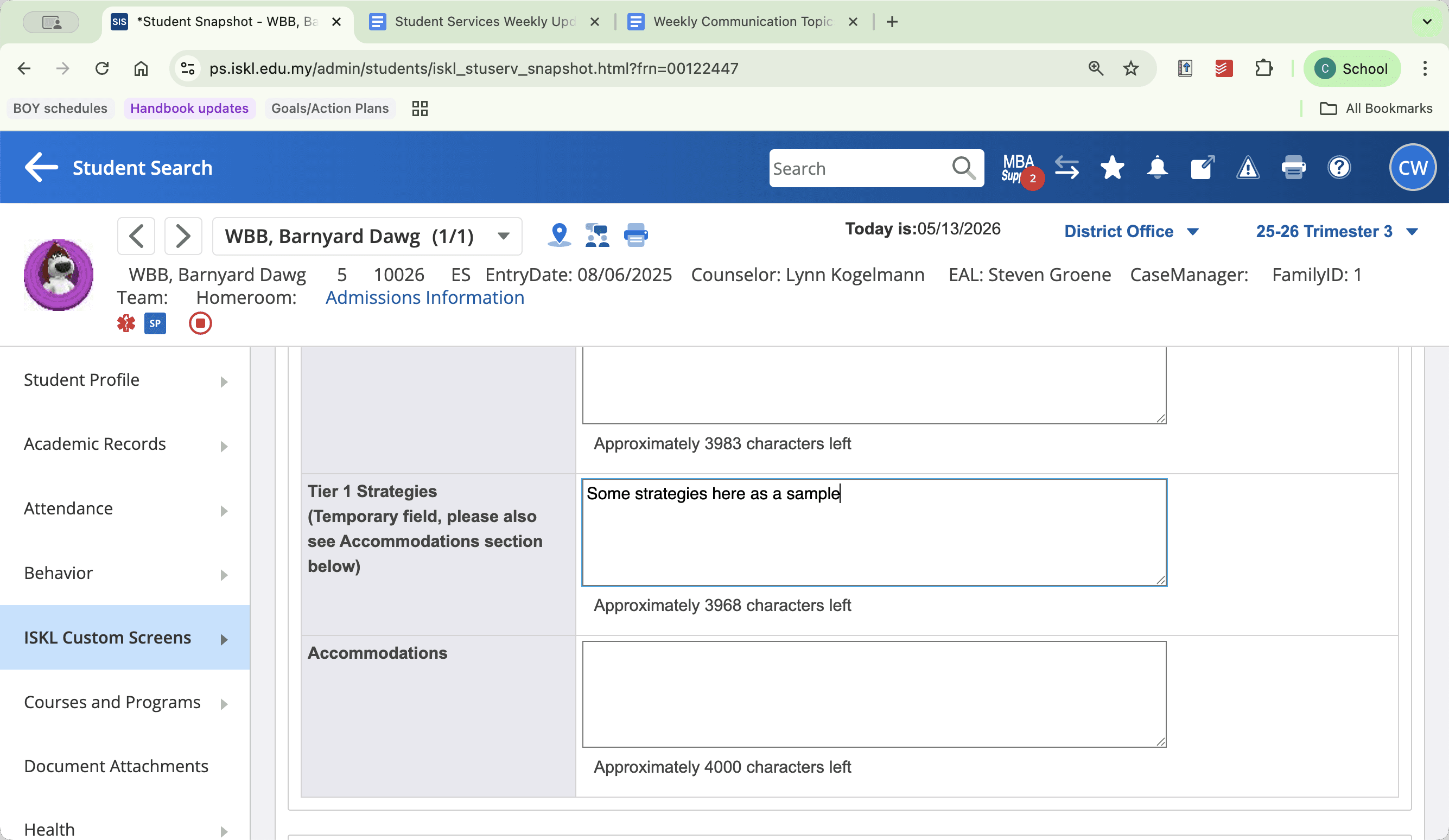
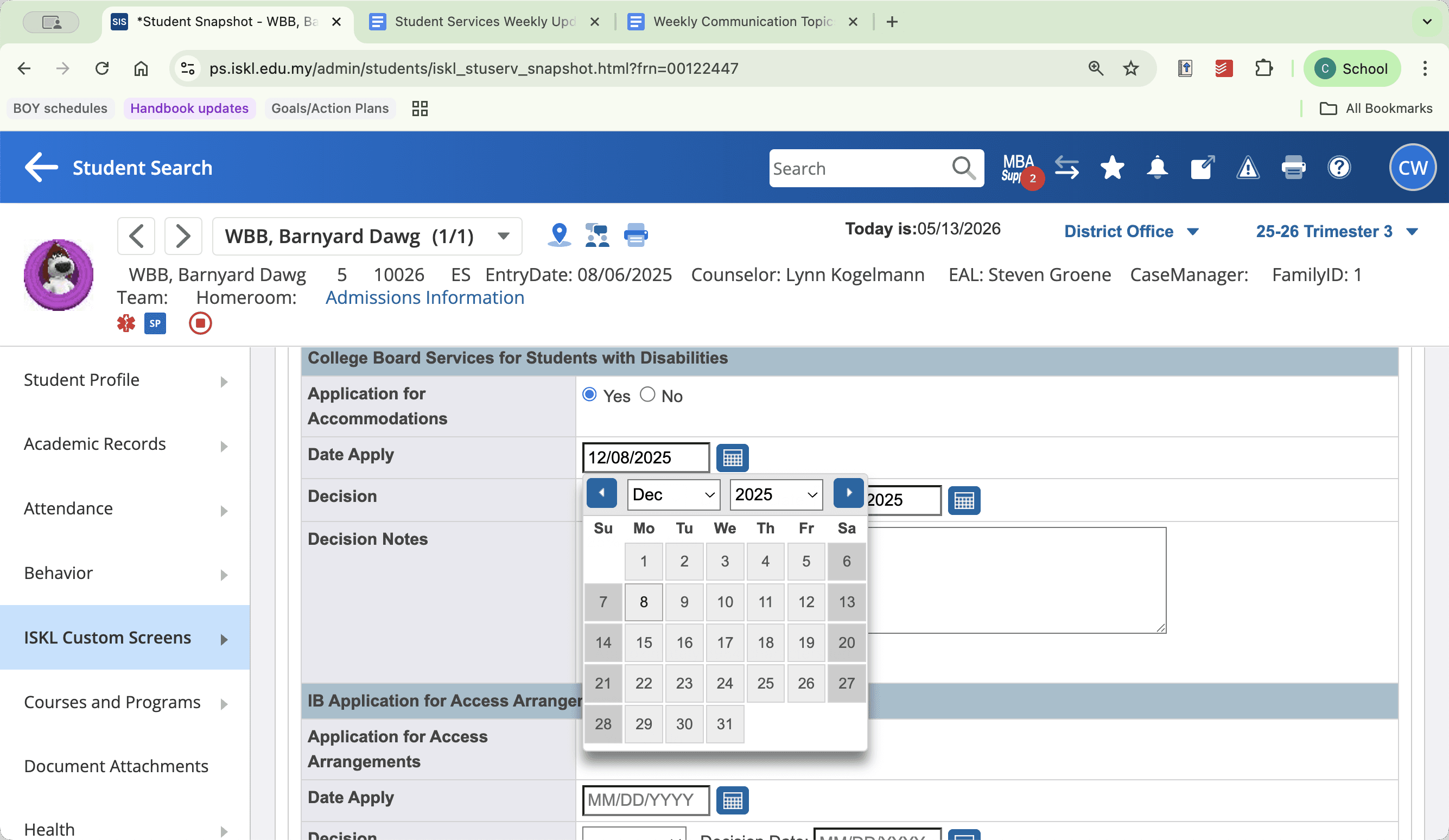
Accommodations | Case Managers / Ed Psychs | Internal environmental accommodations and external board access arrangements (IB/College Board). |
Documentation & External Services | Educational Psychologists | On-file psychological evaluations, occupational therapies, and release of information records. |
Updating Intervention and Support Services
Early Childhood Intervention
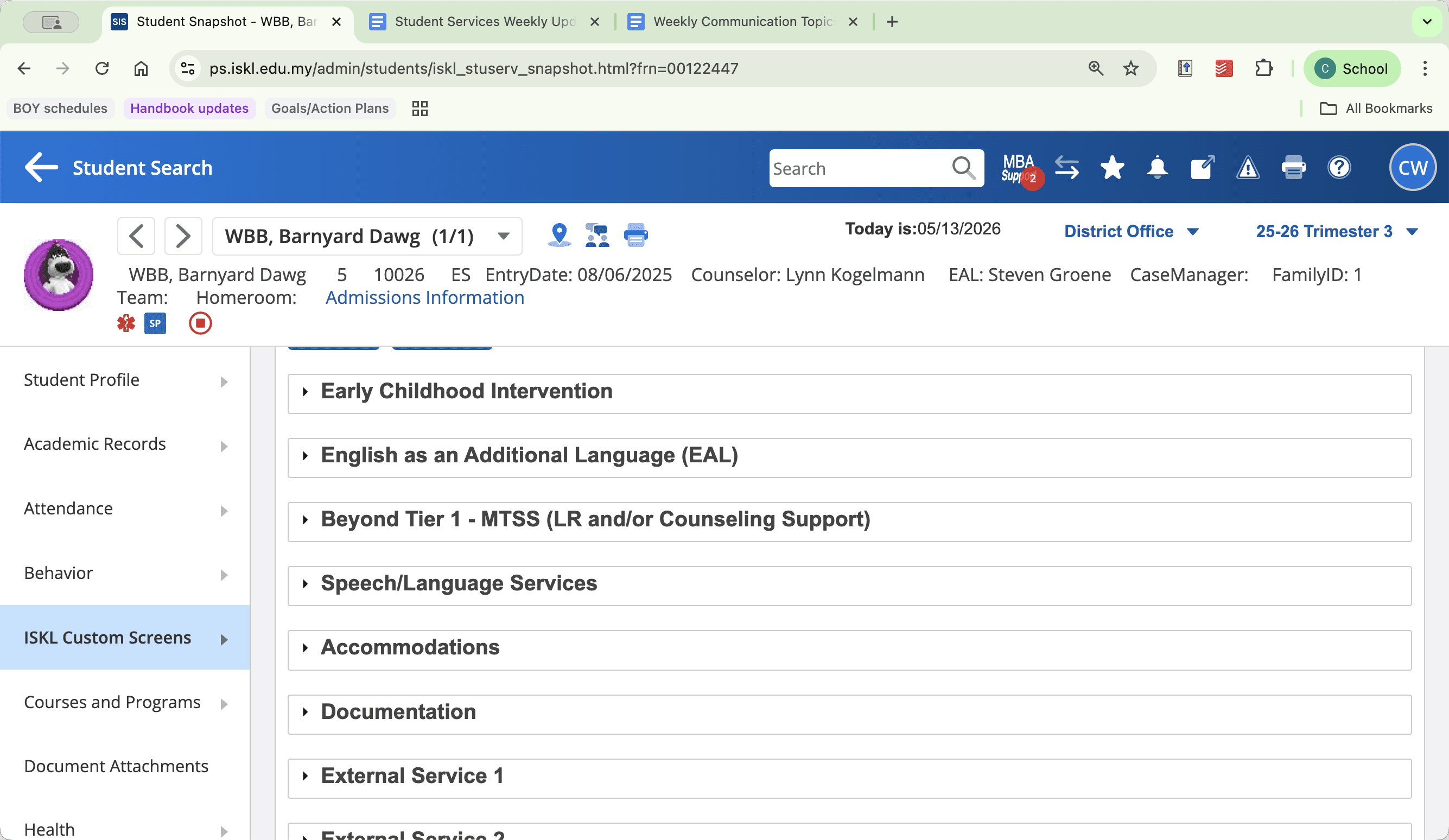
English as an Additional Language (EAL)
Beyond Tier One (LR & Counseling)
Speech and Language Services
Managing Accommodations and External Documentation
Accommodations
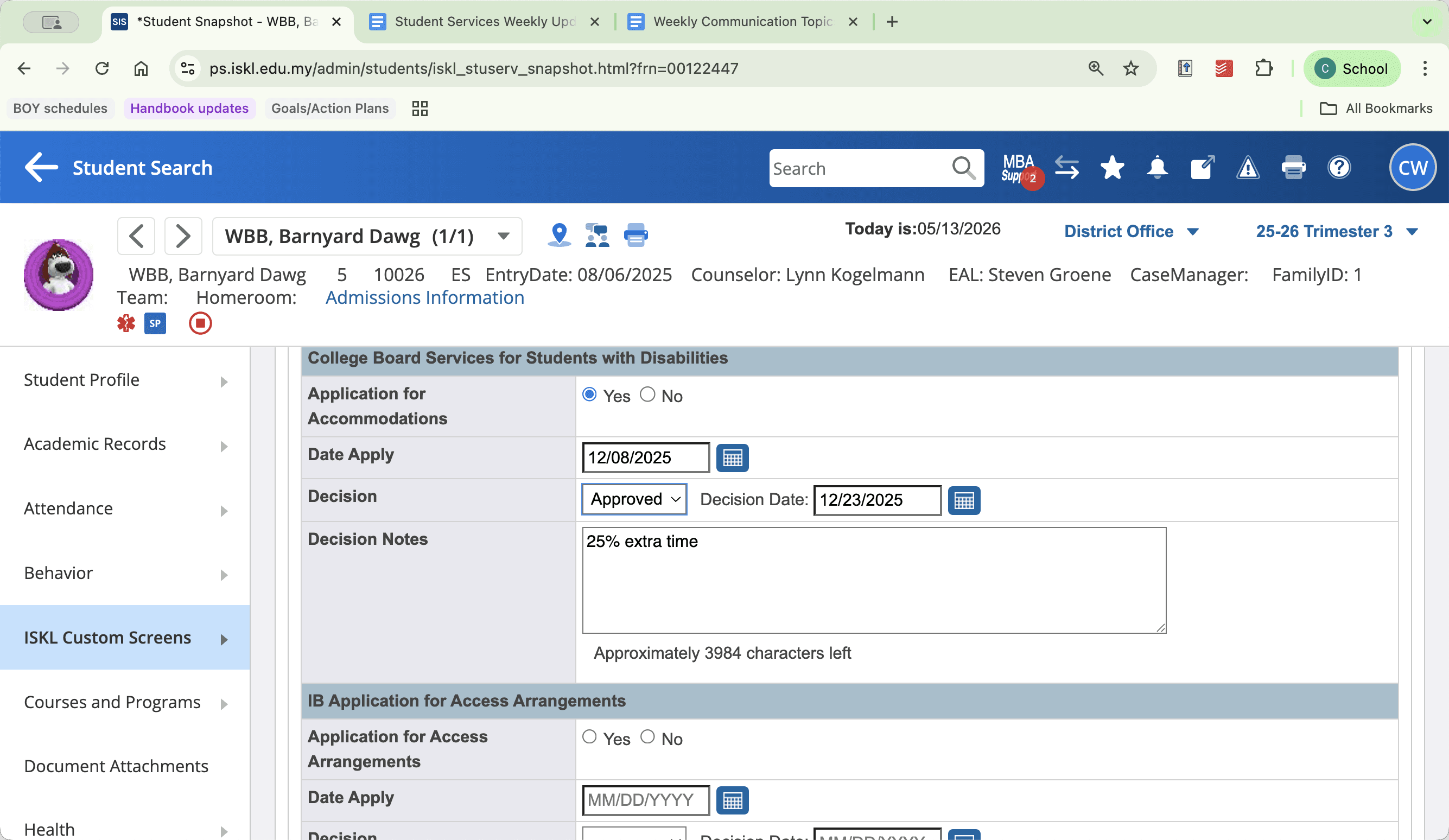
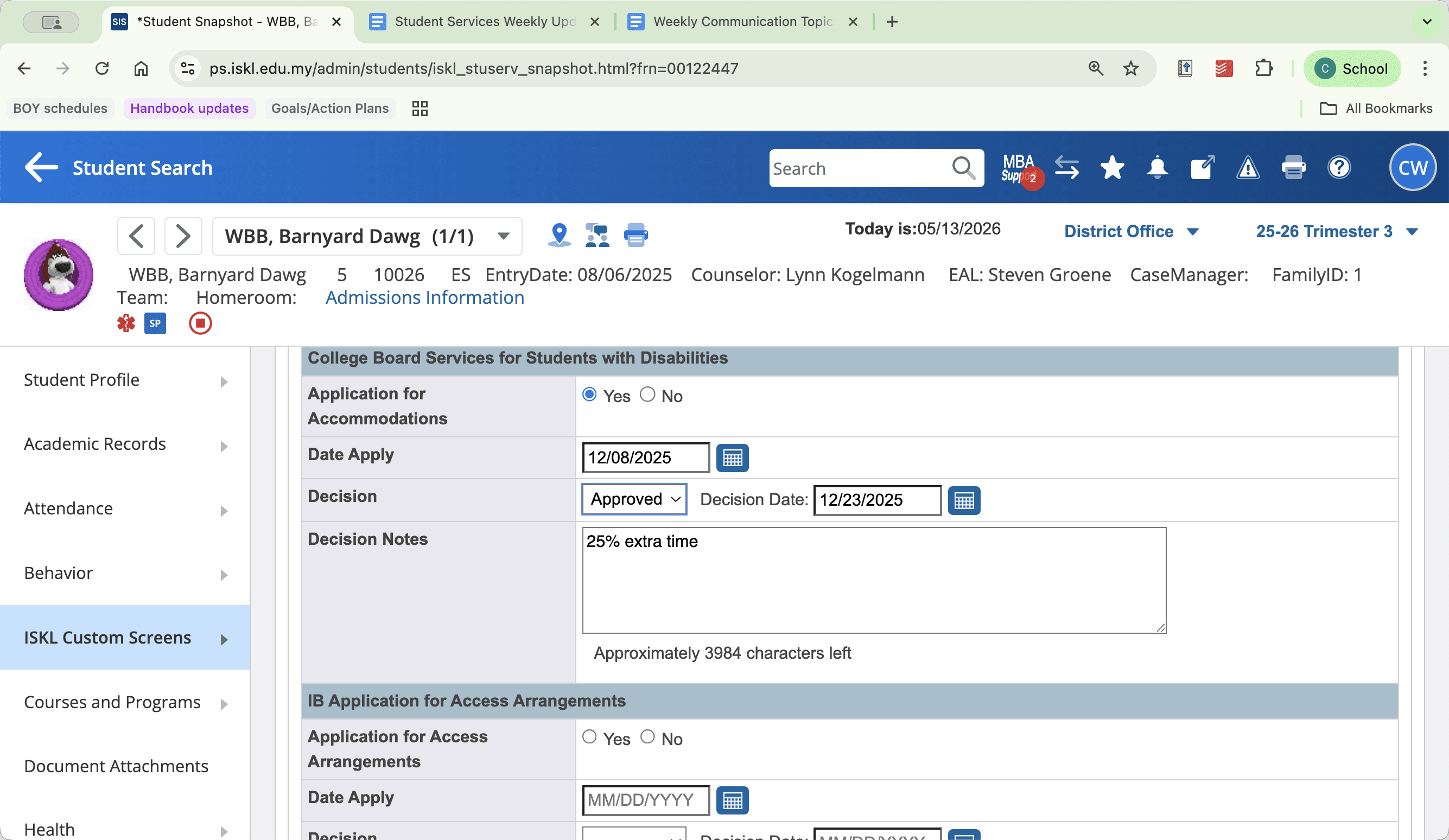
Documentation and External Services
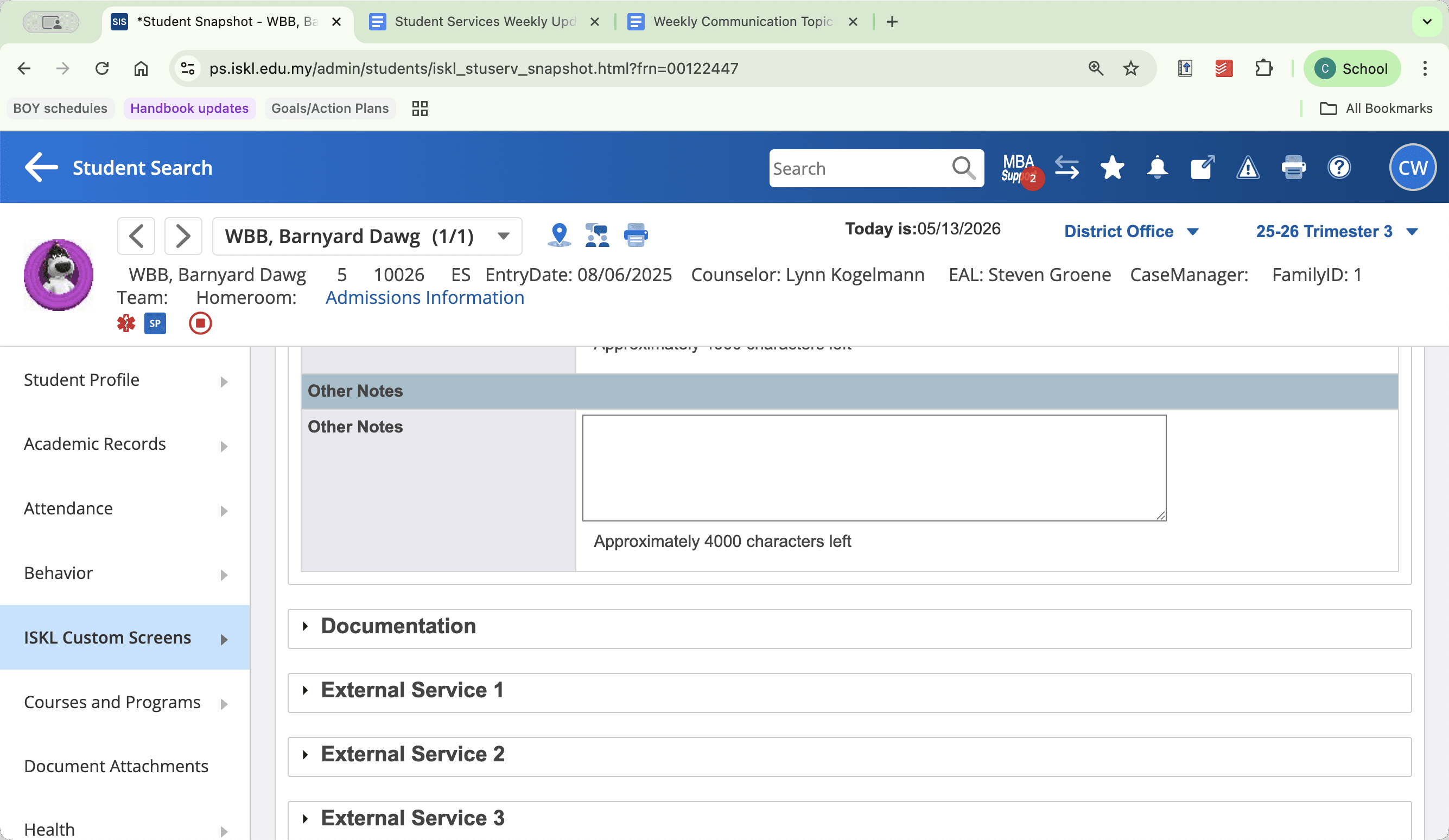
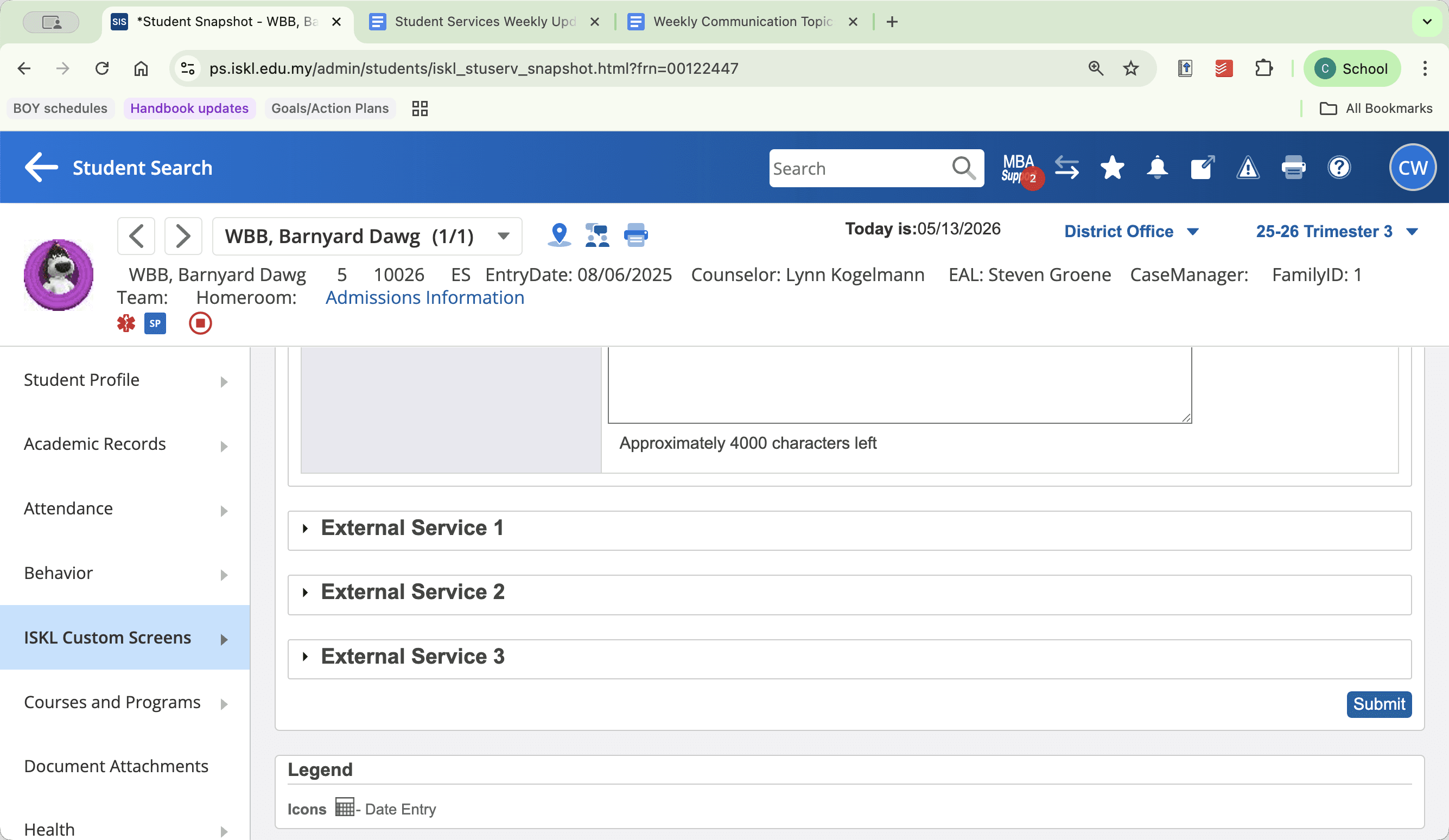
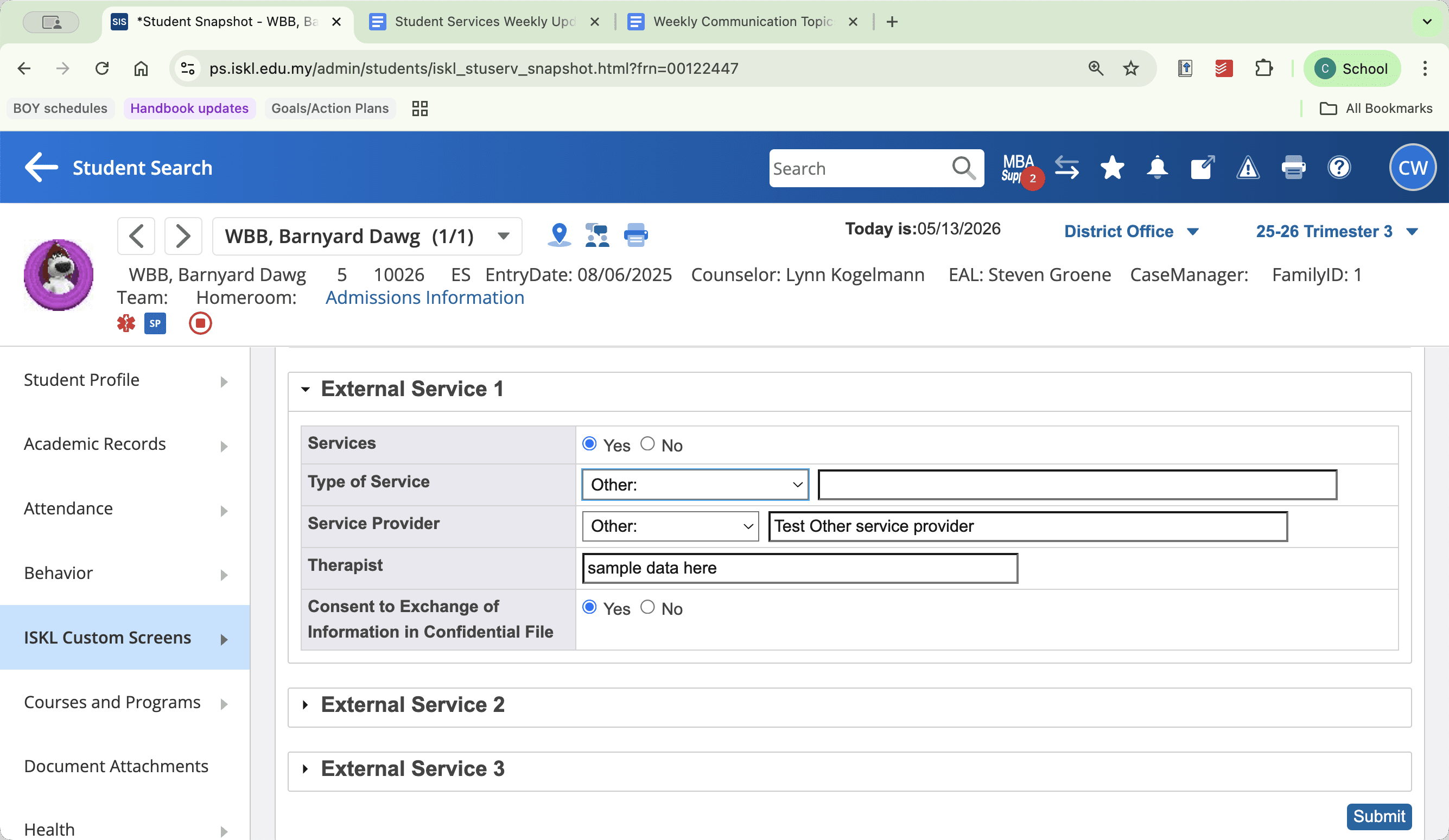
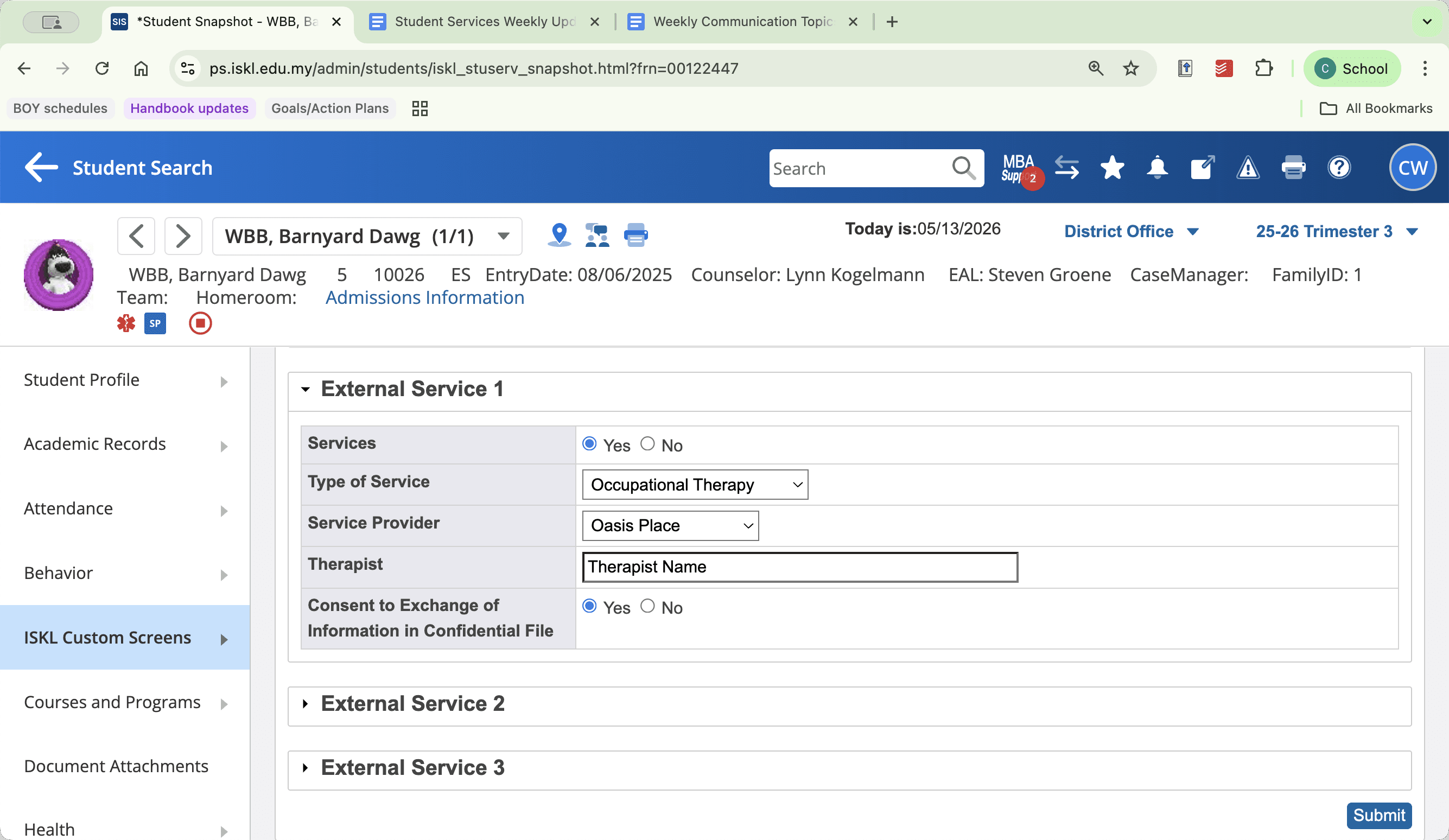
Saving Changes
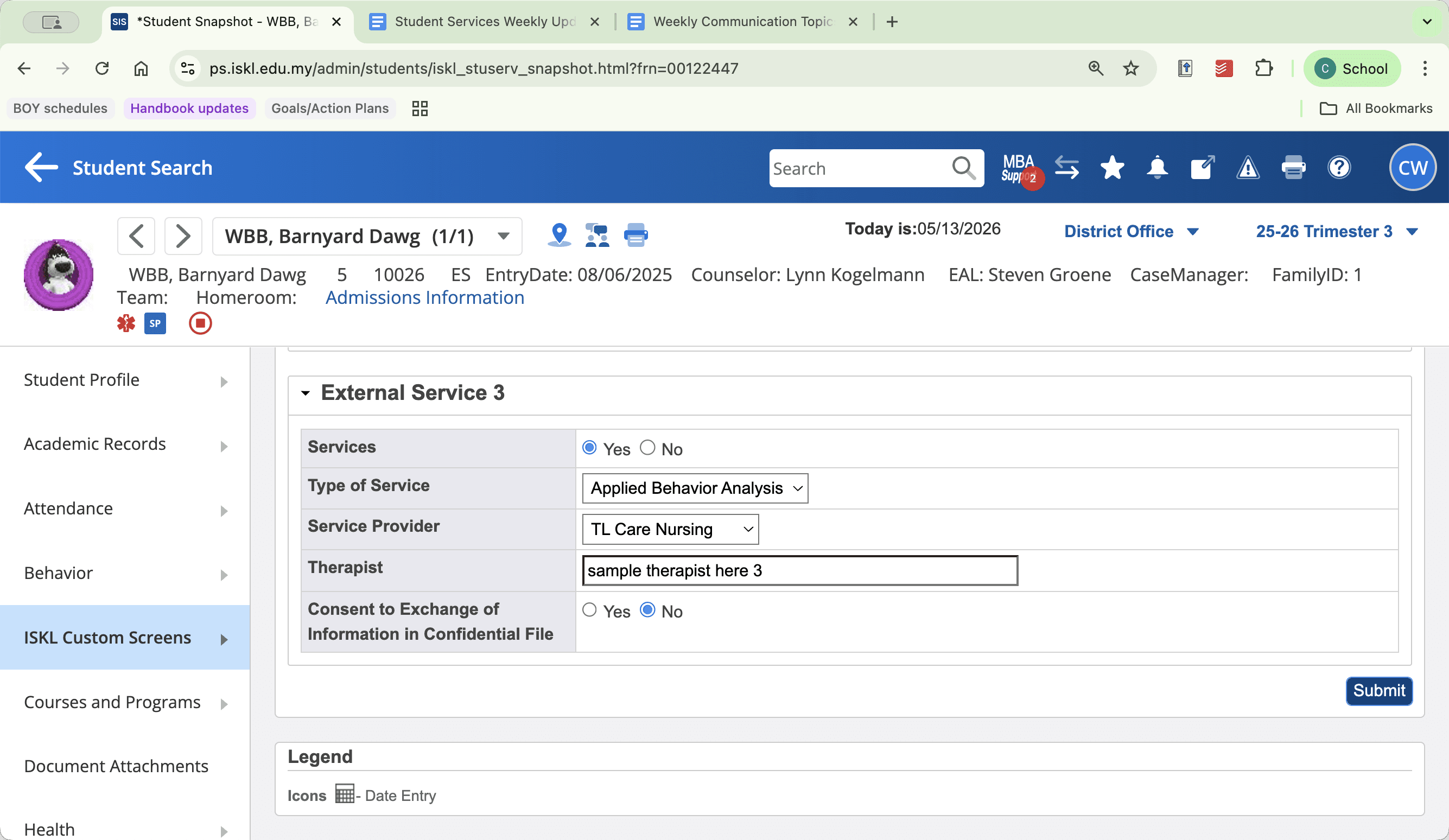
FAQ
Q: Why can't I edit the ISKL accommodation checkboxes?
A: Internal accommodation checkboxes pull directly from the student's official Accommodation Plan or SSP. Because they act as a mirror of that official document, they cannot be manually edited from the Student Snapshot screen.
Q: When do WIDA scores appear on the EAL snapshot?
A: WIDA scores are batch-uploaded to the snapshot automatically across the system once the official WIDA testing cycle has finished.
Q: How do I remove a student from an intervention service entirely?
A: Select "No" for the support status and ensure all corresponding fields (such as tier level, assigned case manager, and support area checkboxes) are reset to blank or unselected.