How to Update Vehicle Mileage and Book a Workshop Job

Learn how to search for a vehicle by license plate, update the odometer reading, assign a linked debtor, and save a workshop job in your DMS portal.

By Rutger Kant

This guide explains how to search for a specific vehicle by its license plate to update its odometer reading and complete a workshop job booking. Following these steps ensures accurate vehicle records and properly linked debtor information in your workshop management system.

This process is designed for service advisors and workshop managers. It should be used when logging a new vehicle intake or updating customer records before scheduling repair work.

Locating the Vehicle Record
1
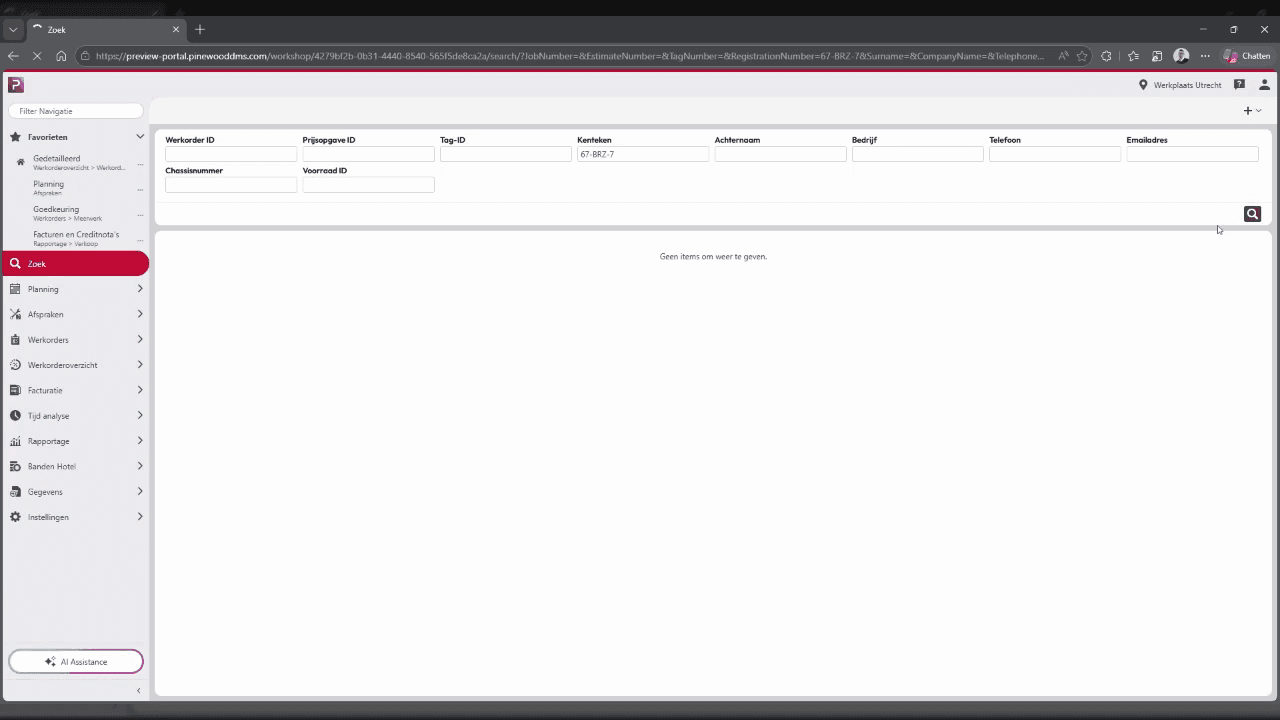
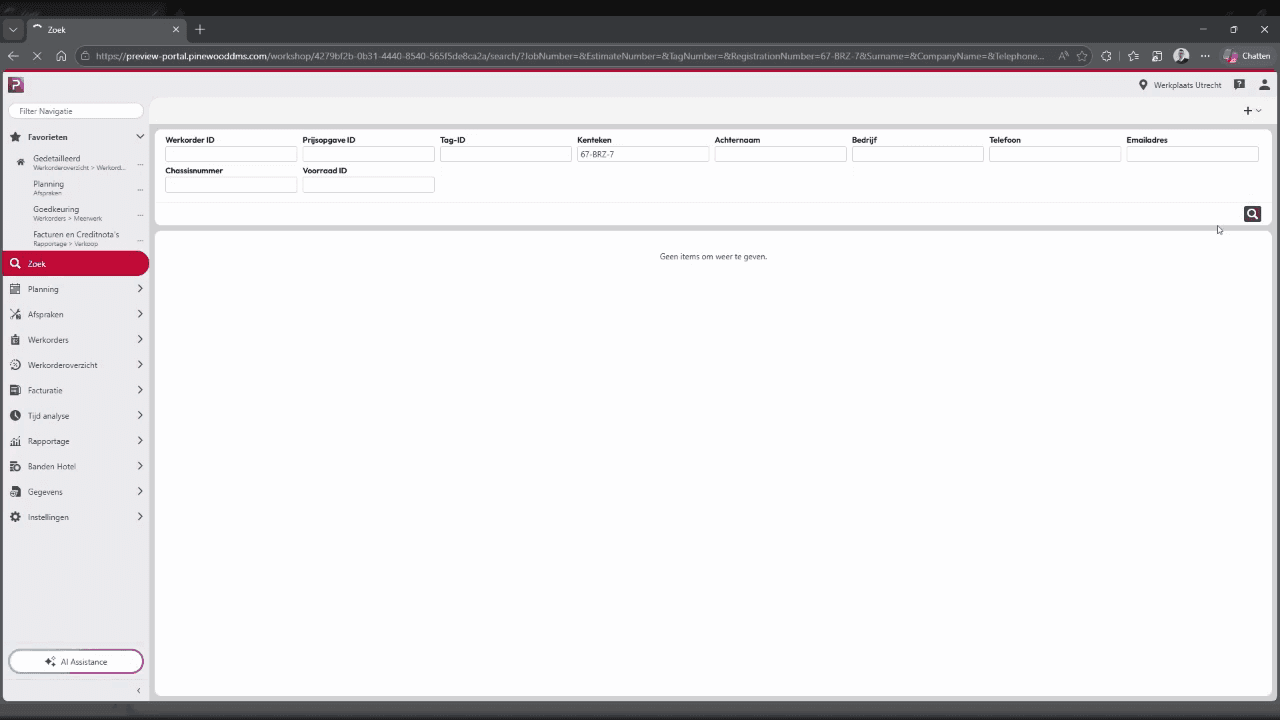
Click the Kenteken (License Plate) field.
Step #1: Click the Kenteken (License Plate) field.
2
Type the vehicle's registration number, such as "67BBZ7".
3
Click the purple Search magnifying glass button to query the system.
Step #3: Click the purple Search magnifying glass button to query the system.
4
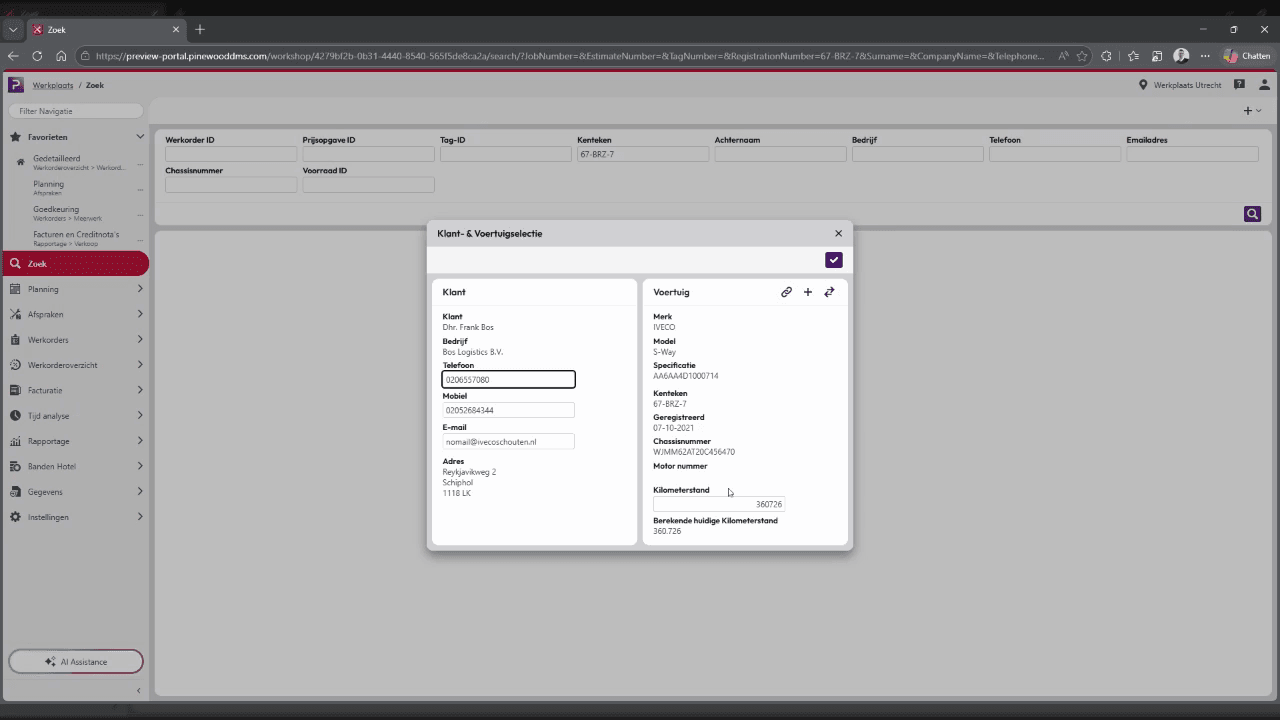
Click the corresponding vehicle record, for example 67-BBZ-7, from the search results to open the Customer & Vehicle selection modal.
Step #4: Click the corresponding vehicle record, for example 67-BBZ-7, from the search results to open the Customer & Vehicle selection modal.

Updating Vehicle Information

5
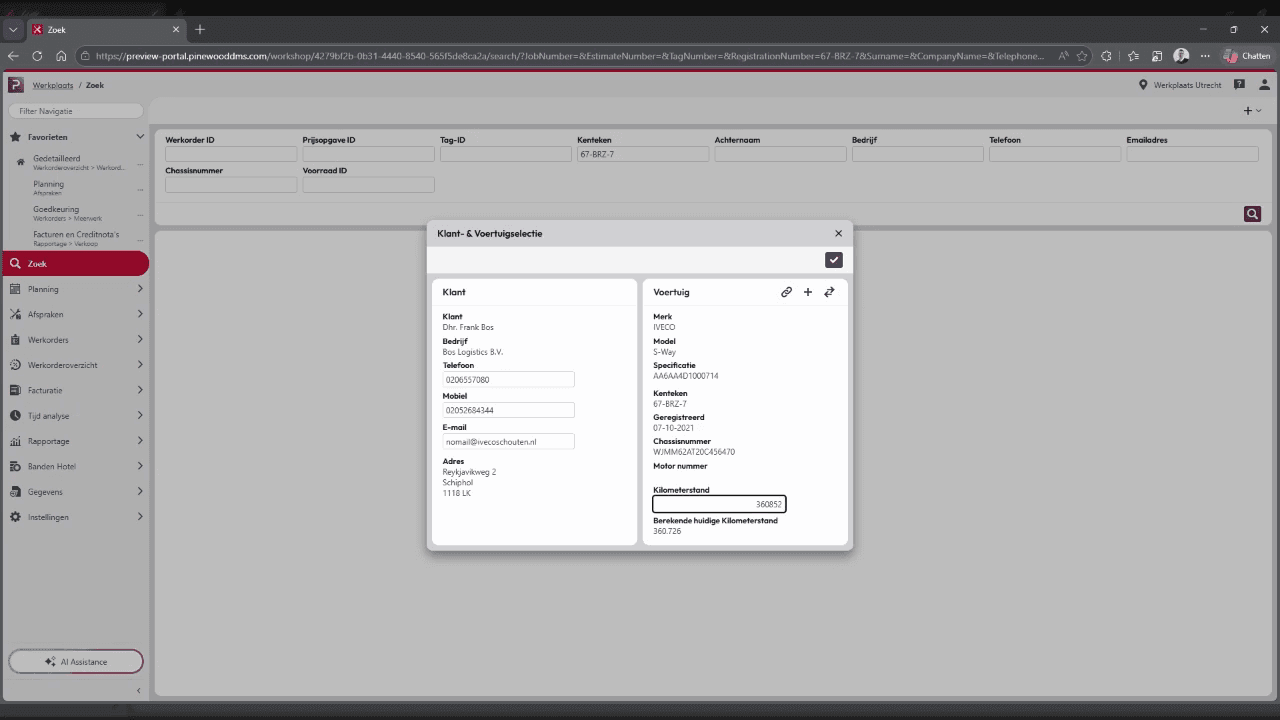
Click the Kilometerstand (Odometer) field and type the updated mileage, such as "368000".
Step #5: Click the Kilometerstand (Odometer) field and type the updated mileage, such as "368000".
6
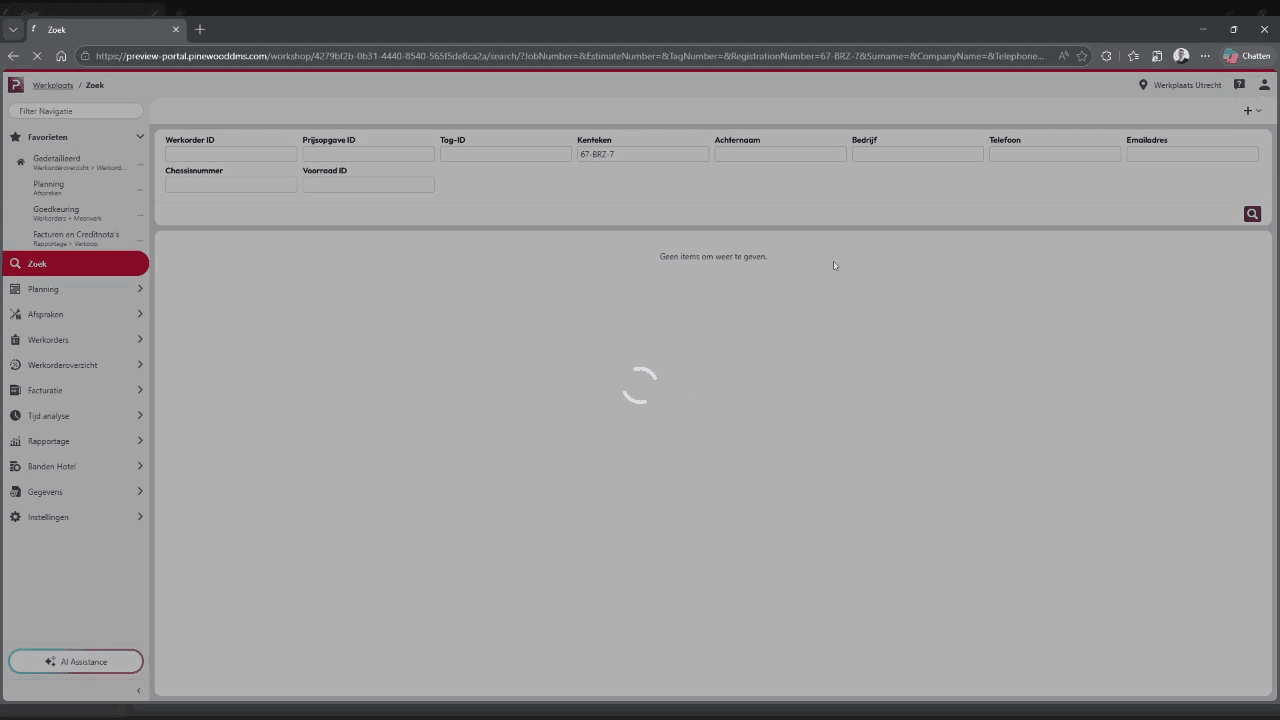
Click the Checkmark icon to confirm and proceed.
Step #6: Click the Checkmark icon to confirm and proceed.

Assigning Details and Saving

7
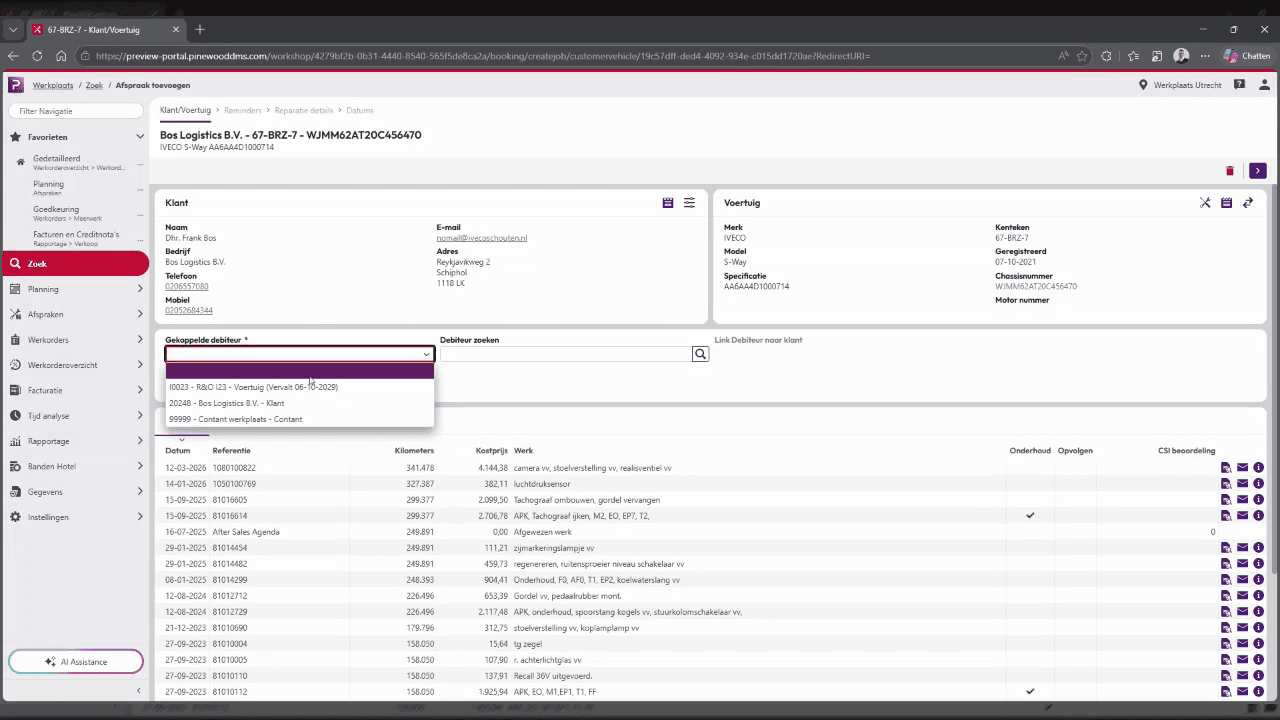
Click the first item in the Gekoppelde debiteur (Linked Debtor) dropdown menu to assign the customer account.
Step #7: Click the first item in the Gekoppelde debiteur (Linked Debtor) dropdown menu to assign the customer account.
8
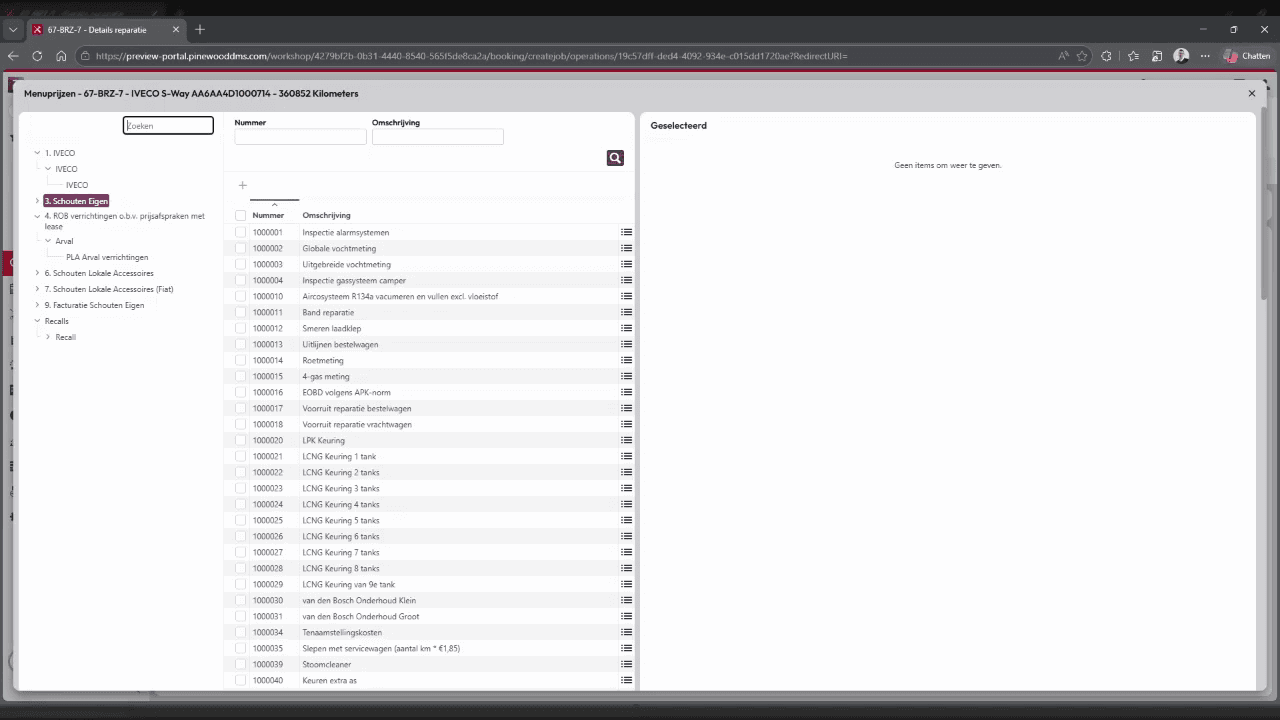
Click the Search button in the top right of the service items list to find specific tasks.
Step #8: Click the Search button in the top right of the service items list to find specific tasks.
9
Click the Bedrijfsonderdeel (Lid) field to select the appropriate business unit for this job.
Step #9: Click the Bedrijfsonderdeel (Lid) field to select the appropriate business unit for this job.
10
Click the Zoek (Search) button in the left-hand navigation sidebar if you need to query additional records.
Step #10: Click the Zoek (Search) button in the left-hand navigation sidebar if you need to query additional records.
11
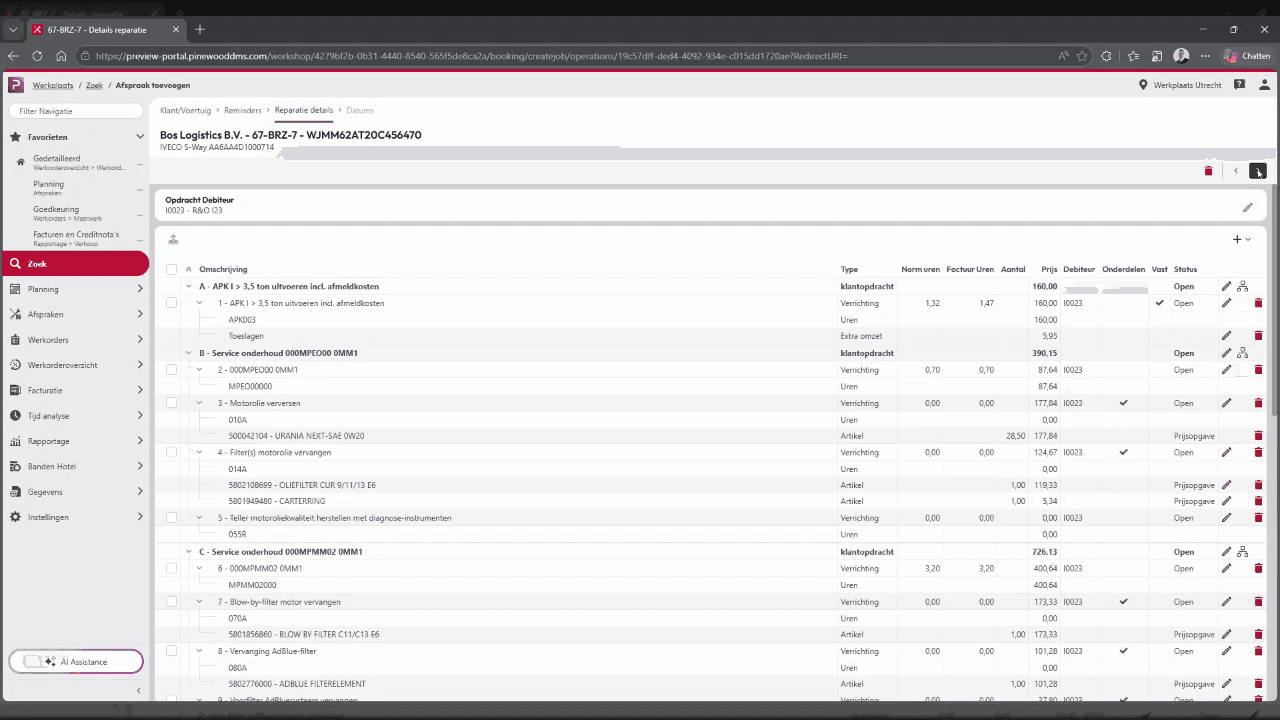
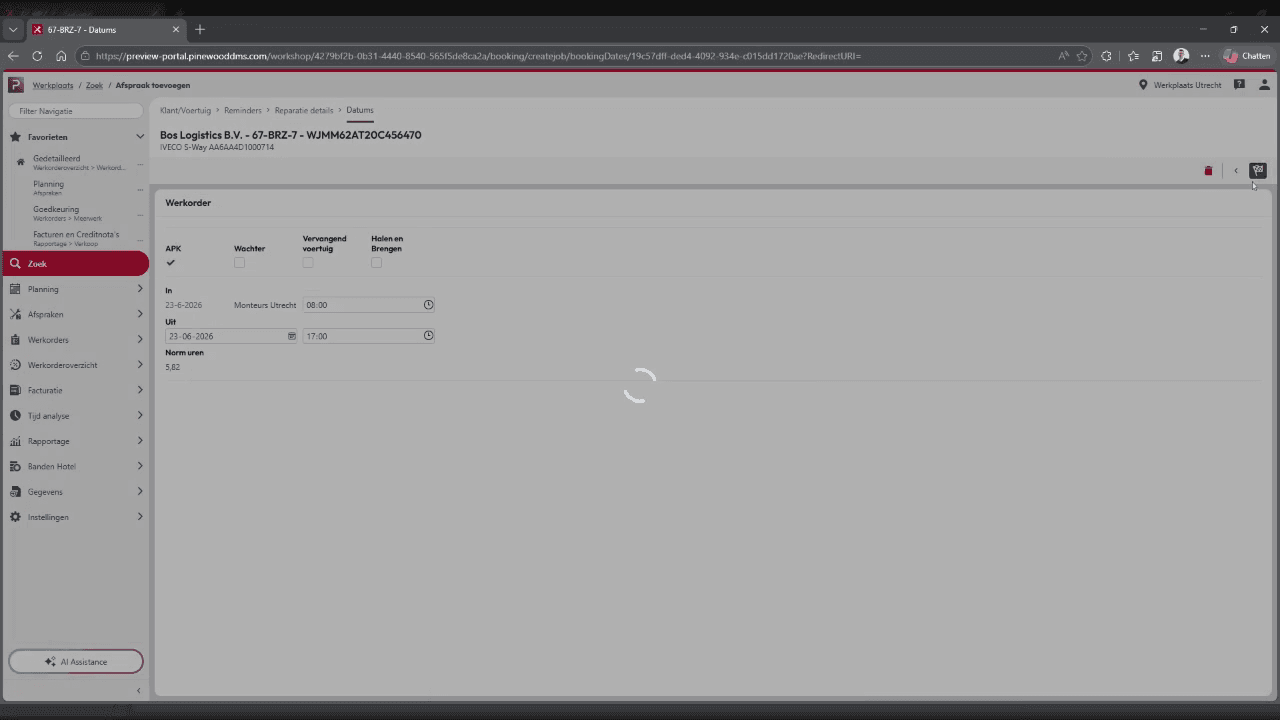
Click the flag-shaped Save button in the top right corner to save and complete the booking.
Step #11: Click the flag-shaped Save button in the top right corner to save and complete the booking.

Term

Definition

Kenteken

The Dutch term for a vehicle's license plate or registration number.

Kilometerstand

The current odometer reading or mileage of a vehicle.

Gekoppelde debiteur

The linked debtor or customer account responsible for the financial charges of the workshop job.

Bedrijfsonderdeel

The specific business unit or department within the organization handling the service.