
Update WordPress Core & Plugins
Learn how to update WordPress core and plugins
By Dan W
Update WordPress core software and installed plugins to maintain website security, stability, and compatibility.
This guide applies to WordPress administrators and site maintainers performing routine software maintenance.
Update WordPress Core
1
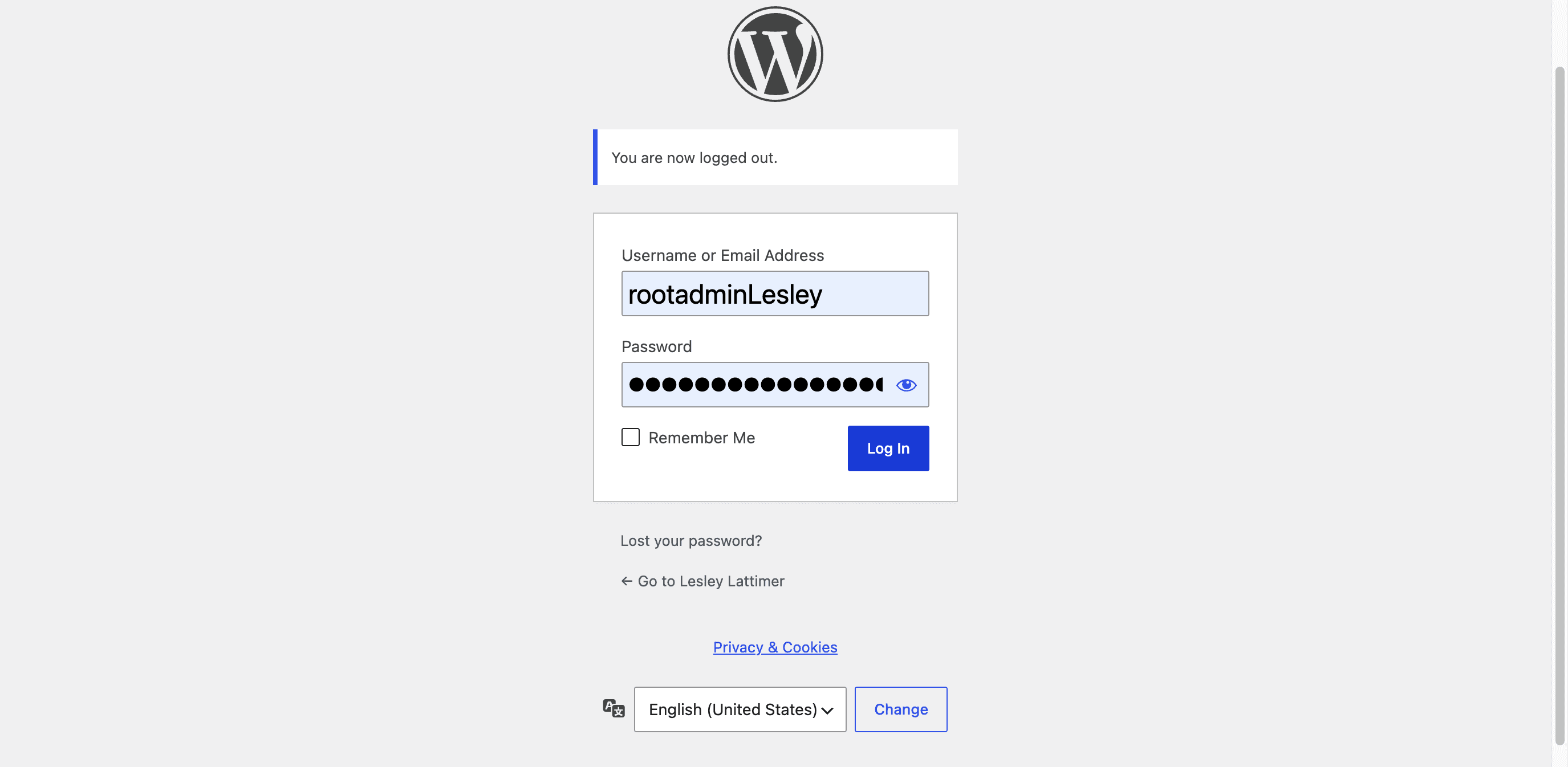
Click Log In to enter the WordPress dashboard.
2
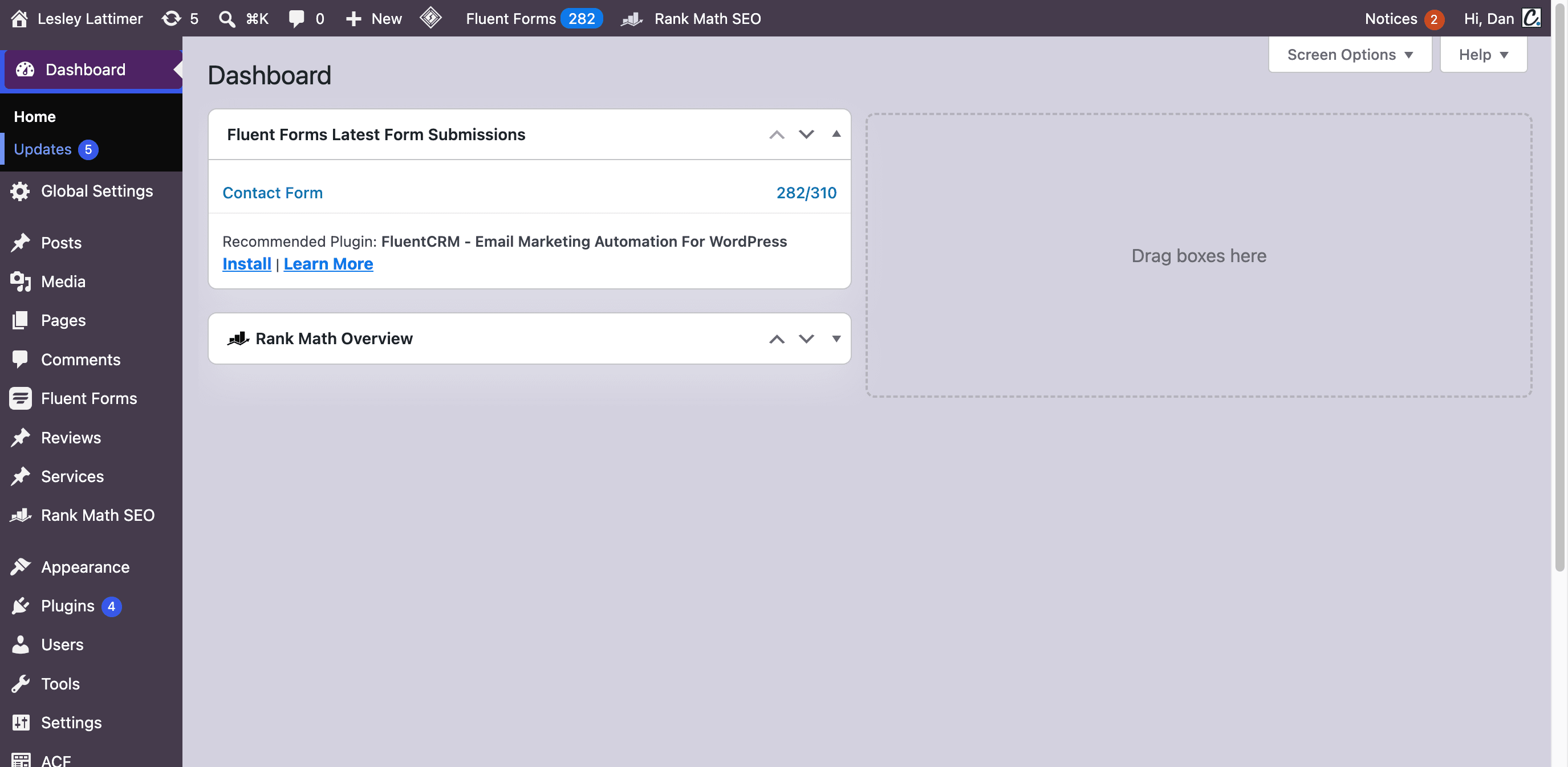
Click Updates in the dashboard sidebar.
3
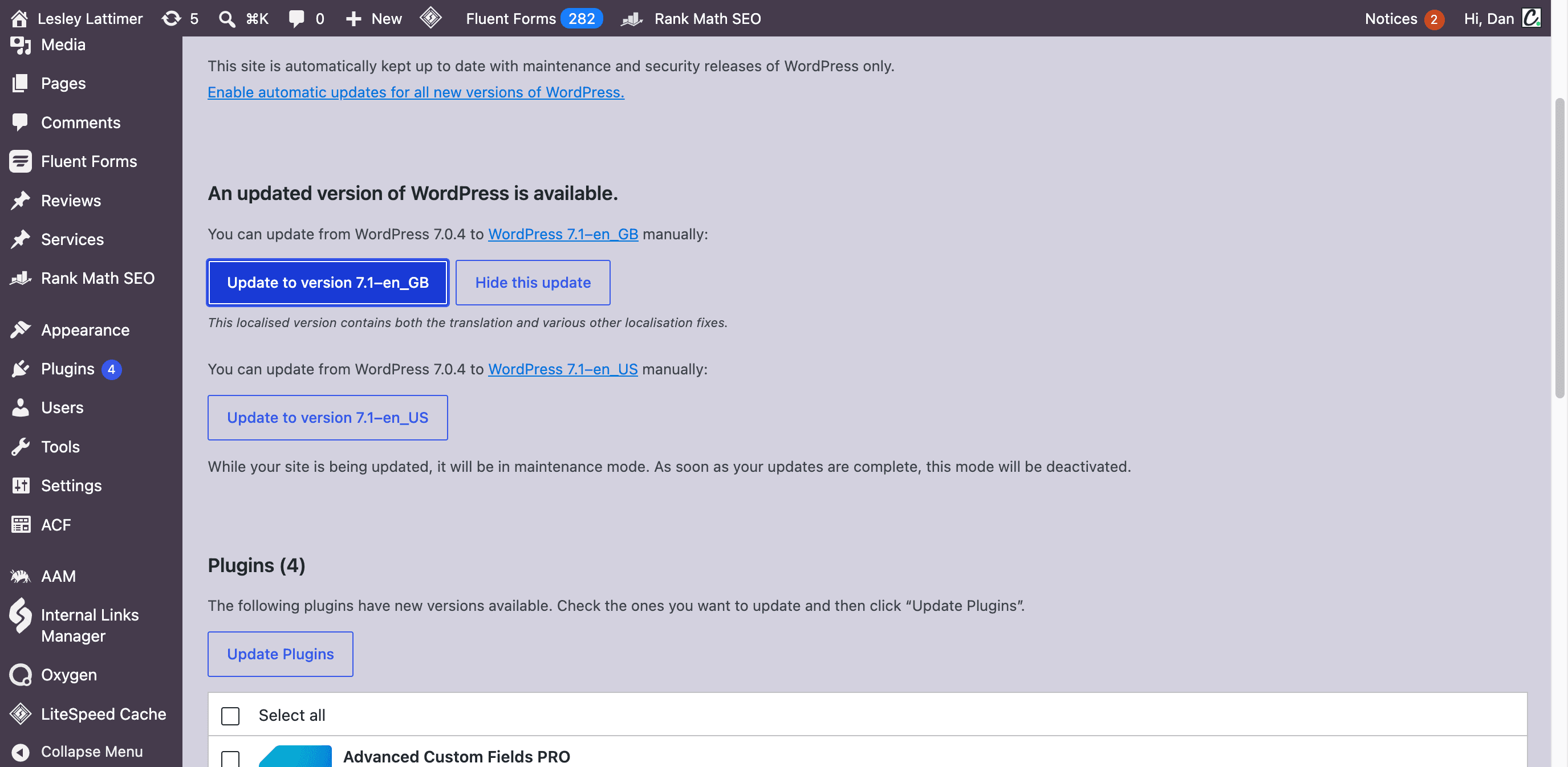
Click Update to version to upgrade WordPress core.
Update All Plugins
Updates are done on this area. The bold number displays number of Plugins that need updates.
4
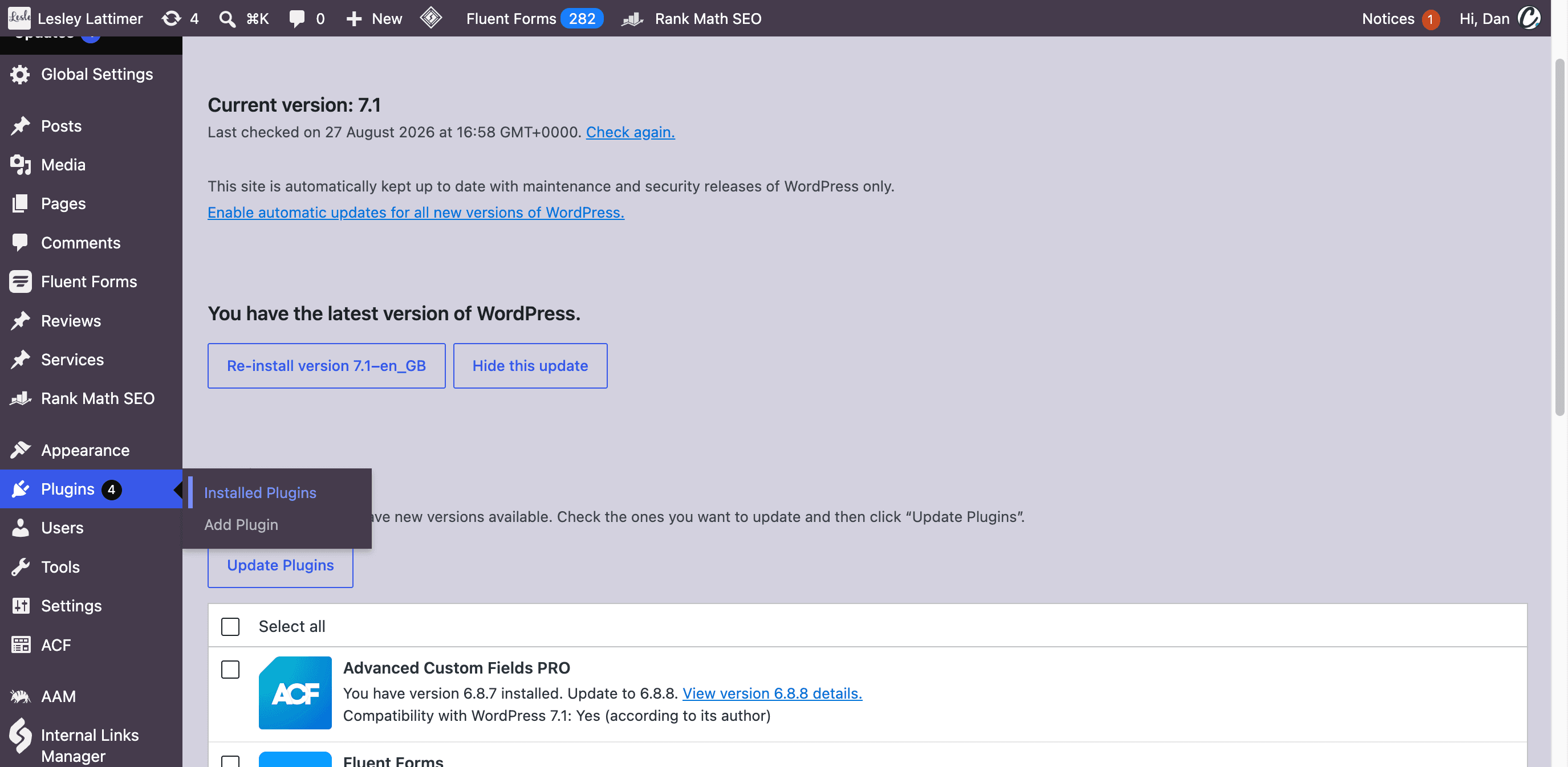
Click Installed Plugins under the Plugins menu.
5
When the Plugin update is successful, the update now will turn green.
5
Click update now one each plugin that needs updating, until they're all green.