How to Upload Images to Wikimedia Commons and Wikipedia
Learn how to upload your original images to Wikimedia Commons and embed them into Wikipedia articles using the Upload Wizard.
This guide shows you how to upload your original photography or artwork to Wikimedia Commons and embed it into a Wikipedia article. By following these steps, you can enrich Wikipedia pages that lack visual context and contribute valuable media to the public domain.
This guide is for Wikipedia editors, photographers, and open-source contributors looking to share their original media. Use this workflow whenever you have high-quality, self-created images that can improve a text-heavy Wikipedia article.
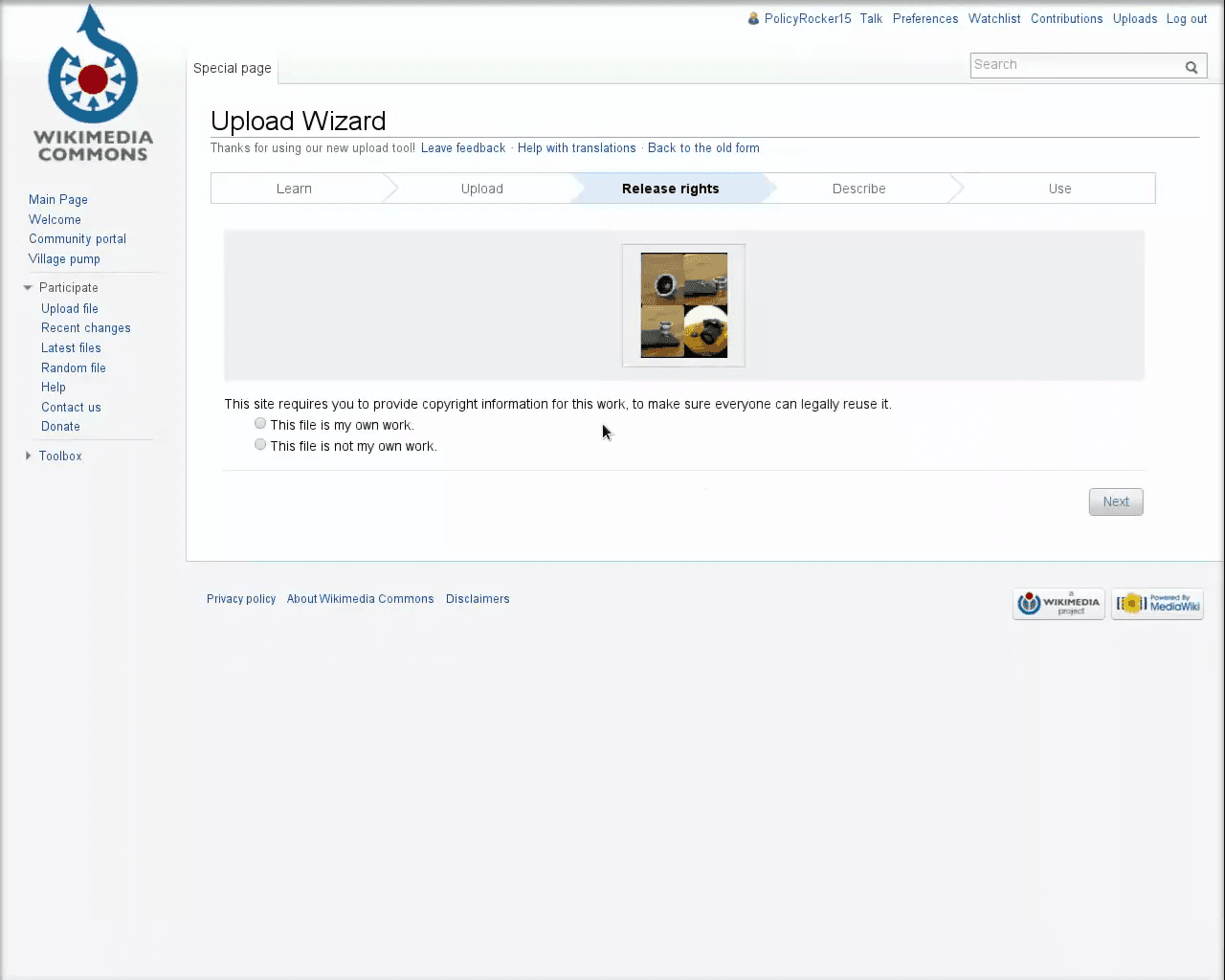
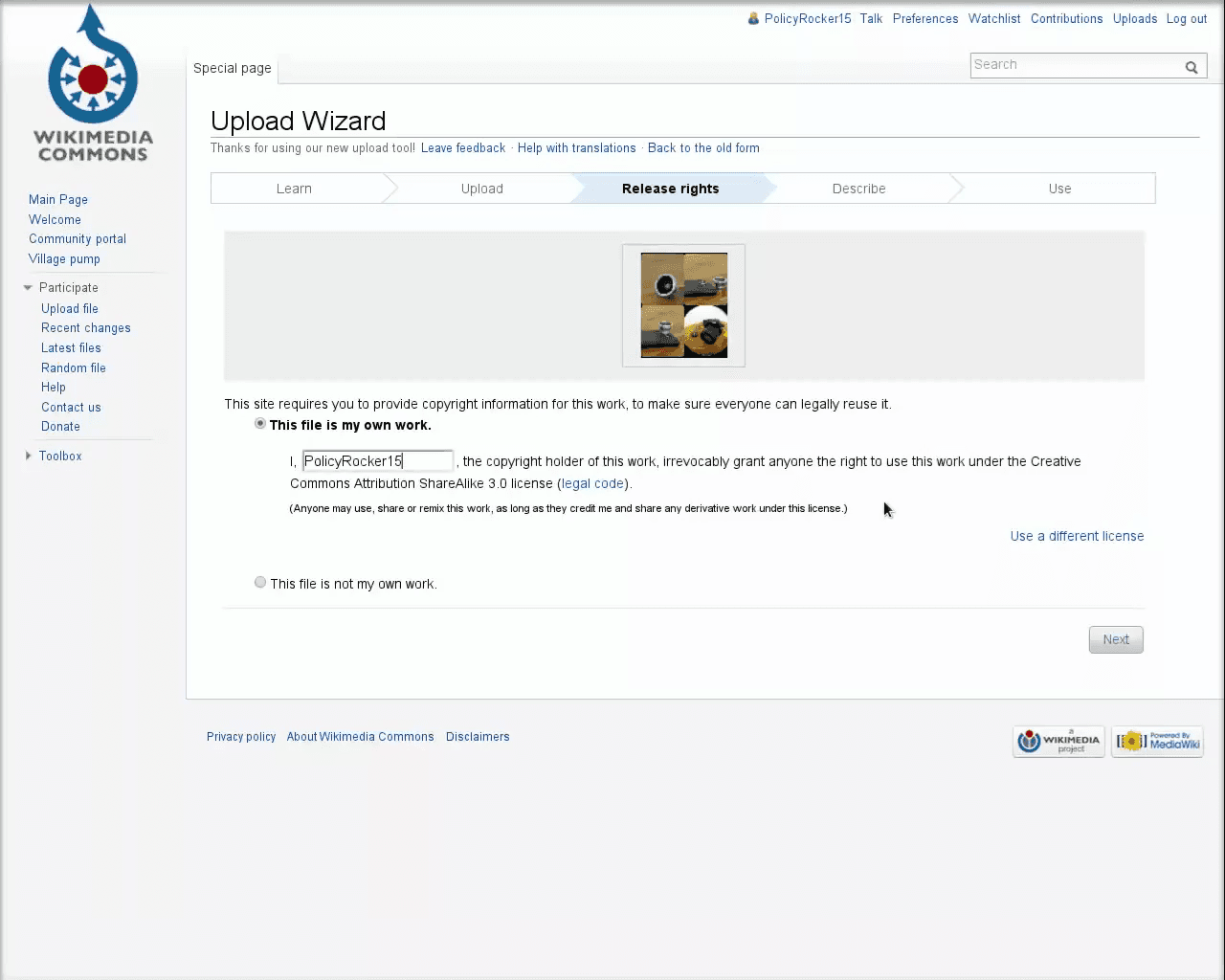
Before uploading an image to Wikipedia, ensure your media complies with Wikipedia's strict licensing rules.
Media Type | Description |
|---|---|
Original Work | Media you created entirely yourself, such as your own photographs or digital diagrams. |
Compatibly Licensed | Works created by others but explicitly released under a license compatible with Wikipedia. |
Public Domain | Works that are not restricted by copyright, such as historical photographs. |

Q: Do I need a separate account to upload files to Wikimedia Commons?
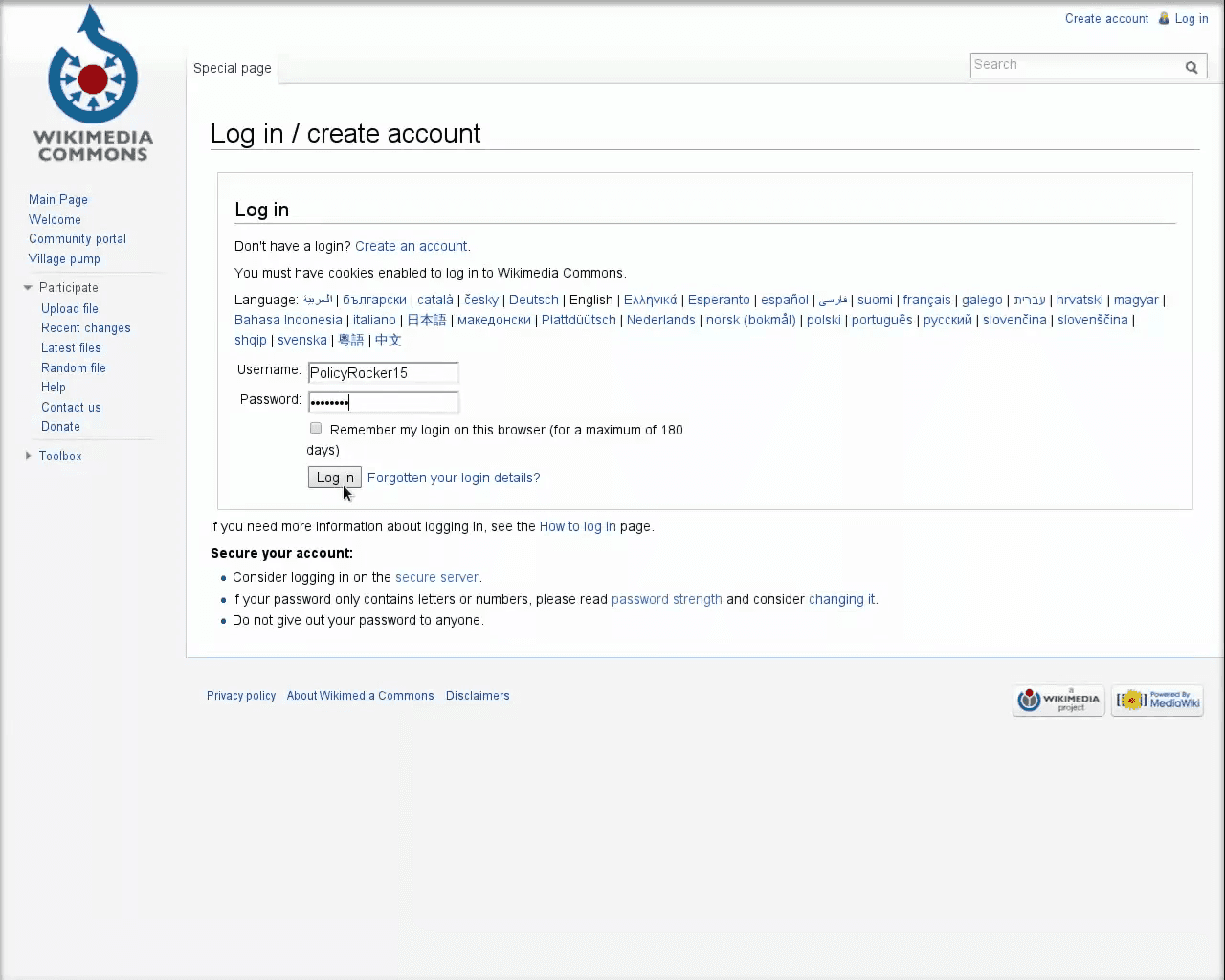
A: No, you can log in to Wikimedia Commons using your existing Wikipedia account credentials.
Q: What kinds of images are allowed on Wikimedia Commons?
A: You can only upload original works you created yourself, works explicitly released under a Wikipedia-compatible license, or works in the public domain.
Q: How do I format an image so it appears correctly in a Wikipedia article?
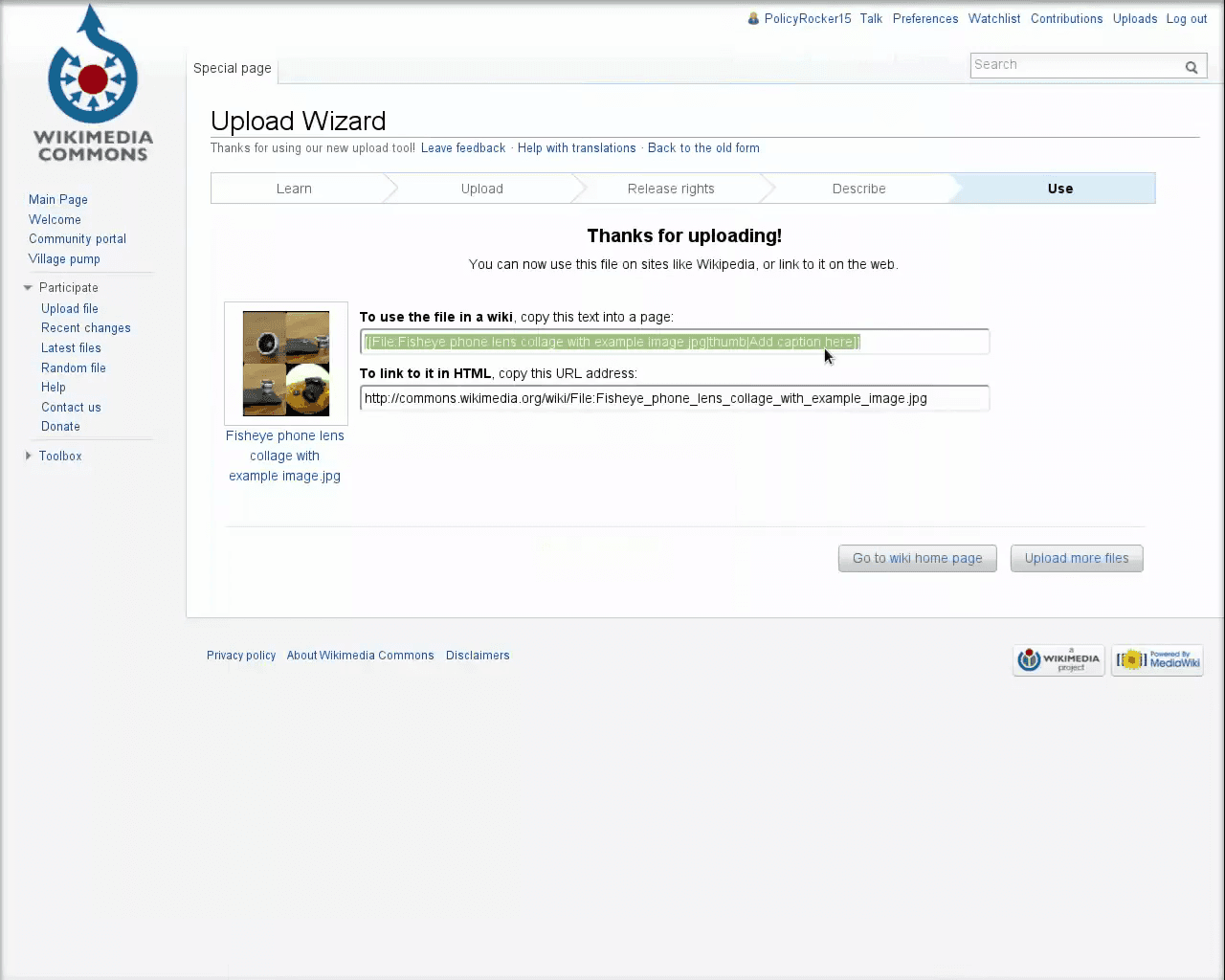
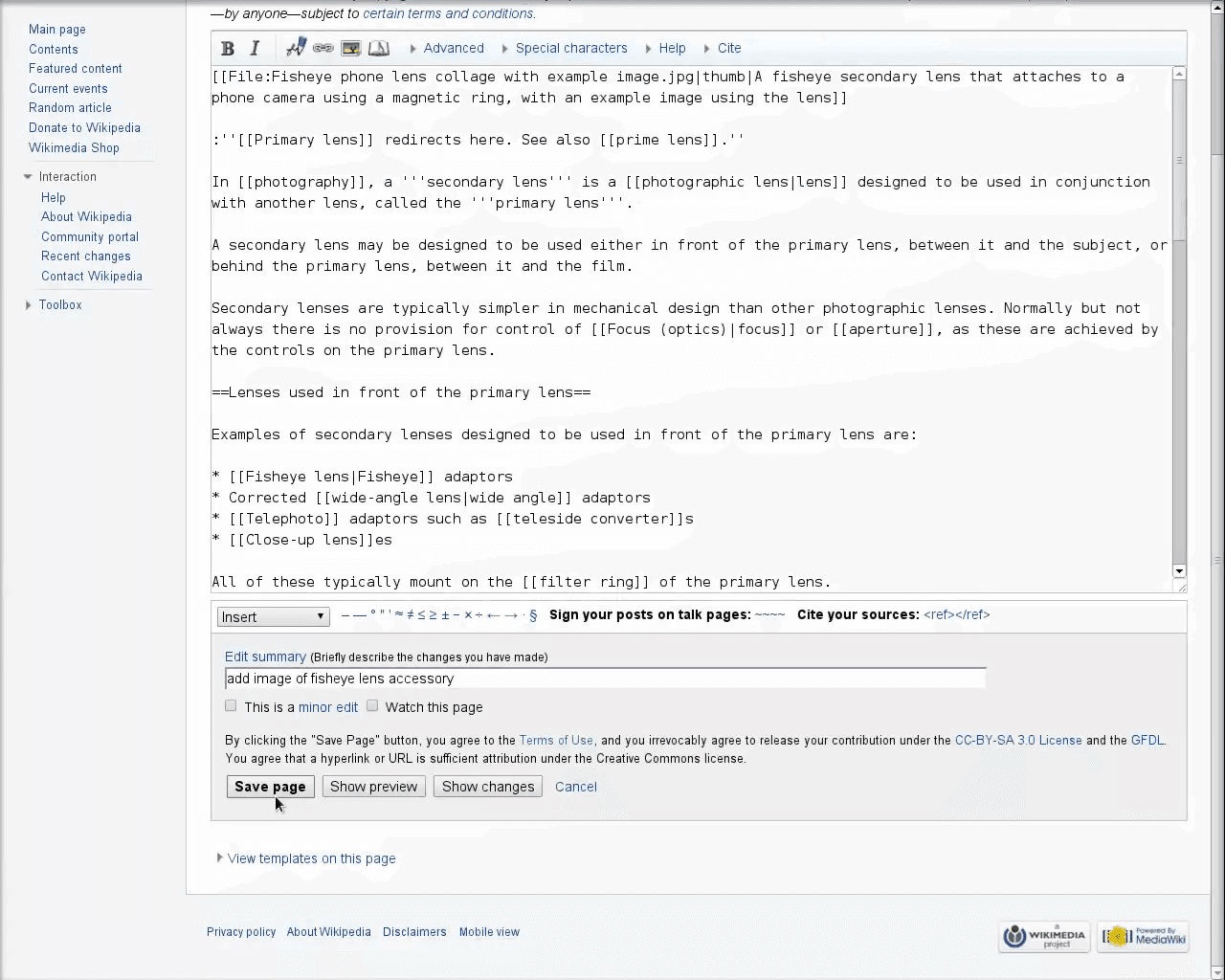
A: Enclose the file name in double square brackets, separated by pipes for the thumbnail setting and caption. For example: [[File:ImageName.jpg|thumb|Description]].
Term | Definition |
|---|---|
Wikimedia Commons | A media repository of free-use images, sounds, and other media that can be used across all Wikipedia projects. |
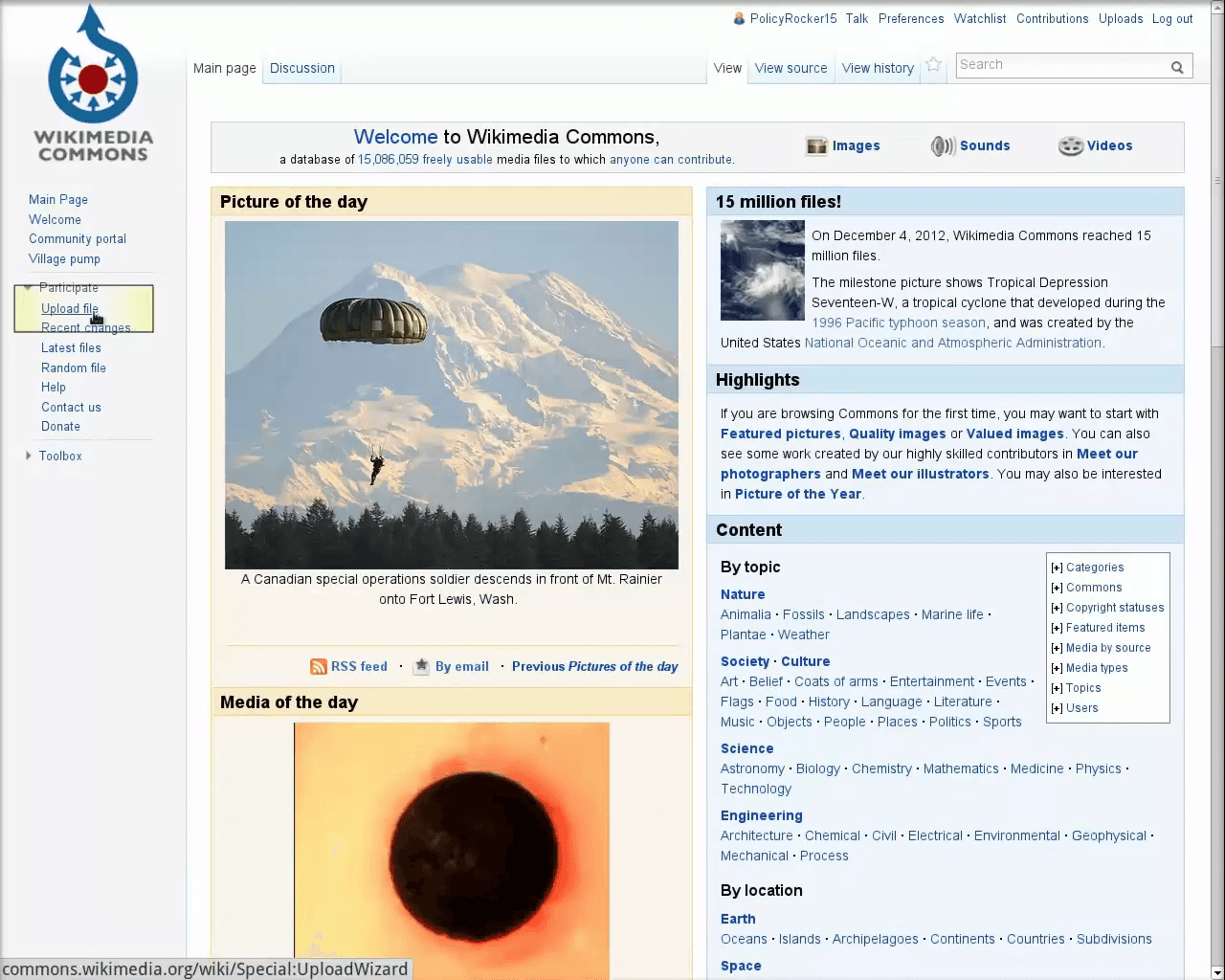
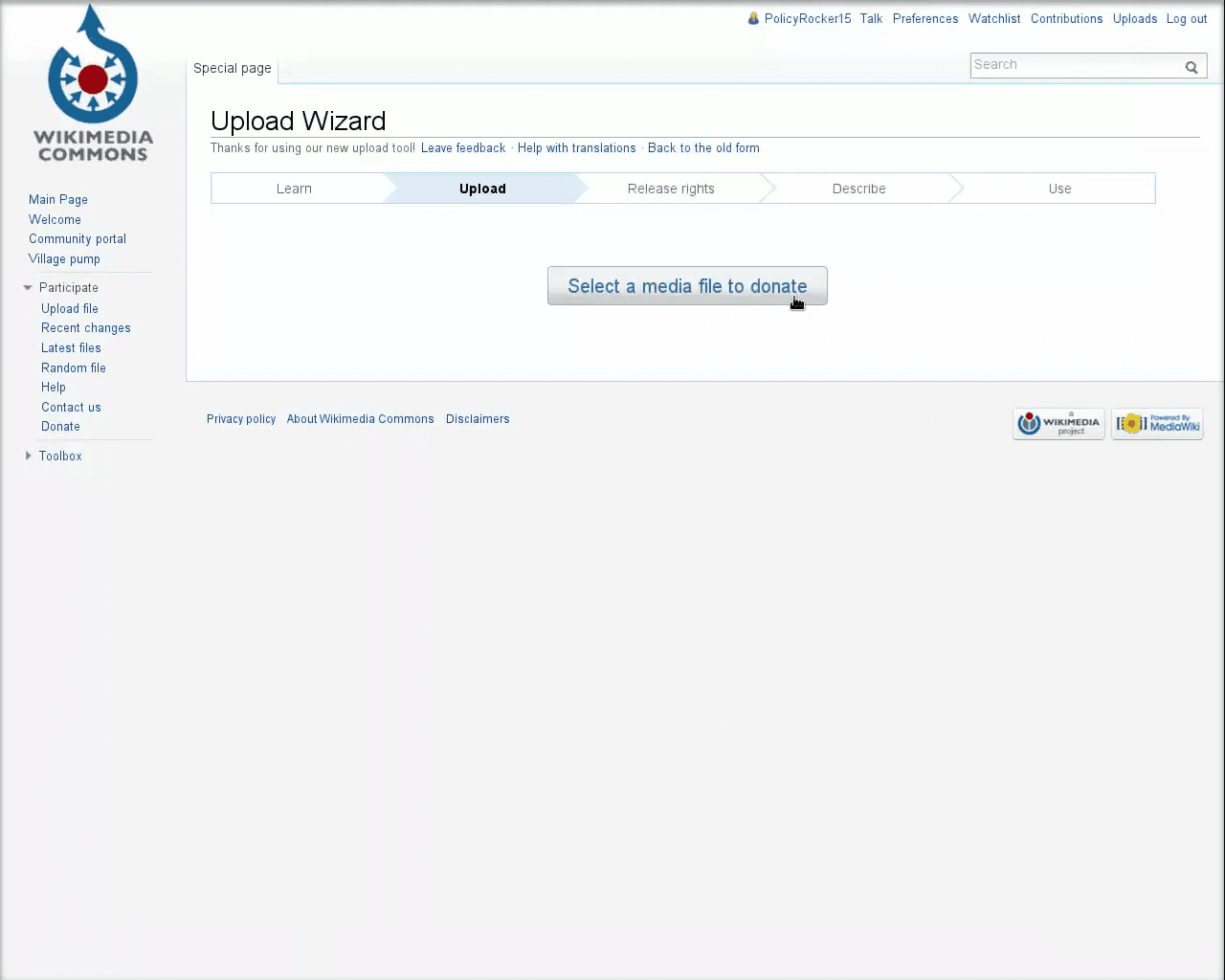
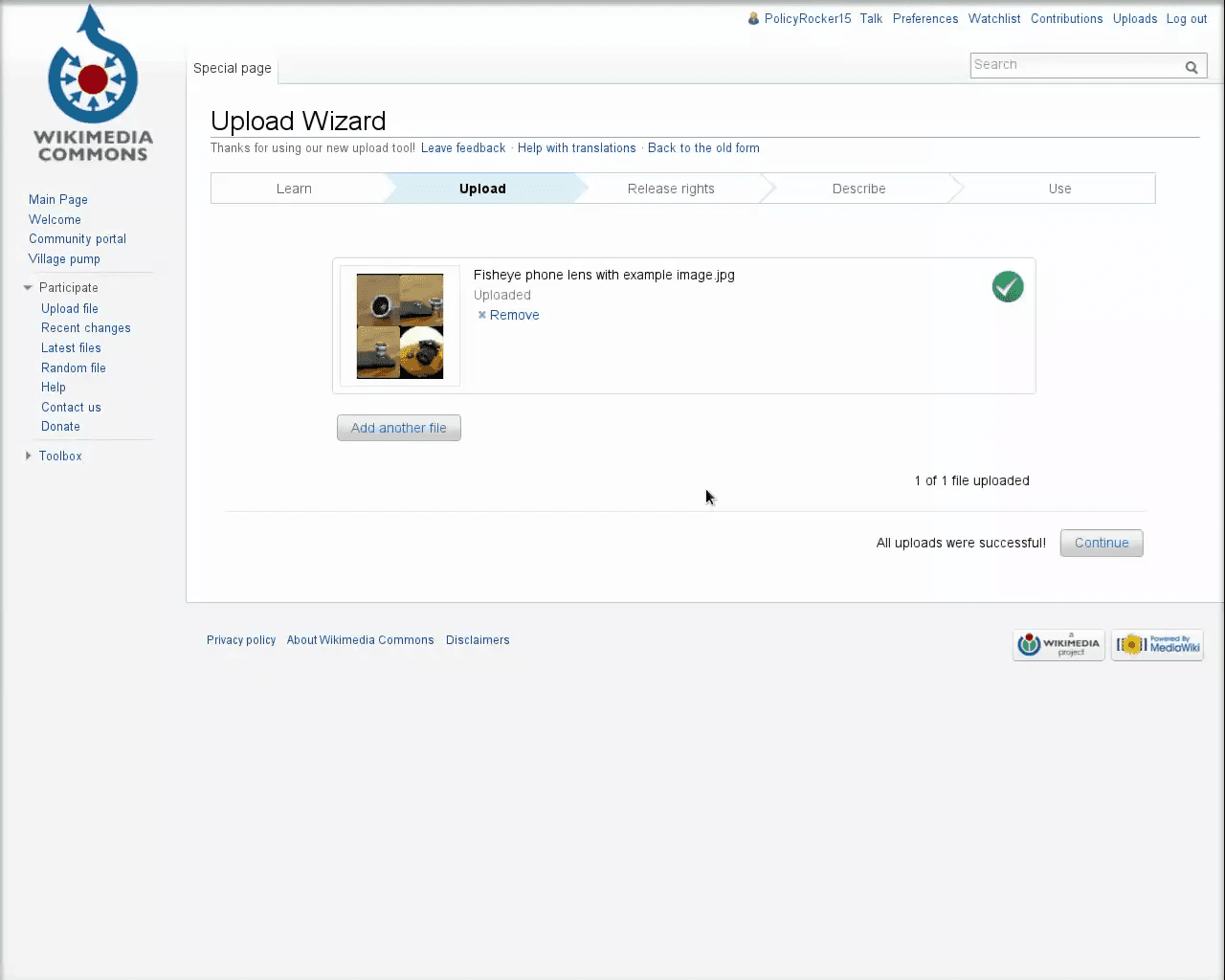
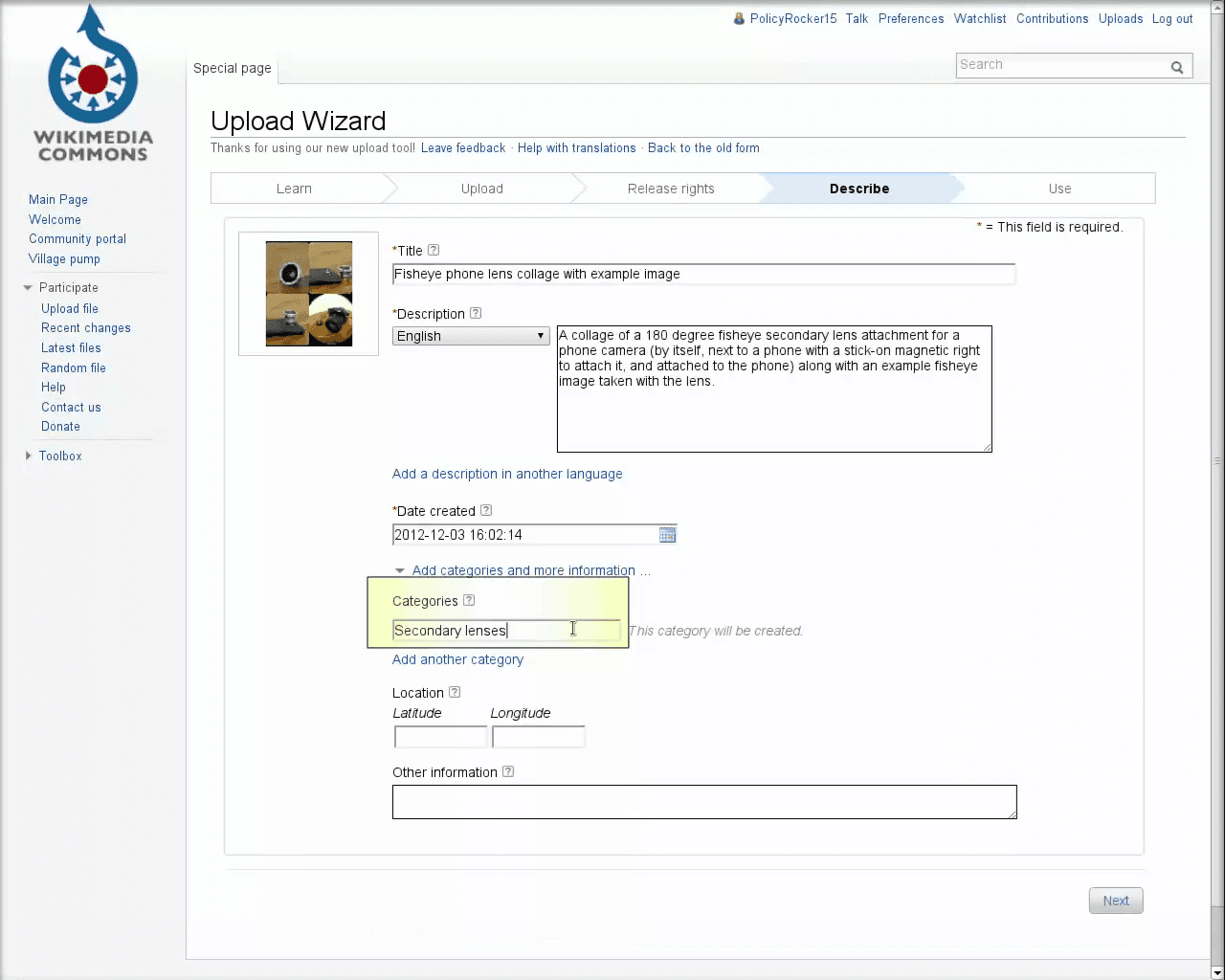
Upload Wizard | A step-by-step tool on Wikimedia Commons designed to help users upload files and assign appropriate copyright licenses. |
Public Domain | Creative materials that are not protected by intellectual property laws, meaning anyone can use them without permission. |
Wikitext | The lightweight markup language used to write and format pages on Wikipedia and other Wikimedia wikis. |
Edit Summary | A brief explanation provided by a Wikipedia editor detailing what changes were made to a page and why. |