
How to Upload and Link a Role Charter in the Job Architecture
Learn how to upload a new role charter to SharePoint and link it directly into the job architecture spreadsheet to maintain a single source of truth.
This guide explains how to update the job architecture spreadsheet with a newly created role charter and link the document for global access. Completing this process ensures the business maintains a single source of truth for all current role expectations and recruitment standards.
This workflow is intended for People & Culture (P&C) teams and Talent Acquisition partners when finalizing a new or updated role charter during workforce planning or recruitment exercises.
Review the Job Architecture
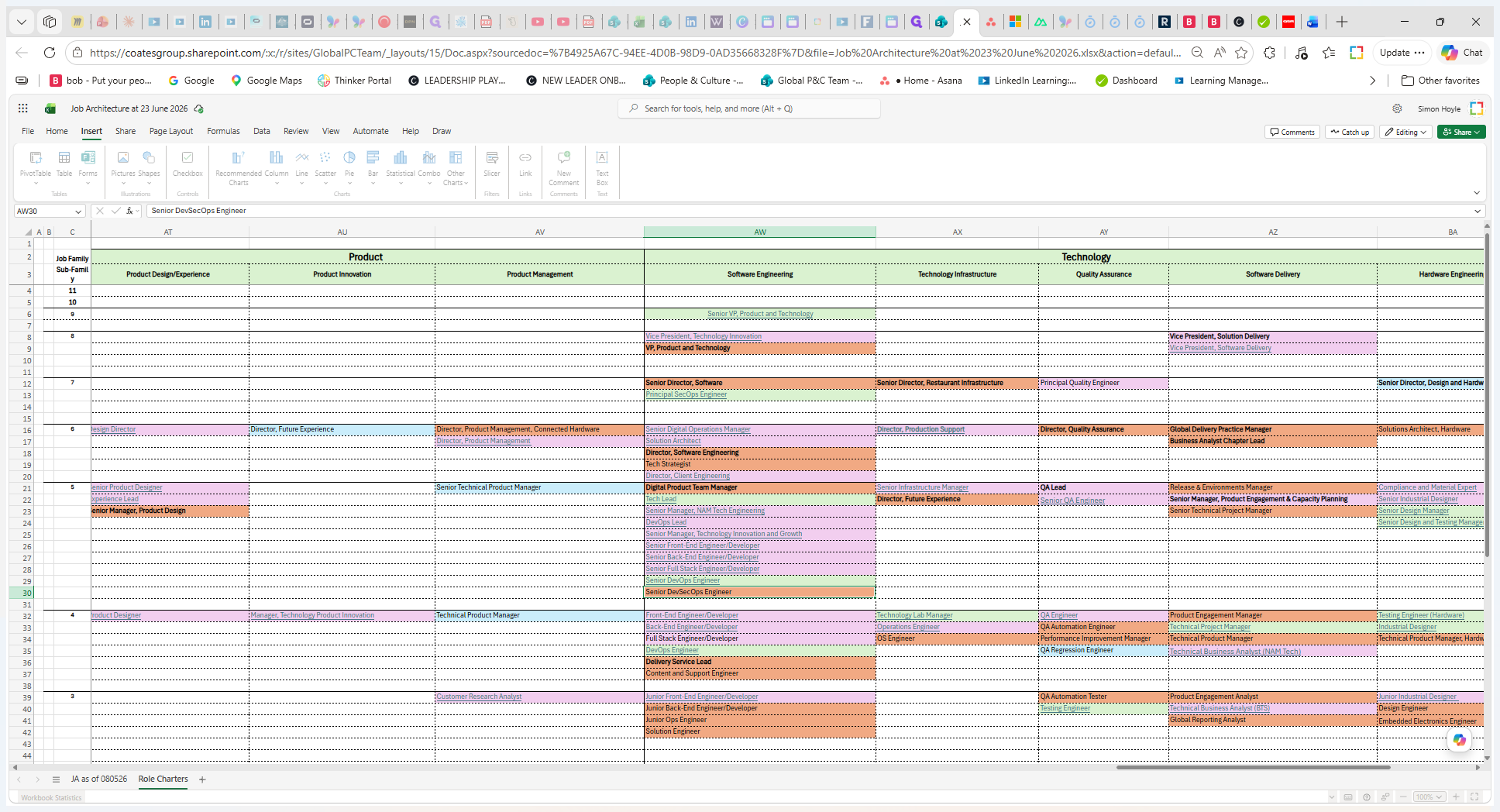
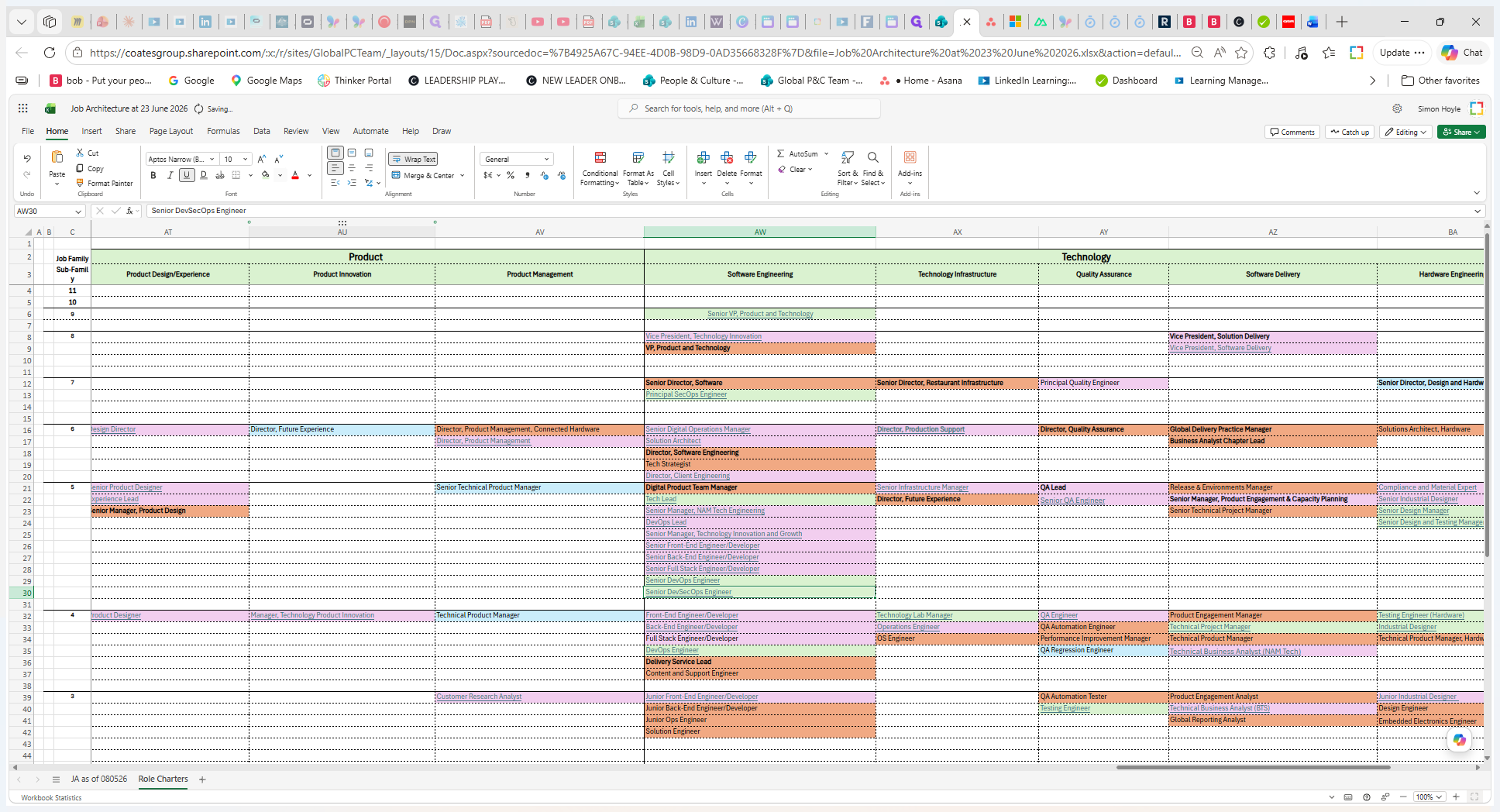
Start by reviewing the current state of the role in the centralized spreadsheet.
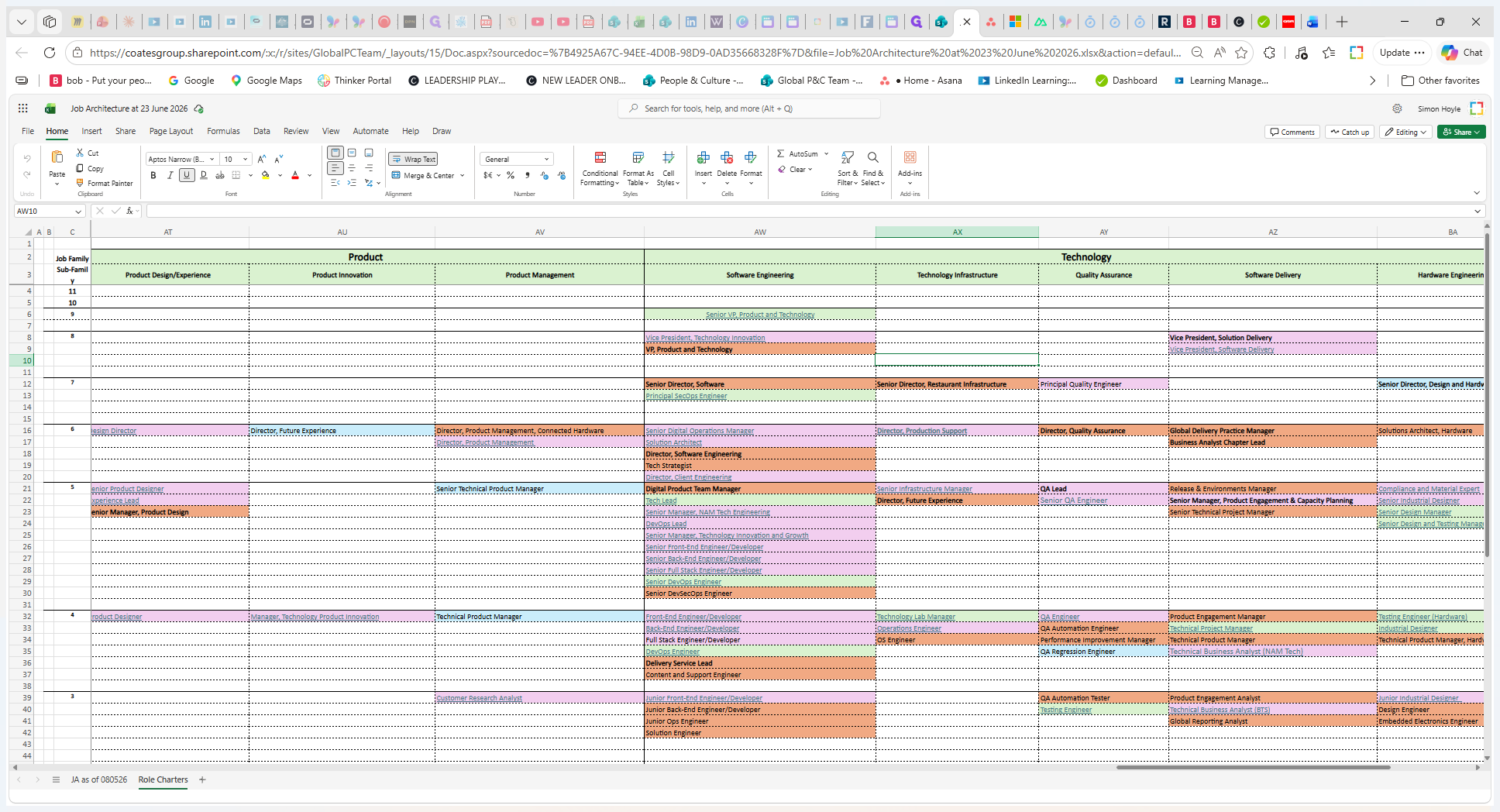
Review the color-coded cell for the role title to determine the current status of its charter:
Color Code | Charter Status | Required Action |
|---|---|---|
Green | Up-to-date role charter exists. | None. The charter is ready for recruitment. |
Pink | Outdated role charter exists. | Update the charter to reflect current success metrics and accountabilities. |
Red | No role charter exists on file. | Work with the business to create a new role charter from scratch. |
Upload the New Role Charter
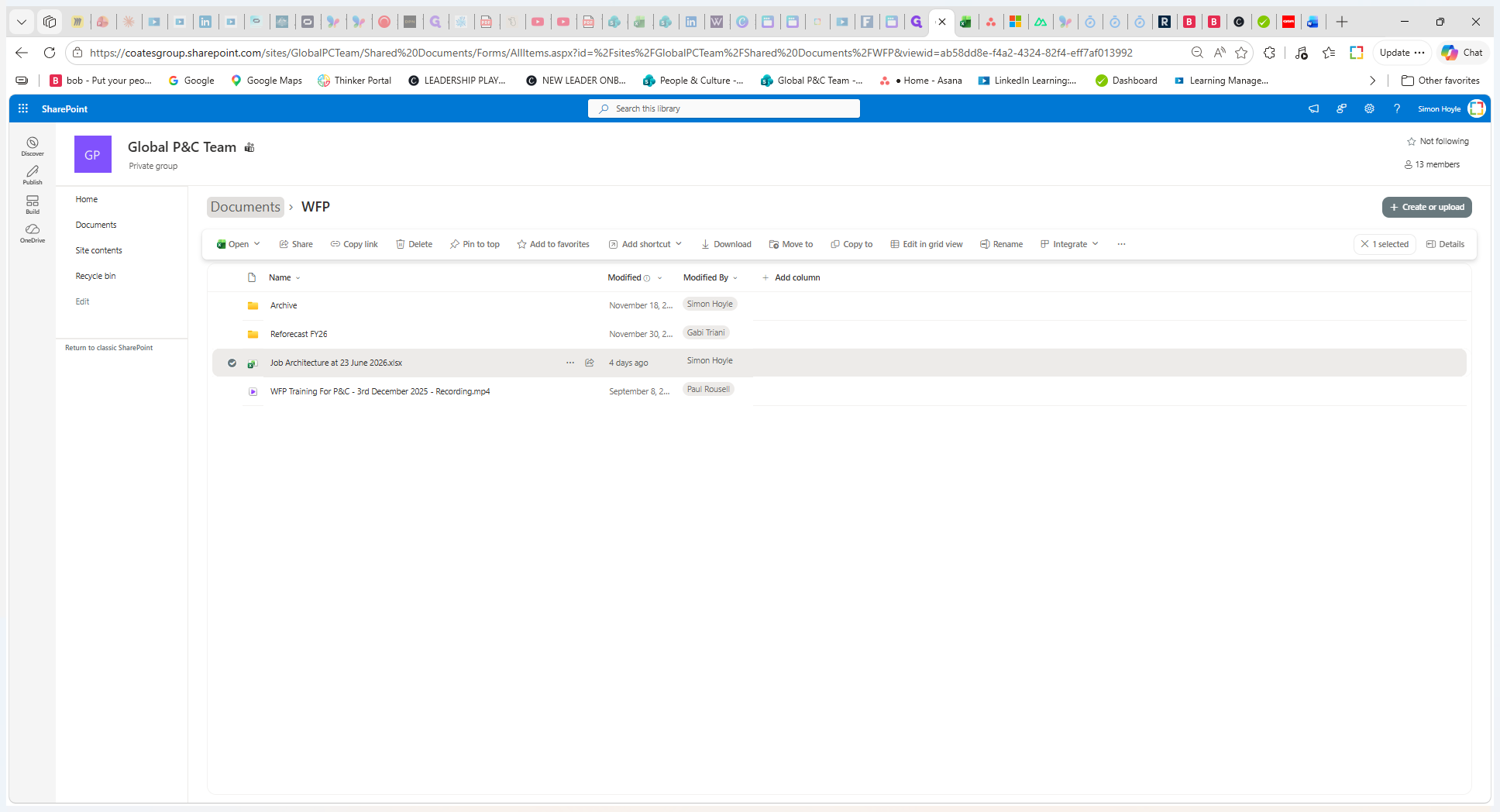
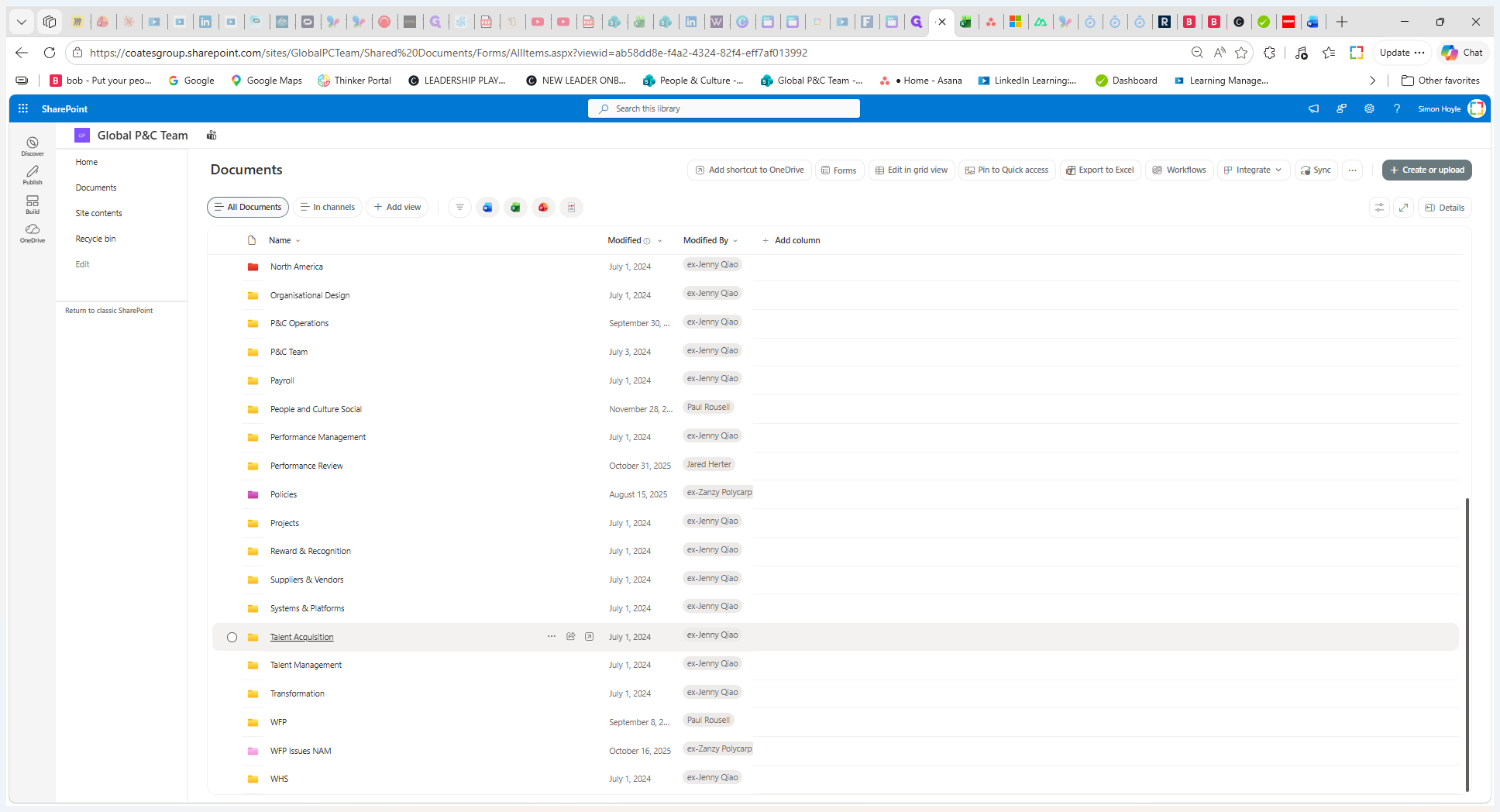
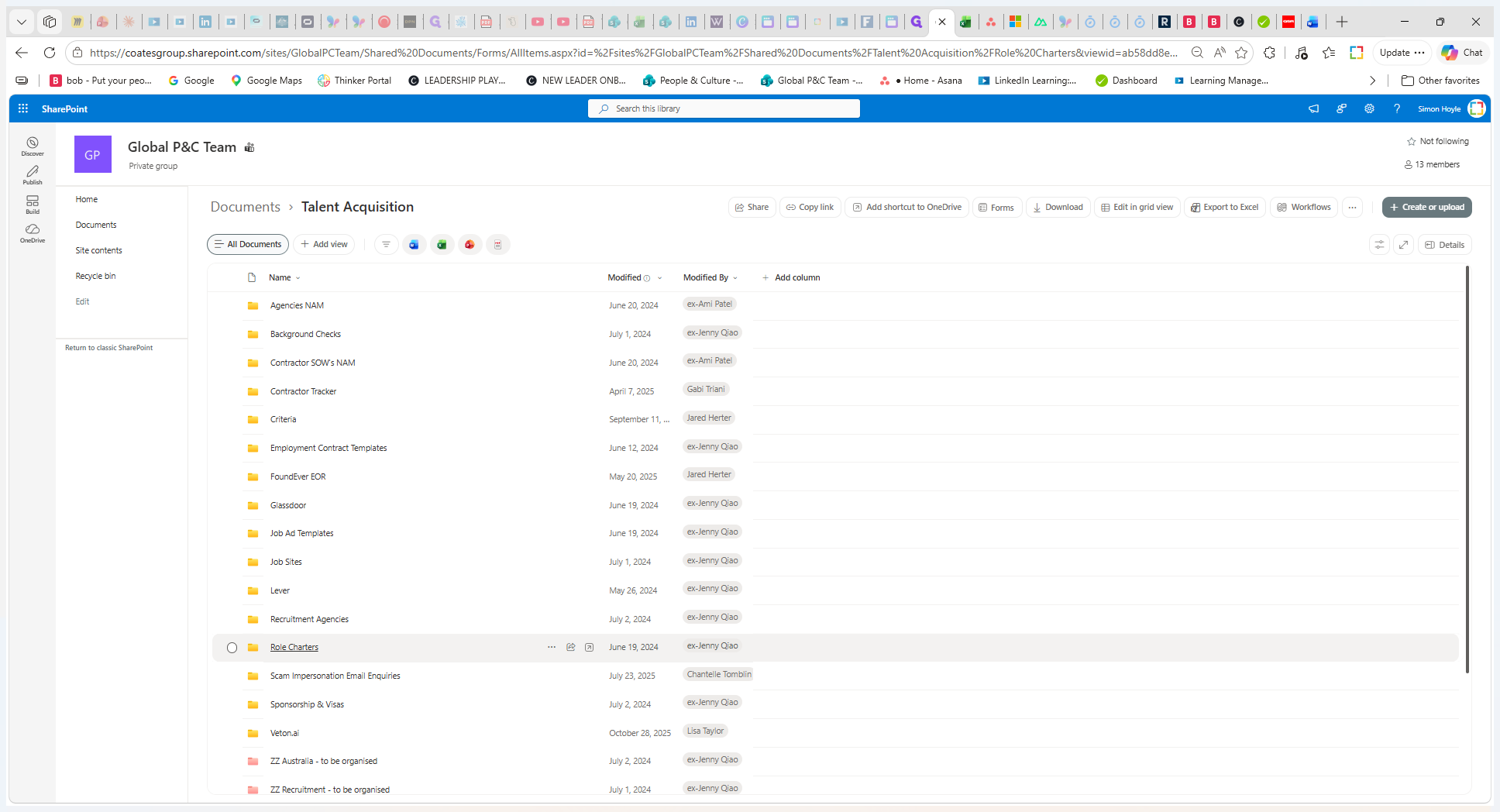
Once a new or updated role charter is finalized, upload it to the central SharePoint repository.
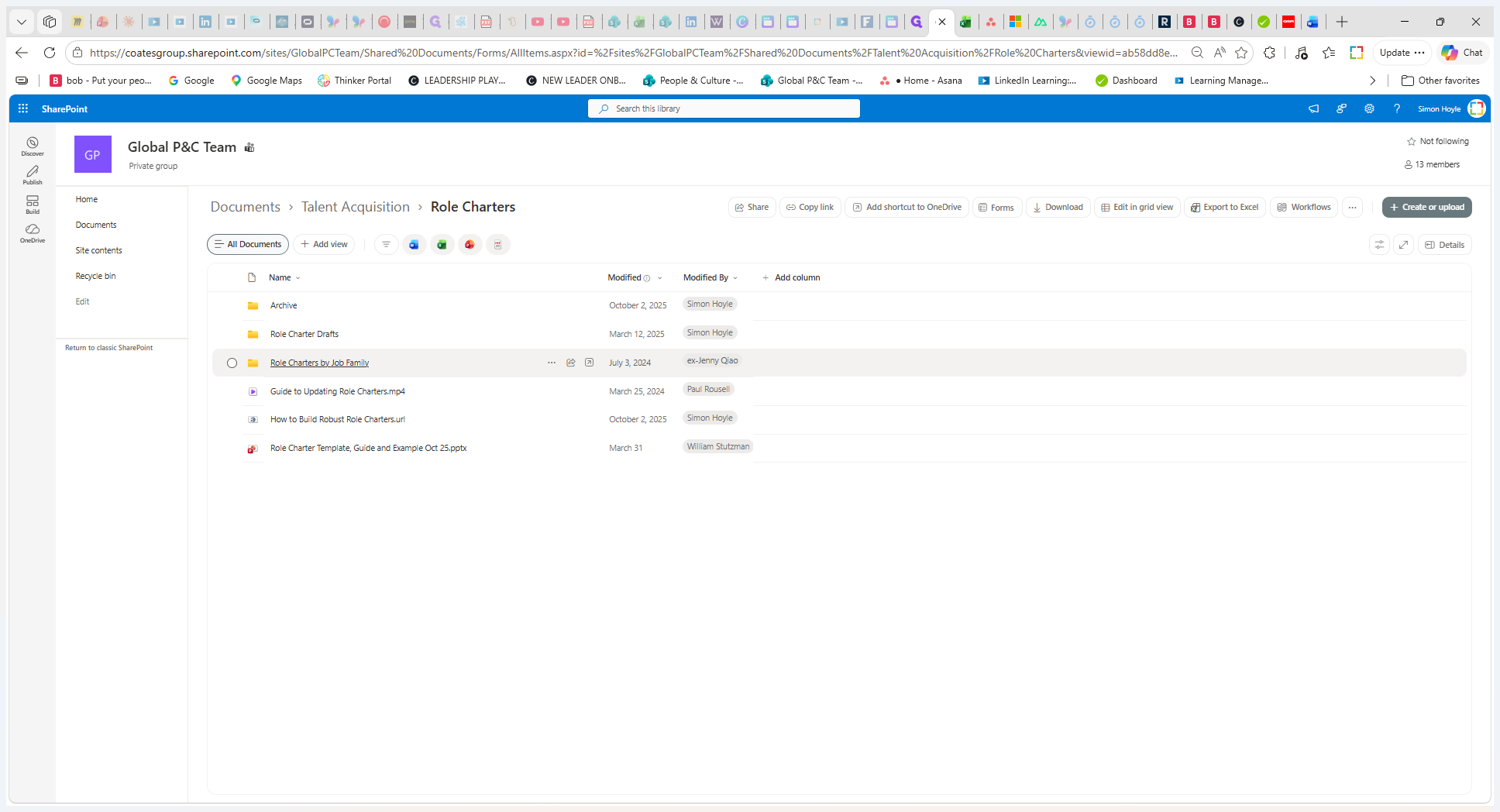
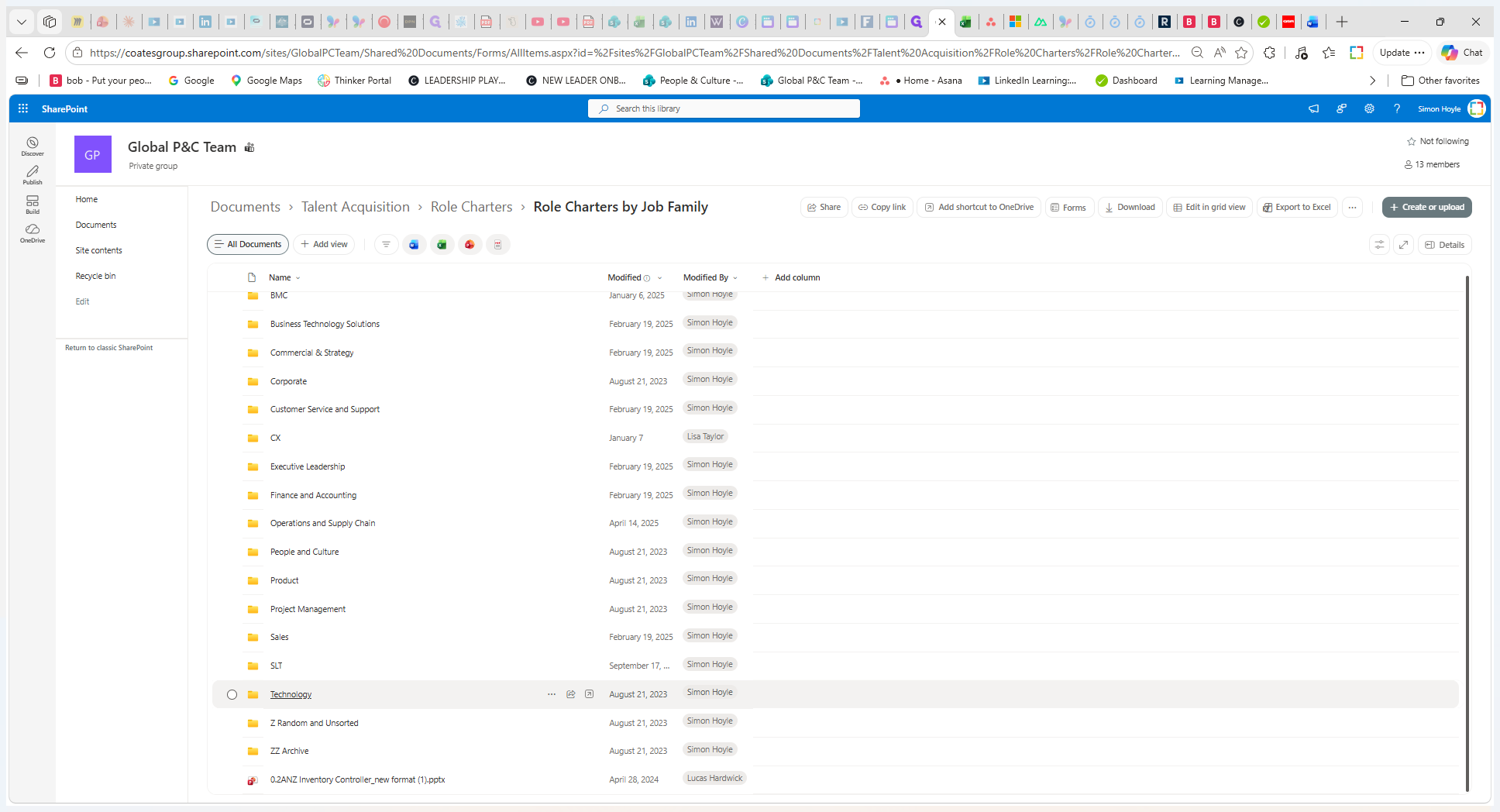
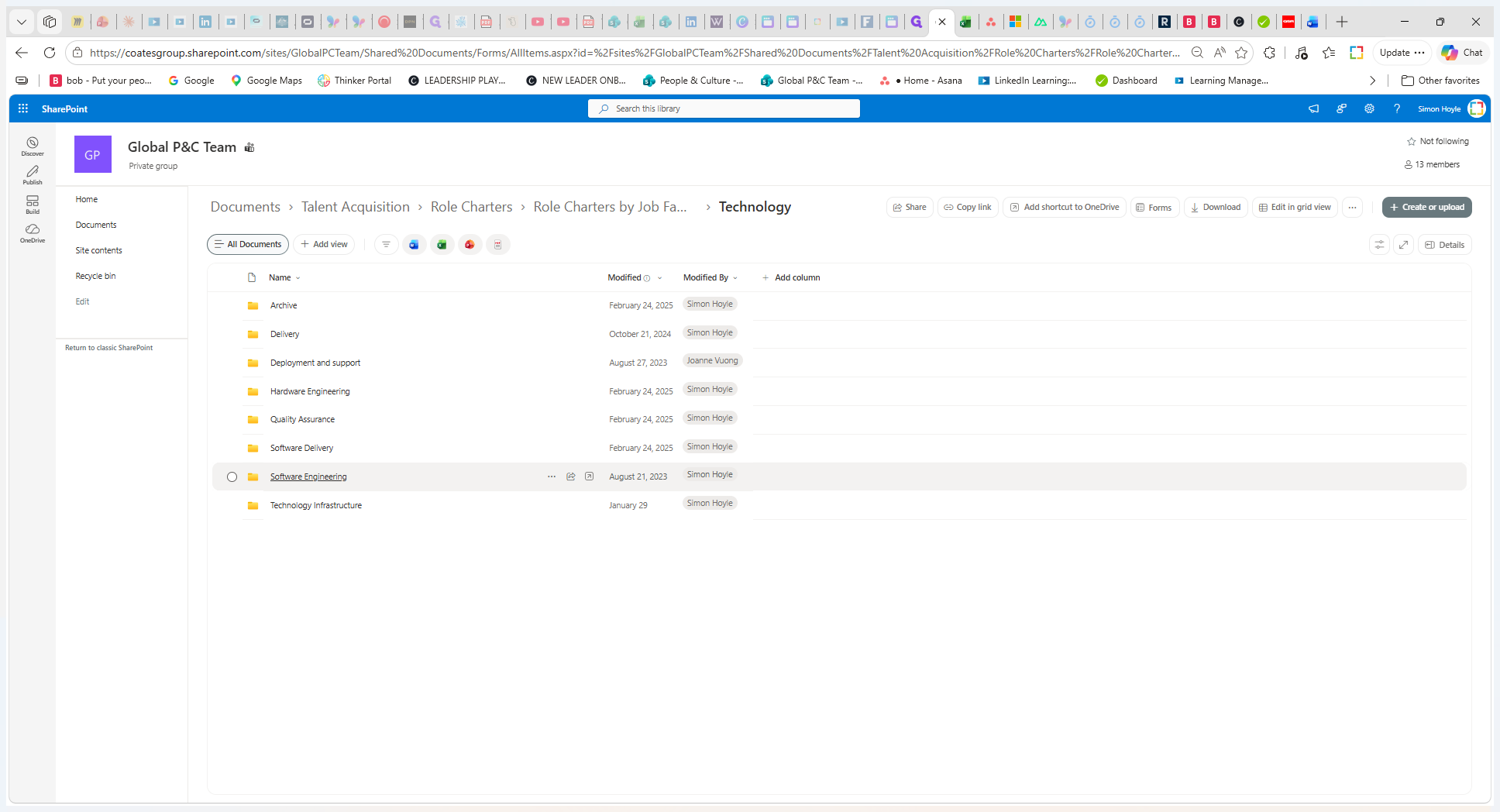
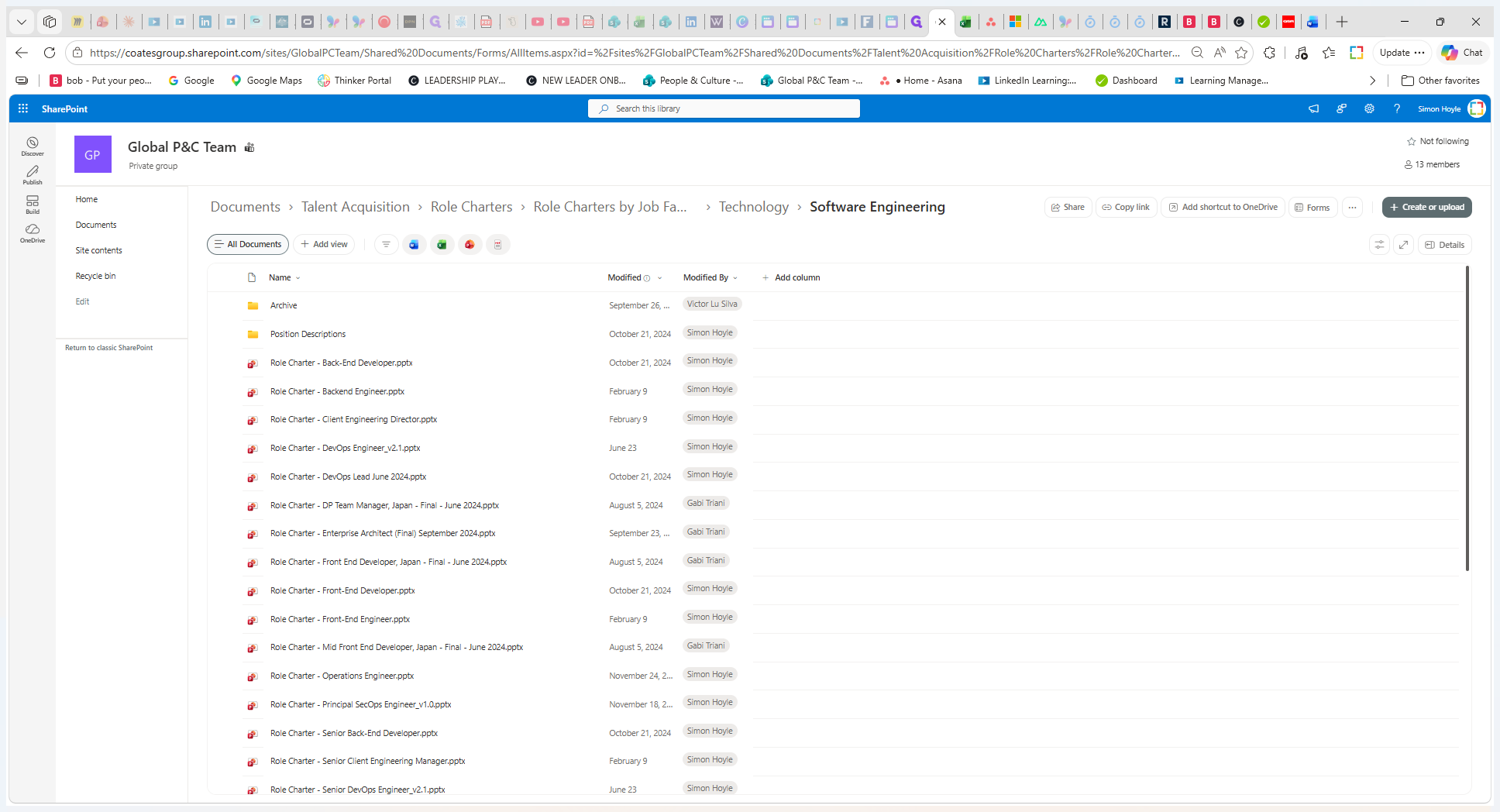
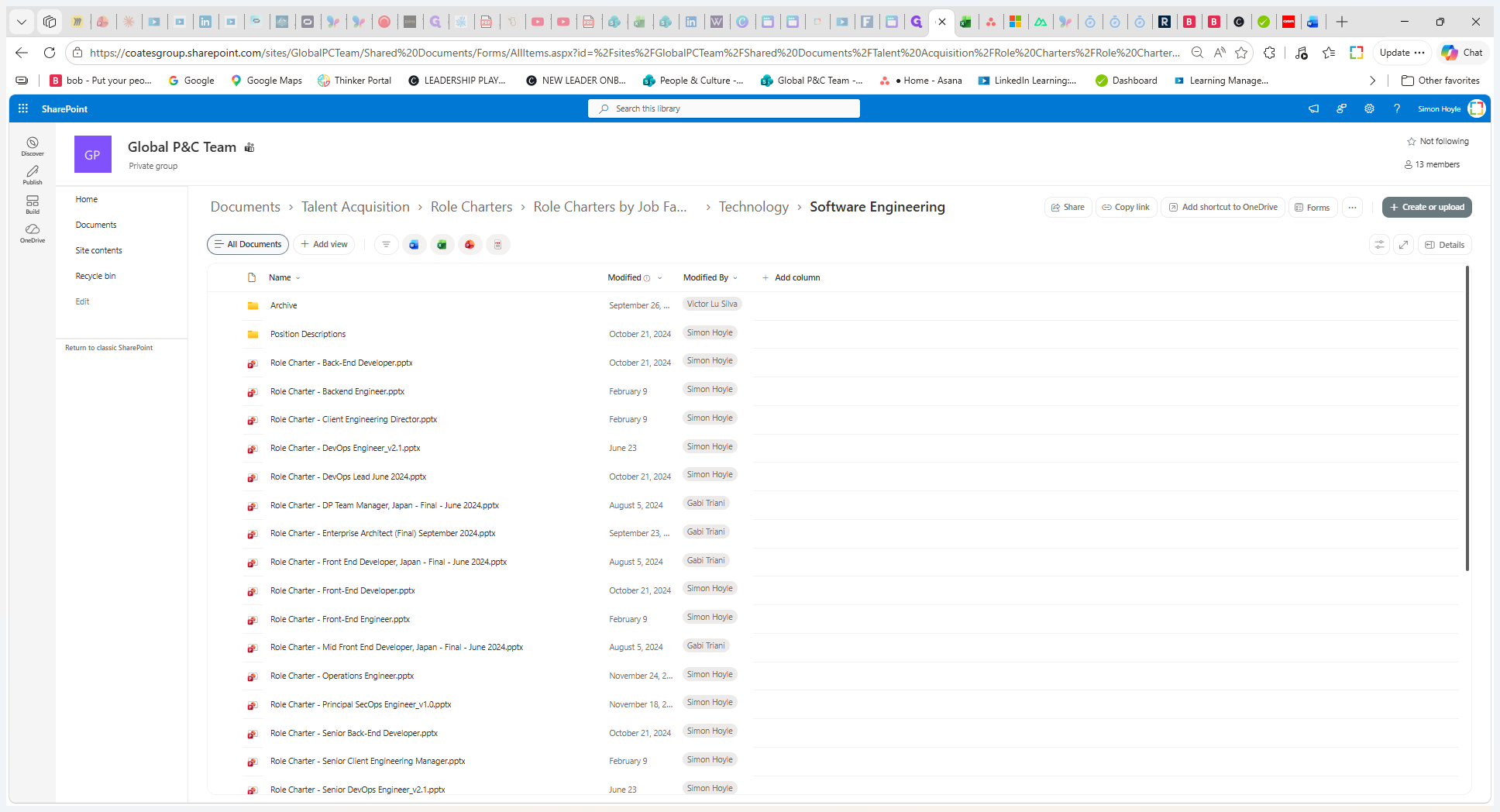
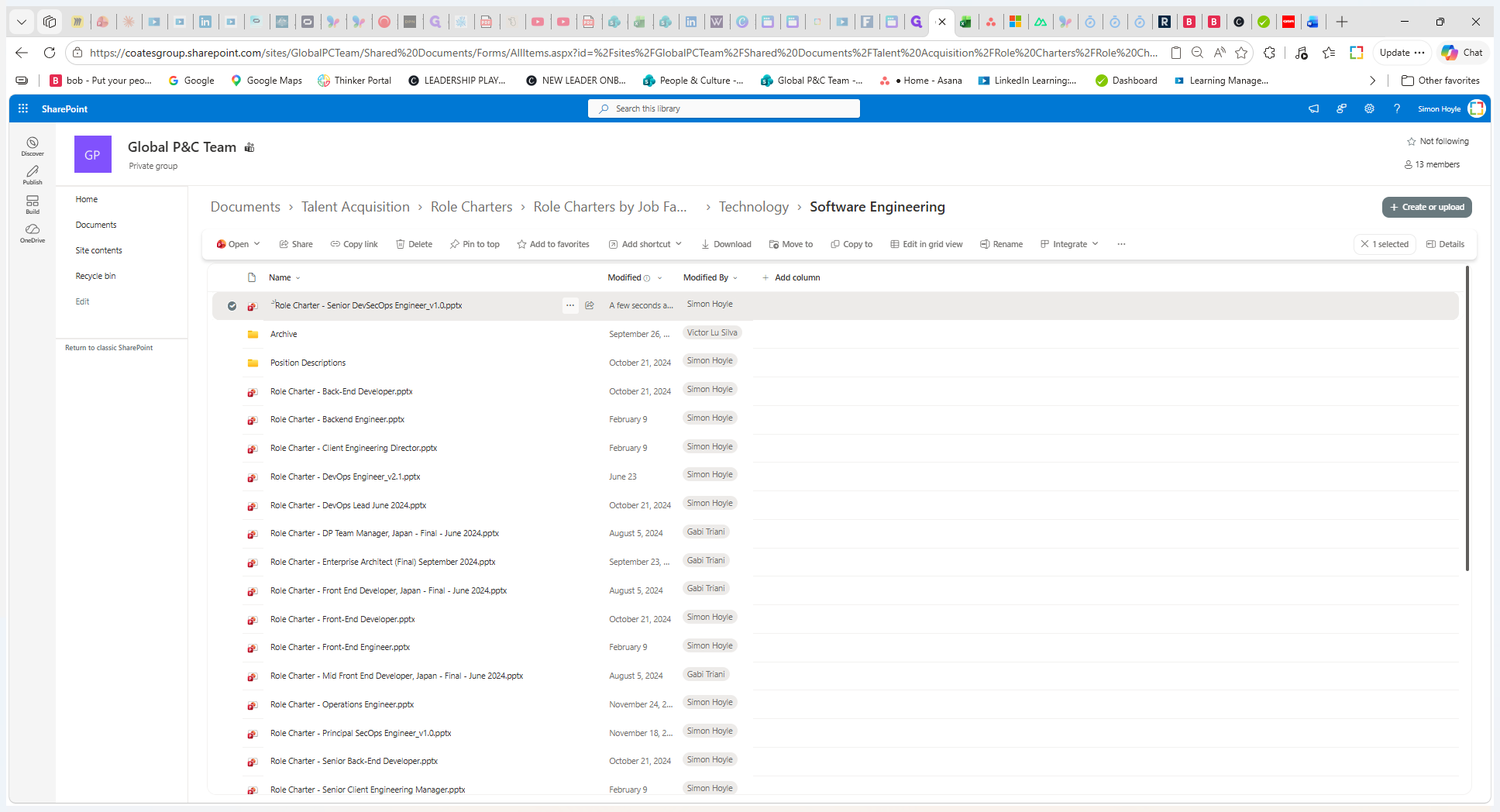
Link the Charter to the Job Architecture
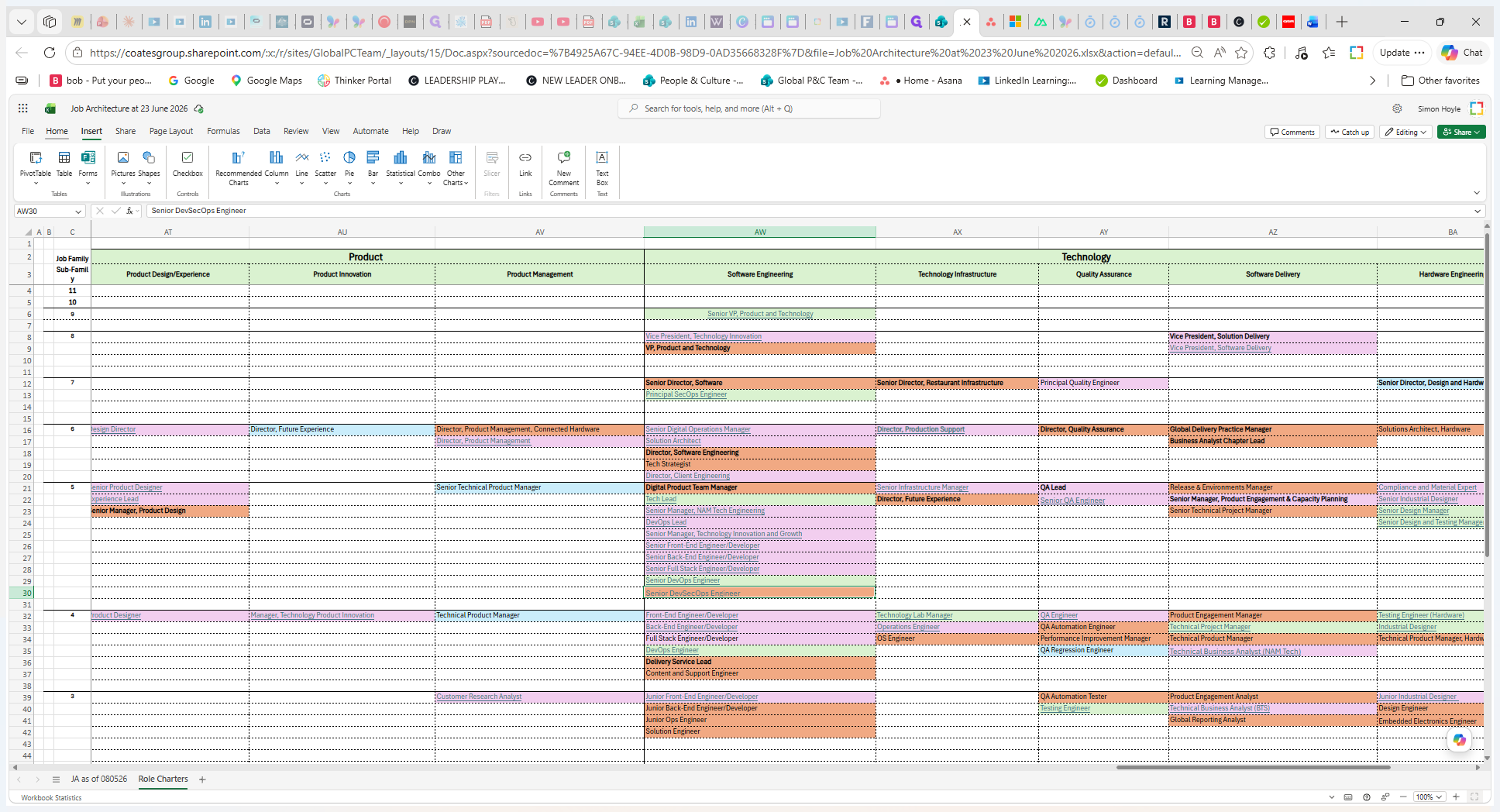
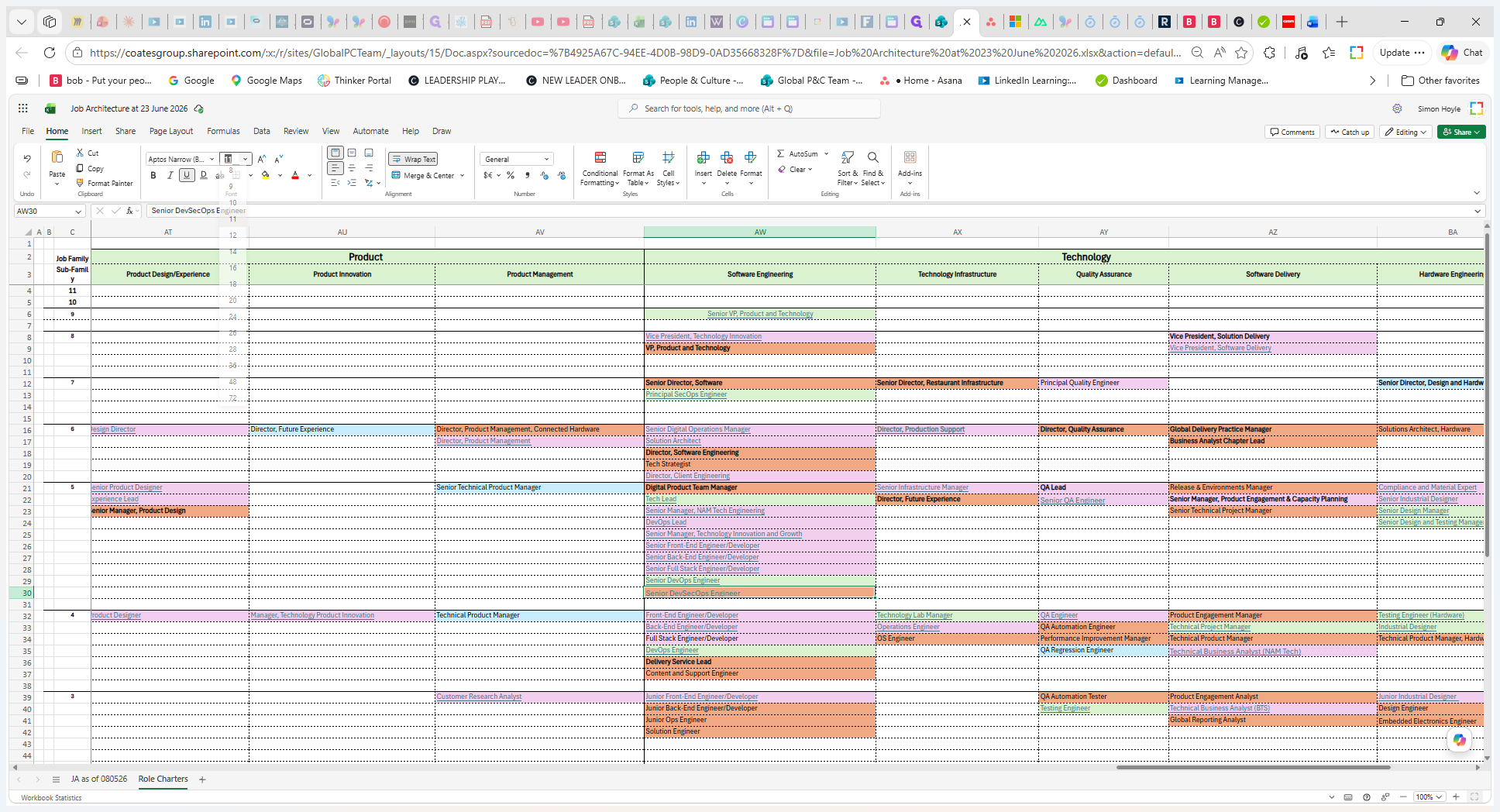
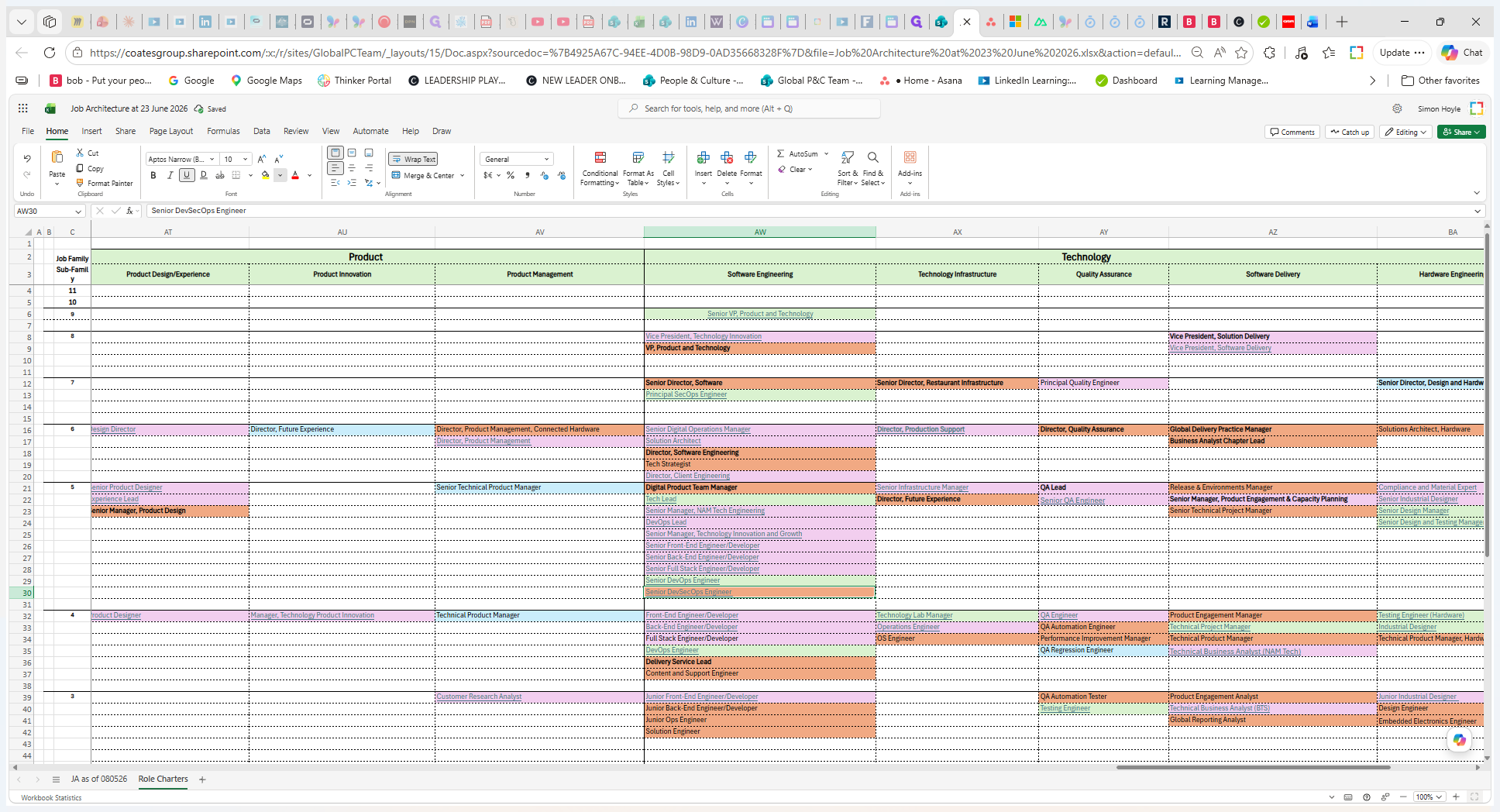
Update the central spreadsheet so anyone recruiting for the role can easily access the charter.
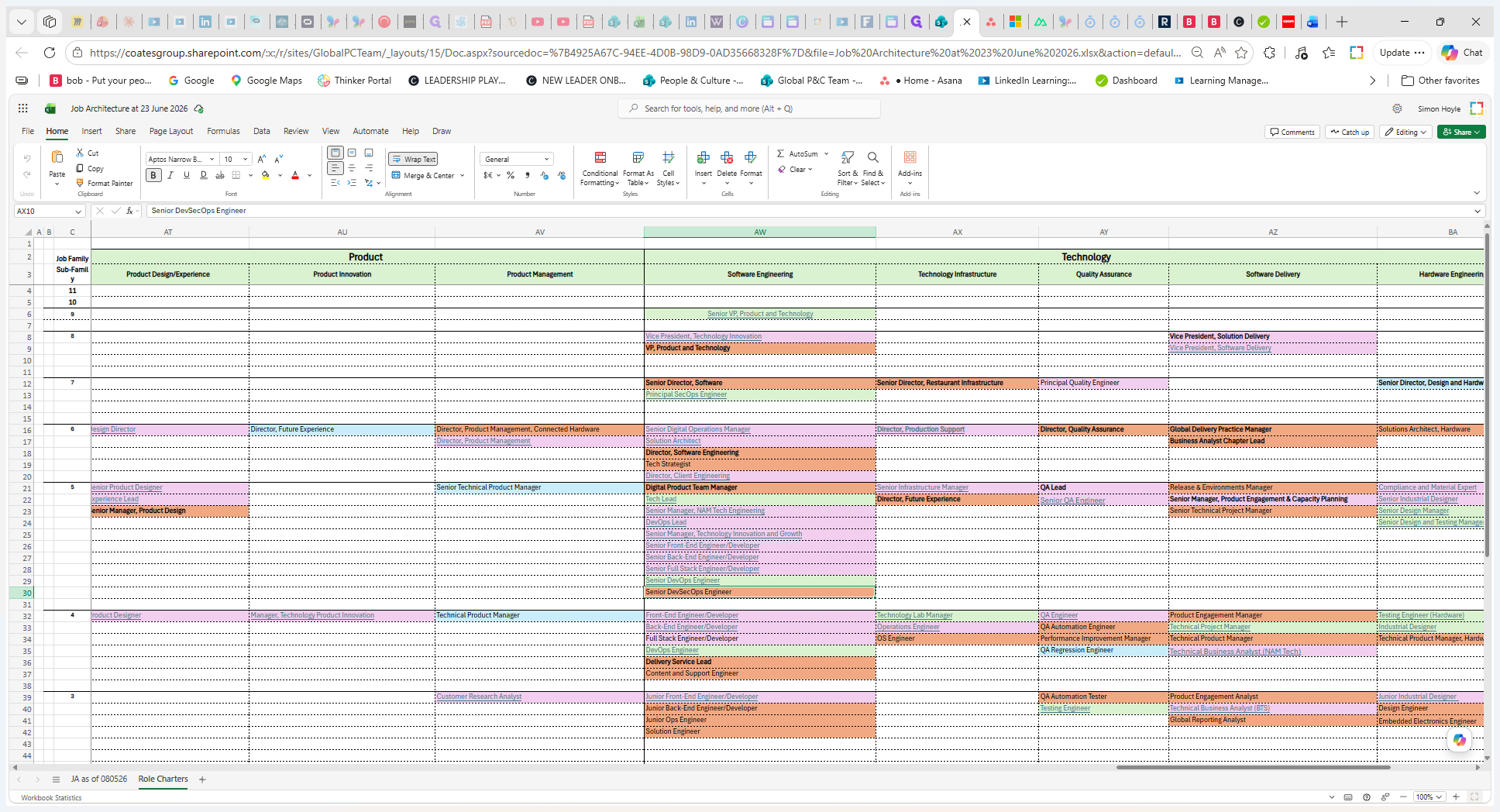
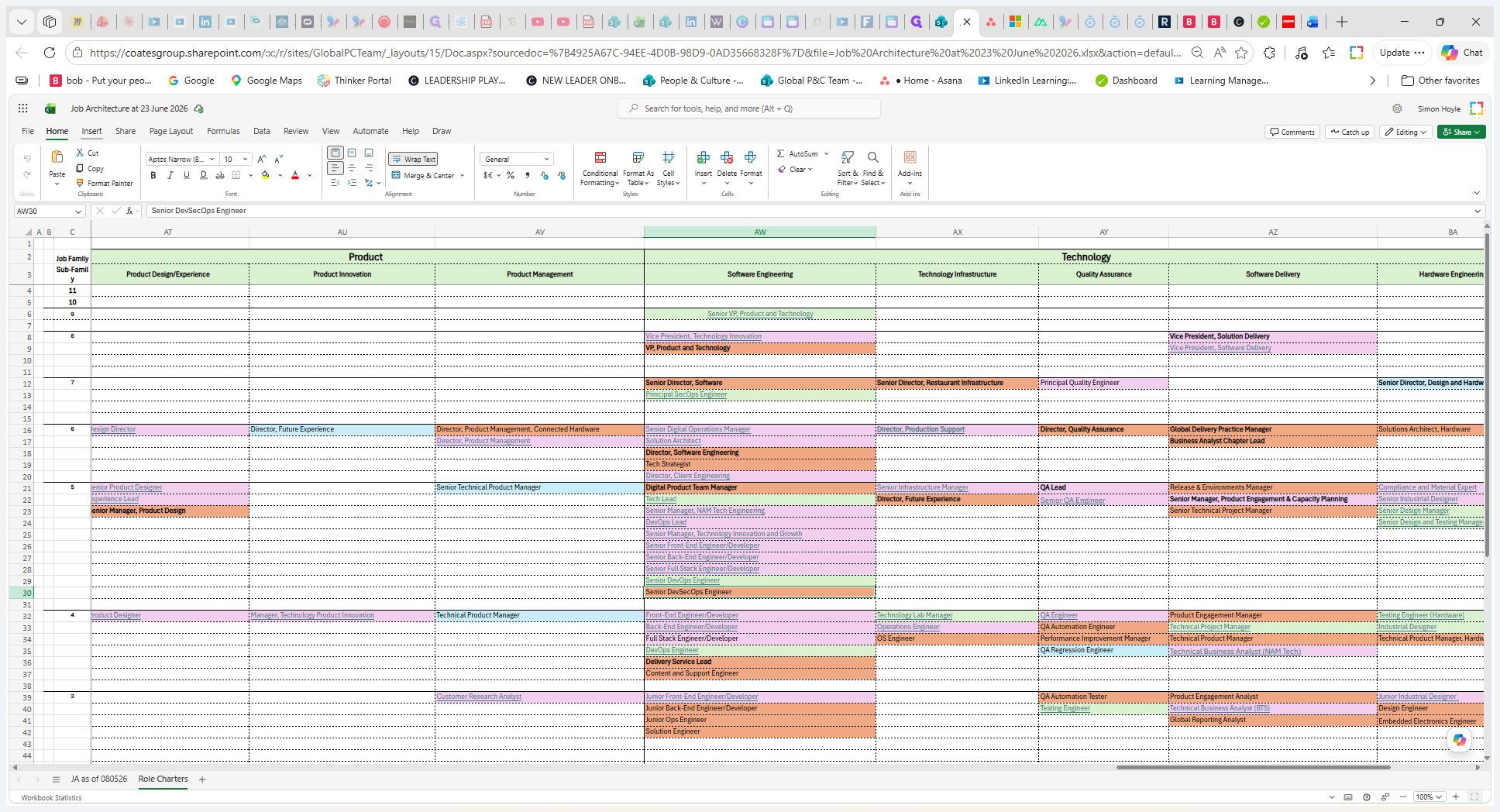
Term | Definition |
|---|---|
Job Architecture | A framework that organizes all roles within the business into a structured hierarchy of job families and sub-families. |
Role Charter | A document outlining the accountabilities, success metrics, and required skills and experience for a specific role. |
Job Family | A grouping of related roles that share similar functions, required skills, and career paths within the organization. |