
How to Upload a Purchase Invoice in OrderWise
Learn how to successfully upload and attach a supplier invoice to a purchase order in OrderWise, including entering financial details and nominal codes.
This guide shows how to upload and attach a supplier invoice to an existing purchase order. Completing this ensures your accounting records correctly reflect goods received and accounts payable.
This process applies primarily to purchasing and finance teams. You should use this guide whenever a supplier issues a final invoice for an ongoing or completed purchase order.
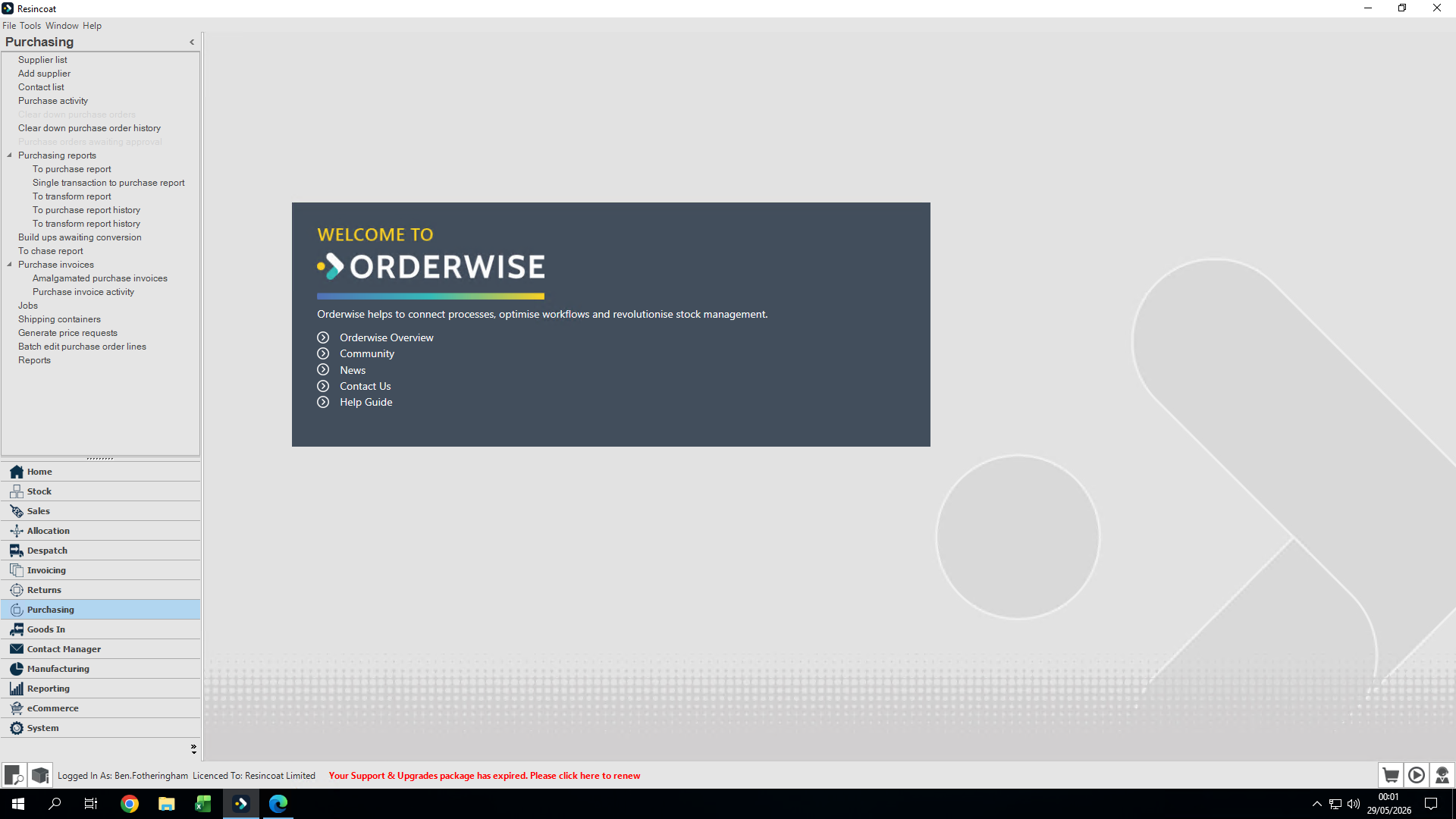
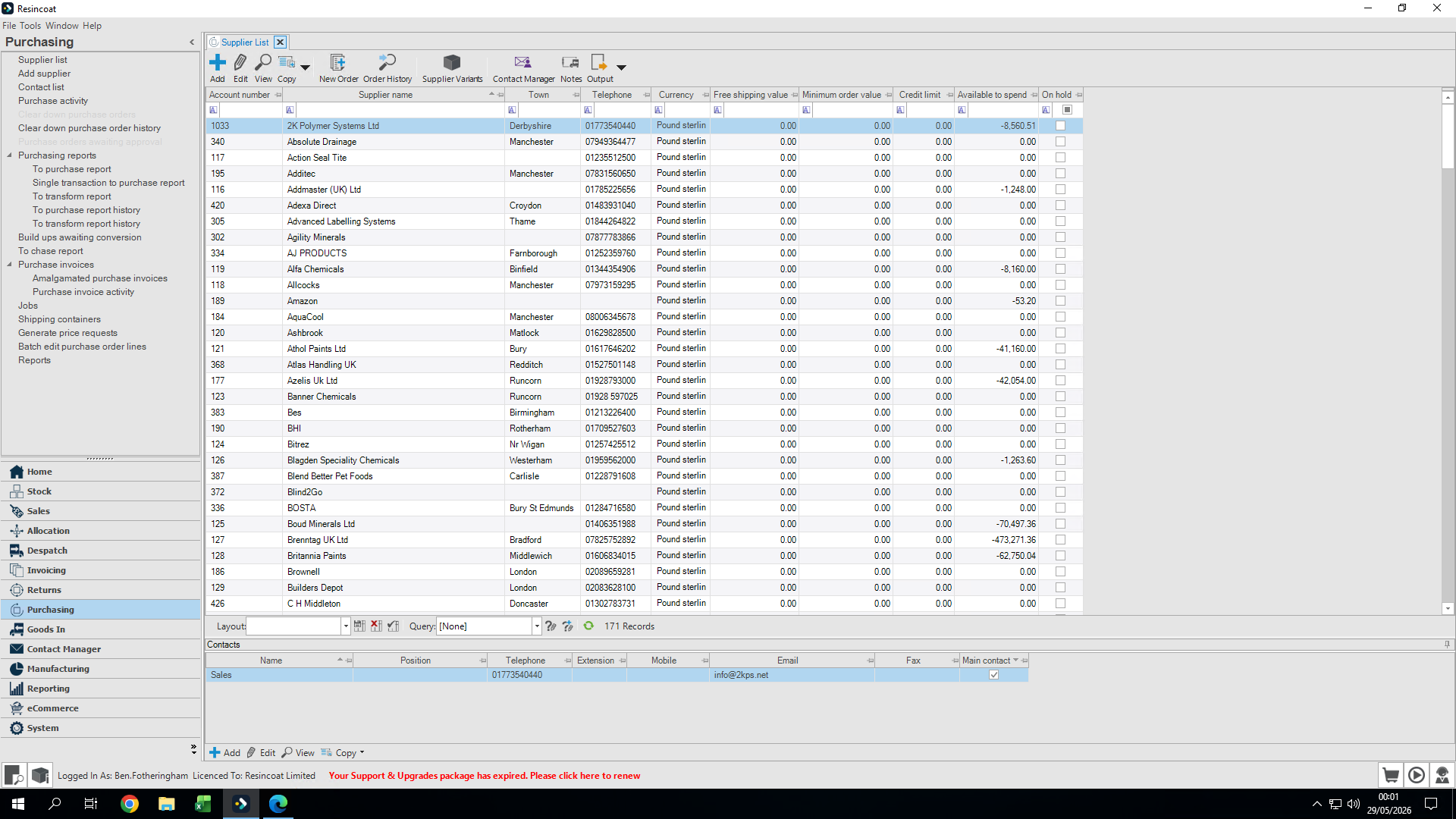
To begin adding a purchase invoice, you must first locate the corresponding purchase order in the Purchasing module.
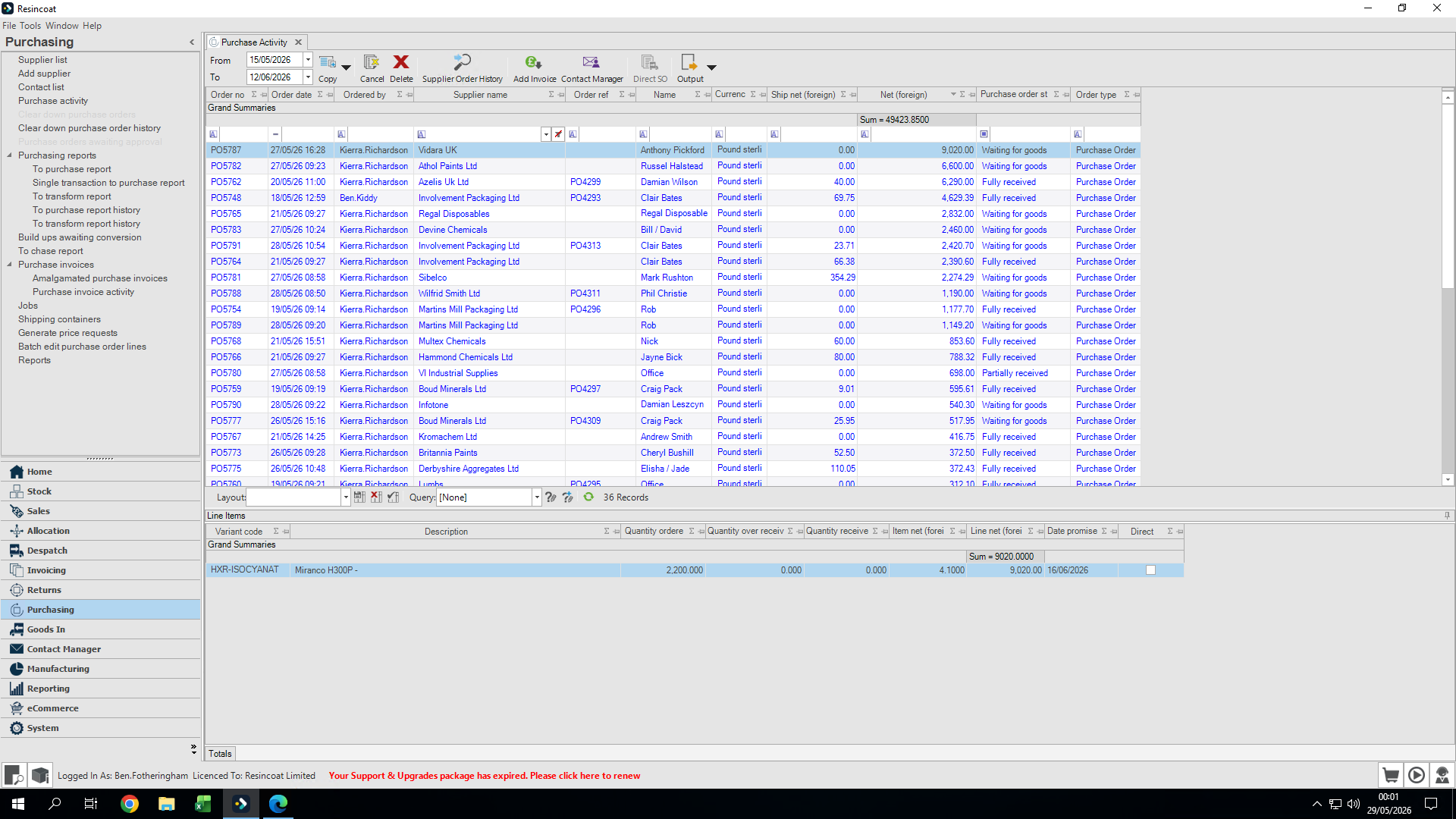
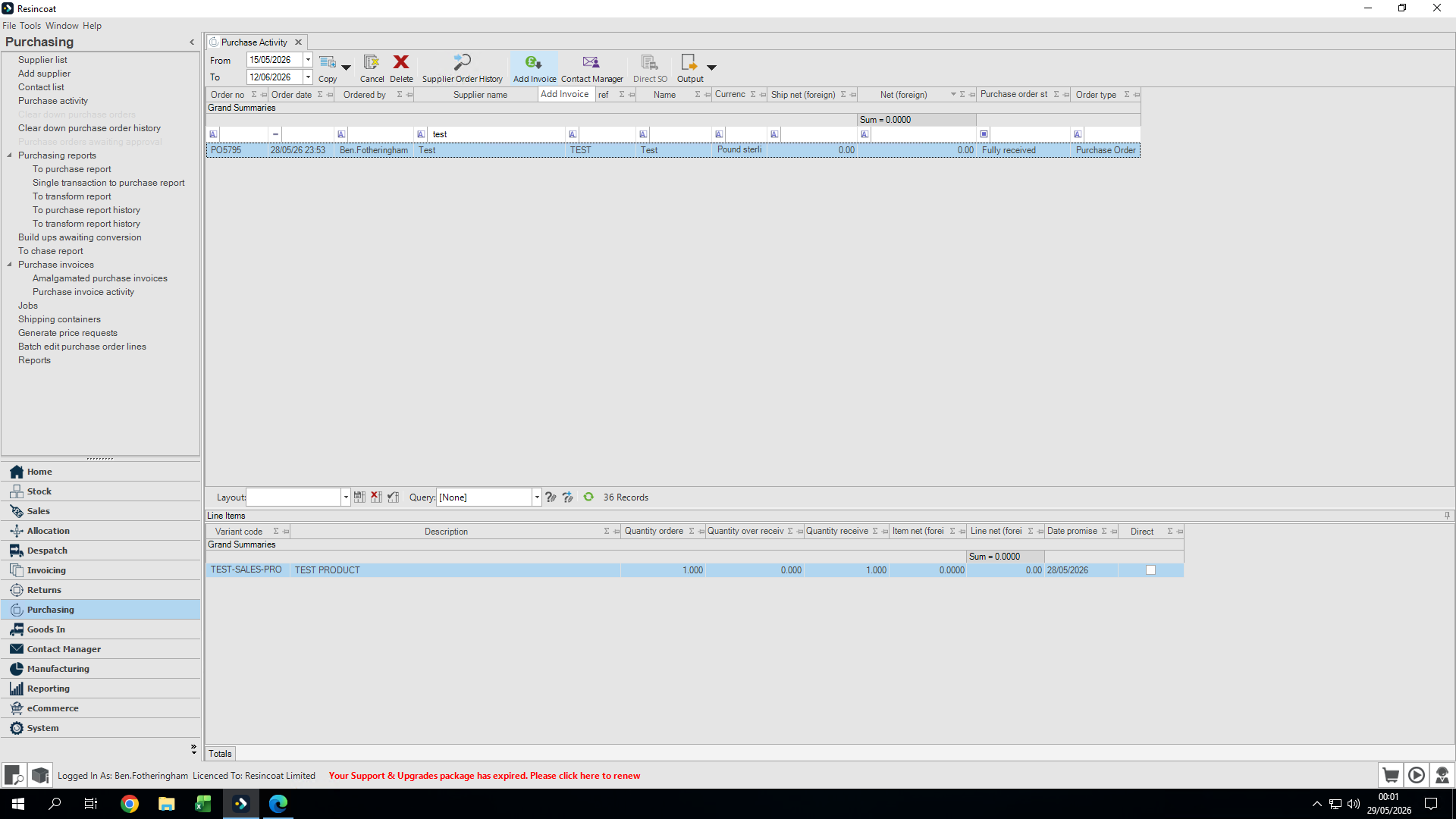
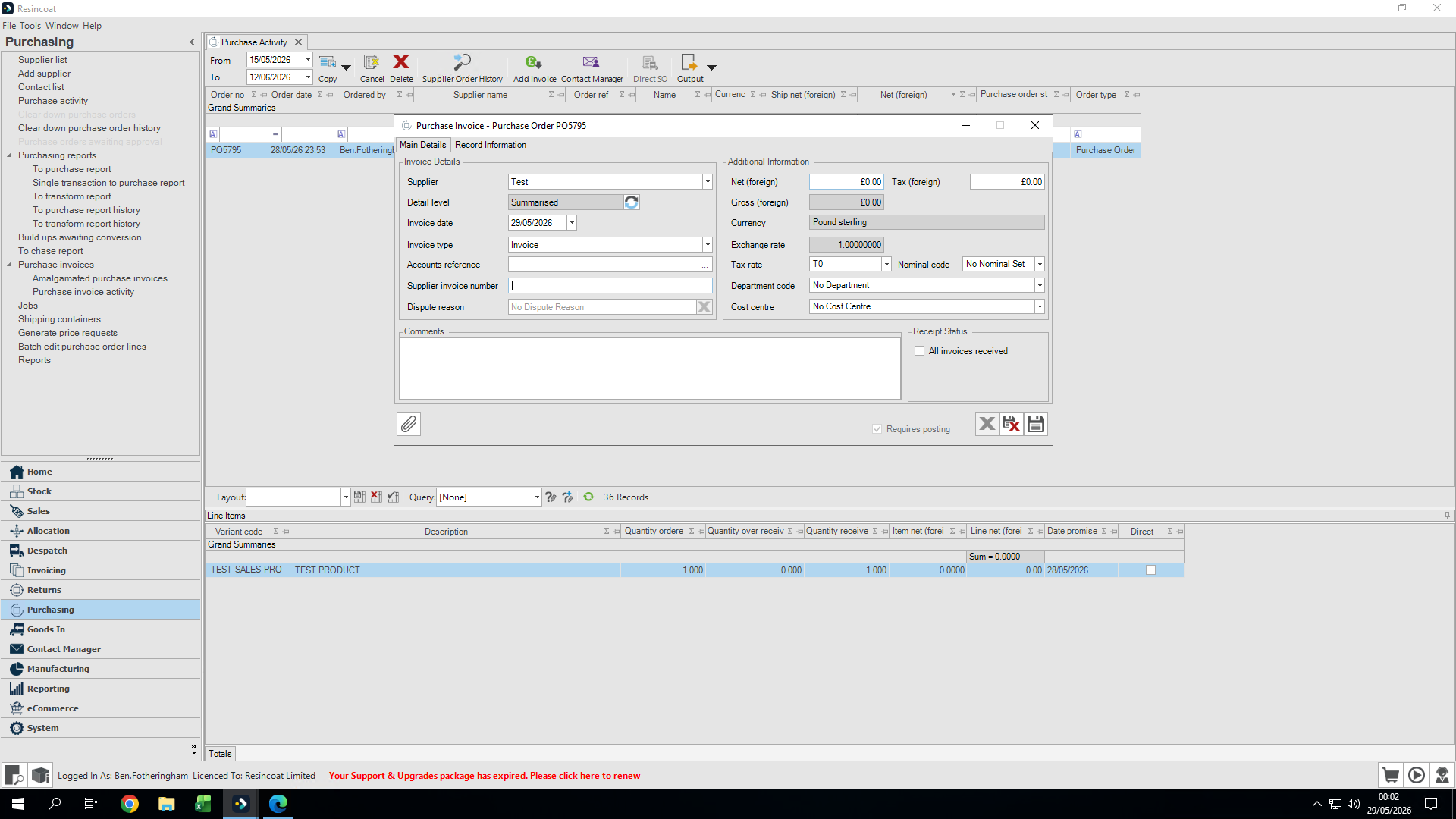
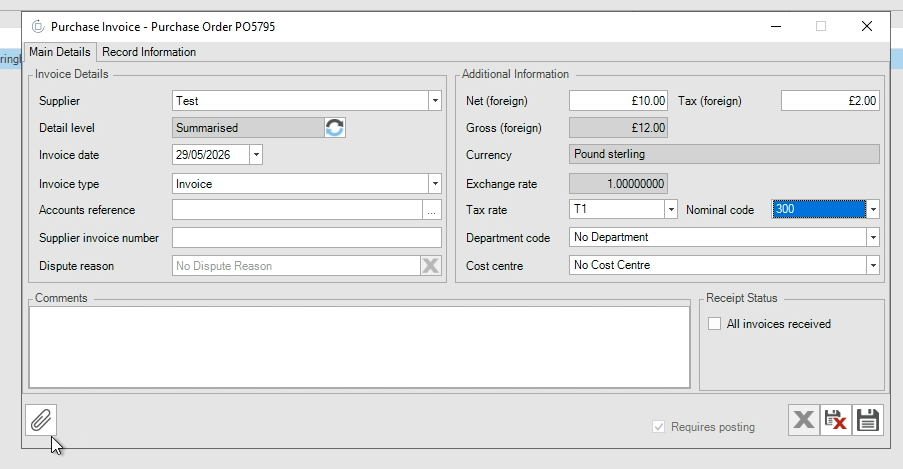
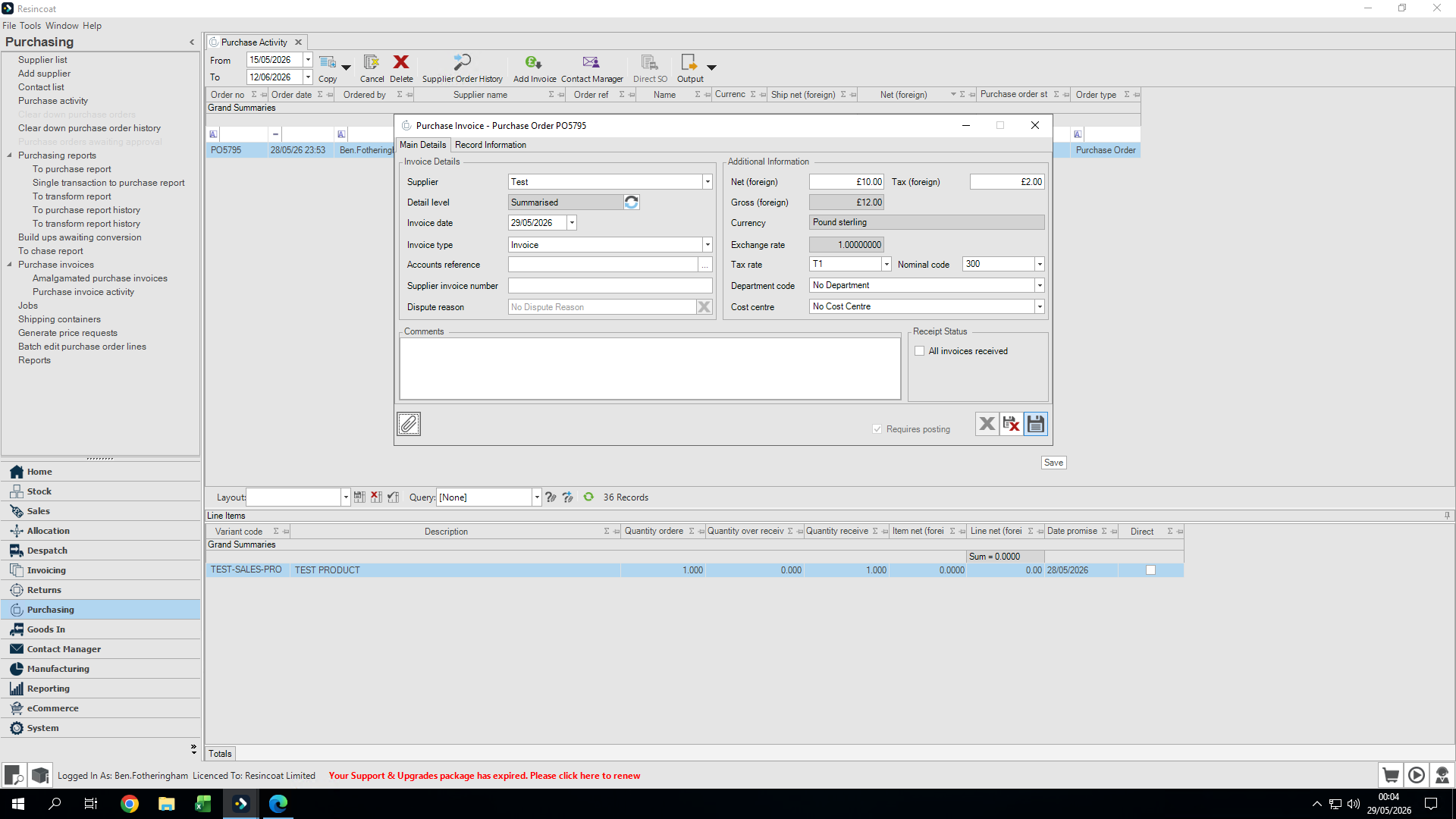
Enter your invoice details. This connects the supplier's document to your internal records.
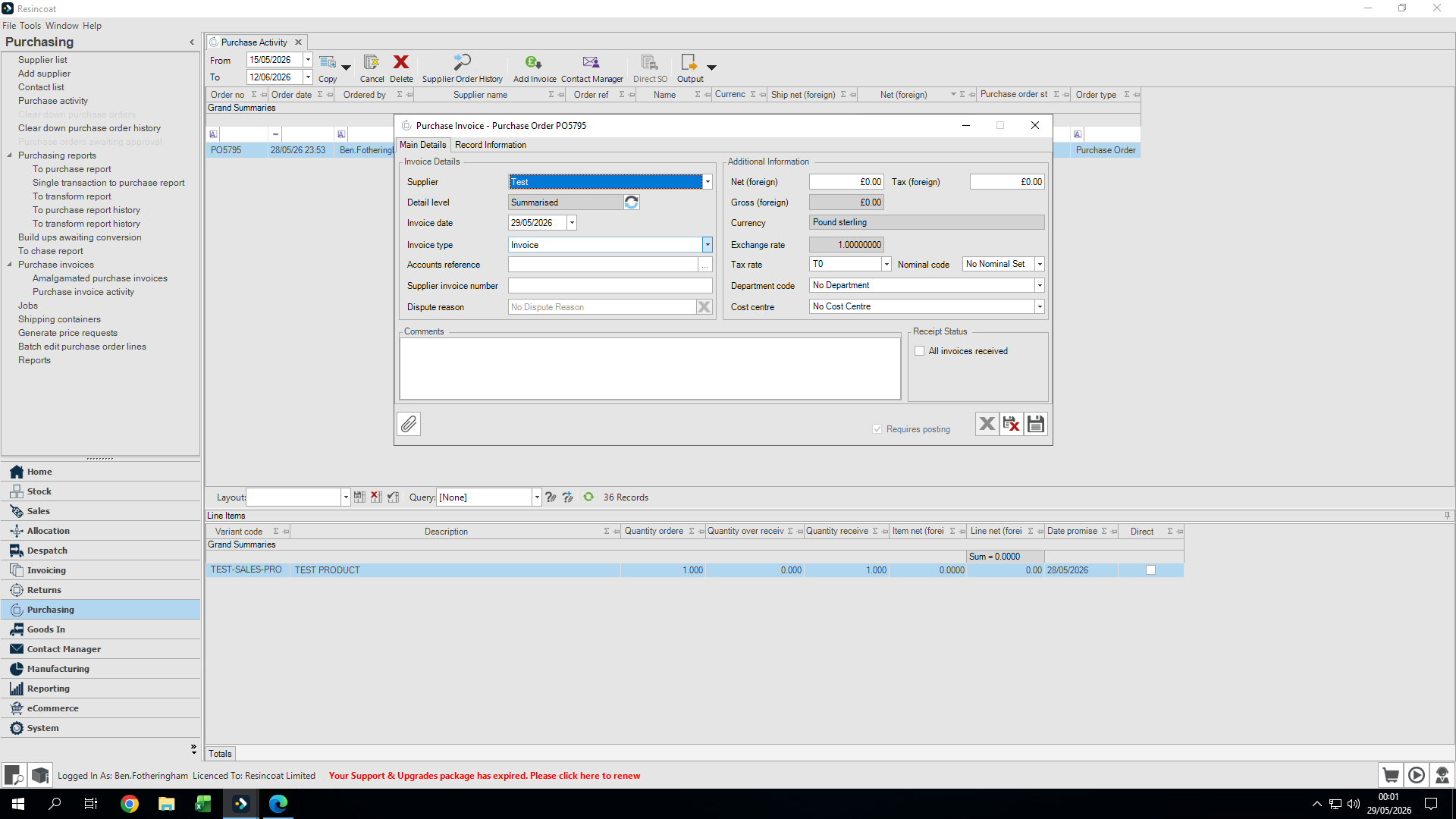
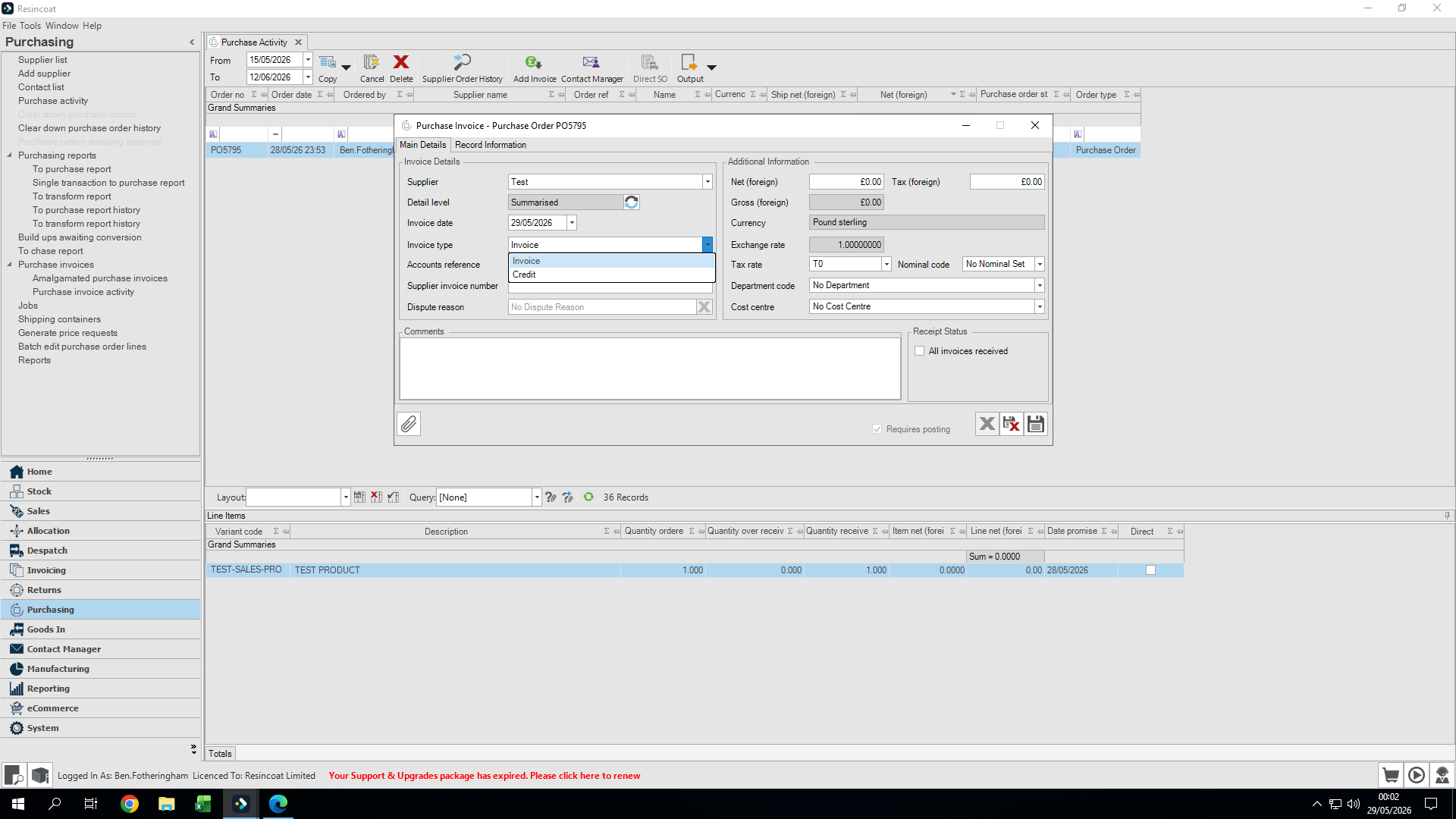
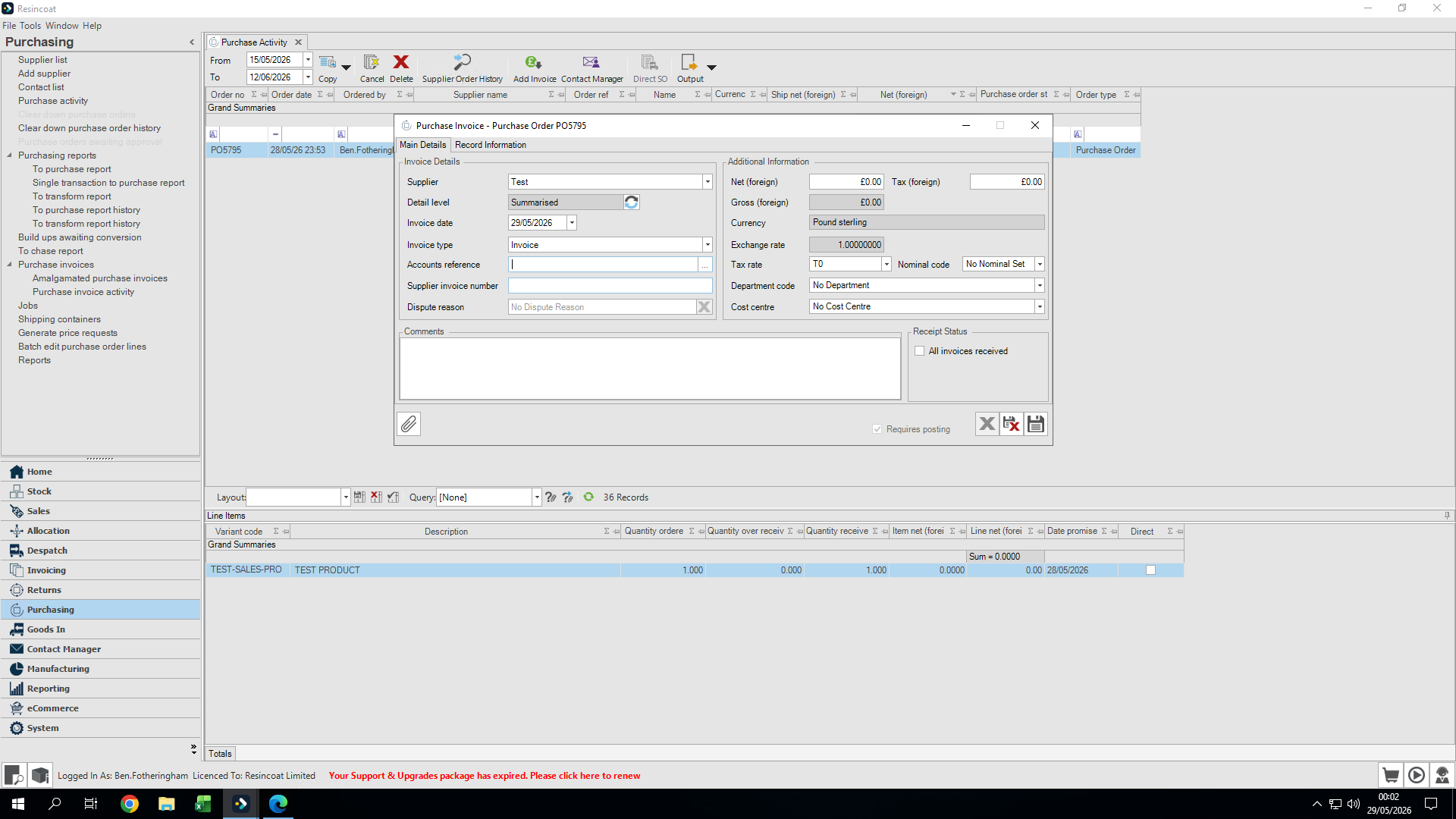
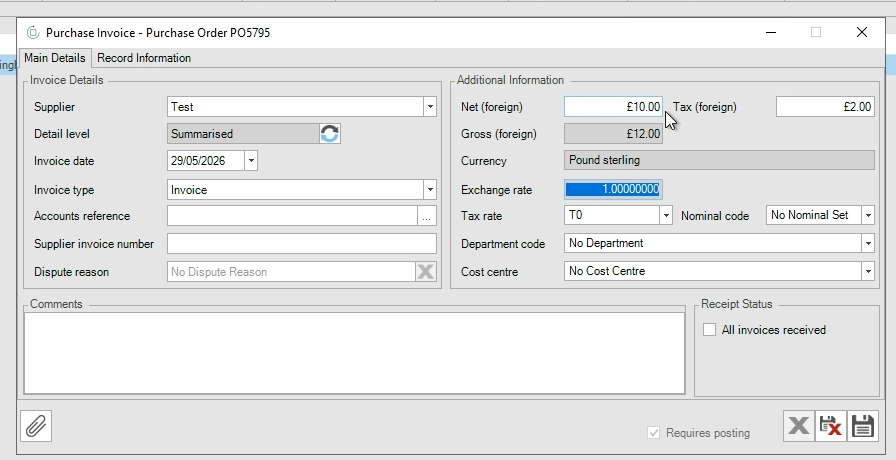
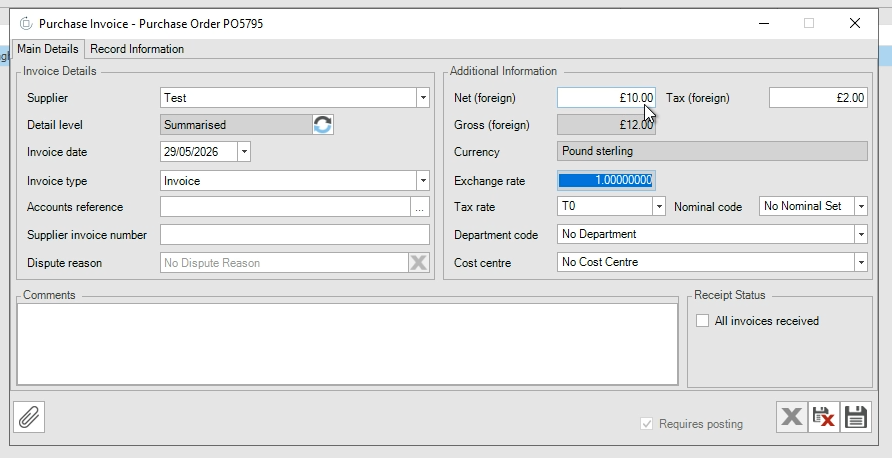
Next, input the financial breakdown. The net value is the cost of goods without tax, while the tax field captures the exact tax paid. OrderWise automatically sums these values for you.
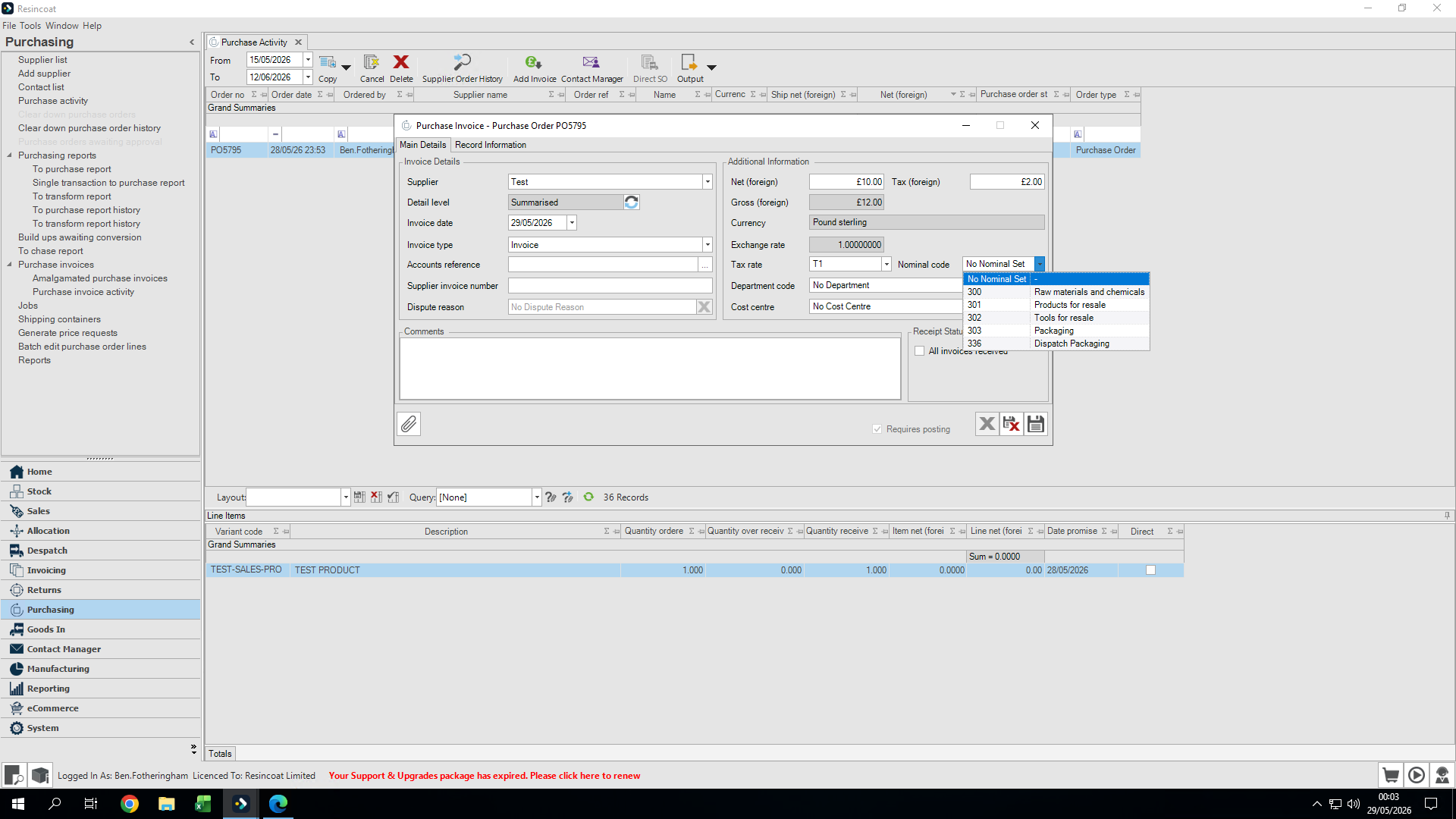
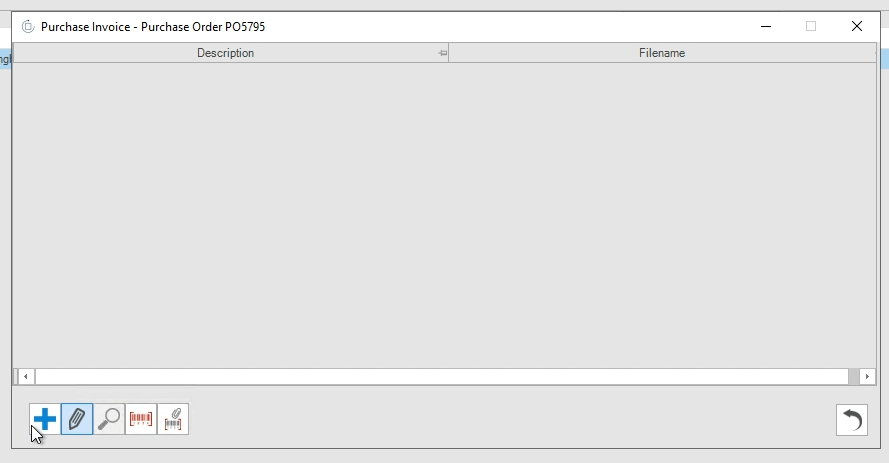
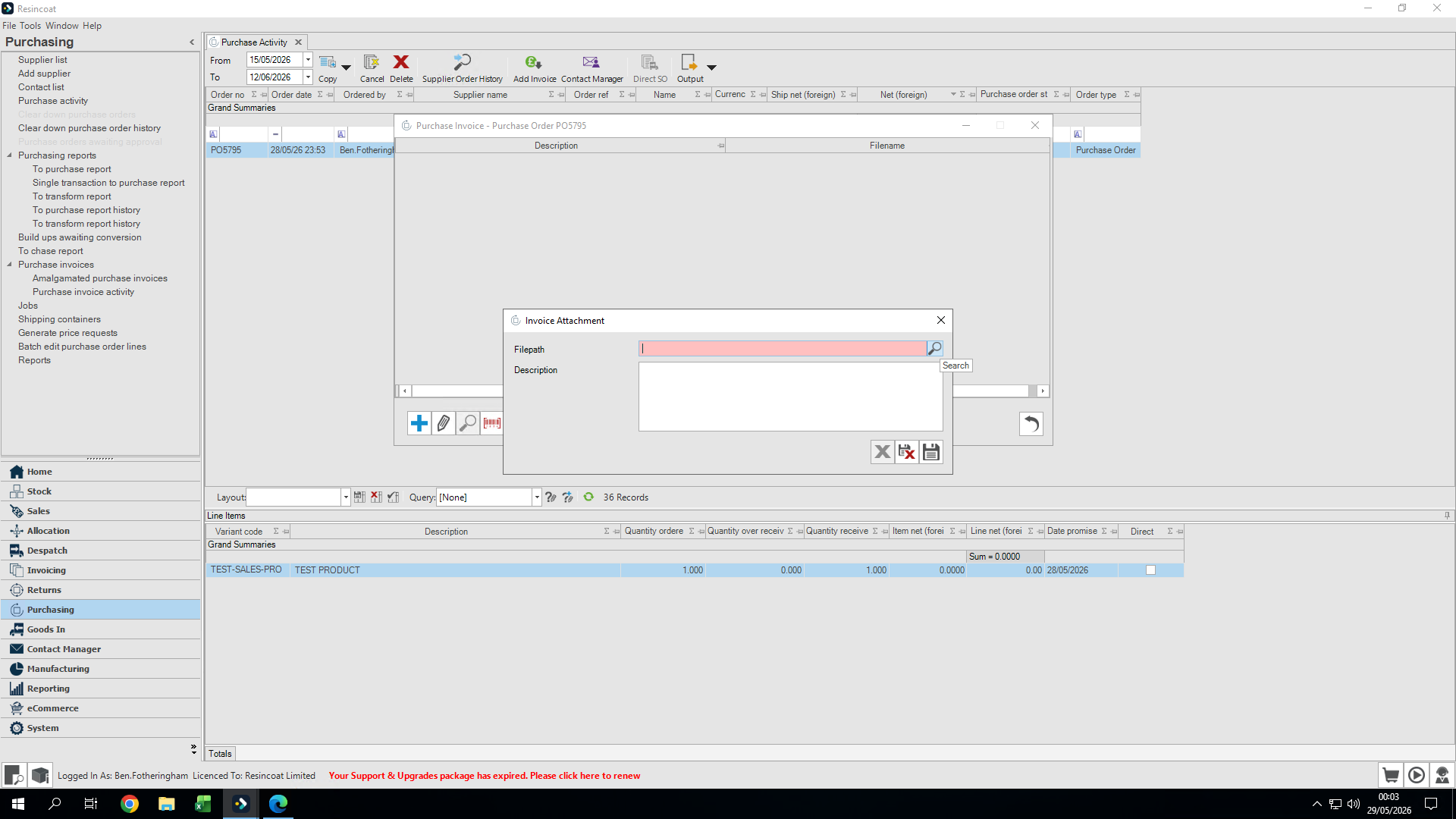
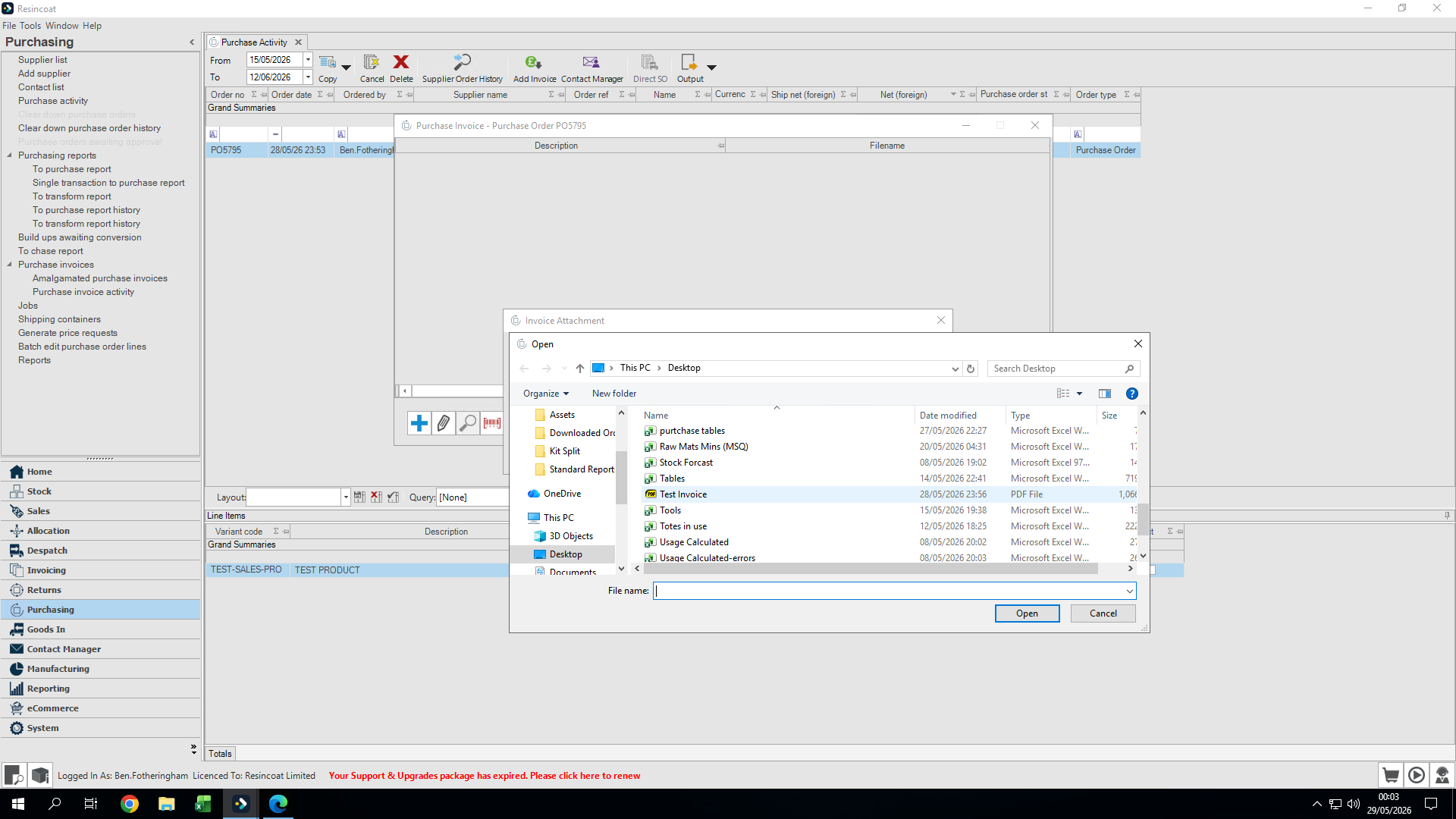
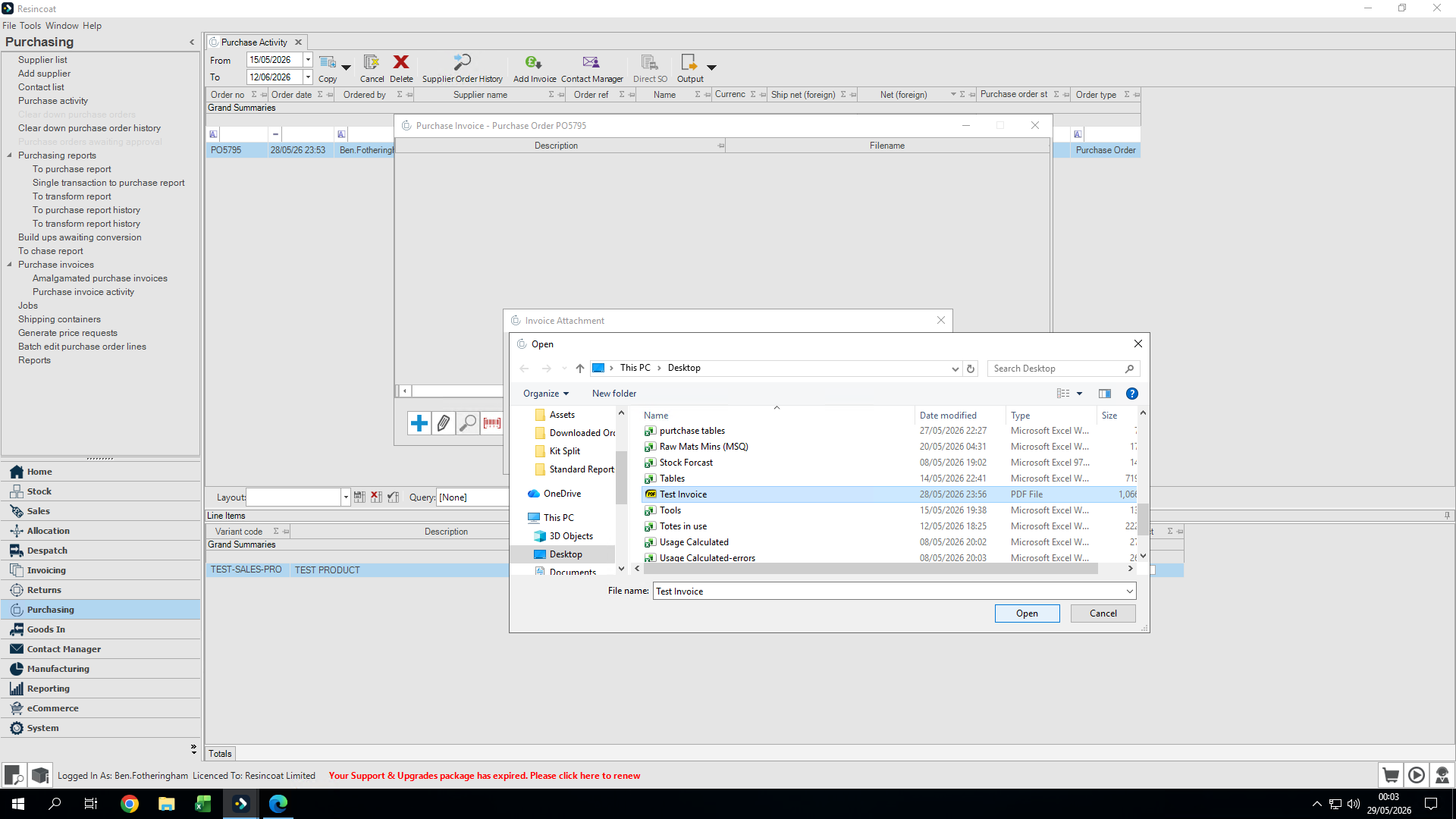
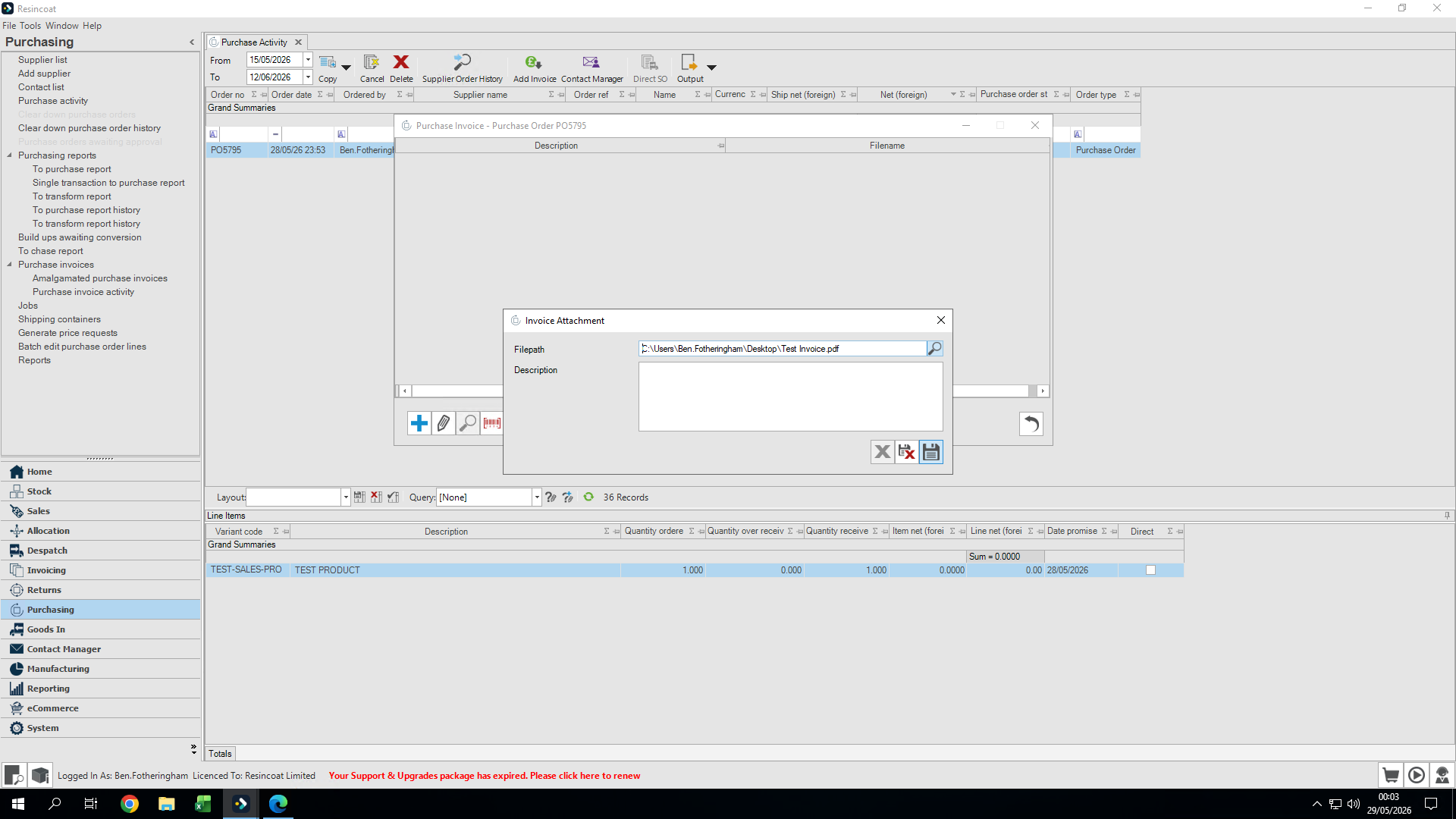
Finally, attach the physical or digital invoice document to ensure accurate record-keeping.
Q: What is the difference between net value and tax?
A: The net value represents the cost of your goods excluding tax, while the tax is the additional amount paid on top of those goods. OrderWise will automatically add these together for your gross total.
Q: Are department and cost center codes mandatory?
A: No, you do not always need to set a department code or a cost center when uploading a purchase invoice. They are completely optional.
Q: Do I need to provide a description when attaching the invoice file?
A: Adding a description for the attachment is optional. In most cases, you can leave the description box blank.
Term | Definition |
|---|---|
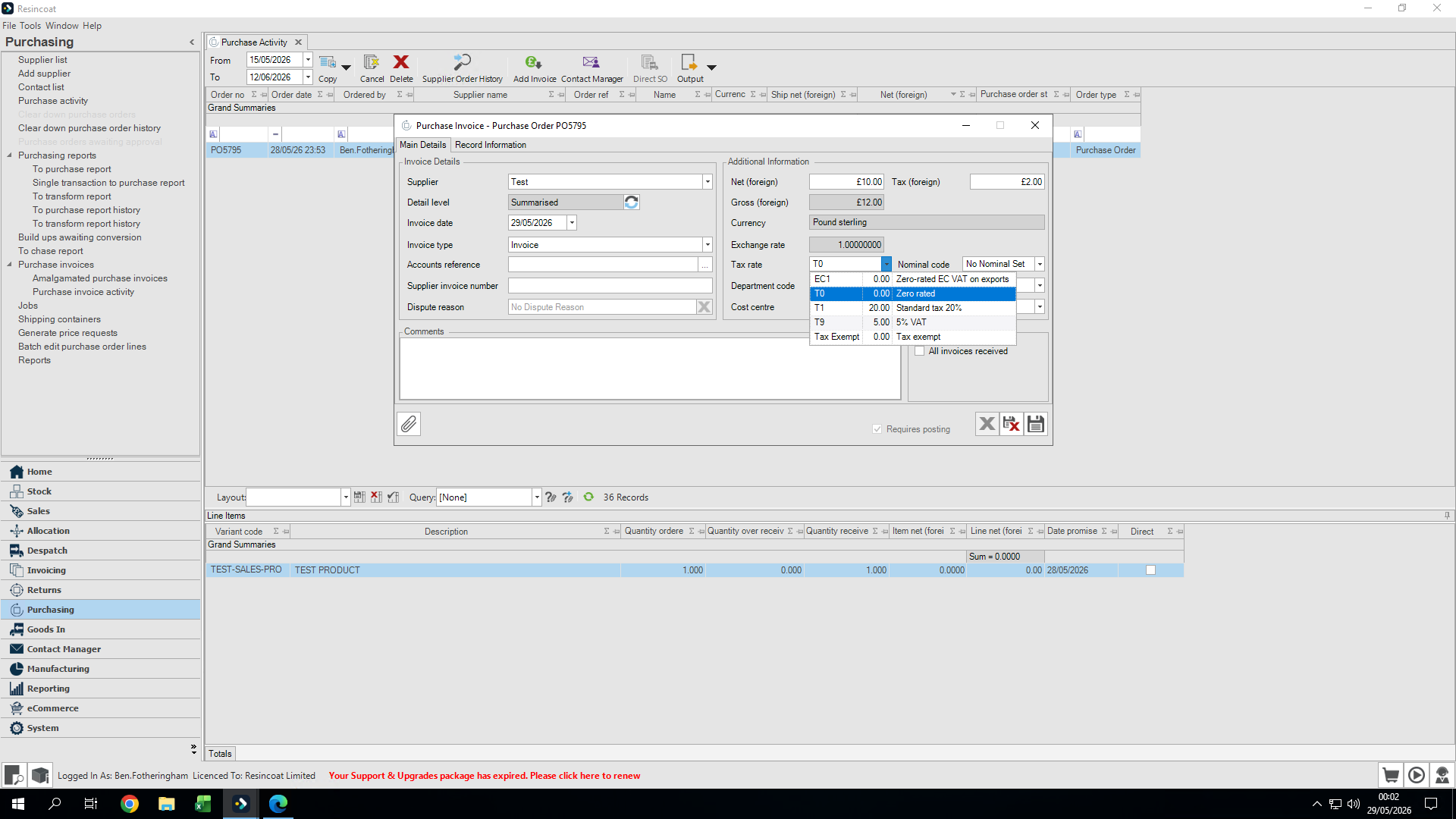
Nominal code | A reference code used to categorize the types of goods or services purchased for accounting purposes. |
Net value | The total cost of purchased goods or services before any tax has been added. |
Purchase invoice | A document received from a supplier detailing the products provided and the payment required. |