How to Create a Quote in the VELUX Dealer Portal
Learn how to start a new quote, configure products like modular rooflights, enter customer information, and print professional quotes in the VELUX dealer portal.
This guide walks you through creating and printing a product quote using the new VELUX Commercial dealer portal in Belgium. By following these steps, you can quickly configure products like VELUX Modular Rooflights, attach customer details, and generate a professional PDF quote.
This workflow applies to VELUX dealers and sales representatives in Belgium who use the Quotemaker portal to generate and manage customer offers.
Log in and Start a Quote
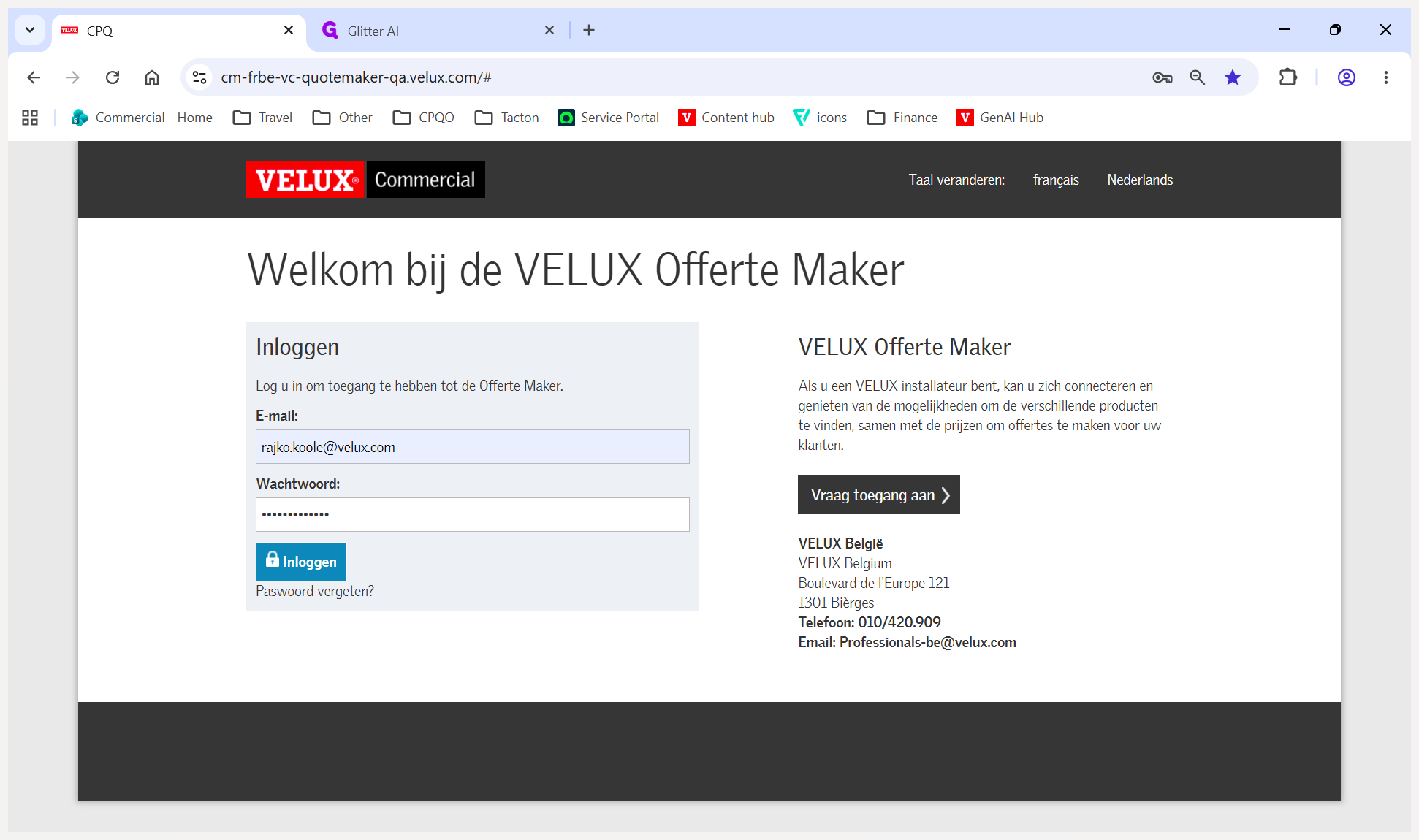
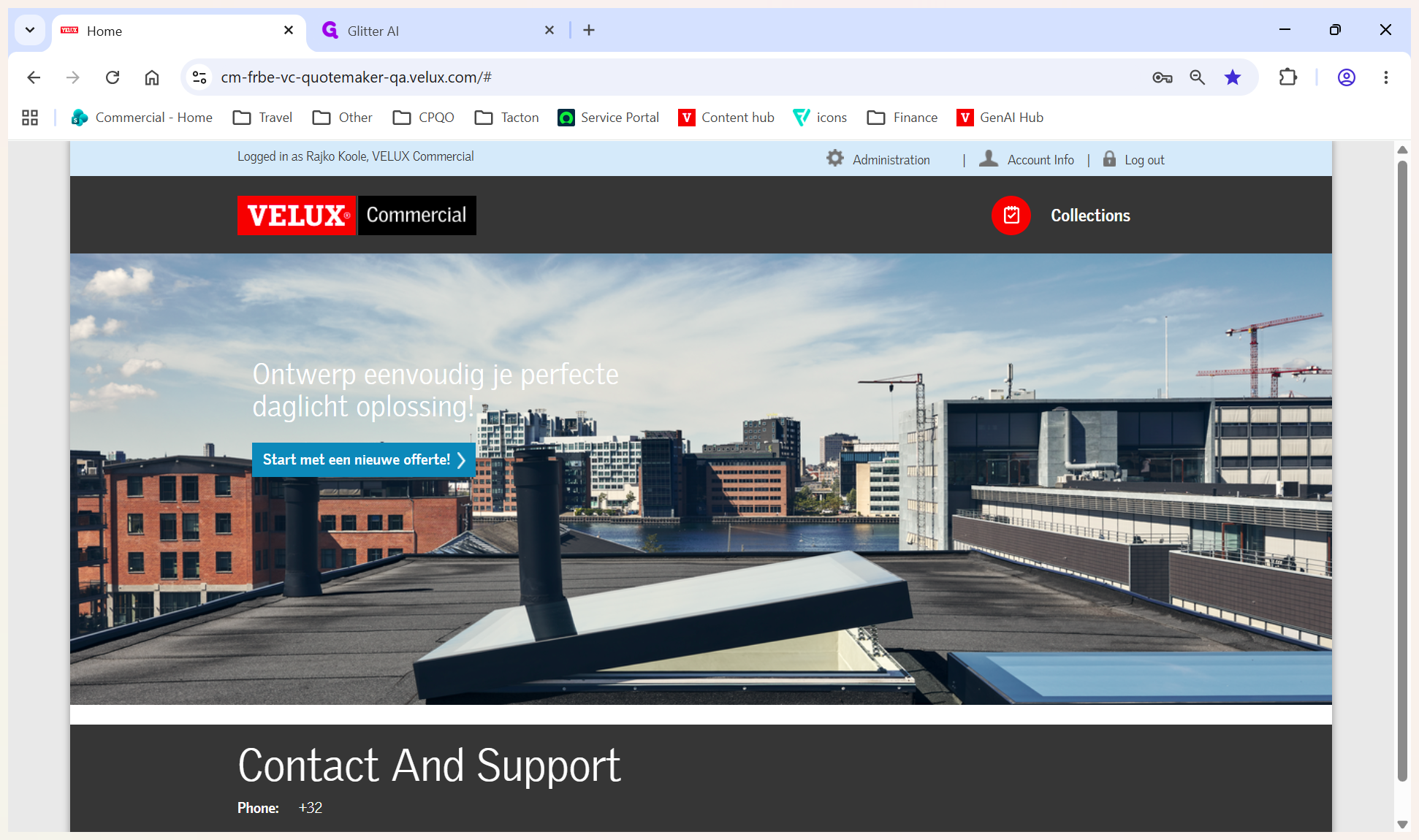
Navigate to the VELUX Commercial landing page and enter your credentials.
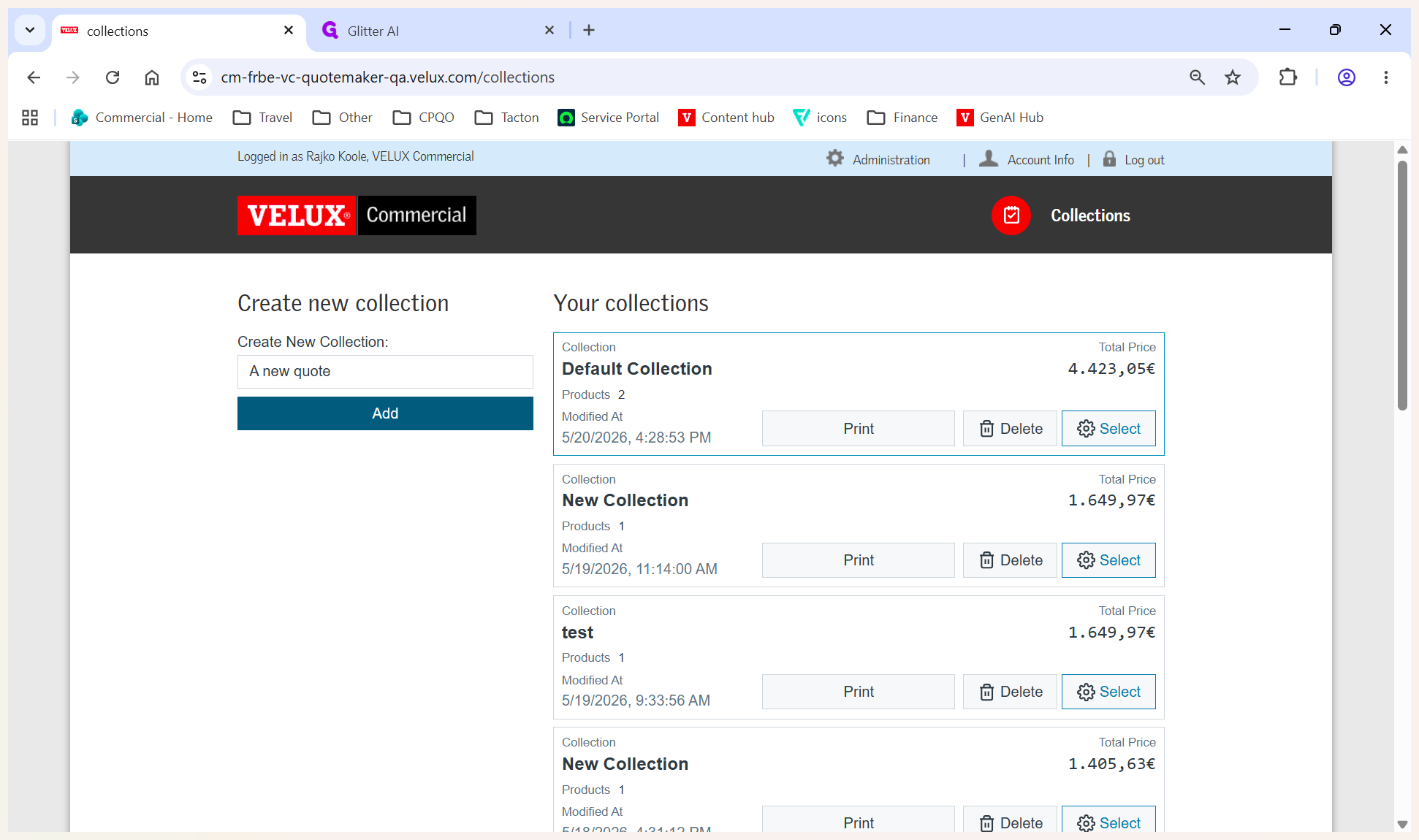
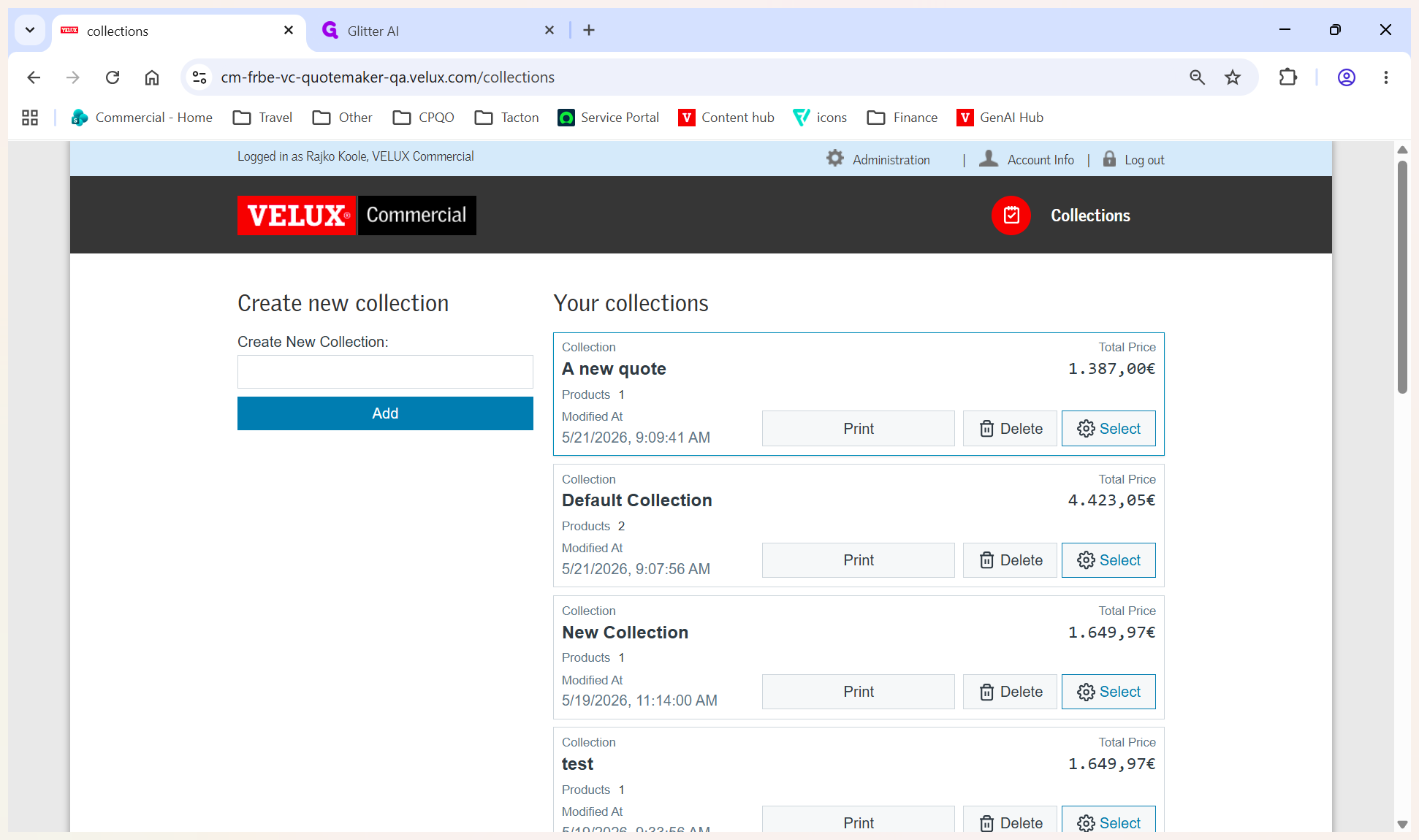
The new collection (quote) will appear on the right-hand side of your dashboard.
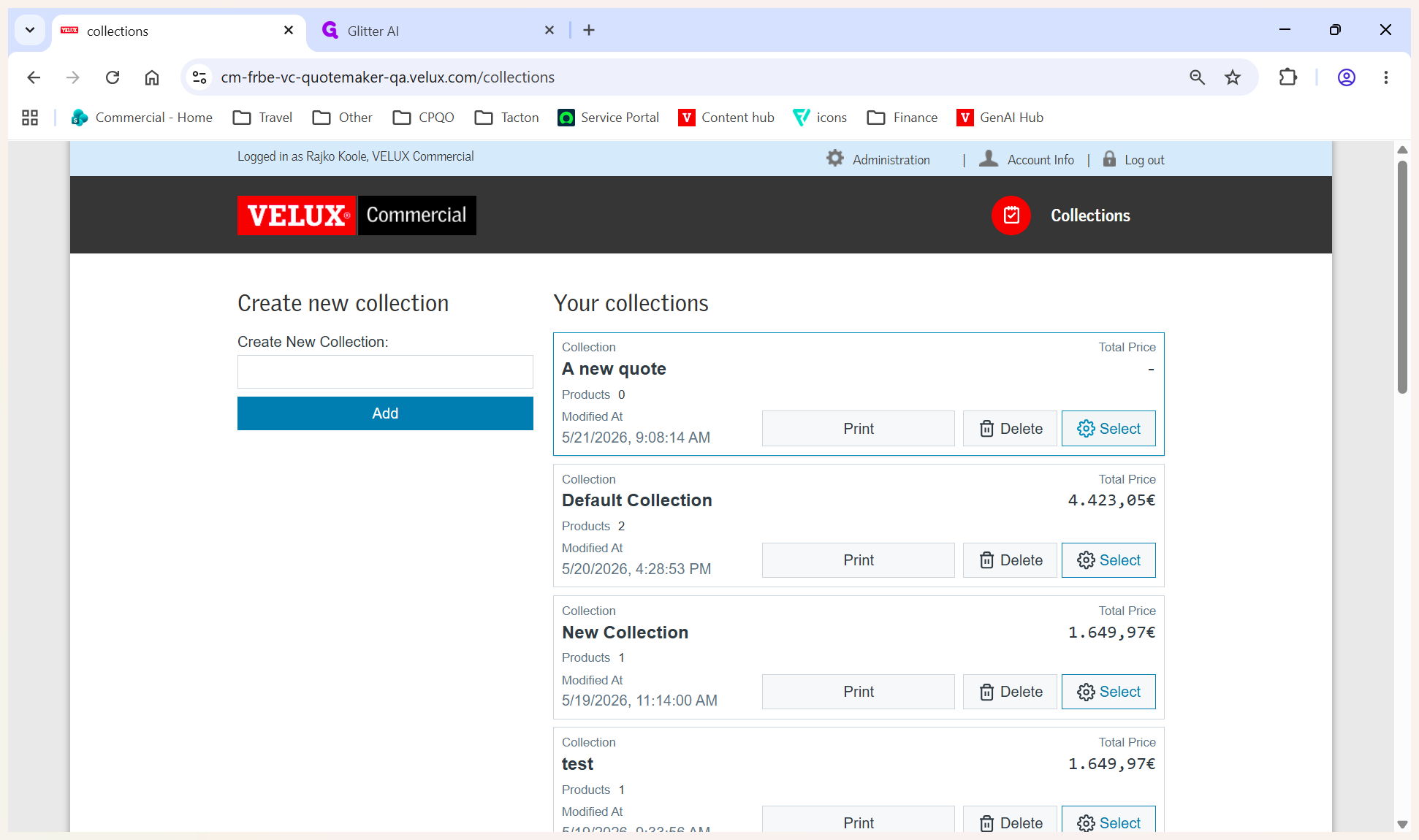
Enter Customer Details
To ensure your generated quote is accurately addressed, provide the customer's contact information.
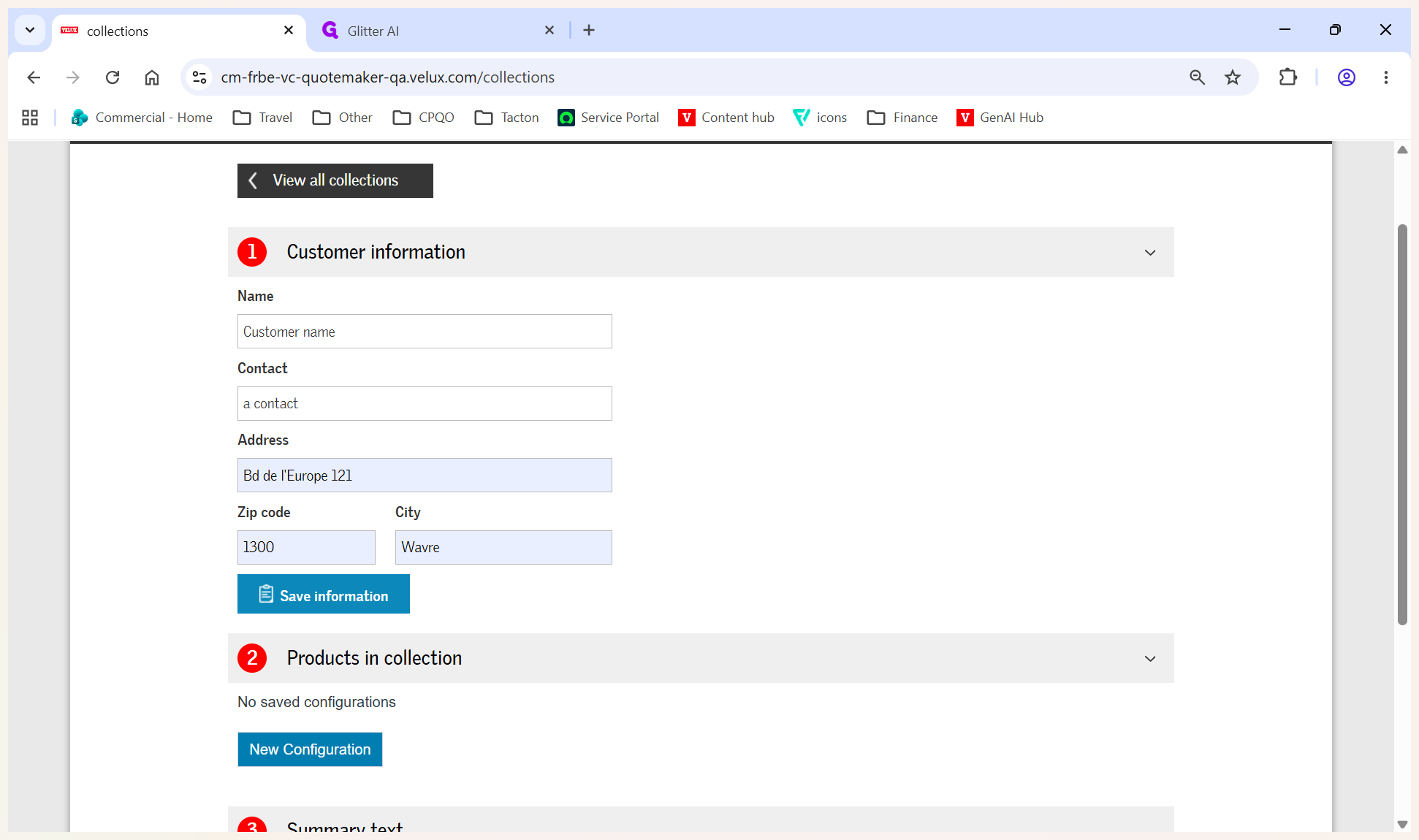
Configure a Product
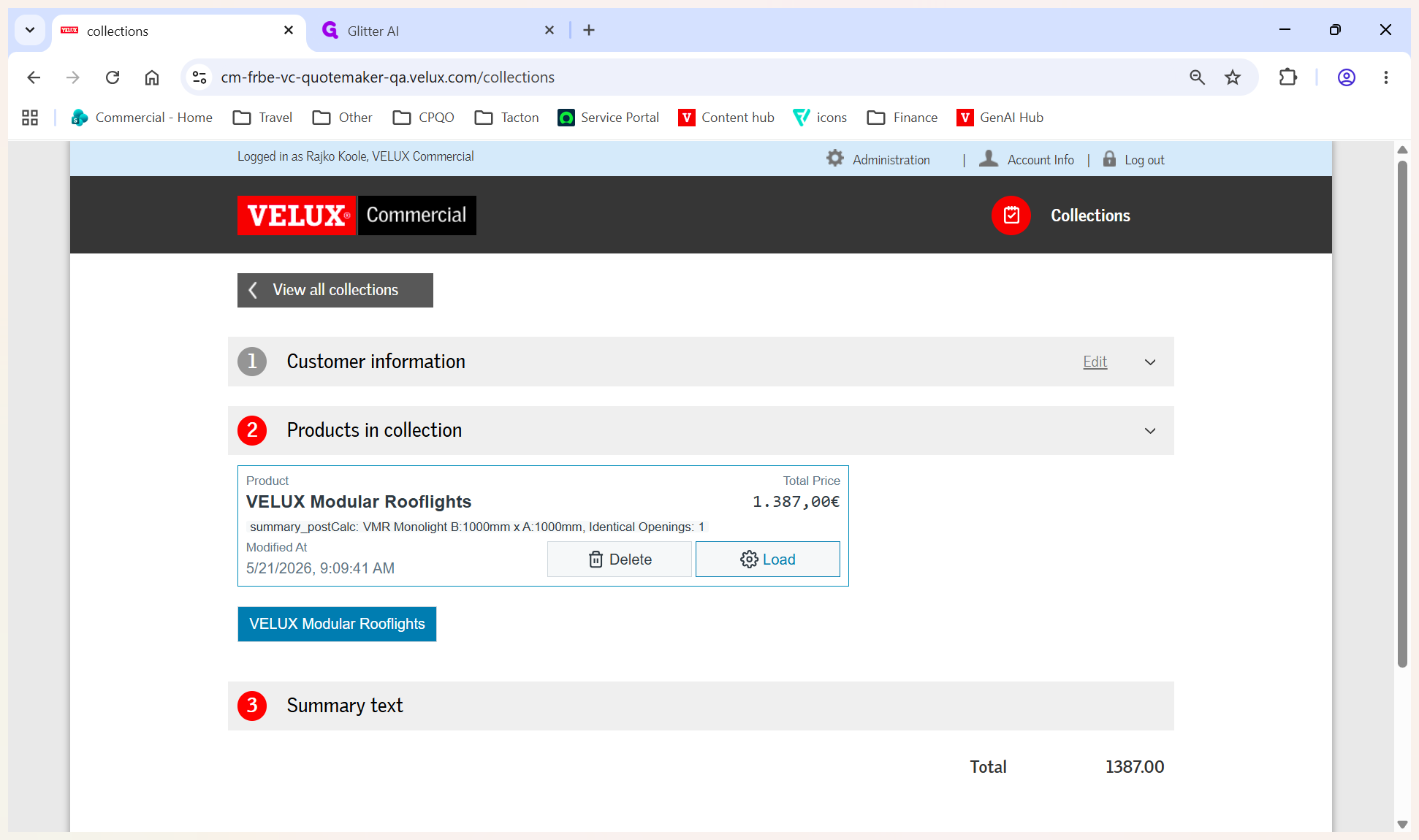
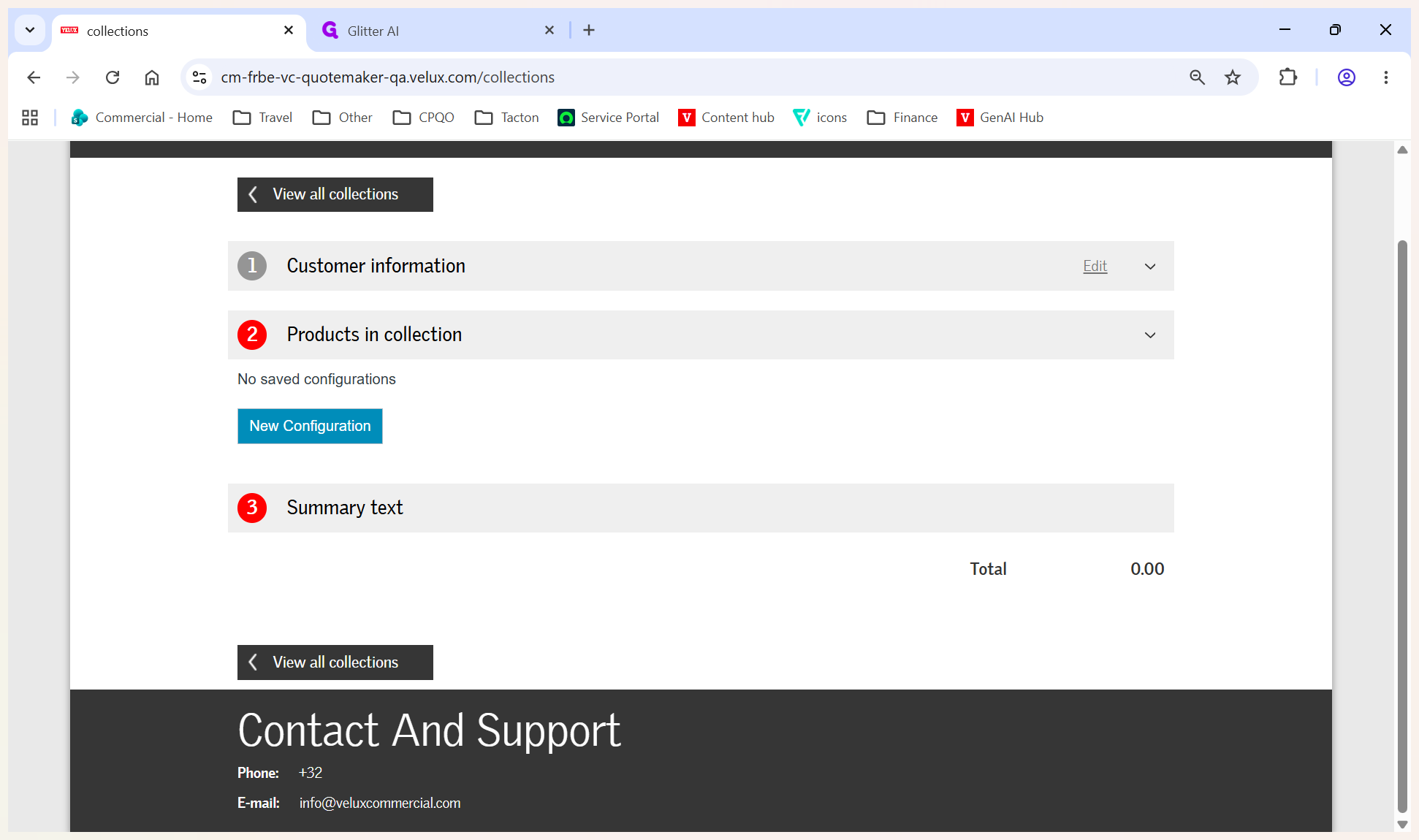
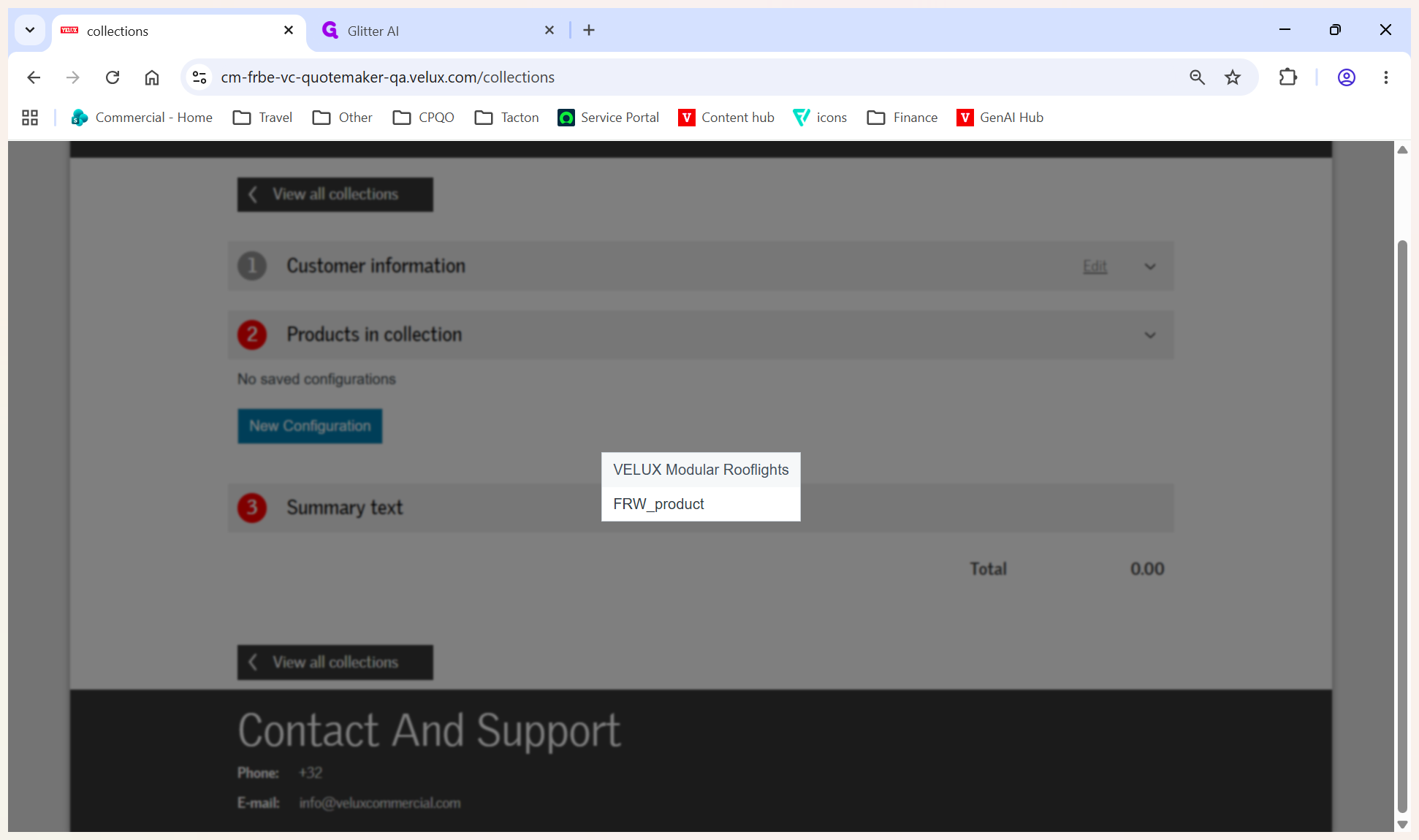
Next, select and configure the specific products for the customer.
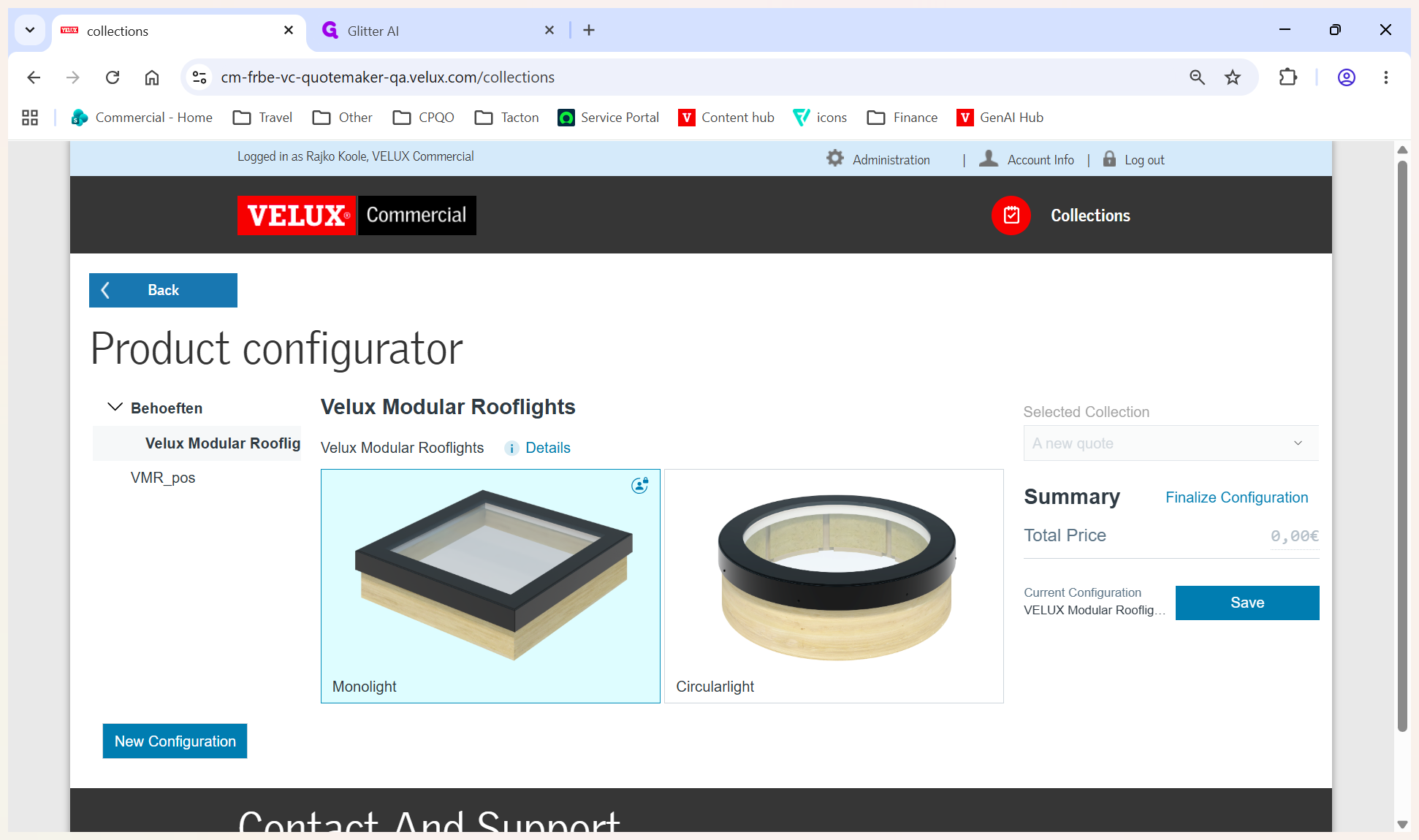
You are now inside the Monolight configurator. Use the left-hand navigation menu to customize specific technical details, including upstand height and variants.
Configuration Menu | What you configure |
|---|---|
Kleuren | Select interior and exterior RAL colors. |
Beglazing | Configure glass layers and sun protection coatings. |
Rolgordijnen | Add and specify integrated roller blinds. |
Accessories | Select optional add-ons like control units and sensors. |
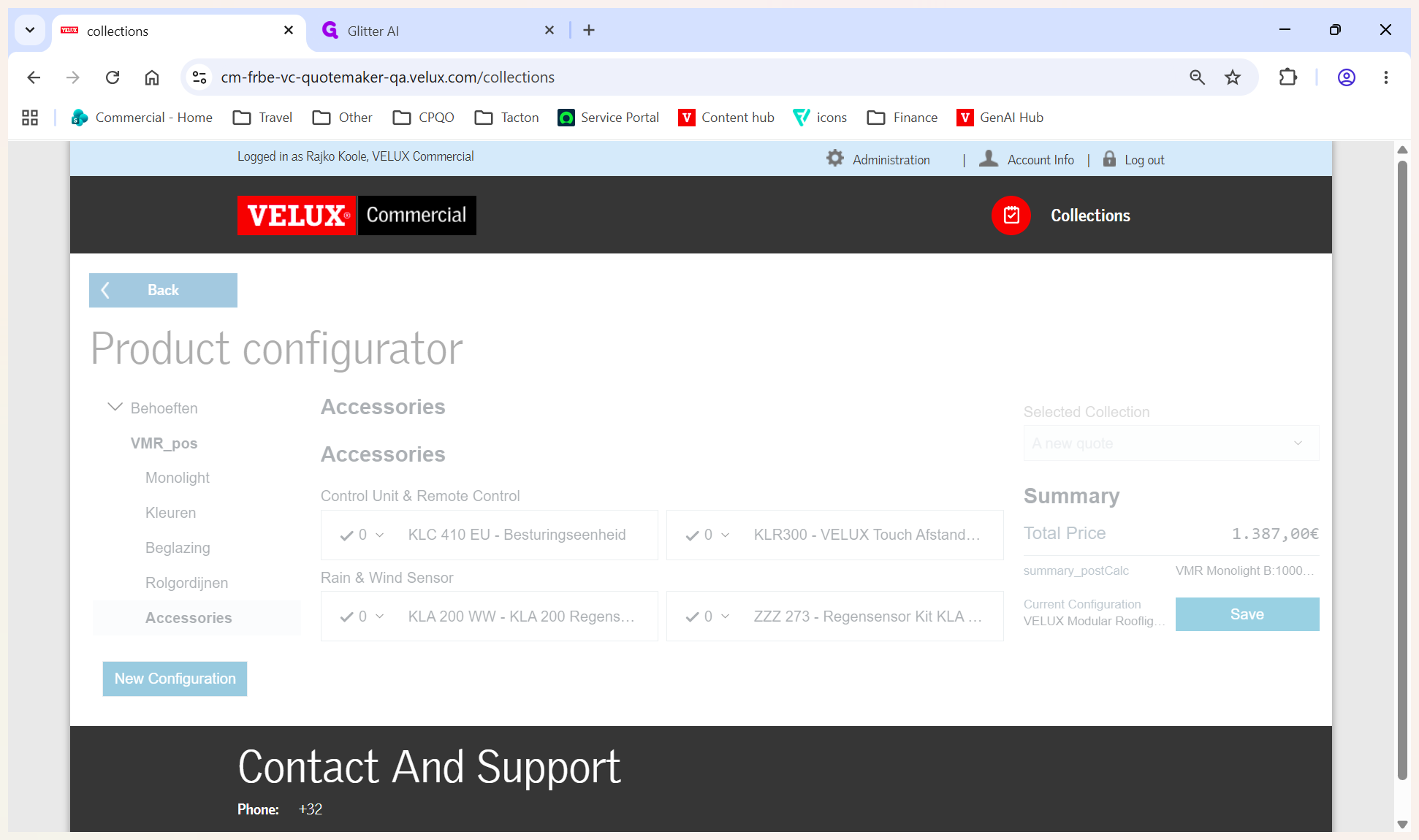
Generate and Print the Quote
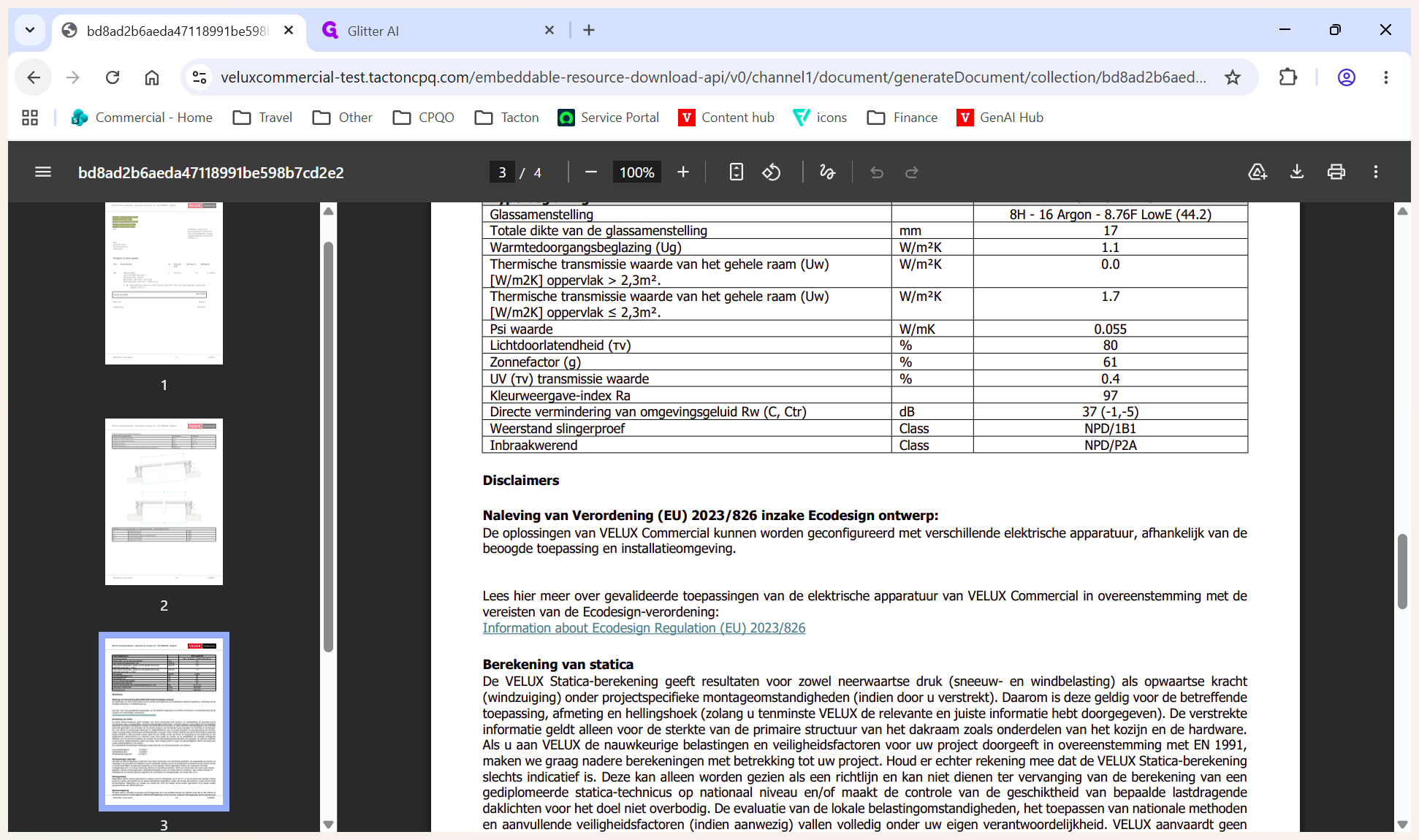
Once all products are added and saved, you can generate the final document.