How to View and Edit Products in Cartazio
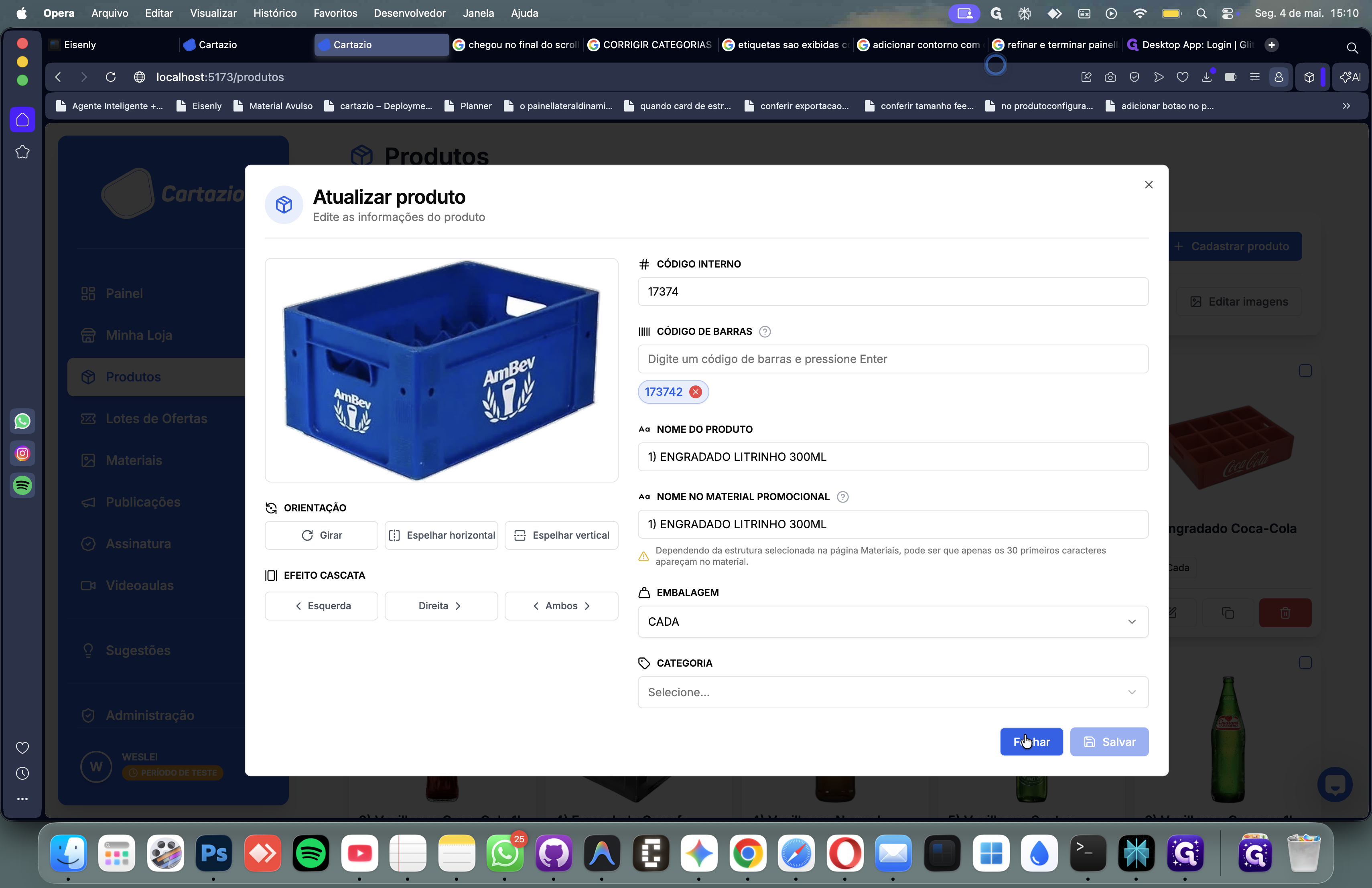
Learn how to access the product edit modal in the Cartazio dashboard to update item details, and how to safely close it.
By Vicentini
Managing your product catalog in Cartazio is straightforward. You can easily view or update product details directly from the dashboard using the quick edit functions available on each product card.
Here is how to access the product update modal and safely close it.
Navigating to Product Details
1
Navigate to the Cartazio tab in your browser to access the product dashboard.
2
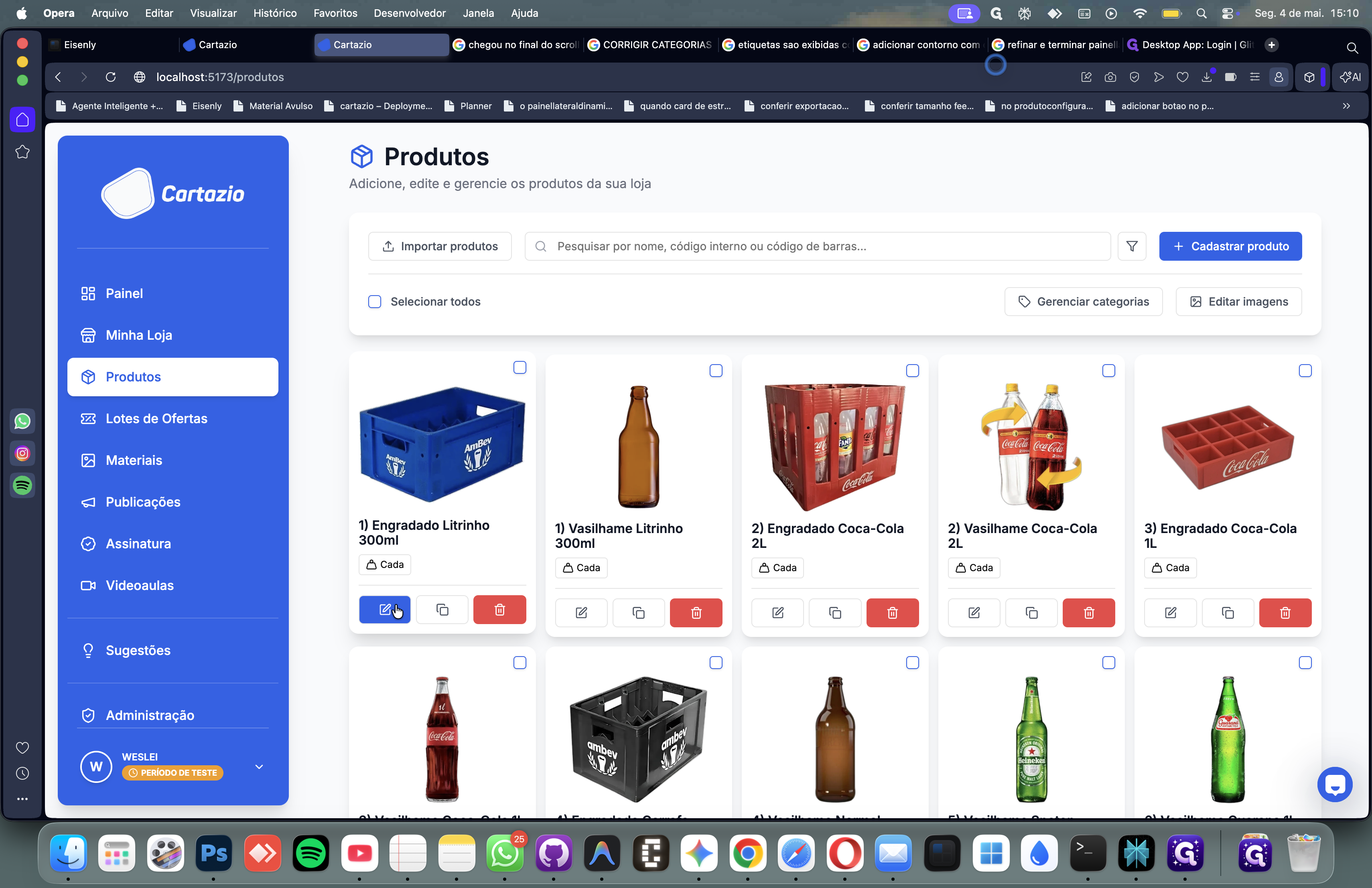
Locate the item you want to modify and click the Edit (pencil) icon on its product card.
Closing the Modal
3
To dismiss the window without saving any changes, click the Fechar (Close) button at the bottom right of the modal.