
How to View Guest Billing Alerts in OPERA Cloud
Learn how to efficiently check guest reservation alerts and special billing instructions, such as Do Not Charge (DNC) statuses, using OPERA Cloud.
This guide explains how to view specific alerts and billing instructions for arriving guests in OPERA Cloud. Completing this task ensures you correctly apply fee exceptions and follow necessary property management protocols.
This process is primarily for front desk agents, billing coordinators, and hotel management staff. You will use this workflow during check-in or when reviewing daily arrivals to confirm billing accuracy.
Accessing Guest Alerts
Checking for reservation alerts is a crucial step before finalizing billing or processing arrivals.
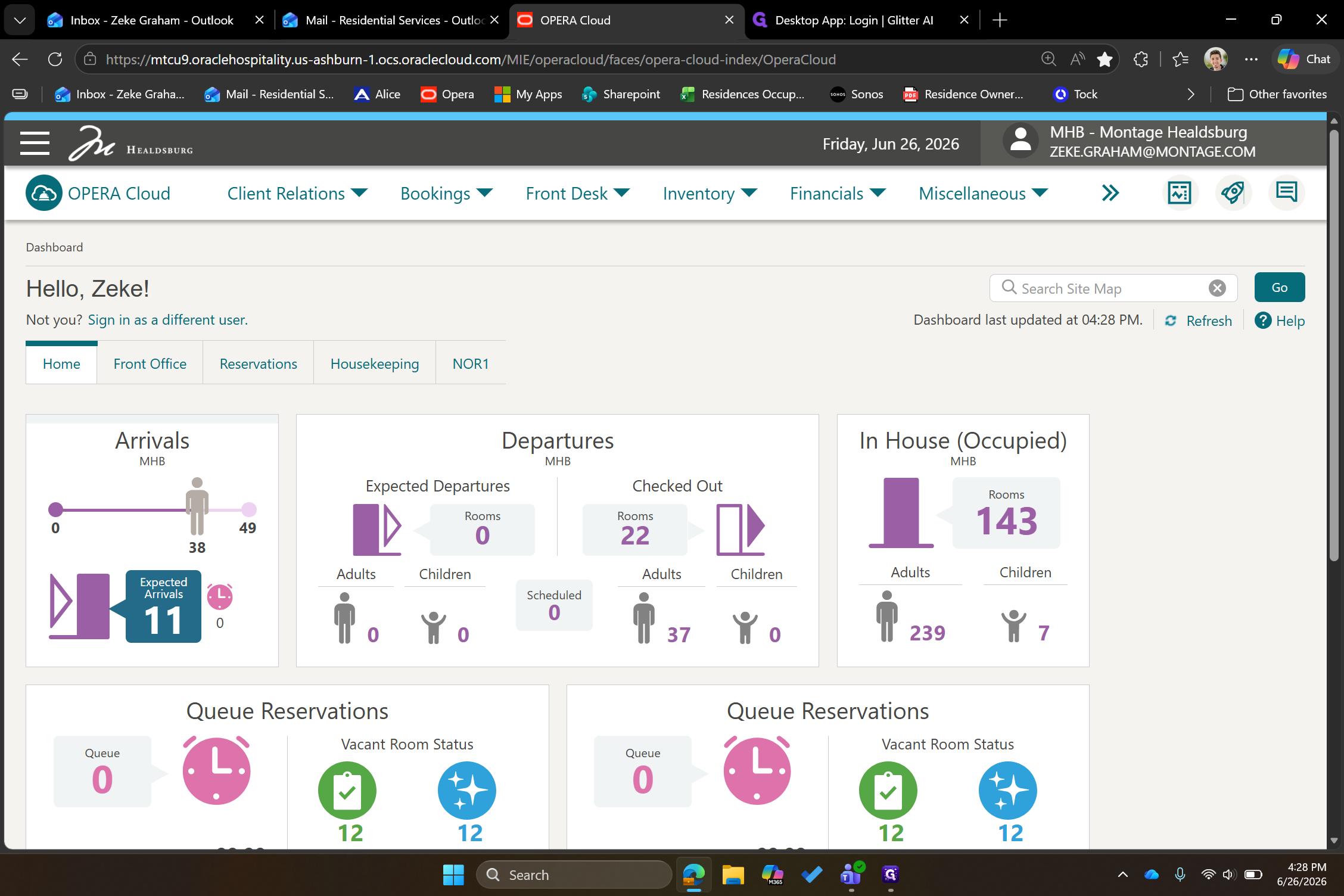
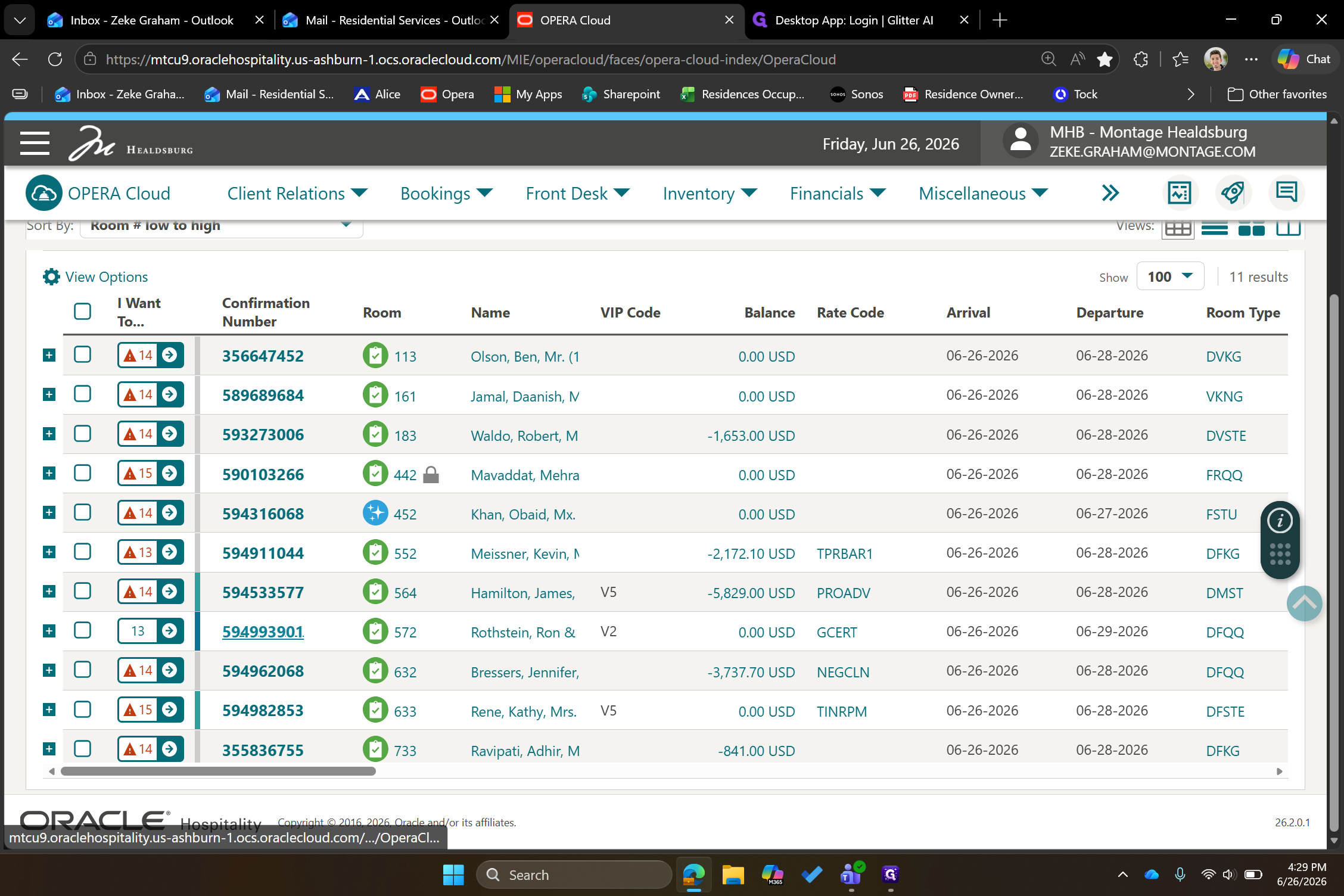
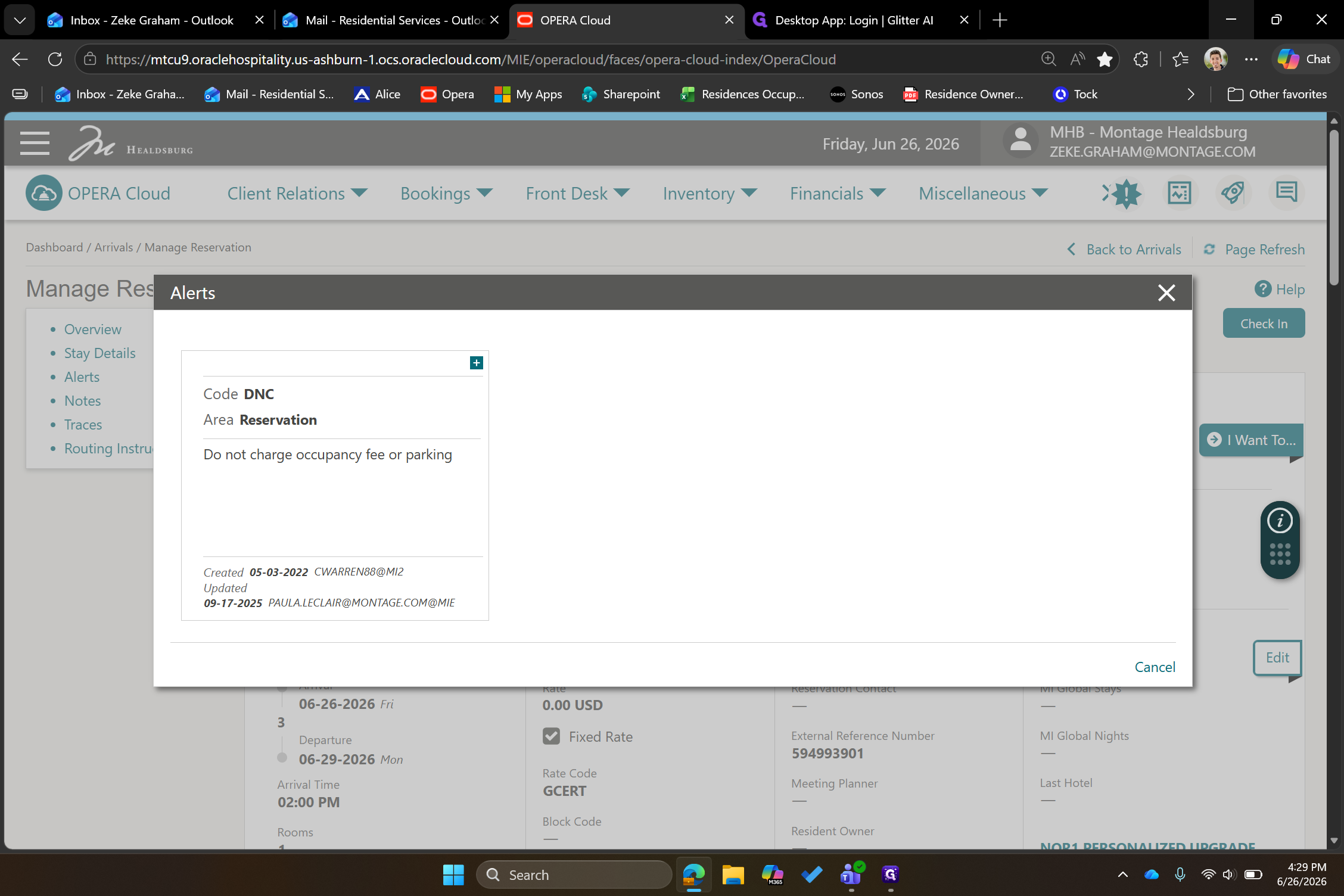
Q: How do you know if there are fee exceptions or how much to charge?
A: You can check the specific reservation alerts. If there is a "DNC" (Do Not Charge) instruction, the alert will explicitly specify which fees, such as occupancy or parking, should not be applied to the guest.
Term | Definition |
|---|---|
OPERA Cloud | A cloud-based property management system used by hotels to manage reservations, billing, and daily operations. |
DNC | Stands for "Do Not Charge," an instruction indicating that specific fees or services should not be billed to the guest's folio. |