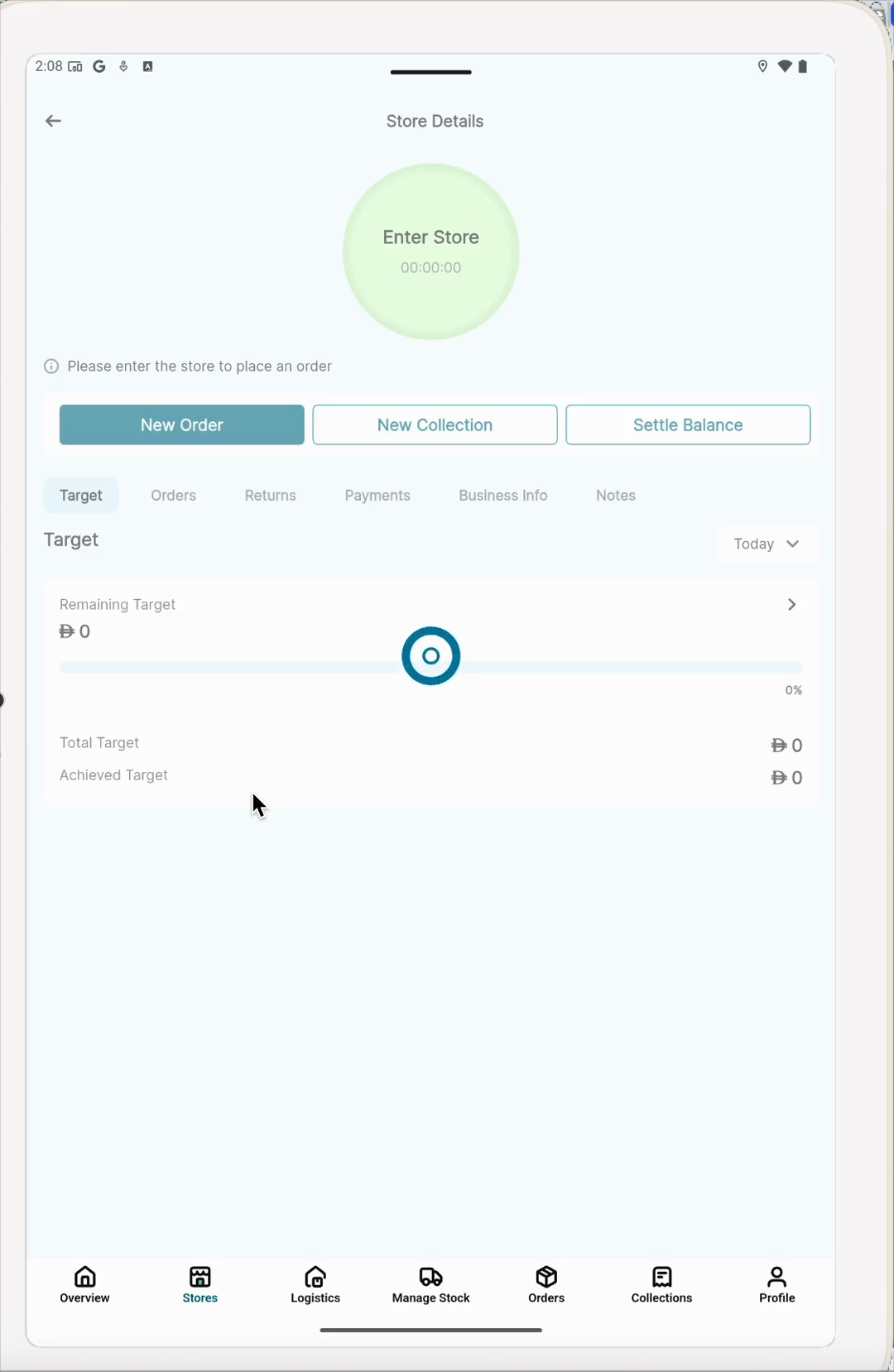
View Store Targets and Start a New Order
Learn how to access your store list, check your performance targets, and initiate a new order in the mobile app.
By Vinoth Subramanian
Made with Glitter AI
Reviewing a store's target limits and initiating a new order is quick and straightforward. Follow these steps to access your store list and monitor your sales goals.
Access Your Stores
1
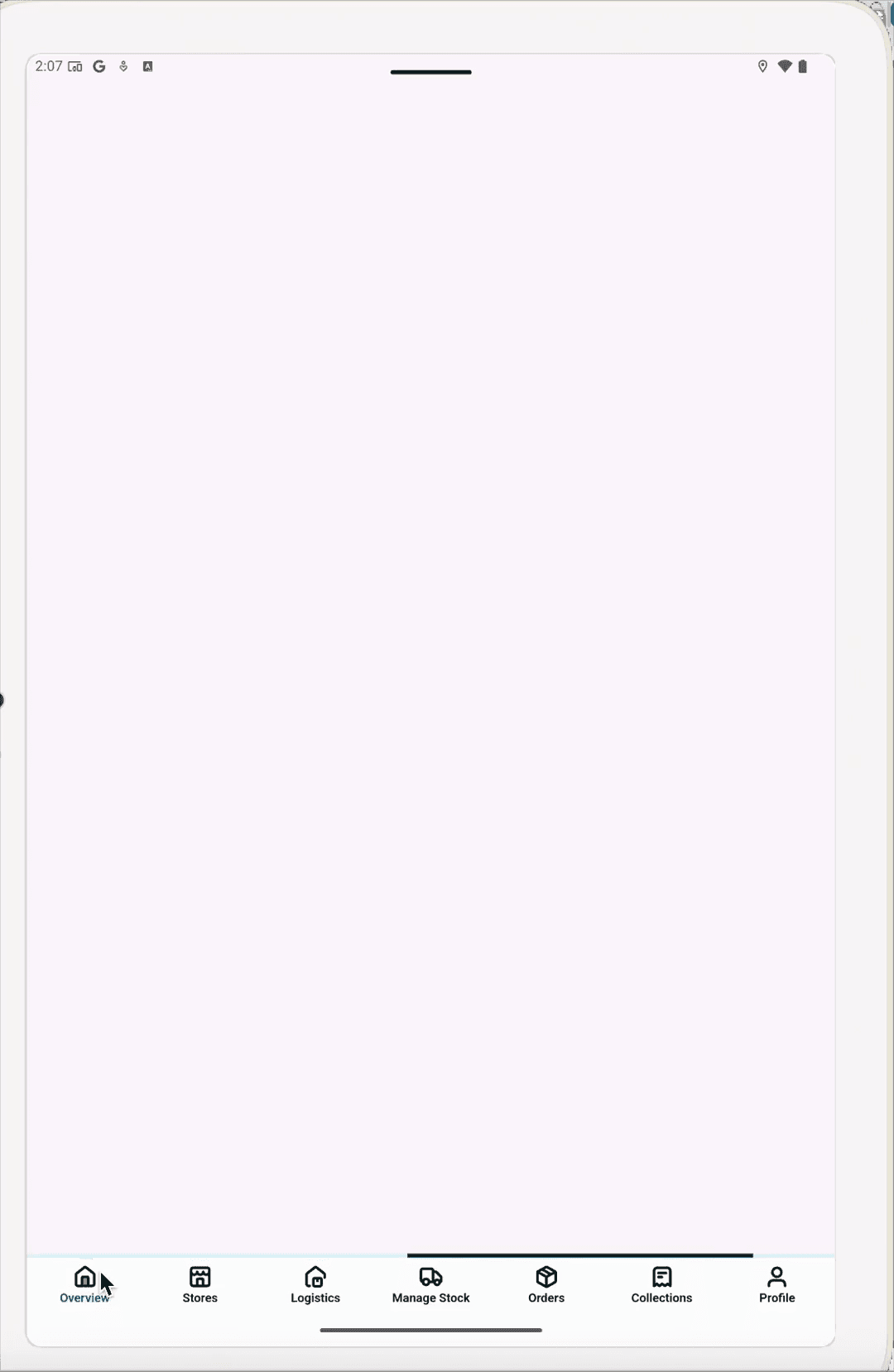
Tap Stores in the bottom navigation bar.
2
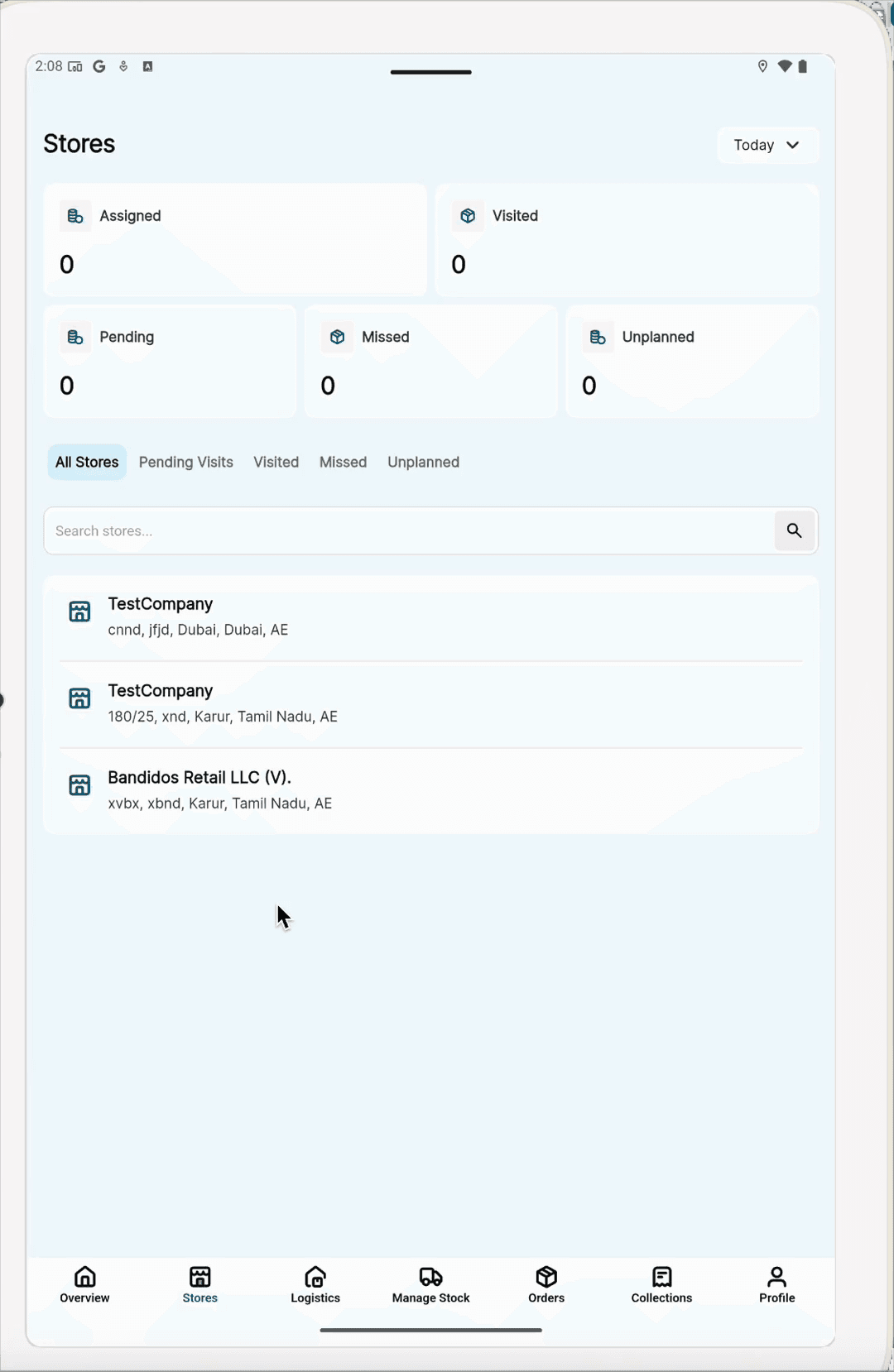
Select a store from the list.
Review Targets and Start an Order
Once on the Store Details screen, you can review current performance metrics before creating a new order.
3
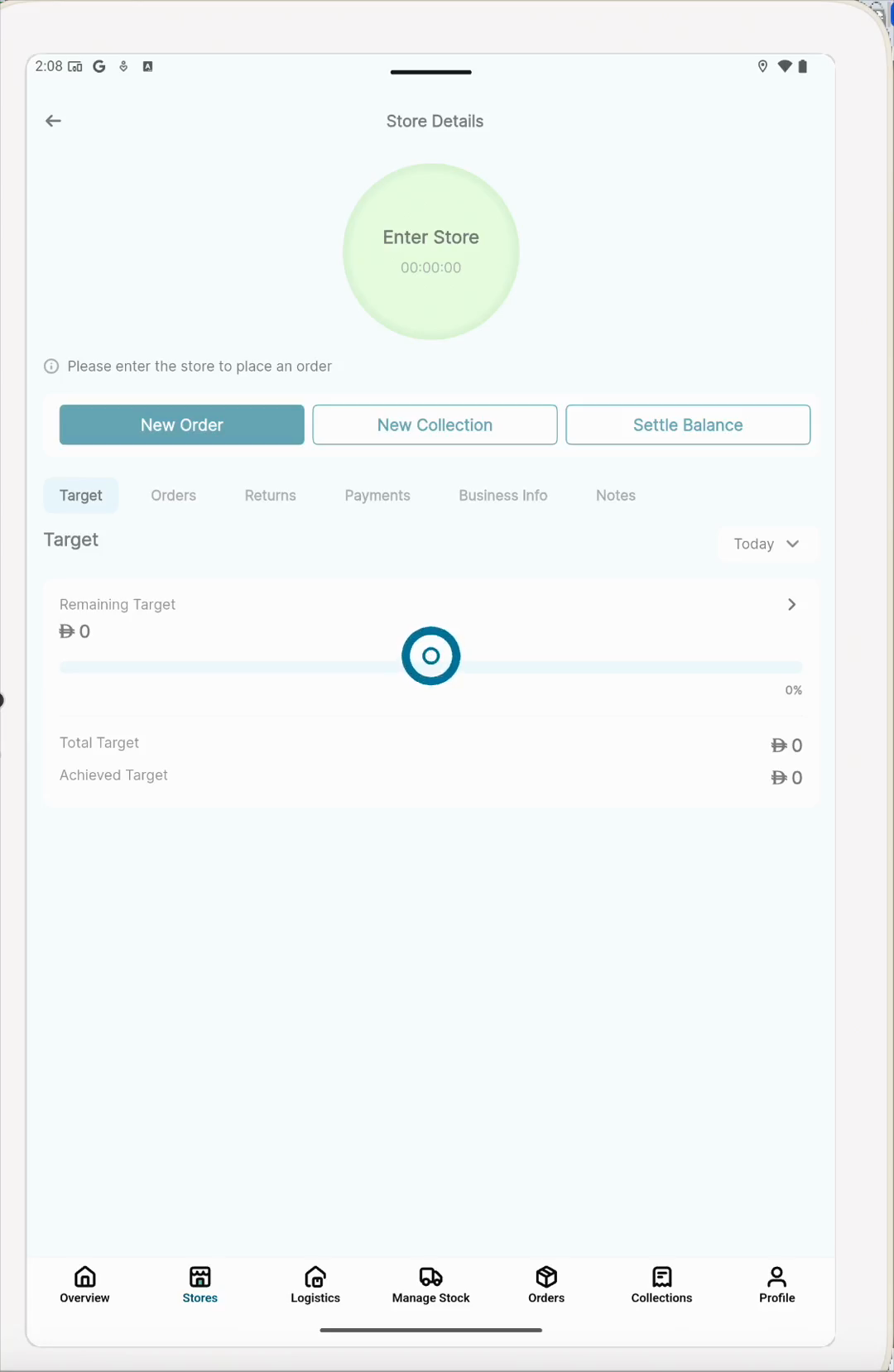
Locate the Target section under the Overview tab to see your remaining, total, and achieved targets.
4
Tap New Order to begin a transaction.