View a Student Learning Plan in PowerSchool
Learn how to access and view your child's student learning plan in the PowerSchool Parent Portal.
By Cindy Warner-Dobrowski
Access the Student Learning Plan
1
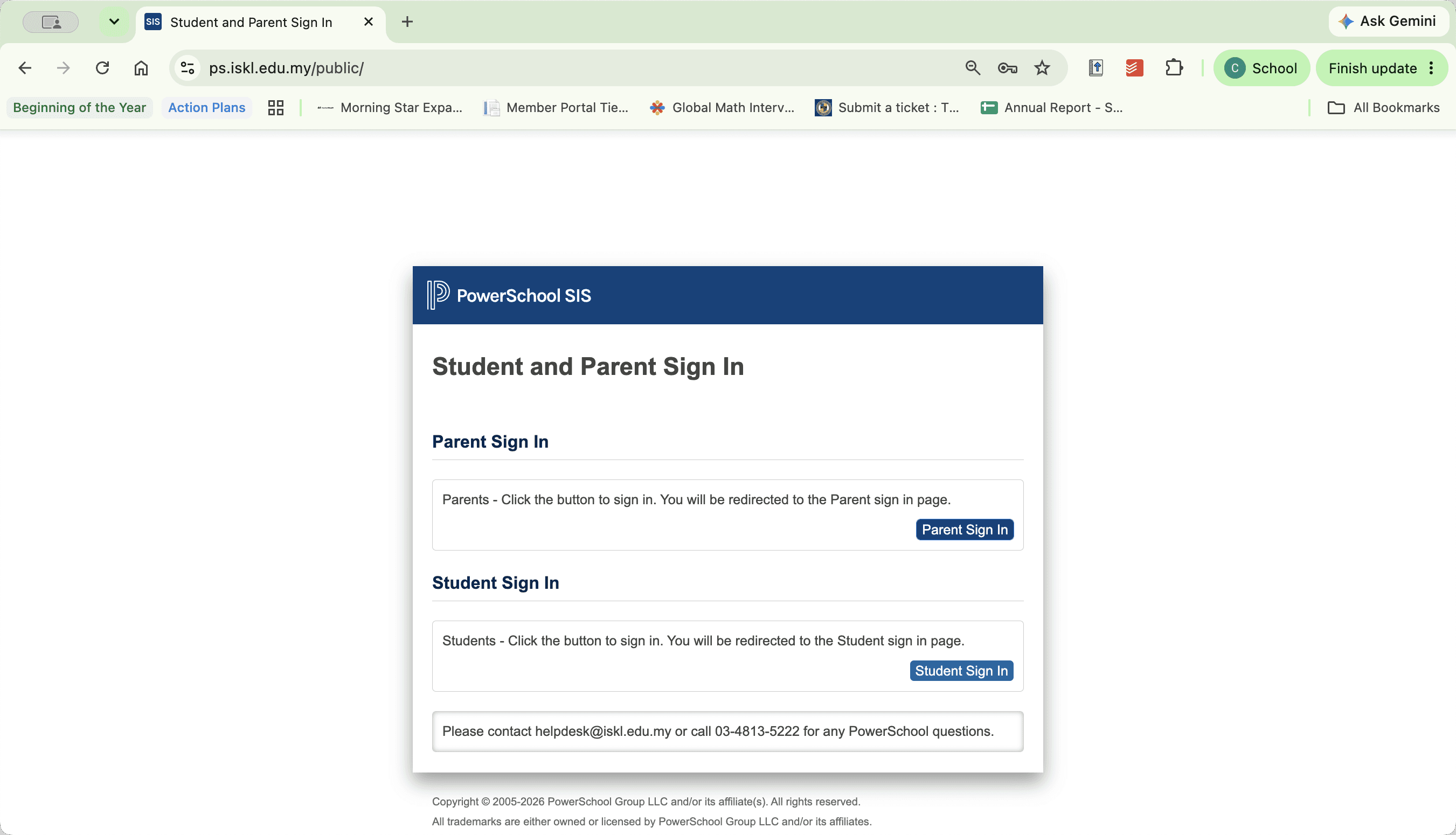
Go to https://ps.iskl.edu.my/ and click Parent Sign In in the Student and Parent Sign In window.
2
Click the tab for your child along the top bar.
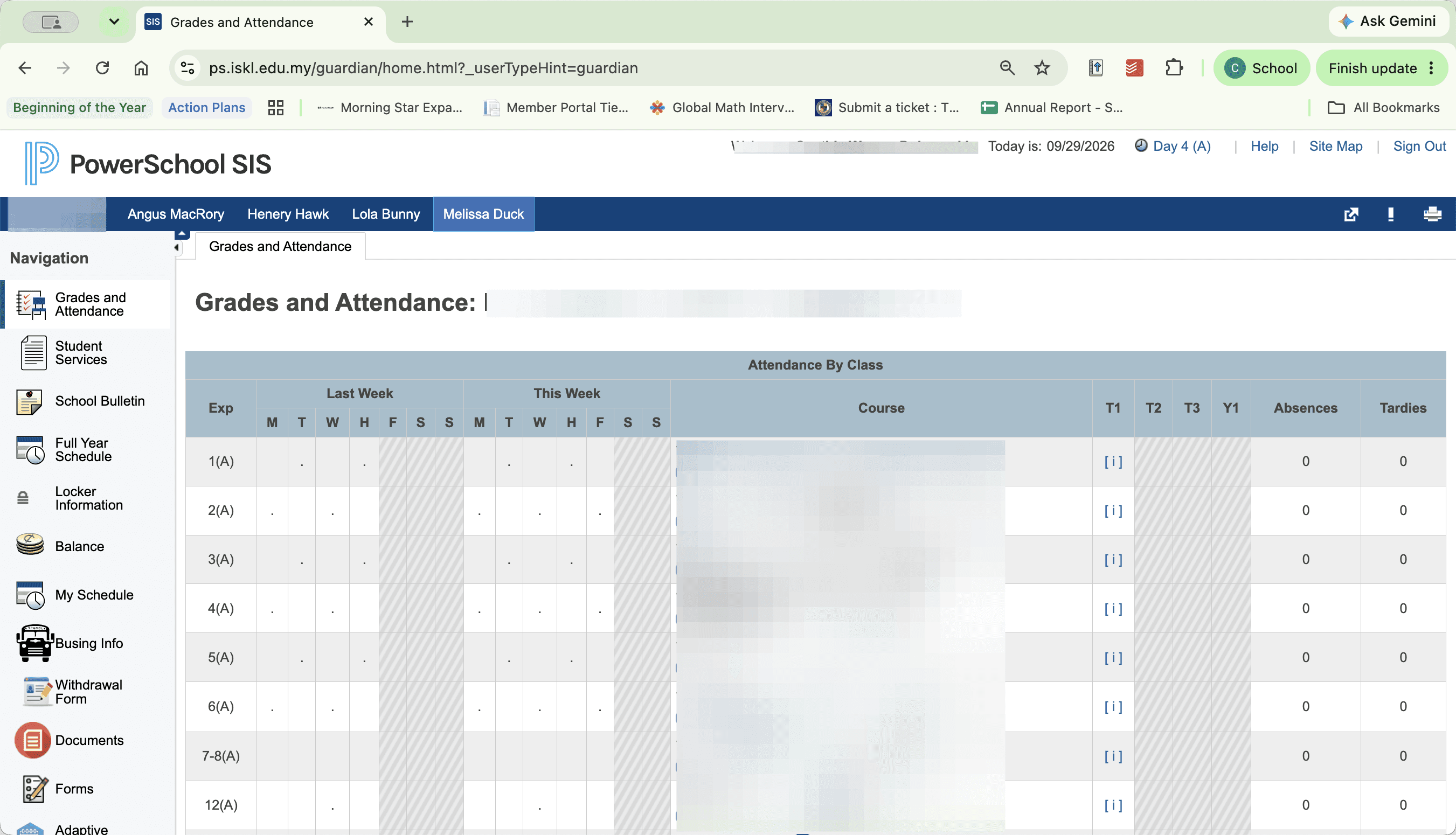
Select the student whose plan you need to review if multiple children are linked to your account.
3
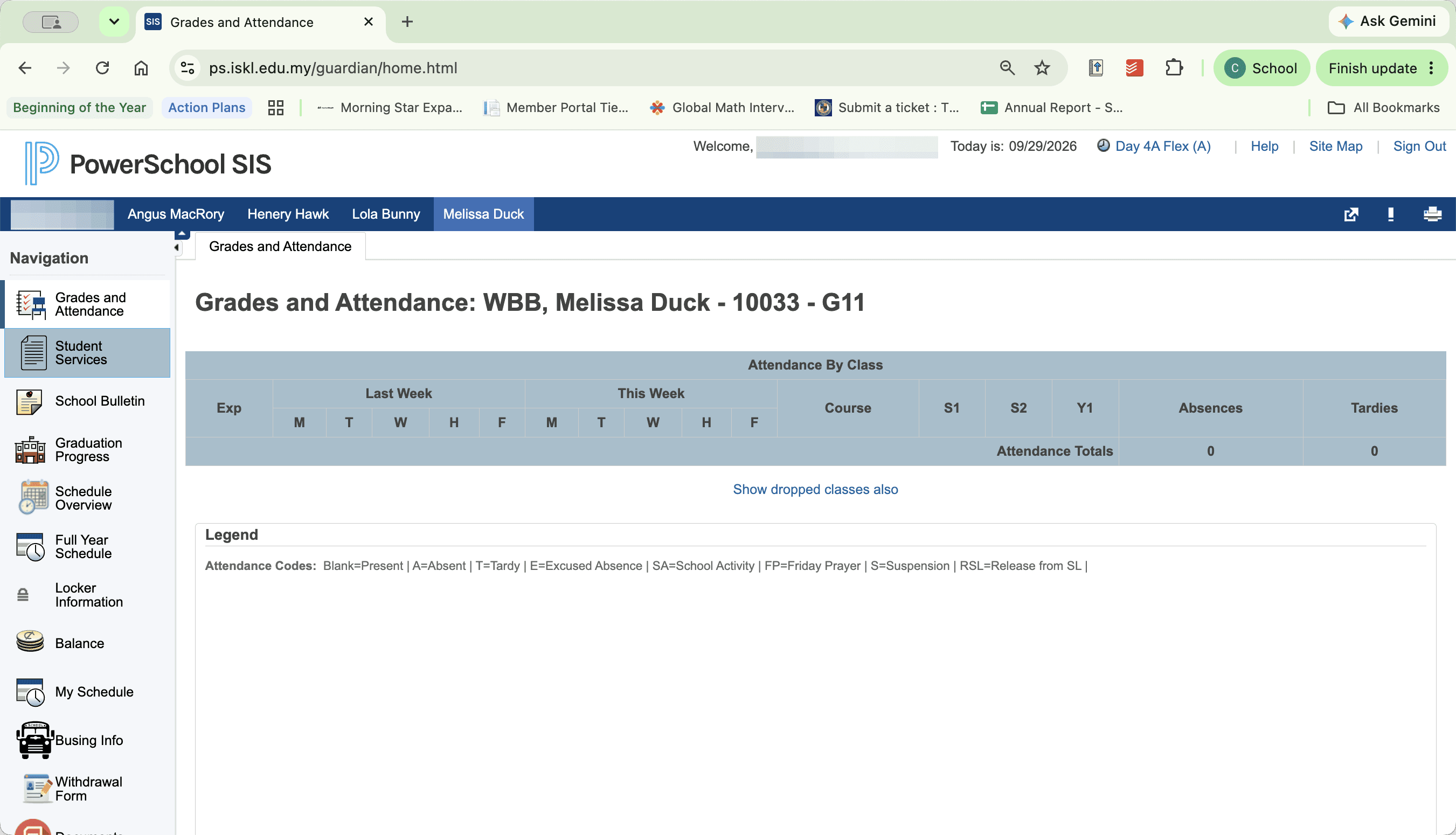
Click Student Services in the navigation panel.
4
Click View Plan in the student services table.
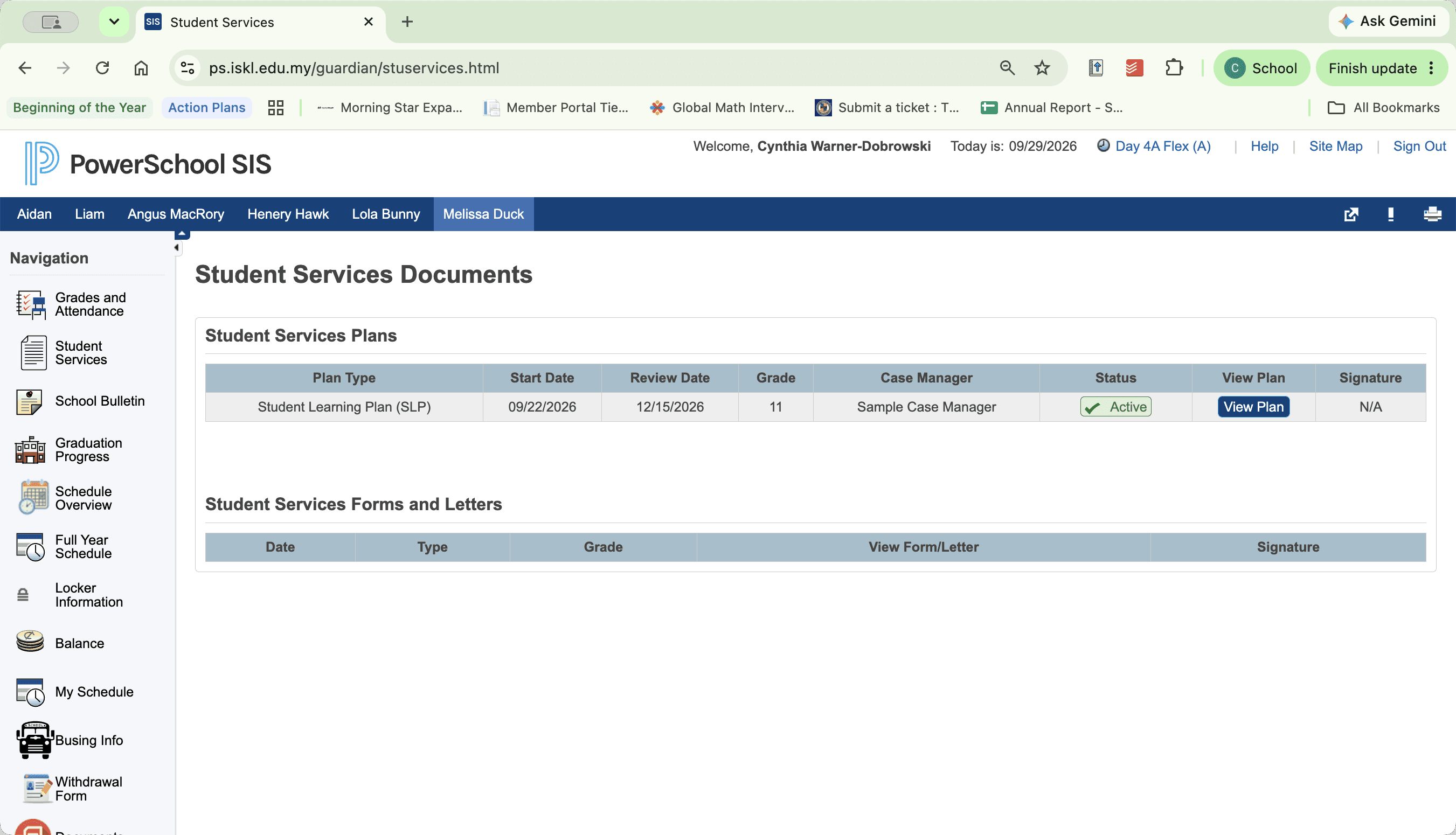
This opens the student's learning plan for viewing.