
The following post is an (organized) transcript of a talk I gave at Google for Startups Israel and DatA-IL Innovation community.
Want the slides? Jump to downloads.
Introduction and a Confession
So today, I’ve come to talk about how I replaced 20 employees with AI (sort of).
I’ll introduce myself in a moment, but before I begin, I have a confession:

I tried to cheat on this presentation.
About two weeks ago, when the charming Talia and Ron from Data-IL reached out to me and said, “Come give a talk,” they sent me some content to share on socials.
So I wrote a post on LinkedIn about what I was going to say in the presentation, and I saw that it got some engagement, so I took the content of that post, threw it into ChatGPT, and wrote:
“Based on everything you know about me and Glitter AI, write this presentation for me.”
And it really did think about it and gave me back an outline.
The only problem with it was:
It was really bad.
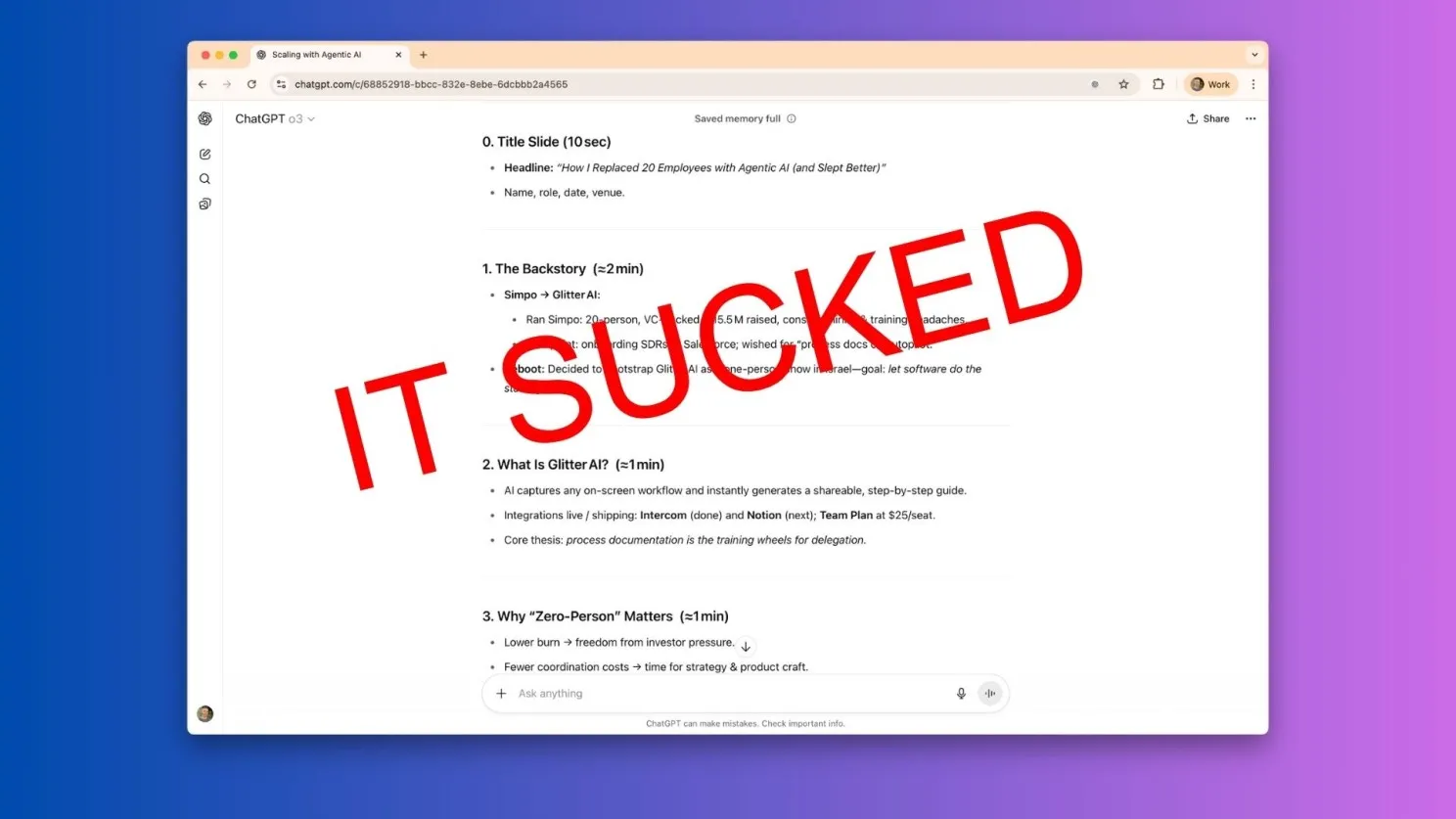
So today you won’t be hearing a presentation generated by AI, but we will talk about what ChatGPT and other models can do really well. You’ll see that later on.
As we can see, AI can’t automate everything yet, but it can do a lot, especially if you know how to ask. And today, among other things, we’ll talk about how to ask.
Background: About Me and Glitter AI
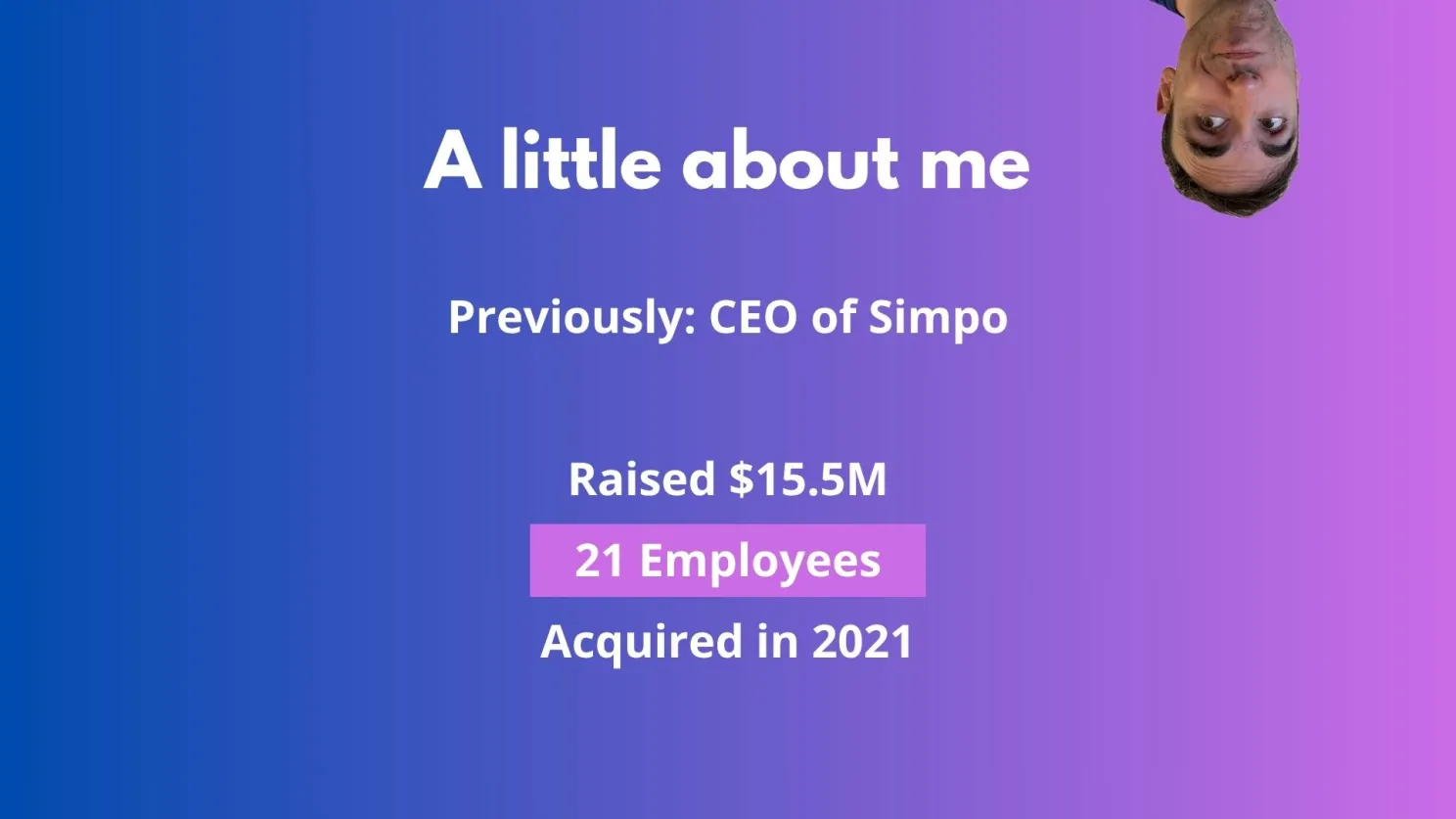
So, a little bit of background about me. I’m Yuval. Previously, I founded Simpo, where we raised $15.5 million, grew to 21 employees, and were acquired in 2021.
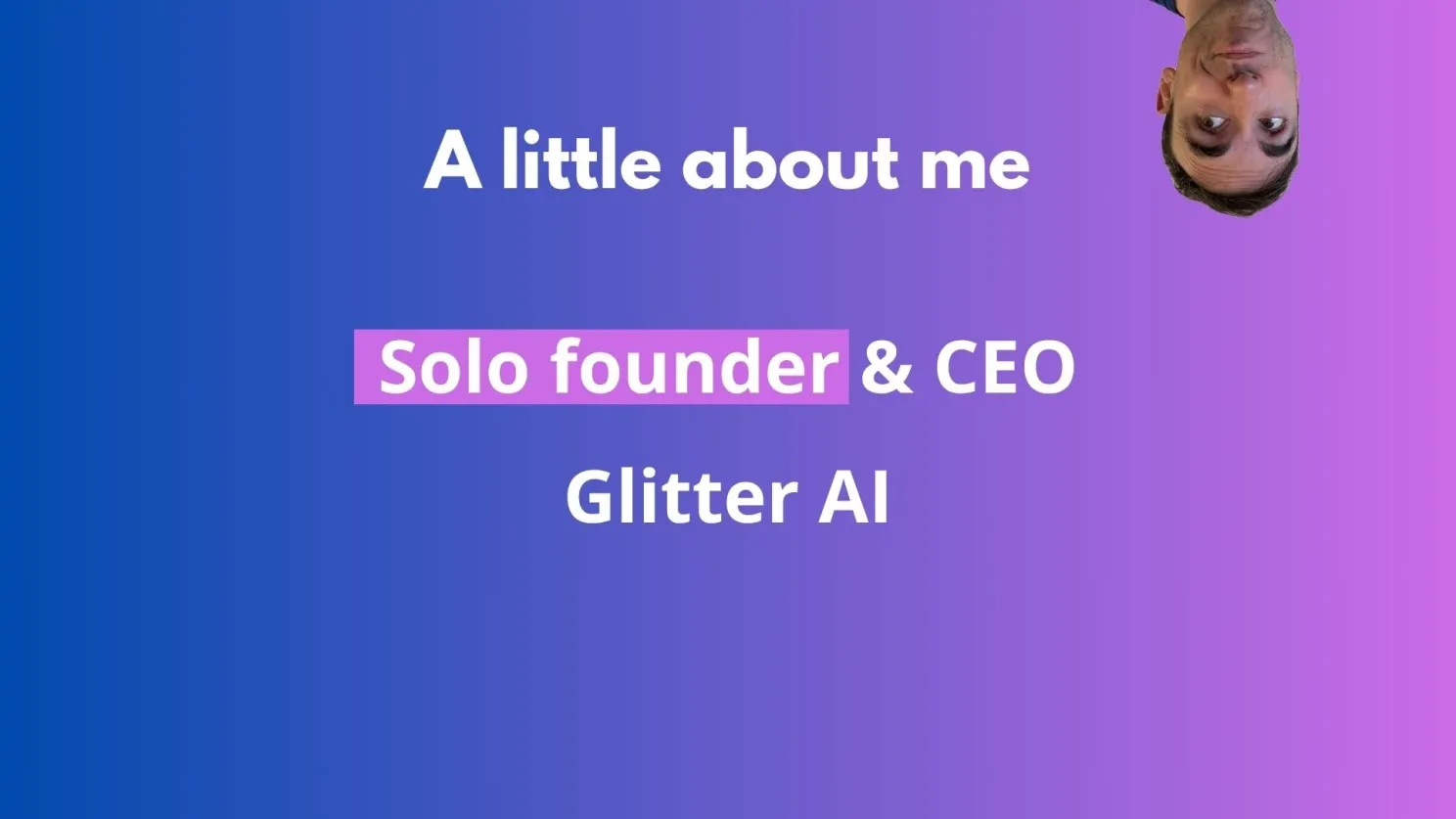
Today, I’m the sole founder of Glitter AI.
I’ve raised $0 (intentionally), and the company has 0 employees (besides me), which only works if you embrace the lean, ship-it-early thinking I unpack in the MVP myth.
What is Glitter AI?
Glitter AI is a product that can turn any process you do on your computer into a step-by-step guide, or SOP (Standard Operating Procedure).
You just perform the task, and every click you make becomes a screenshot, and everything you say becomes text that accompanies the screenshots. It’s great for transferring organizational knowledge and sharing documentation for free, and it’s a bootstrapped alternative to Scribe, which is an older, VC-funded company. The product is currently used by thousands of companies worldwide.
How Do You Do This Alone? (and an Important Disclaimer)
The question is, how do you do something like this - a product in production with thousands of companies - completely alone?
So, a quick disclaimer before I get into it.
My recommendation: Don’t.
Don’t work alone. It’s much more fun to work in a team. Seriously, if I were to start a startup again today, I’d do it with a co-founder.
But if you’ve decided to ignore my advice anyway and you’re trying to do the work of 20 people as one person, that means you need to be 20 times more effective. So the question is, how?
The Solution: Agentic AI
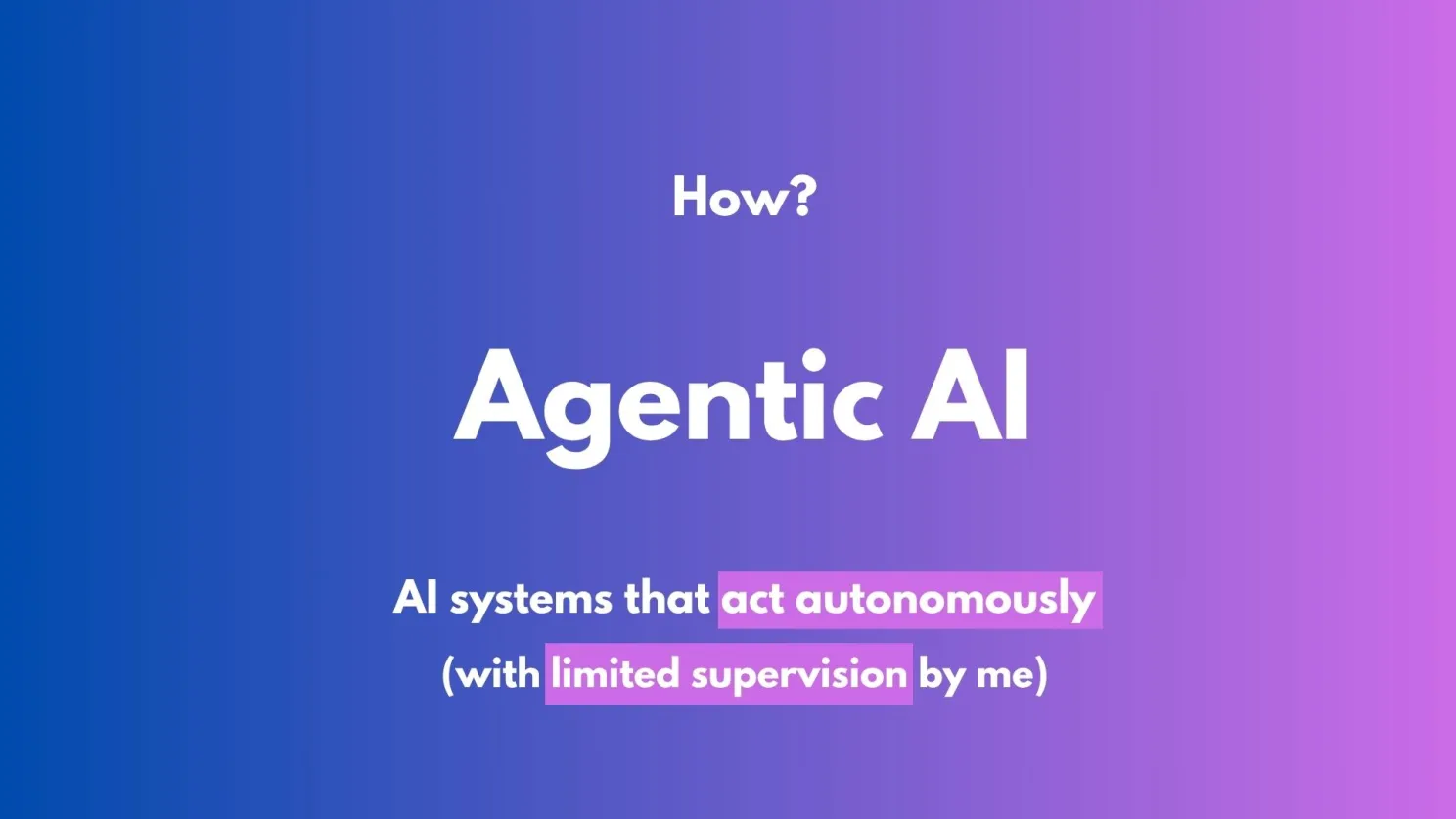
The answer is what we’ve all gathered here for today: Agentic AI.
What does that even mean? People have many different definitions, but my favorite one is: AI systems that can act on their own with very little supervision from me.
How do you build an AI Agent, technically?
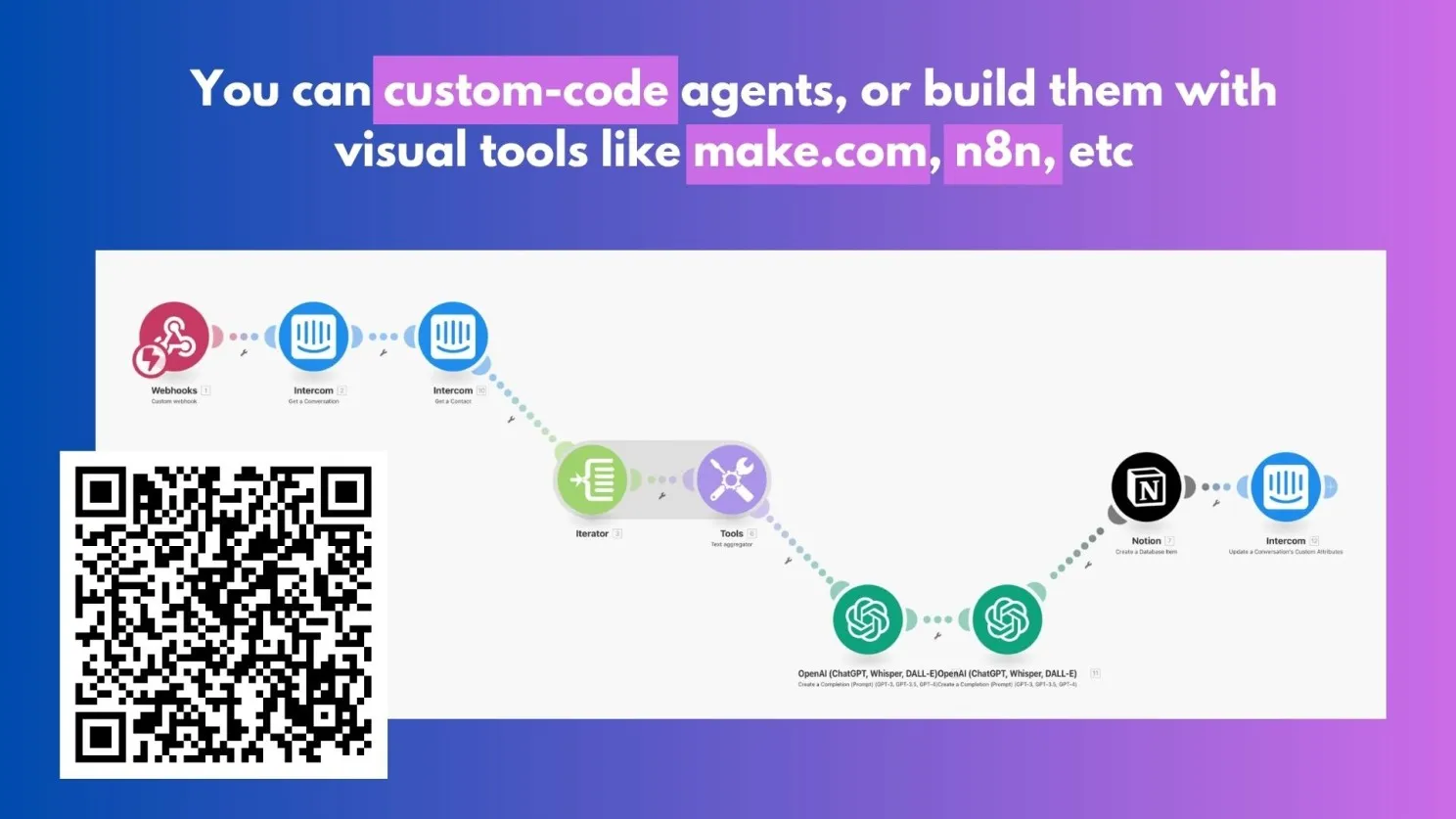
A link to the post that details how to build an agent with more technical details.
Unfortunately, we won’t be talking about that today, but if you’re interested, here’s a whole post I wrote on how I built an AI Agent. In that case, I used make.com, but you can build it with many different tools (like n8n or Zapier) or write custom code. I built the first version of the agent I’ll show today on make.com, and the second version I wrote in code.
So, how do you do the work of 20 people with Agentic AI?
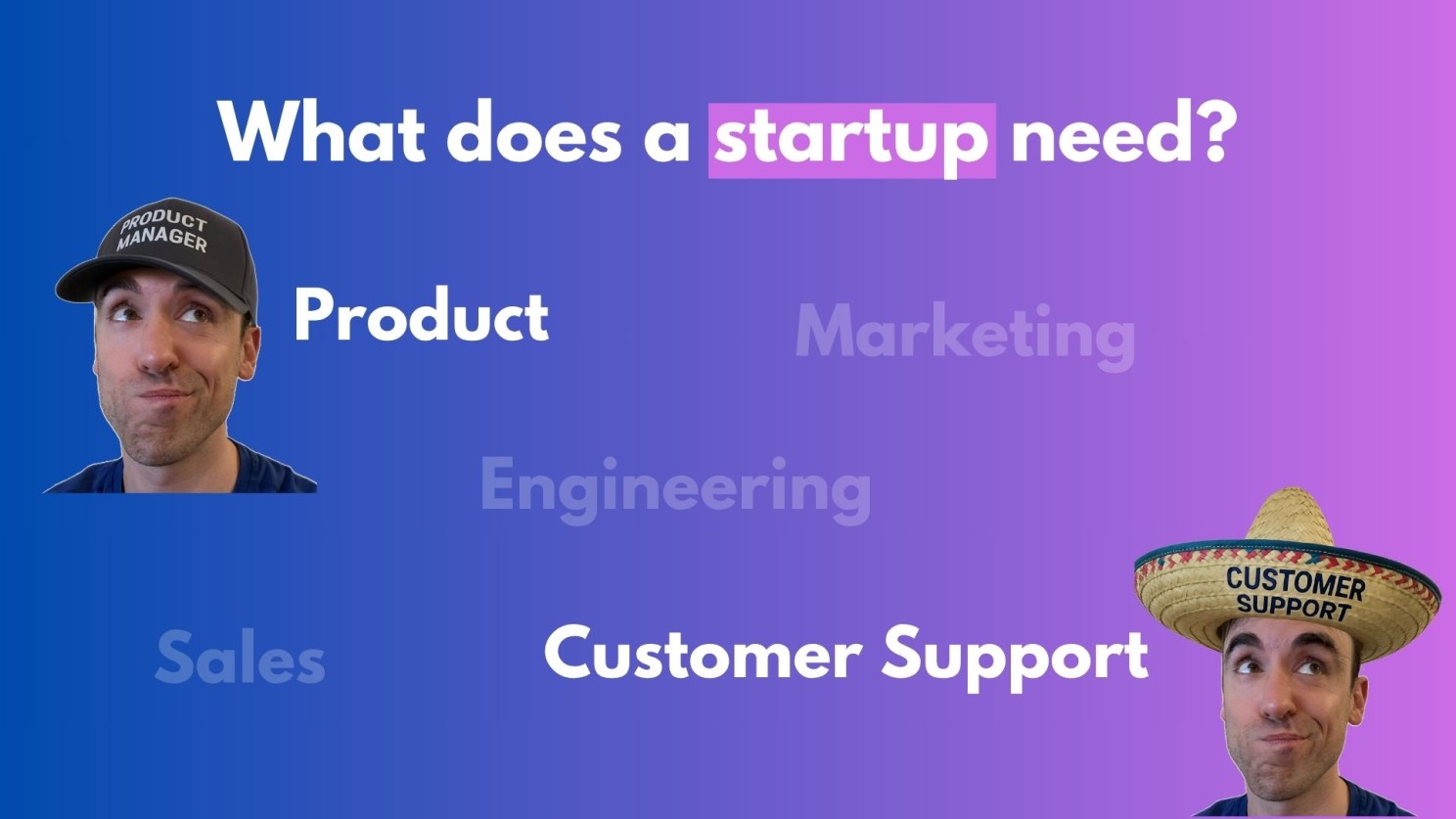
To answer that, we first need to define the problem. What does a startup need? Let’s think from first principles. A startup has many different departments: Product, Marketing, Engineering, Sales, Support, and so on.
In today’s presentation, we’ll focus on two hats I wear:
- The Product Manager Hat
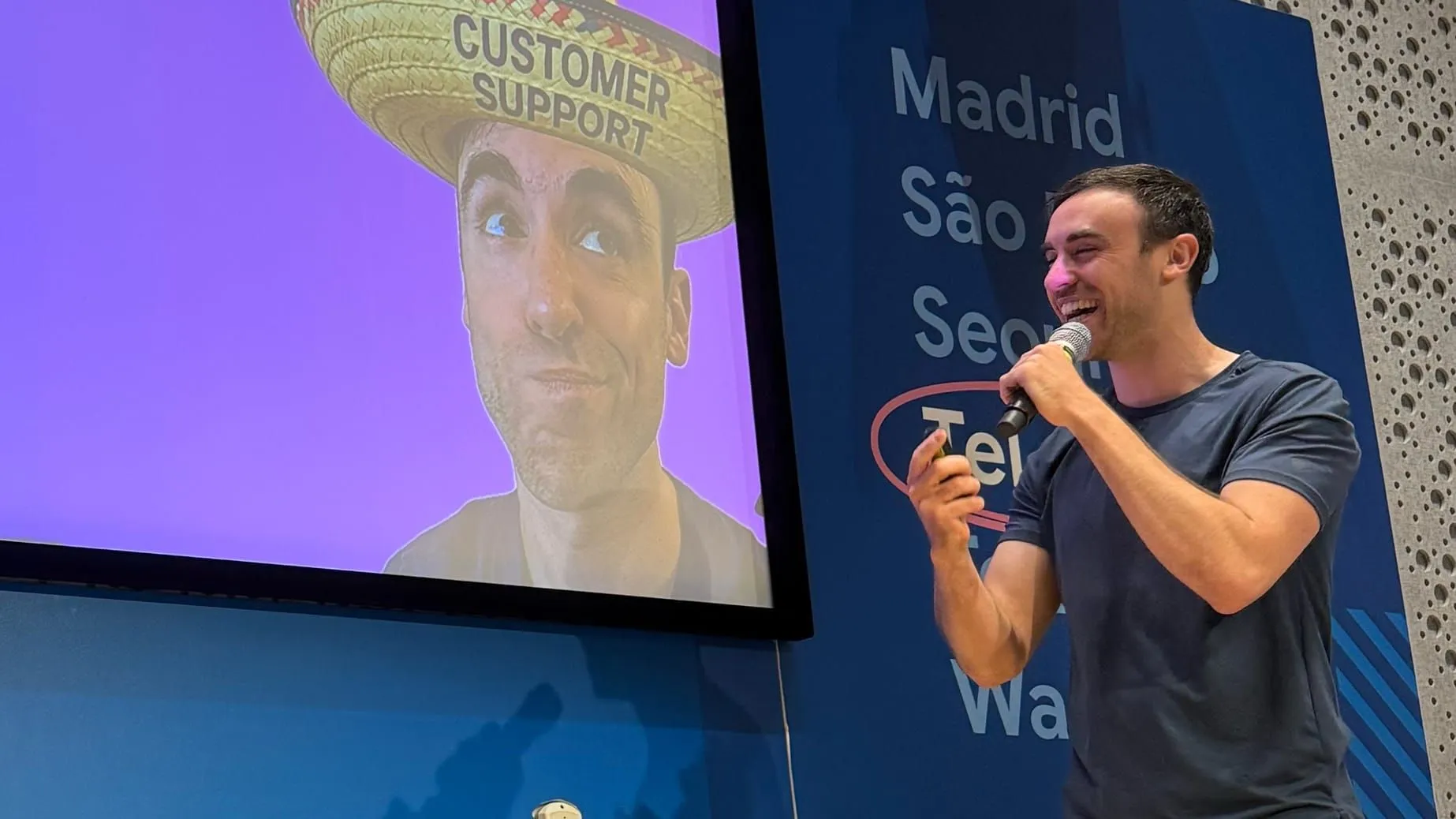
- The Customer Support “Sombrero”
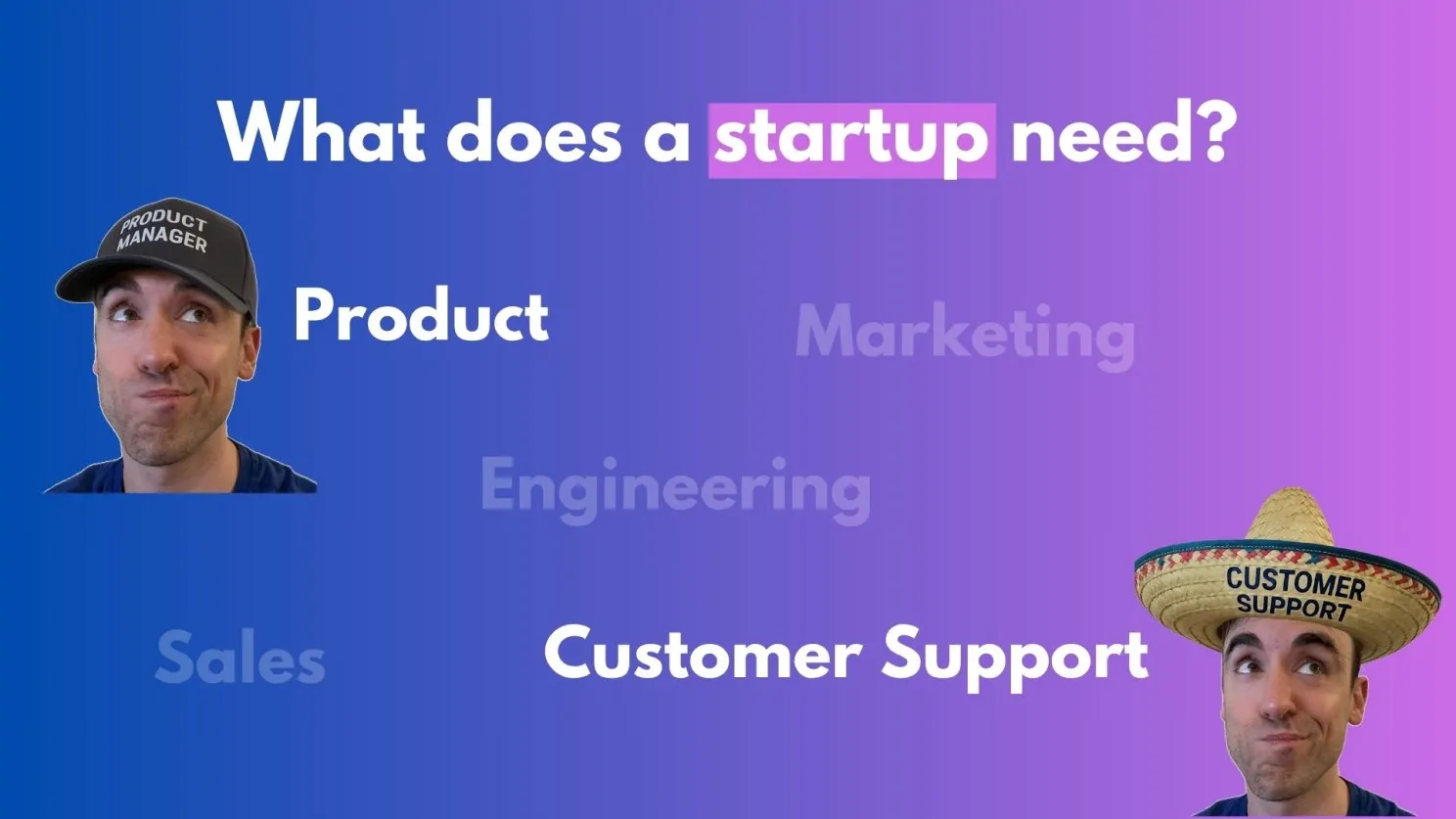
(By the way, something ChatGPT is good at is generating images. It created these pictures. Gemini is also really good at it.)
Hat #1: The Product Manager
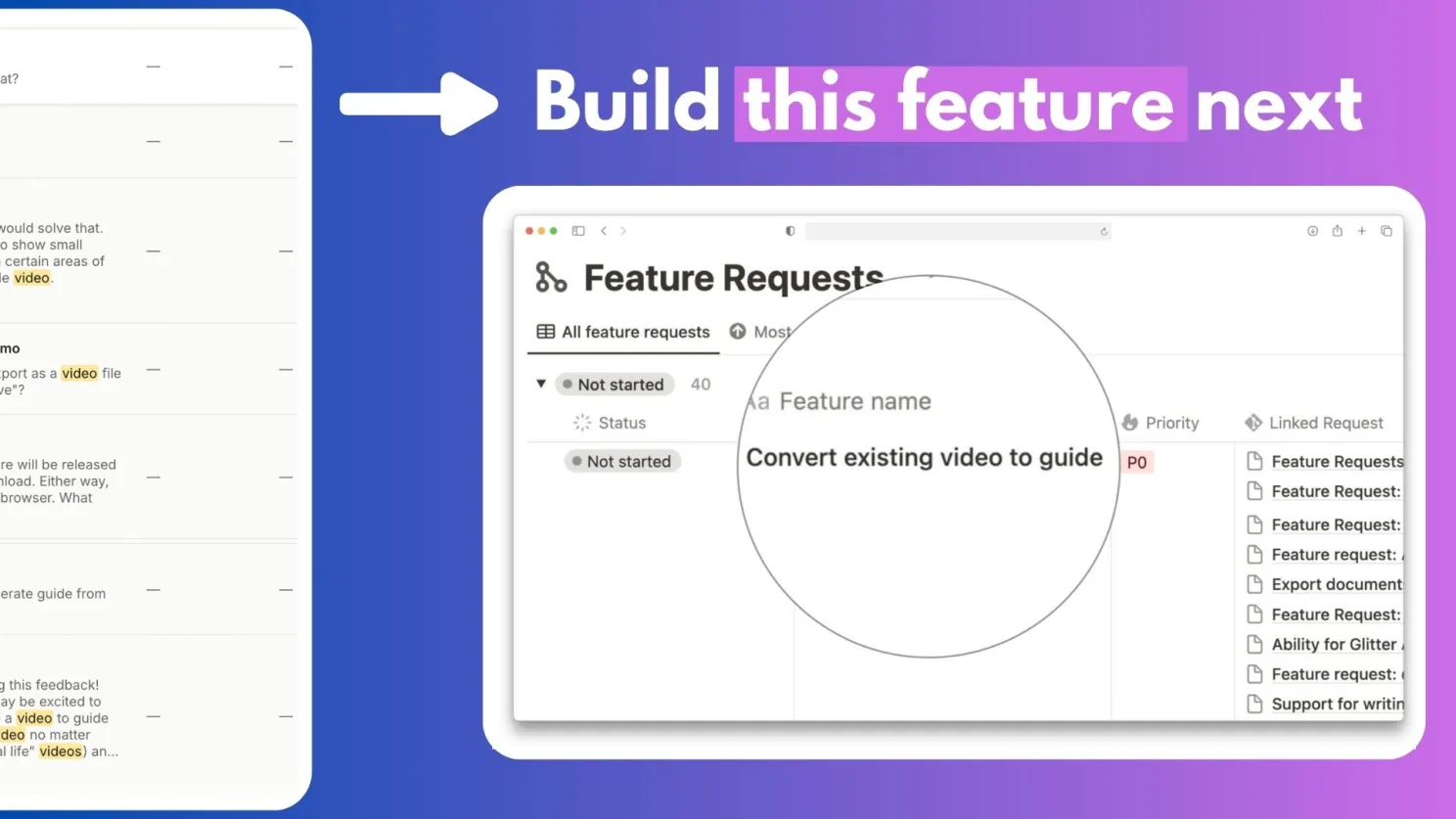
As a Product Manager, my central question is: What should I build?
I have thousands of data points coming from all sorts of customer tickets. Ultimately, I want the system to tell me: “Build this feature. This is the next feature you should build.”
The Process:
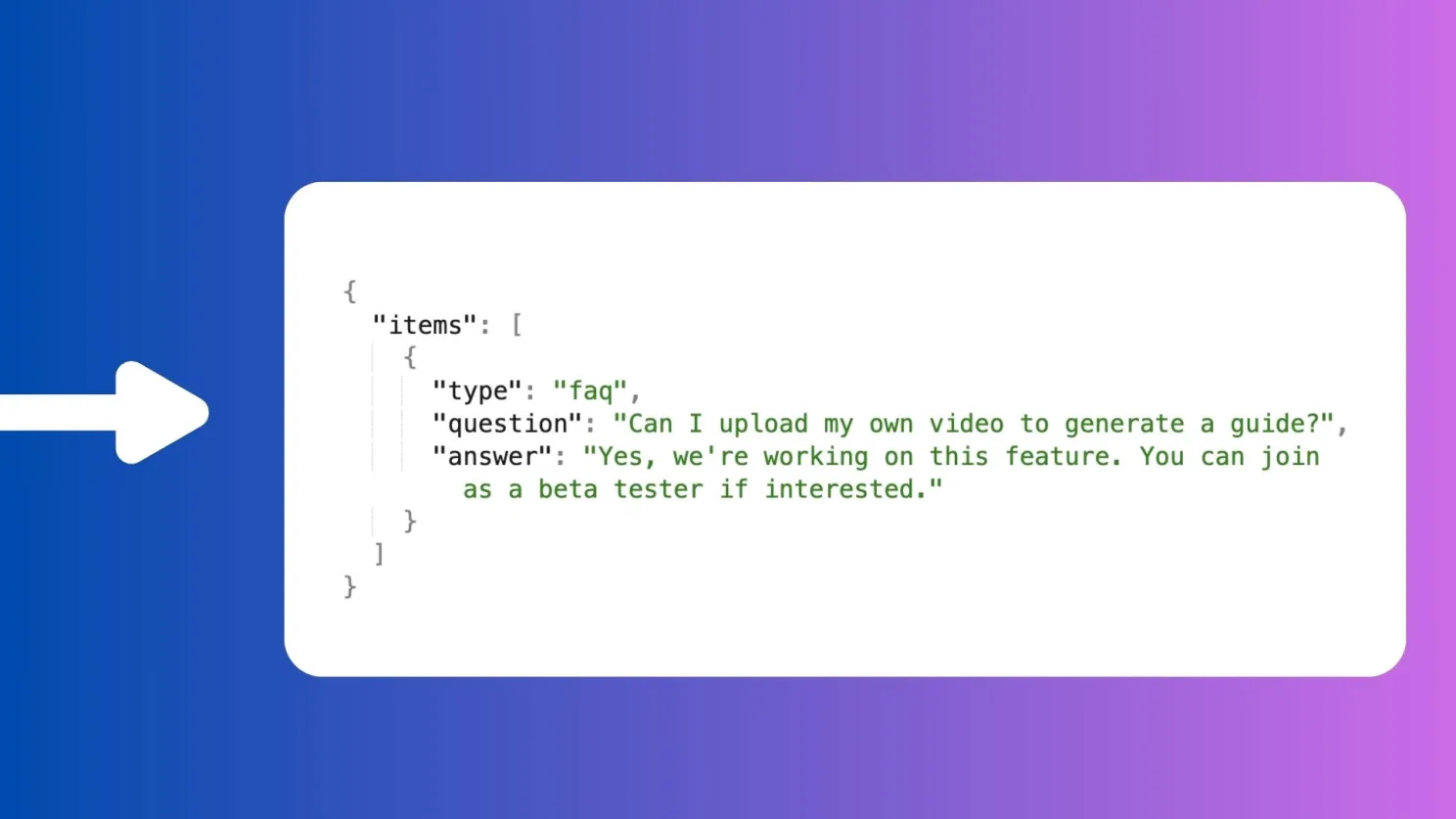
- Collecting Raw Data: I get feedback from customers via in-app chat, emails, WhatsApp, and calls. For example, a customer wrote: “Is it possible to upload a video of mine and then have it create a guide from the video? I don’t like that it doesn’t record the original video.”
- Turning Data into Structured Insights (JSON): I use AI to turn this unstructured conversation into structured data in JSON format. From the conversation with the customer, the AI extracted two things.
- Prioritization and Building: I throw all these insights into Notion, where I count how many times each feature request has appeared. This allows me to prioritize the most important features. The feature that ranks the highest is the one I build. And true story, I built this specific feature with the help of Gemini.
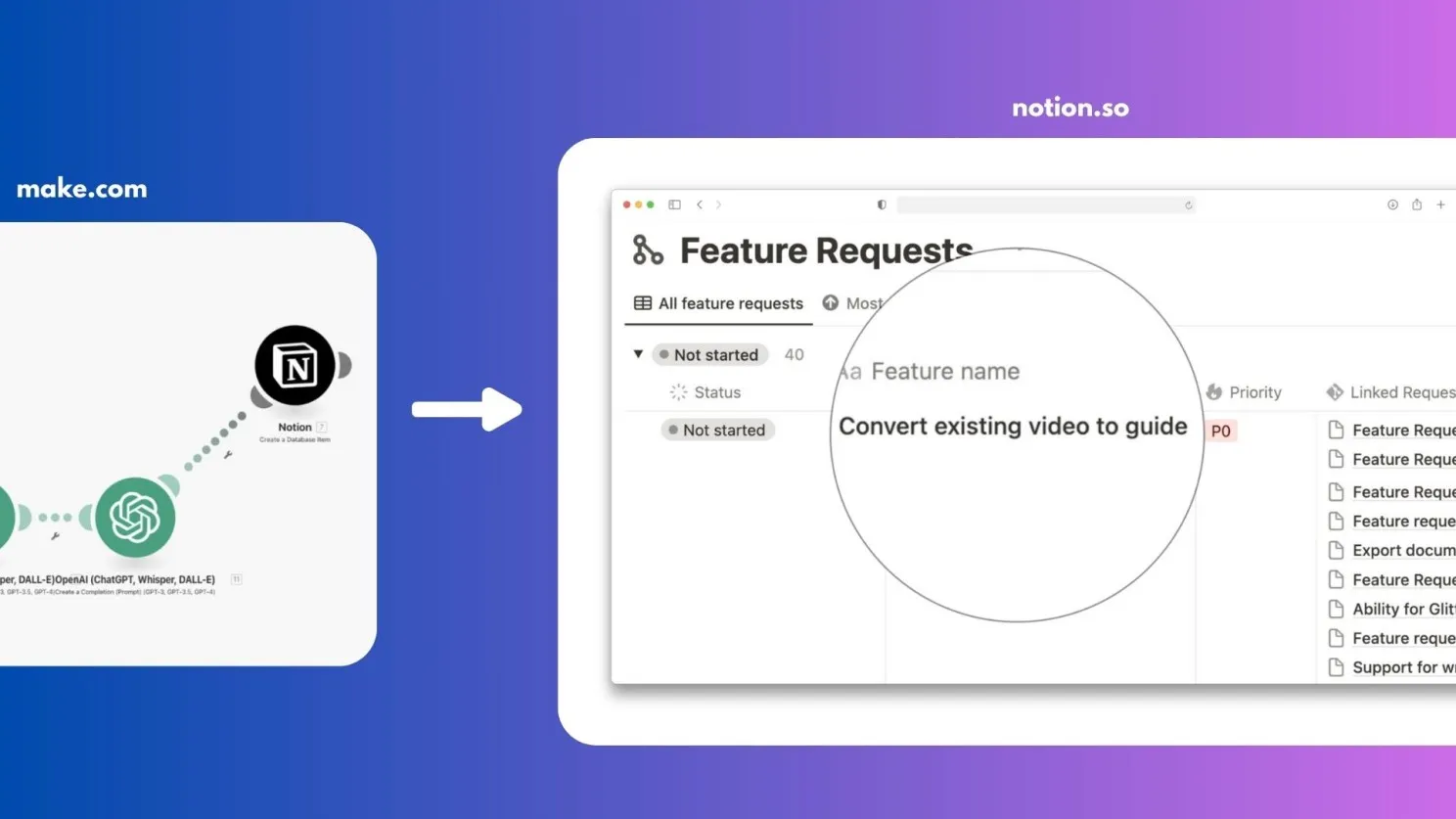
Today, thanks to this process, that feature exists in the product and it’s the key differentiator that wins me contracts.
Hat #2: The Support Person
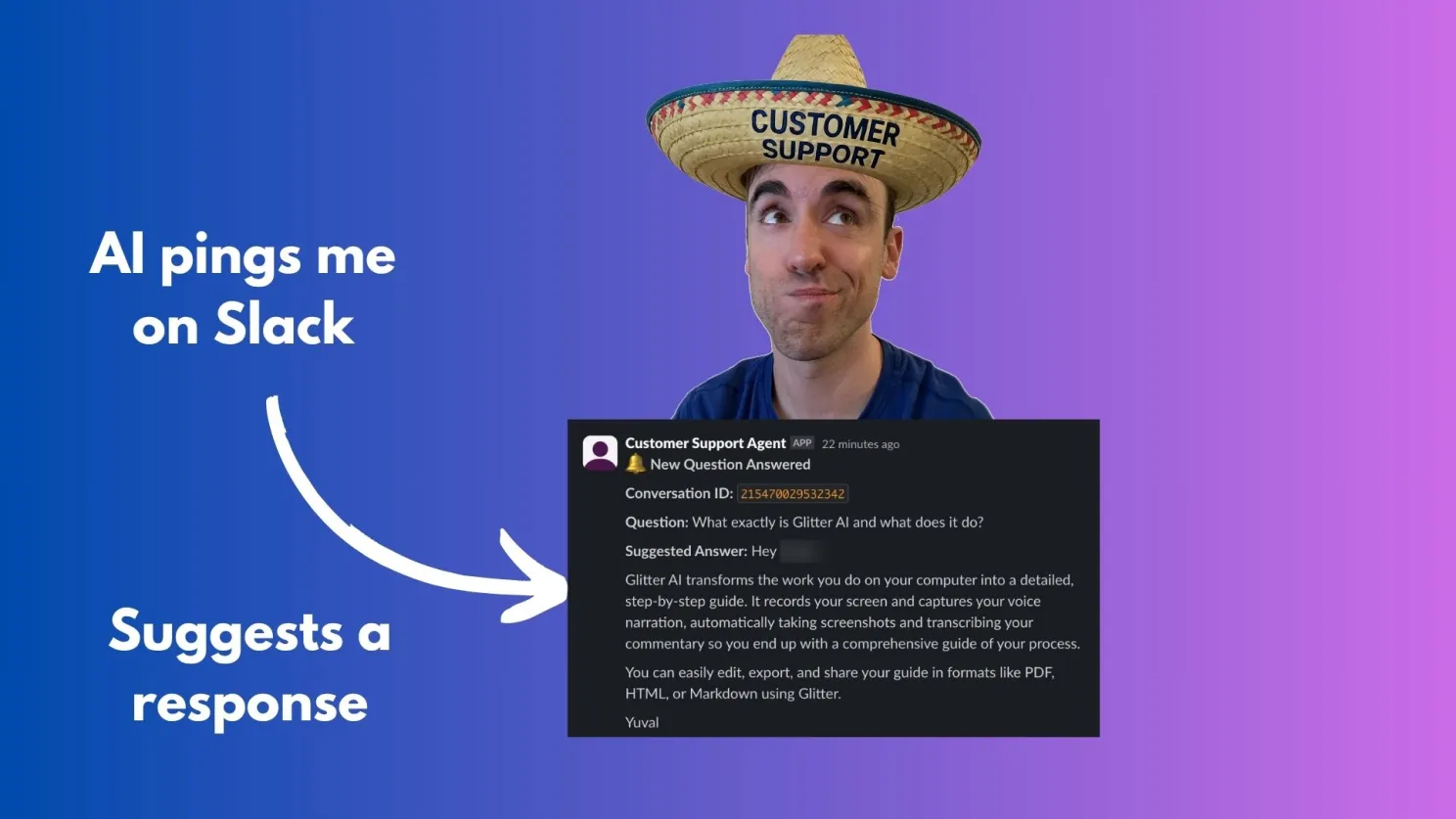
As a support person, my goal is to help customers 20 times faster, but with a very important caveat: Don’t replace me. I don’t want an agent that talks to the customer in my place. I believe the customer relationship is a company’s most important asset. It allows you to listen, investigate problems, upsell, and understand use cases. The human touch is critical.
The Process (Human-in-the-Loop):
- A customer sends a question: For example, “How do I create a guide?”
- The AI drafts a response: Based on a Knowledge Base (a huge text file with all previous questions and answers), the AI drafts a response and sends it to me as a suggestion in Slack.
- I provide feedback (Human-in-the-Loop): I can either approve the answer or give the AI instructions for changes. For example, I might write: “Tell them about the new video-to-guide functionality.”
- The AI modifies the response: The AI updates the answer according to my feedback.
- I approve it for sending: I write, “Yeah, send it.”
- The AI sends the final answer to the customer.
Behind the Scenes of the Agent:
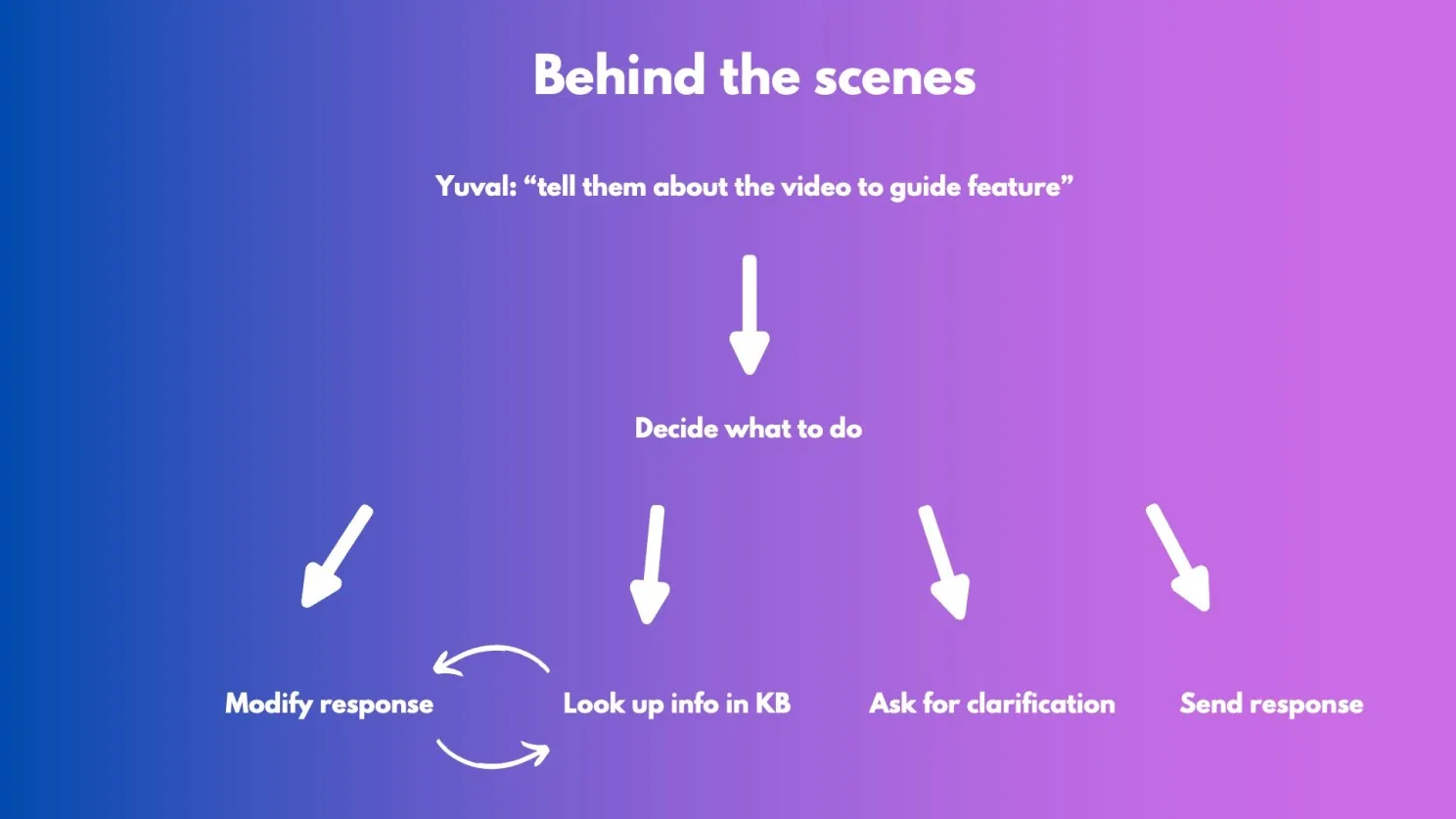
The Agent has to decide what to do based on my feedback. If I told it, “Tell them about a feature,” it needs to:
- Lookup information: Search for information about that feature in the Knowledge Base.
- Modify the response: Change the original answer.
- Send: Send the updated response.
If I had written something unclear (like “how now brown cow”), it would have understood that it needed to ask for clarification.
The Result:
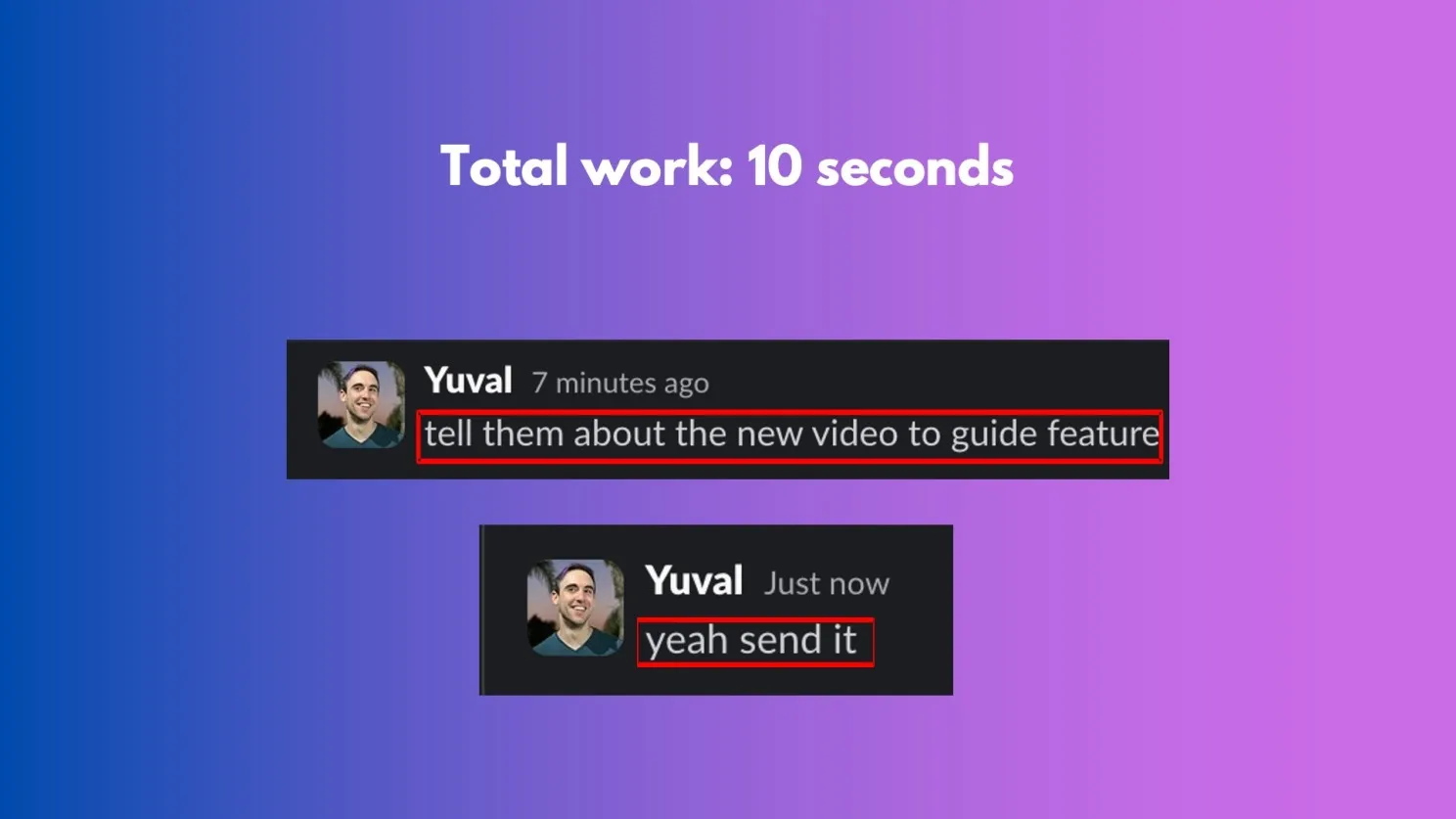
This entire process took me 10 seconds of work. That’s all I had to write to the agent. It went, found the information, drafted, and edited. There’s a huge mental uplift here, and the ability to scale this without needing to train additional employees.
Frequently Asked Questions
Can one person really replace 20 employees using AI?
Yes, but with an important caveat: you're not replacing people, you're automating specific tasks within traditional roles. In my case, I built AI agents that handle product prioritization by analyzing thousands of customer feedback messages and drafting customer support responses while keeping me in the loop for approval. The key is identifying repetitive, data-intensive tasks that AI excels at, like converting unstructured feedback into structured insights or drafting responses based on a knowledge base.
How do you prioritize product features using AI?
I use a three-step process: First, I collect raw customer feedback from in-app chat, emails, WhatsApp, and calls. Second, AI converts these unstructured conversations into structured JSON data, extracting specific feature requests from each interaction. Third, all insights go into a Notion database where I count how many times each feature request appears, and the feature that ranks highest becomes my next build priority. This data-driven approach has led to building features that became key differentiators for winning contracts.
What is human-in-the-loop AI for customer support?
It's a workflow where AI drafts customer support responses but a human reviews and approves them before sending. When a customer asks a question, the AI uses a knowledge base to draft a response and sends it to me in Slack for review. I can approve it immediately, give feedback for modifications, or ask the AI to include additional information. The AI then revises the response based on my input, and I give final approval before it's sent. This approach takes about 10 seconds of actual work per ticket while maintaining the human touch that's critical for customer relationships.
Why convert customer feedback to JSON format instead of keeping it as text?
Structured JSON data dramatically improves AI accuracy and efficiency. When data is unstructured, AI has to spend computational resources understanding natural language variations, which increases the chance of confusion. JSON format allows AI to easily analyze, compare, and aggregate insights across thousands of messages. For example, it can recognize that "I want to upload videos" and "video upload feature" are the same request despite different wording, which is essential for accurate feature prioritization.
What tools can you use to build AI agents?
You have several options depending on your technical comfort level. No-code platforms like make.com, Zapier, and n8n are great starting points because they're simpler and don't require programming knowledge. For more control and customization, you can write custom code using AI APIs directly. I started with make.com for its simplicity, then moved to custom code for my second version once I understood the workflow better. The choice depends on your specific use case and technical background.
Downloads
How I Replaced 20 Employees with AI - Slide Deck
The complete slide deck from my Google for Startups talk. Covers Agentic AI basics, AI-powered product prioritization using Notion, and human-in-the-loop customer support workflows.
View Slides