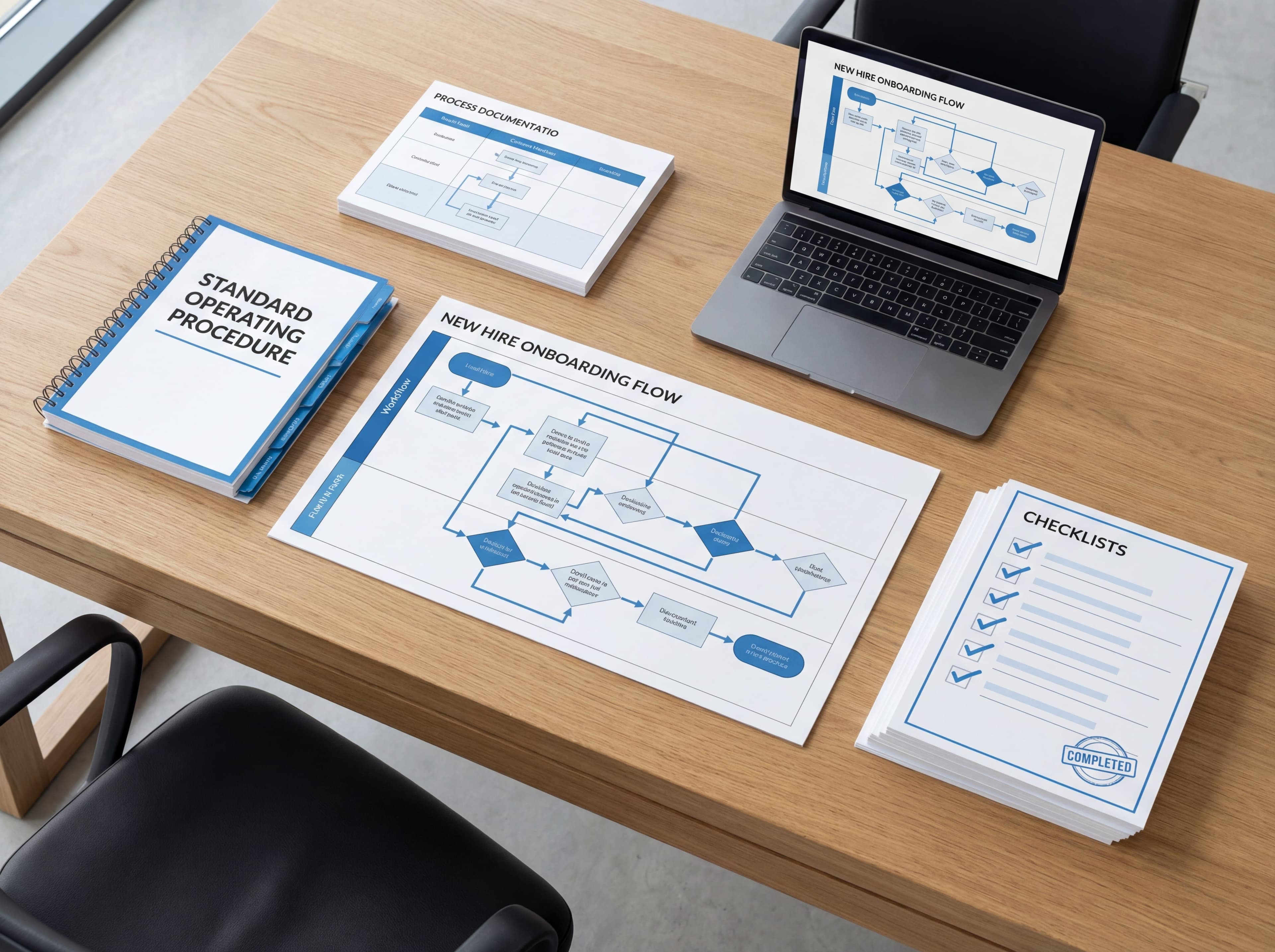
Process Documentation Templates [With Free Downloads]
Download free process documentation templates and learn how to use them effectively. Includes SOP templates, workflow templates, and checklist templates.

Read summarized version with
Templates can be tricky.
They save time and keep things consistent, sure. But I've watched teams burn hours trying to wrestle their documentation into a rigid template format when they could have just... documented the process.
The trick is picking templates that actually help instead of getting in the way. I've spent years documenting processes, messing up more than I'd like to admit, and eventually figuring out what actually works.
I'm Yuval, founder of Glitter AI. Here's what I've learned about process documentation templates, along with some free ones you can grab and use right now.
Why Bother with Process Documentation Templates?
Before getting into specific templates, let's talk about why they're worth using in the first place.
Consistency
When your whole team uses the same format, finding information gets a lot easier. People know exactly where to look because everything follows the same structure.
Speed
Templates kill that "staring at a blank page" feeling. You're not deciding how to organize things from scratch. Just fill in the blanks.
Quality
A well-designed template has built-in prompts that nudge you to include what matters. You're less likely to forget something important.
Professionalism
Documentation that looks consistent and polished reflects well on your team. It shows you actually care about how things get done.
Types of Process Documentation Templates
Different jobs need different formats. Here's a rundown of the main types:
Standard Operating Procedure (SOP) Template
SOP templates are formal documents for tasks that need to happen the same way every time. You'll see them a lot in compliance, safety, and quality-controlled work.
Key sections:
- Title and document ID
- Purpose/objective
- Scope
- Responsibilities
- Prerequisites
- Step-by-step procedure
- Troubleshooting/exceptions
- Related documents
- Revision history
For more on SOPs, check out my guide on how to create SOPs that actually get used.
Work Instruction Template
Work instruction templates go deeper than SOPs, zeroing in on a single specific task. Think of them as the close-up shot.
Key sections:
- Task name
- Required tools/materials
- Safety considerations
- Detailed steps with visuals
- Quality checkpoints
- Common mistakes to avoid
Process Map Template
Process maps show workflows visually. They make it clear how tasks connect and where work gets passed from one person to another.
Key elements:
- Start and end points
- Decision diamonds
- Action rectangles
- Arrows showing flow
- Swim lanes for different roles
Checklist Template
Checklists are straightforward, quick-reference docs. They work great for routine tasks where you mainly need to make sure nothing slips through the cracks.
Key sections:
- Task name
- Checkbox items
- Notes field for exceptions
- Completion signature/date
Training Manual Template
Training manuals pull together multiple related procedures into one guide. Unlike reference docs, they're organized to help someone learn.
Key sections:
- Learning objectives
- Prerequisites
- Lessons/modules
- Practice exercises
- Assessment questions
- Quick reference guide
Free Process Documentation Templates
Here are some templates you can start using right away. I've kept them simple on purpose because simple templates are the ones that actually get used.
Basic SOP Template
STANDARD OPERATING PROCEDURE

Title: [Clear, specific task name]
Document ID: [SOP-XXX]
Version: [X.X]
Effective Date: [Date]
Owner: [Name]

PURPOSE
[One paragraph explaining why this SOP exists]

SCOPE
This SOP applies to: [Who uses this, what situations]
This SOP does NOT cover: [Exceptions, related but separate processes]

PREREQUISITES
Before starting, ensure you have:
- [ ] [Required access, tools, information]
- [ ] [Additional prerequisites]

PROCEDURE

Step 1: [Action verb] [specific instruction]
[Screenshot or visual if applicable]
Note: [Any important context or warning]

Step 2: [Action verb] [specific instruction]
[Screenshot or visual if applicable]

[Continue for all steps]

TROUBLESHOOTING

Problem: [Common issue]
Solution: [How to fix it]

Problem: [Another common issue]
Solution: [How to fix it]

RELATED DOCUMENTS
- [Link to related SOP]
- [Link to reference material]

REVISION HISTORY
| Version | Date | Changes | Author |
|---------|------|---------|--------|
| 1.0 | [Date] | Initial release | [Name] |
Simple Checklist Template
CHECKLIST: [Task Name]

Date: _________ Completed by: _________

BEFORE STARTING
□ [Prerequisite 1]
□ [Prerequisite 2]

MAIN TASKS
□ [Task 1]
□ [Task 2]
□ [Task 3]
□ [Task 4]

VERIFICATION
□ [Check 1]
□ [Check 2]

NOTES
_________________________________
_________________________________

Signature: _________ Date: _________
Process Overview Template
PROCESS: [Process Name]

OVERVIEW
What: [Brief description of what this process accomplishes]
Why: [Why this process matters]
When: [When/how often this process is performed]
Who: [Roles involved]

PROCESS FLOW
[Start] → [Step 1] → [Step 2] → [Decision?]
                                    ↓ Yes → [Step 3a]
                                    ↓ No → [Step 3b]
                              → [End]

KEY STEPS

1. [Step name]
   Owner: [Role]
   Description: [What happens]
   Output: [What's produced]

2. [Step name]
   Owner: [Role]
   Description: [What happens]
   Output: [What's produced]

[Continue for major steps]

HANDOFFS
From [Role A] to [Role B]: [What gets handed off, how]

METRICS
- [How success is measured]
- [Key performance indicators]

RELATED DOCUMENTATION
- [Link to detailed SOPs for specific steps]
Best Practices for Using Templates
Having templates is one thing. Getting real value from them is another.
Customize for Your Organization
Think of these templates as starting points. Tweak them to match your company's terminology, needs, and how your team actually works.
If nobody ever fills out a particular section, get rid of it. If you keep needing to add the same info, build it in.
Keep Templates Simple
The more elaborate your template, the less likely anyone will bother with it. Fight the temptation to add every field you can think of.
A template that gets used at 80% effectiveness is way better than a "perfect" one that sits untouched.
Store Templates Somewhere Easy to Find
Put your templates in an obvious spot. If people have to dig through nested folders or ask around, they'll just create something from scratch.
Train People on How to Use Them
Don't just drop templates in a shared folder and hope for the best. Walk through an example, answer questions, and remove any friction you can.
Review and Update Templates Regularly
Your organization changes over time, and your templates should too. Take a look at them at least once a year.
When Templates Fall Short
Here's the honest truth about templates: they still mean a lot of manual work.
You still have to:
- Write out every step yourself
- Take screenshots one by one
- Handle all the formatting
- Copy and paste everything into the template
For a single document, that's manageable. For dozens? It gets tedious fast.
This is exactly why I built Glitter AI. Instead of filling out templates, you just do the task while talking through what you're doing. Glitter captures your clicks as screenshots and turns your words into written instructions.
No templates to fill out. No manual screenshots. No formatting headaches.
You end up with documentation that looks polished and professional, but it takes minutes instead of hours.
Template Tips by Use Case
For Software Processes
- Add a screenshot for every single step
- Be specific about which buttons, menus, and fields to click
- Show what the screen should look like after each action
- Include troubleshooting for common error messages
For Physical Processes
- Use photos or diagrams whenever you can
- Put safety warnings where they can't be missed
- List required tools and materials at the top
- Build in quality checkpoints along the way
For Processes with Many Handoffs
- Make it crystal clear who does what
- Spell out exactly what gets passed along and how
- Include contact info for questions
- Note the expected timeline
For Compliance-Sensitive Processes
- Include document control info (ID, version, dates)
- Add formal approval signatures
- Reference the relevant regulations or policies
- Keep careful track of revision history
Frequently Asked Questions
What is a process documentation template?
A process documentation template is a pre-structured format that guides you through documenting how work gets done in your organization. It includes built-in prompts for essential information like step-by-step procedures, prerequisites, responsibilities, and troubleshooting tips. Templates eliminate the "blank page" problem and ensure consistency across your documentation, so everyone on your team knows exactly where to find the information they need. Common types include SOP templates for formal procedures, work instruction templates for specific tasks, checklist templates for routine work, and process map templates for visualizing workflows.
What should be included in an SOP template?
A comprehensive SOP template should include nine core sections: a title and document ID for tracking, a purpose statement explaining why the procedure exists, scope defining what's covered and what isn't, clear role responsibilities, prerequisites like required access or tools, detailed step-by-step procedures with screenshots, troubleshooting for common issues, links to related documents, and a revision history table tracking changes over time. For compliance-sensitive processes, you'll also want formal approval signatures and references to relevant regulations. The key is making each step specific enough that someone new to the task can follow along successfully without getting overwhelmed.
How do you create a process documentation template?
Start by identifying what type of template you need based on your use case - SOP for formal compliance processes, work instructions for hands-on tasks, or checklists for routine work. Keep the template simple by only including sections that will actually get filled out; elaborate templates tend to sit unused. Customize the language and structure to match how your team actually works, then store it somewhere obvious that people can access without digging through nested folders. Train your team on how to use it with a real example, and review the template at least once a year to make sure it still serves your needs as your organization evolves.
What is the difference between an SOP and a work instruction template?
SOP templates are formal, high-level documents that cover tasks needing to happen the same way every time, typically for compliance, safety, or quality-controlled work. They include broader context like scope, purpose, responsibilities, and related documentation. Work instruction templates go deeper and more granular, zeroing in on a single specific task with detailed steps, required tools and materials, safety considerations, quality checkpoints, and common mistakes to avoid. Think of SOPs as the wide-angle view of a process and work instructions as the close-up shot of one particular task within that process.
Should process documentation templates include screenshots?
Yes, especially for software processes where screenshots dramatically reduce the need for lengthy text explanations. The best practice is to include a screenshot for every single step in software documentation, showing exactly which buttons, menus, and fields to click, plus what the screen should look like after each action. For physical processes, photos or diagrams serve the same purpose - they make instructions immediately clear and reduce ambiguity. Visuals help documentation stay detailed enough for someone new to follow along successfully without becoming overwhelming to read, which is the balance every good template needs to strike.
Getting Started
Here's a quick action plan:
- Grab the templates from above
- Customize them for how your organization works
- Put them somewhere your team can easily find
- Show your team how to use them
- Create your first document using one of the templates
- Get feedback and keep improving
Or, if you'd rather skip the whole template thing, give Glitter AI a try. Your first 10 guides are free, and you might find you don't need templates at all.
Download Free Templates
Get started with these free process documentation templates:
SOP Template
Free SOP template in Word format. Includes ready-to-fill sections for purpose, scope, responsibilities, safety precautions, step-by-step procedures, and quality control. Perfect for compliance and process standardization.
Download SOP Template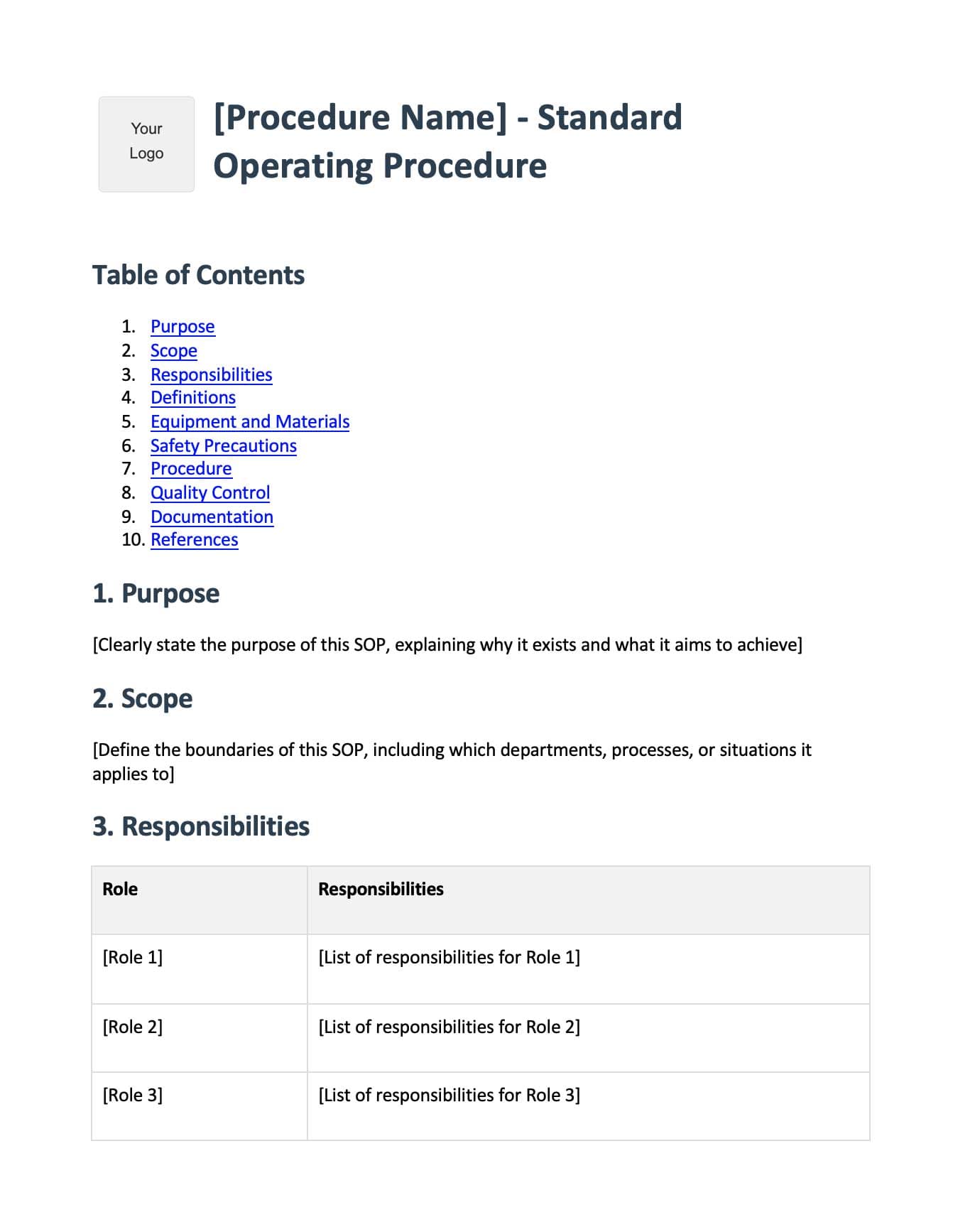
Employee Onboarding Template
Free employee onboarding checklist template in Word format. Covers pre-boarding, first day procedures, first week activities, training schedules, company policies, and key contacts. Get new hires up to speed faster.
Download Onboarding Template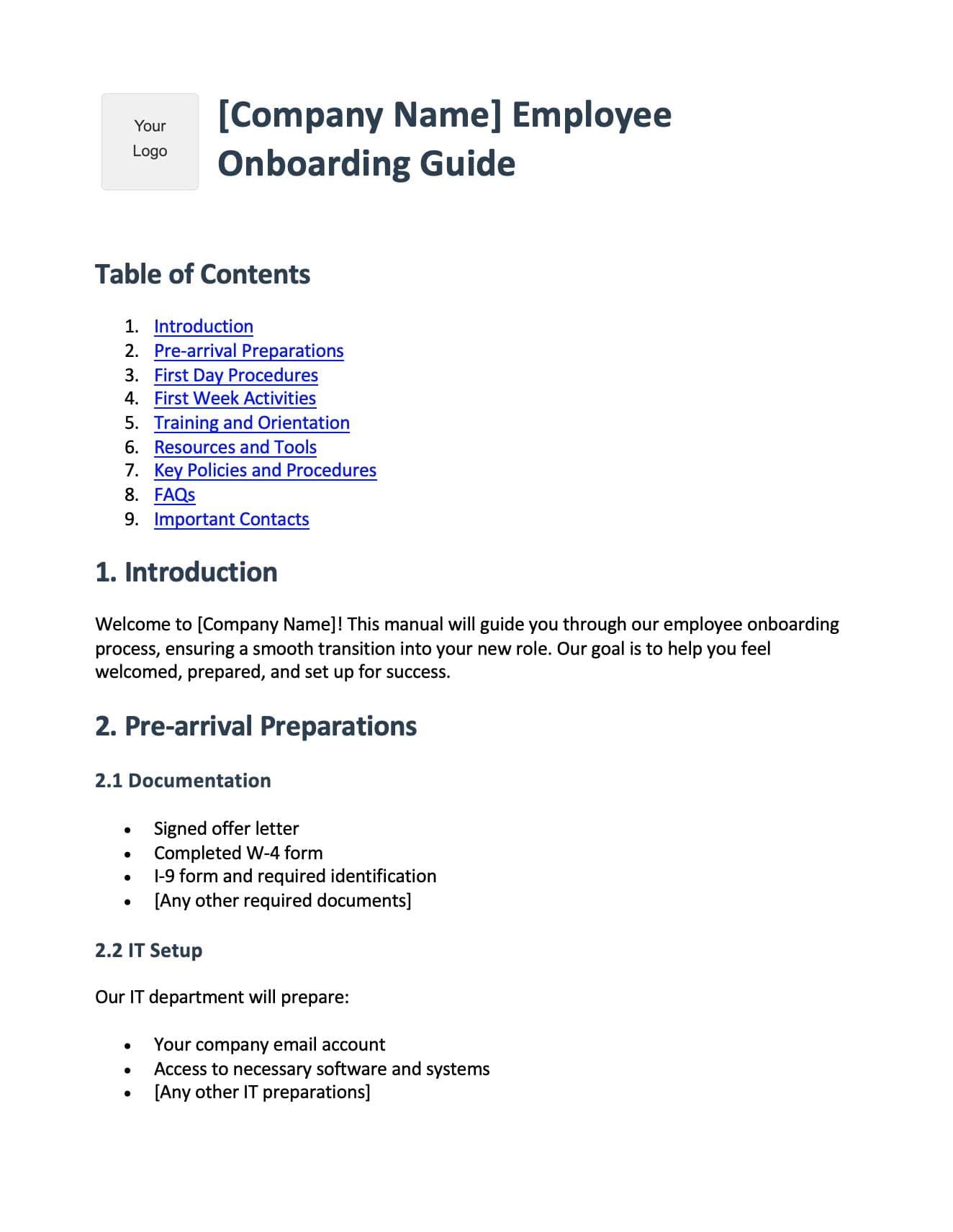
Digital App User Guide Template
Free software user guide template in Word format. Includes system requirements, registration steps, UI walkthrough, feature documentation, troubleshooting guide, and FAQs. Ideal for SaaS and app documentation.
Download App Guide Template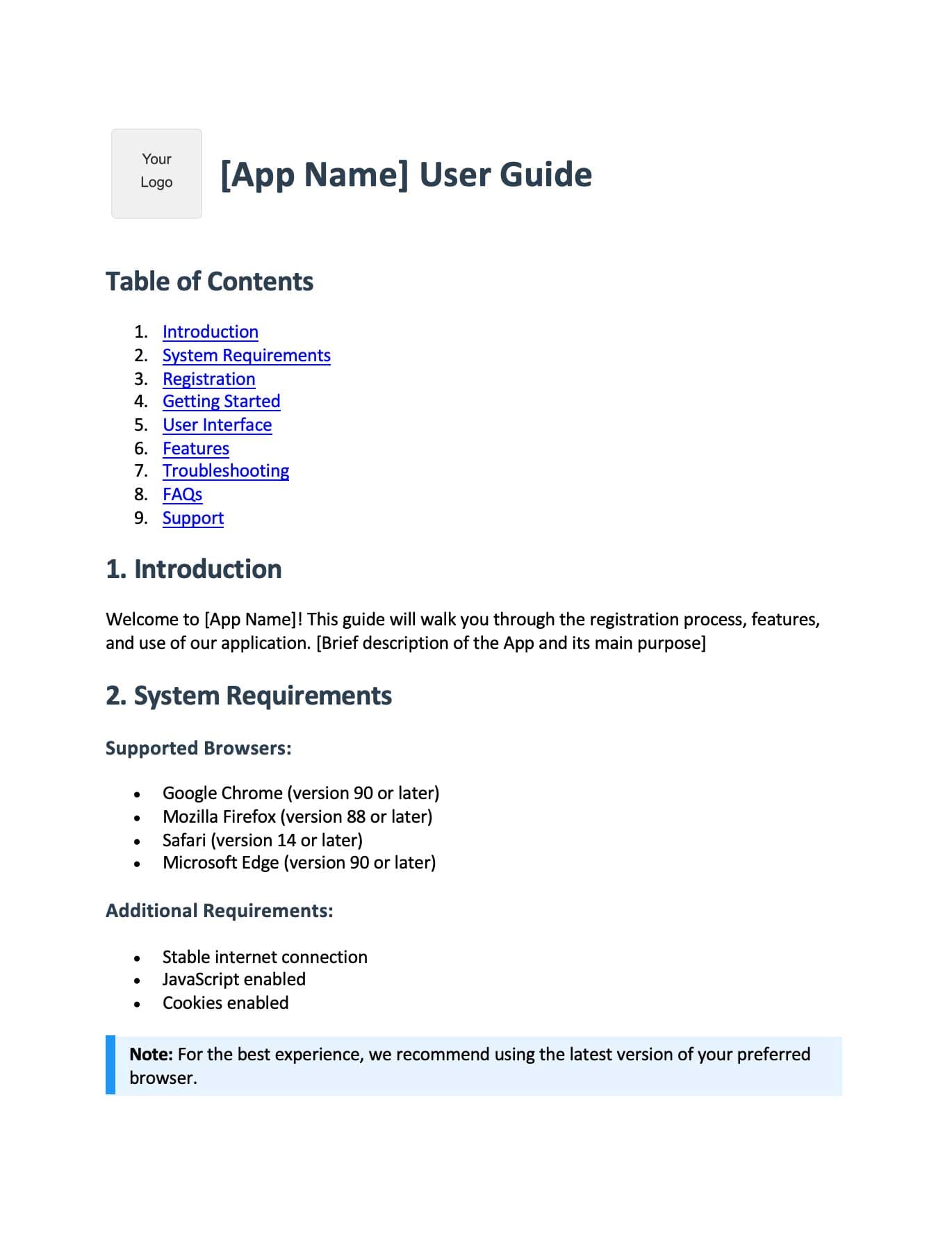
Physical Product Manual Template
Free product manual template in Word format. Includes safety warnings, assembly instructions, operating procedures, maintenance guide, troubleshooting tips, and warranty information. Works for any physical product.
Download Product Manual Template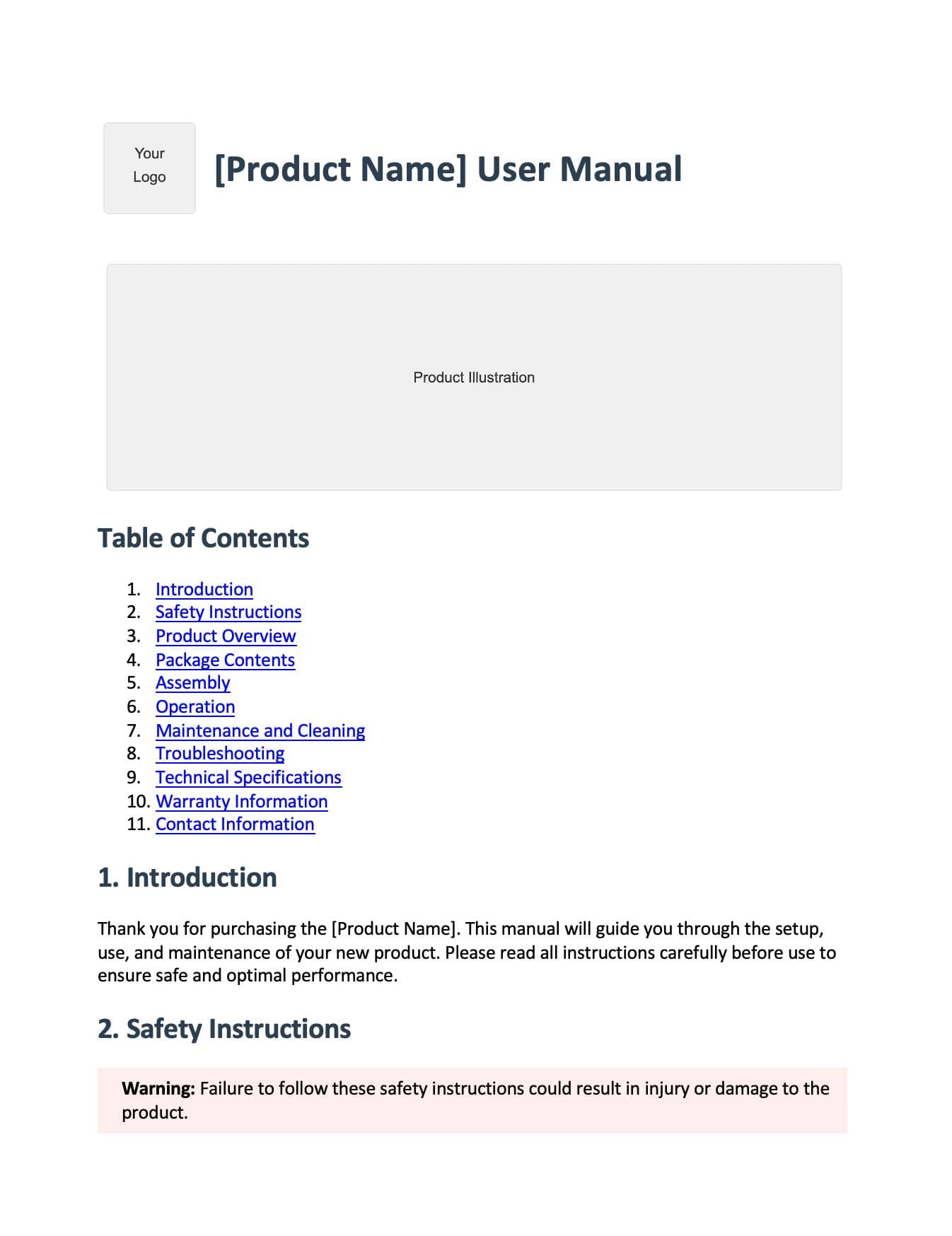
Skip the templates - create documentation automatically
Recent Posts