
Read summarized version with
I remember the first time I saw someone struggle with a 20-page text-heavy instruction manual.
They kept flipping back and forth between pages, squinting at tiny text, trying to match what they were reading to what they were seeing in front of them. It took them three times longer than it should have, and they still made mistakes.
That’s when it hit me: we’re asking people to translate words into actions when we could just show them what to do.
I’m Yuval, founder of Glitter AI. After running multiple companies and watching teams wrestle with complicated documentation, I’ve learned that visual work instructions aren’t just a nice-to-have - they’re essential for getting work done right, the same conclusion we reach in visual SOPs vs text-only documentation. Our operations documentation best practices guide takes that idea further into day-to-day workflows. Here’s everything I’ve learned about creating visual work instructions that actually work.
Teach your co-workers or customers how to get stuff done – in seconds.


What Are Visual Work Instructions?
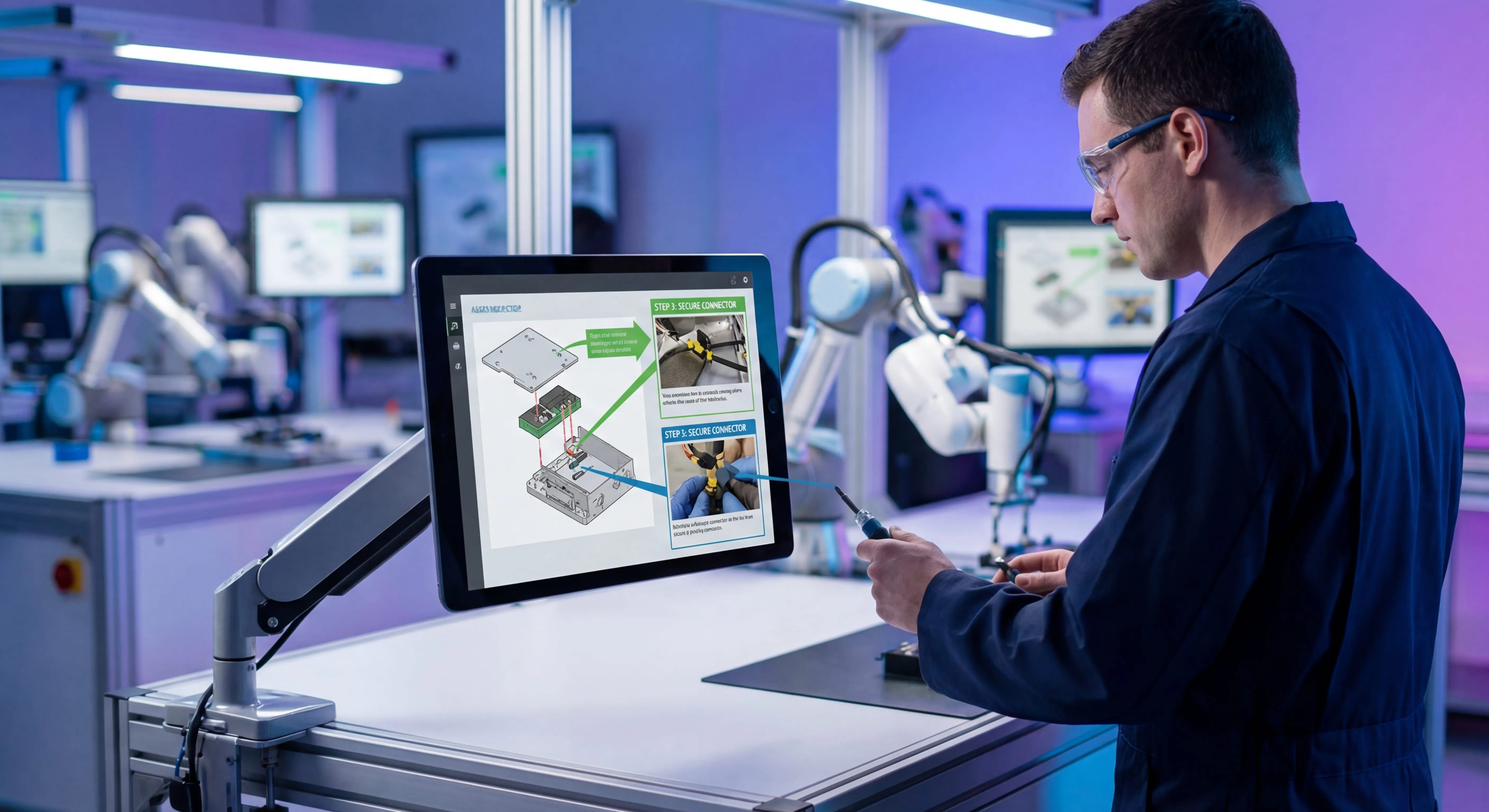
Visual work instructions are step-by-step guides that use images, videos, diagrams, and minimal text to show workers how to complete specific tasks.
Unlike traditional text-based SOPs or instruction manuals, visual work instructions prioritize showing over telling. Each step includes a photo or video demonstrating exactly what needs to happen, with brief text annotations to clarify key details.
Think of them as the difference between reading directions to assemble furniture versus having someone show you how to do it. Both can work, but one is dramatically easier to follow.
How Visual Work Instructions Differ from Traditional SOPs
Traditional standard operating procedures tend to be text-heavy documents that describe processes in paragraphs. They’re comprehensive but often difficult to follow in real-time.
Visual work instructions flip this approach:
- Images come first, with text supporting the visuals
- Each step shows exactly what to do, not just describes it
- They’re designed for point-of-use, meant to be referenced while working
- Updates happen quickly, especially with digital formats
- Language barriers decrease, since pictures transcend words
I’ve written more about the differences in my post on SOPs vs work instructions, but the key thing to remember is this: SOPs explain the “what” and “why,” while visual work instructions focus on the “how.”
Why Visual Work Instructions Matter
The data on visual learning is pretty compelling. Research consistently shows people retain significantly more visual information than text alone. But beyond the statistics, I’ve seen the real-world impact.
Faster Training and Onboarding
Teams that switch to visual guides consistently report cutting their orientation time significantly. New employees can start contributing immediately instead of spending weeks just learning the basics.
The reason is simple: visual work instructions eliminate the guesswork. Instead of interpreting text and hoping they understood correctly, new hires could see exactly what experienced workers do.
Fewer Errors and Quality Issues
About 23% of unplanned manufacturing downtime comes from human error. When you provide better visual guidance, you reduce the likelihood of mistakes that lead to downtime, rework, or defective products.
I know firsthand how expensive errors can be. Every mistake means lost time, wasted materials, and frustrated workers. Visual instructions help people get it right the first time.
Breaking Language Barriers
If your workforce includes non-native speakers - and most do these days - visual work instructions are a game-changer. A clear photograph works the same in any language.
Companies with multilingual workforces see some of the biggest gains. Workers who previously struggled with text-heavy manuals can follow visual guides easily, regardless of their primary language.
Create step-by-step visual documentation with Glitter AI
Better Knowledge Transfer
Here’s something that keeps me up at night: the manufacturing skills gap in the US could result in 2.1 million unfilled jobs by 2030 that no amount of reskilling can fill fast enough, potentially costing the economy $1 trillion.
As experienced workers retire, their knowledge walks out the door. Visual work instructions capture that expertise in a format that’s easy to transfer to the next generation, which is the foundation of real knowledge retention.
You can’t afford to lose decades of hands-on knowledge because someone retired and took it all with them.
Types of Visual Work Instructions
Not all visual work instructions look the same. The format you choose depends on what you’re documenting and who’s using it.
Photo-Based Instructions
The most common type uses a series of photographs, each showing one step in the process. These work great for:
- Assembly tasks
- Quality inspections
- Equipment setup
- Maintenance procedures
Each photo gets annotated with labels, arrows, or brief text to highlight important details.
Video-Based Instructions
For processes that involve movement or timing, video often works better than static images. I’ve written extensively about this in my post on recording videos that actually teach.
Video instructions excel at showing:
- Complex motions or techniques
- Real-time demonstrations
- Processes where timing matters
- How something should look and sound when done correctly
The downside is that video can be harder to update and takes more storage space.
Hybrid Approaches
Most of my clients end up using a mix: photos for most steps, with short video clips embedded for the tricky parts. This gives you the best of both worlds.
Digital vs. Paper
While paper instructions still exist, digital formats offer massive advantages:
- Instant updates across all devices
- Embedded videos and interactive elements
- Data collection built right into the workflow
- Search functionality
- Analytics on which steps cause confusion
That said, some environments (extreme temperatures, wet conditions, areas without power) might still need paper backups.
How to Create Effective Visual Work Instructions
Creating visual work instructions isn’t rocket science, but there’s definitely a right way and a wrong way to do it. Here’s the process I recommend.
Step 1: Identify the Right Process to Document
Not every process needs visual instructions. Start with tasks that:
- Are performed frequently
- Have high error rates
- Are difficult to train
- Involve complex assembly or setup
- Have safety implications
- Require consistency across multiple workers
For your first attempt, pick something straightforward. You can tackle the complex stuff once you’ve got the process down.
Step 2: Break Down the Process into Clear Steps
Before you start taking photos, map out every step. I usually do this by:
Actually performing the task while taking notes. Don’t just think through it - do it.
Identifying decision points where different paths exist. These need special attention in your instructions.
Keeping each step focused on one action. If you find yourself writing “and then” multiple times, you probably need to split it into separate steps.
Removing unnecessary details that don’t affect the outcome. Visual instructions should be as simple as possible while still being complete.
Step 3: Capture High-Quality Visuals
You don’t need expensive camera equipment. A decent smartphone works fine for most visual work instructions. What matters more is:
Good lighting. Make sure workers can actually see what you’re showing them.
Consistent angles. If you’re photographing a workstation, use the same perspective throughout.
Focus on relevant details. Get close enough that important features are visible.
Show hands when helpful. Seeing where someone’s hands should be positioned often clarifies things better than any text could.
Take multiple shots. You’ll want options to choose from later.
I built Glitter AI specifically to make this easier. Instead of stopping to take photos at each step, you just record your screen or walkthrough, and it automatically captures screenshots and generates the documentation. Saves a ton of time.
Teach your co-workers or customers how to get stuff done – in seconds.
Step 4: Add Clear Annotations
Raw photos rarely tell the whole story. You need to add visual cues that direct attention:
Arrows and callouts to highlight specific components or areas
Text labels to identify parts or tools
Numbered sequences when multiple things happen in one step
Warning symbols for safety-critical information
Zoom-in detail views for small or intricate parts
Keep text minimal and specific. “Turn clockwise until snug” is better than “Rotate the fastening mechanism in a clockwise direction until appropriate tension is achieved.”
Step 5: Write Concise Supporting Text
Your photos should do most of the talking, but some text helps:
Action-oriented language. Start each step with a verb: “Insert,” “Tighten,” “Check,” “Align.”
Specific measurements. “Tighten to 15 Nm” instead of “Tighten securely.”
Critical warnings. Safety information needs to be explicit.
Expected outcomes. Sometimes it helps to tell people what they should see or hear if they’ve done it right.
Aim for one or two sentences per step, max. If you need more than that, consider if you’ve broken down the steps enough.
Step 6: Test with Real Users
This is the step most people skip, and it’s the most important one.
Hand your draft instructions to someone who knows the task well and watch them follow along. Don’t help. Just observe where they pause, where they look confused, where they make mistakes.
Then give it to someone who’s never done the task before. This is even more valuable. They’ll find every ambiguity, every missing detail, every assumption you made without realizing it.
I always test instructions at least twice: once with an expert, once with a beginner. The feedback you get is invaluable.
Step 7: Refine and Standardize
Based on testing, revise your instructions. Then apply consistent formatting:
Use the same layout for all your visual work instructions. This familiarity helps users focus on the content instead of figuring out the format.
Standardize your visual language. Pick one style of arrows, one approach to callouts, one color scheme for warnings.
Create templates so future instructions follow the same pattern.
Establish a review process to maintain quality and consistency.
If you’re interested in standardization, my post on standard operating procedures covers this in more depth.
Best Practices for Visual Work Instructions
After creating hundreds of visual guides, I’ve learned some patterns that separate good instructions from great ones.
Keep It Simple
Fight the urge to include everything. More information isn’t always better. Every extra detail is one more thing for workers to process.
Include only what’s necessary for someone to complete the task successfully. Everything else is noise.
Use Consistent Visual Style
When someone moves from one instruction to another, they shouldn’t feel like they’ve entered a different company. Consistency builds familiarity and trust.
This means:
- Same fonts and font sizes
- Same color coding (red for warnings, green for confirmations, etc.)
- Same layout and spacing
- Same style of annotations
- Same level of detail in photos
Layer Information Appropriately
Not everyone needs the same level of detail. Experienced workers need quick reference points. New hires need more hand-holding.
Consider creating different versions:
- Quick reference for experienced workers (just the key steps with photos)
- Detailed instructions for training (with more explanation and context)
- Troubleshooting guides for when things go wrong
Make Them Accessible at Point of Use
The best visual work instructions in the world are useless if workers can’t access them when they need them.
Digital tablets at workstations work great for many environments.
Printed laminated guides survive harsh conditions better than paper.
Mobile apps let workers pull up instructions anywhere.
QR codes on equipment can link directly to relevant instructions.
Plan for Updates
Processes change. Equipment gets upgraded. Better methods get discovered. Your visual work instructions need to keep pace.
With digital instructions, updates can happen instantly. Change one master version and everyone sees the update immediately.
With paper? You’re stuck with the expensive and error-prone process of tracking down every copy and replacing it.
This is one of the biggest advantages of digital formats, and honestly, it’s why about 28% of U.S. manufacturers are still struggling with outdated paper documentation.
Digital visual work instructions with Glitter AI
Common Mistakes to Avoid
I’ve made most of these mistakes myself, so I speak from painful experience.
Too Much Text
If your visual work instructions are mostly text with a few pictures sprinkled in, you’ve missed the point. The visuals should carry the weight.
Poor Image Quality
Blurry photos, bad lighting, or images too small to see clearly all undermine your instructions. Workers will skip steps they can’t understand.
Inconsistent Formatting
When every instruction looks different, users waste mental energy figuring out the format instead of focusing on the task.
No Version Control
Outdated instructions floating around cause confusion and errors. You need a system to ensure everyone’s working from the current version.
Creating Instructions in Isolation
If the person writing instructions has never actually done the task, the results will be academic at best, dangerously wrong at worst.
Always involve the people who actually do the work.
Ignoring Safety Information
Safety warnings need to be prominent, explicit, and impossible to miss. Don’t bury critical safety information in regular text.
Tools for Creating Visual Work Instructions
You’ve got options ranging from basic to sophisticated.
Basic Approach
- Smartphone camera for photos
- PowerPoint or Google Slides for layout
- Print or PDF for distribution
This works fine if you’re just starting out or have simple needs. It’s free and most people already know how to use these tools.
Specialized Software
Tools designed specifically for work instructions offer features like:
- Annotation tools built in
- Templates and standardization
- Version control
- Digital distribution
- Analytics on usage
These come with a learning curve and usually a subscription cost, but they save enormous time if you’re creating lots of instructions.
AI-Powered Solutions
This is where things get interesting. Tools like Glitter AI can automatically generate visual work instructions from screen recordings or video walkthroughs.
You just perform the task while recording, and the AI:
- Captures screenshots at key moments
- Generates step descriptions
- Organizes everything into a clean format
- Adds annotations and highlights
What used to take hours now takes minutes. I might be biased since I built it, but the time savings are real.
The Future of Visual Work Instructions
Visual work instructions keep evolving, and some of the emerging technologies are genuinely exciting.
Augmented Reality (AR)
AR work instructions overlay digital information directly onto the physical world. Using smart glasses or a tablet, workers see step-by-step guidance superimposed on the actual equipment they’re working on.
It’s like having an expert standing next to you, pointing out exactly what to do.
The technology is still maturing, but early adopters in manufacturing and maintenance are seeing impressive results.
AI Generation and Updates
AI is getting better at creating instructions automatically from video demonstrations. This dramatically reduces the time and effort required to build comprehensive documentation.
Even more interesting: AI can potentially identify when processes have changed and suggest instruction updates automatically.
Real-Time Performance Data
Digital instructions can track which steps take longest, where errors happen most, and which instructions get accessed most frequently. This data helps you continuously improve your documentation.
Voice-Guided Instructions
For hands-busy environments, voice-guided visual instructions let workers move through steps hands-free. They see the visual, hear the instruction, and complete the task without ever touching a device.
Getting Started with Visual Work Instructions
If you’re new to this, here’s my recommended approach:
Start small. Pick one frequently-performed task that has a history of errors or confusion.
Get the right people involved. Include someone who does the task regularly, someone who trains others, and someone who can make it look good visually.
Set realistic expectations. Your first visual work instruction won’t be perfect. That’s fine. You’ll improve with practice.
Test thoroughly. Watch real workers use your instructions. Their feedback is gold.
Iterate based on feedback. Expect to go through 2-3 revisions before you’ve got something solid.
Expand gradually. Once you’ve got one good example, create templates from it and tackle the next task.
For more guidance on creating effective training materials, check out my post on employee training materials.
Teach your co-workers or customers how to get stuff done – in seconds.
Visual Work Instructions in Different Industries
While I see visual work instructions used most in manufacturing, they’re valuable across many sectors.
Manufacturing and Assembly
This is the obvious application. Assembly lines, quality control, equipment setup, maintenance procedures - all of these benefit enormously from visual guidance.
The automotive, electronics, and aerospace industries have been leaders here, but smaller manufacturers are catching up quickly.
Healthcare
Medical procedures, equipment operation, sanitation protocols - healthcare has countless processes that need to be followed precisely every time.
Visual work instructions reduce errors in high-stakes environments where mistakes can literally cost lives.
Food Service
Recipe standardization, food safety procedures, equipment cleaning - restaurants and food processing facilities use visual work instructions to maintain consistency.
Especially helpful when you have high turnover and limited time for training.
Retail
Store setup, visual merchandising, inventory procedures, customer service protocols - retail work involves many tasks that benefit from visual guidance.
Logistics and Warehousing
Picking procedures, packing standards, equipment operation, safety protocols - warehouses are natural fits for visual work instructions.
With high worker turnover and seasonal staffing fluctuations, having clear visual guides speeds up onboarding dramatically.
Measuring the Impact
How do you know if your visual work instructions are actually working? Track these metrics:
Training time. How long does it take new employees to become proficient? This should decrease significantly.
Error rates. Are defects, rework, and mistakes going down?
Production speed. Once trained, do workers complete tasks faster?
Safety incidents. Are workplace injuries decreasing?
Employee feedback. What do workers think of the new instructions? Are they actually using them?
Knowledge retention. Can workers still perform tasks correctly weeks or months after initial training?
The clients I work with typically see training time cut by 30-50% after implementing visual work instructions. Error rates often drop by similar amounts.
Frequently Asked Questions
What are visual work instructions?
Visual work instructions are step-by-step guides that use photographs, videos, diagrams, and minimal text to show workers how to complete specific tasks. Unlike traditional text-based instructions, they prioritize showing over telling, making them easier to follow and understand.
How do visual work instructions differ from standard operating procedures?
Standard operating procedures (SOPs) are comprehensive documents that explain what needs to be done and why, typically in text format. Visual work instructions focus specifically on how to perform a task, using images as the primary teaching tool. SOPs provide context and policy, while visual work instructions provide practical, step-by-step guidance.
What are the main benefits of using visual work instructions?
The primary benefits include faster employee training and onboarding, reduced errors and quality issues, better knowledge transfer from experienced workers to new hires, elimination of language barriers, and improved consistency across teams. Many organizations see training time reduced by 30-50% and similar decreases in error rates.
How long does it take to create visual work instructions?
Traditional manual creation can take several hours per instruction set. Modern AI-powered tools like Glitter AI can reduce this to minutes by automatically capturing screenshots and generating documentation from video walkthroughs. The time investment varies based on task complexity and the level of detail required.
What tools do I need to create visual work instructions?
At minimum, you need a way to capture images (smartphone camera works fine) and software to add annotations and layout steps (PowerPoint, Google Slides, or specialized work instruction software). More advanced options include AI-powered documentation tools that automate much of the process.
Can visual work instructions work for complex processes?
Yes, visual work instructions are particularly valuable for complex processes. Breaking down complicated tasks into clear visual steps makes them less intimidating and easier to master. For highly complex procedures, you might combine multiple formats - photos for most steps with video for particularly tricky parts.
How often should visual work instructions be updated?
Update visual work instructions whenever processes change, equipment gets upgraded, or better methods are discovered. Digital formats make updates easy and instant across all users. Also review instructions periodically (quarterly or annually) even if nothing has changed, to ensure they still reflect best practices.
Do visual work instructions really help with language barriers?
Absolutely. Clear photographs work in any language, making visual work instructions invaluable for multilingual workforces. While some text annotation is helpful, the primary communication happens through images, dramatically reducing the impact of language differences.
Visual work instructions aren’t just a trend - they’re a better way to transfer knowledge and ensure quality work.
After years of watching teams struggle with text-heavy manuals, seeing the difference visual instructions make is honestly pretty satisfying. Training happens faster, errors drop, and workers feel more confident.
If you’re still relying primarily on text-based documentation, I’d encourage you to give visual work instructions a try. Start with one task, create a visual guide, and see what happens.
The results might surprise you.
And if you want to create visual work instructions without spending hours on manual documentation, try Glitter AI. It’s what I built to solve exactly this problem.
Yuval Karmi, Founder & CEO, Glitter AI