How to Write Effective Instruction Manuals [With Templates]
Learn how to write effective instruction manuals with templates. Discover key features, structure, and tips for creating user-friendly guides.

Read summarized version with
Looking to download instruction manual templates?
Ever built a piece of IKEA furniture? If so, you've probably used an instruction manual.
Instruction manuals (also known as user manuals) are super important tools for helping people understand how to get stuff done in your product.
A well-written instruction manuals is a technical document that provides step-by-step instructions on how to use a product or complete an important process.
But just writing a manual isn't good enough: since these guides are one of the first things that folks might lay their hands on, written poorly, these documents can to a poor customer experience that frustrates, rather than helps.
If written well, though, they help make for satisfied customers and reduce load from customer support teams (in fact, I like to think of them of an extension of great customer service). They also pair well with your training manuals.

What is an instruction manual?
An instruction manual is a technical document that's packed with information on how to operate a product or service. Think of it like a map that shows you the way to use a product, step by step. It's closely related to work instructions but often broader in scope.
Usually these user guides are reference-material (as opposed to a book with a plot that your customer might sit down to enjoy). So people come in reading them with the intent of getting something done.
If you've ever read a bad manual (super dry tone of voice), you might think of them as boring. But they don't have to be!
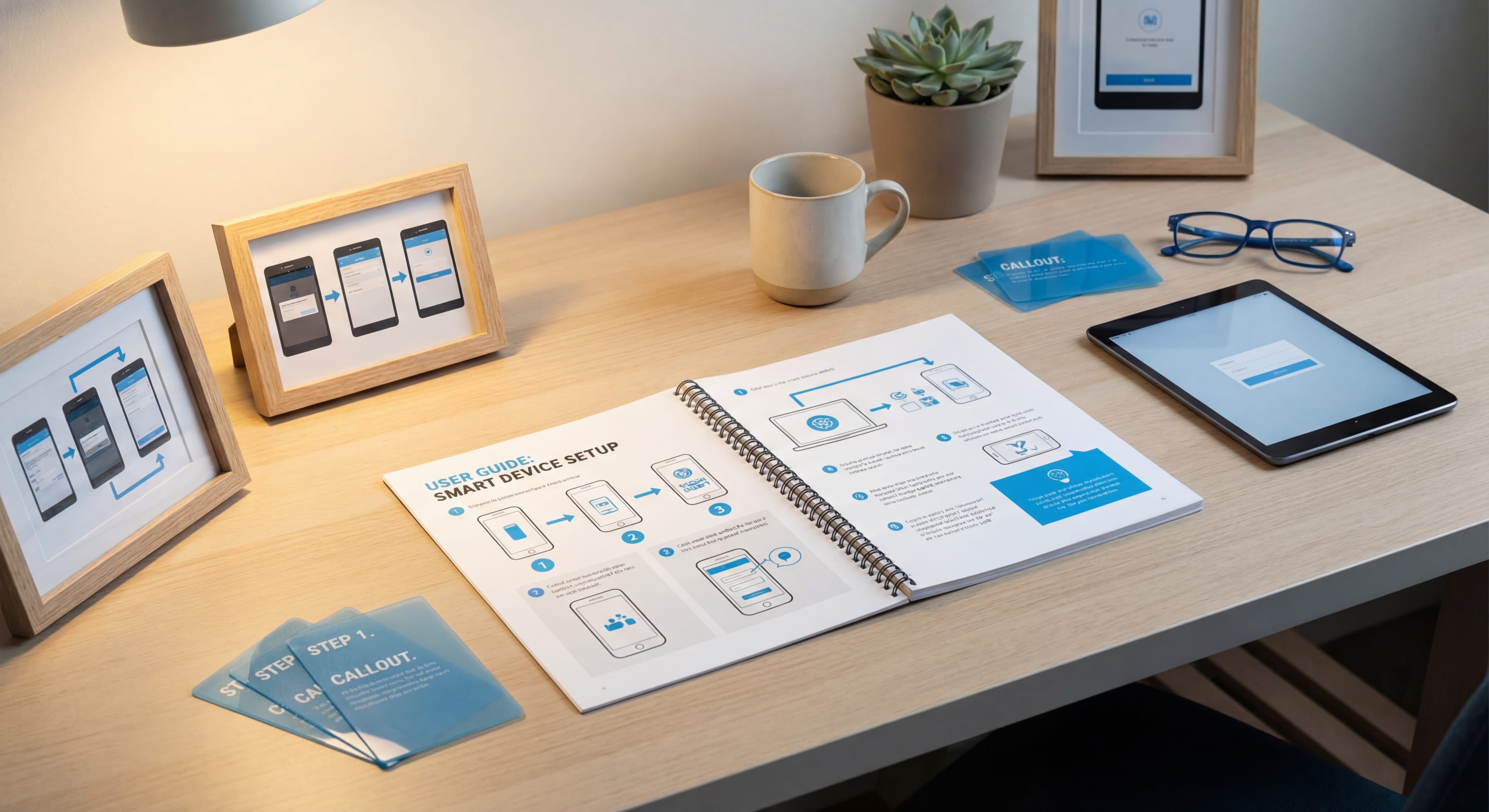
The best product instruction manuals I've ever seen are: simple, visual, and easy to follow. They speak in an friendly, active voice directly to the reader. They walk you through each step to use something (like how to use product features), adding pictures or screenshots in the process that make the guide visually appealing.
In fact (shameless plug) visual are SUCH an important part of digital instruction manuals that at Glitter AI, they're baked right into any automatically created guide!
Types of instructions manuals
While we sometimes think of these user manuals as paper booklets (like the IKEA example), they don't have to be (and I don't just mean uploading PDFs as online manuals). Today I'm going to focus on the key features of software product manuals.
Software instruction manuals (like those created with automatic documentation software like Glitter AI) are a special category that take people through a series of sequential steps that show them how to use certain product features.
They sometimes, but not always employee technical language that tell users how to get stuff done!
At the end of this article, I'll talk about how in 2026, you can create instruction manuals automatically - - simply by speaking out loud.

Structure of an effective instruction manual
While there are many types of instruction manuals, well-designed, effective instruction manuals share some common features:
1. Cover Page
The cover page is like the face of your manual. It should have your brand colors and give a succinct description of what the user can expect.
2. Table of Contents
The Table of Contents (ToC) is like a map – it shows you where everything is inside the manual. It lists each topic with a heading that users can find it easily.
Again, a good guide is reference material, and therefore a good table of contents helps user skip to the part of the guide they need.
4. Step-By-Step Guides
The best instruction manuals I've seen take the form of step-by-step guides that you can easily follow along.
Users should know exactly what to do at each step to get the job done.
5. Screenshots
Human beings are GREAT at processing visual information.
As a result, a great step-by-step guide doesn't just have words. Screenshots are a critical component of software step-by-step guides. Screenshots tell the story visually, and give the reader assurance that they're where they should be.
If you have a process with steps, add a screenshot for every step so that users can easily follow along your guide.
6. Call-outs
Especially when dealing with potential hazards or "gotchas," call-outs are an essential component of user instruction manuals. If there's anything risky or "gotchas" in using your product (or important safety precautions / regulatory requirements), call-outs are a great way to draw a user's attention to what they should not be doing.

Tailoring content for the target audience
When creating a user guide, it’s super important to make sure it’s easy for people to use. This means writing content that fits the needs of your audience.
For instance, you're not going to teach a kindergartner the same way that you teach someone with a PhD.
Similarly, you're not going to teach someone with low technical skills the same way that you teach, say, a programmer. Make sure you speak at the language level AND jargon of your audience.
Structuring the layout for readability
When creating a manual, the layout is very important. It makes the manual interesting and easier to read. Stick to the same font styles, colors, and pictures throughout the manual. This keeps things clear and neat.
Make sure you use formatting tools the right way. Headings, bullet points, numbers, and spacing all help make your manual easy to follow. Your paragraphs should be short. No one wants to read a wall of text!
It's smart to test your manual with some people before you finish it. They can tell you what's confusing, and then you can fix it. Also, make your first page look different from the rest. It's like saying "hello" to your reader with style.
Writing tips to enhance understanding
-
Keep paragraphs short so people can read them quickly.
-
Use lists to highlight important points.
-
Add visuals!
Remember, a good picture can save you a ton of words! :)
Maintaining plain language throughout the document
When making a manual, make it super clear and simple. I try to write this way on the Glitter AI blog.
Write short, to-the-point sentences. Explain things step by step. If you must use hard words, tell what they mean. Put the text in order that makes sense. You want anyone to get it, no matter if they're a beginner or pro.
In your manual, keep paragraphs short. Nobody likes huge blocks of text. They can scare folks off. Break things down neatly. Use visuals and lists where you can. They can help show your points better.
Addressing troubleshooting scenarios
When you're stuck with a product issue, a troubleshooting section in an instruction manual is super helpful. It lets you figure out and fix problems on your own. Think of it as a handy tool...
Frequently Asked Questions
What is an instruction manual?
An instruction manual is a technical document that provides step-by-step instructions on how to operate a product or complete a process. Unlike traditional narrative documents, instruction manuals serve as reference material that people use with the specific intent of getting something done. The best manuals are simple, visual, and easy to follow, using clear step-by-step guidance with screenshots to walk users through each action.
What should be included in an instruction manual?
Every effective instruction manual should include six core elements: a cover page with branding and a clear description, a table of contents for easy navigation, step-by-step guides with precise instructions, screenshots for every step to provide visual confirmation, call-outs to highlight important warnings or gotchas, and a troubleshooting section. These components work together to create reference material that users can actually follow.
How do I write an instruction manual for software?
Writing software instruction manuals requires a different approach than physical products. Focus on creating sequential step-by-step guides that show users how to use specific features. Include a screenshot for every single step since humans process visual information much faster than text. Tailor your language to match your audience's technical level - don't use programmer jargon when writing for non-technical users. Keep paragraphs short, use bullet points for clarity, and test your manual with someone unfamiliar with the task before publishing.
What is the difference between user manuals and instruction manuals?
These terms are often used interchangeably and refer to the same type of document. Both provide step-by-step instructions on how to use a product or service. The key characteristic is that they're reference material designed to help people complete specific tasks, rather than comprehensive documentation meant to be read cover-to-cover.
How do you structure an instruction manual for readability?
Effective structure starts with consistent formatting - use the same font styles, colors, and visual elements throughout to maintain clarity. Break content into short paragraphs since large blocks of text discourage reading. Use headings, bullet points, numbered lists, and proper spacing to make the manual scannable. Include a detailed table of contents so users can jump directly to the section they need. Most importantly, test your manual with real users before finalizing it to identify confusing sections.
Why are screenshots important in instruction manuals?
Screenshots are critical because humans are exceptionally good at processing visual information. They provide visual confirmation that users are in the right place and performing the correct action. For software manuals especially, you should include a screenshot for every step in your process. This visual storytelling makes guides much easier to follow and reduces user frustration significantly.
Downloads
Download these free instruction manual templates to get started:
SOP Template
Free SOP template in Word format. Includes ready-to-fill sections for purpose, scope, responsibilities, safety precautions, step-by-step procedures, and quality control. Perfect for compliance and process standardization.
Download SOP Template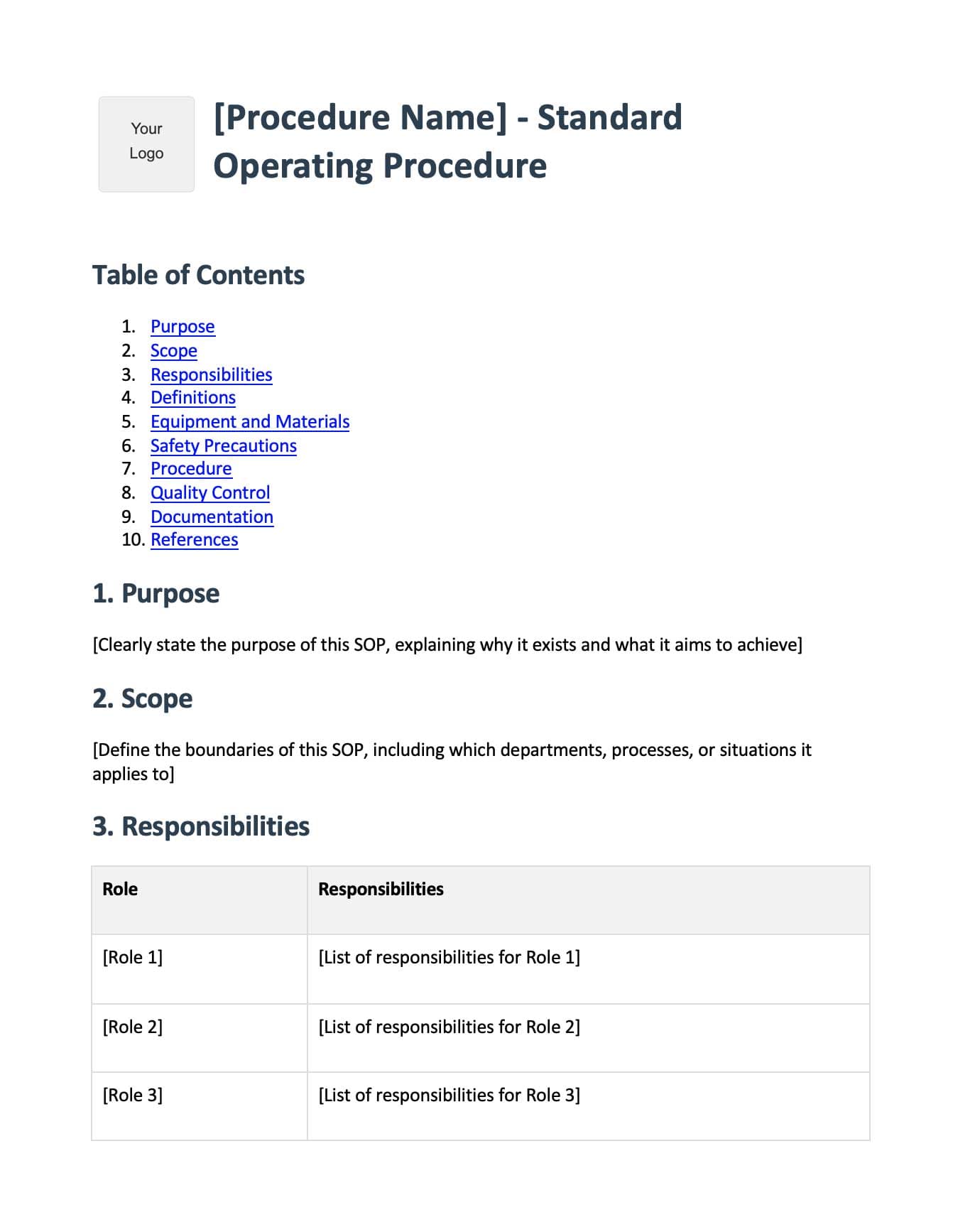
Employee Onboarding Template
Free employee onboarding checklist template in Word format. Covers pre-boarding, first day procedures, first week activities, training schedules, company policies, and key contacts. Get new hires up to speed faster.
Download Onboarding Template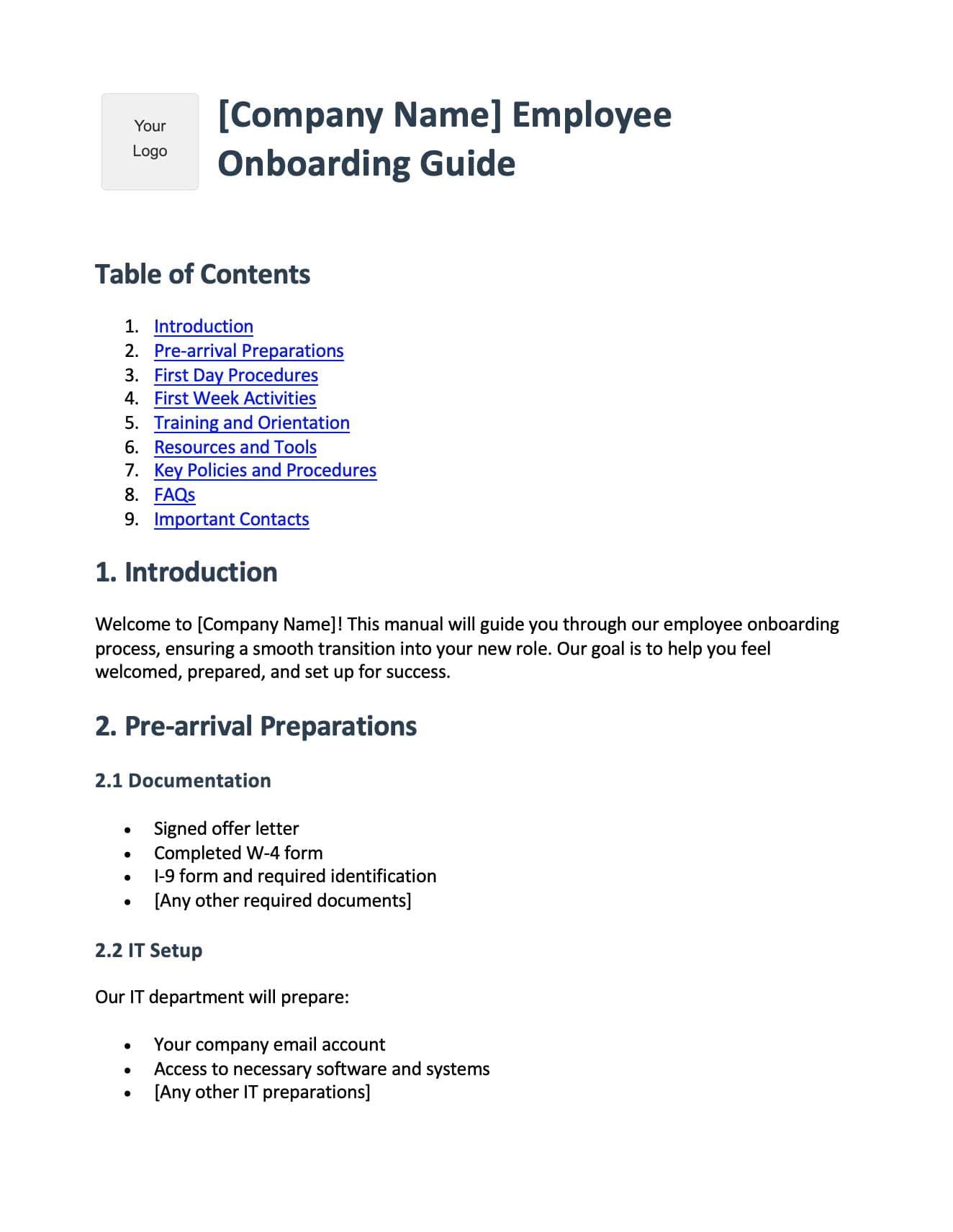
Digital App Instruction Manual Template
Free software user guide template in Word format. Includes system requirements, registration steps, UI walkthrough, feature documentation, troubleshooting guide, and FAQs. Ideal for SaaS and app documentation.
Download App Manual Template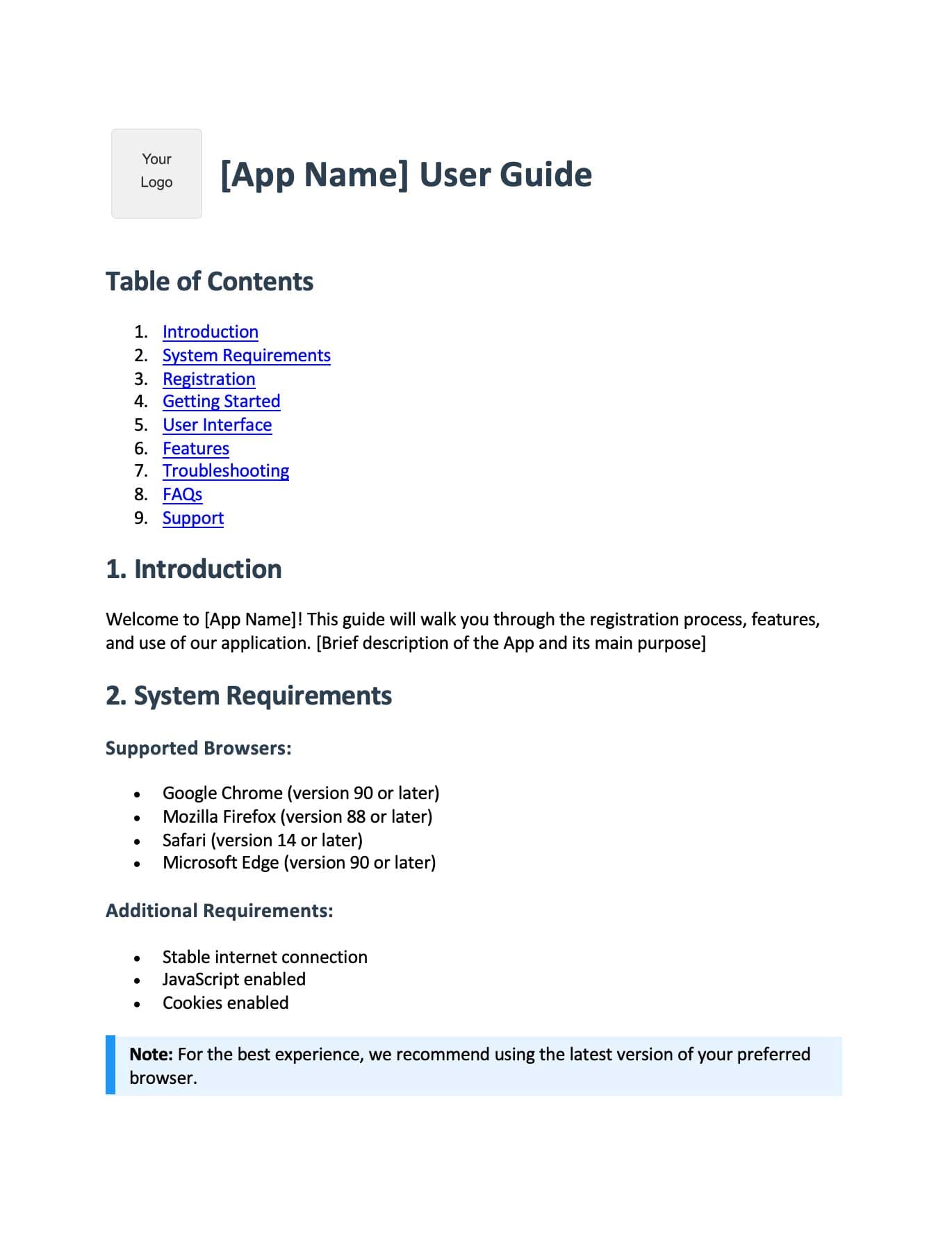
Physical Product Instruction Manual Template
Free product manual template in Word format. Includes safety warnings, assembly instructions, operating procedures, maintenance guide, troubleshooting tips, and warranty information. Works for any physical product.
Download Product Manual Template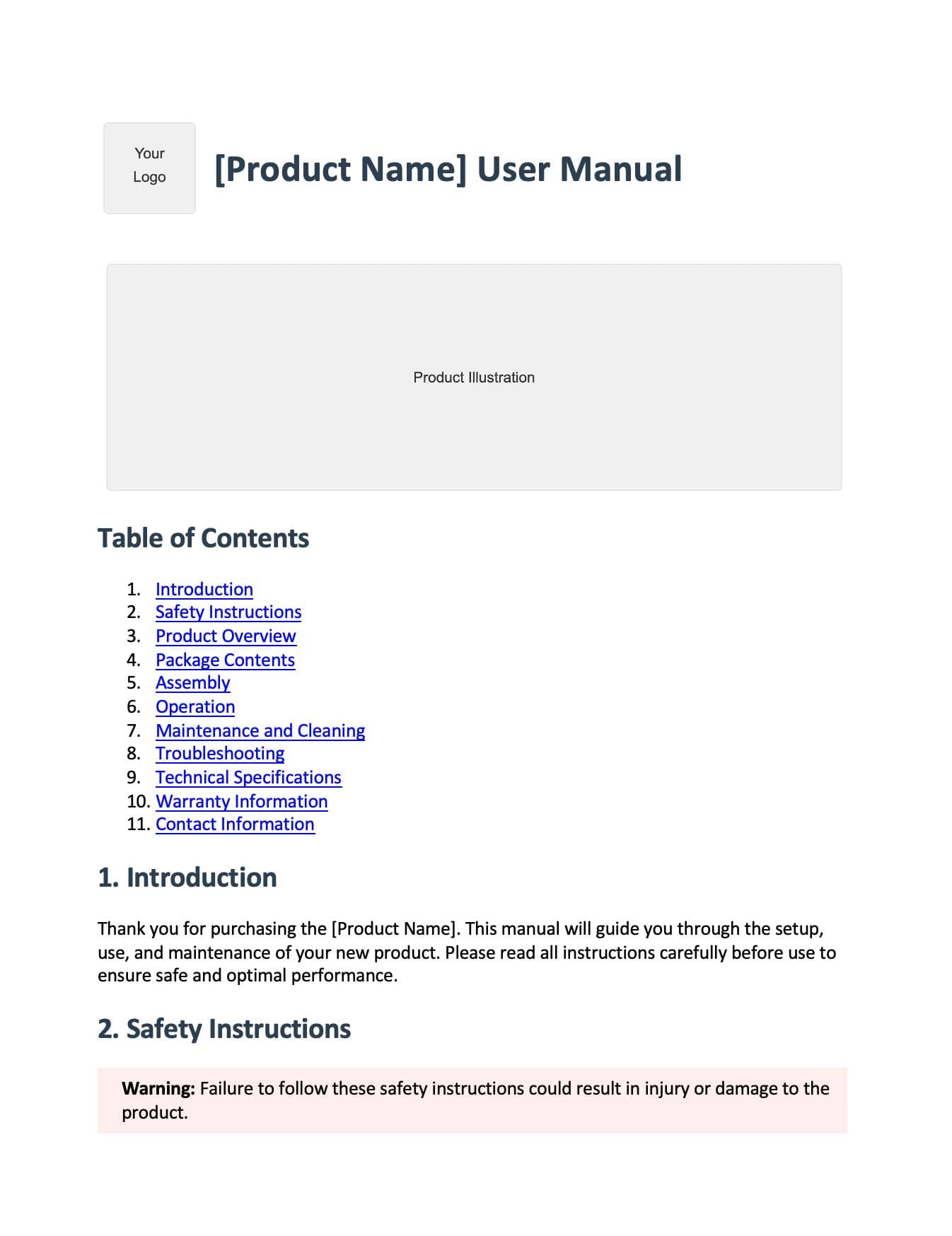
Create instruction manuals in seconds with AI
Recent Posts