

Read summarized version with
The first real budget I ever ran took six weeks and produced a number nobody believed.
Not because the math was wrong. The math was fine. It was wrong because every department head built their piece in a different spreadsheet, with different assumptions, on a different idea of what “approved” even meant. By the time I consolidated it, sales was budgeting for a headcount we hadn’t approved, marketing had baked in a tool renewal at last year’s price, and I was the only person who knew which version was current.
I’m Yuval, founder of Glitter AI. We work with finance and FP&A teams, controllers, and the people who actually have to herd a company through its annual plan. And the pattern I see over and over is the same one I lived: the budgeting process isn’t broken because people can’t do math. It’s broken because the process itself lives in one person’s head and a folder of spreadsheets named Budget_FINAL_v7_USE_THIS.
This post walks the budgeting process end to end, the way it should actually run: assumptions, departmental inputs, consolidation, review, approval, and monitoring. Six steps. APQC benchmarking data from more than 2,600 organizations shows that median performers take 32 days to complete the annual budget while bottom performers need 56 days or more - roughly twice as long. Document the process once and you stop reinventing the budget every September.
Teach your co-workers or customers how to get stuff done – in seconds.


What the Budgeting Process Actually Is
The budgeting process is the recurring sequence a company follows to turn its goals into a financial plan: a set of expected revenues, expenses, and cash positions for a defined period, usually a fiscal year.
It’s worth separating two things people conflate. The budget is the document and the numbers. The budgeting process is the workflow that produces and maintains it. Most companies obsess over the first and ignore the second, which is exactly why every cycle feels like the first time they’ve ever done it.
A healthy budgeting process is repeatable. Owners are known. The timeline is known. Templates don’t shift between divisions, and each stage has a clear definition of done. That’s really just a standard operating procedure applied to financial planning, and treating it like one is probably the single biggest upgrade most finance teams can make.
The 6 Steps of the Budgeting Process
Here’s the full sequence. Each step has an owner and a hand-off, and the order matters: skip ahead and you’ll redo work later.
Step 1: Set the Planning Assumptions
Everything downstream depends on this step, which is why it has to come first and be locked before anyone touches a number.
Assumptions are the shared inputs every department builds on top of. At minimum, agree on:
- Revenue drivers: growth rate, pipeline conversion, pricing changes, churn assumptions.
- Macro inputs: salary inflation, expected raises, benefits cost trends, FX rates if you operate internationally.
- Strategic priorities: which initiatives are funded, which headcount is pre-approved, and what’s explicitly off the table.
- Timeline and calendar: the fiscal year boundaries, the budget submission deadline, and the review dates.
Finance (usually FP&A) owns this step, but the assumptions need executive sign-off before they go out. The classic failure mode is letting departmental inputs start before assumptions are locked. Sales budgets against 20% growth, finance was modeling 12%, and nobody notices until consolidation. By then you’re redoing half the budget.
Write the assumptions down in one place and version them. If they change mid-cycle (they will), everyone needs to know which version they built against.
Step 2: Collect Departmental Inputs
Once assumptions are locked, each department builds its piece: headcount plans, program spend, vendor costs, capital requests.
What makes or breaks this step isn’t the numbers, it’s the template. Give every department head the same structured template: same line-item categories, same cost centers, same level of granularity. If marketing submits a single “tools” line while engineering itemizes every SaaS subscription, consolidation turns into a guessing game.
A few rules that save weeks:
- Pre-fill what you can. Prior-year actuals, locked headcount, and committed contracts shouldn’t be re-keyed by every manager.
- Make justifications mandatory for anything new. New headcount or a new vendor needs a one-line rationale tied to a strategic priority from Step 1.
- Set a hard deadline with a buffer. Someone always submits late. Budget for it.
This is also where a documented process earns its keep. Department heads aren’t finance people. If “how to fill out the budget template” only lives in your head, you’ll answer the same five questions thirty times over. Capture that walkthrough once as a finance SOP and thirty interruptions become a single link.
Teach your co-workers or customers how to get stuff done – in seconds.
Step 3: Consolidate
Consolidation is where departmental inputs become one company-level budget: a single P&L, a cash flow view, and usually a balance sheet projection.
This is more than stacking spreadsheets. Real consolidation work includes:
- Eliminating inconsistencies: catching the same vendor budgeted twice, or shared costs double-counted across teams.
- Normalizing categories: mapping every department’s lines into the company chart of accounts.
- Rolling up to drivers: making sure the consolidated revenue ties back to the assumptions from Step 1, not a number that drifted along the way.
- Building the cash view: a profitable budget that runs you out of cash in Q3 is not an approved budget.
FP&A owns consolidation. The biggest time sink is manual re-keying between department files and the master model, which also happens to be where most errors creep in. The more your templates were standardized back in Step 2, the faster and cleaner this runs. Consolidation is the bill that Step 2’s discipline pays down.
Step 4: Review
Now you have a draft company budget. Before it goes up for approval, it gets pressure-tested.
The review step is iterative, and it’s two layers:
- Finance review: Does the budget tie to assumptions? Are the margins realistic? Does cash hold up under a downside scenario? FP&A runs variance against prior year and flags anything that moved more than a set threshold without explanation.
- Business review: Sit each department head down with their consolidated numbers in the company context. Often a request that looked reasonable in isolation gets cut once the owner sees the total picture and the trade-offs.
Expect two or three rounds. Track them. The most useful artifact here is a clear audit trail of what changed between versions and why. The first question in the approval meeting is always some version of “wait, didn’t this number used to be different?” and “I think so?” is not an answer that gets a budget approved.
Step 5: Approval
Approval is the step everyone underestimates, because they treat it as a meeting instead of a process.
A clean approval has three properties:
- A defined approver chain: who signs off, in what order. Department head, then FP&A, then CFO, then CEO or board, depending on company size.
- A documented decision: not just “approved,” but approved as of which version, with which open items, on what date.
- A locked baseline: once approved, the budget becomes the baseline you measure against. It gets versioned and frozen. Changes after this point go through a formal re-forecast, not a quiet spreadsheet edit.
This is just an approval workflow applied to the budget, and writing it down matters more than it sounds like it should. The most common dysfunction I see isn’t a bad budget. It’s three people each convinced a different version got approved, because the approval lived in a hallway conversation and a Slack thumbs-up.
Step 6: Monitor
The budget isn’t the finish line. It’s the start of the measurement period, where the budget meets the financial reporting process and the budgeting process includes living with the number you committed to.
Monitoring means a recurring cycle, usually monthly:
- Budget vs. actuals: pull actuals from the GL, compare against the budgeted line, calculate the variance.
- Variance analysis: explain anything outside the threshold. Not “marketing is over by 8%,” but why, and whether it’s timing, a one-off, or a real trend.
- Re-forecast when reality moves: a budget you refuse to update is a budget you stop trusting by Q2. Decide upfront whether you re-forecast quarterly, and what triggers an off-cycle update.
Monitoring is also where next year’s budgeting process quietly gets better. The variance explanations you write in month four become the assumption corrections you make in next year’s Step 1. A process that closes that loop compounds over time. One that doesn’t just repeats the same misses every year.
A Realistic Budgeting Timeline
For a small-to-mid company on a calendar fiscal year, a sane cadence looks like this:
| Step | Owner | Typical window |
|---|---|---|
| 1. Set assumptions | FP&A + execs | Early September |
| 2. Departmental inputs | Department heads | Mid-to-late September |
| 3. Consolidate | FP&A | Early October |
| 4. Review | FP&A + department heads | Mid October |
| 5. Approval | CFO / CEO / board | Late October to November |
| 6. Monitor | FP&A | Monthly, all next year |
The exact dates matter less than the fact that they’re written down and consistent year to year. The companies that suffer through budgeting are the ones rebuilding the calendar, the templates, and the approver chain from scratch every single cycle.
Why Documenting the Process Beats Improving the Spreadsheet
Most finance teams trying to fix budgeting reach for a better model. Better model, same chaos. The model was never the problem; the process around it was. APQC data shows that top-performing finance organizations complete the annual budget in 25 days or fewer - about half the time it takes organizations in the bottom quartile. The difference isn’t better spreadsheets. It’s a documented, repeatable process with defined owners and deadlines at each step.
When the budgeting process is documented, three things change. New FP&A hires run their first cycle without shadowing you through every step. Department heads self-serve on “how do I fill this out” instead of pinging finance thirty times. And the process gets better year over year, because it’s a written artifact you can edit rather than a memory you reconstruct each fall.
This is the same logic behind any good accounting SOP: the value isn’t in doing the work once, it’s in making the work repeatable without you in the room. If you’re building out finance procedures more broadly, the finance department SOP guide covers how budgeting fits alongside AP, AR, and the close.
The cheapest way to capture a process like this is to record yourself doing it once. Walk through the budget template, the consolidation steps, the review checklist while you actually do them, and let that become the documentation. That’s the entire premise behind what we build at Glitter AI: you do the work, the step-by-step guide writes itself, and next year’s analyst follows it instead of interrupting you.
Teach your co-workers or customers how to get stuff done – in seconds.
Downloads
Use a structured SOP template to document your own budgeting process step by step:
Download the SOP Template
A free Word template you can fill in to document your budgeting process today.
Download SOP Template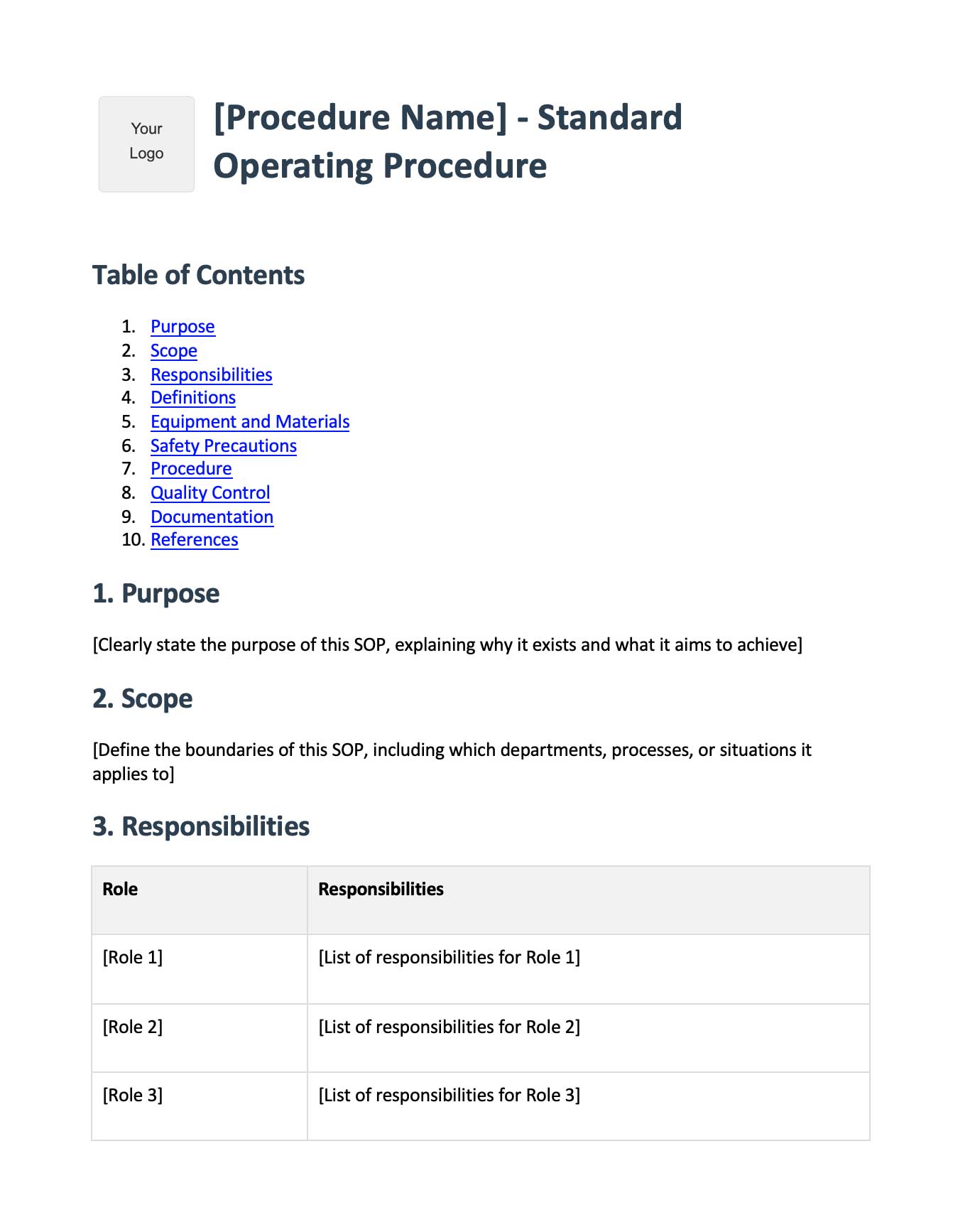
Frequently Asked Questions
What is the budgeting process?
The budgeting process is the recurring workflow a company uses to turn its goals into a financial plan. It typically runs through six steps: setting assumptions, collecting departmental inputs, consolidation, review, approval, and ongoing monitoring against actuals.
What are the steps in the budgeting process?
The core steps are: set planning assumptions, collect departmental inputs, consolidate into a company-level budget, review and pressure-test it, secure formal approval, and then monitor budget vs. actuals throughout the year. Each step has a clear owner and a hand-off to the next.
Who owns the budgeting process?
FP&A or finance usually owns the overall process and the consolidation. Executives own the assumptions and final approval, and department heads own their individual inputs. Clear ownership at each step is what keeps the cycle from stalling.
How long does the annual budgeting process take?
For most small-to-mid companies it runs six to ten weeks, often from early September to November on a calendar fiscal year. The timeline is less important than keeping it consistent and documented year over year.
What are budgeting assumptions?
Assumptions are the shared inputs every department builds on, such as revenue growth rate, salary inflation, headcount that is pre-approved, and funded strategic priorities. They must be locked and signed off before departmental inputs begin.
Why is budget consolidation difficult?
Consolidation is hard mostly because of inconsistent inputs: different templates, mismatched cost categories, and manual re-keying between files. Standardizing the input template upfront in the departmental inputs step is what makes consolidation fast and accurate.
What is the difference between budget review and approval?
Review is the iterative pressure-testing of the draft budget against assumptions, margins, and cash, usually with two or three rounds. Approval is the formal sign-off that locks a specific version as the baseline you measure against for the year.
What does monitoring the budget involve?
Monitoring is a recurring (usually monthly) cycle of comparing actuals to the budgeted lines, explaining variances outside a set threshold, and re-forecasting when reality diverges materially from the plan.
How often should you re-forecast the budget?
Most teams re-forecast quarterly, with off-cycle updates triggered by material events like a large deal, a hiring freeze, or a significant cost shift. Decide the cadence and triggers upfront so re-forecasting is a process, not a panic.
How do you document the budgeting process?
Capture each step as a standard operating procedure with named owners, templates, deadlines, and a definition of done. The fastest method is to record yourself running the process once so the step-by-step guide becomes the documentation your team follows next year.