
Read summarized version with
Most maintenance teams I talk to don’t have a checklist problem. They have a consistency problem.
Someone built a great checklist once, in a spreadsheet, two years ago. It worked. Then the person who maintained it left. Three new assets got added. The frequencies drifted. And now half the team works from memory while the other half works off a printout that’s missing a column. That drift adds up: industry cost studies consistently show reactive maintenance runs 25-30% more per job than the equivalent planned work, once emergency labor rates, rush parts, and collateral damage are factored in - and inconsistent programs tilt steadily toward reactive.
I’m Yuval, CEO of Glitter AI. I spend a lot of time with operations and maintenance teams who want maintenance to be predictable instead of a scramble after something breaks. So here’s a reusable maintenance checklist template you can copy for any asset, area, or shift (or a ready-made machine maintenance checklist broken down by daily, weekly, and monthly cadence), plus a free downloadable Word version and the part most articles skip: how to make it actually get used. Jump to the downloads section if you just want the template.
Teach your co-workers or customers how to get stuff done – in seconds.


What a Maintenance Checklist Template Should Do
A maintenance checklist template isn’t the checklist itself. It’s the structure you reuse so every checklist across your operation looks and behaves the same way.
A good one does four things:
- Reusable across assets. You copy it for a pump, a forklift, an HVAC unit, or a whole production line without redesigning it each time.
- Assigns ownership. Every task has one named owner, not “the team.”
- Sets frequency explicitly. Daily, weekly, monthly, quarterly, annual. No task floats without a cadence.
- Captures what failed. A check that fails isn’t done. It becomes a work order with an owner and a due date.
That last point is where most templates fall short. A checklist that only records “done / not done” buries the work that actually matters: the inspection that turned up a worn belt nobody followed up on.
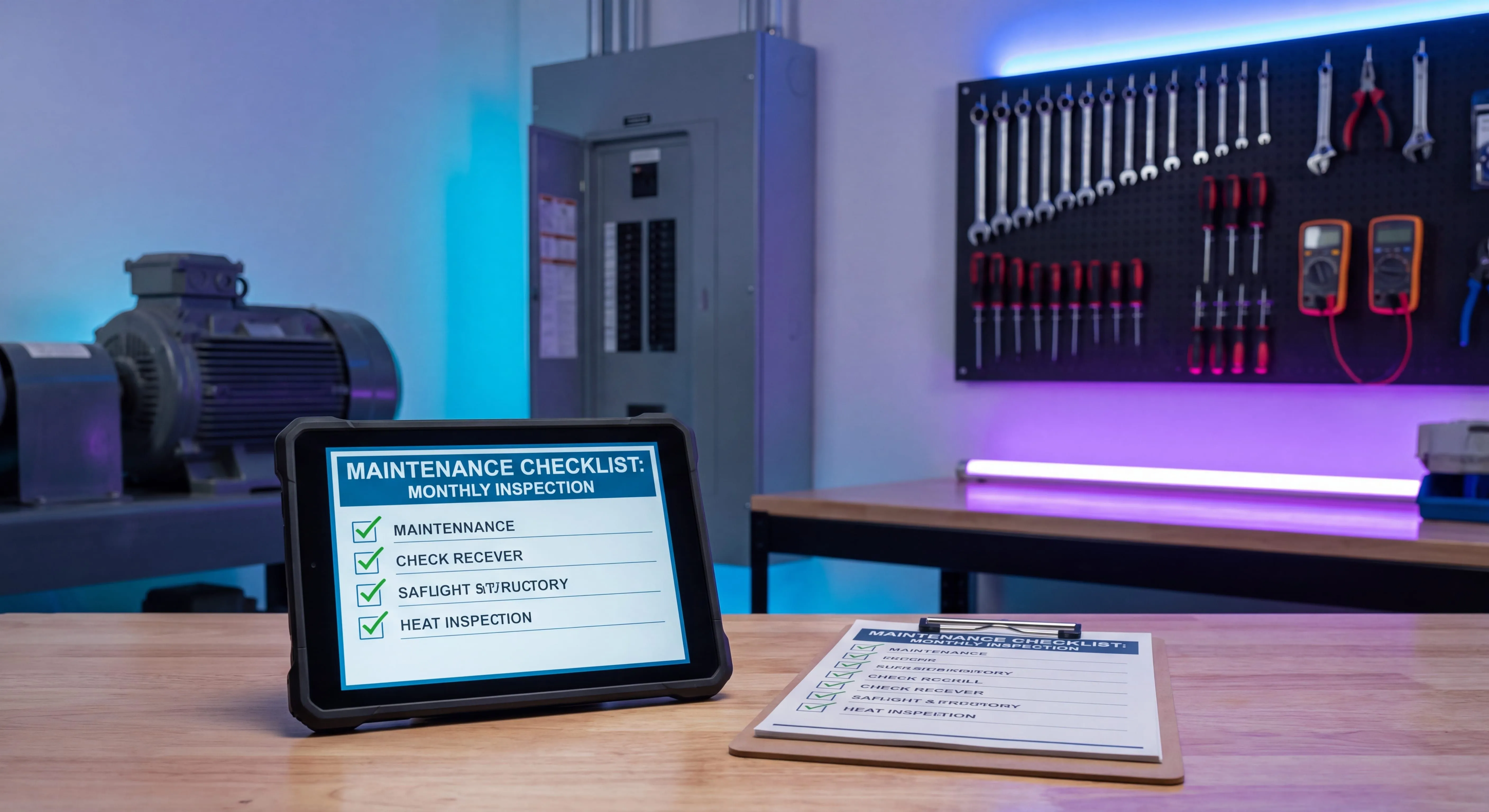
The Maintenance Checklist Template
Here’s the structure. Copy this for any asset or area and fill in the brackets.
1. Checklist details (fill in once)
| Field | Value |
|---|---|
| Asset / Area / Line | [ Asset or area name ] |
| Asset ID / Tag number | [ Asset ID ] |
| Location / Department | [ Location ] |
| Checklist owner | [ Name ] |
| Review frequency | [ Monthly / Quarterly ] |
| Last reviewed | [ MM/DD/YYYY ] |
2. Daily / shift checks
Quick condition and safety checks before use or at the start of a shift. Always follow lockout/tagout before servicing powered equipment.
- Visual walkaround for leaks, noise, or damage
- Check fluid and lubricant levels
- Confirm guards, sensors, and safety interlocks are in place
- Test indicators, alarms, and the emergency stop
- Clear debris and clean the work area
3. Weekly / monthly maintenance
Scheduled preventive tasks that keep the asset within spec.
- Lubricate per the manufacturer schedule
- Inspect belts, chains, couplings, and alignment
- Tighten fasteners and electrical connections
- Replace or clean filters
- Check calibration of gauges, sensors, and controls
- Inspect wear parts and record condition
4. Quarterly / annual maintenance
Deeper service and compliance tasks performed less often.
- Full performance test against spec
- Replace wear parts per the manufacturer interval
- Vibration or thermographic analysis on critical assets
- Safety, compliance, or regulatory inspection
- Update asset records and service history
5. Issues found and follow-up
Anything that fails a check goes here and becomes a work order.
| Date | Issue found | Work order # | Owner | Status |
|---|---|---|---|---|
6. Completion and sign-off
The assigned owner signs off when every task is complete or accounted for: checklist period, completed by, signature, date, and supervisor review.
Teach your co-workers or customers how to get stuff done – in seconds.
How to Adapt the Template for Your Assets
The template above is deliberately generic so you can shape it to what you maintain.
By asset type. A rotating pump cares about vibration, lubrication, and seals. A facility cares about HVAC filters, electrical panels, and life-safety systems. Keep the six-section skeleton and swap the task lines. If you want a fully worked, prefilled version organized by asset type, the prefilled preventive maintenance checklist post has one you can lift directly.
By frequency, not by person. The biggest mistake I see is checklists organized around whoever happens to be on shift. Organize around cadence instead, daily, weekly, monthly, so the work survives turnover and PTO.
By criticality. Not every asset deserves the same depth. The assets that stop production or create a safety risk get the full checklist; low-criticality assets get a trimmed one. A real preventive maintenance program scores assets by criticality first, then sets checklist depth from that.
If you’re running more than a handful of assets, the checklist eventually wants to live in a maintenance management system so frequencies, work orders, and history get tracked automatically instead of sitting in a stack of spreadsheets. The template is how you standardize before that move, and during it.
Downloads
Grab the reusable Word version. It has the header fields, the daily/weekly/quarterly task tables with owner and frequency columns, the issues log, and the sign-off block, all blank and ready for you to fill in per asset.
Download the Maintenance Checklist Template
A free, reusable Word template you can copy for any asset or area and ship today.
Download Maintenance Checklist Template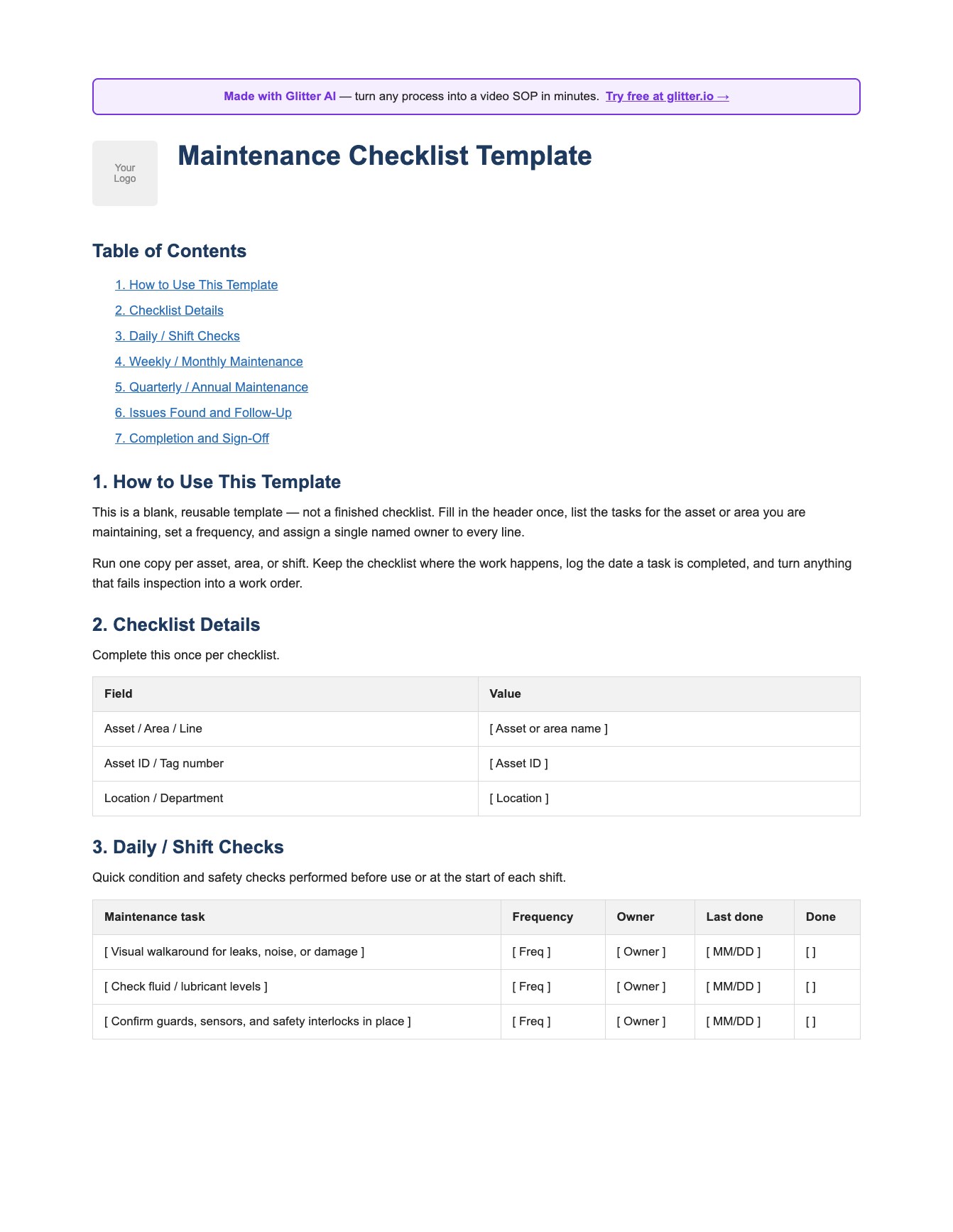
How to Make the Checklist Actually Stick
This is the part that decides whether the template is worth anything.
A checklist tells a technician what to do. It rarely tells them how, and “inspect belts and alignment” means five different things to five different people. That gap is why two technicians can both honestly check the same box and still get different results.
The fix that works: record each recurring task once as a step-by-step guide. With Glitter, someone does the task at the asset while it captures the screens, photos, and steps, and you get a guide any technician can follow the same way every time. The checklist line turns into a link to the actual procedure instead of a vague instruction.
That’s also how a checklist survives the person who built it walking out the door. The knowledge sits in the guide, not in their head. If you want a deeper take on structuring those procedures, the guide to building SOP templates covers the format, and total productive maintenance is the broader philosophy of making equipment care everyone’s job rather than one expert’s.
Three habits make any maintenance checklist stick:
- One owner per line. “The team” owns nothing. A name owns something.
- Failed checks become work orders. A checklist that only records “done” hides the findings that matter. Siemens’ True Cost of Downtime research puts the average unplanned downtime incident at about four hours - findings caught on a checklist before they become failures are almost always cheaper to fix.
- Review the template on a cadence. Assets change. A checklist nobody has reviewed in a year is decoration.
Teach your co-workers or customers how to get stuff done – in seconds.
Frequently Asked Questions
What is a maintenance checklist template?
A maintenance checklist template is a reusable structure for maintenance tasks that you copy for any asset, area, or shift. It standardizes how tasks are listed, how frequency is set, who owns each task, and how failed checks are followed up, so every checklist across your operation behaves the same way.
How do I create a maintenance checklist?
Start from a reusable template with header details, task sections grouped by frequency (daily, weekly, monthly, quarterly), an issues log, and a sign-off. List the actual tasks for the asset, set a frequency for each, assign one named owner, and decide how failed checks become work orders.
What should a maintenance checklist include?
It should include asset and location details, tasks grouped by frequency, an owner and last-done date per task, a place to log issues found, and a completion sign-off. The most overlooked part is the issues section, which turns a failed check into a tracked work order instead of a lost note.
Is there a free maintenance checklist template I can download?
Yes. This page includes a free Word maintenance checklist template you can download, copy per asset, and fill in. It has blank header fields, daily/weekly/quarterly task tables with owner and frequency columns, an issues log, and a sign-off block.
What is the difference between a maintenance checklist and a preventive maintenance checklist?
A maintenance checklist is the general structure for any maintenance work, including reactive and inspection tasks. A preventive maintenance checklist is a specific, scheduled subset focused on planned tasks done on a fixed cadence to prevent failures before they happen.
How often should I update a maintenance checklist?
Review the checklist on a set cadence, typically monthly or quarterly, and whenever an asset is added, replaced, or modified. An unreviewed checklist drifts from reality fast, especially after equipment changes or staff turnover.
Who should own a maintenance checklist?
Each task should have one named owner, not a team. A single checklist owner is responsible for keeping the template current and reviewing it on schedule, while individual technicians own and sign off on the specific tasks assigned to them.
How do I make a maintenance checklist that technicians actually follow?
Pair each checklist line with a step-by-step guide that shows how to do the task, not just what to do. Assign one owner per line, convert failed checks into work orders, and review the template regularly so it stays trustworthy and people keep using it.
Should a maintenance checklist live in a CMMS or a spreadsheet?
A spreadsheet or Word template is fine for a small number of assets. Once you have many assets, recurring schedules, and work order history to track, a CMMS handles frequencies, assignments, and history automatically and scales far better than spreadsheets.
Can I use one maintenance checklist template for different equipment?
Yes, that is the point of a template. Keep the same skeleton of header details, frequency-based task sections, issues log, and sign-off, then swap the specific task lines to match each asset type, such as HVAC, electrical, rotating equipment, or fleet.