
Read summarized version with
A good SOP example is a short, numbered set of instructions that a new person can follow without asking you a single question. That’s the whole test. If someone can read it once and do the task correctly, it’s a real SOP. If they still have to Slack you halfway through, it’s just notes.
I’ve read hundreds of these over the years. A few were brilliant. Most were bloated. This page is the shortcut. Below you’ll find real SOP examples you can copy across sales, support, HR, finance, and operations, a free fillable template, and the underlying structure that makes any of them work.
I’m Yuval, founder of Glitter AI. I built a documentation tool for teams who wear too many hats, and I’ve watched what separates an SOP people actually use from one that rots in a shared drive. It’s rarely the length. Jump to the free template if you just want something to fill in.
Glitter AI captures your process automatically while you work
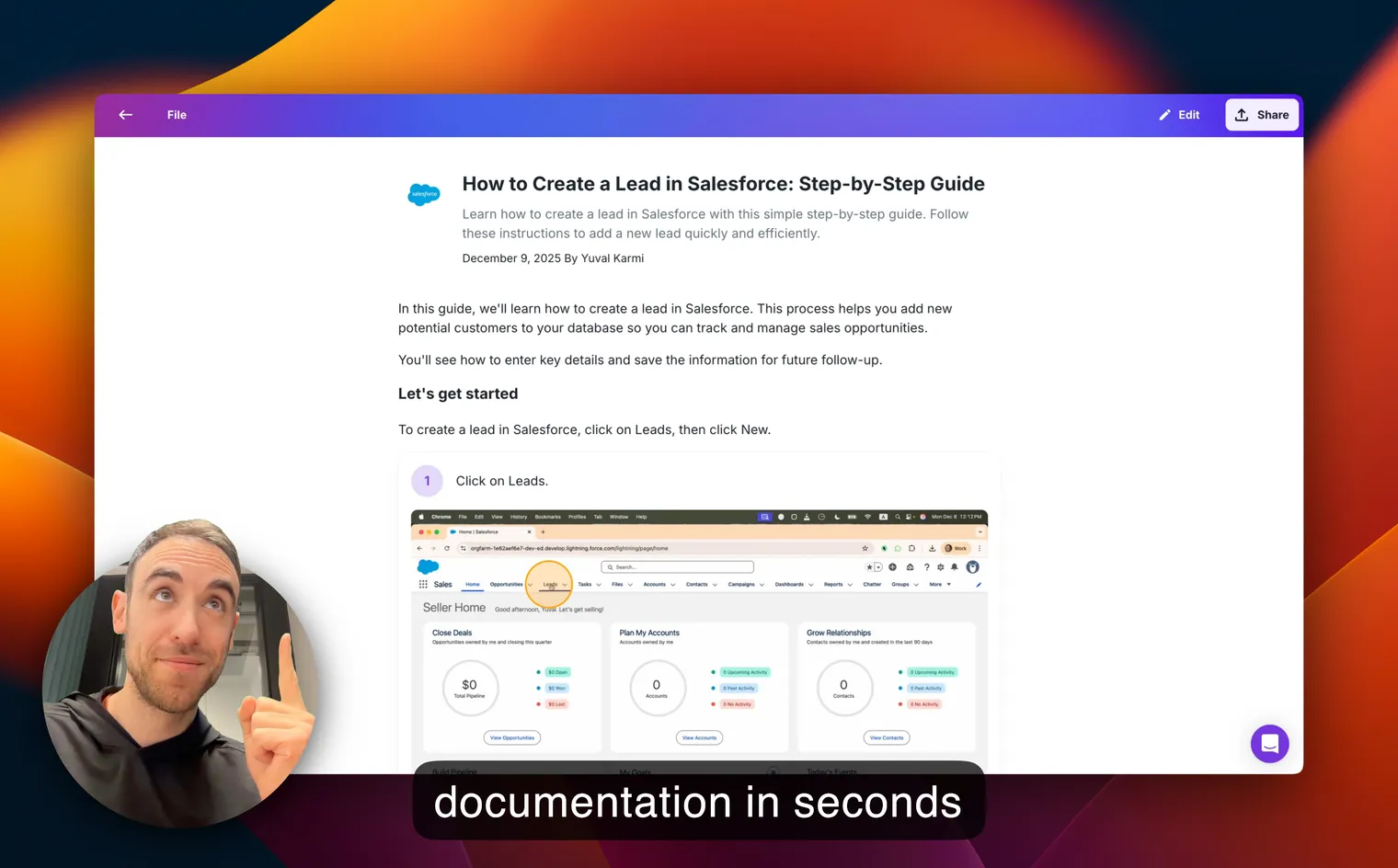

What a good SOP example looks like
Before the examples, here’s the anatomy. Almost every solid standard operating procedure has the same bones, whether it runs 4 steps or 40:
- Title and purpose - what this covers and why it matters, in one line
- Scope - when to use it, and when not to
- Owner - the one person responsible for keeping it current
- Prerequisites - access, tools, or approvals needed before you start
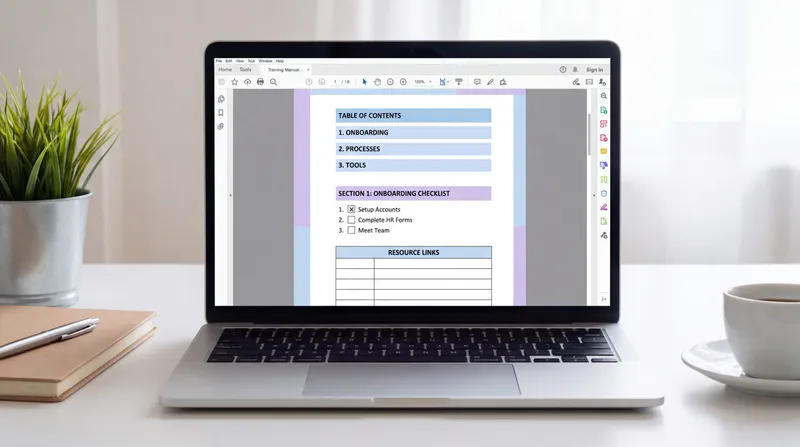
- Numbered steps - one action per step, written as a command (“Click Refund”, not “The refund button should be clicked”)
- Screenshots or visuals - so nobody guesses which button you meant
- A done state - how you know the task finished correctly
The mistake I see most often is passive voice, three actions crammed into one line. Split them. One verb, one screenshot, one line. That one habit fixes more SOPs than any template does. If you’re brand new to this, my beginner’s guide to creating your first SOP walks through it slowly.
SOP example: processing a customer refund
Here’s a real one, written the way I’d actually ship it. Notice how boring and specific it is - that’s the point.
Title: Process a customer refund (Stripe) Purpose: Issue an approved refund and close the ticket consistently. Scope: Refunds under $200 with a manager-approved reason. Anything above $200 goes to Finance. Owner: Support Lead
- Open the ticket and confirm the refund reason matches an approved category (duplicate charge, defective item, cancellation within policy).
- In Stripe, search the customer’s email and open the matching payment.
- Click Refund payment and enter the exact amount from the ticket.
- In the reason field, paste the ticket number so the refund is traceable.
- Click Refund and screenshot the confirmation.
- Reply to the customer using the “Refund issued” macro and attach the confirmation.
- Set the ticket to Solved and tag it
refund-processed.
Done when: The customer has a confirmation reply and the ticket is tagged and solved.
That’s it. Seven steps, no fluff, and a support hire can run it on day one. For a whole library like this, see my customer service SOP templates.
SOP examples by department
You don’t write SOPs in the abstract - you write them for a job. Here are the ones most teams need first, with links to the deeper walkthroughs.
Sales and support SOPs
- Lead qualification - how to score and route an inbound lead so nothing sits for two days
- Refund and escalation handling - the example above, plus your P1-P4 triage rules
- Onboarding a new customer - the exact handoff from sales to success
Support is usually where documentation pays off fastest, because the same questions come in every day. A service desk SOP turns “ask the senior agent” into “read step 4.”
HR and onboarding SOPs
- New hire onboarding - accounts to create, day-one checklist, who introduces them to what
- Time-off request approval - the request, the approval chain, the calendar update
- Offboarding - revoking access the same day someone leaves (the one everybody forgets)
If HR is your first project, the HR standard operating procedures guide has copyable structures for each of these.
Finance and operations SOPs
- Accounts payable / invoice processing - vendor setup, approval, payment run
- Month-end close - the checklist that keeps your books honest
- Expense reimbursement - what counts, who approves, how it gets paid
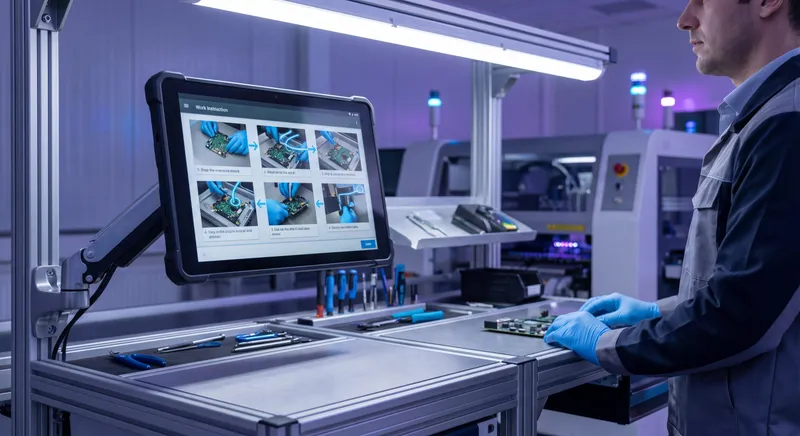
Manufacturing and field SOPs
- Quality control checks - inspection points and pass/fail criteria
- Equipment operation and safety - the steps that keep people from getting hurt
- Maintenance procedures - preventive tasks on a fixed cadence
Manufacturing is where a missing step gets expensive fast. I collected real ones in manufacturing SOP examples.
Record once and let AI write the steps and screenshots for you
Standard operating procedure examples for small business
Small teams don’t need the 40-page corporate template. You need the five or six SOPs that stop everything from living in your head. When I talk to founders, the pattern almost never changes: the business runs fine until the one person who “just knows how” goes on vacation.
If you run a small business, start with these:
- Your money-in process - how you invoice and get paid
- Your money-out process - how bills get approved and paid
- Your fulfillment process - how you deliver the thing you sell
- Your hiring and onboarding process - so a new person is useful in a week, not a month
- Your customer response process - what happens when someone emails support
That’s a real operations manual for most small businesses. Don’t over-engineer it. I put together department-by-department SOP examples for small business if you want to see each one filled in.
The reason this matters isn’t compliance. It’s freedom. Every process that lives only in your head is a process you can’t hand off, and documenting it is how you buy back your own time. If you’re still deciding whether you even need one, what is an SOP makes the case in plain terms.
SOP example template (free)
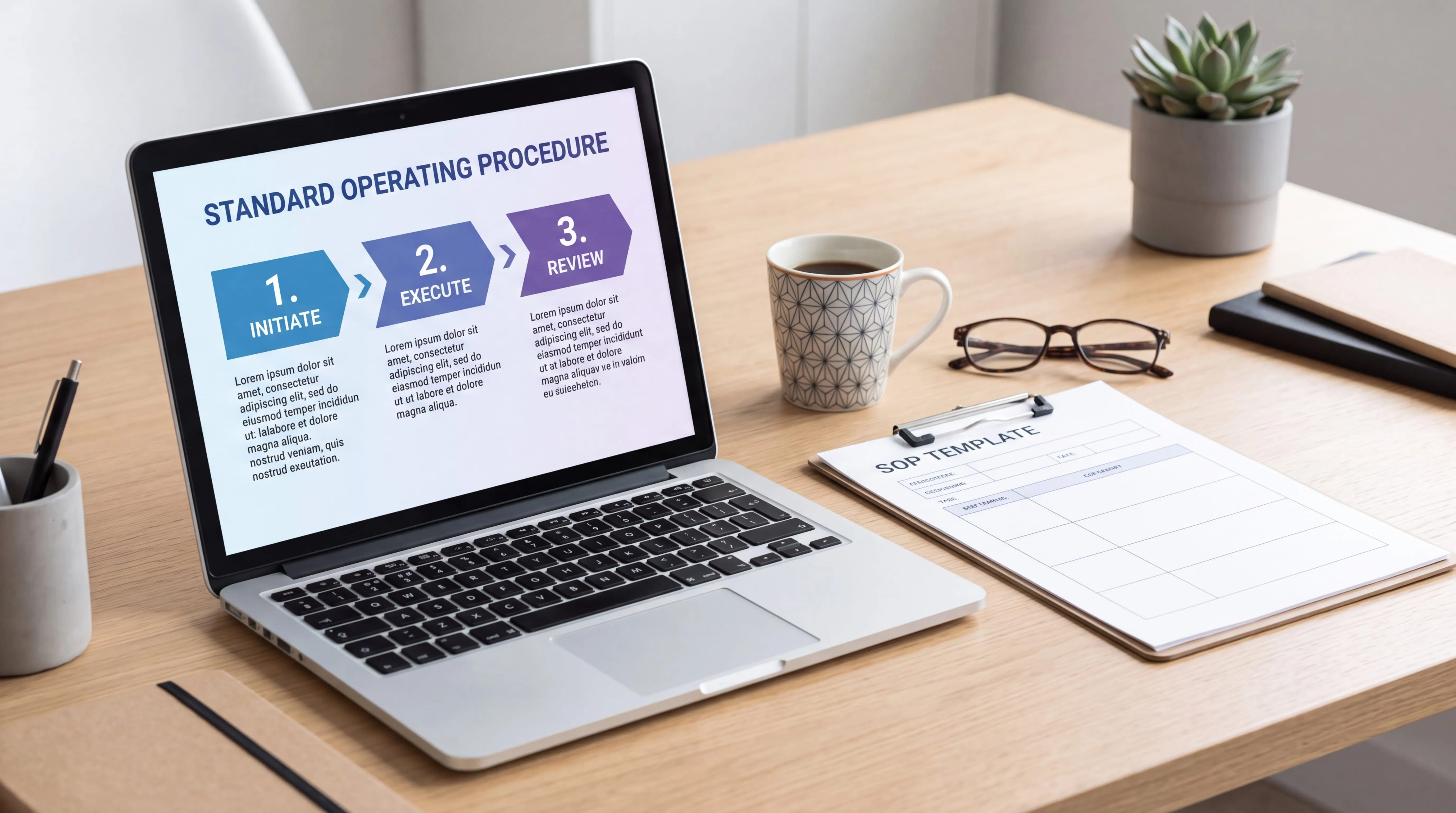
Every example above follows the same skeleton, so I keep one master template and adapt it. Here it is as fields you can fill in:
- SOP title: [Task name]
- SOP ID / version: [e.g. OPS-004 v1.2]
- Purpose: [Why this exists, one sentence]
- Scope: [When to use it and when not to]
- Owner: [Named person]
- Last reviewed: [Date]
- Prerequisites: [Access, tools, approvals]
- Steps: [Numbered, one action each]
- Done when: [The finished state]
For a deeper look at which sections belong in which SOP, and how to pick a layout, see my SOP format best practices and the fuller SOP template guide.
Downloads
Don’t rebuild the template from scratch. Download this free Word version, fill in your steps, and ship it today:
SOP Example Template
A free SOP template in Word format with ready-to-fill sections for purpose, scope, owner, responsibilities, step-by-step procedures, and quality checks. Copy the structure behind every example on this page.
Download SOP Template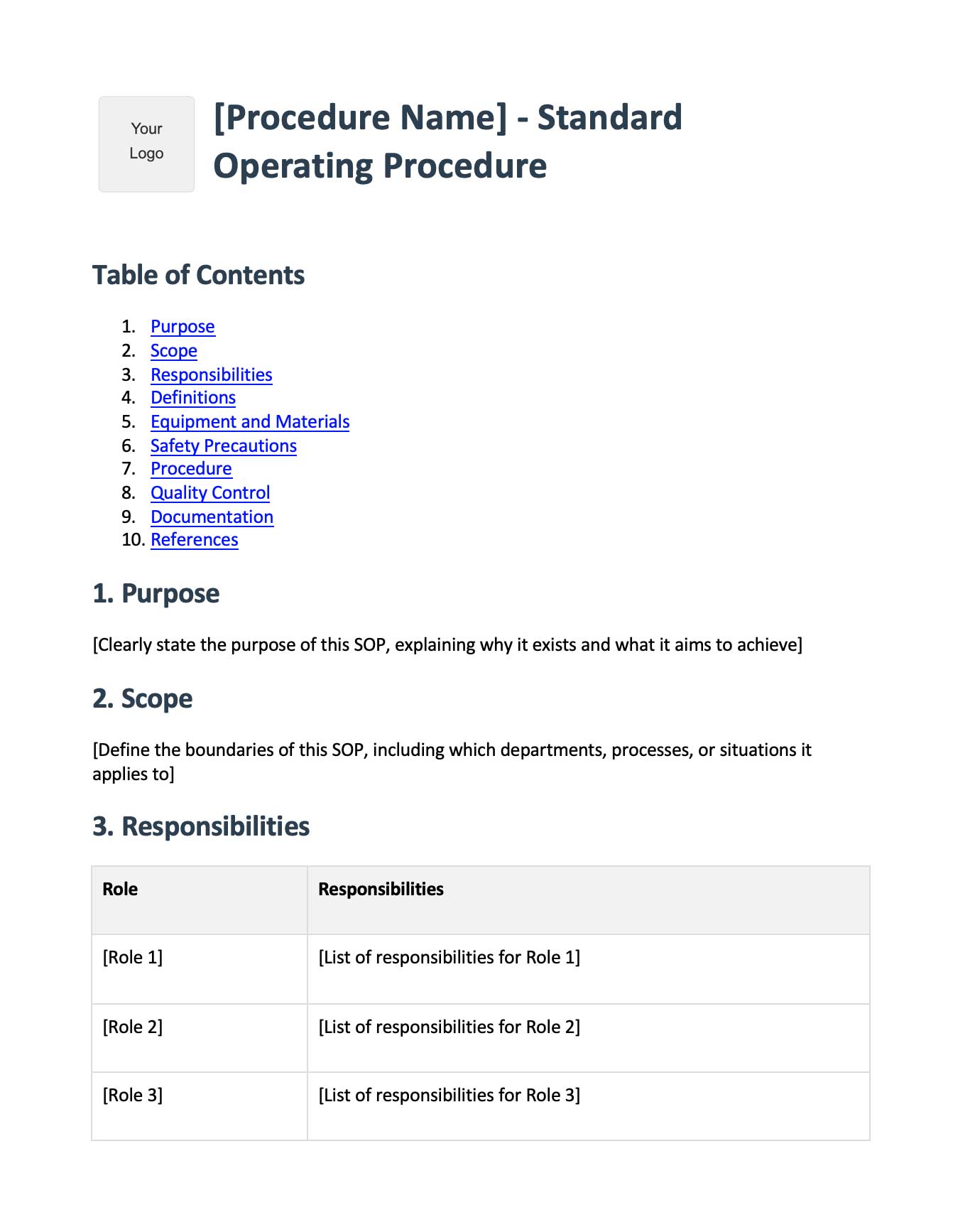
The fastest way to turn a process into an SOP
Here’s the honest problem with every template: it’s still a blank page. You know the process cold, but writing it out - step, screenshot, step, screenshot - is the part everybody puts off. So the SOP never gets written, and the knowledge stays stuck in one person’s head.
That’s the exact reason I built Glitter AI. Instead of typing out steps, you just do the task once while talking through it. Glitter records your screen and voice, and the AI writes the numbered steps, grabs the right screenshots at the right moments, and cleans up the “ums” into a publish-ready guide. One recording gives you both a written SOP and the original video.
For a process you’ve done a hundred times, that turns an hour of documentation into a few minutes. You edit the steps if you want, blur anything sensitive, and share it with a link or embed it wherever your team already works. When you’d rather write by hand, my step-by-step guide to writing an SOP and the longer eBook on how to write SOPs people follow both start from the same template above.
Record once, and let AI turn it into a written guide and video
Putting it together
You’ve got the structure now, real examples across five departments, a fillable template, and the fastest way to actually produce one. Pick the single process that would hurt most if the person who runs it disappeared, and document that one first. Then the next. That’s how a scattered team turns into a documented one, one SOP example at a time.
Frequently Asked Questions
What is an example of an SOP?
A simple example is a customer refund SOP: a titled, numbered procedure that lists the reason categories, the exact steps to issue the refund in your payment tool, and how to close the ticket. A good SOP example is specific enough that a new hire can follow it without asking questions.
What should an SOP example include?
Every SOP example should include a title and purpose, scope, a named owner, any prerequisites, numbered steps with one action each, screenshots or visuals, and a clear "done" state. Keep steps in the active voice as direct commands.
What are examples of SOP templates?
Common SOP template examples include a general step-by-step template, a customer service template, an HR onboarding template, a manufacturing quality-control template, and a finance close template. Each shares the same skeleton - purpose, scope, owner, steps - adapted to the department.
What are standard operating procedure examples for small business?
Small businesses usually need SOPs for invoicing and getting paid, approving and paying bills, delivering their product or service, onboarding new hires, and responding to customer requests. Those five or six procedures capture the processes that otherwise live only in the founder's head.
How long should an SOP be?
As short as it can be while still being complete. Most good SOPs are one to two pages, or five to fifteen steps. If yours runs long, split it into smaller SOPs by task - nobody reads a 40-page procedure before doing the work.
What is the difference between an SOP and a work instruction?
An SOP describes the overall procedure for a task, while a work instruction drills into the exact detail of a single step. An SOP might say "process the invoice"; the work instruction spells out every field to fill in. See our glossary entry on standard operating procedures for more.
How do I write an SOP from an example?
Copy a template, then walk through the task in real life and write down each action as you do it. Use one verb per step, add a screenshot for anything that isn't obvious, name an owner, and test it by having someone else follow it start to finish.
Is there a free SOP example template?
Yes. The Downloads section on this page has a free Word SOP template with ready-to-fill sections for purpose, scope, owner, steps, and quality checks. You can copy the structure behind every example shown here.
Can I create SOPs automatically instead of writing them?
Yes. With Glitter AI you record yourself doing the task once while narrating, and the AI writes the numbered steps, captures screenshots at the right moments, and produces a publish-ready guide plus the original video. You edit only if you want to.
How often should I update my SOP examples?
Review each SOP whenever the underlying process or tool changes, and otherwise on a set cadence - often every 6 to 12 months. Assign a named owner and record a "last reviewed" date so outdated steps get caught before they cause errors.